
ScanWise
Scan & Sign Documents
Designed for iPhone, iPod touch
Free · In-app purchases
- Age rating4+
- CategoryBusiness
- DeveloperTrendest
- LanguagesEnglish
- Size90.1 MB
Links to the official App Store page
Download.org hosts no file of ScanWise. The button opens its official App Store page, published by Trendest. Listing last checked on Nov 12, 2026.
Screenshots

About
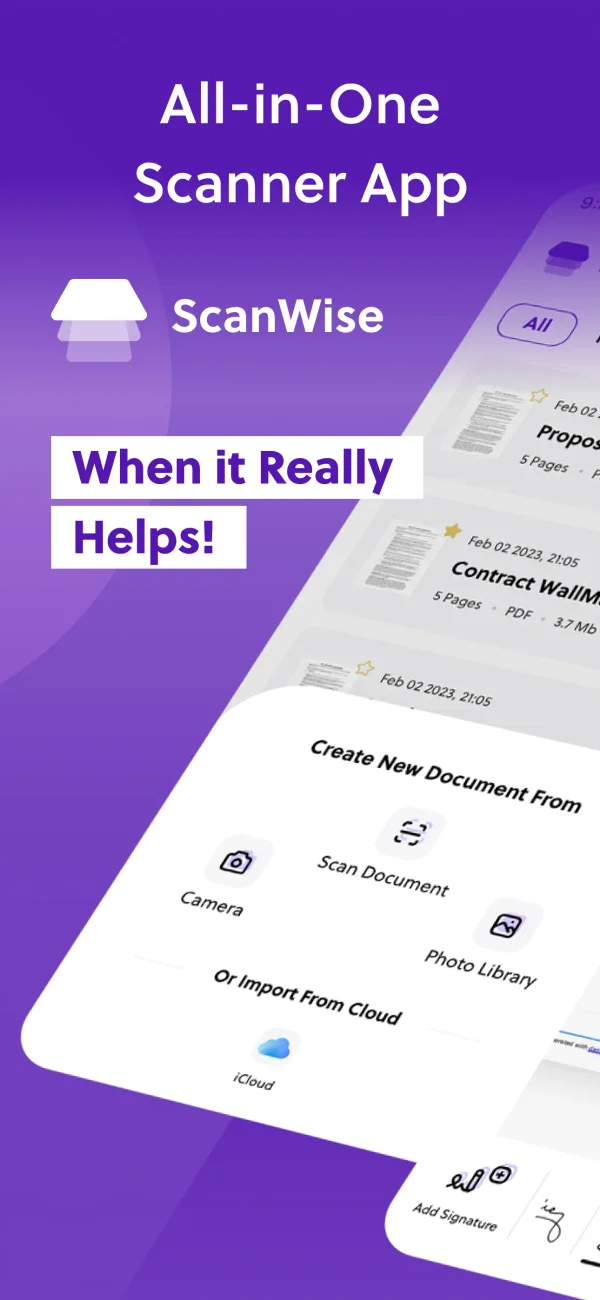
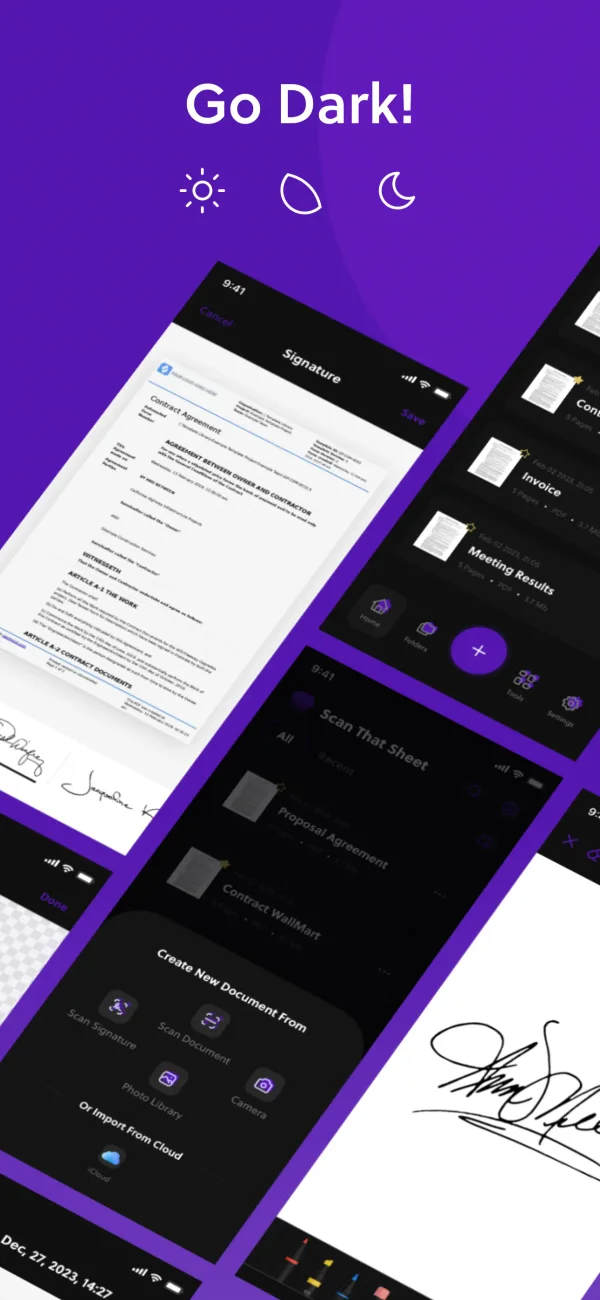
ScanWise is a powerful document scanner app that turns your mobile device into a portable scanner. With ScanWise, you can scan any document, including receipts, contracts, paper notes, and fax papers. You can also scan ID cards and passports, and convert documents in multiple formats to PDF.
ScanWise offers a variety of features, including:
- Intelligent scanning: ScanWise automatically detects the edges of documents and corrects for skew. This means that your scans will always be straight and aligned, regardless of how you hold your device.
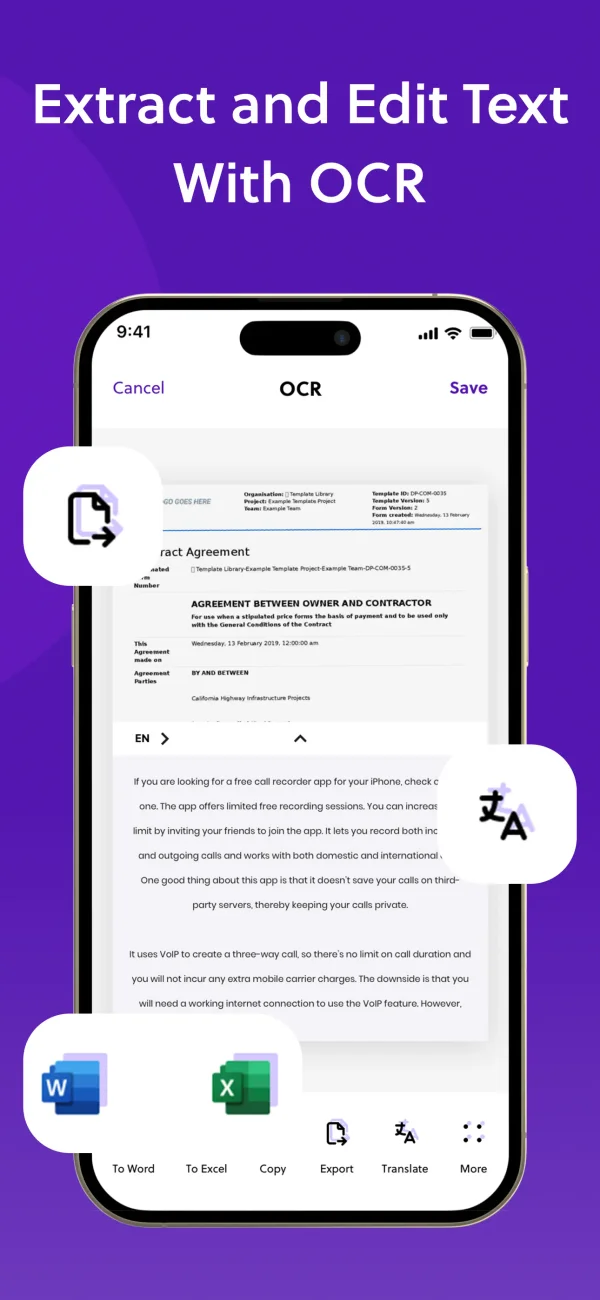
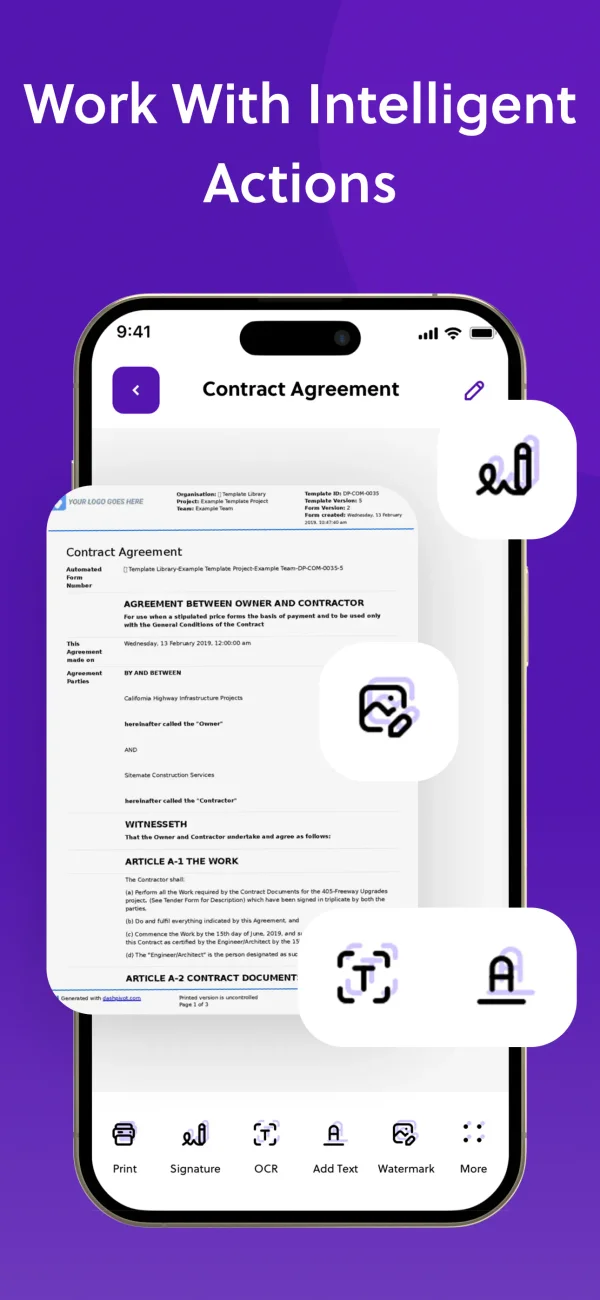
- OCR text recognition: ScanWise can extract text from any scannable object and save it as a searchable PDF or TXT file. This means that you can easily search for text in your scans, even if they are handwritten.
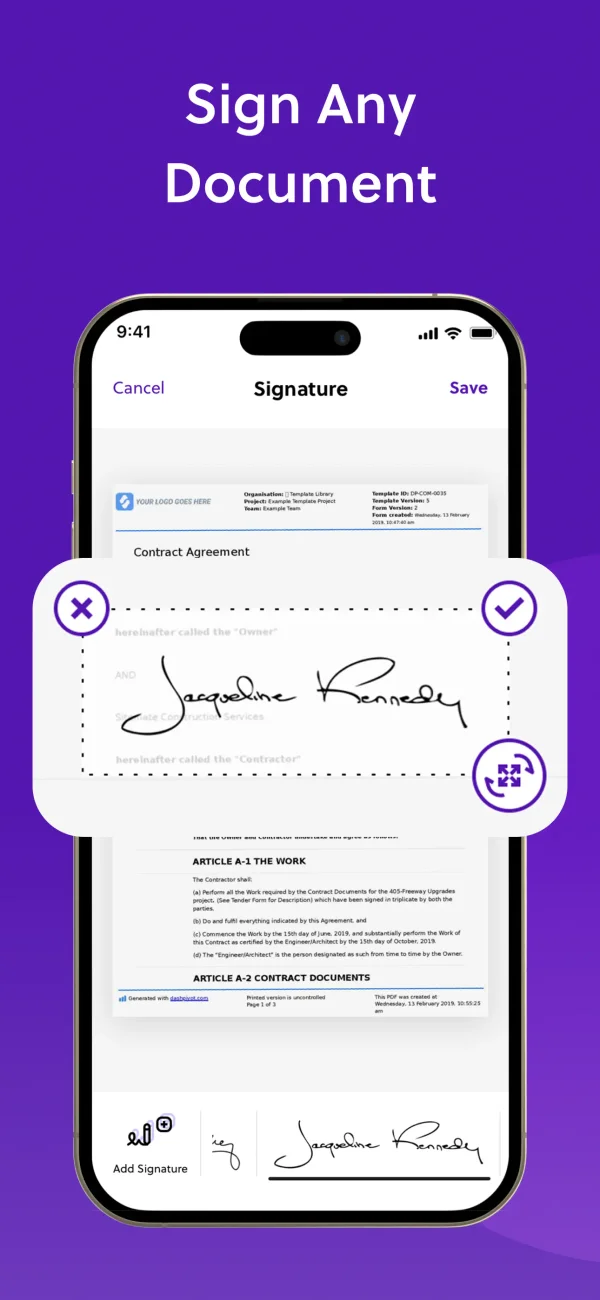
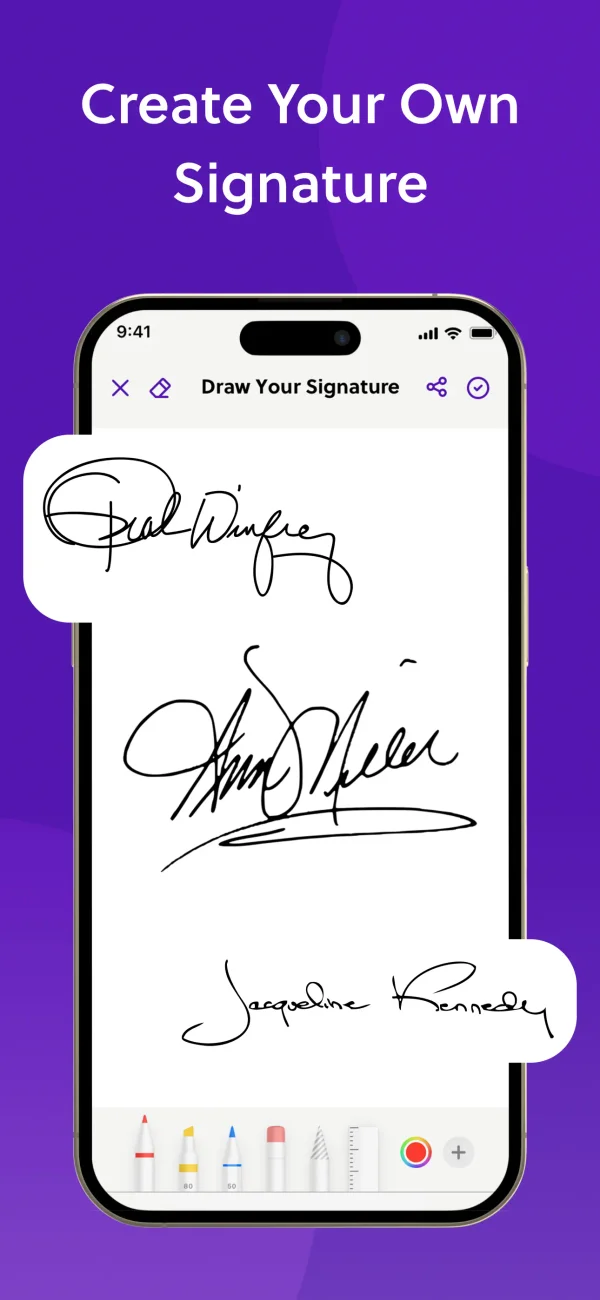
- Document editing: ScanWise allows you to edit your scans with filters and the feature of noise removal. You can also create and add your own e-signature on documents. This makes it easy to customize your scans and make them look professional.
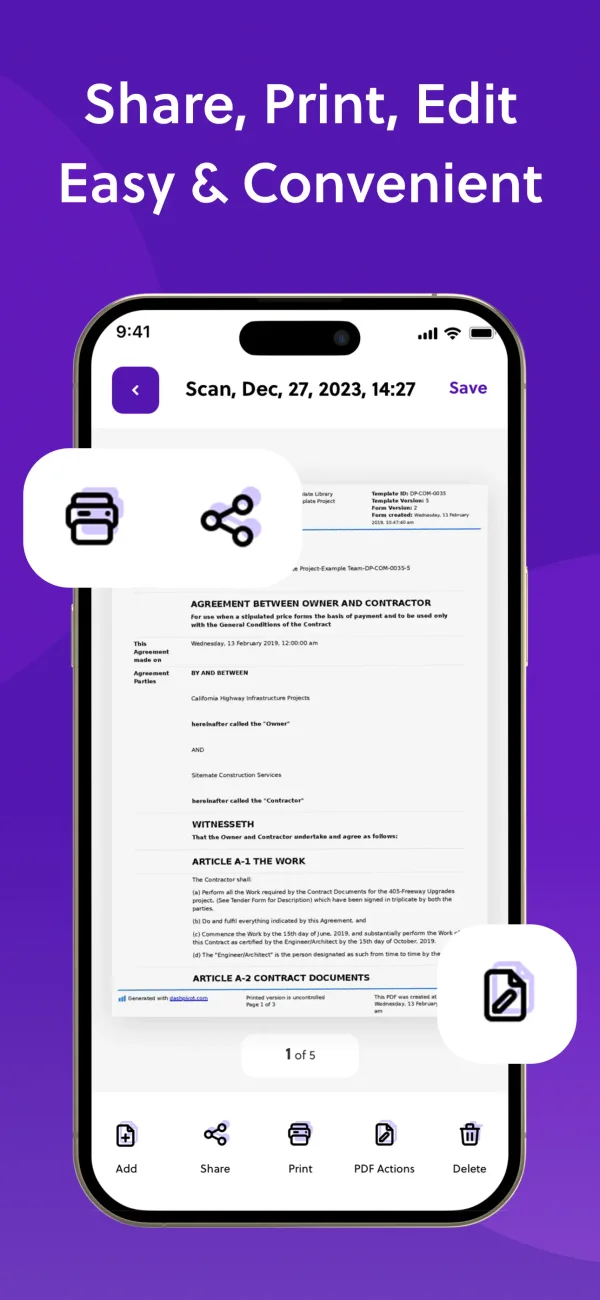
- Sharing and collaboration: ScanWise allows you to share your scans with others in a variety of ways, including WhatsApp, iMessage, Microsoft Teams, and email. You can also collect comments from multiple people in one file online. This makes it easy to collaborate with others on documents and get feedback.
- Printing: ScanWise allows you to print your scans directly from the app. This makes it easy to print out your scans for reference or filing.
ScanWise is a free app with in-app purchases. You can subscribe to get unlimited access to all features of the app.
Here are some of the benefits of using ScanWise:
- Save time: ScanWise can help you save time by eliminating the need to scan documents with a traditional scanner.
- Increase productivity: ScanWise can help you increase your productivity by making it easy to scan, edit, and share documents.
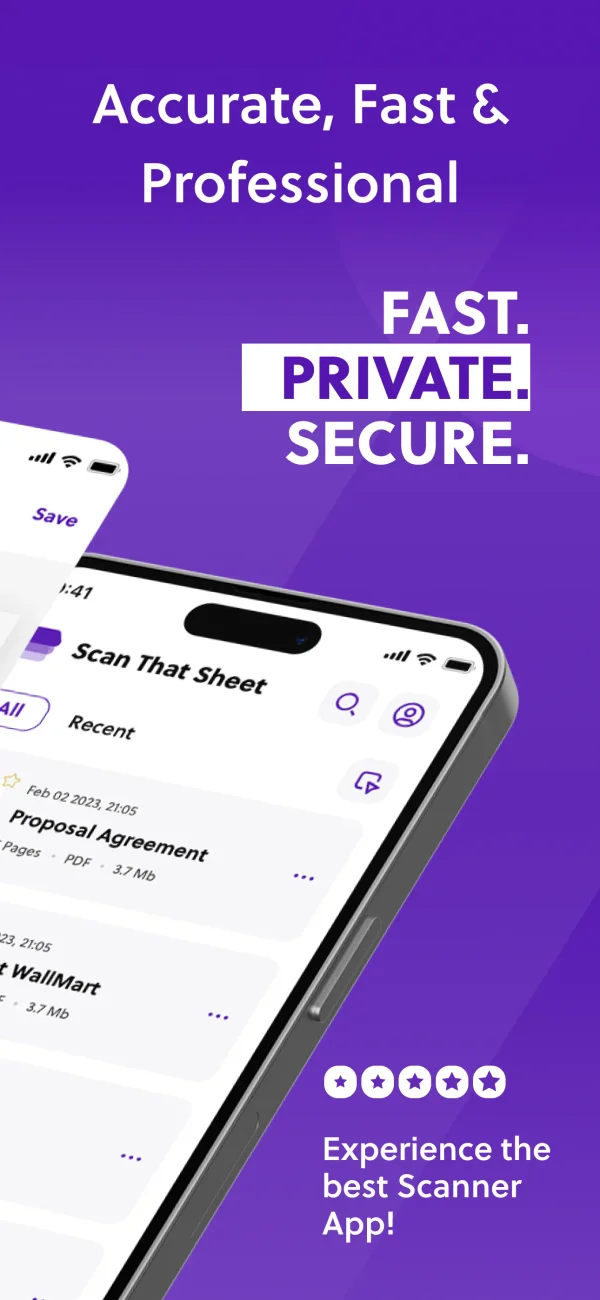
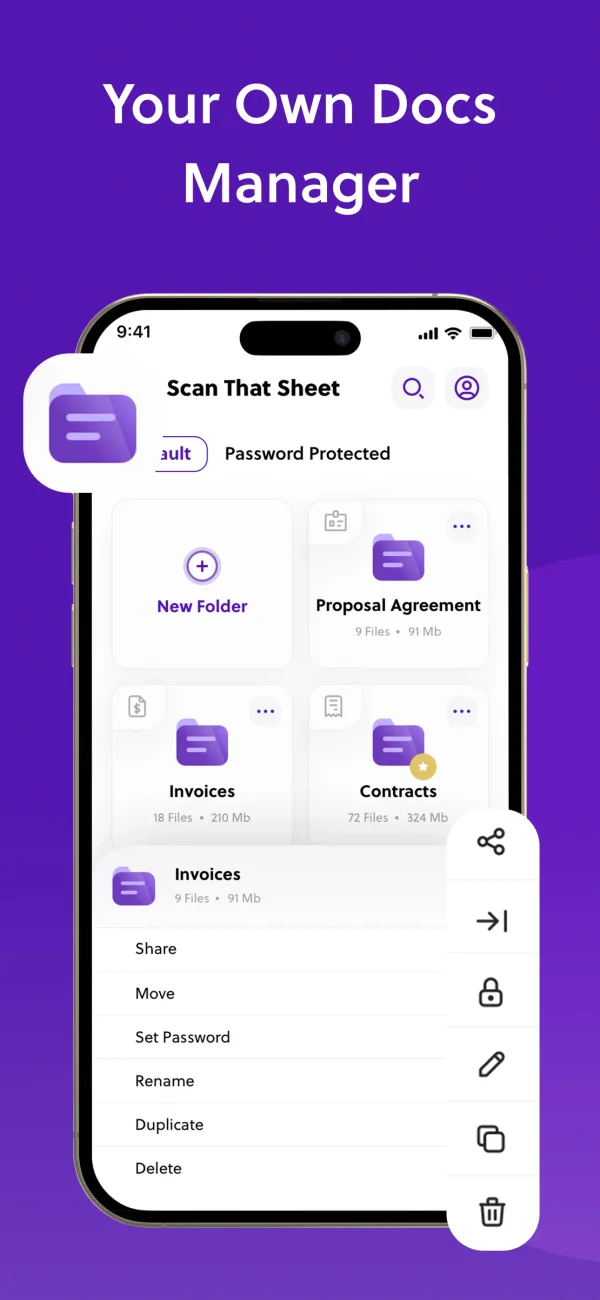
- Secure your documents: ScanWise allows you to protect your confidential scans by locking folders and files with passwords.
- Portability: ScanWise is a mobile app, so you can use it anywhere, at any time.
- Ease of use: ScanWise is easy to use, even for people who are not familiar with technology.
If you are looking for a powerful document scanner app that can help you save time, increase productivity, and secure your documents, then ScanWise is a great option.
Here are some additional features that make ScanWise a great choice for document scanning:
- High-quality scans: ScanWise produces high-quality scans that are clear and easy to read.
- Fast scanning: ScanWise scans documents quickly and easily.
- Easy to use: ScanWise is easy to use, even for people who are not familiar with technology.
If you are looking for a powerful and easy-to-use document scanner app, then ScanWise is a great choice.
Subscription information and details!
- Prices vary based on selected region & duration!
- Subscriptions are billed weekly, monthly or annually at the rate selected depending on the subscription plan.
• You can purchase a subscription and a personal fax number to get unlimited access to all features.
• Payment will be charged to iTunes Account at confirmation of purchase.
• Subscription automatically renews unless auto-renew is turned off at least 24-hours before the end of the current period.
• Account will be charged for renewal within 24-hours prior to the end of the current period. The cost depends on the selected plan.
• Subscriptions may be managed by the user and auto-renewal may be turned off by going to the user's Account Settings after purchase.
– Any unused portion of the trial will be forfeited when the user purchases a subscription.
Privacy Policy: https://trendestinsight.com/privacy
Terms of Use: https://trendestinsight.com/tos
For any questions or inquiries, please get in touch: scanner@trendestinsight.com
What’s new
Version 1.0.4 · Feb 2, 2024
Thanks for choosing our app!
Here’s what we bring to you in this version:
— Minor bug fixes and performance improvements
You can also send your feedback to support@trendestinsight.com It helps us make the app even better.
App privacy
What Trendest declares on the App Store about how this app handles data.
-
Data used to track you
May be used to track you across apps and websites owned by other companies.
- Usage data
-
Data linked to you
May be collected and linked to your identity.
- Purchases
- Contact info
- Identifiers
-
Data not linked to you
May be collected but is not linked to your identity.
- Usage data
- Diagnostics
Privacy practices may vary, for example with the features you use or your age.
Information
- Seller
- Trendest Insight SRL
- Category
- Business
- Version
- 1.0.4
- Updated
- Feb 2, 2024
- Released
- Jul 9, 2023
- Size
- 90.1 MB
- Requires
- iOS 13.0 or later
- Age rating
- 4+
- Price
- Free
- In-app purchases
- Yes
- Languages
- English
- Copyright
- © Trendest Insight
You might also like
-
 Lite PDF Scanner : PeconiPDF scan, Document OCR
-
 Signatur – Sign PDF & eSignDigital signature & PDF filler
-
 ToDoLinksSave links. Find them fast.
-
 PDF Scan - Doc ScannerProductivity
-
 Custom Apps ExampleBusiness
-
 5plus2: To Do & Tasks ToolProductivity, To Do & Reminder
-
 GCC - البوصلة العالميةBusiness
-
 Photo to PDF - PixPDFScan, Convert & Sign PDFs
-
 Scan & PDF by PaperlyOffline Productivity for PDFs
-
 ShopiconSmart Shopping List