SceneForge
Plan your story, beat by beat
Designed for iPhone, iPad
Free · In-app purchases
- Age rating4+
- CategoryProductivity
- DeveloperGregory Roll
- LanguagesEnglish
- Size11.5 MB
Links to the official App Store page
Download.org hosts no file of SceneForge. The button opens its official App Store page, published by Gregory Roll. Listing last checked on Nov 13, 2026.
Screenshots

About
SceneForge helps you turn a story idea into a clear plan, one beat at a time.
Whether you’re outlining a screenplay, a television episode, a short film, or a music video, SceneForge gives you a visual workspace to develop what happens next—and why it matters.
BUILD YOUR STORY IN BEATS
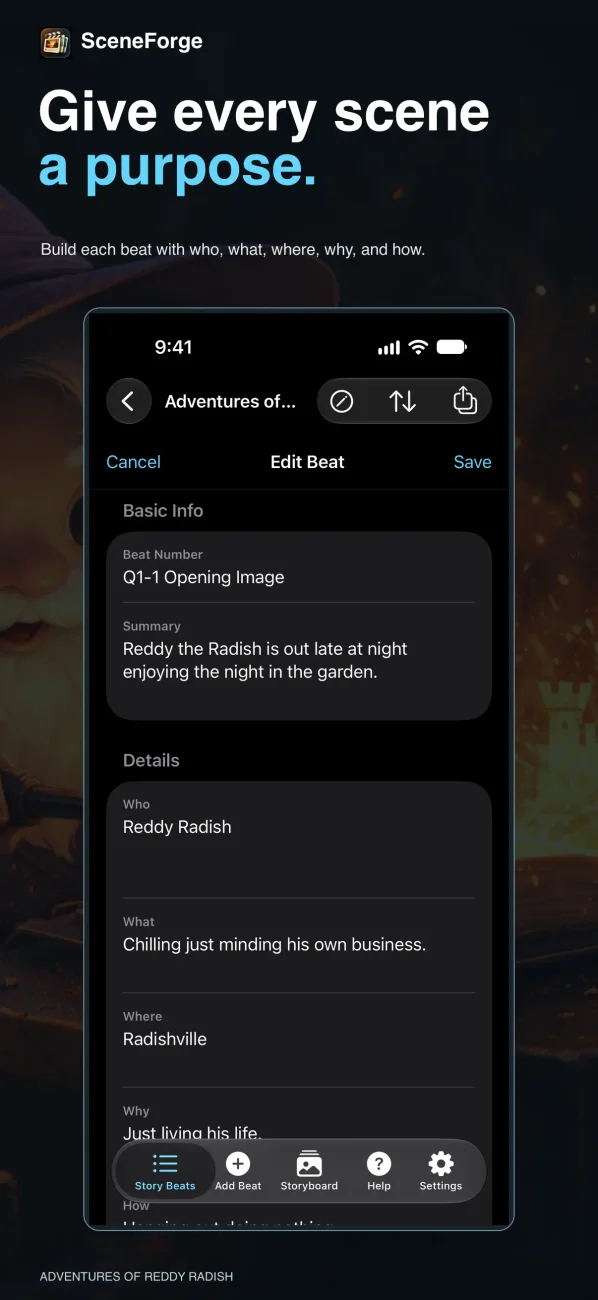
Break your story into manageable moments. Capture who is involved, what happens, where it takes place, and the purpose behind each beat. Develop actions, setbacks, reactions, and outcomes as your story grows.
SEE THE BIG PICTURE
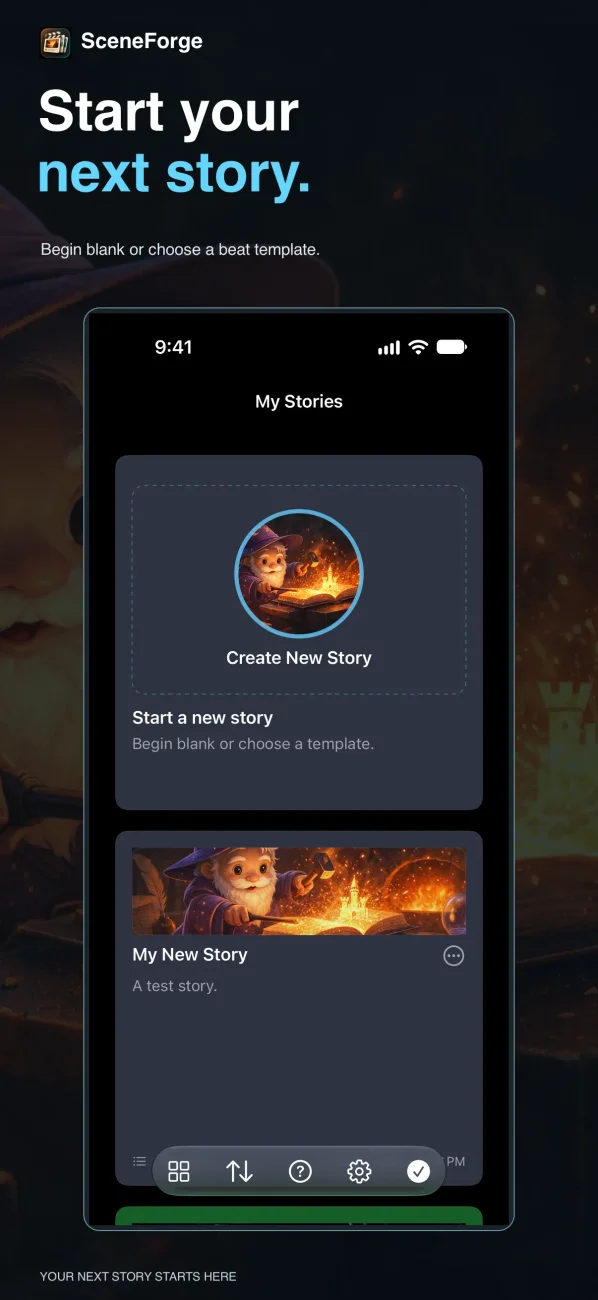
Arrange beat cards into the sequence that works for your story. Start with a blank project or use a story-structure template to guide your outline.
BRING YOUR IDEAS INTO VIEW
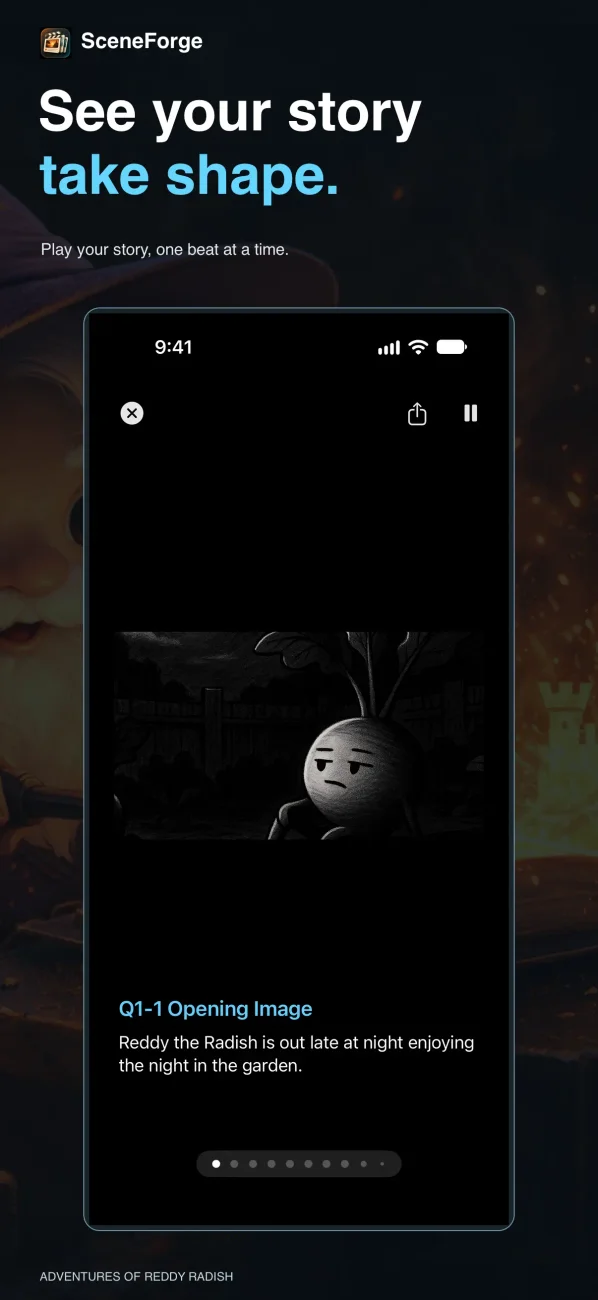
Add your own images or use optional image-generation tools to visualize a beat. Explore your images in Storyboard and play them as a timed sequence.
KEEP YOUR WORK MOVING
Export a Fountain outline to continue developing your story in a compatible writing app. Export and import portable story backups, including beat images, and optionally sync stories between your Apple devices with iCloud Drive.
PLAN WHEREVER INSPIRATION FINDS YOU
Work across iPhone, iPad, and Mac, with an adaptive workspace for iPhone Duo.
SceneForge is a story-planning and outlining tool, not a full screenplay editor. Core planning features work without AI. Apple Intelligence and Image Playground require supported devices and software. Optional OpenAI and Gemini image generation requires your own API key; provider charges may apply.
Start free with one complete story. Unlock unlimited stories with a one-time in-app purchase. No subscription required.
What’s new
Version 1.0.1 · Oct 26, 2026
Improved split-screen layouts on iPhone Duo for easier side-by-side story planning.
Fixed an issue that could leave the app on a black screen during startup.
Updated beat editor navigation so Back returns to your story’s beat cards.
App privacy
What Gregory Roll declares on the App Store about how this app handles data.
-
Data linked to you
May be collected and linked to your identity.
- User content
- Identifiers
- Usage data
- Diagnostics
Privacy practices may vary, for example with the features you use or your age.
Information
- Seller
- Gregory Roll
- Category
- Productivity
- Version
- 1.0.1
- Updated
- Oct 26, 2026
- Released
- Oct 23, 2026
- Size
- 11.5 MB
- Requires
- iOS 26.0 or later
- Age rating
- 4+
- Price
- Free
- In-app purchases
- Yes
- Languages
- English
- Copyright
- © 2026 Gregory Roll
You might also like
-
 SceneForge AI DirectorAI-Powered Cinematic Planning
-
 untitled.movieStoryboards for your script
-
 Storyboard GallerySave ideas that matter.
-
 Raya AIProductivity
-
 Amethyst WriterWriter’s Pocket Novel Studio
-
 Voilà - Sound CompanionTranscribe, translate, listen
-
 Cue: Daily NotesEvery day is a page
-
 Storyboard Pro: CreatorShot List & Animatic Planner
-
 Spoken Words - PoetryThe writing app for poets
-
 FrankenWhisperPrivate speech to text