
- Age rating4+
- CategoryBusiness
- DeveloperMuhammad Ahmad
- LanguagesEnglish
- Size37.1 MB
Links to the official App Store page
Download.org hosts no file of Schedlify. The button opens its official App Store page, published by Muhammad Ahmad. Listing last checked on Nov 17, 2026.
Screenshots

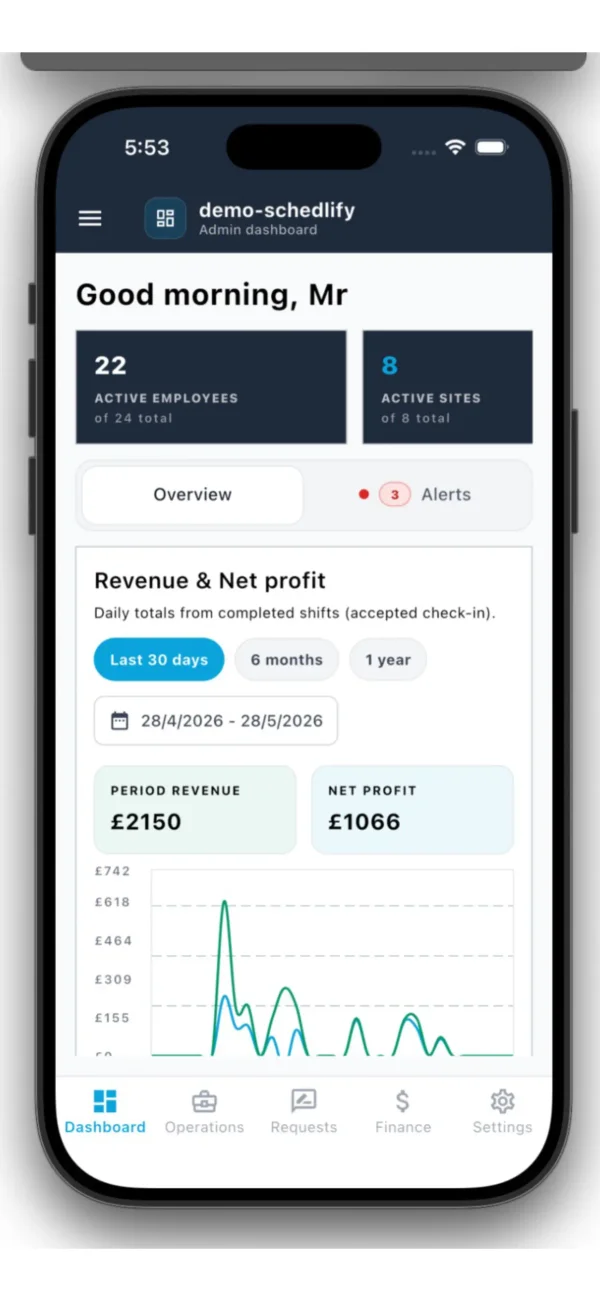
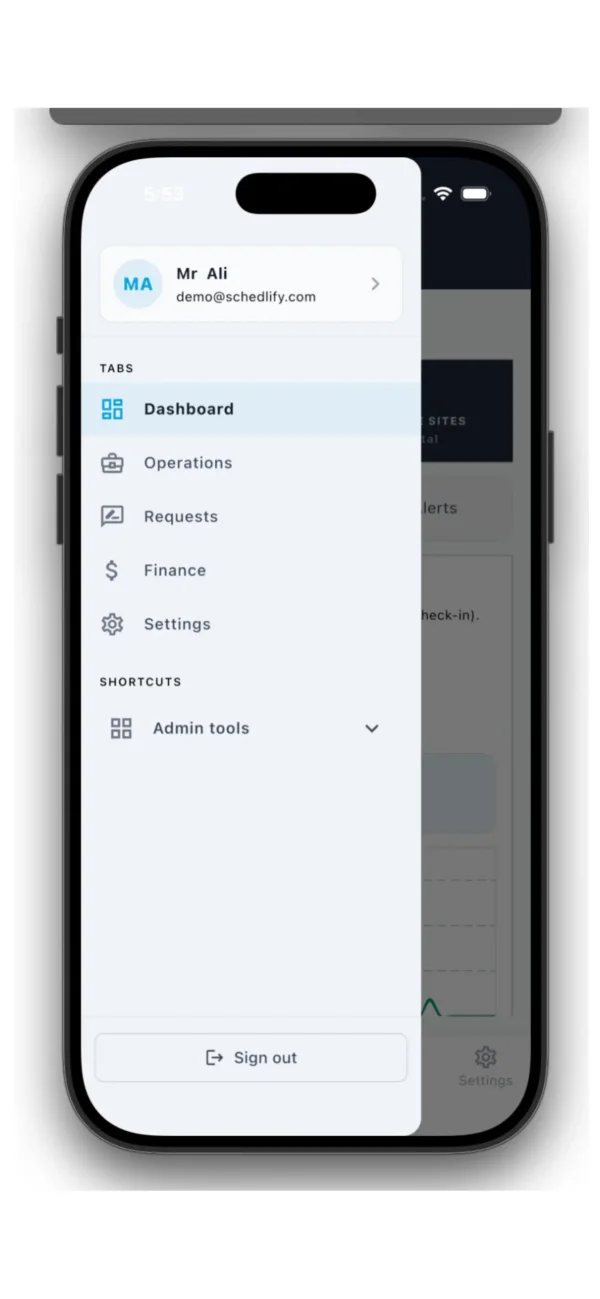
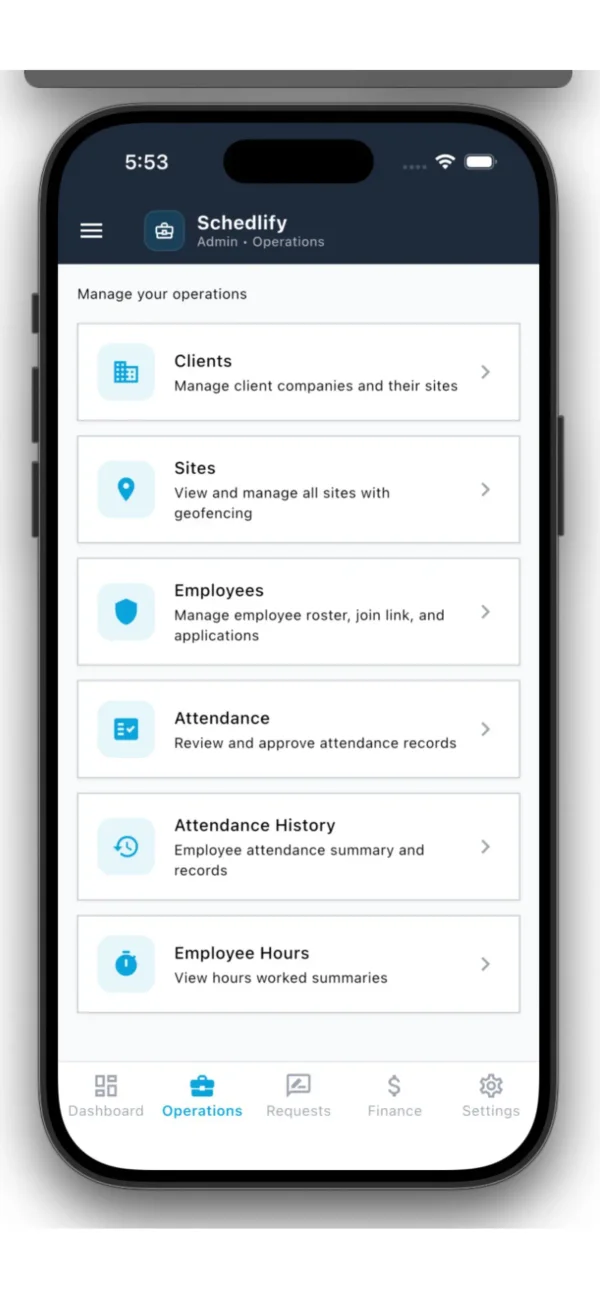
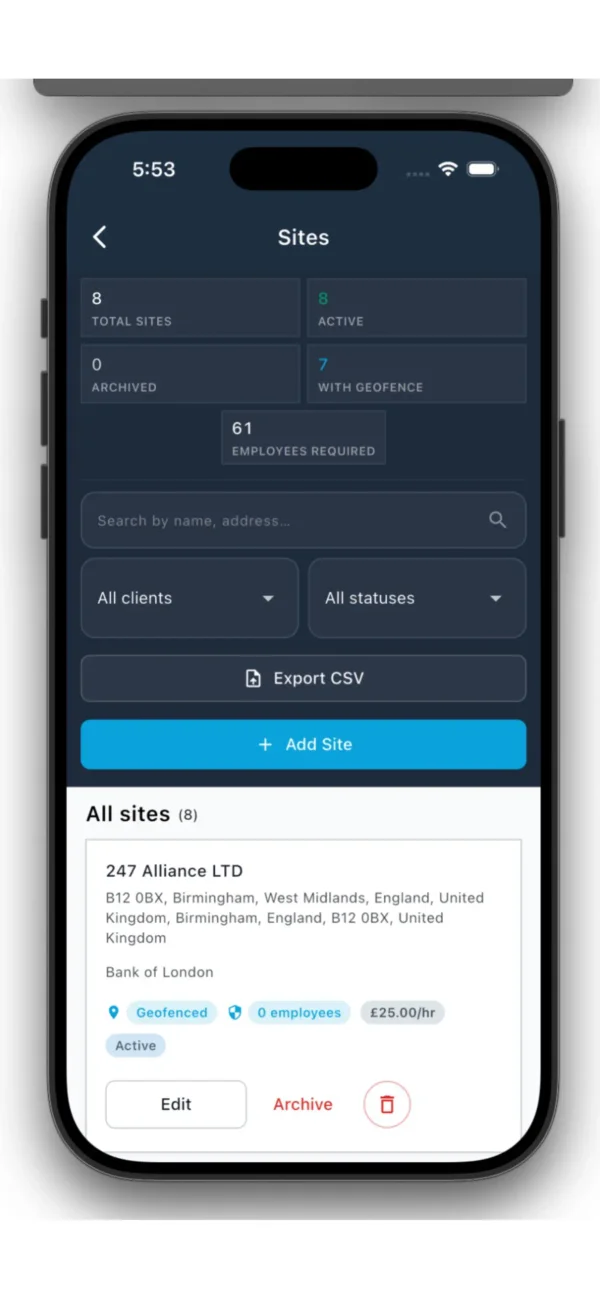
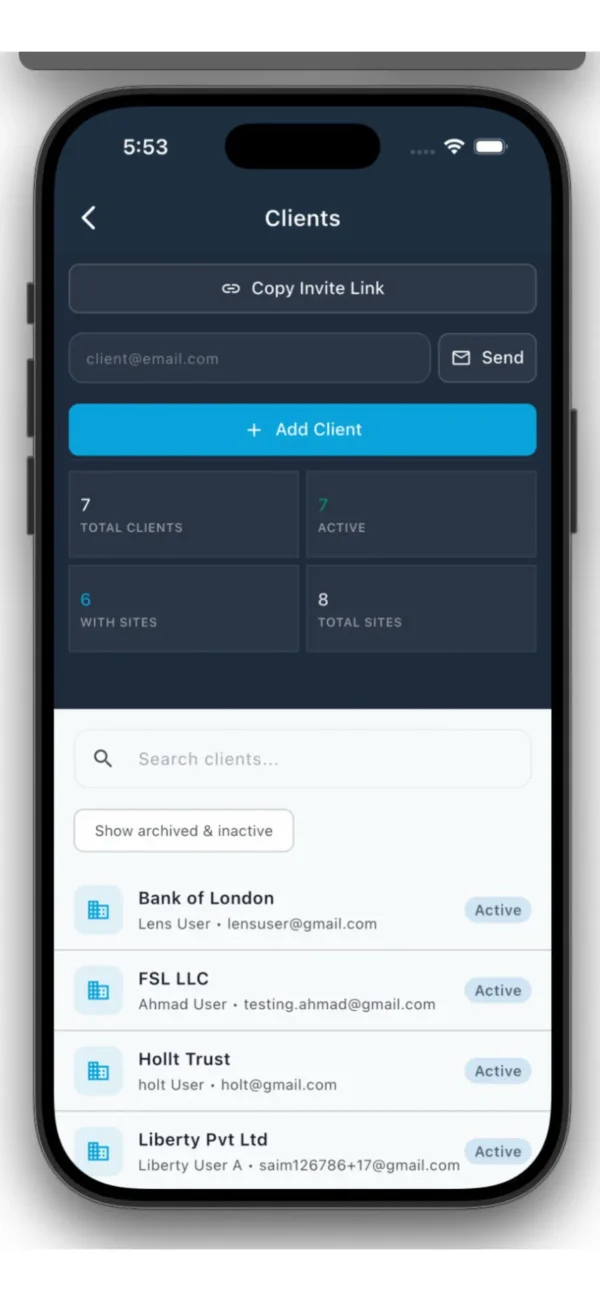
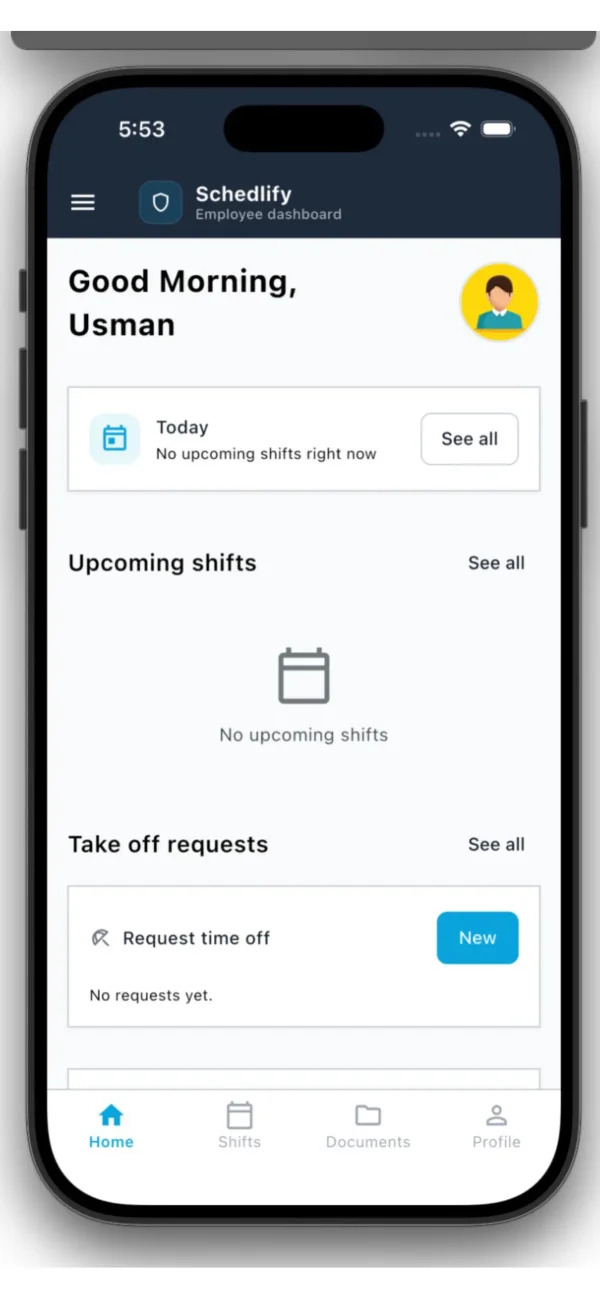


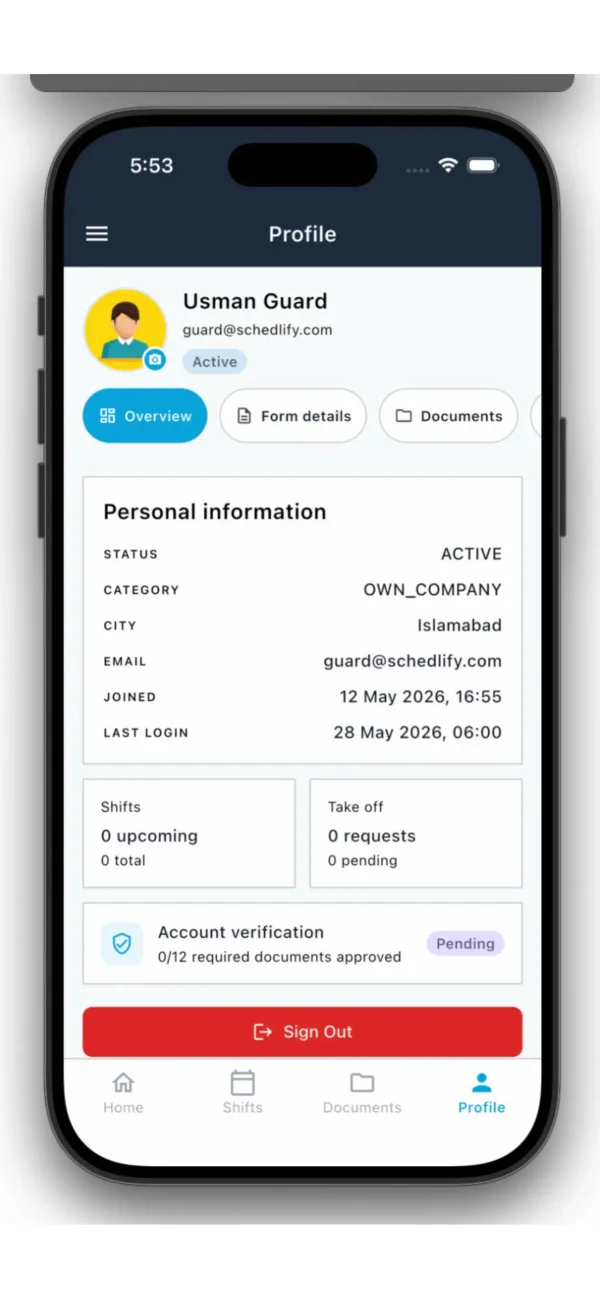
About
Schedlify is a shift management app for employers and their teams. Assign shifts, track attendance, handle time-off requests and stay on top of daily operations, all from one app. Every person sees only what their role allows.
WHO IS SCHEDLIFY FOR?
Schedlify suits businesses that run shift work across several sites, with a team out in the field and a team in the office. It fits security companies especially well, where knowing that the right person is at the right place at the right time matters most.
SCHEDLIFY FOR EMPLOYEES
See your upcoming shifts and confirm them
View shift details, including the work site
Check in and out of shifts with a photo and location when your employer requires it
Send hourly photo updates during your shift where the site asks for it
Report incidents with a description and photos
Request time off and track the status of your request
View your documents and see whether each is pending, approved, rejected or expired
Update your profile and contact details
Receive notifications and reminders for your shifts
Send a panic alert in an emergency, if your employer has enabled it
SCHEDLIFY FOR MANAGERS AND OFFICE STAFF
Schedule shifts and assign employees
Monitor live attendance and review attendance history
Review incident reports and panic alerts
Approve or reject time-off requests
Manage employee profiles, and get warnings before documents expire
Manage clients, work sites and partner companies (subcontractors)
Track worked hours, run payroll, and manage billing and subscription details
View reports and a dashboard of daily activity
Set roles and permissions for your team
Review the activity log to see what was changed and by whom
HOW YOUR ACCOUNT WORKS
Your employer's administrator creates your account and gives you your login details. Self-registration isn't available, which keeps your company's records accurate and limited to the right people.
PERMISSIONS
Schedlify asks for camera, location, photo and notification access, for work purposes only. While you are checked in to a shift, your location is recorded about every 10 minutes so your employer can confirm you are on site. This stops as soon as you check out.
NEED HELP?
For password resets, account changes or data requests, please contact your employer's Schedlify administrator.
What’s new
Version 1.1 · Sep 21, 2026
What changed in this version:
- While a worker is checked in to an active shift, the app records their location about every 10 minutes, including when the app is in the background.
- Tracking starts when the worker checks in and stops as soon as they check out.
- Location is not collected when the worker is not on a shift.
Why "Always" location access is needed:
Workers usually keep their phone in a pocket or bag during a shift, so the app is often in the background. "While Using the App" access would stop the periodic location records and defeat the purpose of confirming on-site presence.
How it is used:
- The location is shared only with the worker's own employer.
- It is used only for attendance and safety, and never for advertising or sold to third parties.
- The permission prompt explains this to the user before they allow access.
App privacy
What Muhammad Ahmad declares on the App Store about how this app handles data.
-
Data linked to you
May be collected and linked to your identity.
- Health and fitness
- Financial info
- Location
- Contact info
- User content
- Search history
- Identifiers
- Usage data
Privacy practices may vary, for example with the features you use or your age.
Information
- Seller
- Muhammad Ahmad
- Category
- Business
- Version
- 1.1
- Updated
- Sep 21, 2026
- Released
- Jun 24, 2026
- Size
- 37.1 MB
- Requires
- iOS 15.0 or later
- Age rating
- 4+
- Languages
- English
- Copyright
- © Schedlify