Schedule Planner - Mix
Daily Planner & Organizer
Designed for iPhone, iPad, Mac
Free · In-app purchases
- Age rating4+
- CategoryProductivity
- DeveloperMonelyze Inc.
- LanguagesEnglish+ 2 more
- Size3.0 MB
Links to the official App Store page
Download.org hosts no file of Schedule Planner - Mix. The button opens its official App Store page, published by Monelyze Inc. Listing last checked on Nov 16, 2026.
Screenshots
About
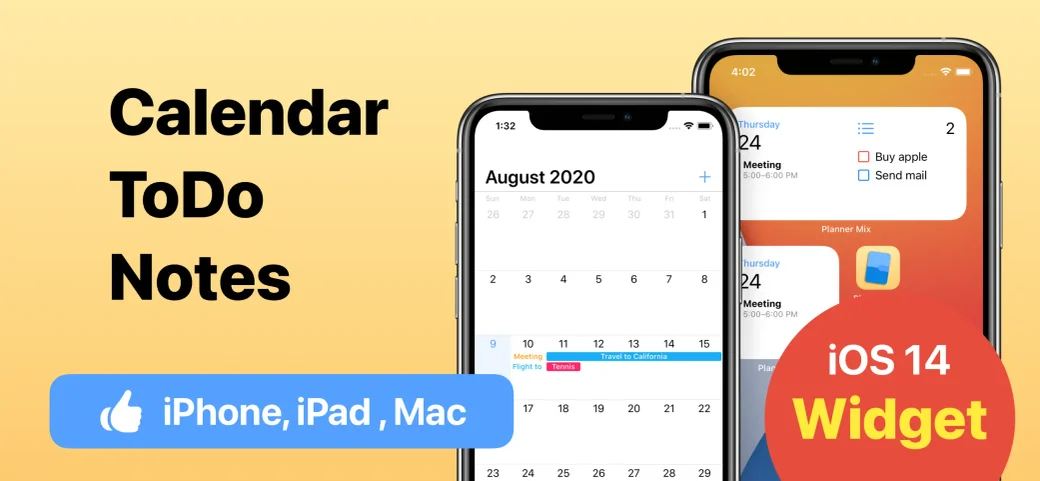
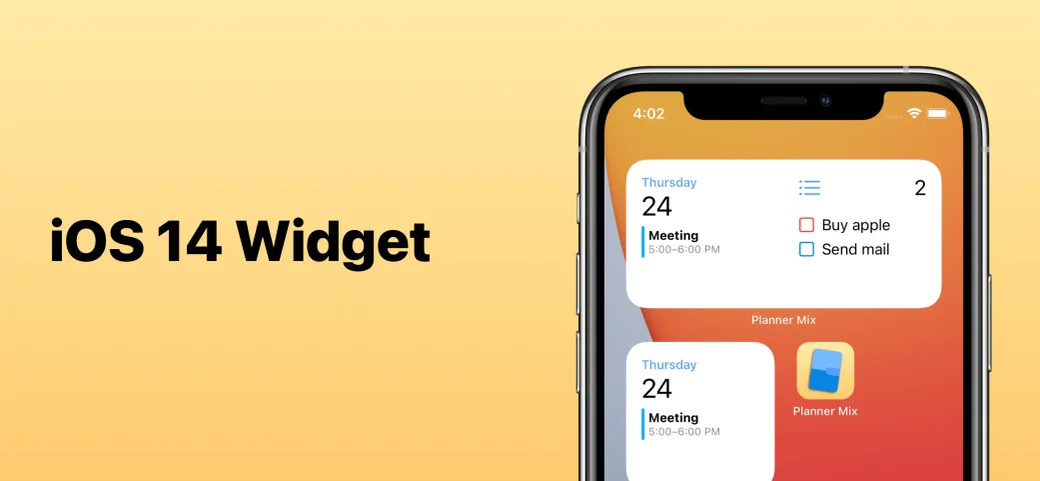
Planner Mix is an organizer app that combines a calendar, to-do, and notes into one.
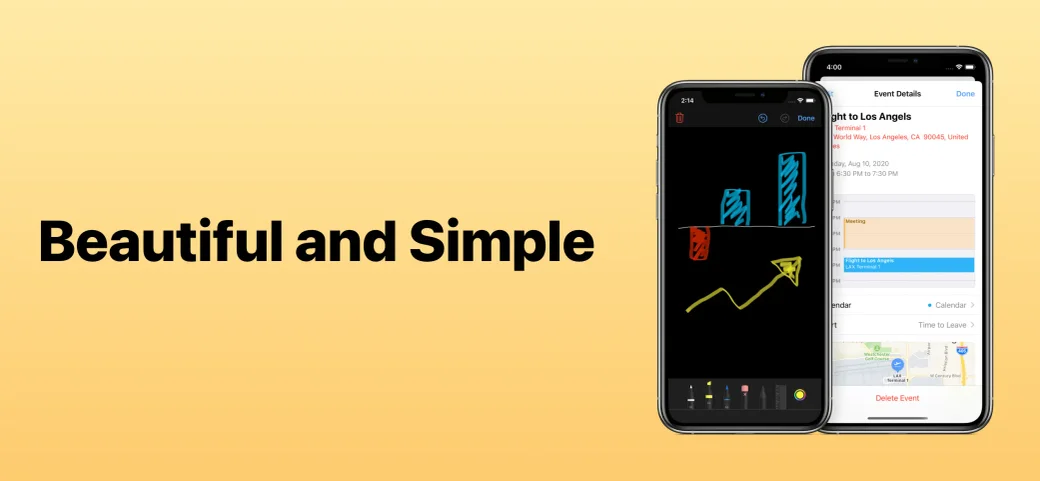
It's free to use, and no ads. The beautifully simple design allows you to manage your schedule without interrupting your thoughts.
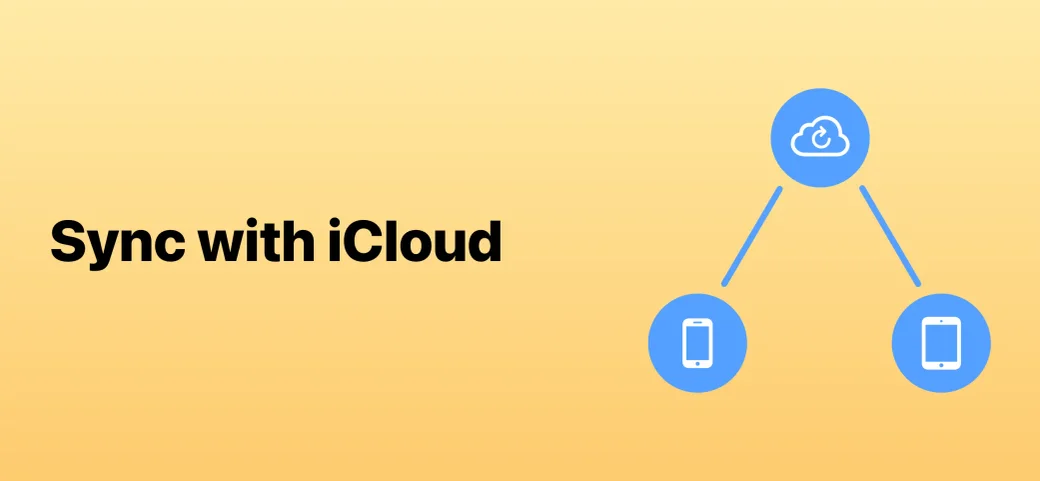
You can also use iCloud to automatically sync your data between devices.
It seamlessly integrates your schedule, tasks, and notes, yet it's simple to use.
This is the perfect solution for those who have been using a paper-based organizer.
FEATURES
- No ads, so you can focus on the content.
- Simple and intuitive to use.
- Syncing data between iPhone and iPad.
- No registration required.
VARIOUS USES
- For daily schedule, shopping lists and notes.
- To manage goals with an awareness of values and roles.
- For business project management.
- For managing school tasks, part-time jobs and playtime schedules.
MAIN FEATURES
Calendar
- Sync and share your iCloud calendar, Google Calendar, etc.
- Easy-to-read calendar display with month and week display.
- You can also set up locations, notes, and detailed repetitions.
- You can set up notifications at the scheduled time.
To-Do
- You can set due dates and priorities for tasks.
- The list is color-coded to make it intuitive and easy to understand.
- You can set the date while looking at the calendar.
- You can see the tasks in order of their due dates.
Notes
- Use folders to organize them.
- Pinning feature shows important notes at the top.
- Organize with the archiving feature.
- Drawings with your fingers or Apple Pencil.
Other
- Dark Mode Support.
- Text size is automatically adjusted according to iOS settings.
- Your data sync by iCloud, so safety.
- Select your own language for the app.
PREMIUM SERVICE (auto renewal subscription)
- Automatic iCloud synchronization of data.
- Drawings with your fingers or Apple Pencil.
- Unlimited number of task lists and folders can be registered.
$4.99 per month, $49.99 per year (Save 16%)
1 month free trial
*Prices and free trials are subject to change.
Price may vary by location. Subscriptions will be charged to your credit card through your iTunes account. Your subscription will automatically renew unless canceled at least 24 hours before the end of the current period. You will not be able to cancel the subscription once activated. After purchase, manage your subscriptions in App Store Account Settings. Any unused portion of a free trial period, will be forfeited when the user purchases a subscription.
Terms of Use: https://monelyze.app/terms/
Privacy Policy: https://monelyze.app/privacy/
What’s new
Version 1.3.4 · Dec 18, 2025
Fixed minor bugs.
App privacy
What Monelyze Inc. declares on the App Store about how this app handles data.
-
Data not collected
The developer does not collect any data from this app.
Privacy practices may vary, for example with the features you use or your age.
Information
- Seller
- Monelyze Inc.
- Category
- Productivity
- Version
- 1.3.4
- Updated
- Dec 18, 2025
- Released
- Aug 14, 2020
- Size
- 3.0 MB
- Requires
- iOS 26.0 or later
- Age rating
- 4+
- Price
- Free
- In-app purchases
- Yes
- Languages
- English, Japanese, Simplified Chinese
- Copyright
- © 2020 Monelyze Inc.
You might also like
-
 Vertical Planner:Calendar,TodoProductivity
-
 ColumnCalendar and MemoEasy to use.
-
 Vertical Calendar - ScheduleCalendar Widget Reminder Alarm
-
 Firstly: To-Do List & PlannerPrioritize Tasks & Reminders
-
 PlanEdition:All-in-One PlannerNotes,To Do,Calendar,Reminders
-
 Daily Planner - Schedule AppTo-Do, Habits, Routine Planner
-
 To Do List Task Manager: TodozReminders & Checklist Widget
-
 Calendar ZProductivity
-
 FirstSeed CalendarCalendars and widgets
-
 To-Do List: Task ChecklistSimple Daily Task Manager