
- Age rating4+
- CategoryUtilities
- DeveloperShum Wing Chiu
- LanguagesTraditional Chinese+ 3 more
- Size172.7 MB
Links to the official App Store page
Download.org hosts no file of ScheduleScreen. The button opens its official App Store page, published by Shum Wing Chiu. Listing last checked on Nov 13, 2026.
Screenshots

About
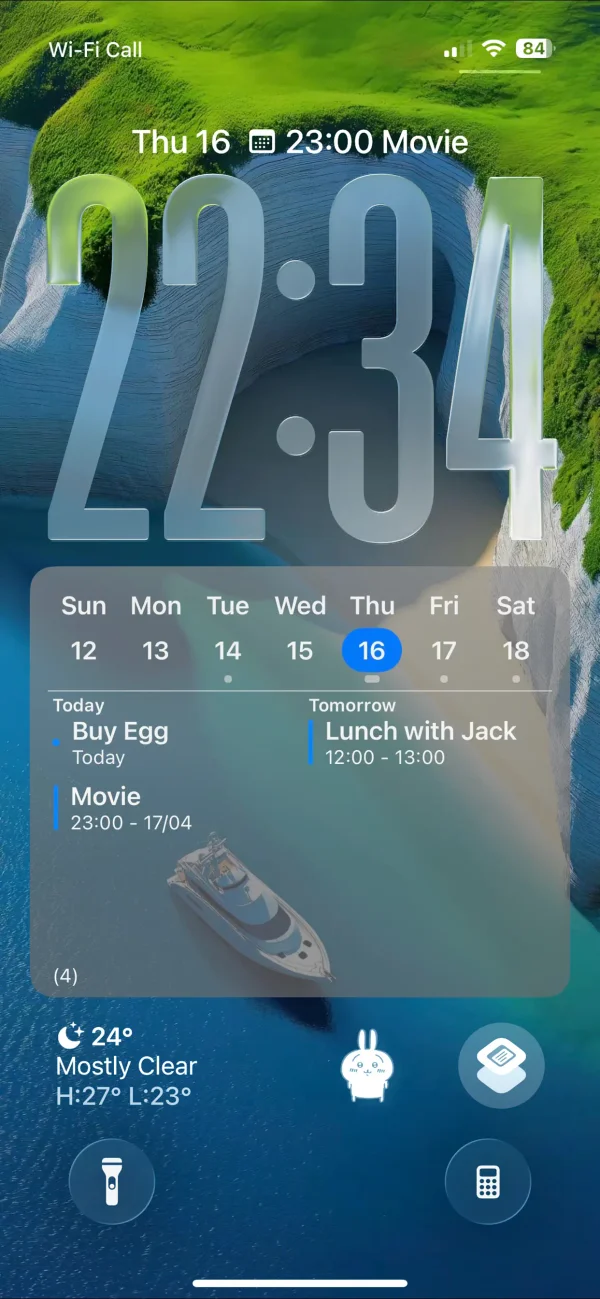
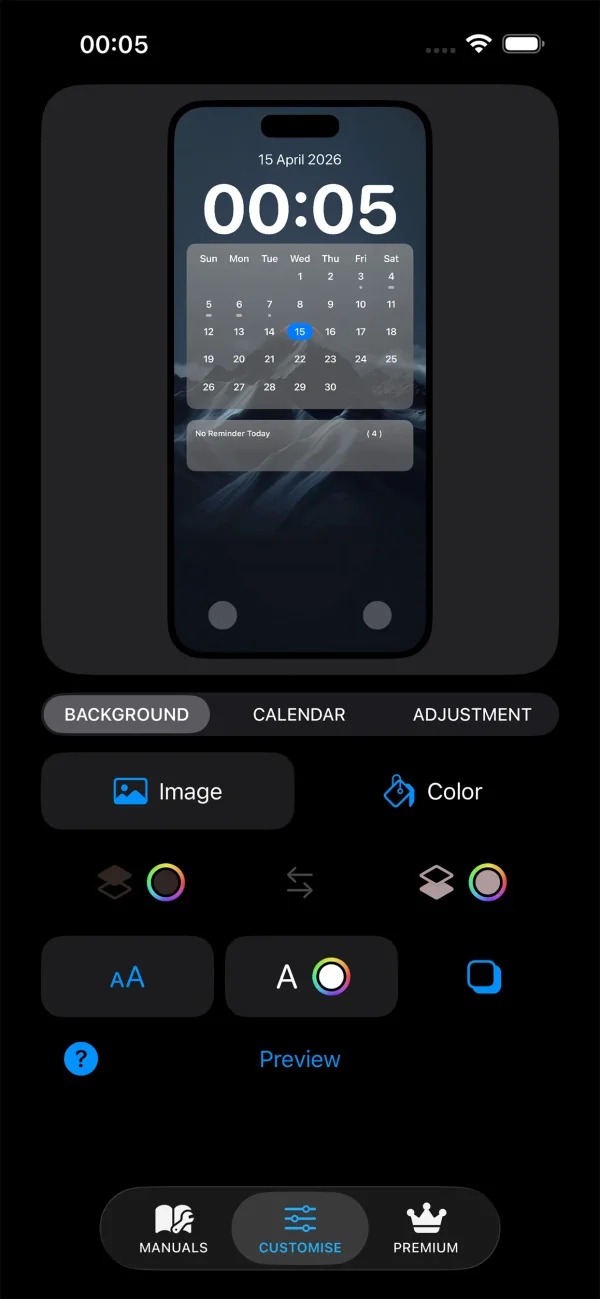
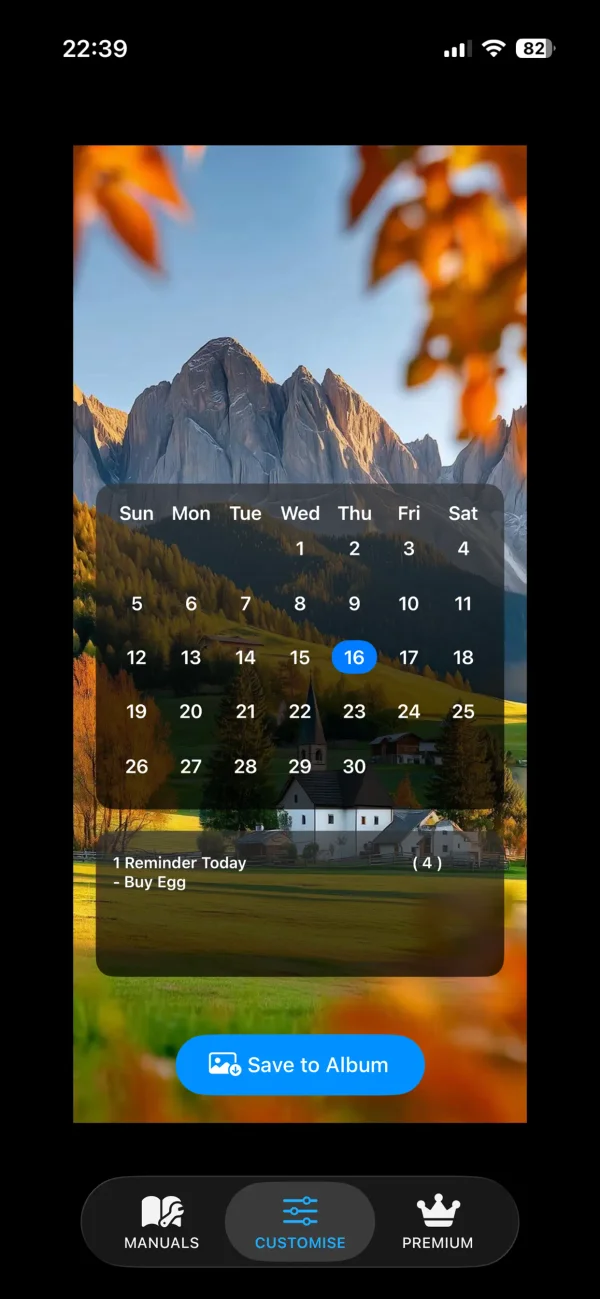
A simple lock screen wallpaper generator.
See your schedule, stay on track.
Saving much of times for you.
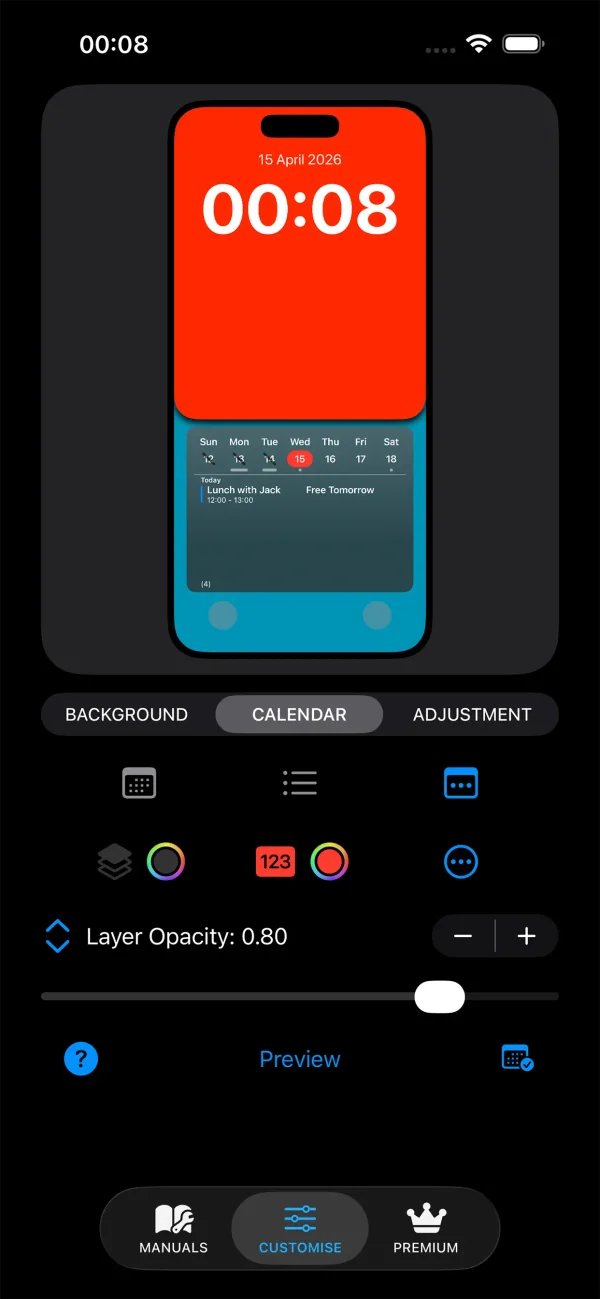
- Native support system calendar and reminder
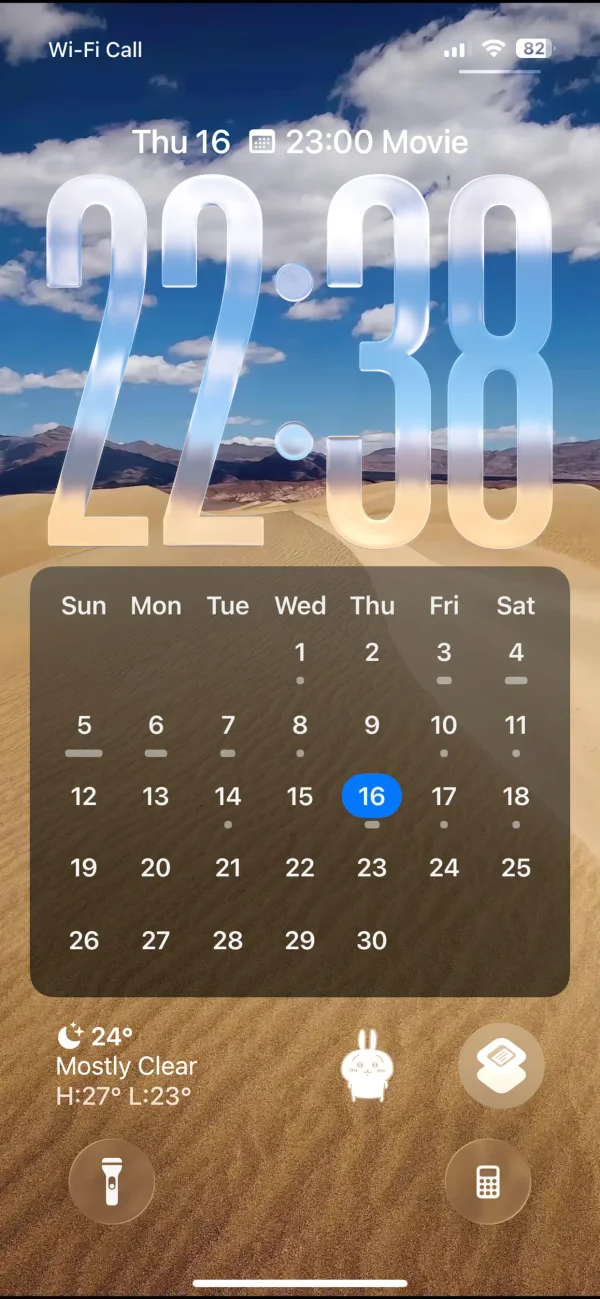
- Show your appointments and reminders in lockscreen
- Provide shortcut to complete task in lock screen
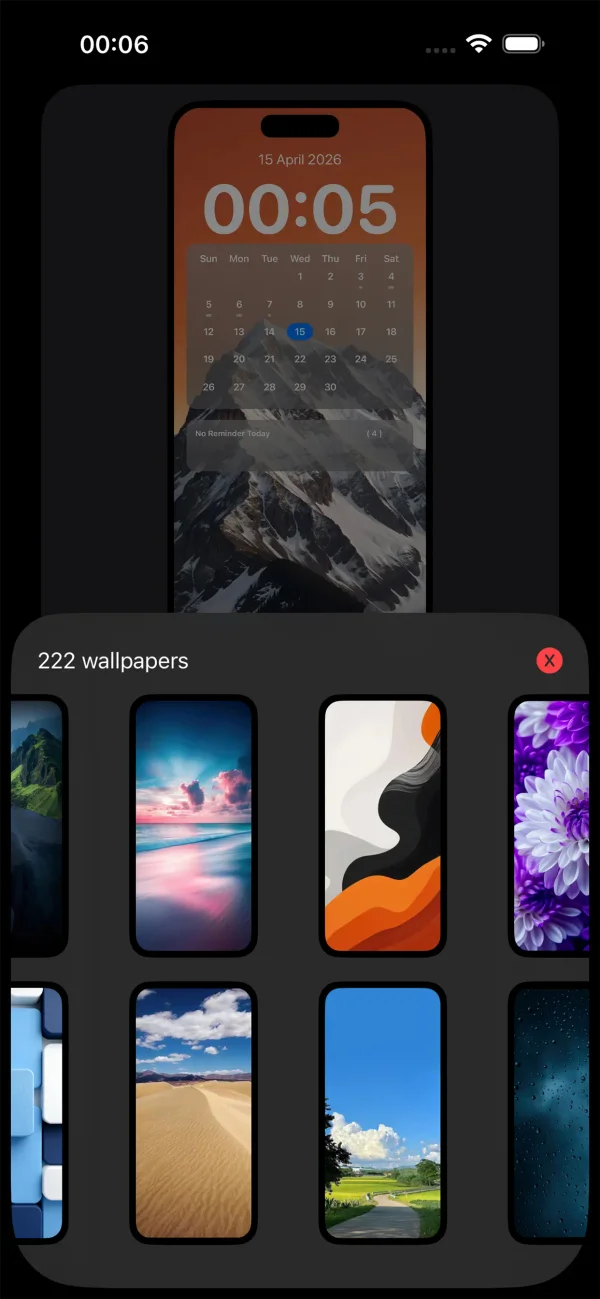
- Support auto-change lock screen wallpaper
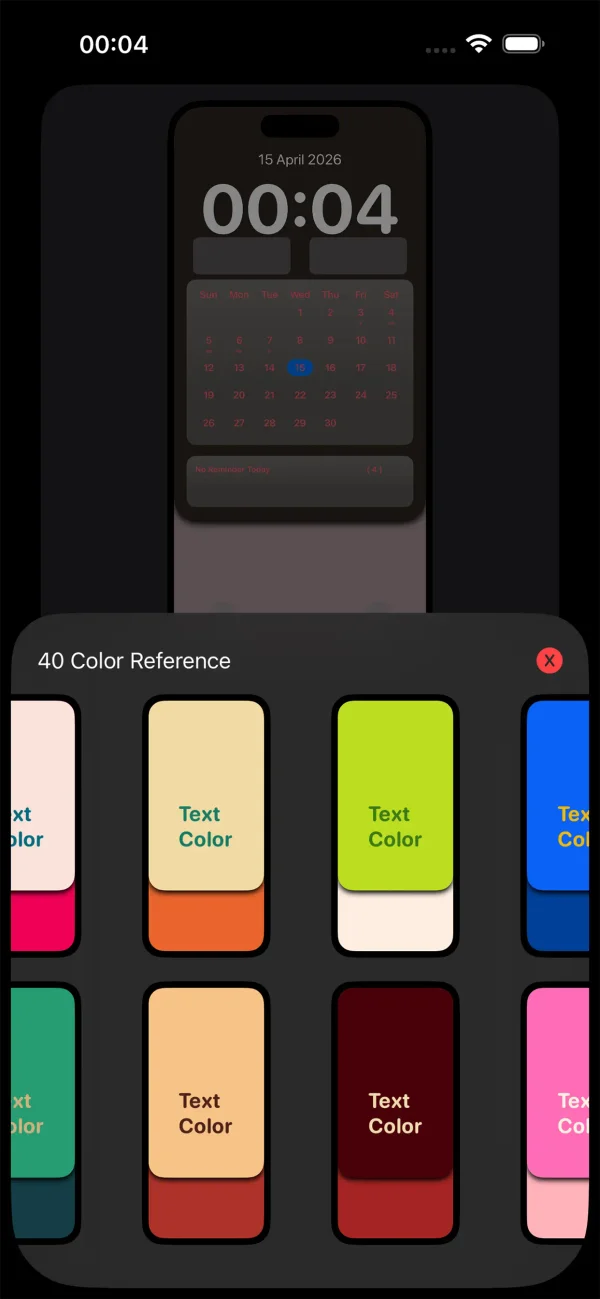
- Fully customise style
- over 300+ wallpapers
- Stay on focus
Hope to see your feedback and create new function for it.
Terms of Use: https://www.apple.com/legal/internet-services/itunes/dev/stdeula/
What’s new
Version 1.1 · Apr 29, 2026
- Fixed the issue where the detailed calendar did not display 7 days.
- Fixed the UI issue when selecting to display a newly added calendar.
- Fixed the Japanese text display issue.
- Added a small number of background images (300+ to choose from).
App privacy
What Shum Wing Chiu declares on the App Store about how this app handles data.
-
Data not collected
The developer does not collect any data from this app.
Privacy practices may vary, for example with the features you use or your age.
Information
- Seller
- Shum Wing Chiu
- Category
- Utilities
- Version
- 1.1
- Updated
- Apr 29, 2026
- Released
- Apr 20, 2026
- Size
- 172.7 MB
- Requires
- iOS 18 or later
- Age rating
- 4+
- In-app purchases
- Yes
- Languages
- Traditional Chinese, Japanese, Simplified Chinese, English
- Copyright
- Copyright © 2026 JackSWC All rights reserved.
You might also like
-
 Lumin MasterLight Master
-
 LentiLabLenticular Lab
-
 CaseMagic: AI Wallpaper MakerCustom Wallpapers from Photos
-
 ALTime™ DocsDocument Tracker
-
 MoTimersUtilities
-
 OpenSub — Subscription TrackerBills, trials & renewal alerts
-
 Log of OwePersonal Owe Tracker
-
 PlanPro-桌面倒计时与提醒事项Utilities
-
 Clipster - Clipboard keyboardConvenient Clipboard keyboard
-
 TodoNote - 3x3 Grid View TodoAI , Scan, Island, Widget