
Schichter - Shift calendar
Your work roster, sorted
Designed for iPhone, iPad
$5.99 · In-app purchases
- Age rating4+
- CategoryProductivity
- DeveloperMartin Schulze
- LanguagesEnglish+ 4 more
- Size13.5 MB
Links to the official App Store page
Download.org hosts no file of Schichter - Shift calendar. The button opens its official App Store page, published by Martin Schulze. Listing last checked on Nov 29, 2026.
Screenshots


About
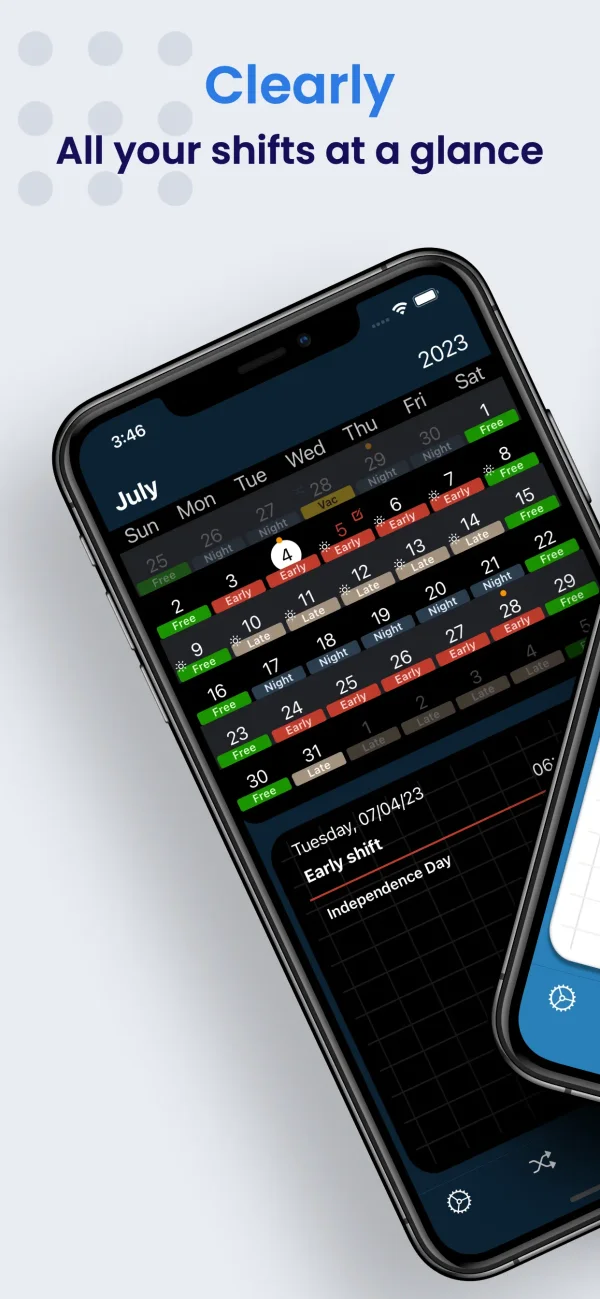
You want to know when you’re working – and when you’re off. Schichter is your shift calendar for that: on iPhone, iPad and Apple Watch.
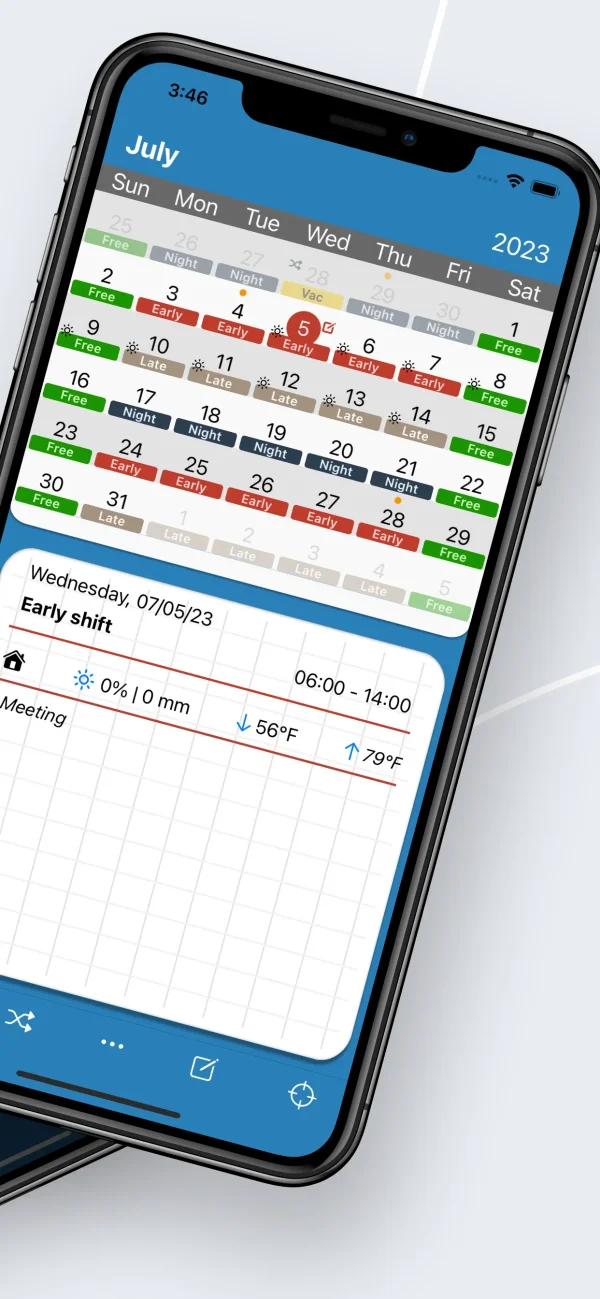
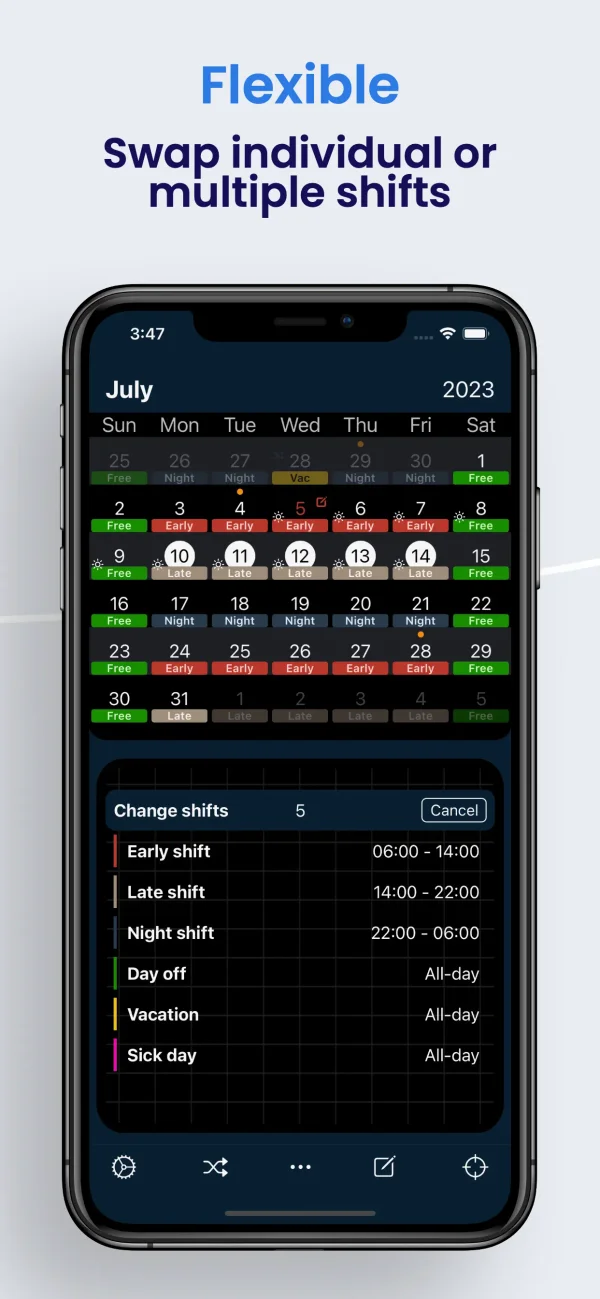
Early, late, nights or rotating shifts: you build the roster the way you actually work, swap duties and log vacation. Your hours stay in view.
Whether you work in healthcare, emergency services, production or hospitality – when the roster changes, your plan stays clear.
WHAT YOU CAN DO
• Build your shift plan
Create templates and turn them into your calendar. When the roster changes, you adjust it in a few taps.
• Make it yours
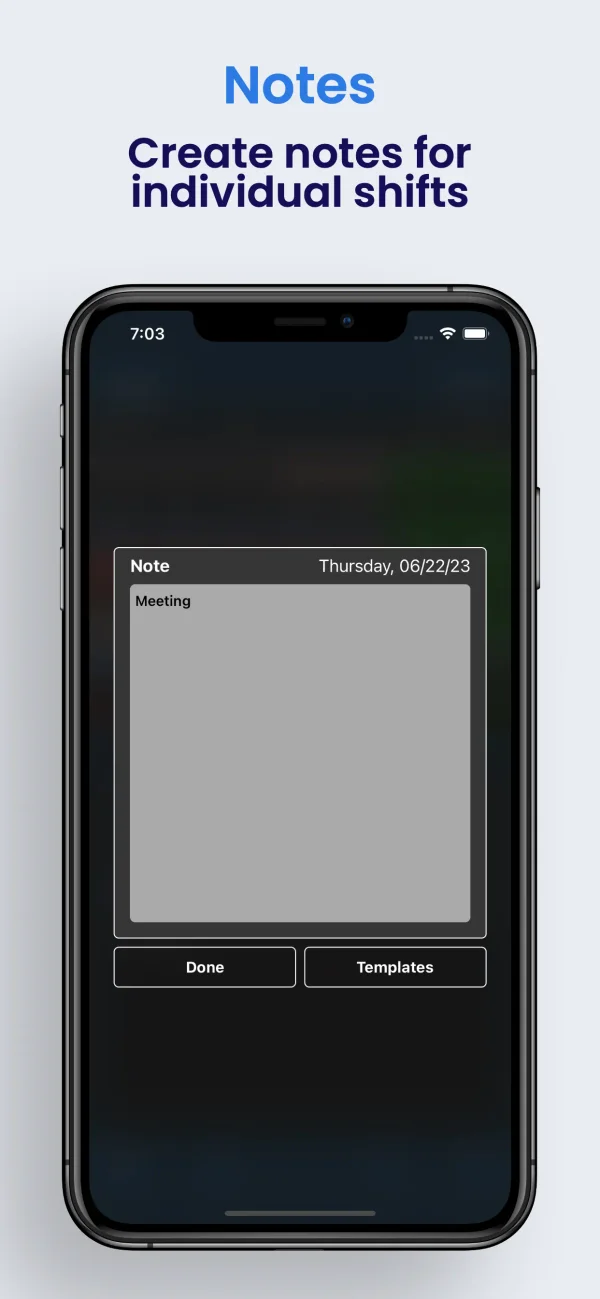
Colors, notes and breaks per shift type, so you see what’s next at a glance.
• Stay flexible
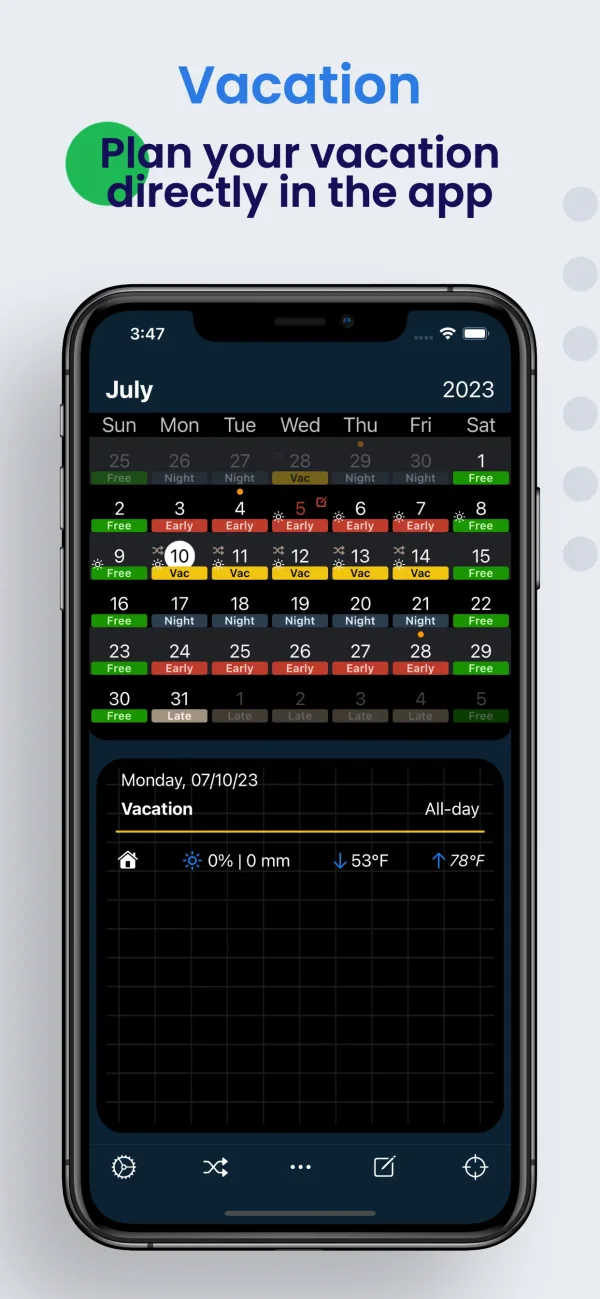
Swap shifts, log vacation and manage time off without losing the overview.
• Review hours and time off
Working hours, vacation days and more in clear summaries. Period presets, export as CSV or as a PDF report.
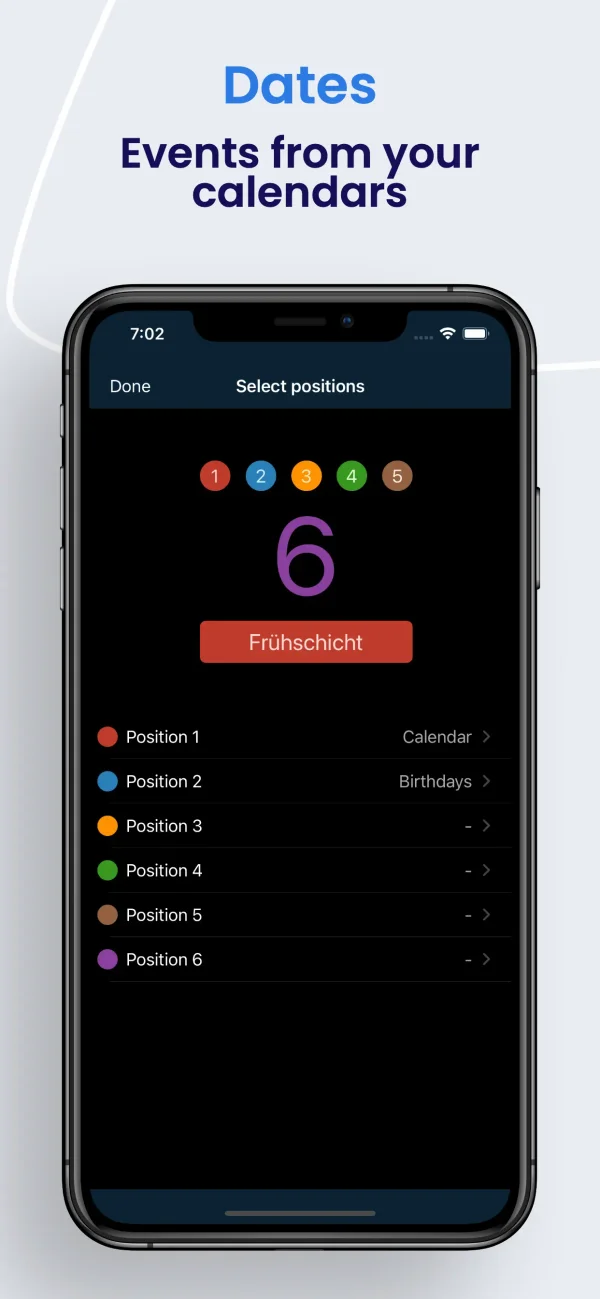
• Connect your iOS Calendar
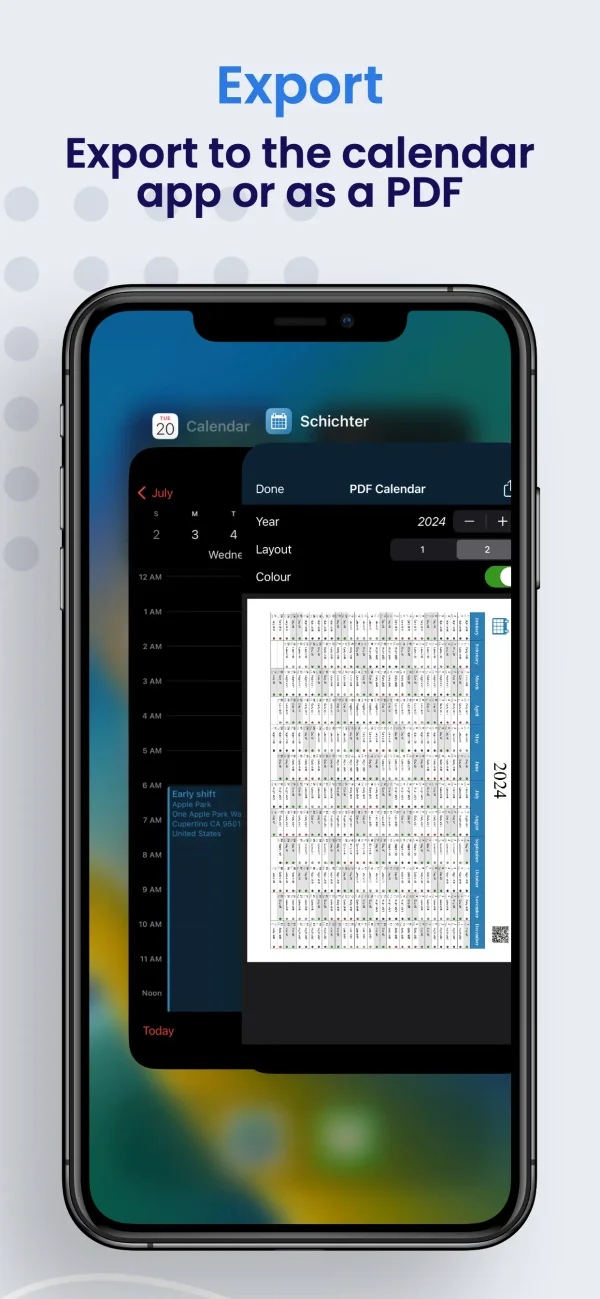
Add shifts to the system calendar so appointments and duties sit together. Optionally export all shifts as an .ics file (including notes and work location).
• Widgets and Apple Watch
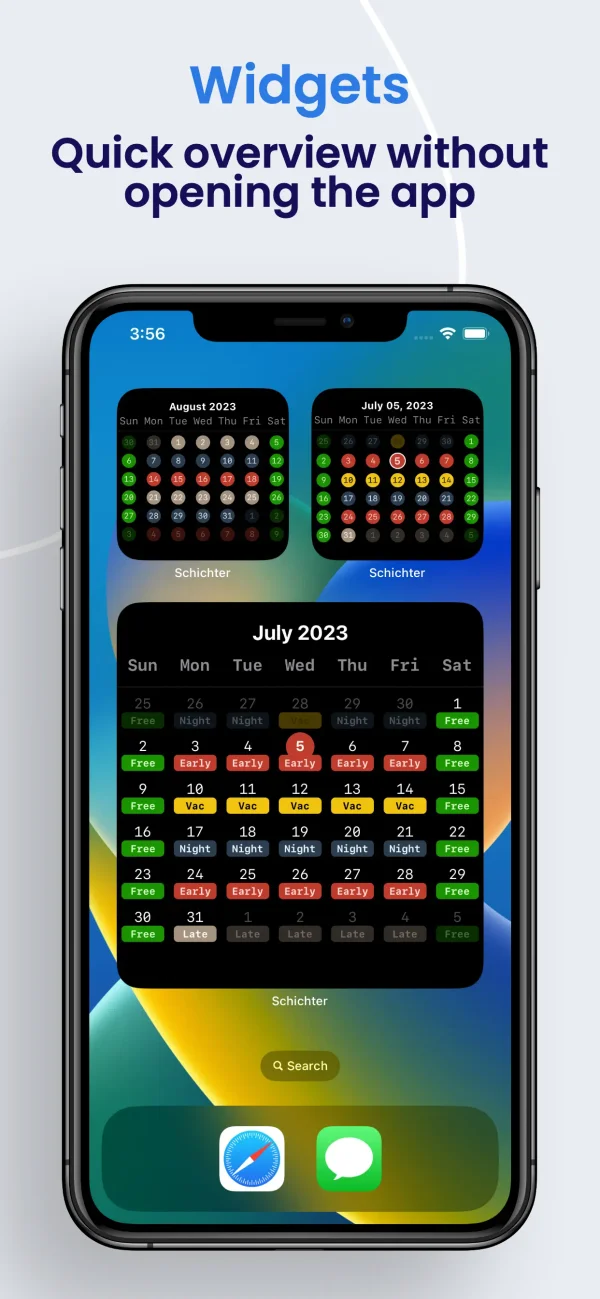
Your plan on the Home Screen or your wrist – without opening the app.
• iPad
In landscape, calendar on the left and day details on the right. In portrait, more room for both.
• Weather and Dark Mode
Weather for your shifts – tap for details, hourly and daily forecast. Plus a comfortable dark appearance.
• iCloud (optional In-App Purchase)
Backup and sync across all your devices, if you want it.
• Data backup
Automatic backups on this device – including right after an update, even if iCloud is off. Manual backups in iCloud Drive (Schichter > Backups) stay if you delete the app.
• PDF calendar
Export your calendar as PDF (current year plus the next two years) – optionally to iCloud Drive, including sharing. The Drive setting applies on all your devices.
You can reach me in English and German – questions and ideas are welcome.
Schichter is for you if you work shifts and want work and free time easier to plan together.
What’s new
Version 2.1.0 · Sep 25, 2026
• iCloud sync across your devices is more reliable.
• Your data is better protected: automatic backups on this device – including right after an update, even if iCloud is off. Manual backups in iCloud Drive (Schichter > Backups) stay if you delete the app.
• Before an iCloud sync, the cloud keeps up to three safety copies for you.
• Your PDF calendar in iCloud Drive: current year plus the next two years, layout 1 or 2, preview and Open in Files. When sharing, choose Collaborate, not Send Copy.
• The PDF setting now applies on all your devices – independently of the iCloud purchase.
• You can export all shifts as an .ics file (including notes and work location) under Data backup.
• Under Troubleshooting you can see the time zone and switch to the one on your device.
• In Overview / Evaluation: period presets and export as CSV or as a clear PDF.
• Weather: tap it in the day view – temperature, wind, UV, hourly and daily forecast for your locations.
• Calendar and weather are more reliable, including full calendar access on newer iOS versions.
• On iPad: in landscape, calendar and day details sit side by side; in portrait they share the space more evenly.
• Translations updated (DE, ES, NL, FR) – clearer wording, informal address throughout.
• You’ll find myIBAN in the Apps list.
App privacy
What Martin Schulze declares on the App Store about how this app handles data.
-
Data not collected
The developer does not collect any data from this app.
Privacy practices may vary, for example with the features you use or your age.
Information
- Seller
- Martin Schulze (DE)
- Category
- Productivity
- Version
- 2.1.0
- Updated
- Sep 25, 2026
- Released
- Mar 19, 2019
- Size
- 13.5 MB
- Requires
- iOS 17.6 or later
- Age rating
- 4+
- Price
- $5.99
- In-app purchases
- Yes
- Languages
- English, Dutch, French, German, Spanish
- Copyright
- © 2018 - 2026 Martin Schulze
You might also like
-
 Thoughts & Ideas List: IdeaLogBrainstorm Ideas, Add Notes
-
 PrivScanner: PPT Slides to PDFLecture OCR, Image to Word
-
 Manageable: Nested ToDo ListsHierarchical Task Manager
-
 Search Ninja for SafariSwitch Search Engine Instantly
-
 This Week - Weekly To-Do ListWeekly To-Do List
-
 PaperCodeCodes make papers tidy
-
 Daily Routine Tracker - DayfulRecurring habit streak plan
-
 VideoVoice to text INGOAMPTTranscribe, Extract, Speak
-
 PomoLite - Focus Timer KeeperScene-based Pomodoro
-
 Noteit -AI Journal Notes DiaryAI Supported, Local First