- Age rating4+
- DeveloperArti Sharma
- LanguagesEnglish
- Size4.3 MB
Links to the official App Store page
Download.org hosts no file of School Stickers Pack. The button opens its official App Store page, published by Arti Sharma. Listing last checked on Nov 21, 2026.
Screenshots
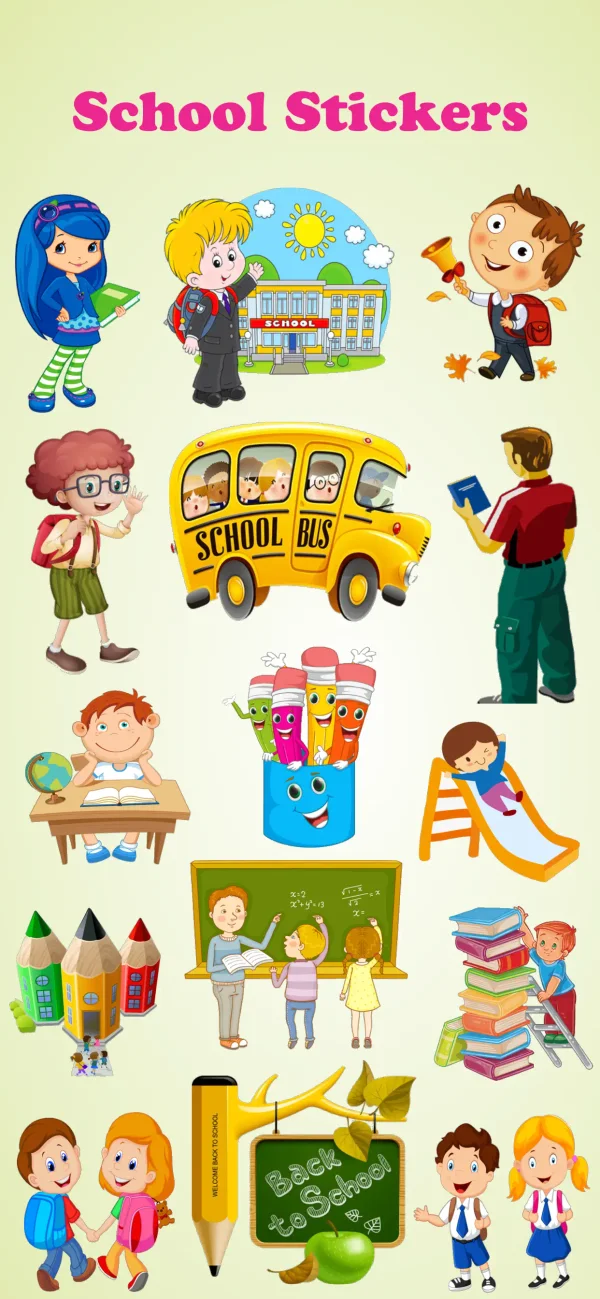
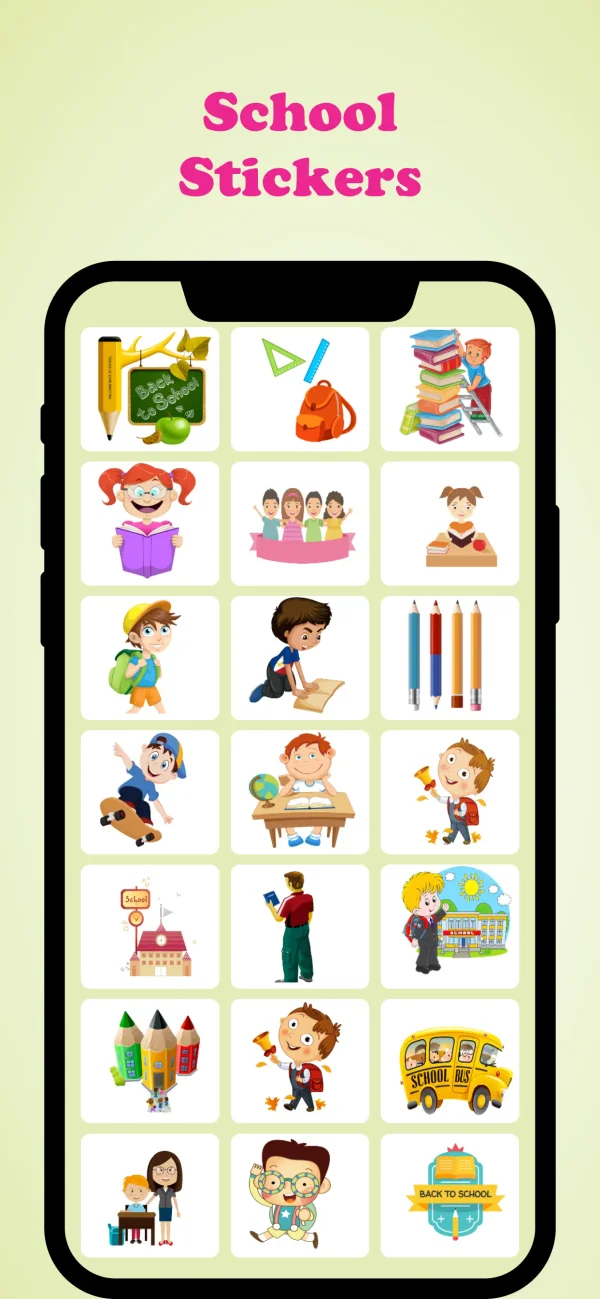
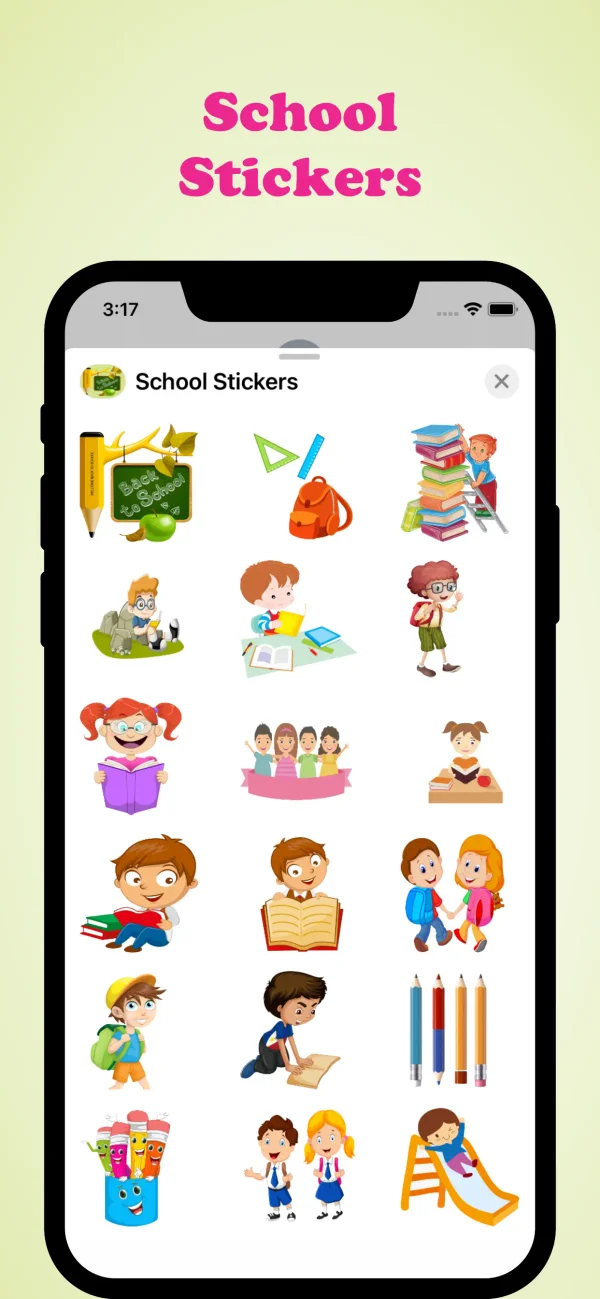

About
Downloads School Stickers for iMessage
How to use School Stickers App:
Step 1: Open a message with a friend and tap the ">" button to the left of the text box.
Step 2: Tap the app button that appears (it looks like an "A") and then taps the button that looks like four circles in the lower left of your screen to open the iMessage app drawer.
Step 3: Tap the icon of this Sticker Pack and start sending stickers!
Useful tips:
● Tap the sticker you want, or DRAG & DROP one into your message.
● You can Scale & Rotate stickers by using a second finger before you place it on a bubble.
What’s new
Version 1.2 · Jul 23, 2024
- Add New School Stickers
App privacy
What Arti Sharma declares on the App Store about how this app handles data.
-
Data not collected
The developer does not collect any data from this app.
Privacy practices may vary, for example with the features you use or your age.
Information
- Seller
- Arti Sharma
- Version
- 1.2
- Updated
- Jul 23, 2024
- Released
- Apr 10, 2018
- Size
- 4.3 MB
- Requires
- iOS 12.0 or later
- Age rating
- 4+
- Languages
- English
- Copyright
- © 2018 All Right Reserved
You might also like
-
 Summer Time Love EmojisAman Kumar
-
 Merry Christmas HD StickersBest Stickers For Christmas
-
 Super SummeringHot stickers for hot days
-
 4th of July Stickers !!Suneel Gupta
-
 Vintage 4th of July StickersMartha Luz Rodriguez Leal
-
 Golden Christmas StickersMartha Luz Rodriguez Leal
-
 Hot Summer StickersJyoti Yadav
-
 Easter Countdown StickersWatercolor Easter
-
 Patriotic StickersCelebrate freedom in style
-
 Funny Road Signs USA – Aged130+ Signs of Lasting Humour.