
SchoolCam. Camera for schools
Photo Management for Schools
Designed for iPhone, iPad, iPod touch
Free · In-app purchases
- Age rating4+
- CategoryEducation
- DeveloperBitwise Software SL
- LanguagesEnglish+ 1 more
- Size43.9 MB
Links to the official App Store page
Download.org hosts no file of SchoolCam. Camera for schools. The button opens its official App Store page, published by Bitwise Software SL. Listing last checked on Nov 15, 2026.
Screenshots
About
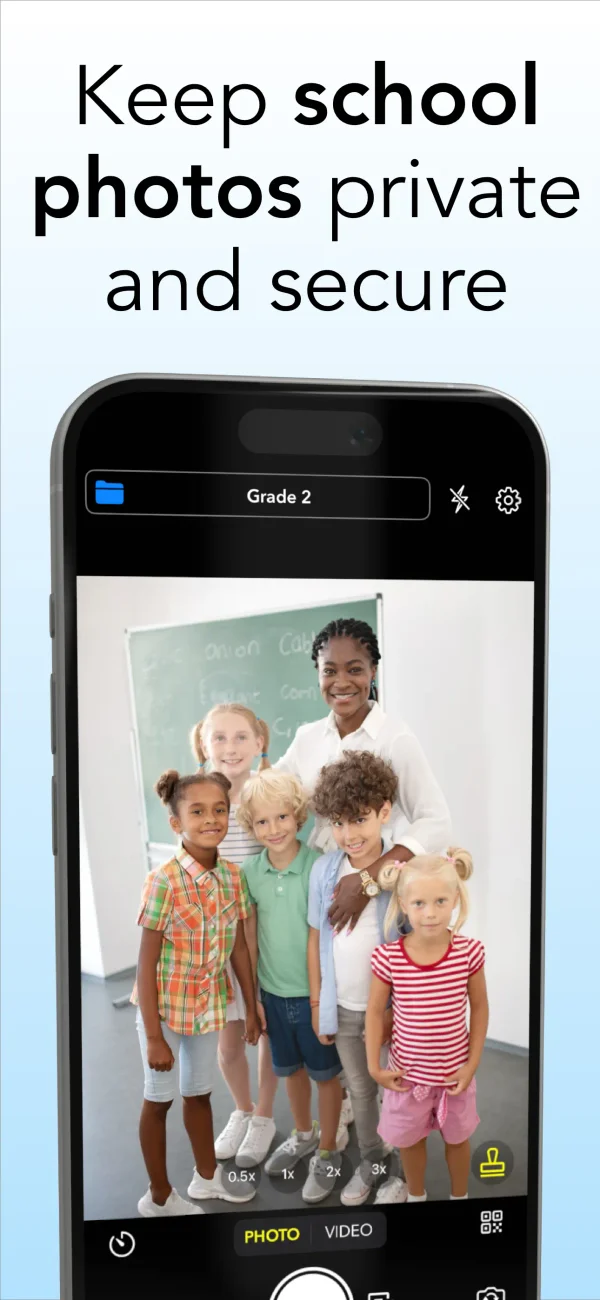
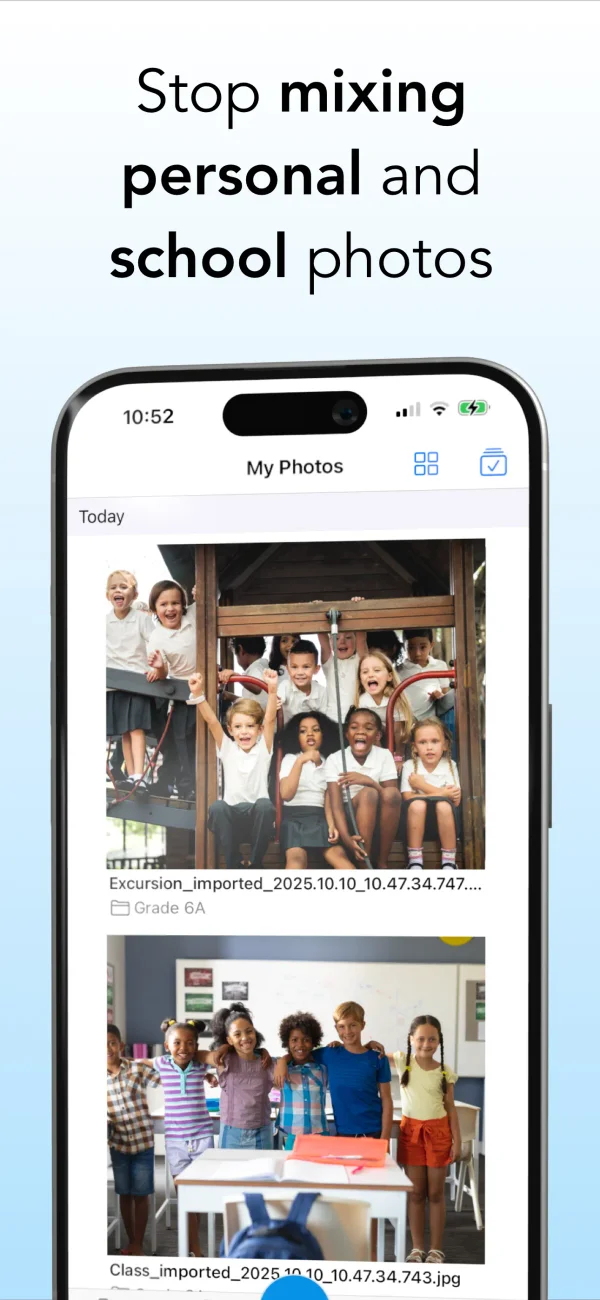
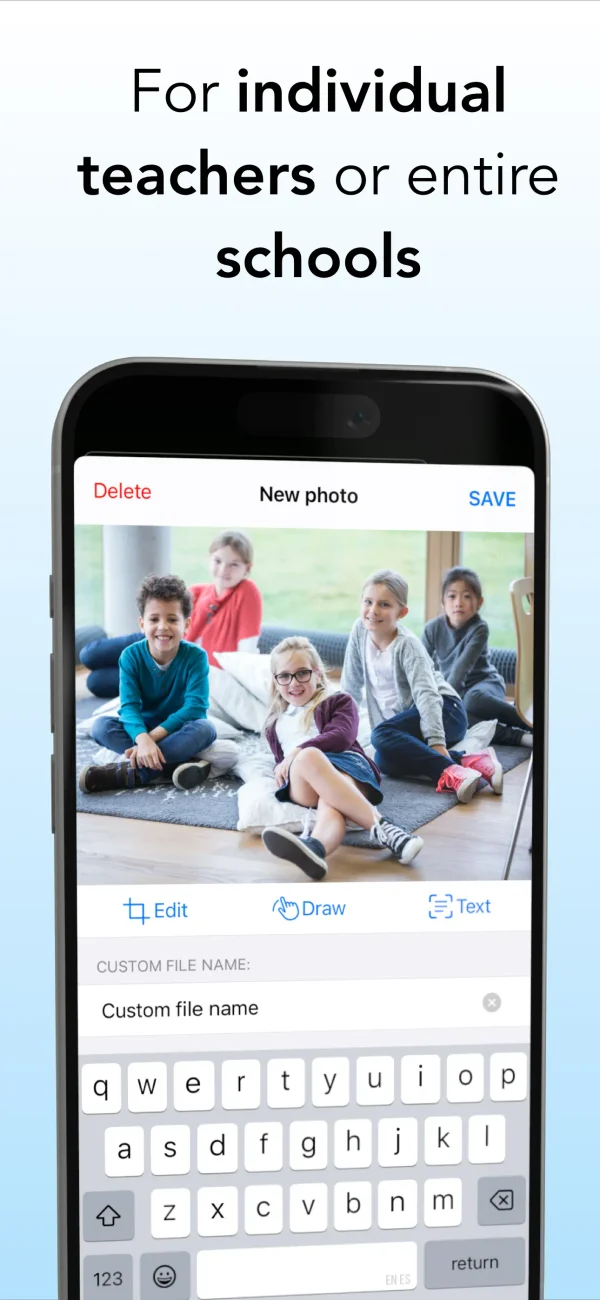
With SchoolCam the photos and videos that you take are automatically stored on Google Drive without being stored on the device. This means full control of photos for the classroom!
Features:
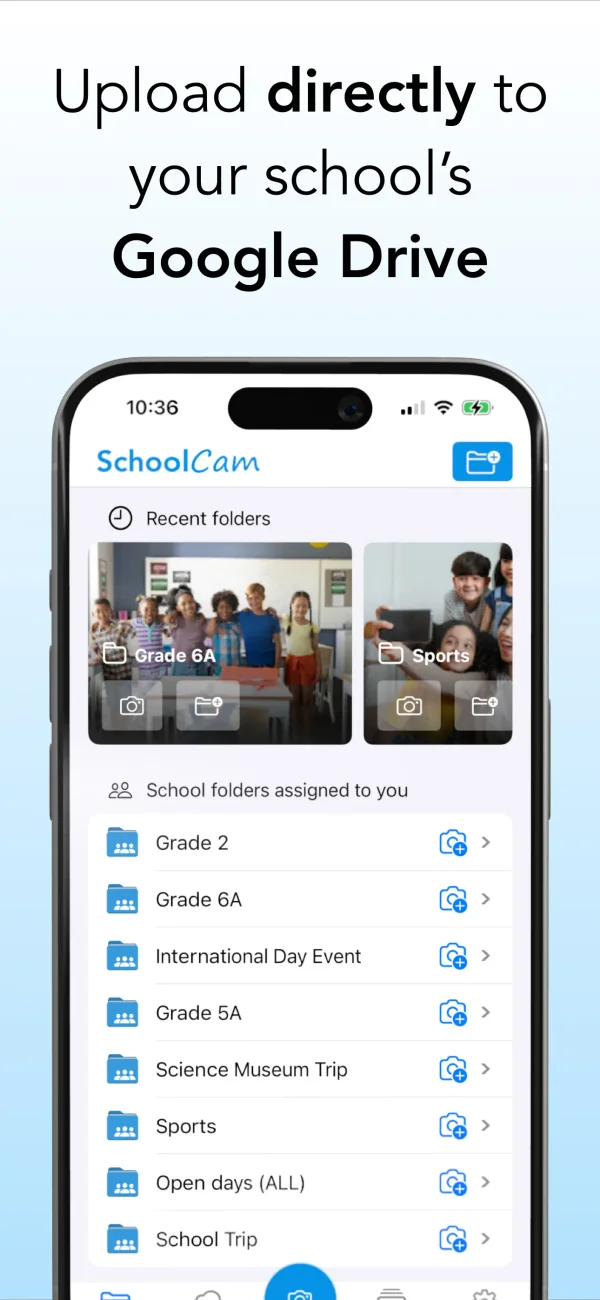
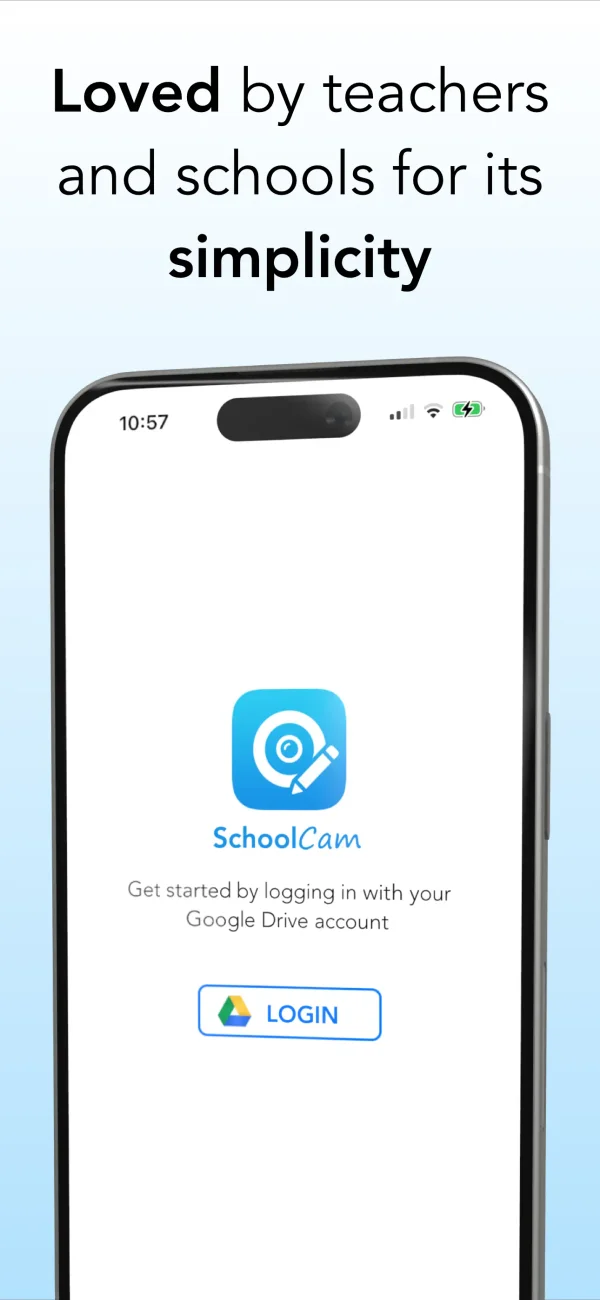
► Use an existing Google Drive - no need to create new accounts
► Keep photos organized and private by uploading them directly to Google Drive
► Organize photos automatically: SchoolCam let's you choose or create folders to upload your new and existing photos
► Import and upload photos and videos from your 'Camera roll': You are not limited by the photos you take with SchoolCam, if you take photos with the default camera app you can import them to SchoolCam to send them to the cloud
► Annotate photos adding an overlay on top of each photo you take with details like timestamp, location, author, notes, etc
IMPORTANT:
► The FREE version of this app takes and uploads photos and videos in MEDIUM RESOLUTION ONLY. Video mode is also not available in the Free version. Upgrade to the full version to take photos in FULL resolution as well as recording and uploading videos.
► If you choose to purchase the FULL Upgrade subscription, payment will be charged to your iTunes account, and your account will be charged for renewal 24 hours prior to the end of the current period. Auto-renewal may be turned off at any time by going to your settings in the iTunes Store after purchase.
Privacy Policy: https://www.schoolcamapp.com/privacy-policy.php
Terms of Service: https://www.schoolcamapp.com/tos.php
Requirements:
A valid Google Drive is required to use this app
We would love to hear your feedback. Contact us if you have any questions or comments: support@schoolcamapp.com
What’s new
Version 3.6.1 · Jun 8, 2026
Version 3.6.1:
- Minor bug fixes and improvements
Version 3.6:
- Tags are here! Tag photos and videos right from the camera, edit tags in bulk, and let admins manage your school's tag list. Admins can manage tags school-wide
- New camera options: choose 1:1, 4:3, or 16:9 aspect ratio and pick your video resolution. Admins can set these school-wide.
- Draw on any photo in your cloud folders, and move photos between folders.
- New Google Drive Picker
As always, please reach out if you have any questions or need support with the app: support@schoolcamapp.com
App privacy
What Bitwise Software SL declares on the App Store about how this app handles data.
-
Data linked to you
May be collected and linked to your identity.
- Contact info
-
Data not linked to you
May be collected but is not linked to your identity.
- Usage data
- Diagnostics
Privacy practices may vary, for example with the features you use or your age.
Information
- Seller
- Bitwise Software SL
- Category
- Education
- Version
- 3.6.1
- Updated
- Jun 8, 2026
- Released
- Apr 14, 2015
- Size
- 43.9 MB
- Requires
- iOS 15.0 or later
- Age rating
- 4+
- Price
- Free
- In-app purchases
- Yes
- Languages
- English, Spanish
- Copyright
- © Bitwise Software SL
You might also like
-
 Destiny Back OfficeEducation
-
 Toddle EducatorYour Teaching Partner
-
 The American School in JapanEducation
-
 DAC AppDigital Audio Capture
-
 Puppet PalsRecord your own animated show
-
 SchoolsBuddy 2.0The School-to-Home Solution
-
 School of PlayPlay Based Wellbeing
-
 Number Line, by MLCA Math Learning Center tool
-
 Math - Addition & SubtractionMultiplication Games 1-5 Grade
-
 Snap&Read UniversalEducation