
- Age rating4+
- CategoryBusiness
- DeveloperSciometa Oy
- LanguagesEnglish
- Size69.8 MB
Links to the official App Store page
Download.org hosts no file of Sciometa Shift. The button opens its official App Store page, published by Sciometa Oy. Listing last checked on Nov 20, 2026.
Screenshots

About
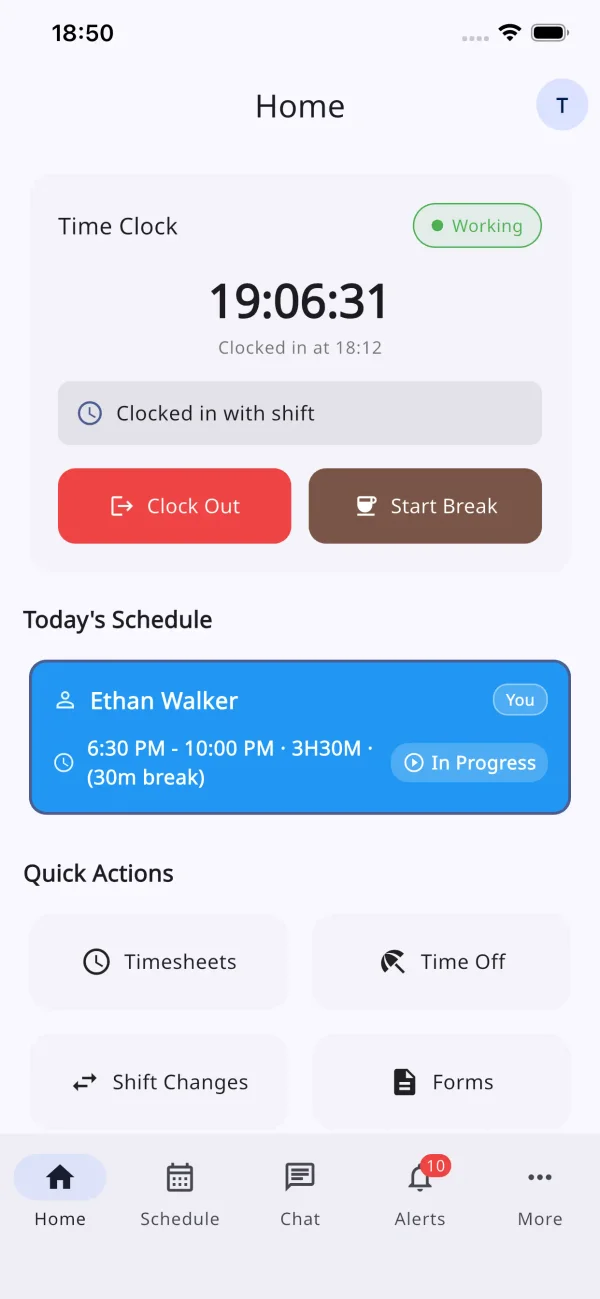
Shift Management - Organize Your Work Schedule with Ease
Take control of your work schedule with our powerful shift management app. Whether you're managing a team or organizing your own shifts, our intuitive platform makes scheduling simple and efficient.
KEY FEATURES:
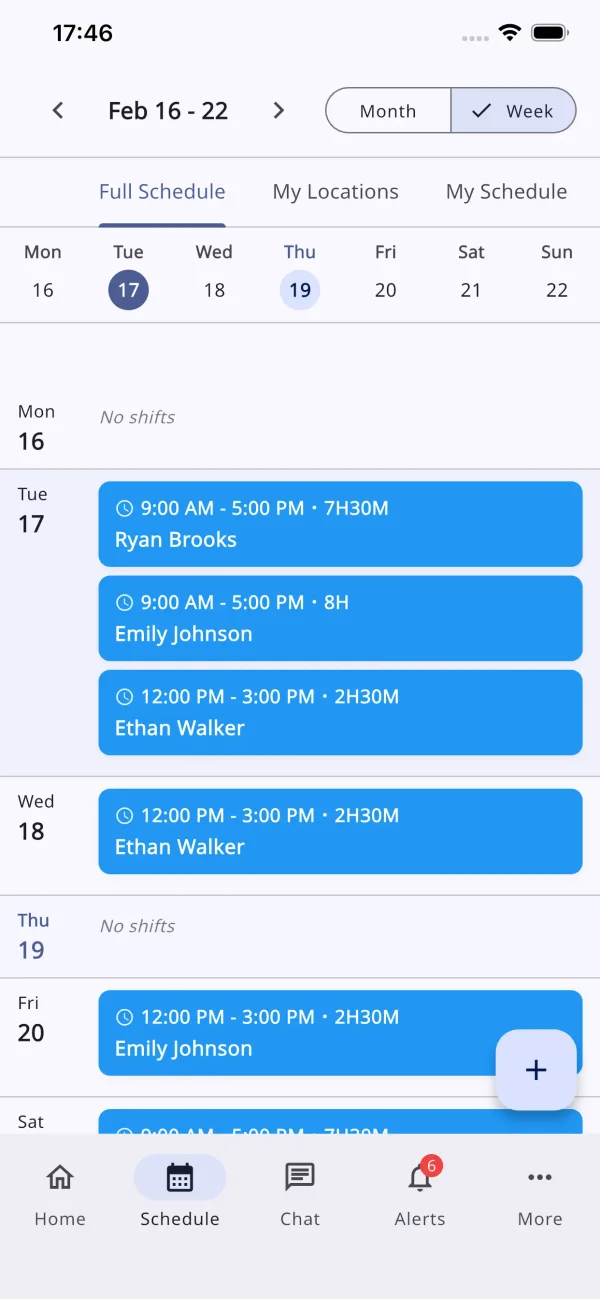
Smart Shift Scheduling
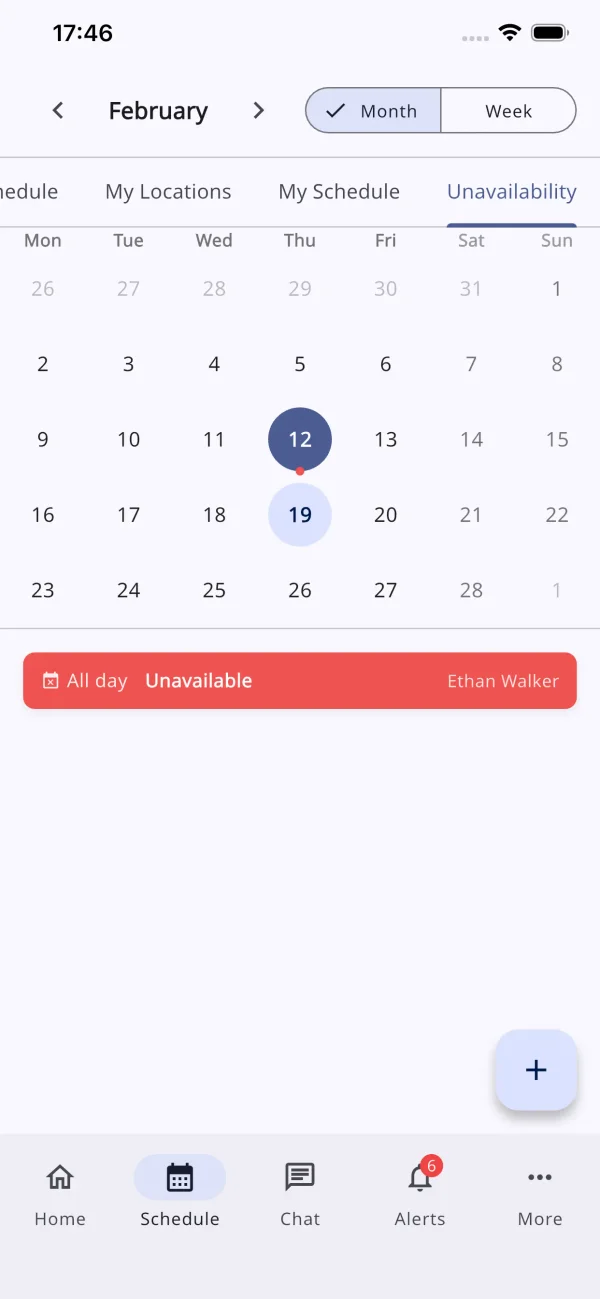
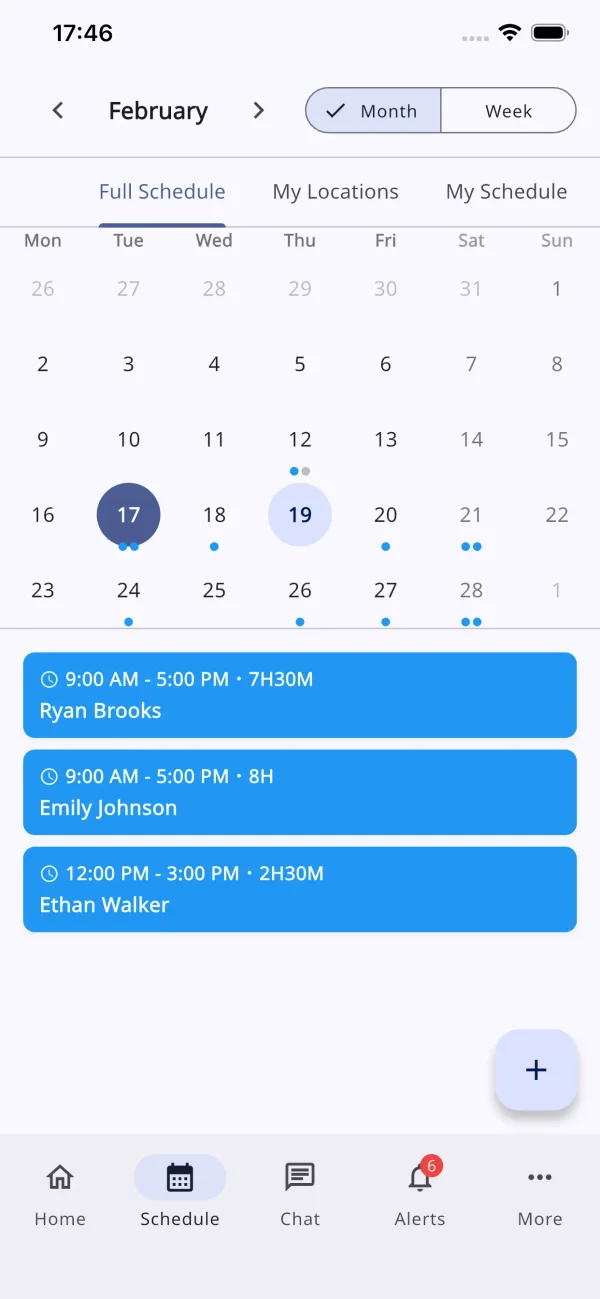
- View and manage shifts with an interactive calendar
- Real-time schedule updates
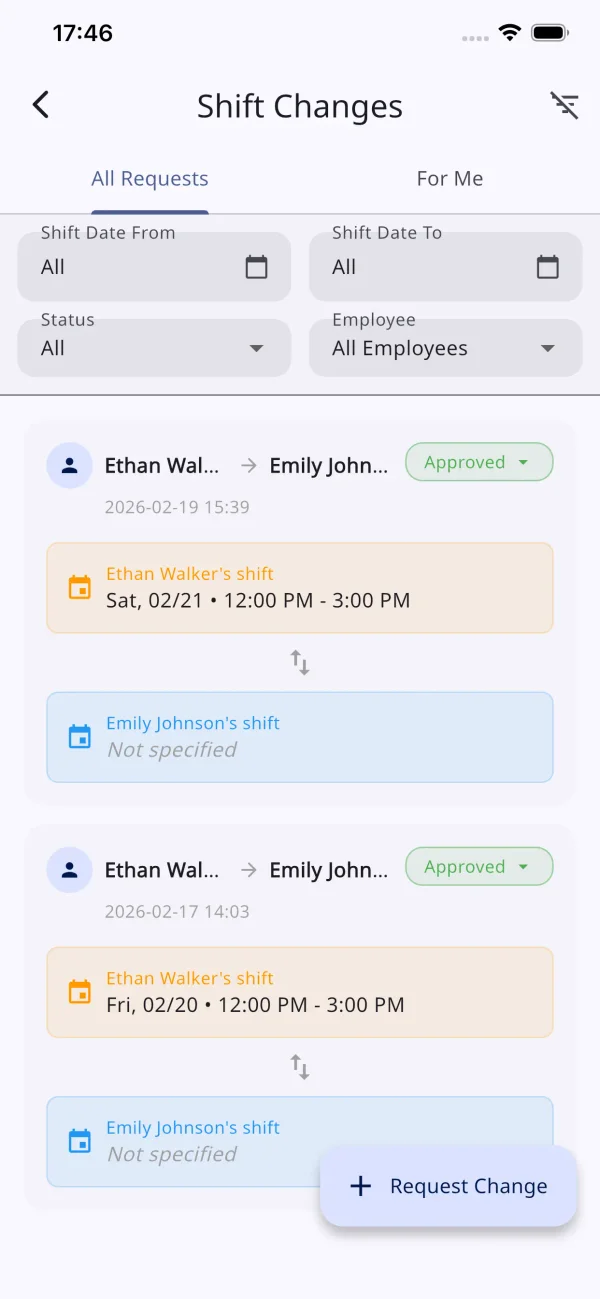
- Easy shift swapping and requests
- Automatic conflict detection
Team Collaboration
- Coordinate with your team effortlessly
- Share schedules instantly
- Track team availability
- Seamless communication tools
Location Features
- Map-based shift locations
- Location tracking for work sites
- Find nearby team members
- Route planning integration
Analytics & Insights
- Track your work hours automatically
- Visual reports and charts
- Export timesheets
- Performance metrics
Secure & Reliable
- Biometric authentication support
- Secure data storage
- Offline mode capability
- Cross-device synchronization
PERFECT FOR:
- Restaurant and retail staff
- Healthcare workers
- Field service teams
- Hospitality industry
- Any shift-based workplace
What’s new
Version 1.1.6 · Oct 20, 2026
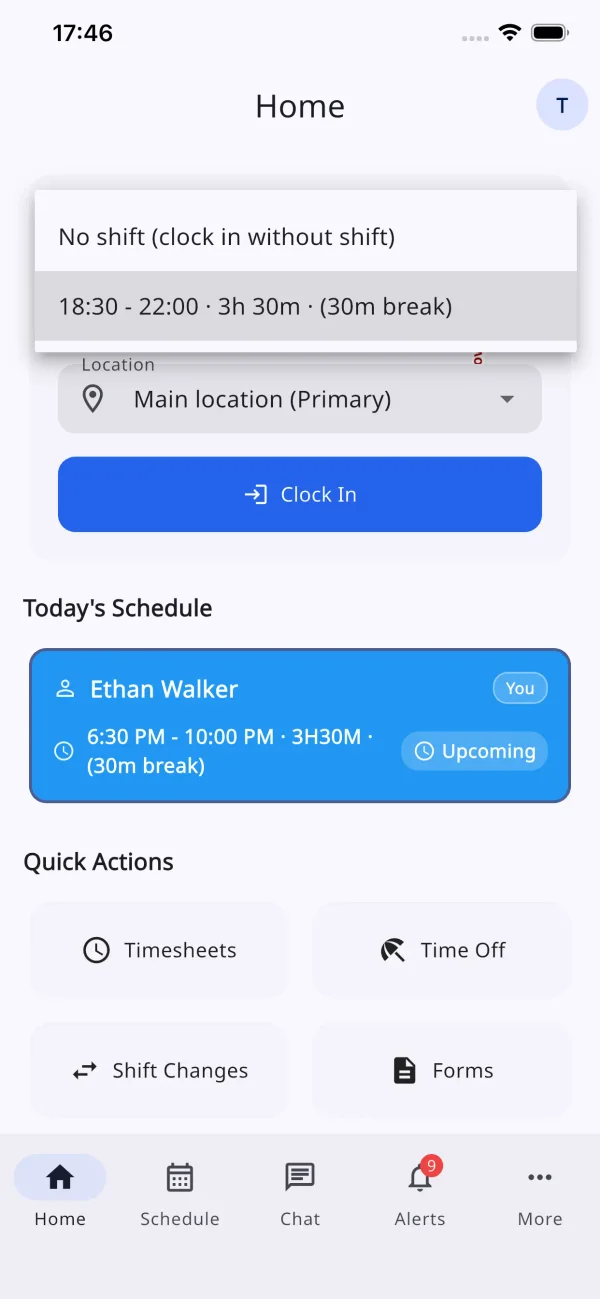
Multiple organizations
• If you work for more than one organization, you can now switch workspace directly from your Profile screen — signing out and back in is no longer needed. The switcher appears only if you belong to more than one organization.
• After switching, your organization name, schedule, time clock and preferences all update immediately to the workspace you picked.
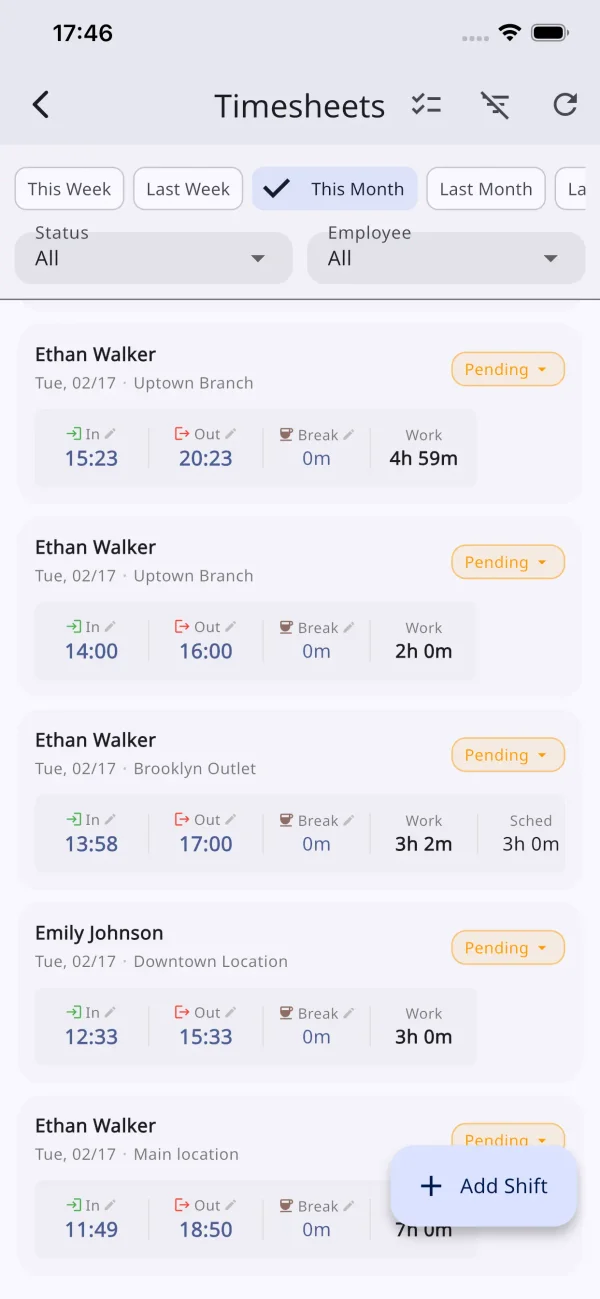
Timesheets
• Rejected time entries are no longer counted as worked hours. They were previously included in per-employee totals, the summary bar and the work-hours chart, which made reported hours higher than the hours actually worked.
• Time entries whose shift was removed from the Schedule are now marked clearly with a badge and a tinted row, so you can spot them without opening each entry. The hours themselves are kept, because the work was still performed.
• Fixed the Break section on a timesheet card being cut off on narrower screens.
Thank you for using ShiftApp. Please keep the feedback coming — it shapes what we build next.
App privacy
What Sciometa Oy declares on the App Store about how this app handles data.
-
Data linked to you
May be collected and linked to your identity.
- Location
- Contact info
- User content
- Identifiers
Privacy practices may vary, for example with the features you use or your age.
Information
- Seller
- Sciometa Oy
- Category
- Business
- Version
- 1.1.6
- Updated
- Oct 20, 2026
- Released
- Sep 10, 2026
- Size
- 69.8 MB
- Requires
- iOS 15.5 or later
- Age rating
- 4+
- Price
- Free
- Languages
- English
- Copyright
- © 2026 Sciometa
You might also like
-
 Motorizado: Courier RDProof of delivery and COD cash
-
 Shifts - AdminShifts App - Admin
-
 Billine: Plan a Day That FitsTasks sized to your real hours
-
 Shifts - StaffShifts - Staff
-
 Passkoll – lön & OB-tilläggRäkna ut din lön med rätt OB
-
 ShiftManager MobileBusiness
-
 Pulse: Social Paper TradingTrade. Compete. Win.
-
 Baby Care Log- Feeding TrackerBaby Tracker- Feeding timer
-
 WireStaffBusiness
-
 Voima GoldFinance