Score: Cornelius Composer
Classroom Music Notation
Designed for iPhone, iPad, iPod touch
Free · In-app purchases
- Age rating4+
- CategoryEducation
- DeveloperInsignio Labs
- LanguagesEnglish
- Size146.4 MB
Links to the official App Store page
Download.org hosts no file of Score: Cornelius Composer. The button opens its official App Store page, published by Insignio Labs. Listing last checked on Nov 14, 2026.
Screenshots

About
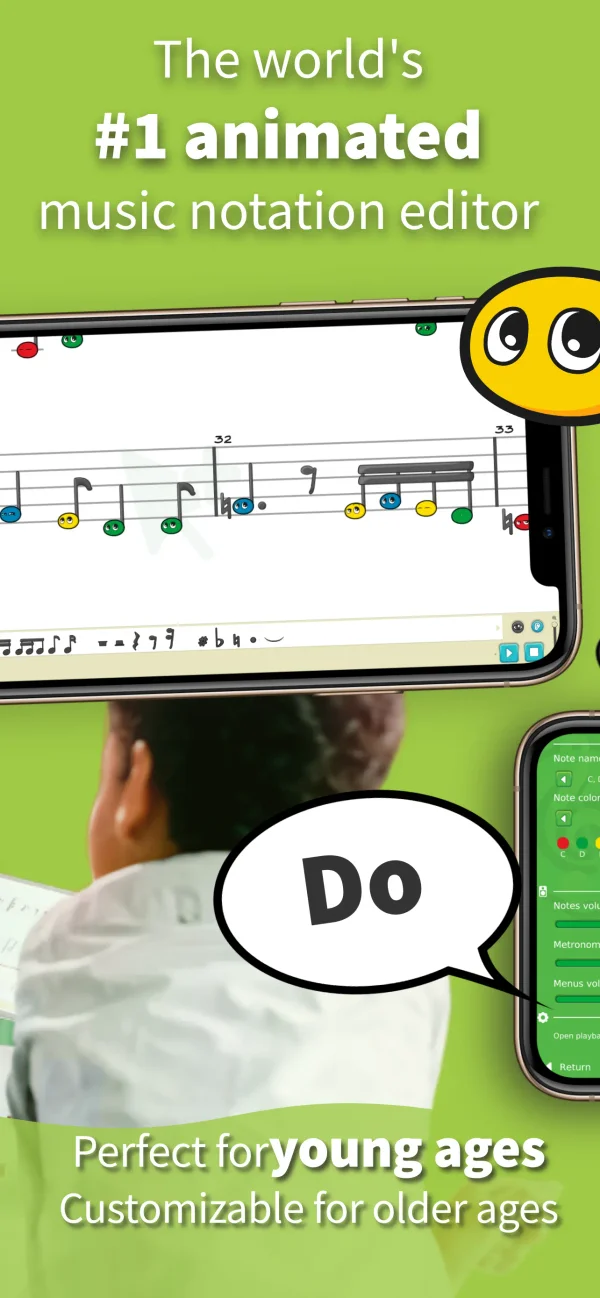
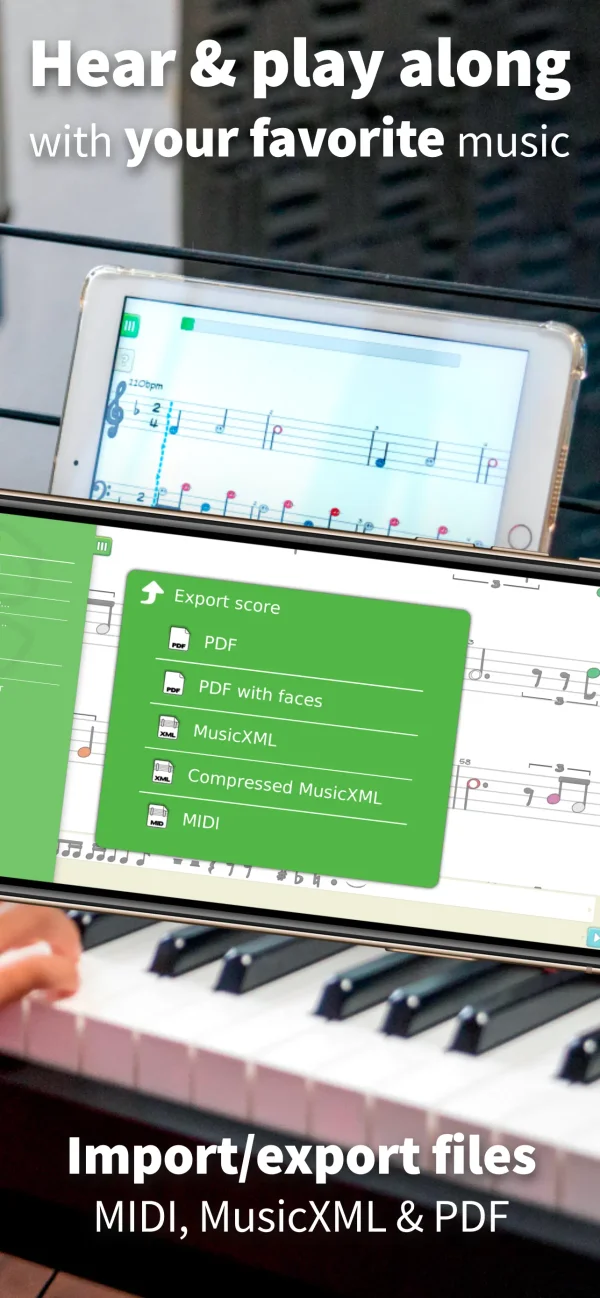
Cornelius composer is the first ANIMATED music editor, where music notes become alive! Compose, import, show, and reproduce your music by adapting the presentation to students' ages with animated and colorful music notes and accessibility features for color-blind beginners! Customize the color scale to match your boomwhackers or other instrument sets in the classroom!
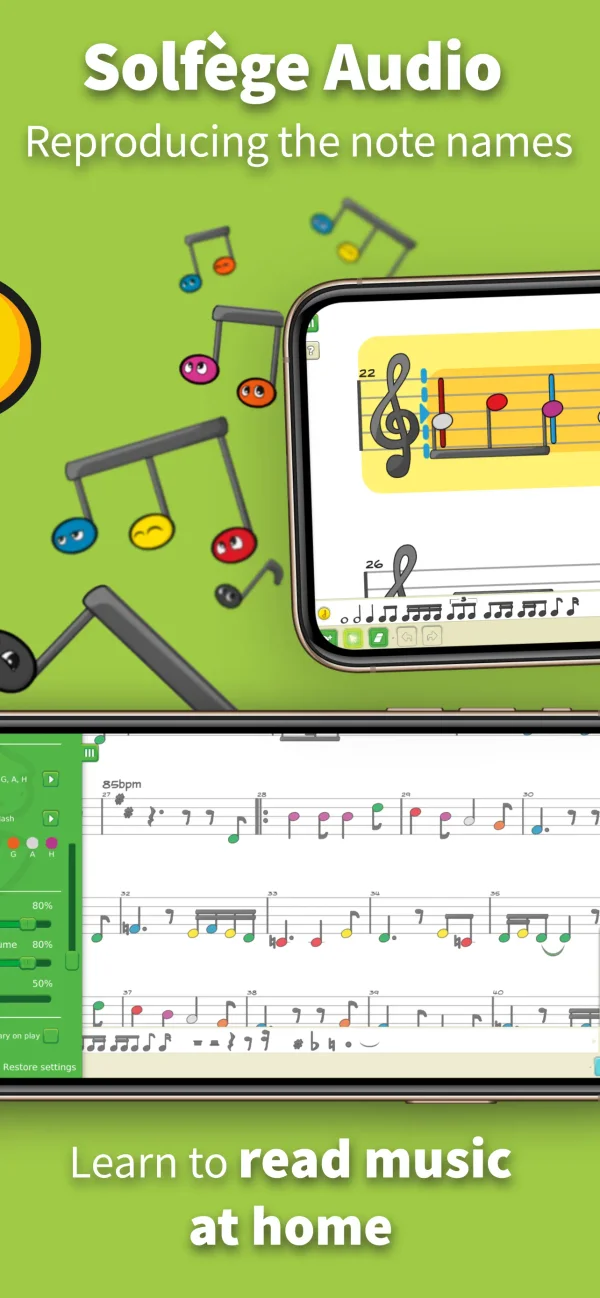
Music teachers can introduce pupils to sheet music and reproduce arrangements and compositions with the world's first SOLFÈGE playback! Create an opportunity in teaching how to read music, it's a unique sight-reading experience!
Do you use Musescore, Sibelius, Finale, Flat, or other professional software? No problem! Feel free to import your work and reproduce it with our educational features. Export and keep editing with other software if you like or share with your students, and let them keep up at home with Cornelius Composer on their tablets, smartphones, or desktop PCs.
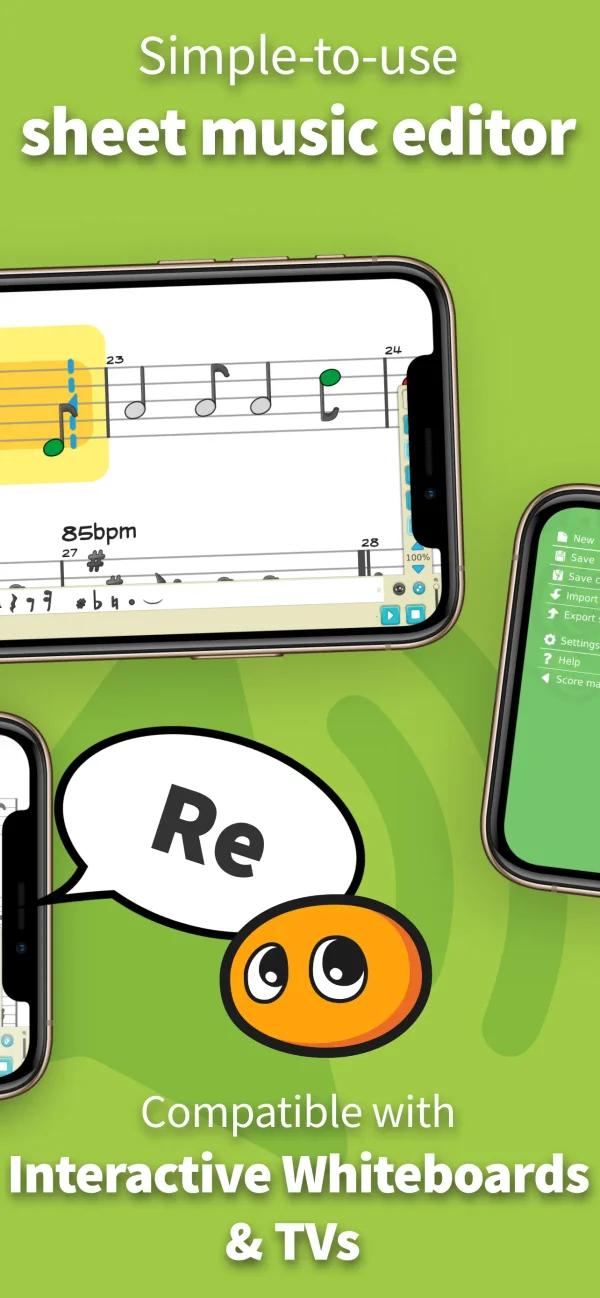
Cornelius Composer is a simple sheet music editor with powerful features for everyone to use anywhere!
What is so cool about Cornelius Composer?
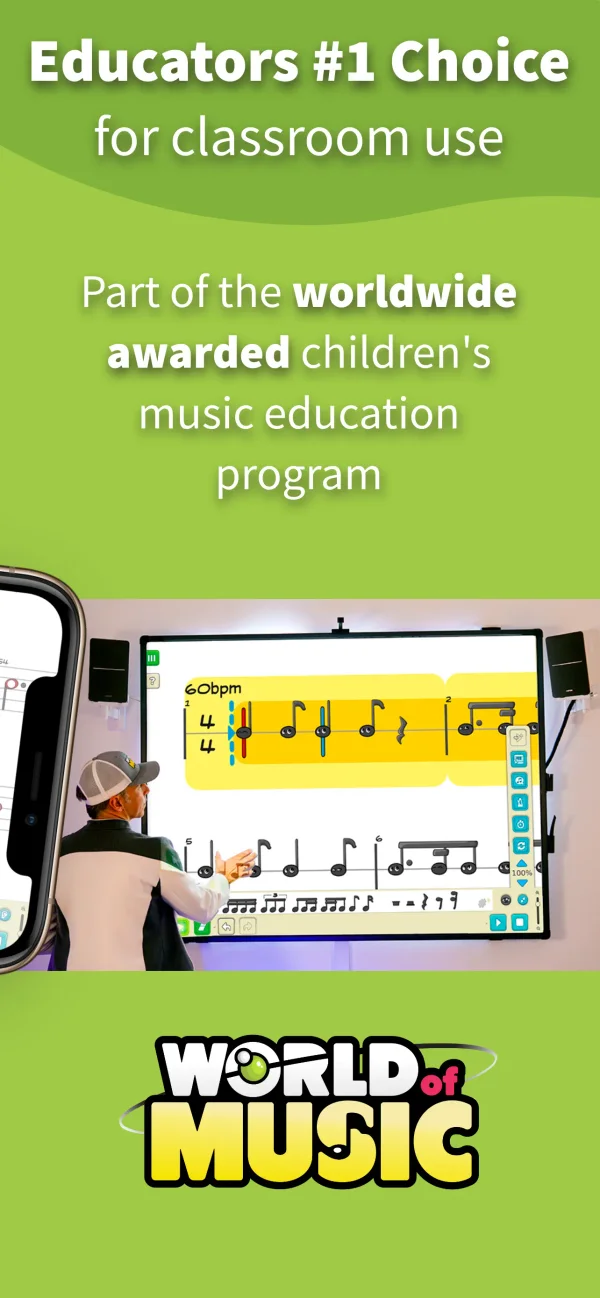
• It matches the curriculum and the expectations of music educators in elementary and general music education
• You can create, import, and reproduce arrangements in the classroom and let your students play along
• Use your touchscreen, smart- and interactive boards! User-friendly Interface for large screens
• Introduce students to read sheet music with the solfège feedback – Educational Feature #1
• Animate your music notes to engage younger kids - E. F. #2
• Customize the color of each music note to match with your instruments in the classroom – boomwhackers, Orff, Glockenspiel, or other reading methods – E. F. #3
• Change the whole music staff from melodic to rhythmic view in seconds - E. F. #4
• Let your students compose and let them change the notes during the playback developing their listening skills – E. F. #5
• Kids can use it at home and import your music files
• Accessibility Options for Colorblindness
• Multiple staves for piano, exercises, and small school band arrangements
• Import your work from previously used software or your favorite online content (MusicXML or MIDI)
• Export scores and share them with your students (MusicXML, MIDI, or PDF)
• It makes part of the World of Music App Suite – Elementary Music Educational Apps
Hey, teachers... leave your kids practicing at home!
• Import the score from the teacher, reproduce the score and understand how it sounds like
• Reproduce it with the solfège function and increase your sight-reading skills
• Change to horizontal mode and play along with sheet music
• Interact with funny animated music notes
• Adapt the tempo and loop to exercise
• Keep up and play together with the metronome
• Exercise with the available music instruments – piano, violin, trumpet, clarinet, boomwhackers, soprano recorder, tenor recorder, flute & other
• Transpose any score into any key
What do you get with the PREMIUM VERSION?
• Import, export, and save as many scores as you like. In the app trial, you can only create/edit up to 2 music scores
• Fair and transparent pricing to support our passion – Onetime Purchase!
• Test for FREE! Only if it matches your expectations consider purchasing it and supporting our passion.
• Prices can be different from country to country. Please write us if you feel that our pricing is not fair.
• Attention Music Teachers: You can use the “for schools” version for FREE!
About us
We are an enthusiastic young team passionately creating meaningful music apps and games for kids, children, and music teachers. Our dream is to introduce kids to music, reading, and performing an instrument, game-based, in a fun way, together with the use of elementary music educators worldwide. All our awarded educational apps are part of the app suite called "World of Music Apps" The innovative educational approach brought Classplash worldwide recognition at Microsoft Educational Forums.
What’s new
Version 1.33.10 · Mar 24, 2026
Now you can import files directly from iOS file browser using the "share" feature.
App privacy
What Insignio Labs declares on the App Store about how this app handles data.
-
Data not linked to you
May be collected but is not linked to your identity.
- Purchases
- Other data
Privacy practices may vary, for example with the features you use or your age.
Information
- Seller
- Insignio Labs Lda
- Category
- Education
- Version
- 1.33.10
- Updated
- Mar 24, 2026
- Released
- Aug 6, 2018
- Size
- 146.4 MB
- Requires
- iOS 12.0 or later
- Age rating
- 4+
- Price
- Free
- In-app purchases
- Yes
- Languages
- English
- Copyright
- © Classplash
You might also like
-
 TunyStones RhythmPlayful music education
-
 TunyStones Guitar - read musicLearn notes & read music
-
 TunyStones Piano - read musicLearn notes & play!
-
 BANDIMALMusic composer for kids
-
 ProdigiesMusic Lessons for Kids 0-12
-
 Tomus - music theory tutorGames and quizzes for progress
-
 Prodigies BellsColorful Bell Instrument
-
 Piano eTutor: learn pianoInteractive piano learning app
-
 NoteNerd: VoiceSight Singing and Ear Training
-
 Learn Recorder - tonestroLessons, Feedback, Sheet Music