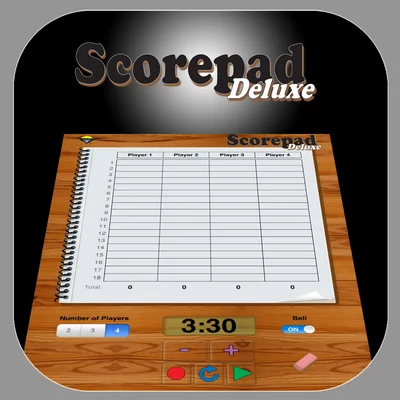
- Age rating4+
- CategoryGames
- DeveloperVentura Educational Systems
- LanguagesEnglish
- Size23.2 MB
Links to the official App Store page
Download.org hosts no file of Scorepad Deluxe. The button opens its official App Store page, published by Ventura Educational Systems. Listing last checked on Nov 12, 2026.
Screenshots

About
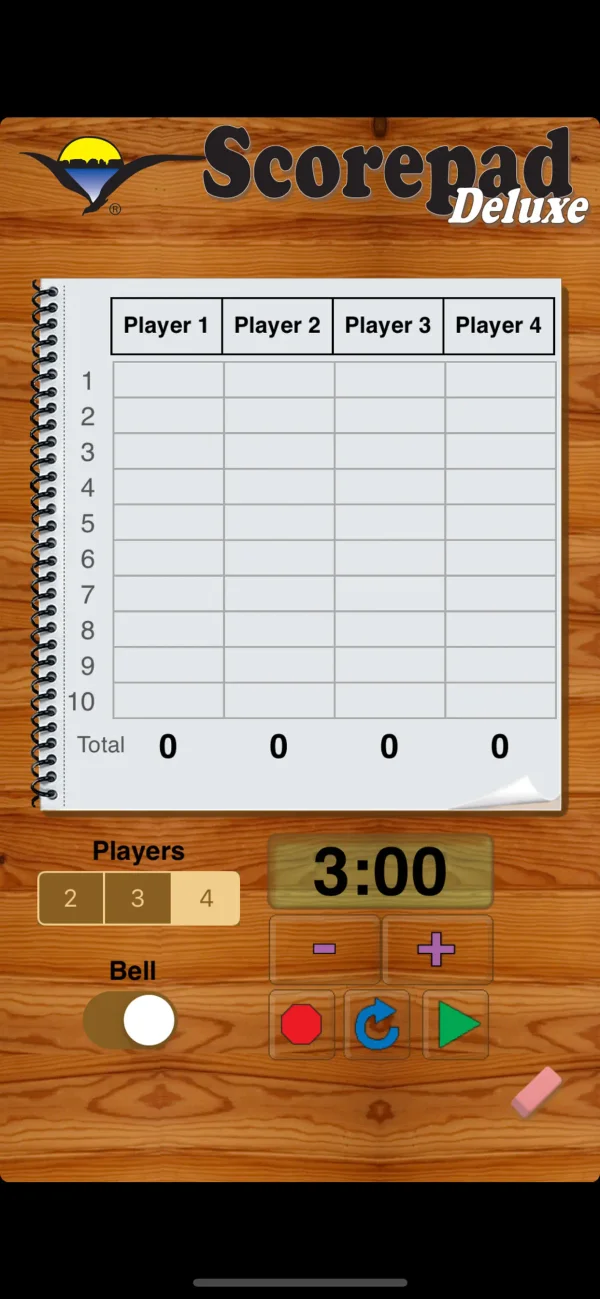
Scorepad Deluxe is an easy-to-use utility for keeping score in just about any four game. It has a variety of useful features that are sure to please if you play cards, board games, golf, dice or any other game that requires keeping score.
Scorepad Deluxe makes it simple to keep score in any game that involves adding or subtracting numbers without the need for pencil and paper. Keep score for four players and up to 180 rounds of play.
Key Features:
• Tap to enter the score for any player in any round.
• Enter a player's name at the top of the column.
• Set timer for 30 seconds to 10 minutes in 30 second intervals.
• Select a buzzer sound or no sound.
• Perfect for 1 to 4 players.
Scorepad Deluxe is a useful tool for anybody who enjoys playing games that require the players to keep score. Stay focused on the game and let your iPad or iPhone keep track of the score. The handy timer function is optional but useful for some games where a time limit is needed for each turn.
Scorepad Deluxe Controls
Scorepad Deluxe has several functions to enhance your game playing experience. Paperless scoring makes an ecological statement, but even more so, this easy to use digital score keeper, frees you to concentrate on the game play. Timer functions include a user selected audible sound effect to signal the end of a turn.
Control Functions:
• Select 2, 3 or 4 players and enter the player's names.
• Tap + to add 30 seconds to the timer.
• Tap - to subtract 30 seconds from the timer.
• Tap the green arrow to start the countdown clock.
• Tap stop to pause or stop the timer.
• Tap restart to reset the clock.
• Tap the alarm name to change the sound.
• Slide the alarm on or off.
• Tap the eraser to clear the scores and/or player's names.
What’s new
Version 5.0.1 · Feb 2, 2026
This version provides an update to recommended settings.
App privacy
What Ventura Educational Systems declares on the App Store about how this app handles data.
-
Data not collected
The developer does not collect any data from this app.
Privacy practices may vary, for example with the features you use or your age.
Information
- Seller
- Ventura Educational Systems
- Category
- Games
- Version
- 5.0.1
- Updated
- Feb 2, 2026
- Released
- Jan 6, 2012
- Size
- 23.2 MB
- Requires
- iOS 12.0 or later
- Age rating
- 4+
- Price
- $0.99
- Languages
- English
- Copyright
- ©2022 Ventura Educational Systems • All Rights Reserved
You might also like
-
 Vocab CrushBoard
-
 WordBlox - Word Puzzles!Word
-
 Idle PolygonMinimal idle evolving shapes
-
 Shorthanded GreggAn app for learning Shorthand
-
 Dart Scoreboard ProScore Cricket, 301 & Shanghai
-
 LetterLock: Word PuzzleUnlock Hidden Words
-
 Mexican Train Score AppEasy scoring for Mexican Train
-
 Kniffo – Score Pad & Dice GameDice Score Tracker & Counter
-
 Six Degrees of HollywoodTest your movie trivia skills
-
 TichuCard