
ScoreParrot
Practice any song on piano
Designed for iPhone, iPad, Mac
Free · In-app purchases
- Age rating4+
- CategoryMusic
- DeveloperSWINNOVATE INC
- LanguagesEnglish
- Size41.2 MB
Links to the official App Store page
Download.org hosts no file of ScoreParrot. The button opens its official App Store page, published by SWINNOVATE INC. Listing last checked on Nov 22, 2026.
Screenshots
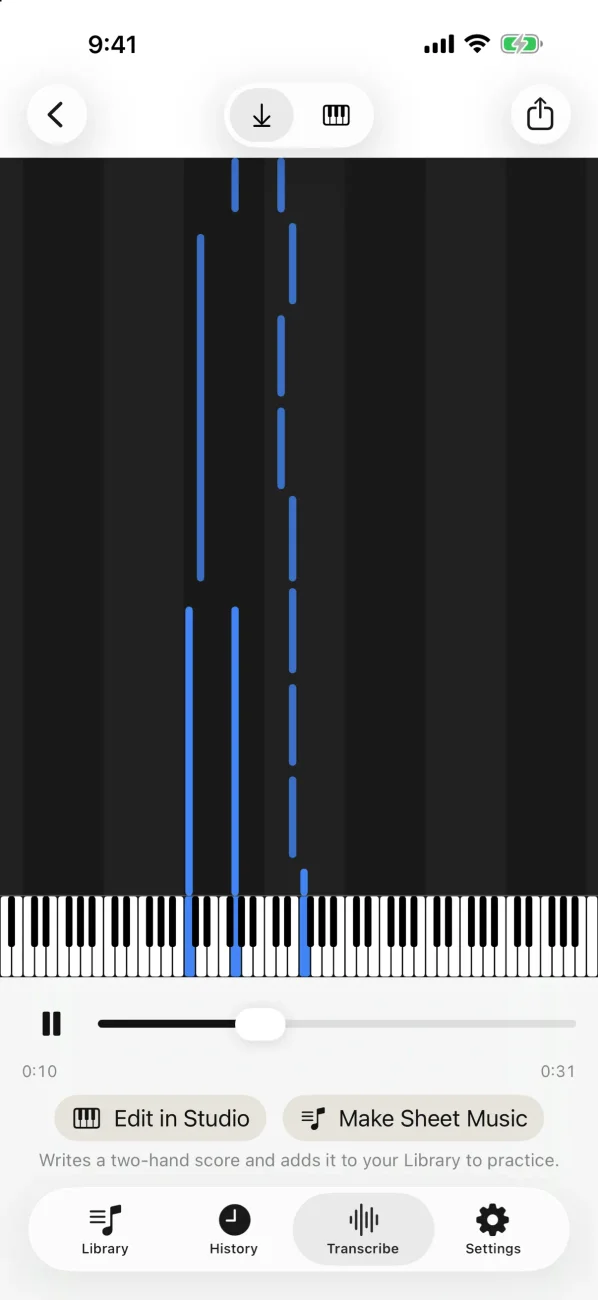
About
Practice any song on piano, not just the ones in a catalog. Bring the music you want to play, and ScoreParrot turns it into sheet music with easy fingering, then gives you feedback as you play on your digital piano.
Everything happens on your iPhone, iPad or Mac. Your music never leaves your device, it works offline, and there's no account to create.
BRING ANY SONG
• Sheet music as a PDF, read on your device
• MusicXML files (.musicxml, .mxl, .xml) from your notation app
• MIDI files, written out as two-hand sheet music
• Recordings: record solo piano with your mic or choose an audio file, and ScoreParrot writes out the notes
• Or start with the bundled songs
FINGERING THAT'S EASY TO PLAY
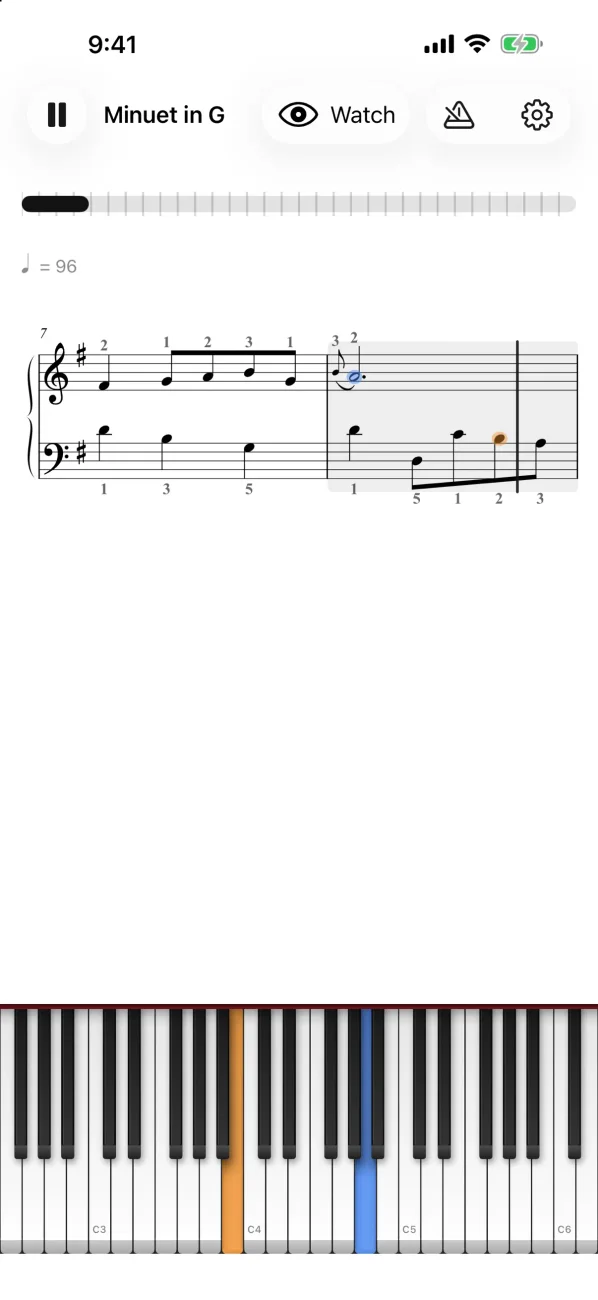
ScoreParrot works out which finger plays every note, choosing the fingering that takes the least effort to play, and shows it right on the music.
PRACTICE WITH FEEDBACK
Connect a digital piano or MIDI keyboard over USB or Bluetooth.
• Watch: see and hear the song with its fingering
• Wait: the song waits until you play the right note
• Play-along: the song keeps going and your timing is graded
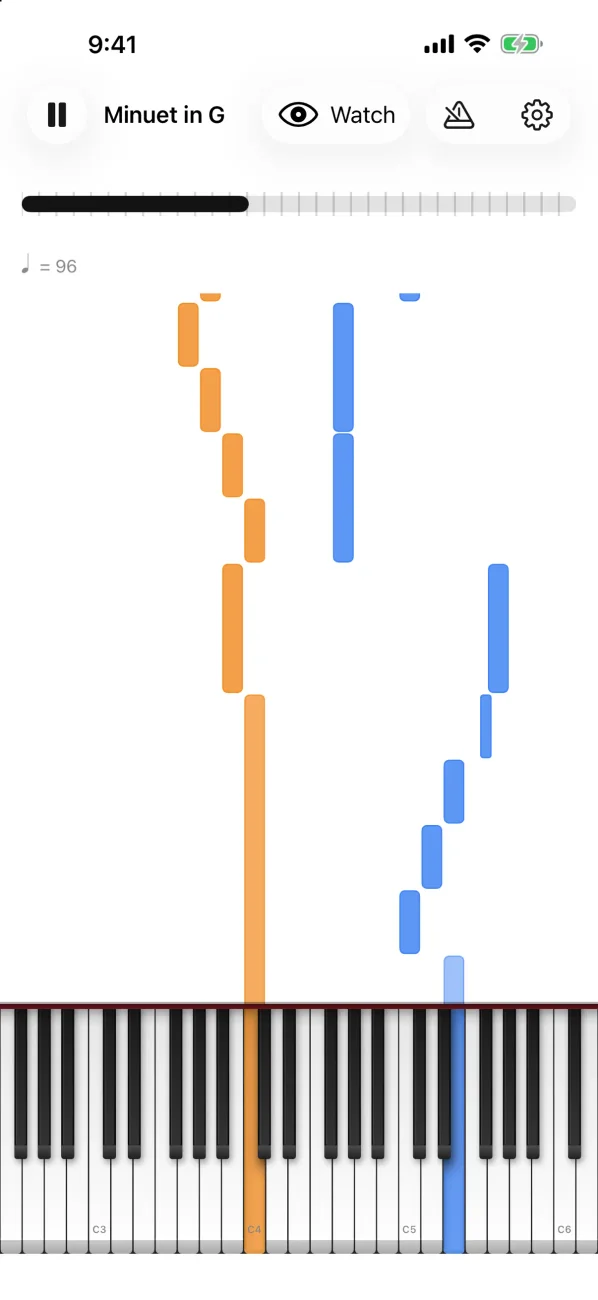
• Sheet music, falling notes, or both
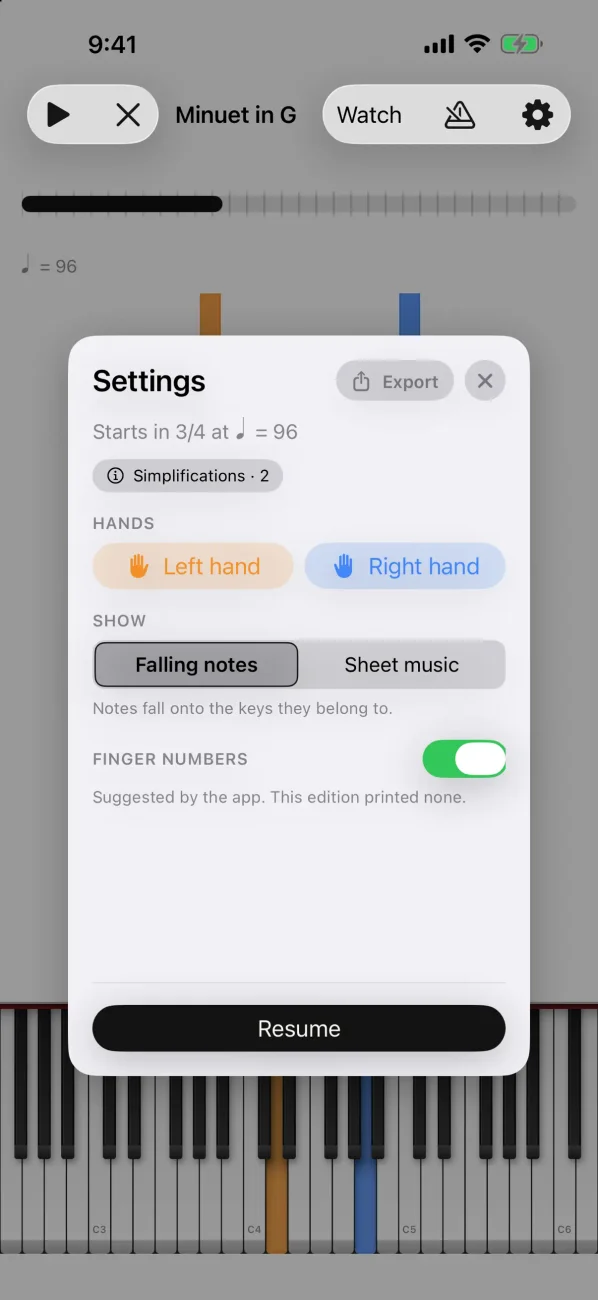
• One hand at a time, or both together
• Slow it down, practice a section of bars, use the metronome and count-in
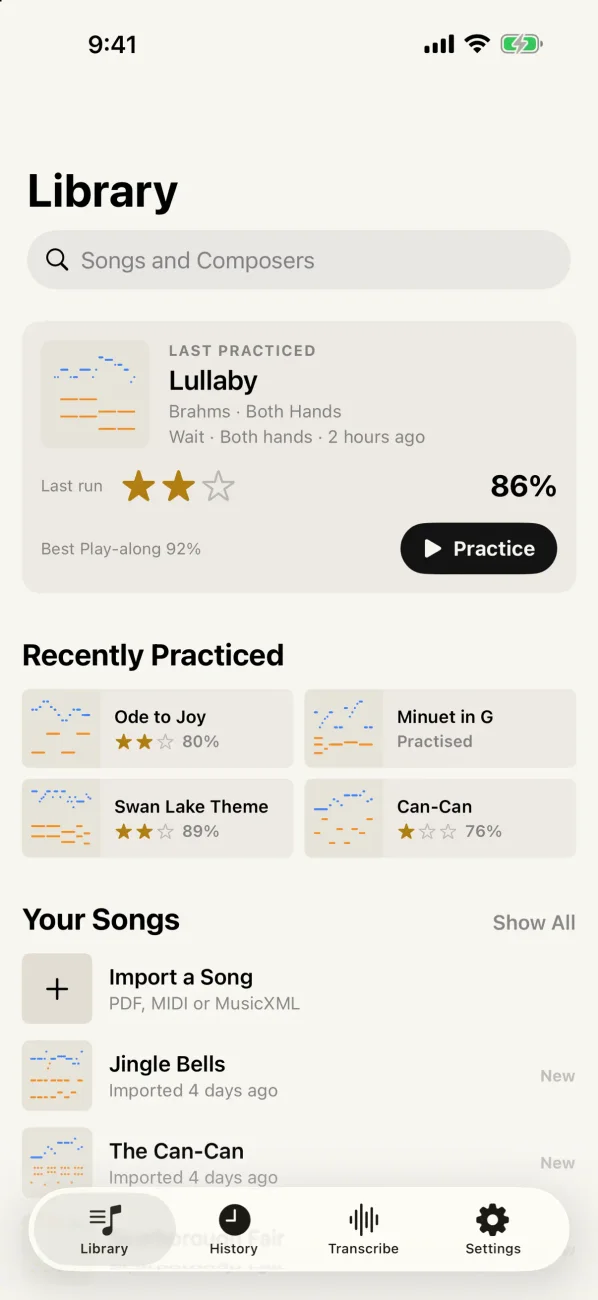
• Every run is graded note by note, and your history shows your progress
TAKE YOUR MUSIC ANYWHERE
Export any song as MusicXML, MIDI or a printable PDF, and open it in your notation app, Logic Pro, GarageBand or any DAW.
PRIVATE BY DESIGN
Transcription, sheet music reading and fingering all run on your device. Nothing you record or import is uploaded, and no data is collected.
FREE AND PRO
ScoreParrot is free to download, with fingering and every practice tool free for every song. Your first 5 songs can be recordings up to 8 minutes or PDFs up to 5 pages; after that, recordings are limited to 30 seconds and PDFs to 1 page. ScoreParrot Pro removes the limits: recordings up to 30 minutes and PDFs up to 30 pages, for as many songs as you like. Pro is a monthly subscription with a free trial for new subscribers. Payment is charged to your Apple Account; the subscription renews automatically unless cancelled at least 24 hours before the end of the current period, and you can manage or cancel it in your App Store account settings.
ScoreParrot works with solo piano music.
Privacy Policy: https://scoreparrot.swinnovate.com/privacypolicy
Terms of Use: https://www.apple.com/legal/internet-services/itunes/dev/stdeula/
What’s new
Version 2.0.1 · Nov 19, 2026
• Fixes a crash when choosing an audio file to transcribe.
• Transcribing a recording or reading a PDF now pauses if you leave ScoreParrot and carries on when you come back, instead of stopping.
• In Wait mode, keys held while the song is paused no longer move it on.
• Other small fixes and improvements.
App privacy
What SWINNOVATE INC declares on the App Store about how this app handles data.
-
Data not collected
The developer does not collect any data from this app.
Privacy practices may vary, for example with the features you use or your age.
Information
- Seller
- SWINNOVATE INC
- Category
- Music
- Version
- 2.0.1
- Updated
- Nov 19, 2026
- Released
- May 27, 2026
- Size
- 41.2 MB
- Requires
- iOS 26.0 or later
- Age rating
- 4+
- Price
- Free
- In-app purchases
- Yes
- Languages
- English
- Copyright
- © 2026 Swinnovate Inc
You might also like
-
 Earworm: Audio to MIDIHum it. Get MIDI. Offline.
-
 Memody - Voice to MIDISing & Hum Melody Recorder
-
 Ivory - Piano Sheet Music,MIDIPiano to MIDI, Sheet music
-
 Piano TranscriptionistAudio to MIDI & Score
-
 KODAI - Audio to midiRecord music, share & collab
-
 Transcription StudioMusic
-
 Reprise: Transcribe MusicLink or Record Audio to Play
-
 Sing2NotesConvert Vocal Music to Notes
-
 Melody ScannerTranscribe Your Favorite Song
-
 Piano2NotesConvert Piano Music to Notes