- Age rating4+
- CategoryProductivity
- DeveloperMohammed Zackria Dawood Basha
- LanguagesGerman+ 44 more
- Size4.0 MB
Links to the official App Store page
Download.org hosts no file of Screen Ink. The button opens its official App Store page, published by Mohammed Zackria Dawood Basha. Listing last checked on Nov 13, 2026.
Screenshots
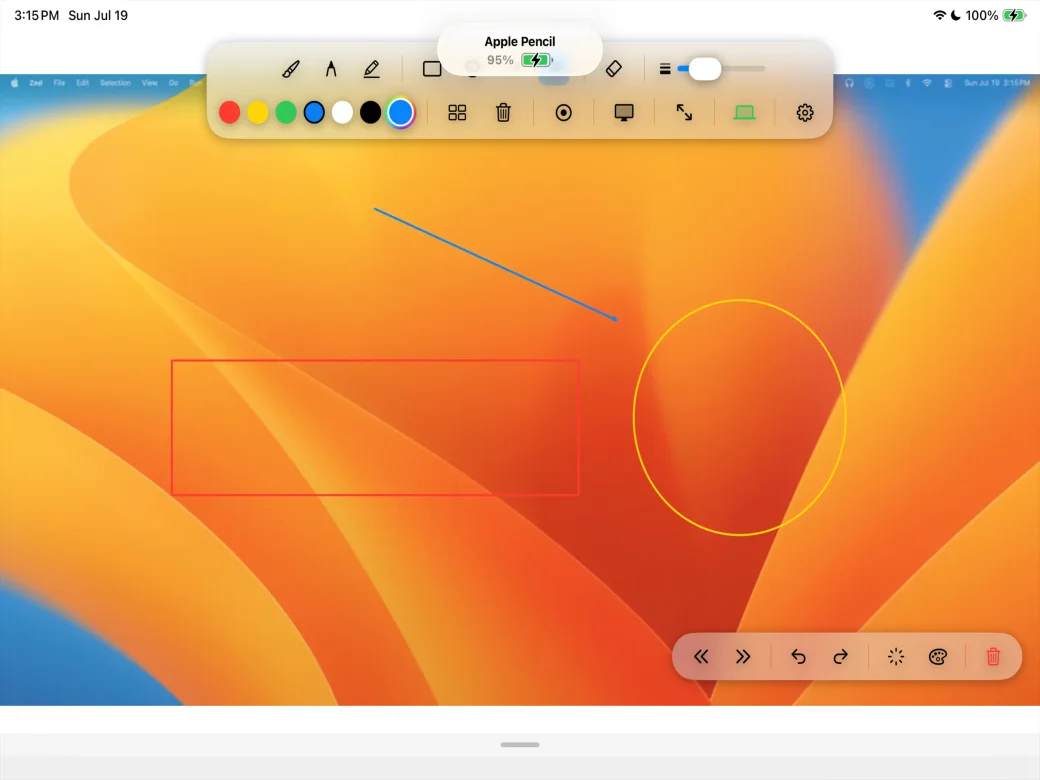
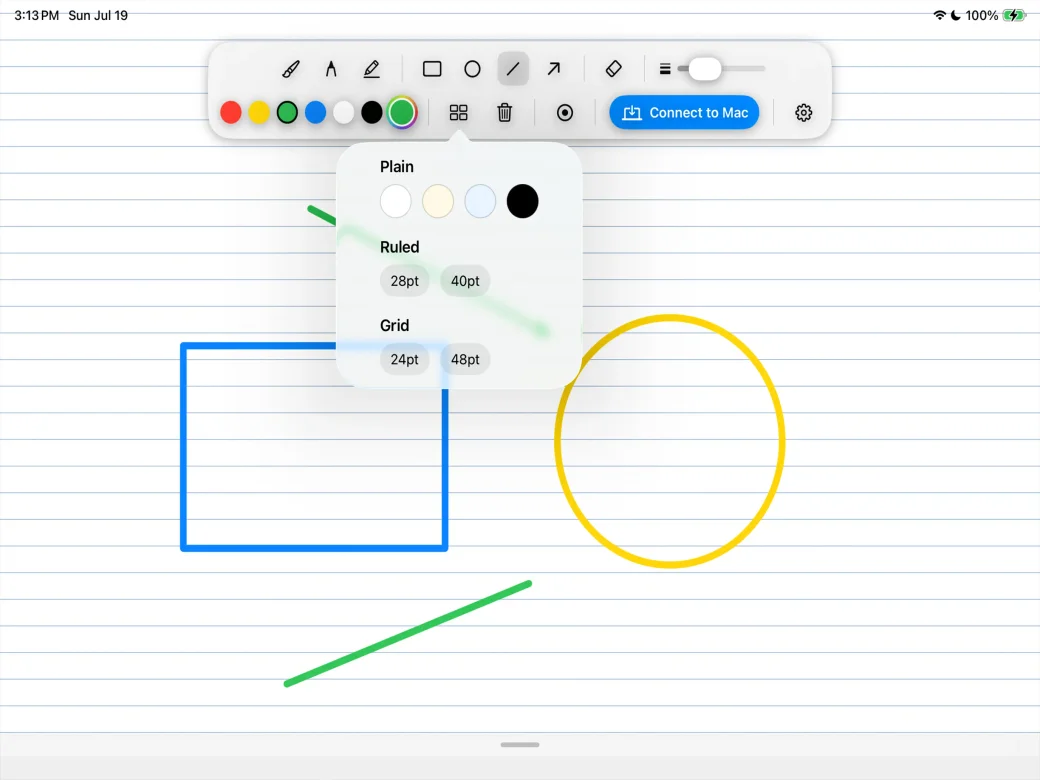

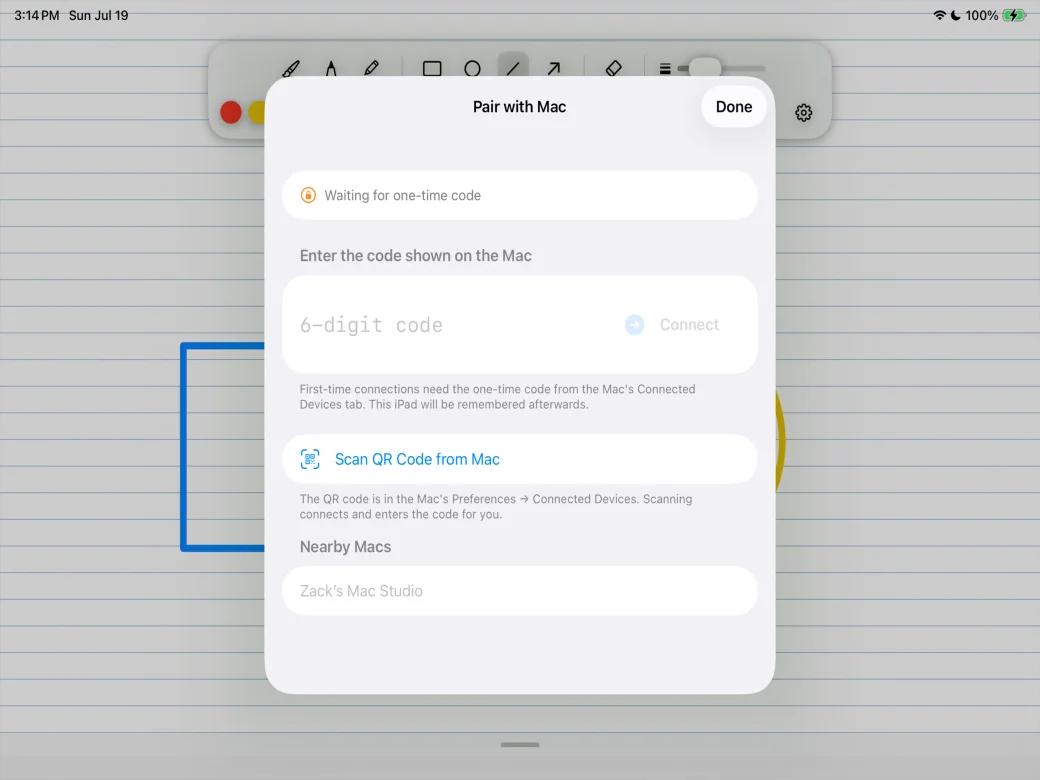

About
Screen Ink turns your iPad into a full-screen whiteboard with Apple Pencil, screen recording, and one-tap sharing -- and turns it into a wireless stylus and remote control the moment you pair it with a Mac.
Sketch out an idea on the go, record a narrated walkthrough for your class or team, or step up to present and let your iPad drive everything happening on the big screen.
DRAW WITH APPLE PENCIL
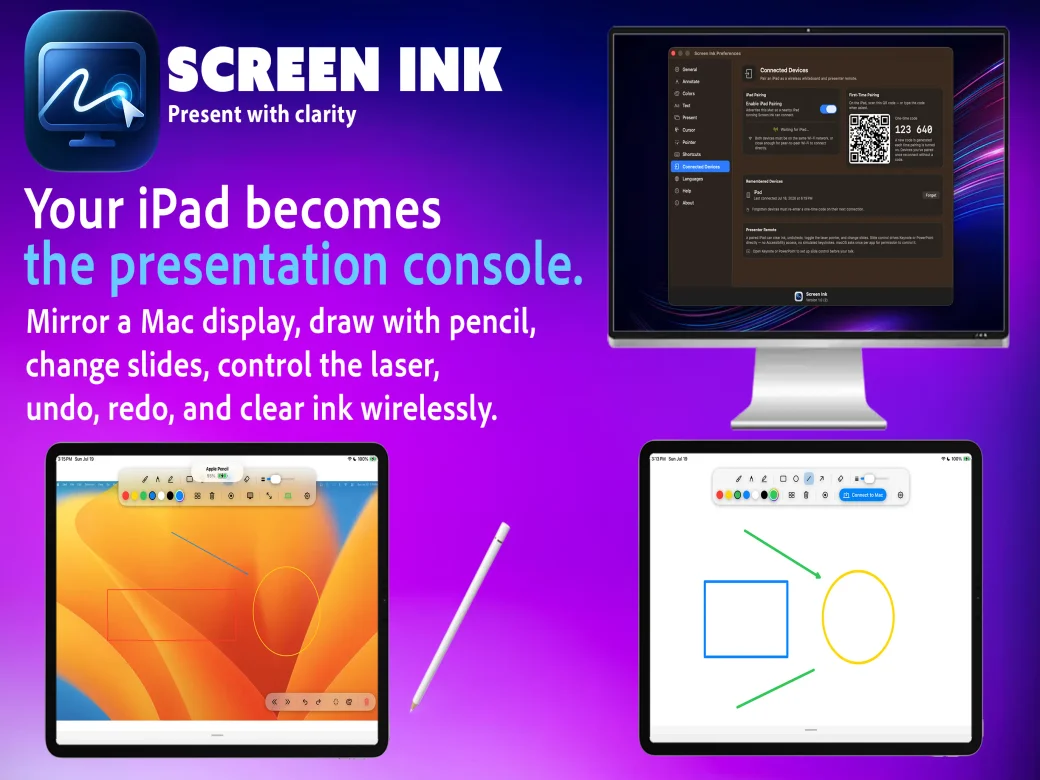
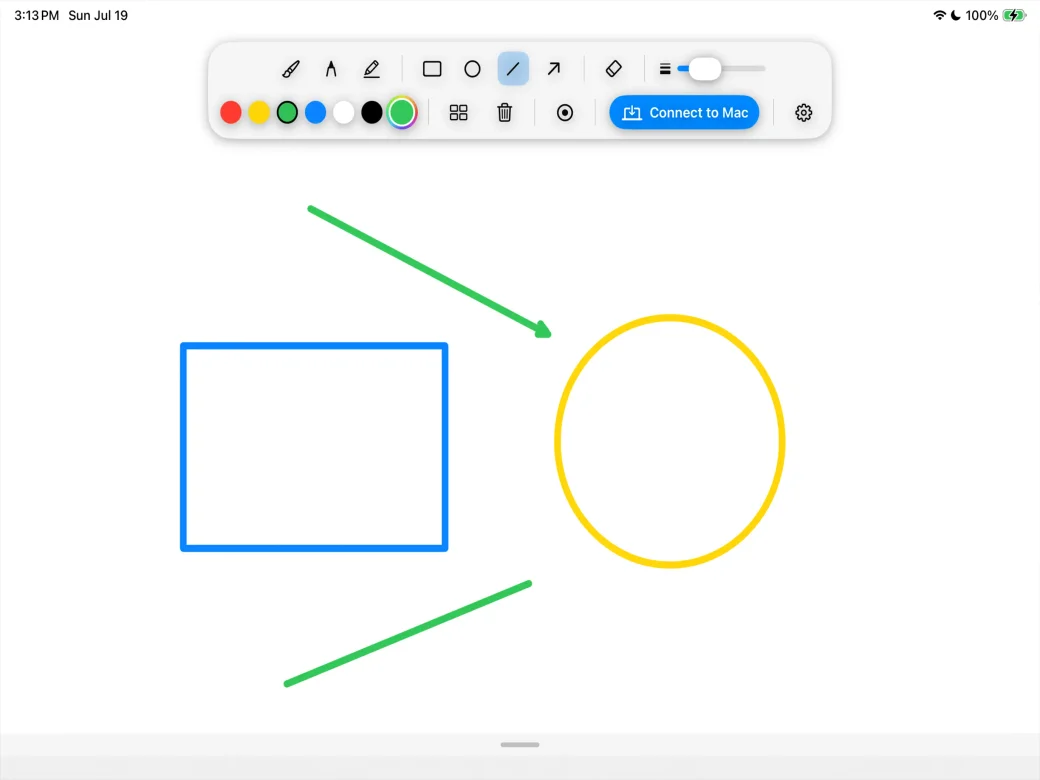
- Marker, fountain pen, and highlighter, plus shape tools (rectangle, ellipse, line, arrow).
- Vector and bitmap eraser modes, with a Pencil double-tap quick-swap to erase.
- Adjustable ink color and line width.
- Plain, ruled, or grid canvas backgrounds, remembered between sessions.
- Wrist guard support so your palm never leaves a stray mark.
- A large, scrollable, zoomable canvas with a floating toolbar that adapts to portrait or landscape.
RECORD AND SHARE IN ONE TAP
- Built-in screen recording captures your whiteboard session with a live elapsed-time indicator.
- Optional microphone narration, toggled with a long press on the record button.
- When you stop, the share sheet opens instantly: save to your camera roll, save to Files, AirDrop it, or send it anywhere else you share video.
PAIR WITH YOUR MAC
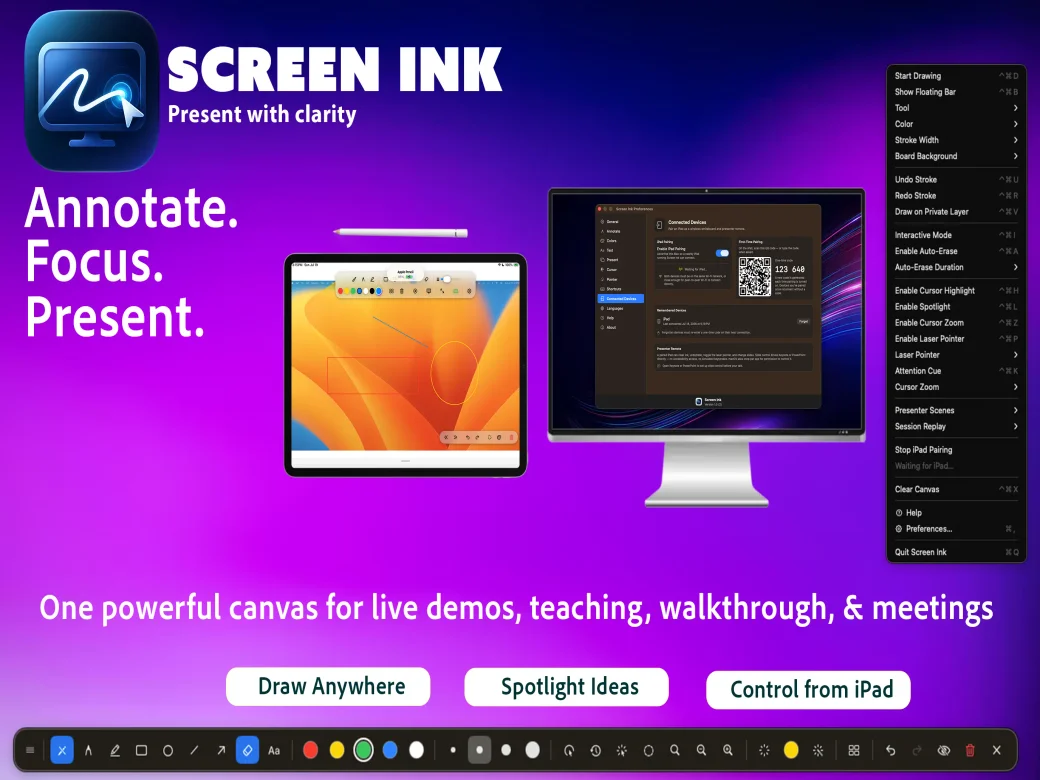
Turn your iPad into a wireless stylus and remote control for Screen Ink on the Mac:
- Scan a QR code or enter a one-time pairing code to connect in seconds; trusted devices reconnect automatically.
- Draw with Apple Pencil and see it appear instantly on the shared Mac screen.
- Mirror any connected Mac display to your iPad so you can annotate from anywhere in the room.
- Control slides, undo/redo, and the laser pointer from your iPad, no clicker required.
- Choose which connected Mac display to annotate -- each one keeps its own strokes.
BUILT FOR PRIVACY
Screen Ink runs entirely on your device and your local network. There's no cloud account, no sign-in, and nothing is uploaded anywhere. Pairing with a Mac happens directly over Wi-Fi between your own devices, and recordings stay on your iPad until you choose to share them.
MADE FOR
- Students and note-takers who think better with a pencil in hand
- Teachers and tutors recording lessons or presenting live
- Presenters who want their iPad driving the room from anywhere
- Anyone who wants a fast, distraction-free whiteboard
Screen Ink keeps the whiteboard simple and the toolkit close by, whether you're sketching solo or driving a live presentation from across the room.
App privacy
What Mohammed Zackria Dawood Basha declares on the App Store about how this app handles data.
-
Data not collected
The developer does not collect any data from this app.
Privacy practices may vary, for example with the features you use or your age.
Information
- Seller
- Mohammed Zackria Dawood Basha
- Category
- Productivity
- Version
- 1.0
- Updated
- Jul 25, 2026
- Released
- Jul 23, 2026
- Size
- 4.0 MB
- Requires
- iOS 17.0 or later
- Age rating
- 4+
- Languages
- German, Arabic, Bengali, Danish, English, Finnish, French, Greek, Gujarati, Hebrew, Hindi, Indonesian + 33 more
- Copyright
- © Binary Boots
You might also like
-
 Screen AnnotatorDraw & Annotate Anywhere.
-
 Pencilmark: Draw on Web PagesAnnotate & Highlight in Safari
-
 Finishwell: Daily Goal TrackerGoal Setting & Life Planner
-
 YouNotes: Good Notes & NotepadBoard, PDF, MindMap, Collanote
-
 MindThreadeasy-to-use mind map editor
-
 ADHD PalClear Focus, Creative Flow!
-
 Synology MailPlusProductivity
-
 逸记-日记,便签,记账本,记事本,备忘录Productivity
-
 Screenink-屏幕翻译Productivity
-
 Draw_On_VideoMarkup on video