Screen Light Color
Distraction-free Light Panel
Designed for iPhone, iPad, iPod touch
Free · In-app purchases
- Age rating4+
- CategoryUtilities
- DeveloperBrian Li Sui Fong
- LanguagesEnglish
- Size3.6 MB
Links to the official App Store page
Download.org hosts no file of Screen Light Color. The button opens its official App Store page, published by Brian Li Sui Fong. Listing last checked on Nov 17, 2026.
Screenshots


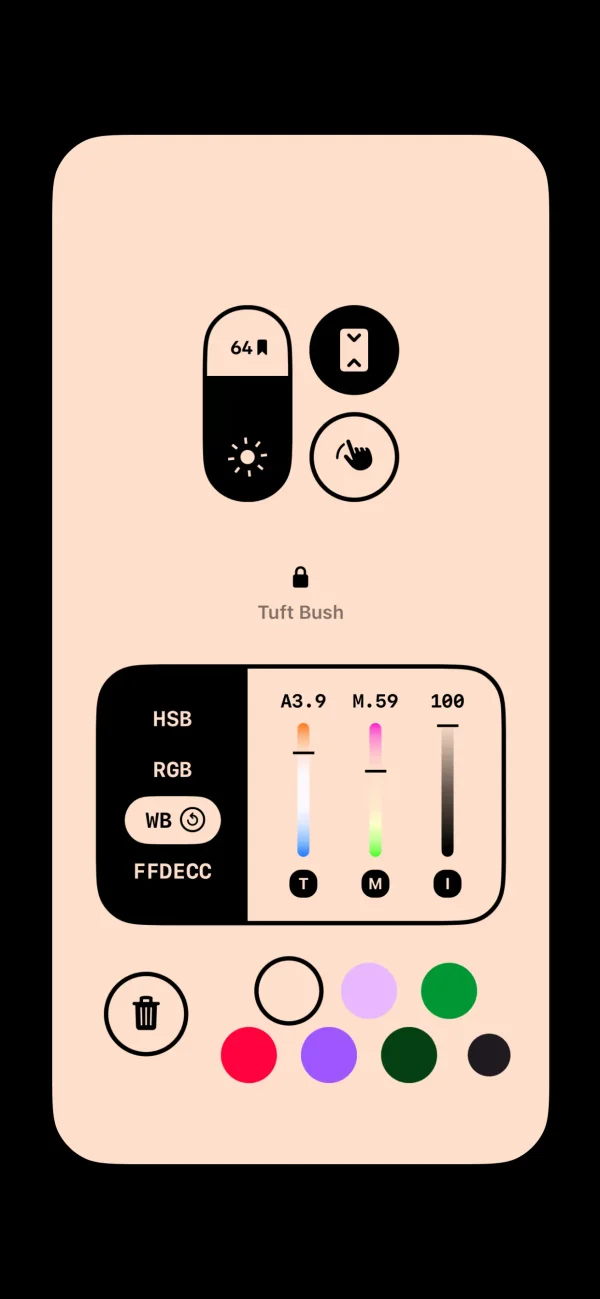
About
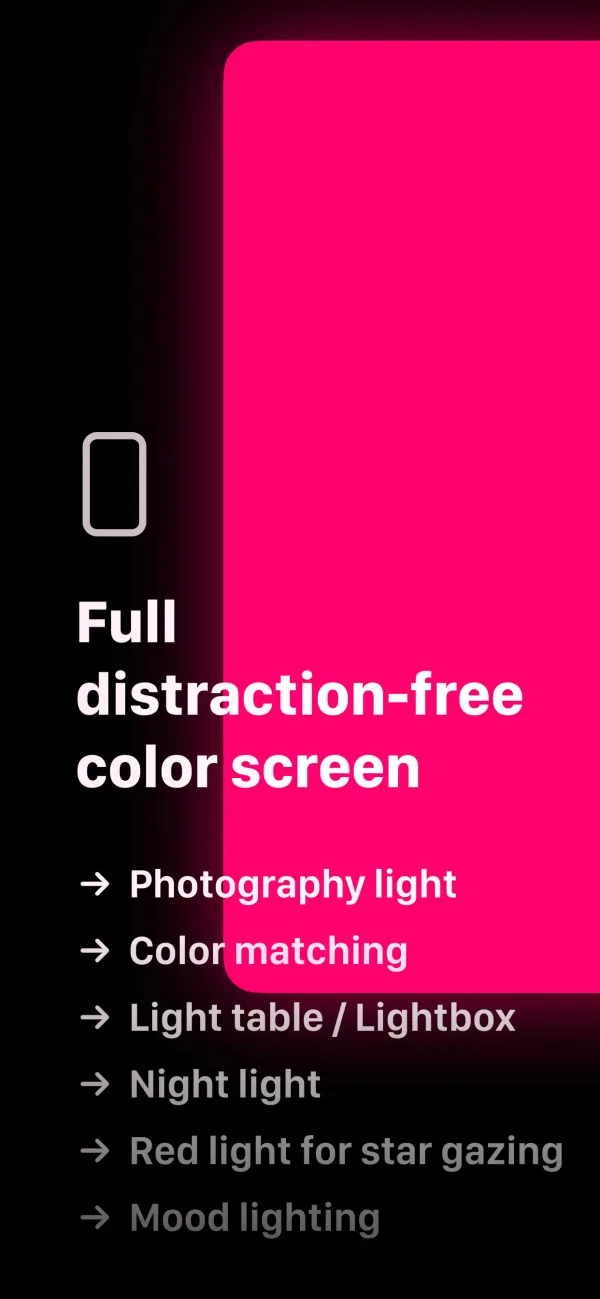
Turn your iPhone or iPad into a clean, full-screen color light. Pick any color, adjust the brightness, then hide the controls so the display becomes the light — with nothing else in the way.
Screen Light Color is useful as:
→ A studio light for accent or soft fill lighting
→ A lightbox / light table for tracing, drawing, animation, film negatives, radiographs, and more
→ A color reference and matching tool
→ A night light or screen flashlight
→ A red light for stargazing, night walks, or darkroom use
→ A beacon, visual signal, or mood light
Made to stay out of your way:
→ Open colors from Home Screen widgets or Control Center
→ Use Siri and Shortcuts to open the app and set colors
→ Use Split View and multiple windows on iPad, each with its own color
→ Temporarily disable touch to prevent accidental taps or palm input
→ Use custom in-app screen brightness without changing your device brightness elsewhere
→ Navigate the app with VoiceOver
Want more control? An optional in-app purchase unlocks:
→ Precision white-balance controls for warmer or cooler light, including magenta/green tint
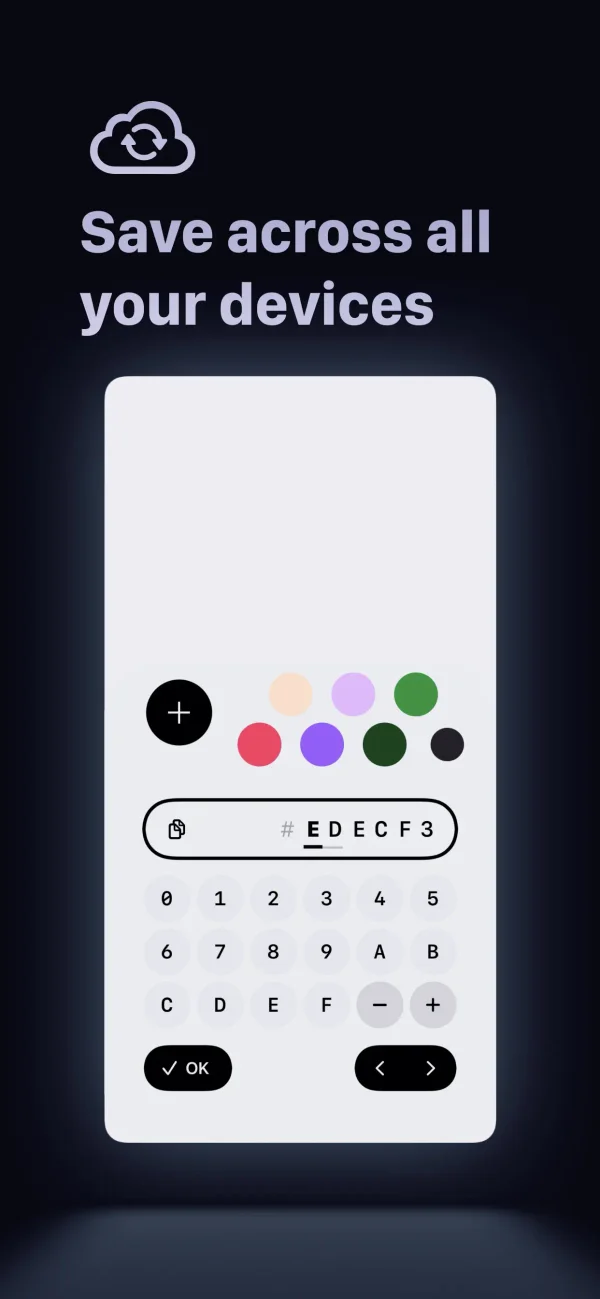
→ Hue, saturation, brightness, RGB, and HEX controls
→ Saving as many custom color swatches as you want
→ Sync saved colors across your devices with iCloud
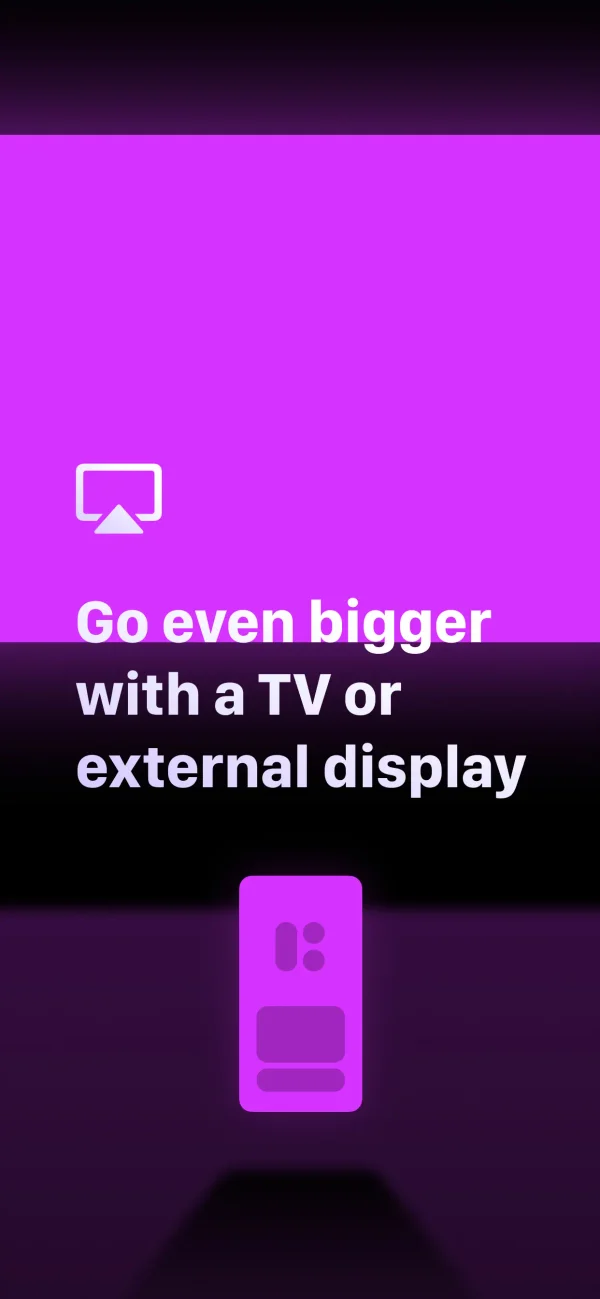
→ External-display support, so you can turn a TV or connected display into a larger light panel using AirPlay or a cable
Simple when you want it. Precise when you need it.
What’s new
Version 1.4.0 · Sep 23, 2026
Version 1.4.0 is a big update. Screen Light Color is now easier to access, better across devices, and much more flexible on iPad.
→ Widgets & Control Center
Open colors directly from your Home Screen or Control Center.
→ Siri & Shortcuts
Open and set color swatches with Siri or Shortcuts.
→ iCloud sync
Saved colors now sync across your devices. You can also reorder swatches or reset them to the defaults.
→ Split View & multiple windows
Use Screen Light Color alongside other apps on iPad, or open multiple windows — each with its own color.
→ VoiceOver
Improved accessibility with VoiceOver support.
→ Plus many smaller refinements and fixes throughout.
App privacy
What Brian Li Sui Fong declares on the App Store about how this app handles data.
-
Data not collected
The developer does not collect any data from this app.
Privacy practices may vary, for example with the features you use or your age.
Information
- Seller
- Brian Li Sui Fong
- Category
- Utilities
- Version
- 1.4.0
- Updated
- Sep 23, 2026
- Released
- Oct 4, 2020
- Size
- 3.6 MB
- Requires
- iOS 15.0 or later
- Age rating
- 4+
- Price
- Free
- In-app purchases
- Yes
- Languages
- English
- Copyright
- © 2020 Brian Li
You might also like
-
 Night Light Nightlight ColorLED Flashlight Lite Lamp Stand
-
 Magnifying Glass * FlashlightMagnifier Zoom, Lighting Check
-
 Flashlight™ (Lite)Screen Light & LED Light
-
 Best Flash Light - FlashlightFastest Torch LED Flashlight
-
 LUZ: Screen Light Color BoxReading, Mood, Night Light Pro
-
 Night Light Lite NightlightSleeping sounds, LED & colors!
-
 FlashLight LED HDthe brightest light
-
 Flashlight ×light always with you
-
 Color Flashlight - ScreenFlashColor Lights For Your Screen
-
 MyLight – Flashlight & LEDThe simplest flashlight!