Screen Mirroring - Magiconnect
Smart TV Cast & Allshare Link
Designed for iPhone
Free · In-app purchases
- Age rating4+
- CategoryUtilities
- LanguagesEnglish
- Size16.4 MB
Links to the official App Store page
Download.org hosts no file of Screen Mirroring - Magiconnect. The button opens its official App Store page, published by . Listing last checked on Nov 16, 2026.
Screenshots
About
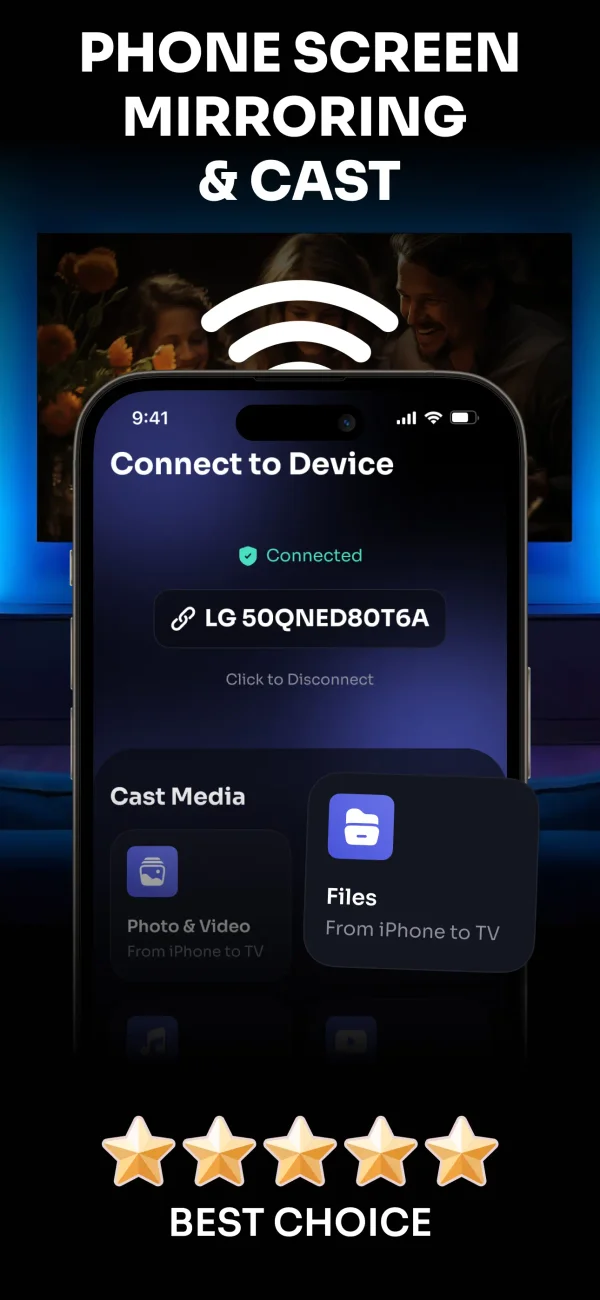
Upgrade your home entertainment setup by connecting your phone to your TV effortlessly. Our application utilizes advanced wireless technology to mirror your phone screen to a larger display in high quality.
Transform your smartphone into a powerful media hub. Share photos, watch videos, stream web content, and display documents on your Smart TV directly from your device. No cables or additional hardware required just a simple Wi-Fi connection.
Key Features:
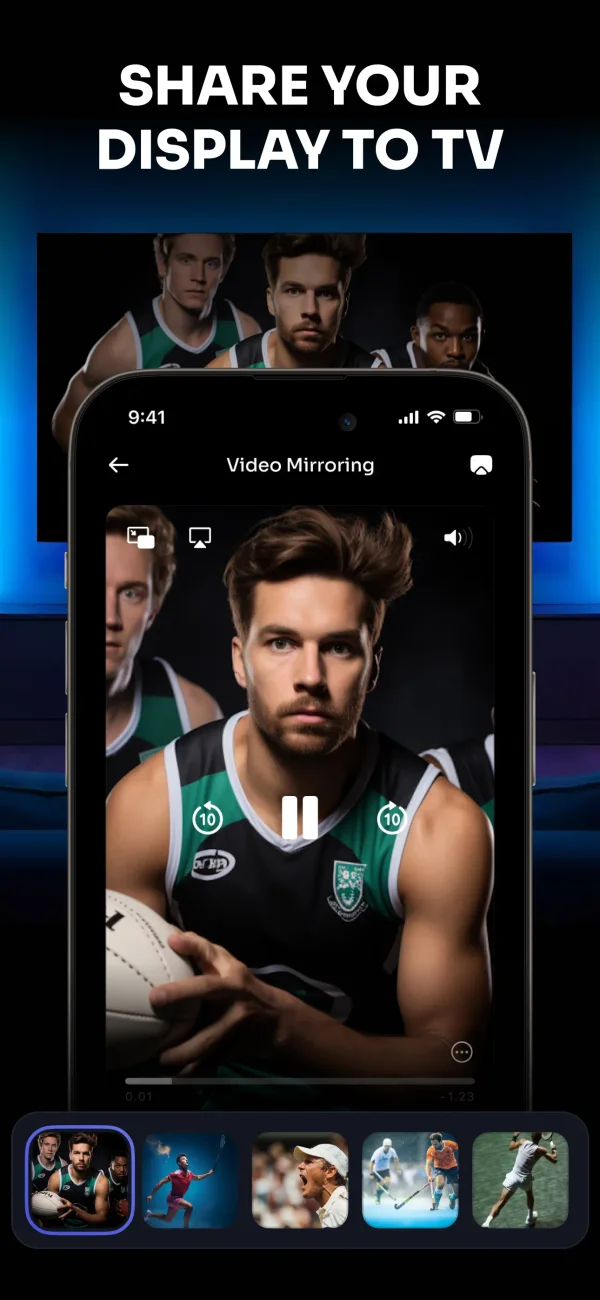
Screen Mirroring: Replicate your phone screen on your TV in real-time with zero hassle. Perfect for gaming, browsing, and app demonstration.
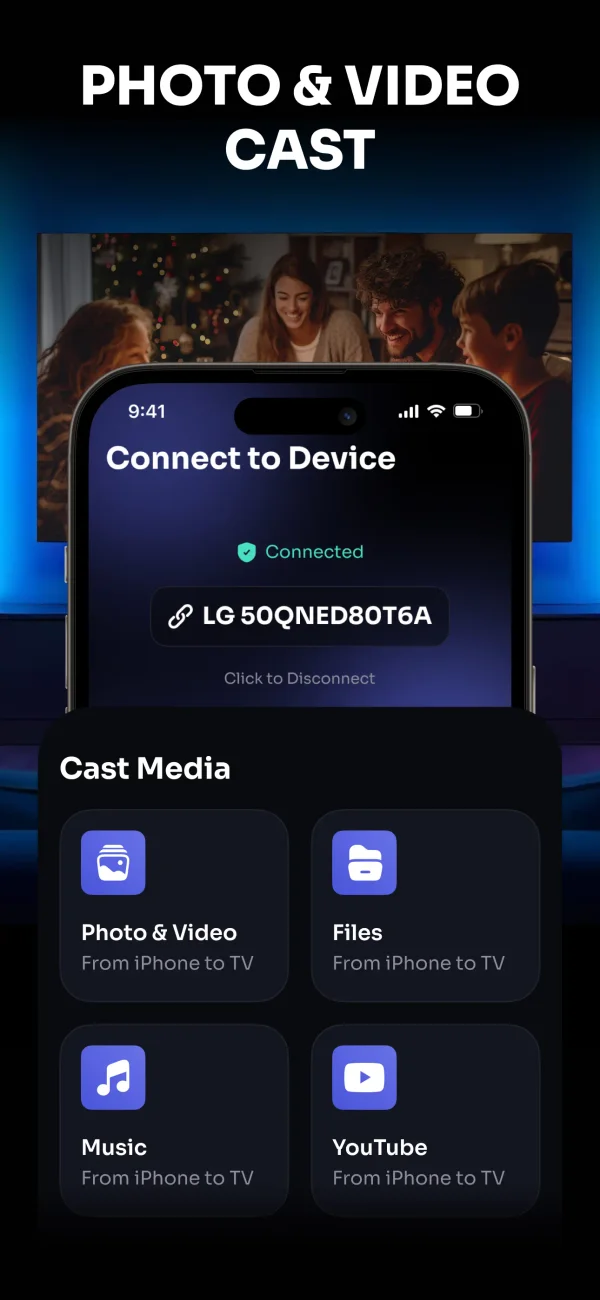
Photo & Video Casting: Cast your gallery memories directly to the big screen to share moments with friends and family.
Web Browser Casting: Browse the internet and stream web videos from your favorite sites directly to your TV.
Document Presentation: Display PDF files, documents, and presentations for work or study on a large format display.
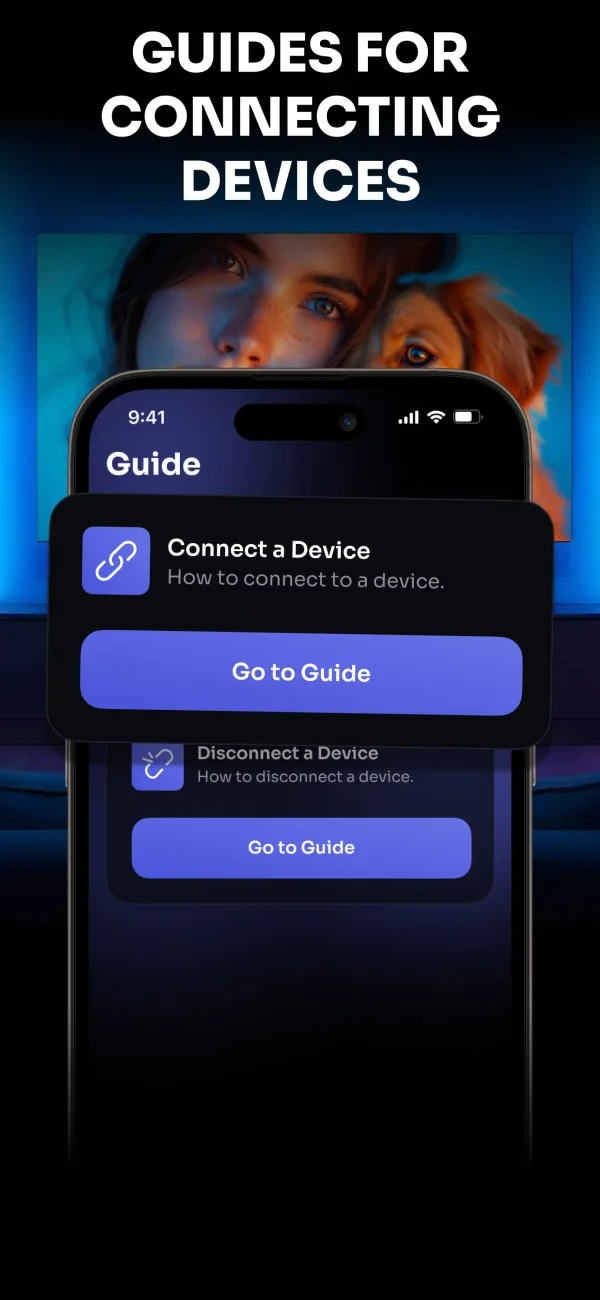
Simple Setup: User-friendly interface designed for instant connection.
Compatibility:
This app is designed to be universal. It works seamlessly with:
Most modern Smart TVs connected to Wi-Fi.
Standard wireless display receivers.
TV devices supporting DLNA and UPnP protocols.
Common web-based casting receivers.
Premium Access Features:
Unlock the full potential of your screen mirroring experience with an auto-renewable subscription:
Advanced Video Player:
Go beyond basic mirroring with a dedicated player that ensures smooth playback of high-definition online streams and web videos.
Unlimited Web Casting:
Stream content from the web without time limits or restrictions. Enjoy your favorite media on a larger screen effortlessly.
Live Camera Stream:
Turn your phone into a live camera feed for your TV. Perfect for showing physical objects, documents, or surroundings on the big screen in real-time.
How to connect:
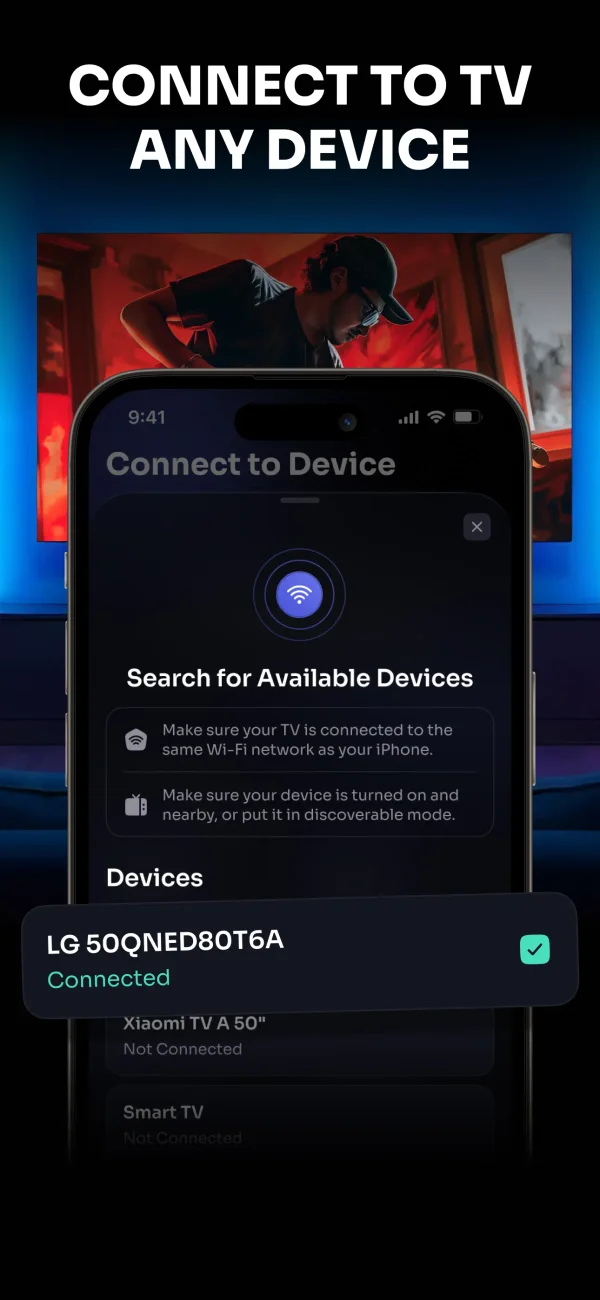
Make sure your phone and your TV are connected to the same Wi-Fi network. This is crucial for the connection to work.
Open the app and wait for it to discover available devices on your network.
Select your TV from the list.
Tap to connect and start mirroring!
Subscription Details:
Payment is processed through your Apple ID at the time of purchase confirmation.
Your subscription renews automatically unless you turn off auto-renewal at least 24 hours before the current period ends.
Apple will charge your account for renewal within 24 hours prior to the end of the current subscription term.
You can manage, modify, or cancel your subscription at any time through your App Store account settings.
Privacy Policy:
https://docs.google.com/document/d/1Y3FAqfIkCCmbYl1C24HXZ3FQbXwPy1nKBggzVVcYfgA/edit?tab=t.0
Terms of Use:
https://docs.google.com/document/d/1qTk4kSzl-x0mqisXprjvcCHmLAKqGFNR_i2tHrVs3s8/edit?tab=t.0
App privacy
What declares on the App Store about how this app handles data.
-
Data not collected
The developer does not collect any data from this app.
Privacy practices may vary, for example with the features you use or your age.
Information
- Seller
- Maika Kulnaru
- Category
- Utilities
- Version
- 1.0.0
- Updated
- Dec 15, 2025
- Released
- Jun 5, 2026
- Size
- 16.4 MB
- Requires
- iOS 18.5 or later
- Age rating
- 4+
- Price
- Free
- In-app purchases
- Yes
- Languages
- English
- Copyright
- © Tsvetan Dimitrov
You might also like
-
 Cast TV & Screen MirroringMirror & Cast Screen to TV.
-
 Screen Mirroring: Fast TV CastWireless Display · Share to TV
-
 Screen Mirroring Remote TVScreen share, cast to Smart TV
-
 Screen Mirroring+ ™Smart View Mirror Screen Share
-
 Screen Mirroring ‣ Cast to TVSmart Mirror for Video Casting
-
 Screen Mirroring for MiracastScreen Share & Chromecast TV
-
 Screen Mirroring | Cast to TV+Smart View: Web Video Caster
-
 AirMirror: Screen Mirroring TVCast Phone Screen to Smart TV
-
 Screen Mirroring-Smart TV CastMiracast, Mirror & Web Caster
-
 Screen Mirroring · Cast to TV.Screencast Share from Phone