
Screen Mirroring - Streaming
The Mirroring: Smart View HQ
Designed for iPhone, iPod touch
Free · In-app purchases
- Age rating12+
- CategoryUtilities
- DeveloperMargaret Lafontaine
- LanguagesEnglish
- Size50.0 MB
Links to the official App Store page
Download.org hosts no file of Screen Mirroring - Streaming. The button opens its official App Store page, published by Margaret Lafontaine. Listing last checked on Nov 12, 2026.
Screenshots


About
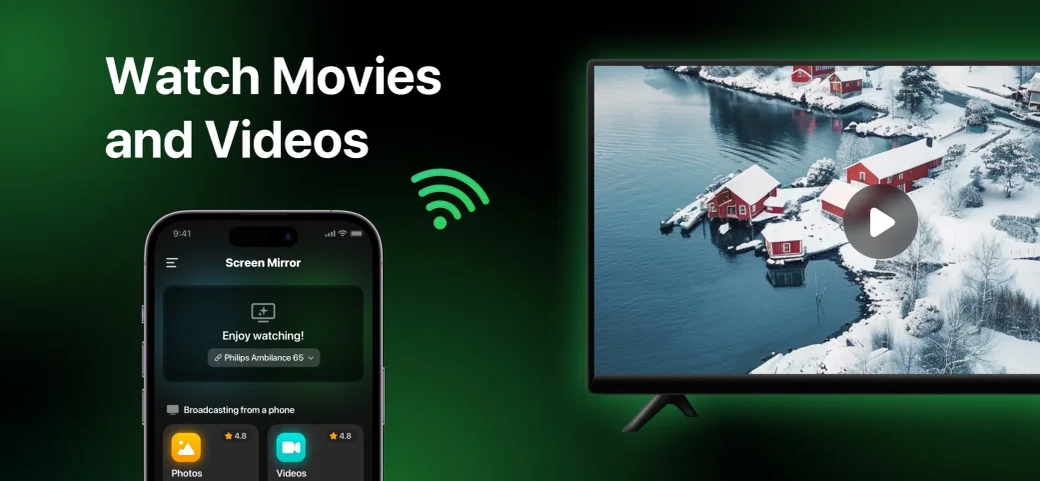
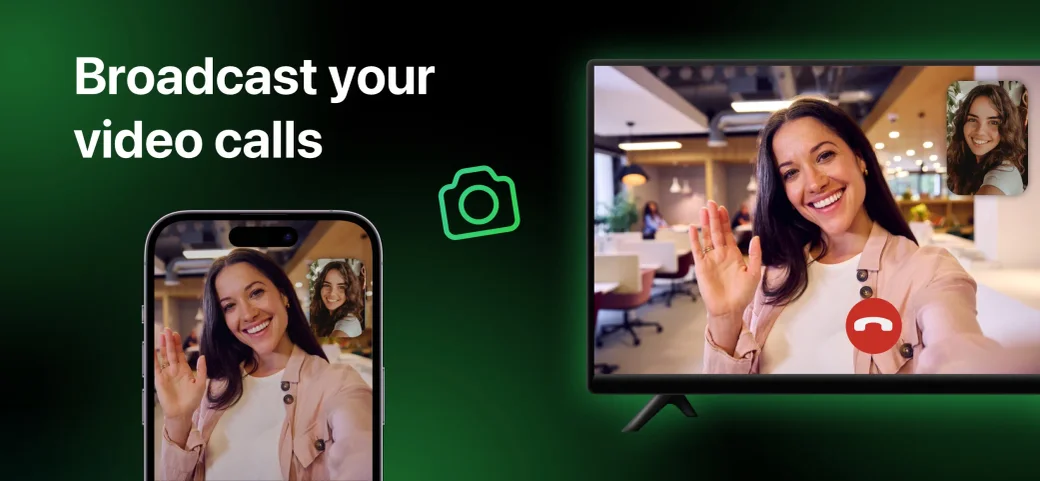
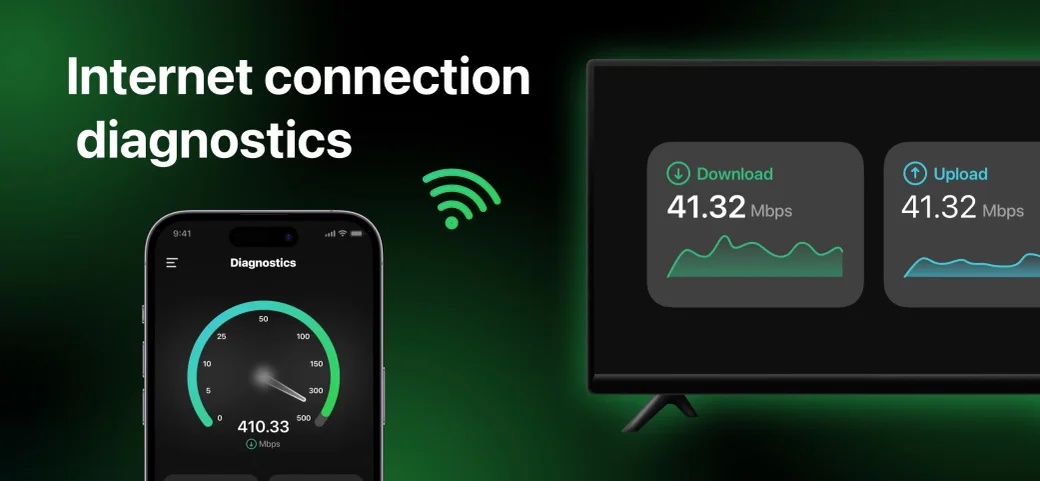
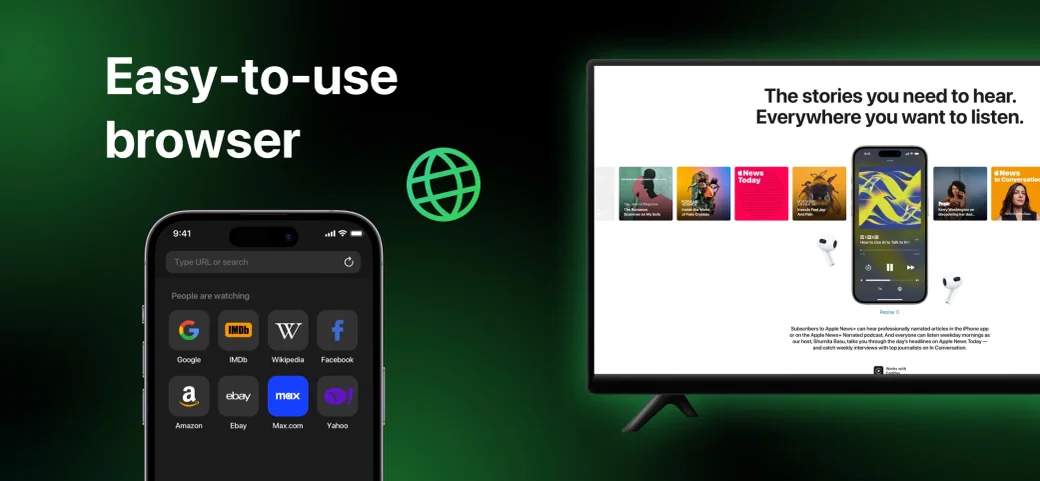
Screen Mirroring is a robust application that allows you to instantly display your device's content on other screens without wires or complicated setup. With Screen Mirroring, you can quickly and conveniently share your screen with any devices that support Wi-Fi transmission mechanisms, including Smart TVs, computers, projectors and other mobile devices. Also in our application you can diagnose your internet speed and view some of the things you have done on your internet.
Key features:
• Fast Transfer: Screen Mirroring ensures that your screen is instantly displayed on other devices without any lag.
• Simple Interface: Intuitive and easy-to-use interface makes Screen Mirroring accessible to all users, even without technical skills.
• Convenient connection: Just select the device you want to connect to and start screen sharing in just a few clicks.
• High Quality Image: Screen Mirroring supports high resolution transmission, providing a clear and crisp image.
• Multi-Party Support: Connect to various TVs including Smart TVs, computers (with AirPlay support) projectors and mobile devices.
• Unlimited possibilities: View photos, videos, presentations, games and more on large screens with Screen Mirroring.
• Diagnose internet connection: Check the upload and download speeds of your internet connection and view detailed data about your internet connection.
Why use Screen Mirroring:
• To view videos and photos from your device on a large screen.
• To give presentations or demonstrations wirelessly.
• To play games on the big screen using your mobile device as a controller.
Screen Mirroring is your trusted tool to quickly and easily transfer your screen to other devices. Share your content with the world in just a few clicks!
Terms of Use & Privacy Policy - https://shine-dimple-2c1.notion.site/Screen-Mirroring-Streaming-Support-903a91cd90294ed69ce6970bff0d30f6
What’s new
Version 1.4 · Jul 16, 2024
Enjoy improved app performance!
We are trying to make the app even better, thank you for using Screen Mirroring!
App privacy
What Margaret Lafontaine declares on the App Store about how this app handles data.
-
Data not collected
The developer does not collect any data from this app.
Privacy practices may vary, for example with the features you use or your age.
Information
- Seller
- Margaret Lafontaine
- Category
- Utilities
- Version
- 1.4
- Updated
- Jul 16, 2024
- Released
- May 28, 2024
- Size
- 50.0 MB
- Requires
- iOS 14.0 or later
- Age rating
- 12+
- Price
- Free
- In-app purchases
- Yes
- Languages
- English
- Copyright
- © Faheem Ahmad
You might also like
-
 The private browser аррThe secure: safe adblock
-
 OffIine Video SaverVideo manager
-
 Signature Maker・Sign DocumentsDraw, Fill and eSign PDFs
-
 Smart Camera connectSpy camera detector
-
 Hours Tracker - Work Time HourWork schedule to clock on time
-
 Speaker cleaner. Water eject.Get water out of phone.
-
 Followers•unfollowers trackerWho unfollowed me - analytics
-
 Screen Mirroring Miracast EasyShare view to Smart TV Cast
-
 FindMyGear: Smart DetectorTrack device. Locator & Finder
-
 Barcode Scanner appProduct scanner & Food scanner