
Screen Mirroring: View TV
Cast To TV, Mirror, Share
Designed for iPhone, iPad
Free · In-app purchases
- Age rating4+
- CategoryUtilities
- DeveloperValerian Kokhreidze
- LanguagesEnglish+ 34 more
- Size51.5 MB
Links to the official App Store page
Download.org hosts no file of Screen Mirroring: View TV. The button opens its official App Store page, published by Valerian Kokhreidze. Listing last checked on Nov 20, 2026.
Screenshots

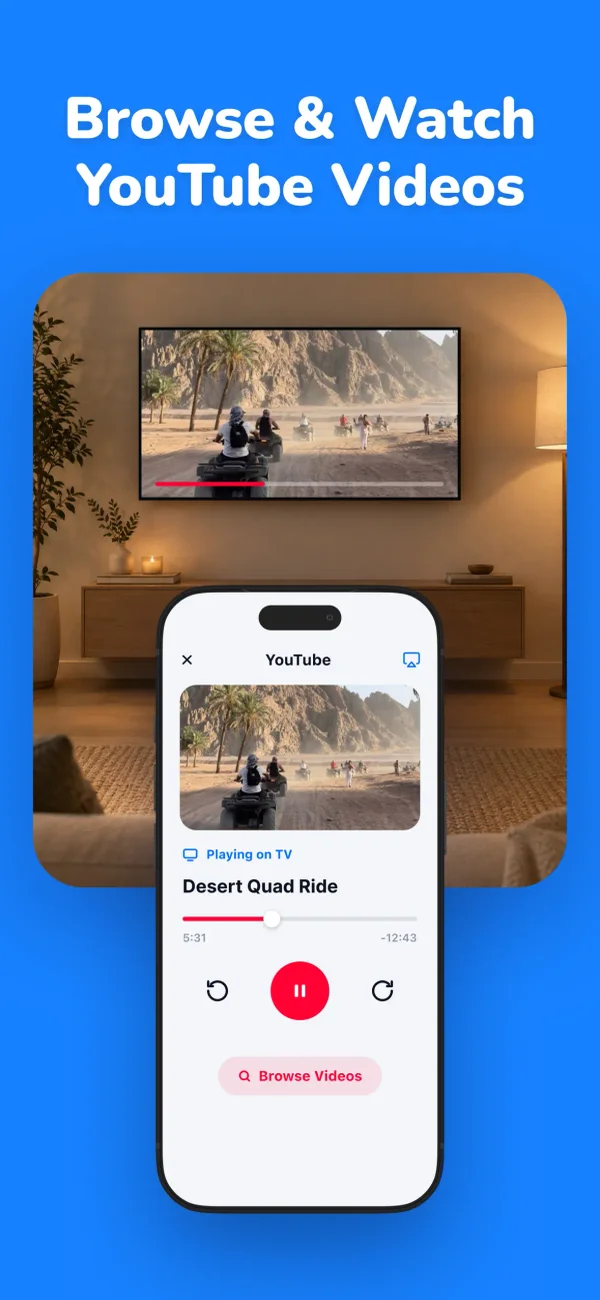
About
Mirror Your iPhone to Any TV Instantly
Stream your screen, photos, videos, and apps to Smart TV, Roku, Chromecast, and Fire TV in seconds. No cables just tap and cast. Mirror screen content from your iPhone in stunning HD with zero setup hassle.
WHAT YOU CAN MIRROR
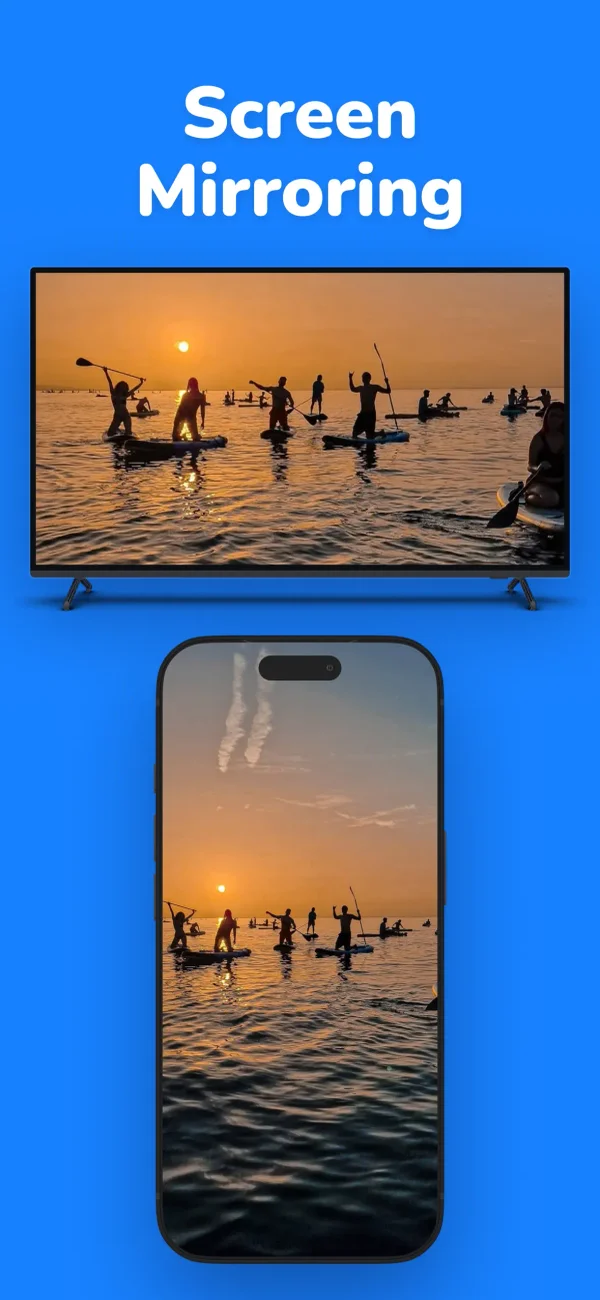
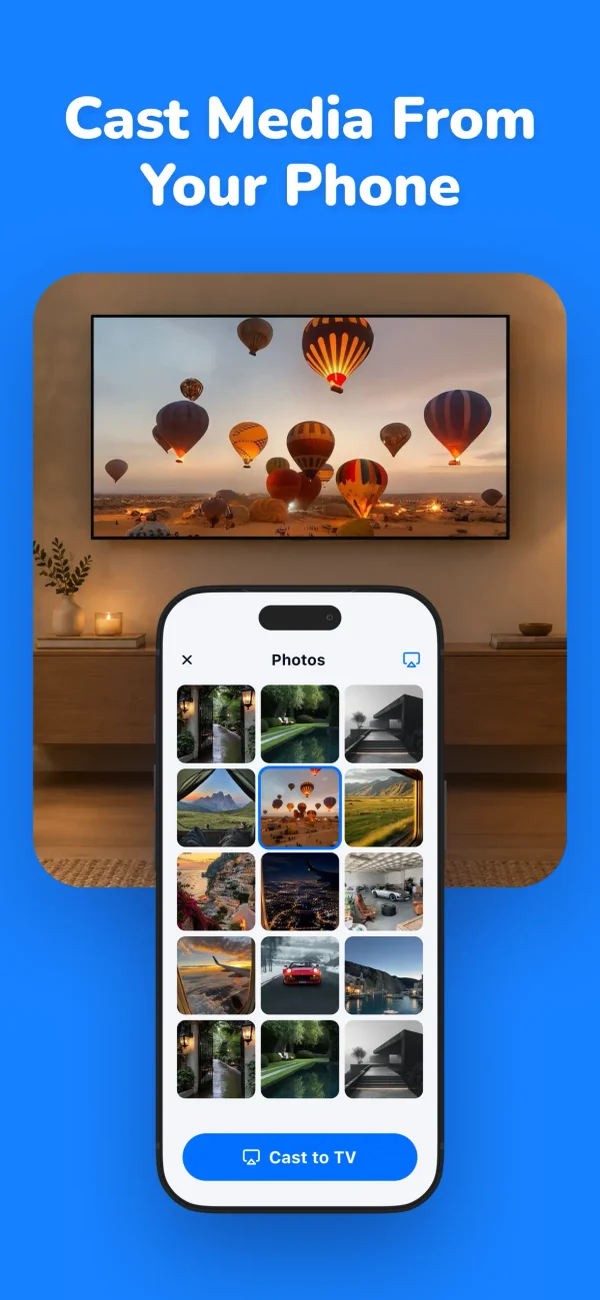
Mirror your full iPhone screen in real time. Cast photos, videos, music, YouTube clips, slideshows, web browsers, presentations, and documents straight to the big screen. Share family memories, work decks, and movie nights without any setup. Mirror to TV from anywhere in the house over Wi-Fi.
WORKS WITH EVERY TV
Connect to Smart TVs from Samsung, LG, Sony, Hisense, TCL, Vizio, Panasonic, Philips, Sharp, and more. Compatible with AirPlay, Roku, Chromecast, Fire TV, Apple TV, and other major streaming devices and dongles. Whether you call it screen mirroring, screencast, tvcast, smartview, castplay, or phone mirroring, this app handles it all in one place.
POWERFUL FEATURES
Full screen mirror with low latency and crisp HD output
Photo and video casting in HD and 4K
YouTube and media casting from your favorite streaming apps
Browser mirroring to view websites, articles, and live streams on TV
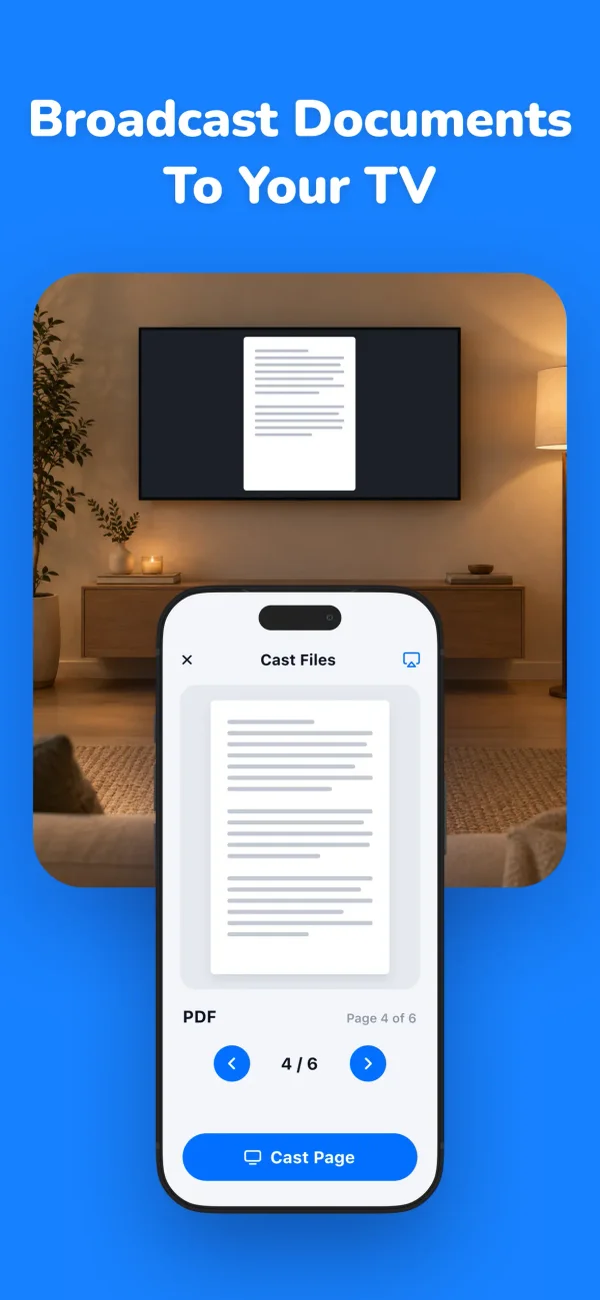
Document and PDF casting for meetings, lessons, and study sessions
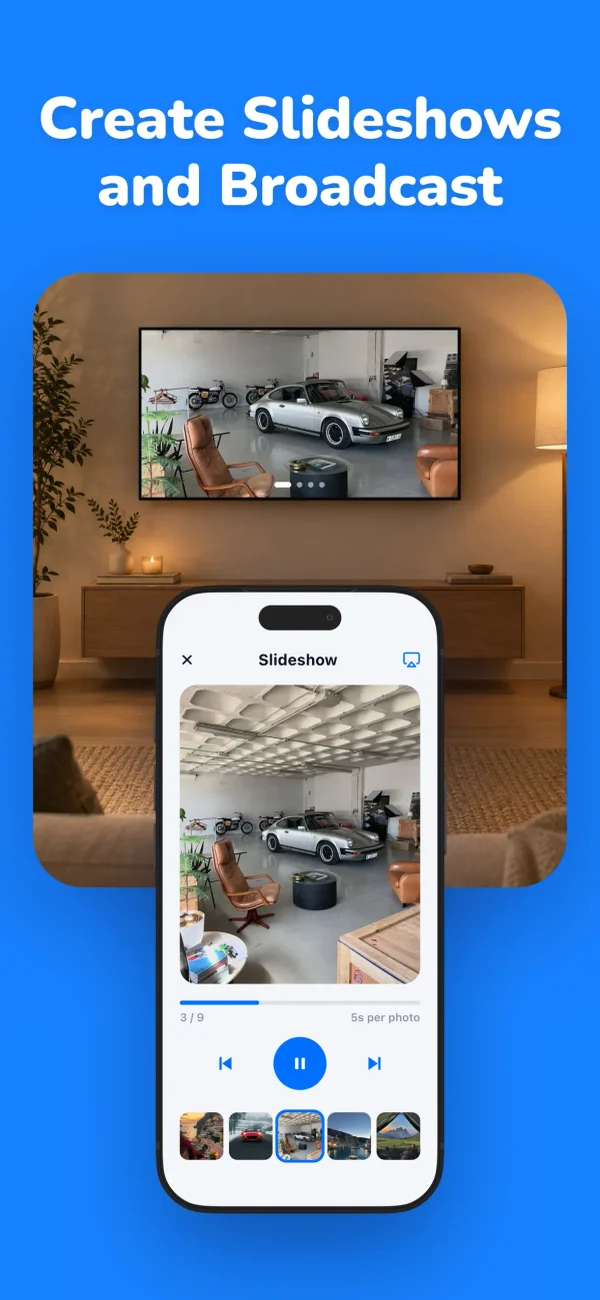
Slideshow mode with smooth transitions and music
Share files, links, screens, and tabs with one tap
AirPlay support for Apple TV and AirPlay-enabled Smart TVs
iPhone mirroring without extra hardware, adapters, or HDMI cables
Auto-detect nearby devices on your network for instant pairing
Background audio mirroring for music, podcasts, and calls
Rotate, zoom, and adjust display to fit your screen perfectly
PERFECT FOR
Movie nights and binge-watching with friends and family. Showing off vacation photos and reels on the big screen. Business presentations, sales pitches, and remote work meetings. Classroom lessons, lectures, and online tutorials. Streaming sports, gaming highlights, and live events. Pulling up recipes, workouts, and how-to videos in the kitchen, gym, or garage. Sharing baby photos with grandparents and turning birthdays into slideshows.
NO CABLES, NO HASSLE
Skip the HDMI cables, adapters, and dongles. Connect over Wi-Fi and start mirroring in under a minute. Quick setup, stable connection, smooth playback, and a clean, simple interface that anyone in the family can use from kids to grandparents.
HOW IT WORKS
Open the app and choose your TV or streaming device.
Tap connect and confirm the pairing on your TV.
Choose what to share screen, photos, videos, browser, or documents.
Enjoy your content on the big screen instantly, with full control from your phone.
WORKS ON EVERY MAJOR PLATFORM
Built for AirPlay, Roku, Chromecast, Fire TV, and DLNA-compatible Smart TVs. Compatible with most Wi-Fi routers and home networks. Optimized for the latest iOS releases and tuned for low battery use during long streaming sessions.
PRIVACY FIRST
Your content stays between your phone and your TV. No accounts required, no tracking, no ads sneaking onto your screen, and no nonsense just a fast, reliable mirroring experience you can trust.
From late-night movies to last-minute meetings, turn any TV into your second screen. Download Screen Mirroring - View TV today and start casting, sharing, and streaming in seconds.
You may purchase an auto-renewing subscription through an In-App Purchase.
Auto-renewable subscription
Your subscription will be charged to your iTunes account at confirmation of purchase and will automatically renew (at the duration selected) unless auto-renew is turned off at least 24 hours before the end of the current period.
Current subscription may not be cancelled during the active subscription period; however, you can manage your subscription and/or turn off auto-renewal by visiting your iTunes Account Settings after purchase
Privacy & policy: https://www.plainraw.com/markdown/81074e00bcfc
Terms of service: https://www.plainraw.com/markdown/245506ed8609
What’s new
Version 2.0 · Oct 6, 2026
Screen Mirroring: View TV update:
New live camera cast: stream your iPhone camera to the TV in real time. Faster screen mirroring with lower latency, improved cast to TV stability on Smart TV, Chromecast and AirPlay devices, and bug fixes. Mirror screen content in sharper HD, with smoother phone mirroring and display mirroring during long sessions. Better TV cast performance for photos, videos, YouTube and web browser streaming from your phone to TV. Enhanced screen share for presentations, documents and slideshows, quicker device discovery on your Wi-Fi network, and a more reliable connection when you reconnect. The mirror app now uses less battery while casting, and screen cast quality adapts automatically to your network speed. Brand new UI design with a cleaner, simpler layout, and updated translations.
App privacy
What Valerian Kokhreidze declares on the App Store about how this app handles data.
-
Data not linked to you
May be collected but is not linked to your identity.
- Purchases
- Financial info
- Identifiers
- Usage data
- Diagnostics
Privacy practices may vary, for example with the features you use or your age.
Information
- Seller
- Valerian Kokhreidze
- Category
- Utilities
- Version
- 2.0
- Updated
- Oct 6, 2026
- Released
- May 25, 2026
- Size
- 51.5 MB
- Requires
- iOS 17.5 or later
- Age rating
- 4+
- Price
- Free
- In-app purchases
- Yes
- Languages
- English, Arabic, Bulgarian, Catalan, Croatian, Czech, Danish, Dutch, Finnish, French, German, Greek + 23 more
- Copyright
- © Screen Mirroring: View TV
You might also like
-
 Screen Mirroring+ ™Smart View Mirror Screen Share
-
 MirrorVO: Screen MirroringMirror to TV & phone
-
 Screen Mirroring: iPhone to TVCast photos & videos to TV
-
 Screen Mirroring・Miracast TVUtilities
-
 Cast to TV + Screen MirroringCast Photos,Videos & Mirror TV
-
 Screen Mirroring: Fast TV CastWireless Display · Share to TV
-
 Screen Mirroring・AnyCast TVUtilities
-
 TV Cast - Screen Mirroring +Share to TV, Mirror Screen
-
 Screen Mirroring. Cast to TV.Smart View: Web Video Caster
-
 Screen Mirroring .Utilities