
Screen Mirroring・Miracast
Cast to TV・Wireless Display
Designed for iPhone, iPad
Free · In-app purchases
- Age rating4+
- CategoryUtilities
- DeveloperScreenFlow Labs
- LanguagesEnglish+ 32 more
- Size96.2 MB
Links to the official App Store page
Download.org hosts no file of Screen Mirroring・Miracast. The button opens its official App Store page, published by ScreenFlow Labs. Listing last checked on Nov 27, 2026.
Screenshots
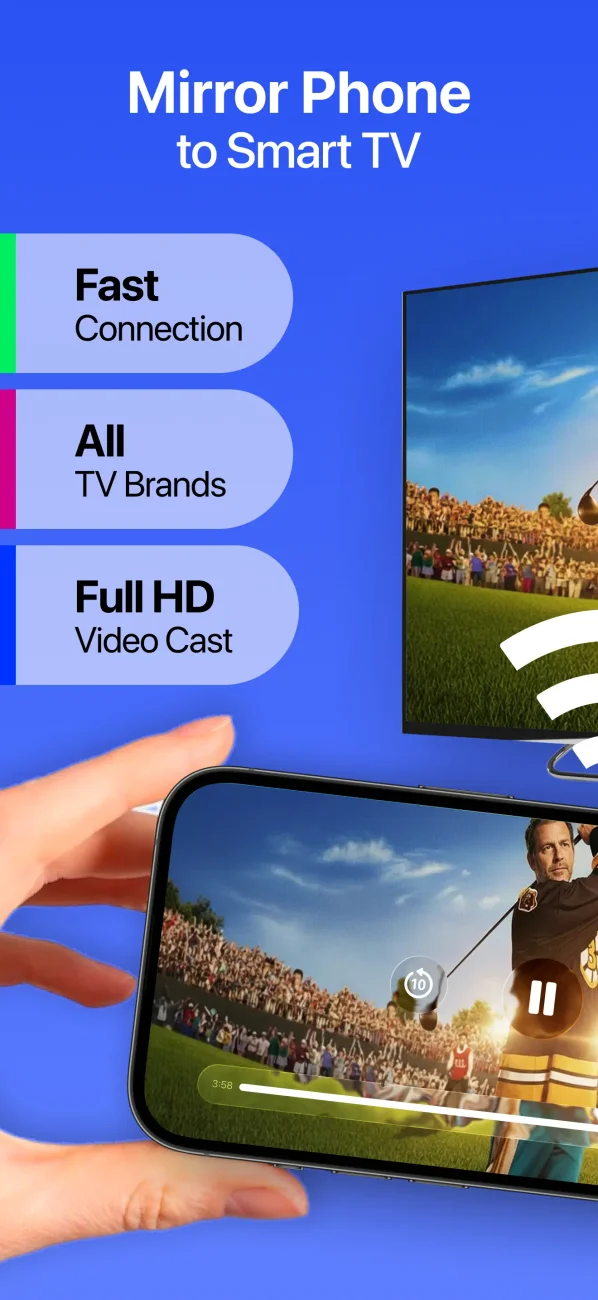
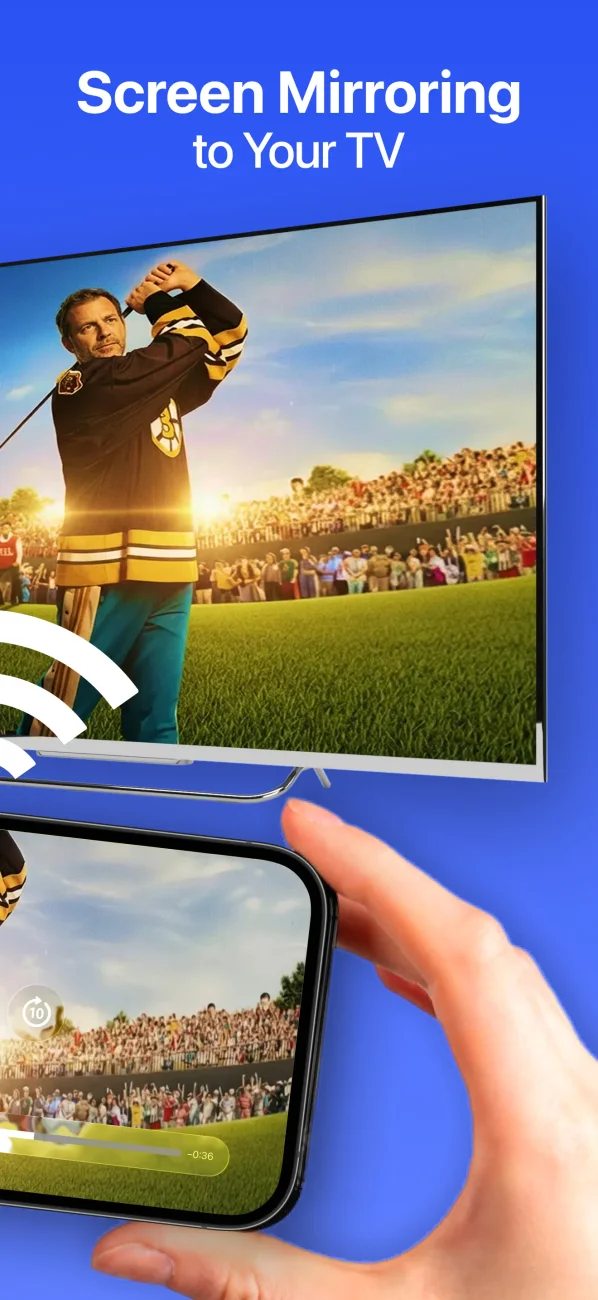
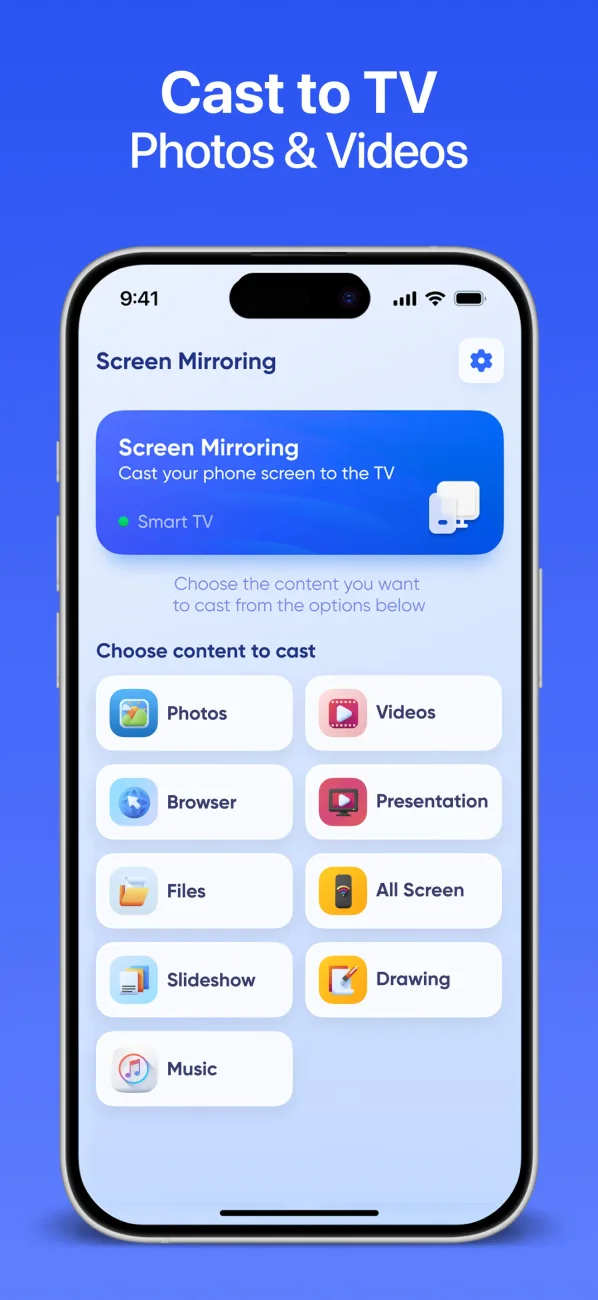
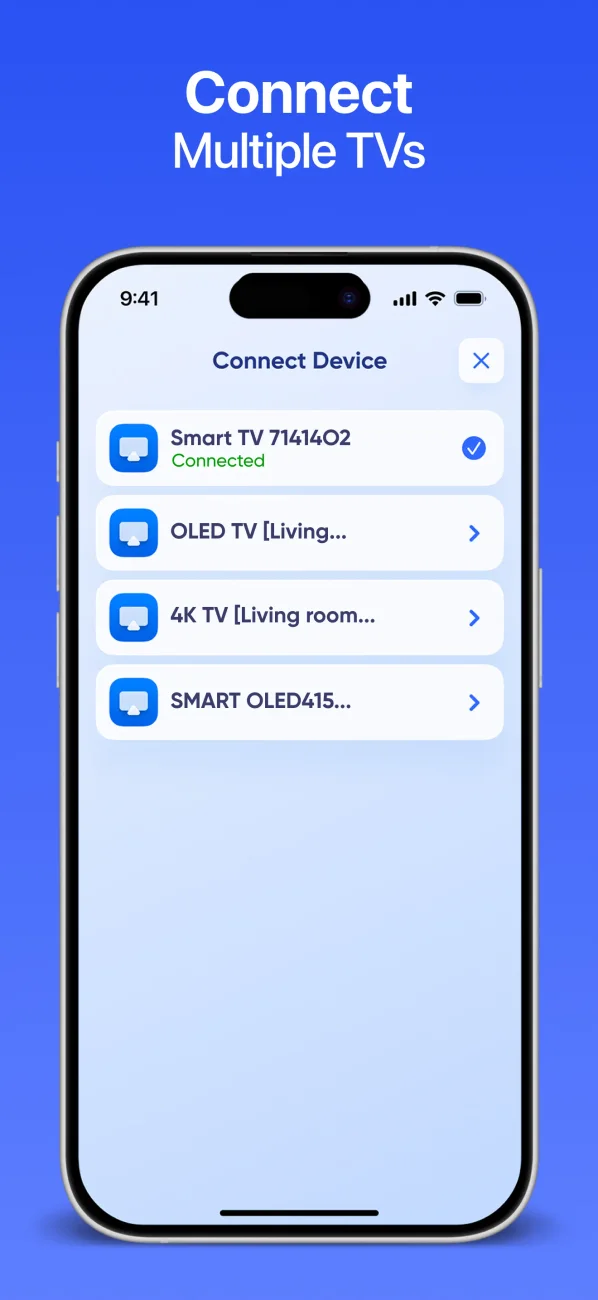

About
Turn your phone into a wireless display and enjoy your favorite content on a much bigger screen. With a simple setup and smooth connection, you can share videos, photos, apps, and games from your device to a compatible smart TV in just a few taps.
Key Features:
- Mirror your device screen to compatible smart TVs in real time
- Cast videos, photos, and other media to your TV over Wi‑Fi
- Simple step-by-step connection flow for quick setup
- Low-latency screen sharing for smoother viewing and gameplay
- Works over your home Wi‑Fi network, no extra hardware required
- Easy controls to start, pause, or stop casting at any moment
Enjoy a more immersive viewing experience by bringing your content to the big screen. Whether you’re watching, playing, or sharing, this app makes screen casting feel easy, convenient, and natural.
Payment will be charged to the credit card connected to your iTunes Account when you confirm the initial subscription purchase. Subscriptions automatically renew unless auto-renew is turned off at least 24-hours before the end of the current subscription period. Your account will be charged for renewal within 24-hours prior to the end of the current period, and the cost of the renewal will be identified. You may manage your subscription and auto-renewal may be turned off by going to your Account Settings after the purchase. Any unused portion of a free trial period, if offered, will be forfeited when you purchase a subscription, where applicable.
For more information use Apple Support links:
- https://support.apple.com/en-us/HT202039
- https://support.apple.com/en-us/HT204084
Privacy Policy:
https://docs.google.com/document/d/1TMDWY4bRBhLaTNXZXrW4fQzgSp9z5Y5Aj08LgOMTamk/edit?usp=sharing
Terms of Use:
https://docs.google.com/document/d/1e5VnA3LAHzPYBpDUa0qCwmEPphj2OuHGFa7J1LMqh4A/edit?usp=sharing
What’s new
Version 1.7 · Jul 14, 2026
Dear users, based on your suggestions and feedback, the application became better with the new version! And we will continue providing updates on a regular basis. Thanks for sharing your reviews!
- Bug fixes
App privacy
What ScreenFlow Labs declares on the App Store about how this app handles data.
-
Data not linked to you
May be collected but is not linked to your identity.
- Purchases
Privacy practices may vary, for example with the features you use or your age.
Information
- Seller
- EYEWEAR HUT d.o.o.
- Category
- Utilities
- Version
- 1.7
- Updated
- Jul 14, 2026
- Released
- Jun 28, 2023
- Size
- 96.2 MB
- Requires
- iOS 18.0 or later
- Age rating
- 4+
- Price
- Free
- In-app purchases
- Yes
- Languages
- English, Arabic, Bengali, Dutch, French, German, Greek, Gujarati, Hebrew, Hindi, Indonesian, Italian + 21 more
- Copyright
- © ScreenFlow Labs
You might also like
-
 TV Remote・Universal Control #1Utilities
-
 Screen Mirroring・Air Cast TVUtilities
-
 PDF Editor-Converter & ViewerScan Documents: Reader & Maker
-
 Remote TV Control・UniversalSmart Remoto: Volume & Screen
-
 PDF Maker • Editor & ConverterConvert Image: Scanner Reader
-
 Remote Control for TV Smart・Universal Channel Controller
-
 PDF Scanner: Editor & ReaderFile Converter & Scan: Photos
-
 Universal Remote Control - TVSmart Remoto Controller & Cast
-
 LG Smart TV Remote Control・Magic Remoto Universal, Plus
-
 Samsung Remote Smart TV・ThingsUniversal Remoto Control・View