Screen Recorder: Create & Edit
Record & Merge Video Clips
Designed for iPhone, iPad, Mac, iPod touch
Free · In-app purchases
- Age rating4+
- CategoryPhoto & Video
- DeveloperAppSmartz
- LanguagesEnglish+ 18 more
- Size425.0 MB
Links to the official App Store page
Download.org hosts no file of Screen Recorder: Create & Edit. The button opens its official App Store page, published by AppSmartz. Listing last checked on Nov 14, 2026.
Screenshots


About
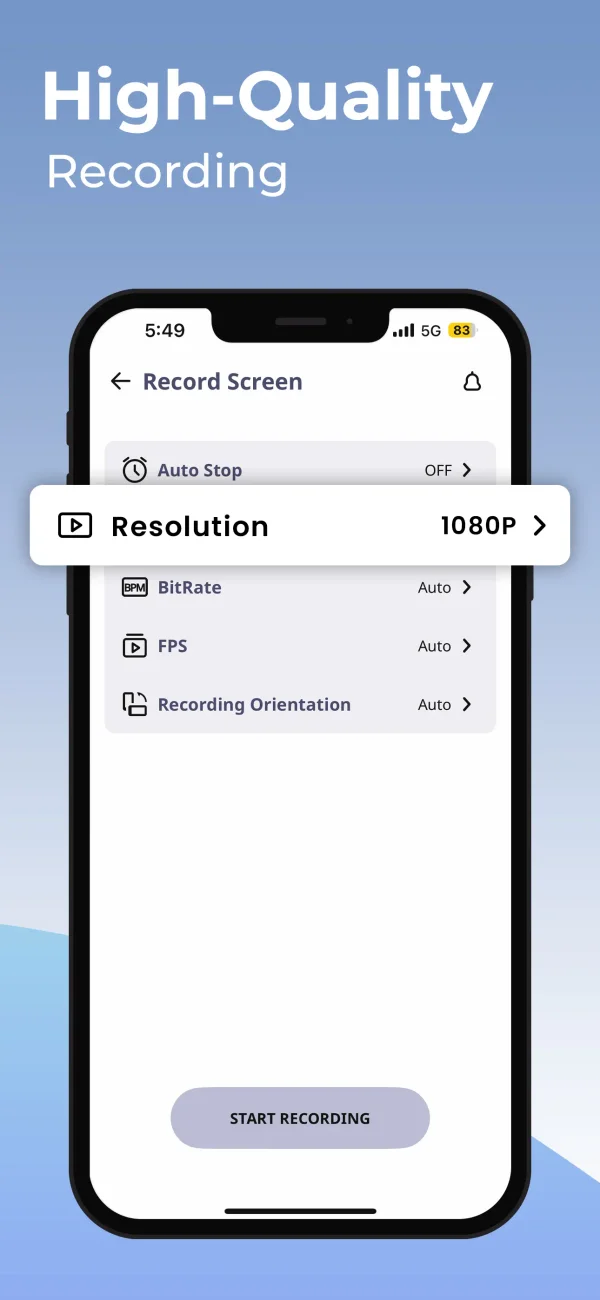
Screen Recorder helps you to record screen on iPhone, or iPad.
TOP FEATURES
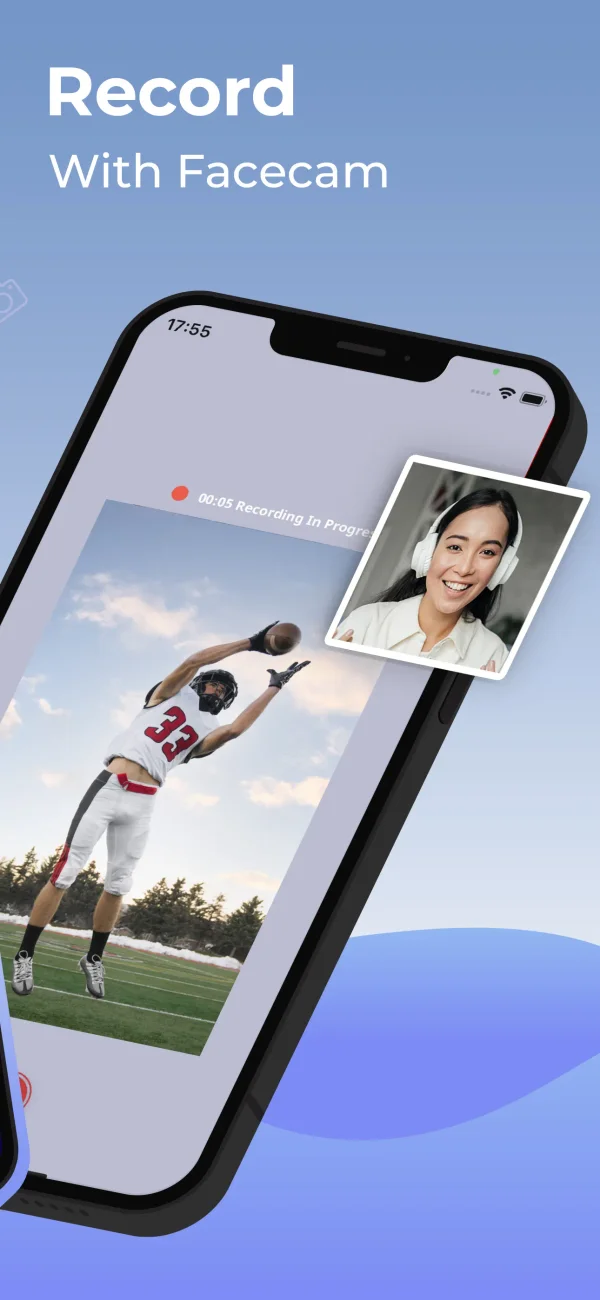
+ Record the entire screen with audio & facecam
+ Record full HD videos(720p/1080p/4k)
+ Recorder internal or system sound
+ No recording time limits
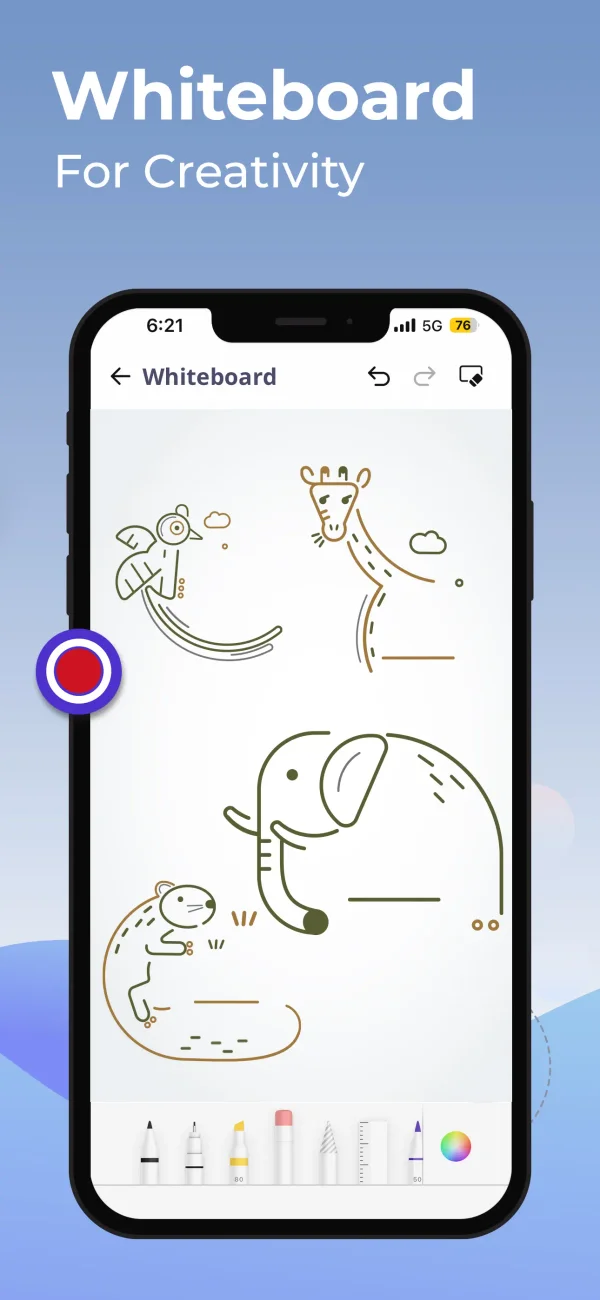
+ Whiteboard recording
+ Easy taking Screenshot
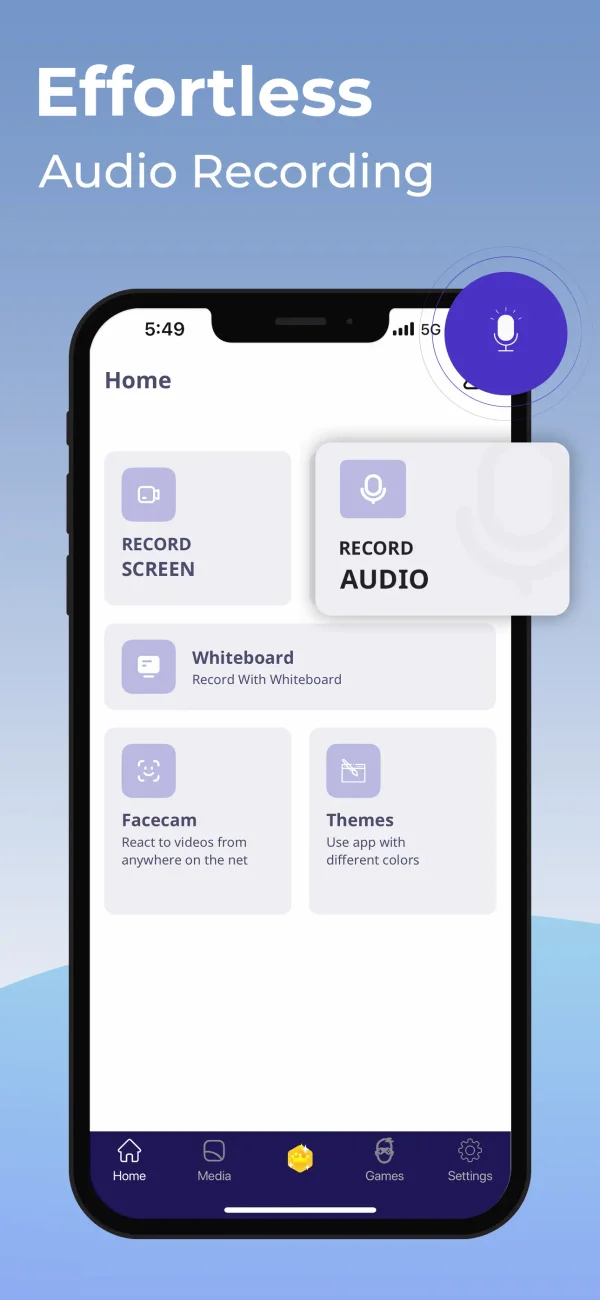
+ Audio/voice Recording
+ Record Streaming
+ No Watermark
+ Convert Video to GIF
Screen Recorder is an efficient and easy-to-use professional stable video recording tool for iPhone, iPad. Screen Recorder for iPad enables you to capture everything that happens on your screen as a video with great quality up to 1080p. It has all the advanced features needed to create professional-looking demonstrations of new applications, record online, capture amazing game tricks or gameplays, presentations, and image slideshows on your iPhone screen! The whiteboard feature helps the artist or the teacher to create drawings or tutorial videos!
What you can do with our Screen Recorder app
- Create the demonstration video for any app program
- Get creative with whiteboard & create tutorial videos for school and or collage class
- Start recording with one click
- Capture audio with a system built-in microphone or any audio input devices
- Enable the camera to record reaction videos
- Create a game reaction or commentary videos
- Record YouTube live videos
- Camera Roll Videos are supported
- No Ads at all
To access the app you'll need to Subscibe to Screen Recorder app. Choose from weekly, monthly 3-day trial, or yearly plans for the ultimate screen recording experience on iPhone and iPad.
Privacy Policy & Terms and Conditions of Use: https://appscreenrecorder.com/privacy-policy-macos
Feel free to share your valuable feedback or suggestions at support@appscreenrecorder.com
What’s new
Version 2.14.48 · Mar 17, 2026
- Bug Fixes
App privacy
What AppSmartz declares on the App Store about how this app handles data.
-
Data used to track you
May be used to track you across apps and websites owned by other companies.
- Usage data
-
Data linked to you
May be collected and linked to your identity.
- Purchases
- Contact info
- Identifiers
-
Data not linked to you
May be collected but is not linked to your identity.
- User content
- Usage data
- Diagnostics
Privacy practices may vary, for example with the features you use or your age.
Information
- Seller
- AppSmartz
- Category
- Photo & Video
- Version
- 2.14.48
- Updated
- Mar 17, 2026
- Released
- Jan 26, 2019
- Size
- 425.0 MB
- Requires
- iOS 12.1 or later
- Age rating
- 4+
- Price
- Free
- In-app purchases
- Yes
- Languages
- English, Arabic, Bengali, Central Kurdish, Filipino, French, Hindi, Hungarian, Indonesian, Japanese, Malay, Portuguese + 7 more
- Copyright
- © 2018 AppSmartz
You might also like
-
 Screen Recorder & Record VideoFace Cam With Live Stream
-
 GRecord: Live Screen RecorderFace Cam, Audio & Live Stream
-
 Screen Recorder ™ Record ShotCapture Recording for iPhone
-
 Record In - V Screen RecorderEdit Video, Face Cam,Voiceover
-
 Screen recorder: Record now!Screen video recorder, Facecam
-
 Screen Recorder - Record.TVRecord Video Screen Capture
-
 Screen Recorder - Record it!Face Cam, Recording App
-
 Screen Recorder – Record VideoLivestream Recording・Face Cam
-
 Screen Recorder · Video EditorAudio Capture & Livestream
-
 Live Now - Live StreamScoreboard & Screen Recorder