Screen Recorder: Save & Share
Record Gameplay Like a Pro
Designed for iPhone, iPod touch
Free · In-app purchases
- Age rating4+
- CategoryPhoto & Video
- DeveloperBobby Harris
- LanguagesEnglish
- Size36.5 MB
Links to the official App Store page
Download.org hosts no file of Screen Recorder: Save & Share. The button opens its official App Store page, published by Bobby Harris. Listing last checked on Nov 15, 2026.
Screenshots
About
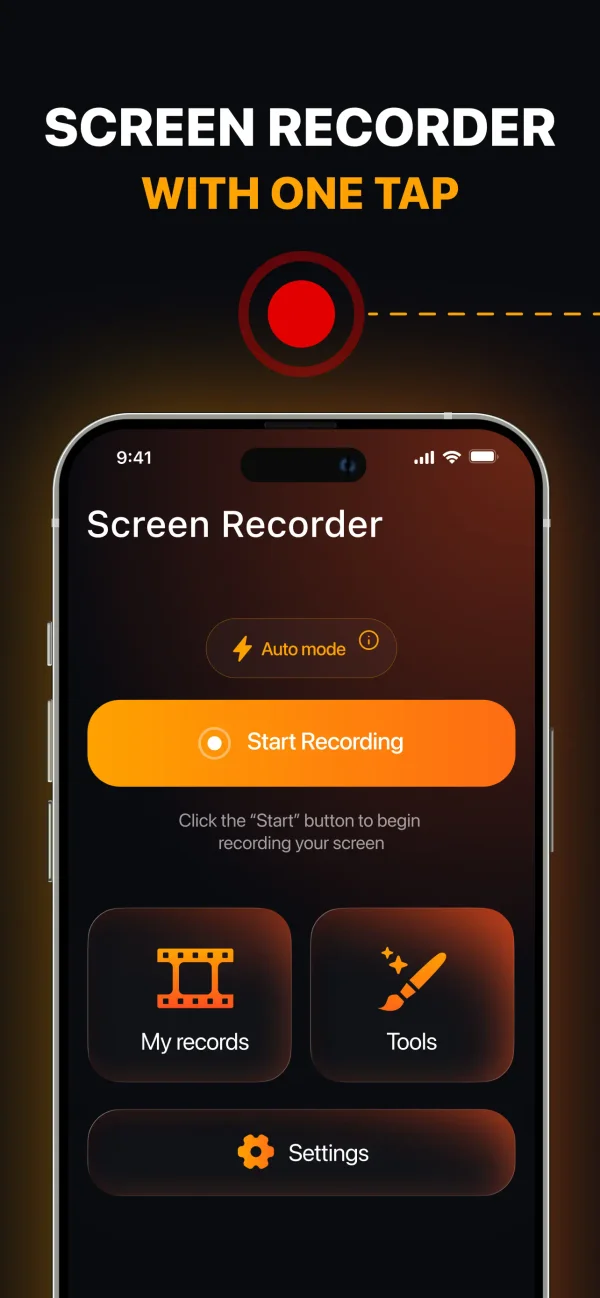
Enjoy a simple and fun way to record your screen with this all-in-one app. Whether you’re showing a new game, creating tutorials, reacting to videos, or explaining something important, this screen recorder makes it easy for anyone to capture and share their moments. Just tap to start, and the app will do the rest — clear video, smooth performance, and great sound every time.
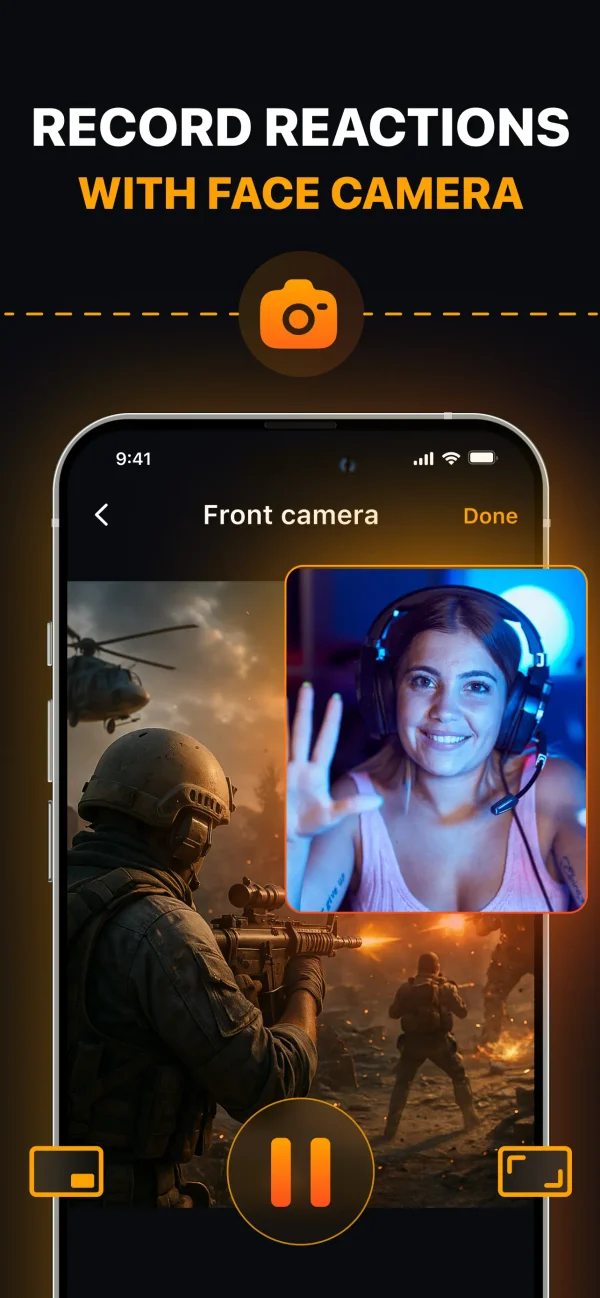
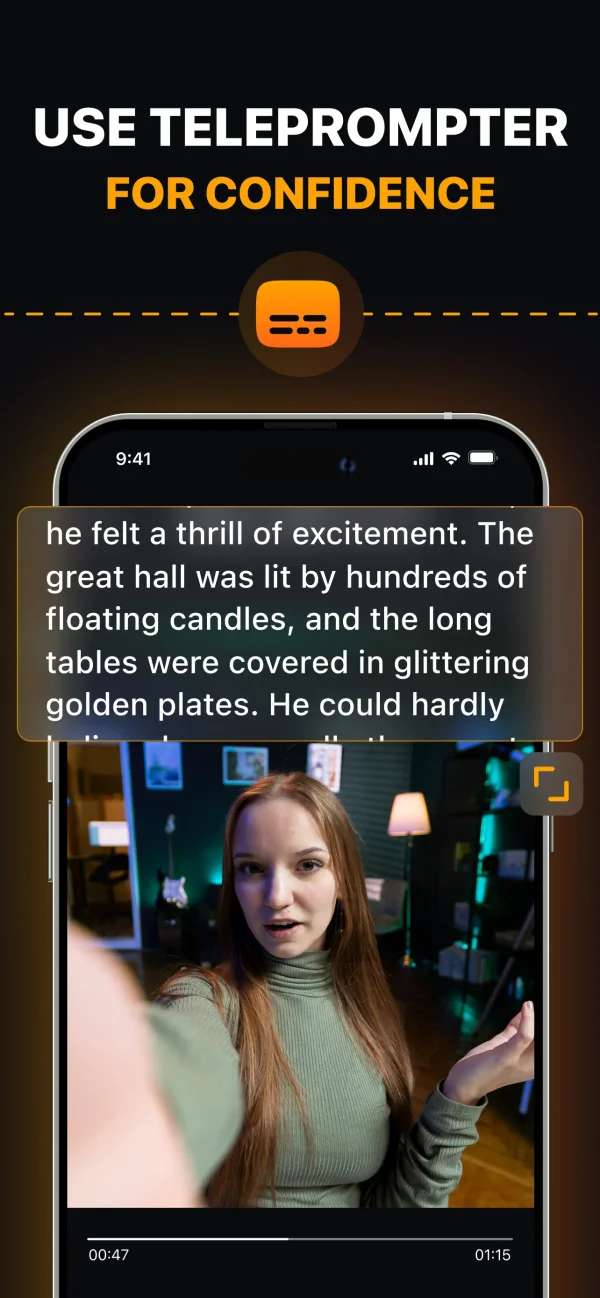
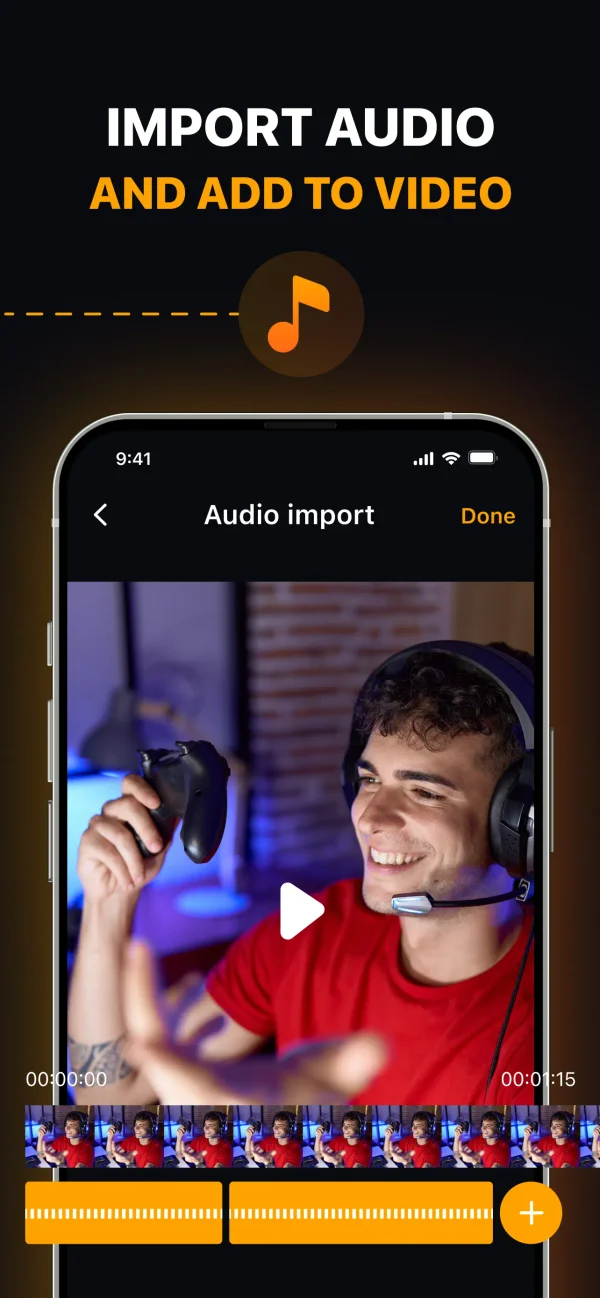
You can record in Full HD or 4K quality, add your voice, or include your face reactions using the Face Cam. After recording, the built-in video editor lets you trim clips, add effects, subtitles, or background music, so your videos always look professional. No complicated setup or editing skills needed — everything is ready in one place.
This screen recorder is perfect for gamers, students, teachers, vloggers, and anyone who wants to save or share what happens on their screen. With fast sharing options and no time limits, you can focus on creativity while the app handles the rest.
Discover extra perks:
-Unlimited screen recording time — capture as long as you need.
-Full HD and 4K support with customizable resolution and frame rate.
-Face Cam overlay for reactions with flexible size and position.
-Record both microphone and internal audio together.
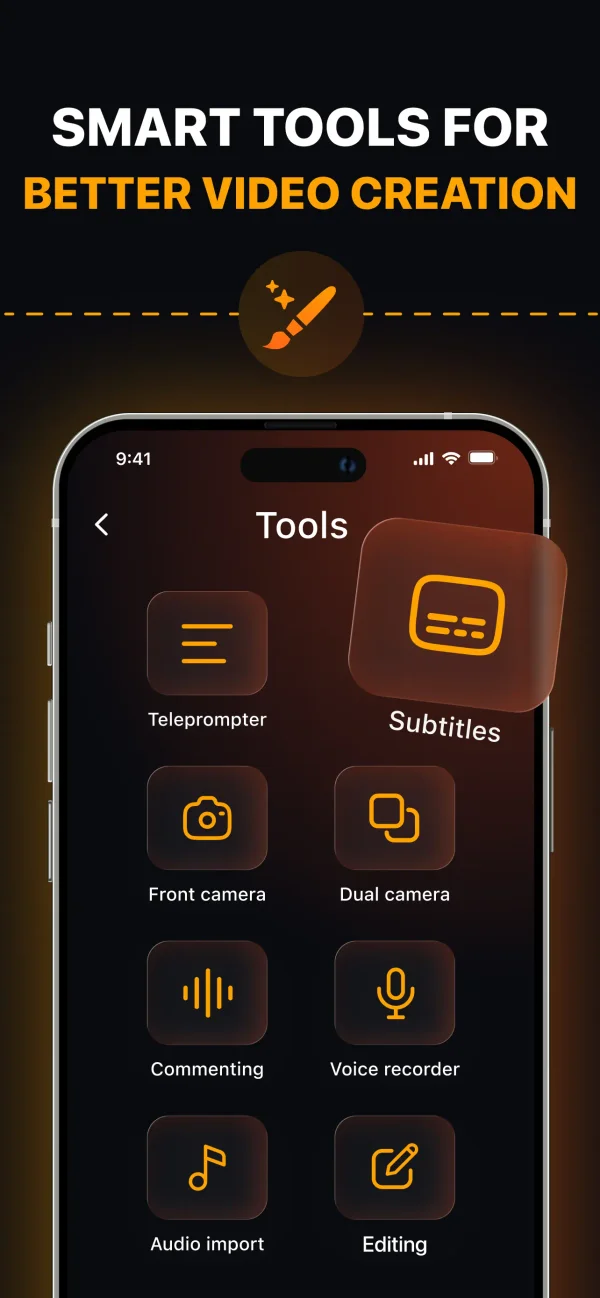
-Built-in video editor: cut, merge, crop, reverse, or change playback speed.
-Add subtitles, filters, transitions, stickers, and music.
-Noise reduction for clean and clear voice recording.
-Floating text tool for reading scripts or guiding your video.
-No watermark — keep your videos clean and professional.
-Quick export and sharing through social apps, email, or cloud storage.
Pro Membership:
Week Access Pass.
Your iTunes account will be charged after confirming your purchase. Auto-renewal occurs unless you turn it off at least 24 hours before the current period ends. Adjust your subscription and renewal preferences in Account Settings.
Support and Privacy Policy:
Refer to our privacy policy:https://docs.google.com/document/d/1bquElxY-otbn2jVArDJBrU8FIKD7Pazjiin-tAm3IAo/edit?usp=sharing
Learn about our data protection by visiting our Terms of Use:https://docs.google.com/document/d/17MZxojlcakO9DZ0x5U4CwqTfvrxYQYI_b5e5N1xuqQM/edit?usp=sharing
Contact our help desk:bobby94harris@dorivaleku.online
From recording gameplay to creating lessons or sharing memories, this screen recorder gives you everything you need in one simple tool. Capture, edit, and share your best moments anytime — all it takes is one tap.
What’s new
Version 1.4 · Nov 24, 2025
Bug fixes and minor improvements
App privacy
What Bobby Harris declares on the App Store about how this app handles data.
-
Data used to track you
May be used to track you across apps and websites owned by other companies.
- Identifiers
-
Data not linked to you
May be collected but is not linked to your identity.
- Identifiers
- Usage data
Privacy practices may vary, for example with the features you use or your age.
Information
- Seller
- Bobby Harris
- Category
- Photo & Video
- Version
- 1.4
- Updated
- Nov 24, 2025
- Released
- Nov 12, 2025
- Size
- 36.5 MB
- Requires
- iOS 15 or later
- Age rating
- 4+
- Price
- Free
- In-app purchases
- Yes
- Languages
- English
- Copyright
- © Bobby Dev
You might also like
-
 Cast to TV for ChromecastSeamless Screen Mirroring
-
 Captions for Video: AI SubsAuto Caption & Subtitles
-
 HD Photo - Photo EnhancerFix Blur & Make Photos Clearer
-
 PhoFix - Restore old photos AIFix, Colorize, Repair pictures
-
 Jasper AI Video GeneratorMake Motion Feel Natural
-
 Foxy AI: Video & Image MakerYour Personal AI Generator
-
 Pictory AI: Fable GeneratorGive Your Visuals New Power
-
 Virbo Lab AI: AI CreationCreate Scroll-Stopping Magic!
-
 Leonardo AI: Video GeneratorContent creator: make viral
-
 Magic Eraser: Object RemoverRemove Background & Objects