
Screen Recording: Record Video
Screen Recorder, Audio, Videos
Designed for iPhone, iPad, iPod touch
Free · In-app purchases
- Age rating4+
- CategoryProductivity
- DeveloperPremier Mobile Apps
- LanguagesEnglish+ 4 more
- Size42.2 MB
Links to the official App Store page
Download.org hosts no file of Screen Recording: Record Video. The button opens its official App Store page, published by Premier Mobile Apps. Listing last checked on Nov 12, 2026.
Screenshots
About
Screen Recorder – Record Video
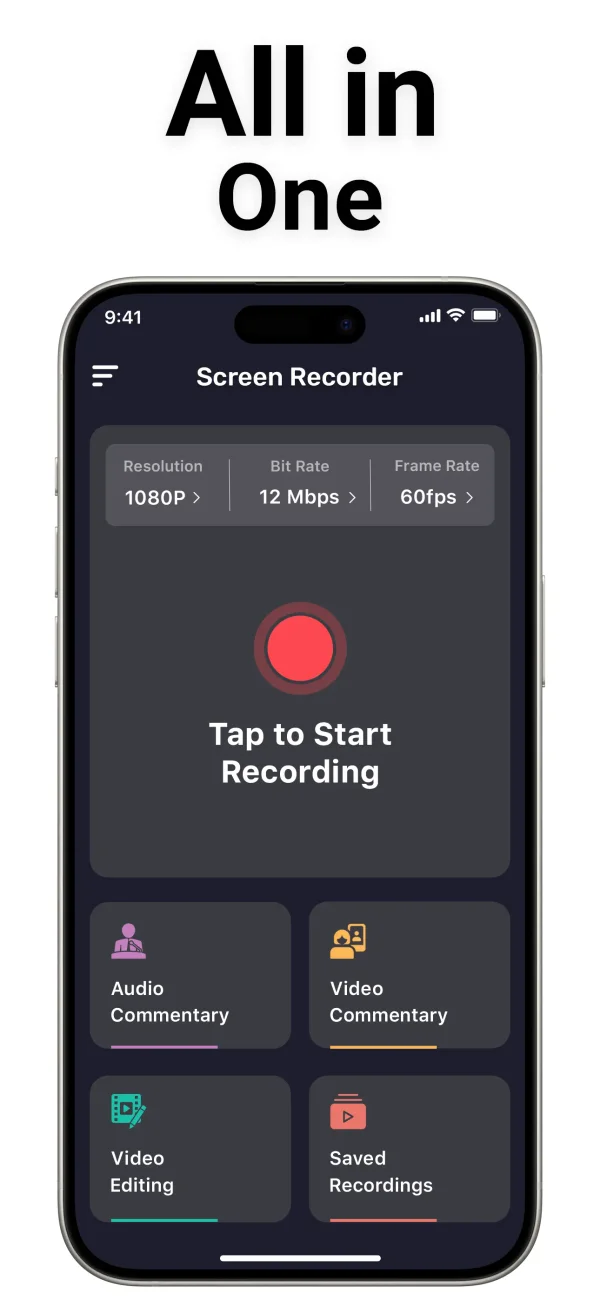
Record your screen in up to 1080p HD at smooth 60fps with optimized high bitrate encoding for sharp detail and fluid motion. Export clean videos with No Watermark and enjoy Unlimited Recording with No Time Limits. Capture gameplay, tutorials, presentations, video calls, online classes, webinars, and live streams with professional clarity and synchronized audio.
Native iOS Integration
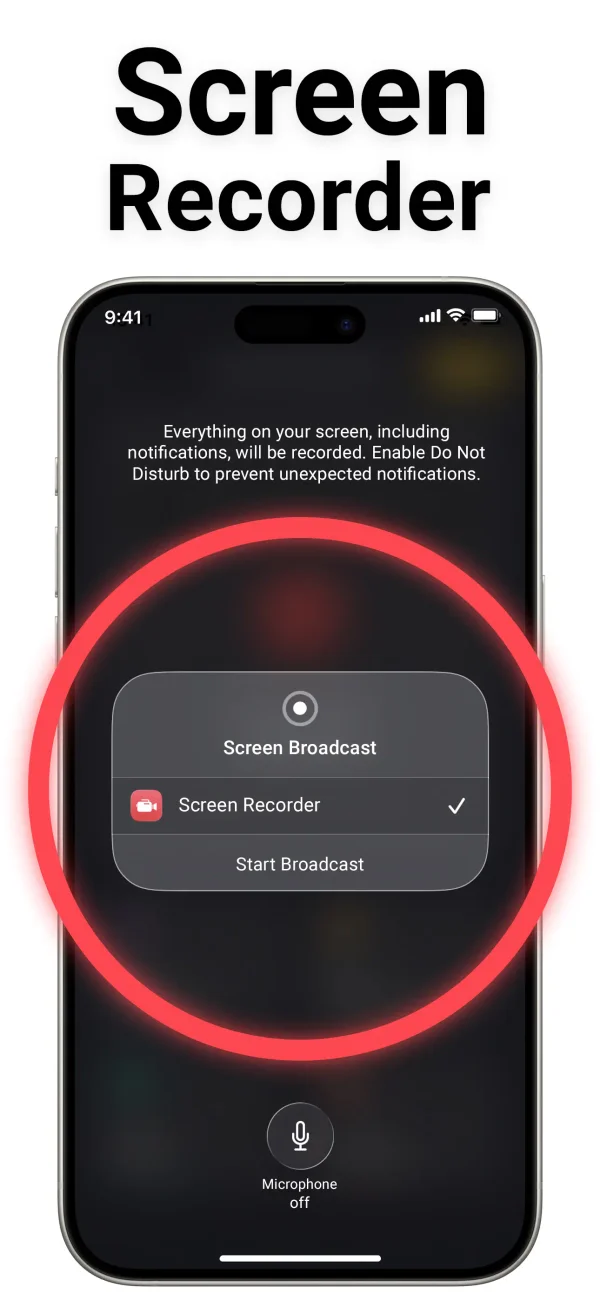
Start recording instantly using the built-in iOS Control Center. No complicated setup. Seamless system integration ensures fast, reliable performance whenever you need to capture your screen.
High-Quality Screen Recording
Designed for smooth, lag-free performance during demanding sessions, including mobile gaming and multitasking.
Record continuously for as long as your device storage allows — no forced cutoffs, no hidden restrictions.
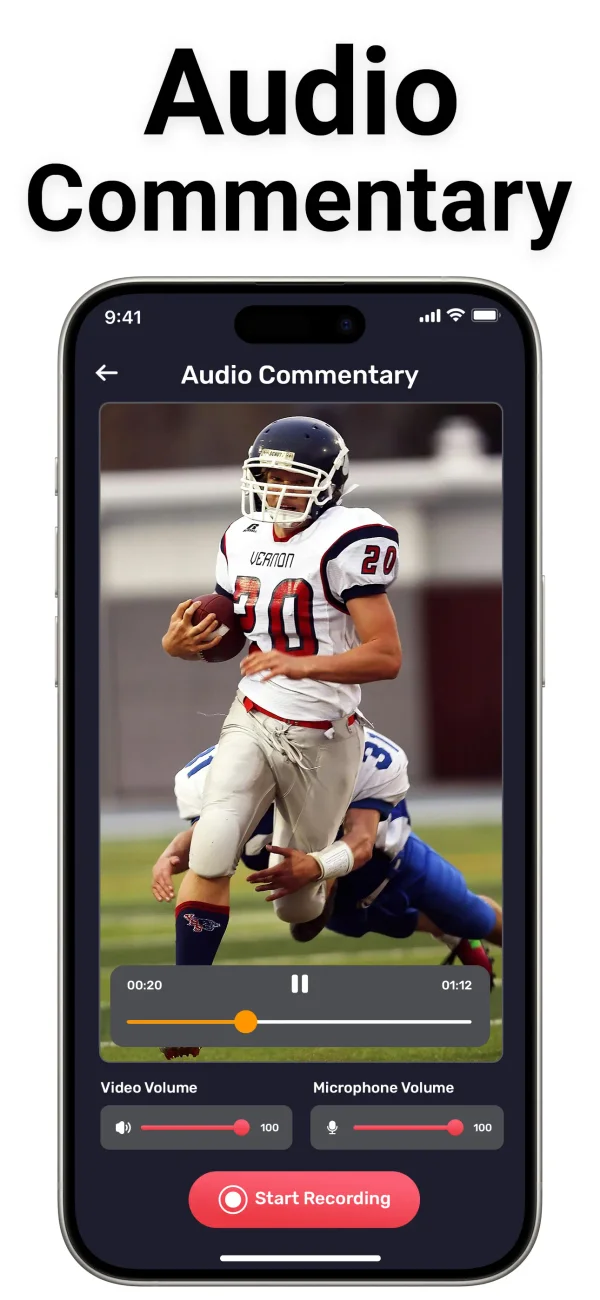
Supports clear internal system audio and microphone commentary for professional-quality results.
Face Cam & Reaction Videos
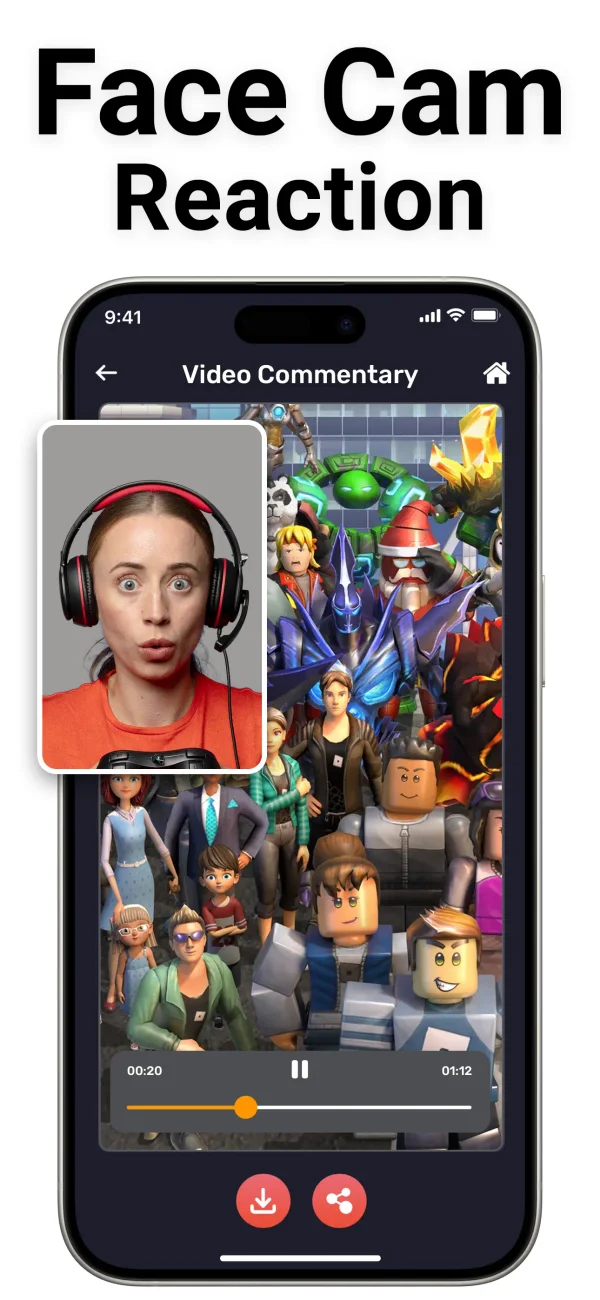
Add a face cam overlay while recording your screen to create Reaction Videos, commentary content, gameplay highlights, tutorials, and social media clips.
Perfect for YouTube, TikTok, Instagram Reels, and YouTube Shorts.
Edit and refine your recordings directly inside the app:
* Trim and cut unwanted footage
* Merge multiple clips
* Add text, subtitles, and captions
* Insert background music
* Adjust playback speed
* Resize for vertical or horizontal formats
Export high-quality videos ready to publish.
Private & Secure
All recordings are processed and stored locally on your device. No mandatory cloud uploads. Your content stays in your control.
Videos save directly to the Photos app (Photo Library) for easy organization and access.
Save & Share Instantly
Share using the native iOS Share Sheet. AirDrop, message, upload, or publish to your preferred platform without extra steps.
Built for Creators, Gamers & Professionals
Whether you are creating content, recording gameplay, capturing meetings, or producing training materials, Screen Recorder delivers reliable performance without subscriptions, watermarks, or time limits.
Lifetime Access
Unlock the full version with a single payment. No subscriptions. No auto-renewals. No hidden limitations.
Download Screen Recorder – Record Video and start creating high-quality screen recordings on your iPhone or iPad today.
What’s new
Version 1.3 · Mar 19, 2026
◆ Bug Fixing
App privacy
What Premier Mobile Apps declares on the App Store about how this app handles data.
-
Data used to track you
May be used to track you across apps and websites owned by other companies.
- Purchases
- Identifiers
- Usage data
- Diagnostics
-
Data linked to you
May be collected and linked to your identity.
- Purchases
- Identifiers
- Usage data
- Diagnostics
-
Data not linked to you
May be collected but is not linked to your identity.
- Identifiers
Privacy practices may vary, for example with the features you use or your age.
Information
- Seller
- Premier Mobile Apps
- Category
- Productivity
- Version
- 1.3
- Updated
- Mar 19, 2026
- Released
- Feb 19, 2026
- Size
- 42.2 MB
- Requires
- iOS 15.0 or later
- Age rating
- 4+
- Price
- Free
- In-app purchases
- Yes
- Languages
- English, Portuguese, Simplified Chinese, Spanish, Traditional Chinese
- Copyright
- © Premier Mobile Apps
You might also like
-
 Screen Recorder: Video RecScreen Recorder & Video Record
-
 AZ Screen Recorder: With AudioRecord Video, Facecam & Voice
-
 Screen recorder. Recording appVideo recorder for iPhone,iPad
-
 Screen Recorder AppsProductivity
-
 Capture Screen Video RecorderVideo Call Game Live Cam Bicam
-
 Shimpo: Shimeji Pomodoro TimerFocus with Cute Shimeji Pets
-
 Kpop Collect: PhotocardK-collect - Kpop Binder
-
 Kommodo Screen RecorderRecord your screen & share
-
 AI Detector - Text Humanizer *Check Plagiarism & Bypass AI
-
 Fish: Text to Speech AI AudioClone Your Voice & Narrate