Screen Test: Dead Pixel Check
Burn-in, Touch & Color Test
Designed for iPhone
Free · In-app purchases
- Age rating4+
- CategoryUtilities
- DeveloperYunus Gunduz
- LanguagesEnglish+ 10 more
- Size10.6 MB
Links to the official App Store page
Download.org hosts no file of Screen Test: Dead Pixel Check. The button opens its official App Store page, published by Yunus Gunduz. Listing last checked on Nov 24, 2026.
Screenshots
About
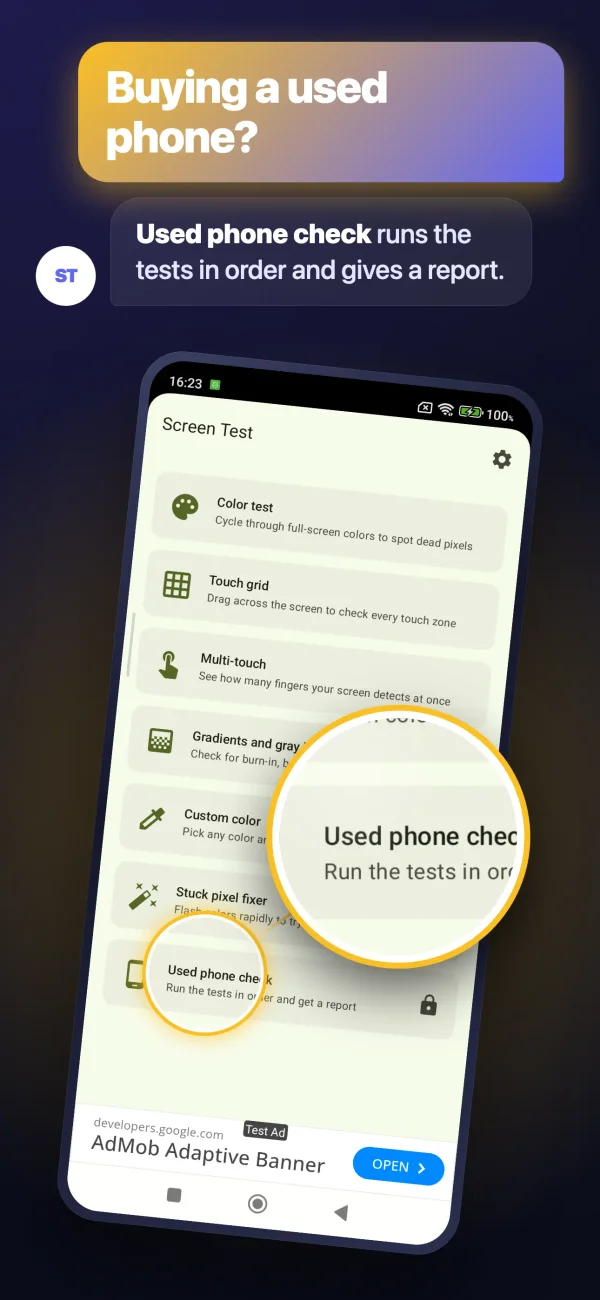
Check your iPhone display in seconds. Screen Test fills the screen with pure colors so dead, stuck or faded pixels stand out, and helps you test touch, burn-in and uniformity before you buy or sell a phone.
Free:
• Color test: white, black, red, green, blue, yellow, cyan and magenta at full brightness. Tap for the next color, long press to see its name.
Premium (one-time purchase, no subscription):
• No ads
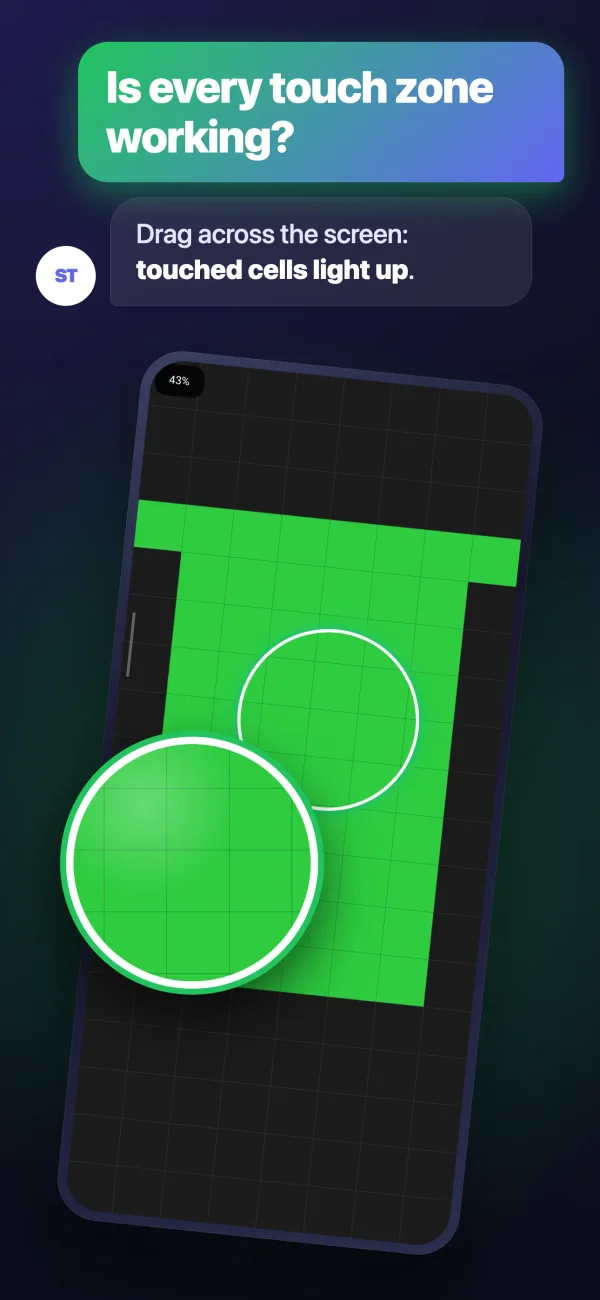
• Touch grid: drag over every cell to find dead touch zones
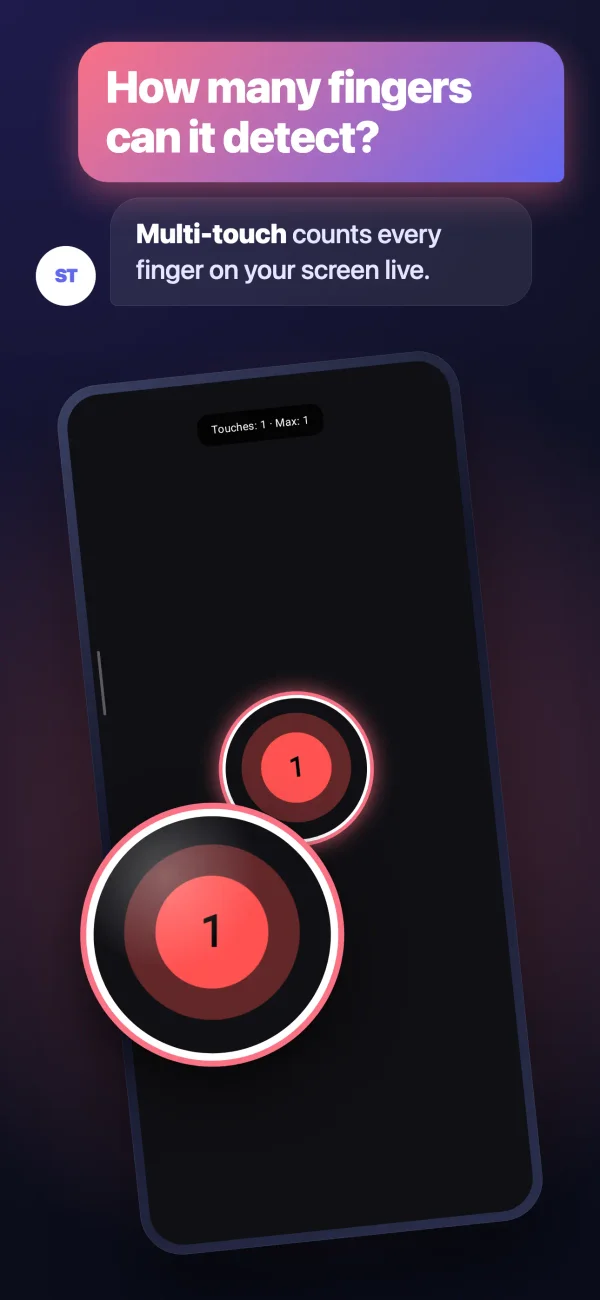
• Multi-touch: see how many fingers the screen detects at once
• Gradients, gray levels and checkerboard: spot burn-in, banding and uneven panels
• Custom color: fill the screen with any color
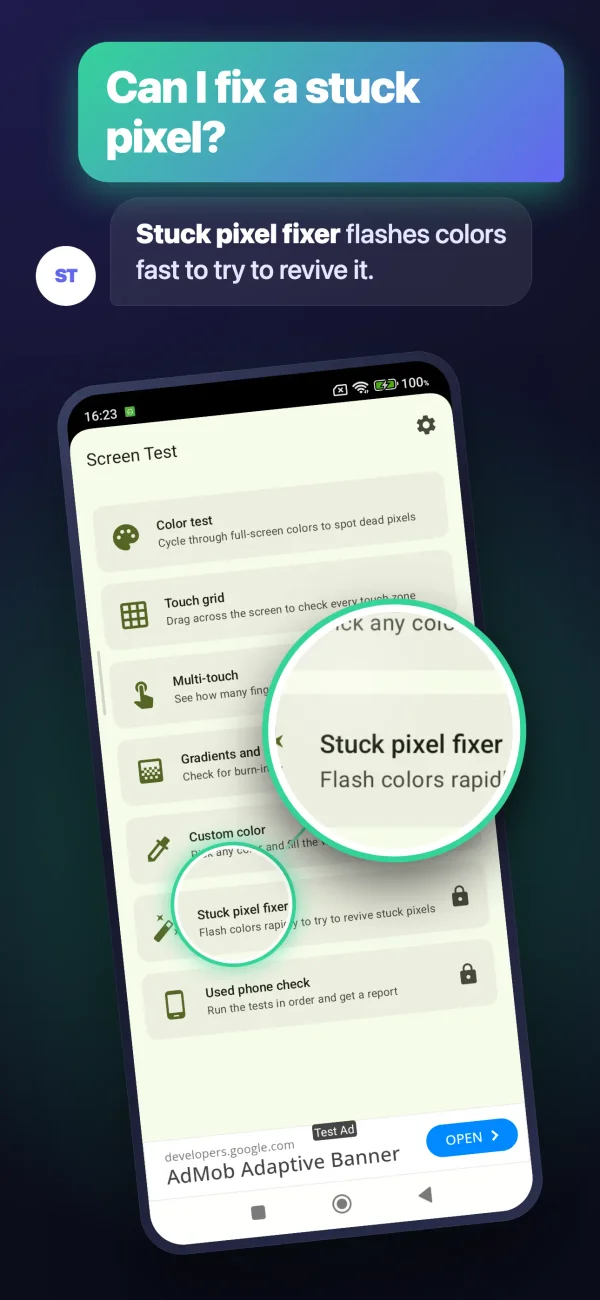
• Stuck pixel fixer: rapid color cycling, with a photosensitivity warning
• Used iPhone check: run the tests in order, mark pass or problem with a note, share a PDF report and keep a history on your device
Who it is for:
• Checking a used or new iPhone before you buy it
• Finding dead pixels, stuck pixels and OLED burn-in
• Finding dead touch zones after a drop or a screen repair
• Repair shops checking a display before and after a repair
Bought Screen Test before it became free? Premium is already yours. Use "Restore purchases" in Settings if needed.
Tips: clean the screen first, test dark colors in a dim room and light colors in a bright room.
Languages: English, Turkish, German, Spanish, Portuguese, Japanese, French, Arabic, Ukrainian, Russian and Chinese (Simplified). To change the language, open iOS Settings, scroll to Screen Test and choose Language.
Privacy: no account, no camera or microphone access. Reports stay on your device. Ads are served by Google AdMob; you can choose whether to allow tracking. The stuck pixel fixer flashes colors rapidly and is not suitable for people with photosensitive epilepsy.
Terms of Use (EULA): https://www.apple.com/legal/internet-services/itunes/dev/stdeula/
Privacy Policy: https://yunusgunduz.com/pp/ScreenTester-PrivacyPolicy.html
What’s new
Version 1.1.3 · Nov 23, 2026
New: watch a short video to try a Premium feature once (up to 3 a day). Premium is a one-time purchase that removes ads and unlocks every feature. Bug fixes and improvements.
App privacy
What Yunus Gunduz declares on the App Store about how this app handles data.
-
Data used to track you
May be used to track you across apps and websites owned by other companies.
- Identifiers
- Usage data
-
Data not linked to you
May be collected but is not linked to your identity.
- Purchases
- Identifiers
- Usage data
- Diagnostics
Privacy practices may vary, for example with the features you use or your age.
Information
- Seller
- Yunus Gunduz
- Category
- Utilities
- Version
- 1.1.3
- Updated
- Nov 23, 2026
- Released
- Feb 25, 2026
- Size
- 10.6 MB
- Requires
- iOS 16.0 or later
- Age rating
- 4+
- Price
- Free
- In-app purchases
- Yes
- Languages
- English, Arabic, French, German, Japanese, Portuguese, Russian, Simplified Chinese, Spanish, Turkish, Ukrainian
- Copyright
- © 2026 Yunus Gündüz
You might also like
-
 TouchGap: Touch Screen TestMultitouch Dropout Analyzer
-
 Dead Pixel Test - Screen CheckDisplay & Touch Diagnostics
-
 Pixel Pulse: OLED Screen TestDead Pixels & Burn-In Check
-
 Screen Test: Display & TouchDead Pixel & Touch Diagnostic
-
 Hardwise: Phone Test & CheckerDiagnostic & Used Phone Check
-
 Slabox - PTCG/PSA Card VaultPSA Vault · Made with AirBuild
-
 ScreenTest - Dead Pixel CheckScreen Diagnostics
-
 Nauticus - Map for SubnauticaInteractive Map
-
 The Homeowners Bible AIAI Maintenance & Protection
-
 Element HiderHide anything. Browse your way