Screen Time Control: CatNap
Your pet is the app blocker!
Designed for iPhone, iPad
Free · In-app purchases
- Age rating4+
- CategoryProductivity
- DeveloperFormat Partners LLC
- LanguagesEnglish
- Size59.4 MB
Links to the official App Store page
Download.org hosts no file of Screen Time Control: CatNap. The button opens its official App Store page, published by Format Partners LLC. Listing last checked on Nov 23, 2026.
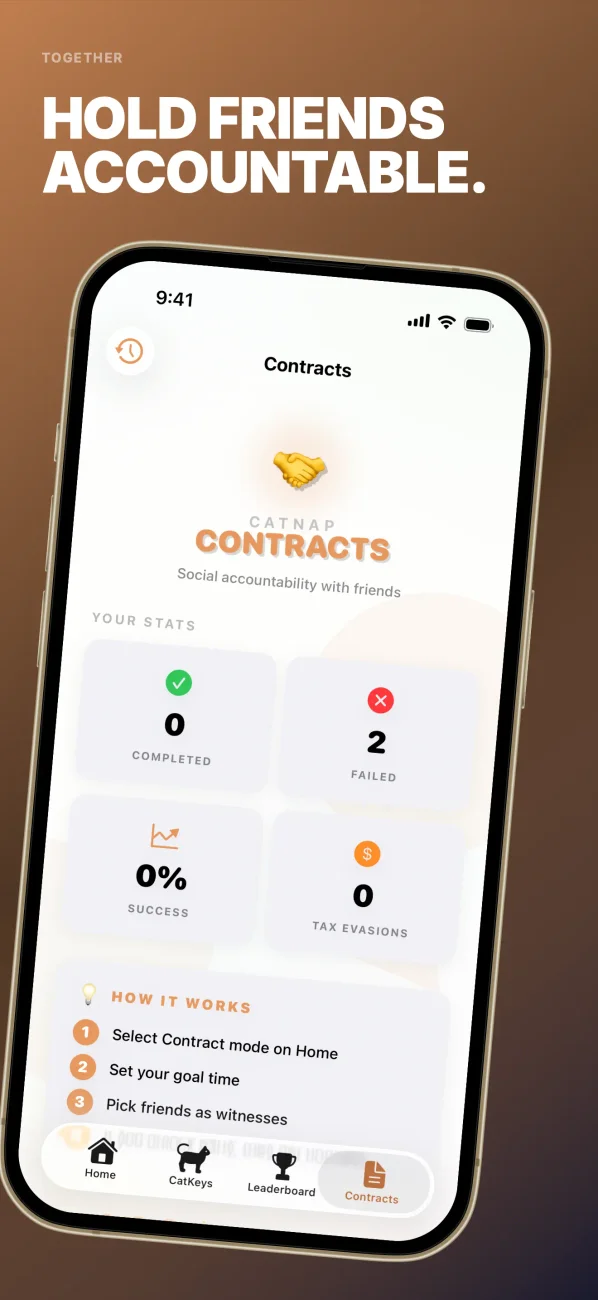
Screenshots

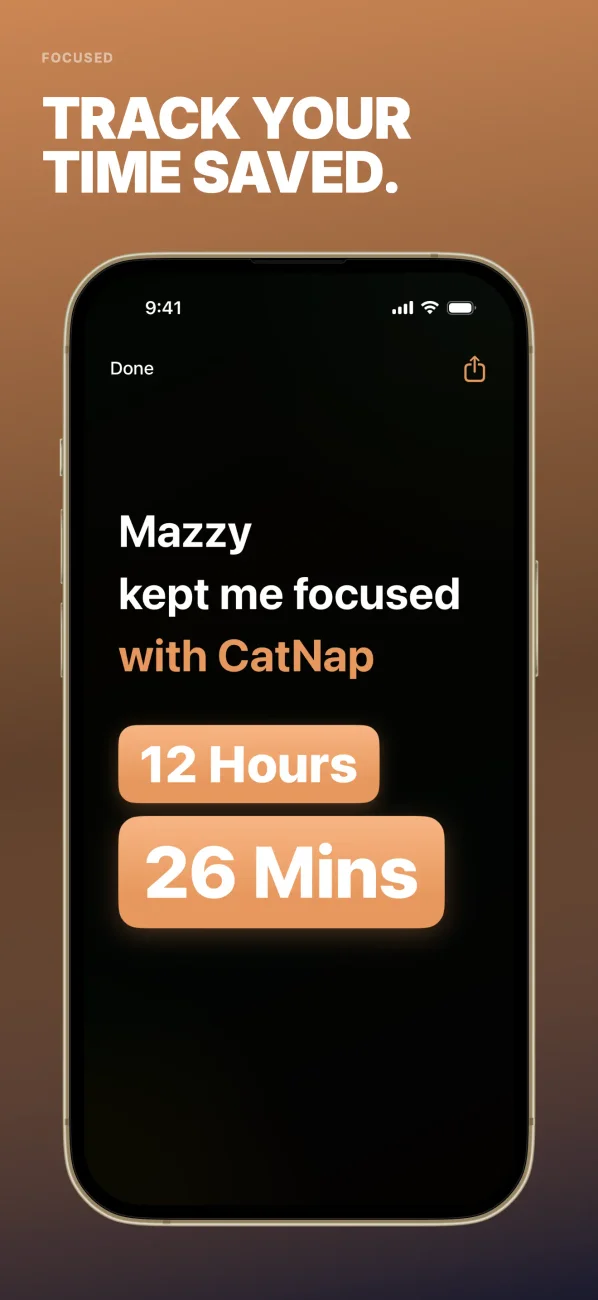
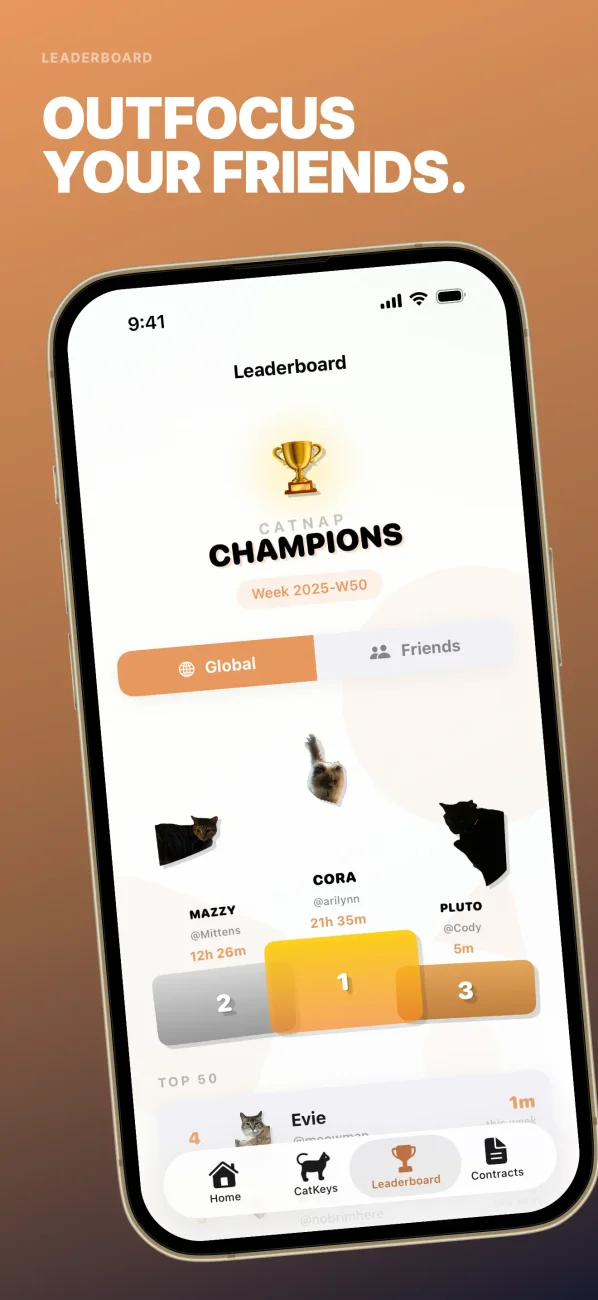

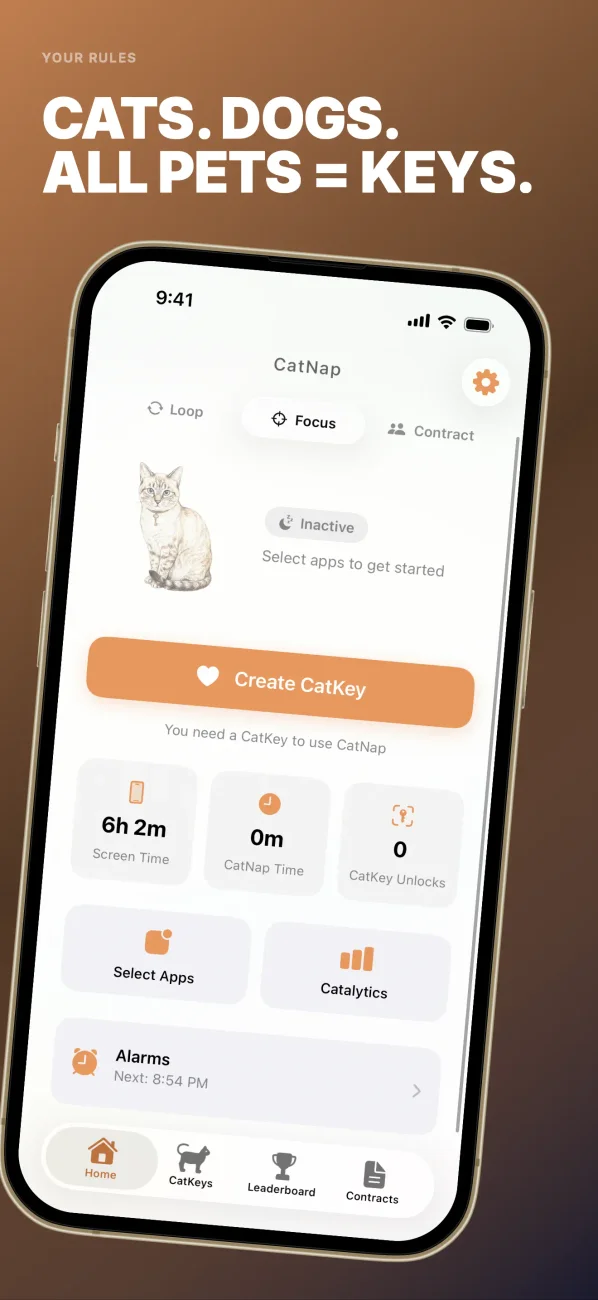
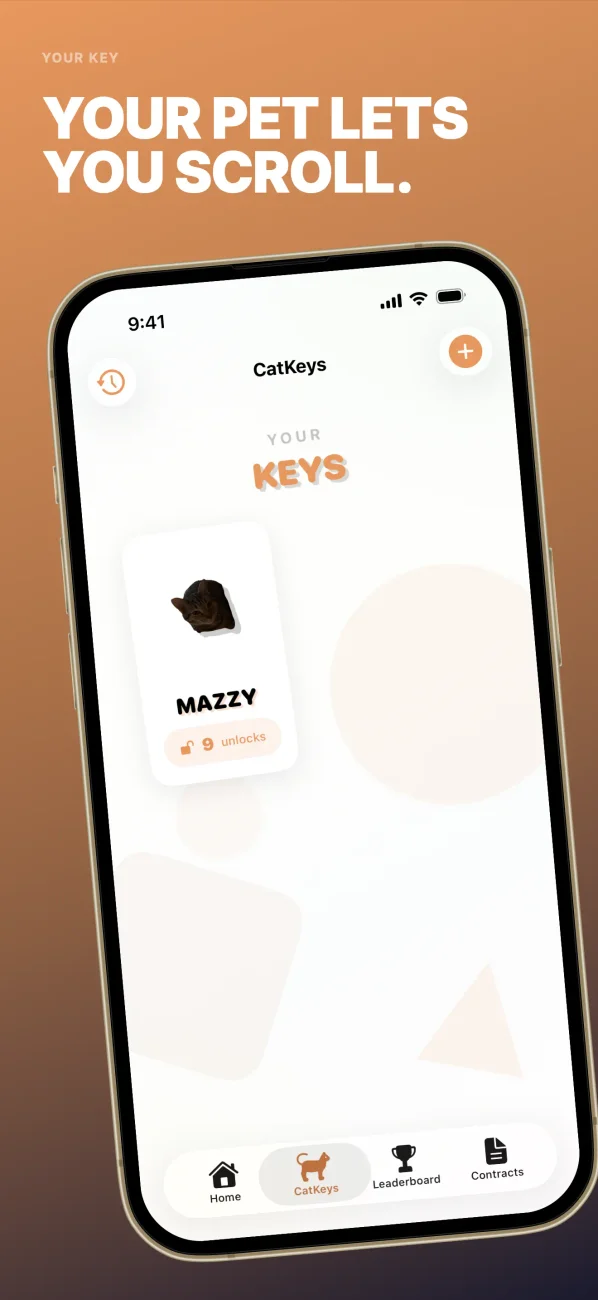
About
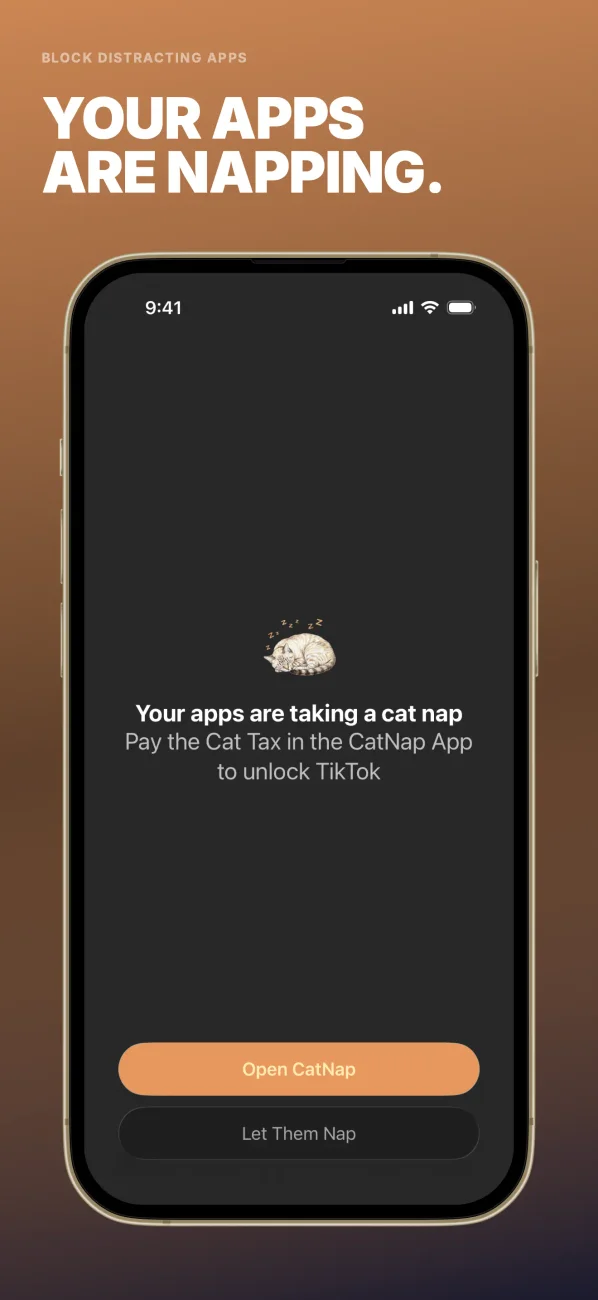
CatNap puts your cat (or dog) in charge of your distracting apps. Pick the apps that eat your day, turn on CatNap mode, and they stay blocked until you get up, find your pet and scan them. That's the Cat Tax.
HOW IT WORKS
1. Create a CatKey: a few photos of your pet, so CatNap knows who they are.
2. Choose the apps to block with Apple's Screen Time.
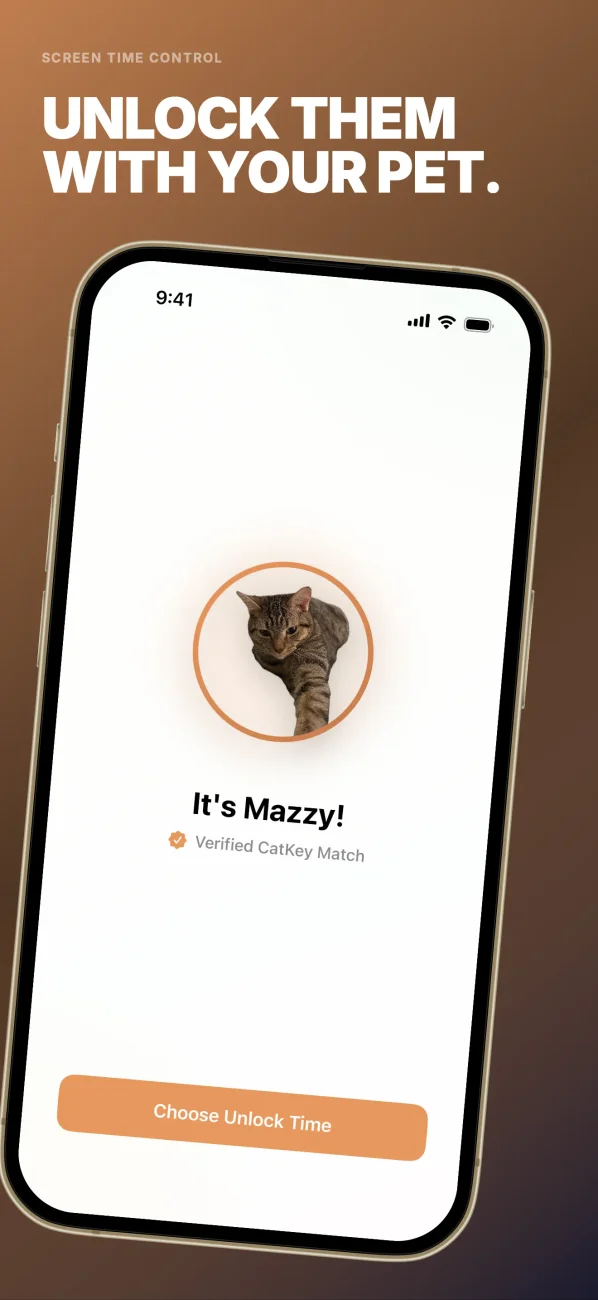
3. Start CatNap mode. When you want in, scan your pet: CatNap's AI checks the photo against your CatKey, so only your pet opens your apps.
CATNAP MODES
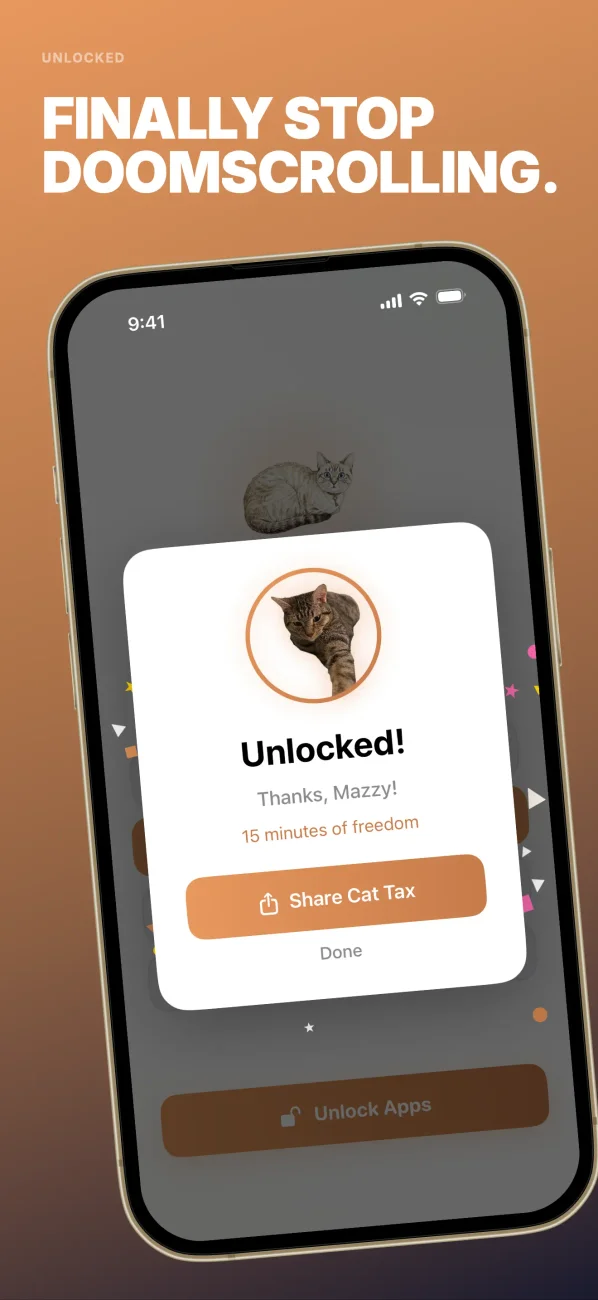
Loop: your apps stay blocked, each scan opens them for the stretch of time you pick, then they lock again.
Focus: block your apps for one session.
Contracts: start a session with friends as witnesses. End it early and they get a notification.
EMERGENCY SKIPS
Can't find your cat? Every month comes with a few Emergency Skips, and sharing CatNap can earn a bonus one. Every skip goes in your Cat Journal.
PET ALARM
Set an alarm that only stops when you scan your pet. Getting out of bed to find them is the point.
SCHEDULES
Block apps on a schedule, or start from a preset.
CAT JOURNAL AND STATS
Every scan and session is saved, with your screen-time totals and your streaks.
FRIENDS
Add friends by username and see where you land on the weekly leaderboard.
Works with cats and dogs. Optional NFC tags can stand in for a scan.
CatNap requires a subscription, plans detailed below:
PREMIUM PLANS ($2.99/week, $9.99/month, $39.99/year, $24.99/year discount):
- Blocked apps
- CatNap sessions a day
- Pets
- Alarms
- Your full Cat Journal
By downloading this app, you agree to our terms and conditions and privacy policy:
Terms: apple.com/legal/internet-services/itunes/dev/stdeula
Privacy: trycatnap.com/privacy
Support: format.partners/support
Contact: hello@format.partners
CatNap uses Apple's Screen Time to block apps and AI image recognition to check pet scans, which can make mistakes. It is made for managing your own screen time and is not a parental control app.
What’s new
Version 1.8 · Nov 19, 2026
We've added new features and made the app better to use! If you have any ideas or suggestions, please email us. We've also fixed some bugs.
App privacy
What Format Partners LLC declares on the App Store about how this app handles data.
-
Data used to track you
May be used to track you across apps and websites owned by other companies.
- Purchases
- Contact info
- Identifiers
- Usage data
-
Data linked to you
May be collected and linked to your identity.
- Purchases
- Contact info
- User content
- Identifiers
- Usage data
-
Data not linked to you
May be collected but is not linked to your identity.
- Usage data
- Diagnostics
Privacy practices may vary, for example with the features you use or your age.
Information
- Seller
- Format Partners LLC
- Category
- Productivity
- Version
- 1.8
- Updated
- Nov 19, 2026
- Released
- Dec 12, 2025
- Size
- 59.4 MB
- Requires
- iOS 18.6 or later
- Age rating
- 4+
- Price
- Free
- In-app purchases
- Yes
- Languages
- English
- Copyright
- © 2025 Format Partners LLC
You might also like
-
 Unglue: Screen Time FriendApp Blocker & Habit Tracker
-
 get AdultingADHD Organizer & Life Skills
-
 Roots: Screen Time ControlApp Blocker & Dopamine Detox
-
 Foqos - Tap to BlockPhysical App Blocker
-
 Jomo - App Blocker & FocusScreen Time Control & Limits
-
 Unrot: Earn your Screen TimeComplete habits, then scroll
-
 Focus Friend, by Hank GreenADHD-friendly Focus Timer
-
 Brainrot: Screen Time ControlApp Blocker & Focus Timer
-
 Chillio: Life PlannerThe Cutest Life Planning App
-
 Dumb Phone (dp)Minimalist Launcher