
Screen Time Control: Luaro
Earn Screen Time & Focus
Designed for iPhone
Free · In-app purchases
- Age rating4+
- CategoryProductivity
- DeveloperYaroslav Lishchynskyi
- LanguagesEnglish+ 2 more
- Size58.1 MB
Links to the official App Store page
Download.org hosts no file of Screen Time Control: Luaro. The button opens its official App Store page, published by Yaroslav Lishchynskyi. Listing last checked on Nov 14, 2026.
Screenshots


About
People don't lose hours to their phones.
They lose weeks, months, and years.
Luaro helps you earn your screen time. Distracting apps stay locked until you complete productive habits — then you spend only the time you've earned.
Unlike traditional app blockers, Luaro ties access to something you did on purpose. You create Rules for what stays blocked, earn screen time by completing habits, and open those apps only when the time is yours.
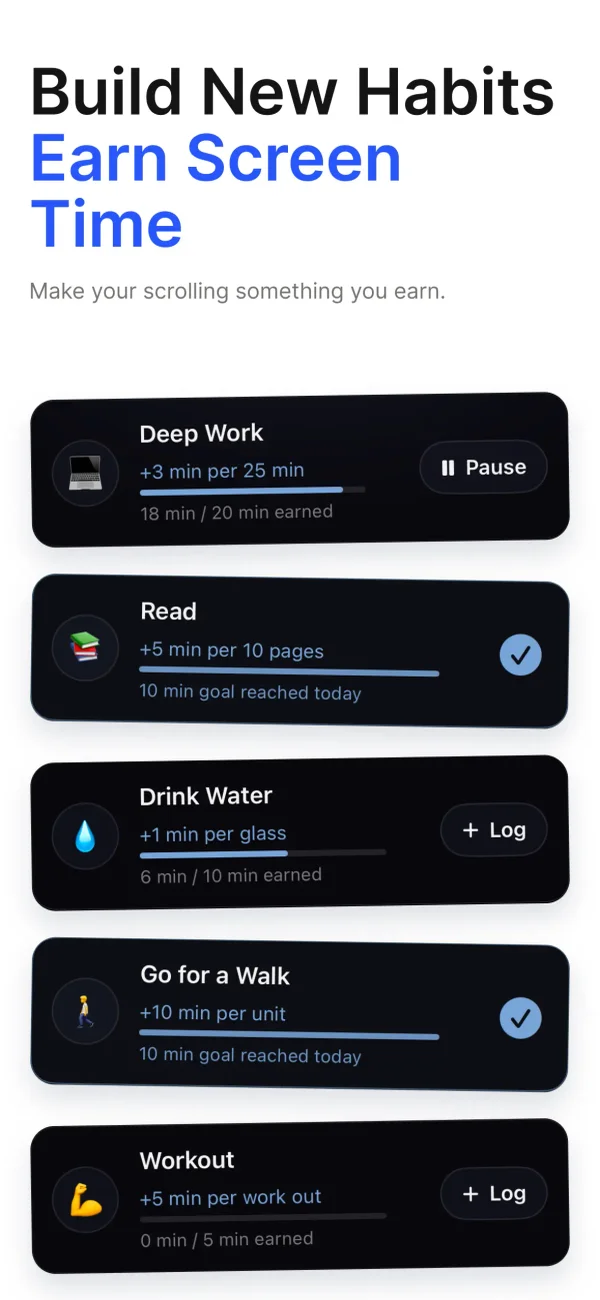
EARN SCREEN TIME: Log a habit. Add to your balance. Spend it on the apps you chose to lock. Rules in Earn mode stay locked until your balance covers the unlock, and that time comes off your balance when you open them.
FEATURES
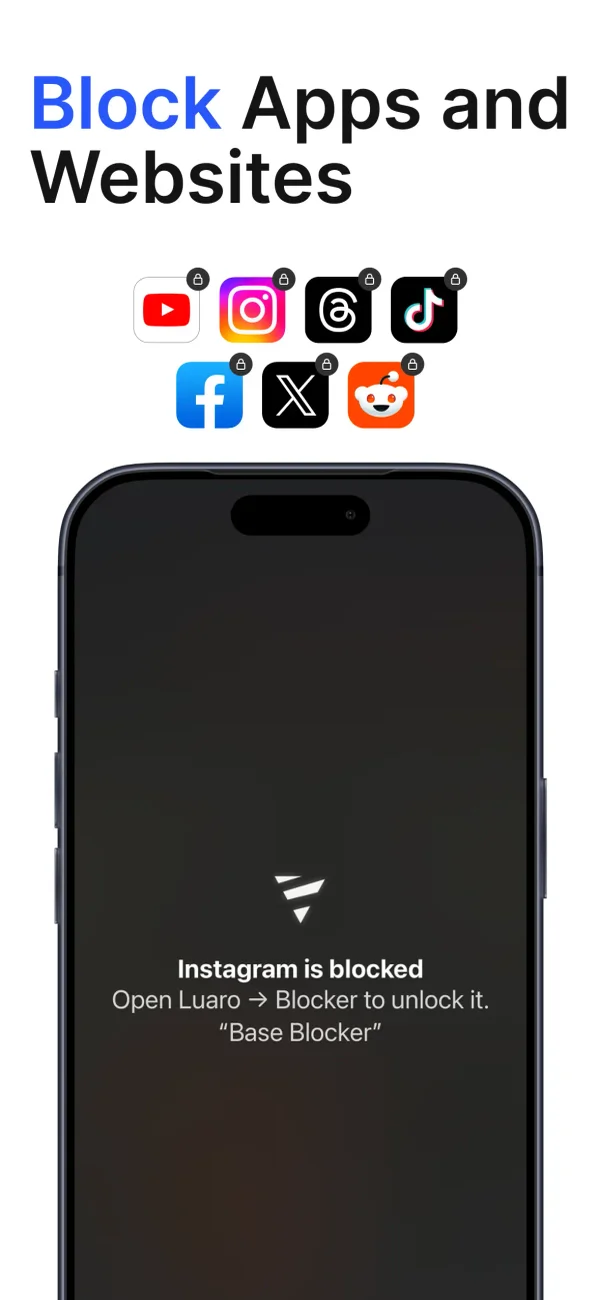
• Block distracting apps, categories, and websites
• Earn screen time by completing productive habits
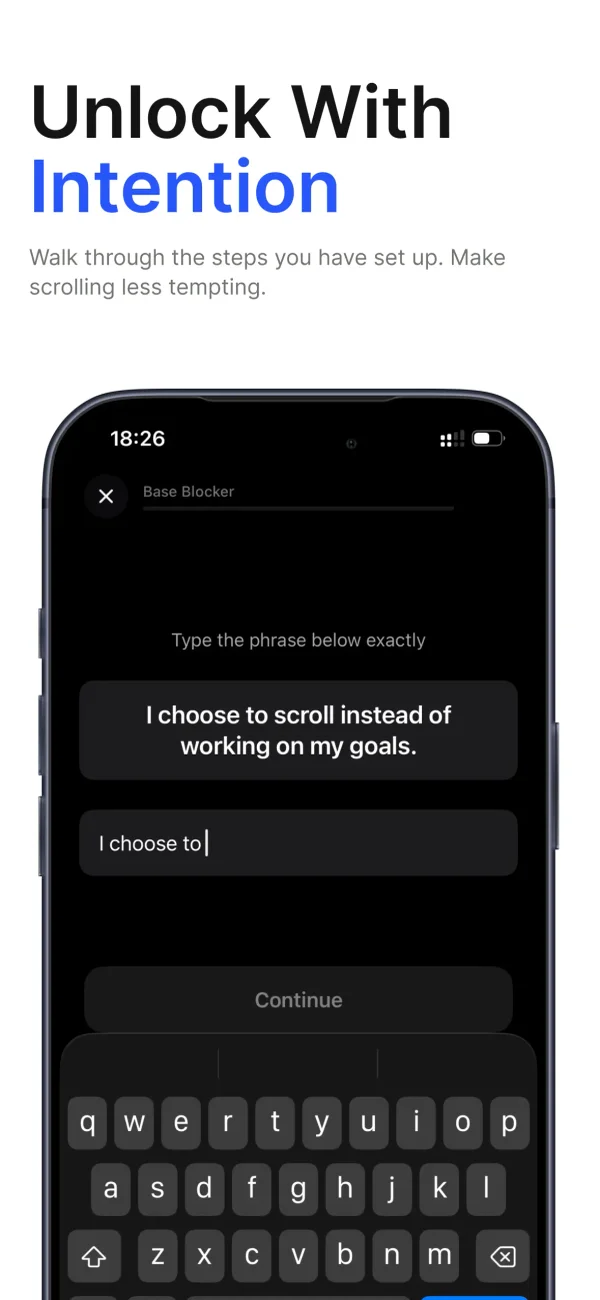
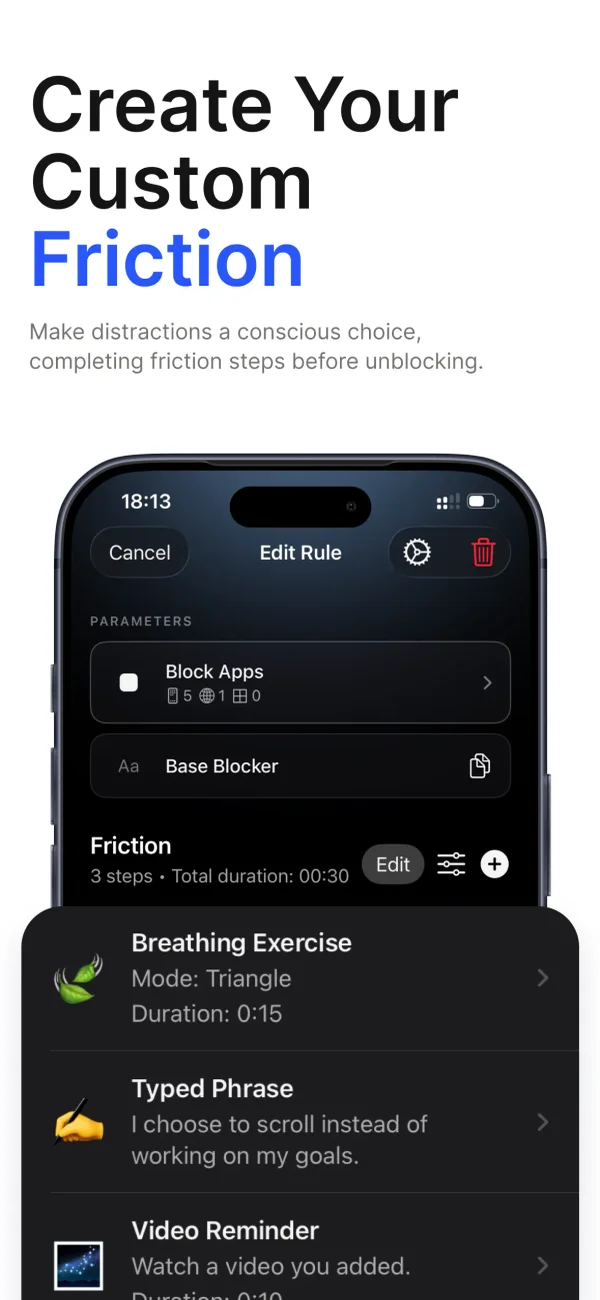
• Create custom friction before an unlock
• Change the order and duration of the friction steps
• Schedule the friction
• Schedule the blocks
• Set usage limits
• Set a delay for editing or deleting Rules, so bypassing them takes longer
• Limit unlock duration
• Limit daily unblocks
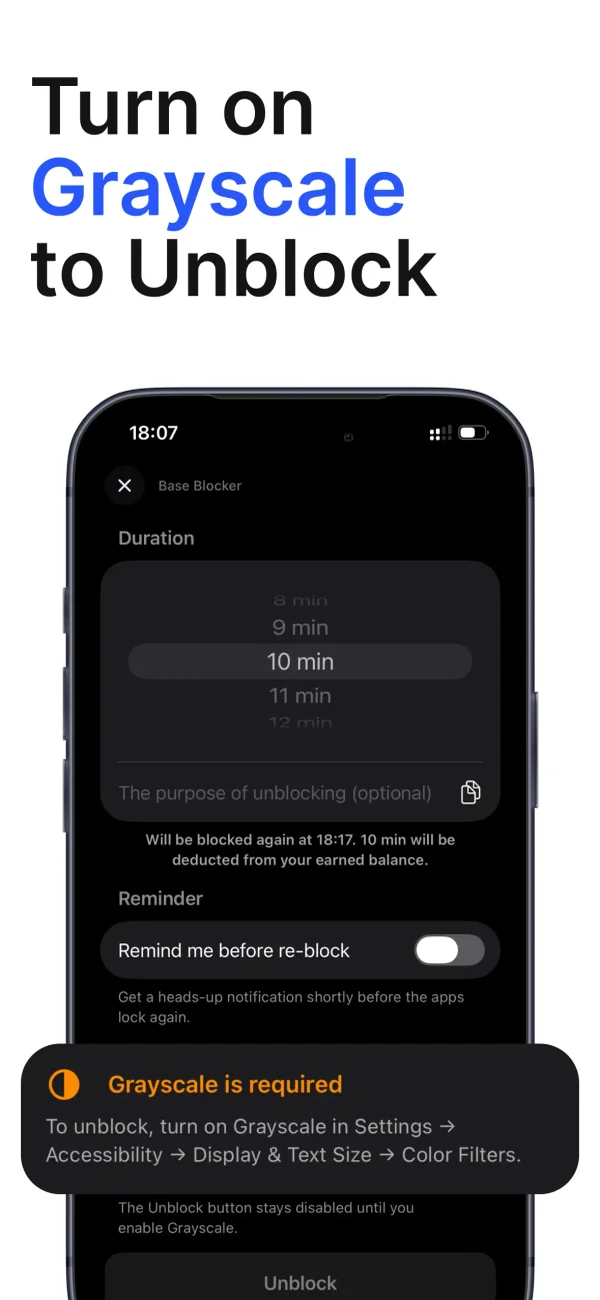
• Set a grayscale requirement to unblock apps
• Get a notification before Luaro re-blocks apps
• View detailed screen time reports
• Filter apps in your reports
• Track app usage, pick-ups, and notifications
• Visualize your screen time with Life in Weeks
• See long-term screen time projections
FRICTION STEPS
• Breathing exercises: 5 modes
• Physical exercise: 6 options
• Reflection Message: read any text you write
• Typed Phrase: type any text you write
• Written Reflection: 4 exercises
• Life in Weeks visualization
• Media: a photo or video you add
SEE THE BIGGER PICTURE
Your daily screen time adds up.
Luaro shows where your time goes, and what the months and years ahead look like if nothing changes. Earn mode turns that into a daily trade: do something that matters, then spend the time you earned.
Whether you want less time on social media, fewer distractions, or more control over your attention, every unlock is a decision you worked for.
PERFECT FOR ANYONE LOOKING TO
• Earn screen time instead of opening apps on autopilot
• Take control of daily screen time
• Block addictive apps and websites
• Build habits that pay off in attention
• Improve deep focus and productivity
• Reduce phone addiction and dopamine loops
• Shift toward conscious daily behavior
Take control of your attention today. Download Luaro.
Privacy Policy: https://privacy.luaro.app/
Terms of Use (EULA): https://terms.luaro.app/
What’s new
Version 1.5 · Oct 20, 2026
• UI/UX improvements
• Updated subscription policy
• Added German and Spanish localizations
• Onboarding update
• Updated Privacy Policy
App privacy
What Yaroslav Lishchynskyi declares on the App Store about how this app handles data.
-
Data not linked to you
May be collected but is not linked to your identity.
- Purchases
- User content
- Identifiers
- Usage data
- Diagnostics
Privacy practices may vary, for example with the features you use or your age.
Information
- Seller
- Yaroslav Lishchynskyi
- Category
- Productivity
- Version
- 1.5
- Updated
- Oct 20, 2026
- Released
- Jun 7, 2026
- Size
- 58.1 MB
- Requires
- iOS 17.6 or later
- Age rating
- 4+
- Price
- Free
- In-app purchases
- Yes
- Languages
- English, German, Spanish
- Copyright
- © 2026 Yaroslav Lishchynskyi
You might also like
-
 Get A PasswordEffortless Password Generator
-
 chapter lock - screen timeblock your apps until you read
-
 Sharp - My DiaryAI Diary Art·On-Device Privacy
-
 Oratoki - Lock In & AscendSelf Improvement & Habits
-
 Lekh AI - Local AI StudioOffline AI. Private by design
-
 Friction - Reduce Screen TimeStop Doomscrolling
-
 BlockRot: Screen Time ControlFinish Tasks, Earn Screen Time
-
 Humanize AI - AI Text DetectorText Humanizer & Bypass AI
-
 Completer - Habit TrackerJournal, Streaks & Motivation
-
 Enermind: Habits Over ScrollBuild habits, not scrolling