
Screen Time Control - Luvia
App Blocker: Limit・Focus・Detox
Designed for iPhone
Free
- Age rating4+
- CategoryProductivity
- DeveloperSolid Grove
- LanguagesEnglish
- Size53.5 MB
Links to the official App Store page
Download.org hosts no file of Screen Time Control - Luvia. The button opens its official App Store page, published by Solid Grove. Listing last checked on Nov 15, 2026.
Screenshots
About
Luvia — App Blocker & Focus
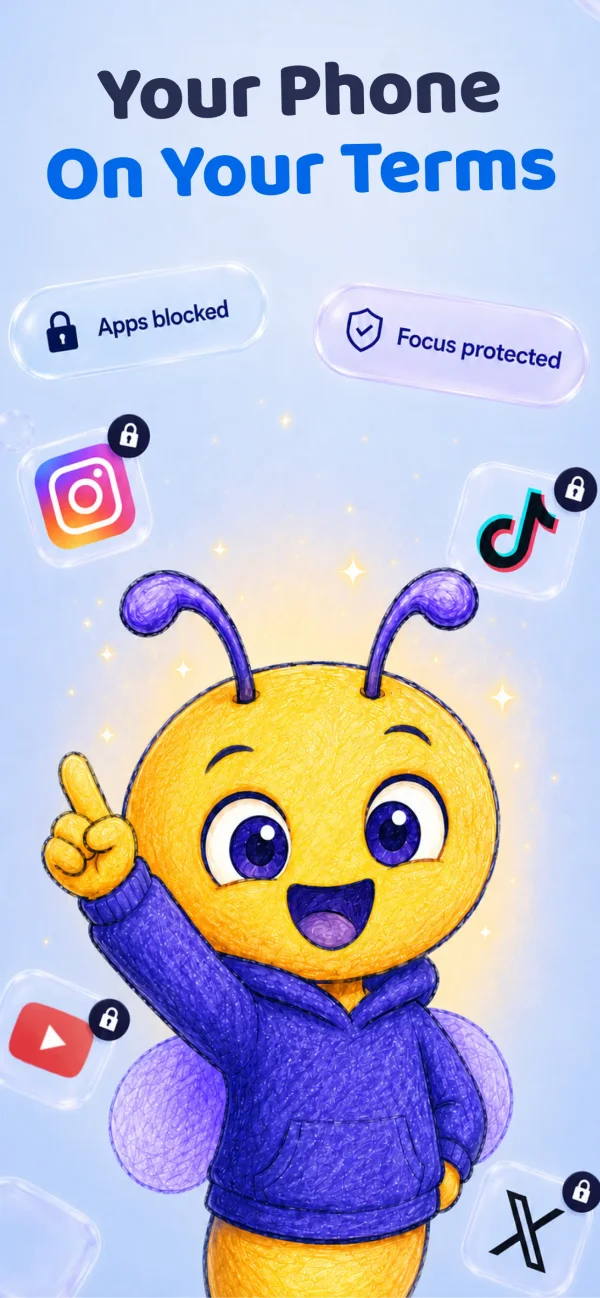
Take back control of your screen time. Luvia blocks the apps pulling you away from what matters — automatically, on your schedule, or whenever you need to focus right now.
5 hours. That's how long most people spend on their phone each day. Luvia helps you spend it differently.
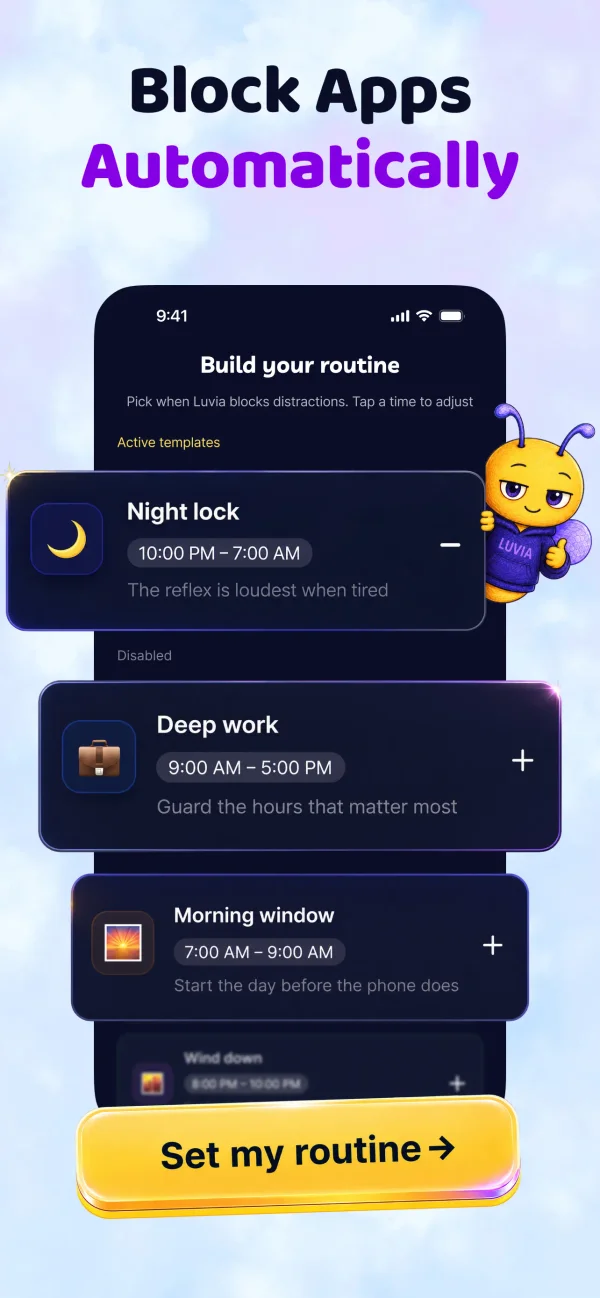
Set up schedules once. Let Luvia do the rest. Your apps get blocked automatically — during deep work, mornings, dinner, or whenever you choose. No willpower required.
SCHEDULED BLOCKS
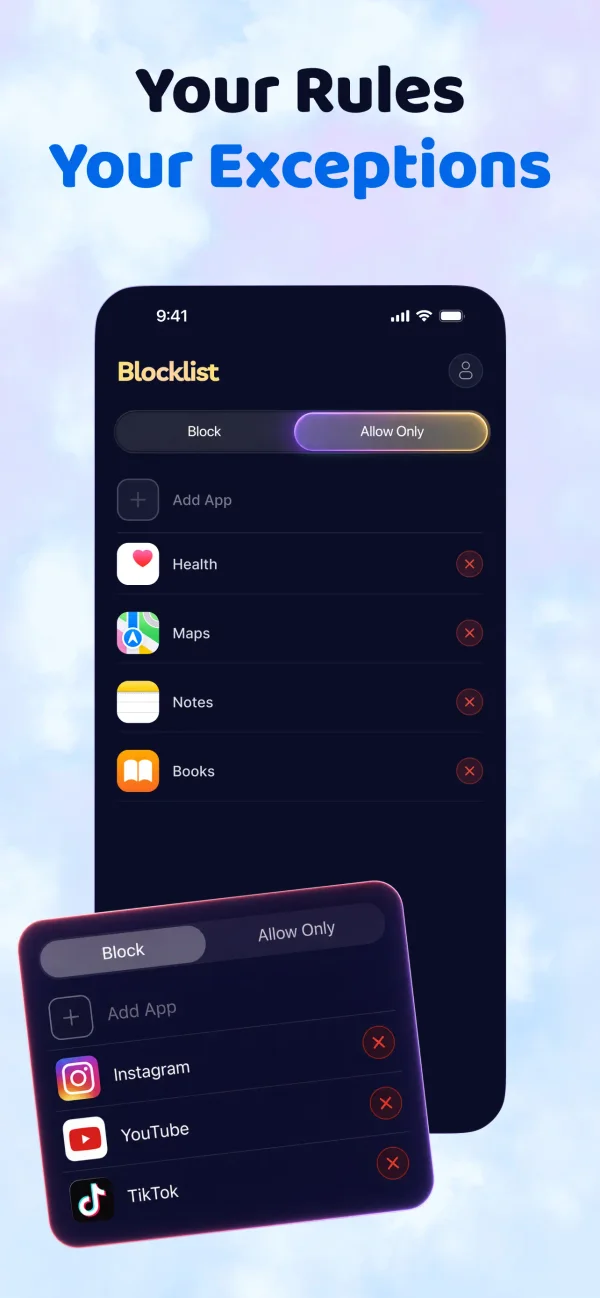
Block any app on a recurring schedule. Choose the days, set the time window, and Luvia enforces it automatically — even when the app is closed.
Pick from 8 ready-made presets: Deep work, Morning window, Night lock, Lunch break, Wind down, Dinner table, Study block, Weekend time. Or build your own.
QUICK FOCUS
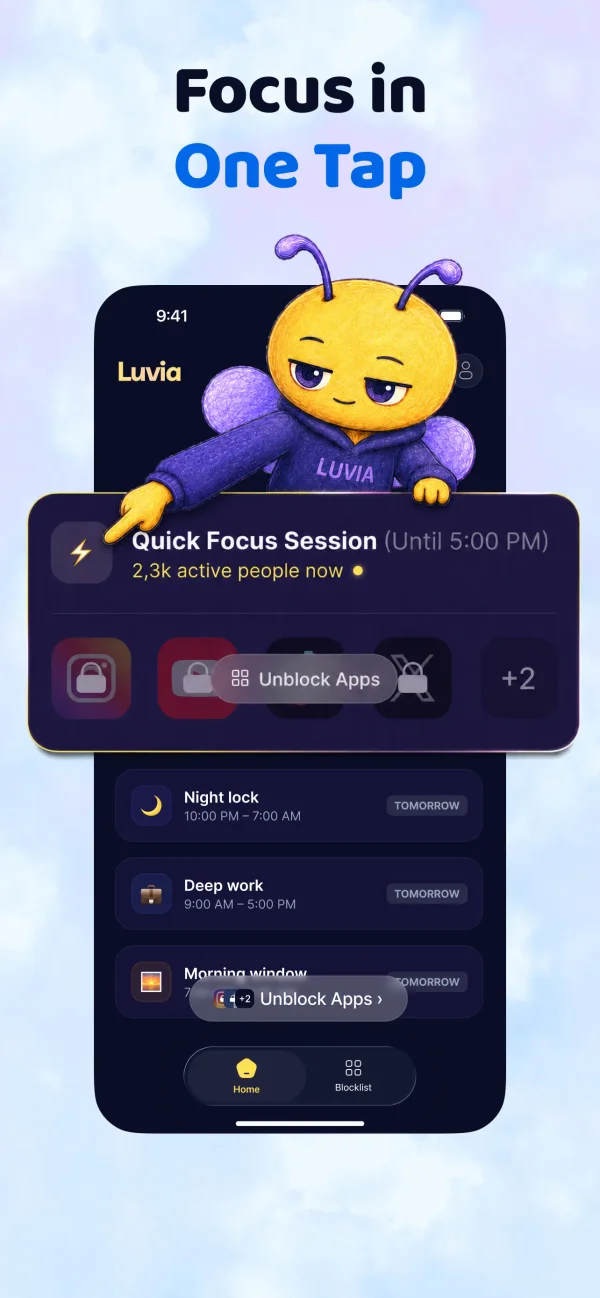
Need to focus right now? Start a Quick Focus session in seconds. Choose a duration — 15 min, 25 min, 1 hour, or go indefinite — and your apps are blocked instantly.
ALLOWLIST
Some apps should always be accessible. Add them to your always-allowed list and they'll stay unblocked no matter what schedule is running.
FOCUS SCORE
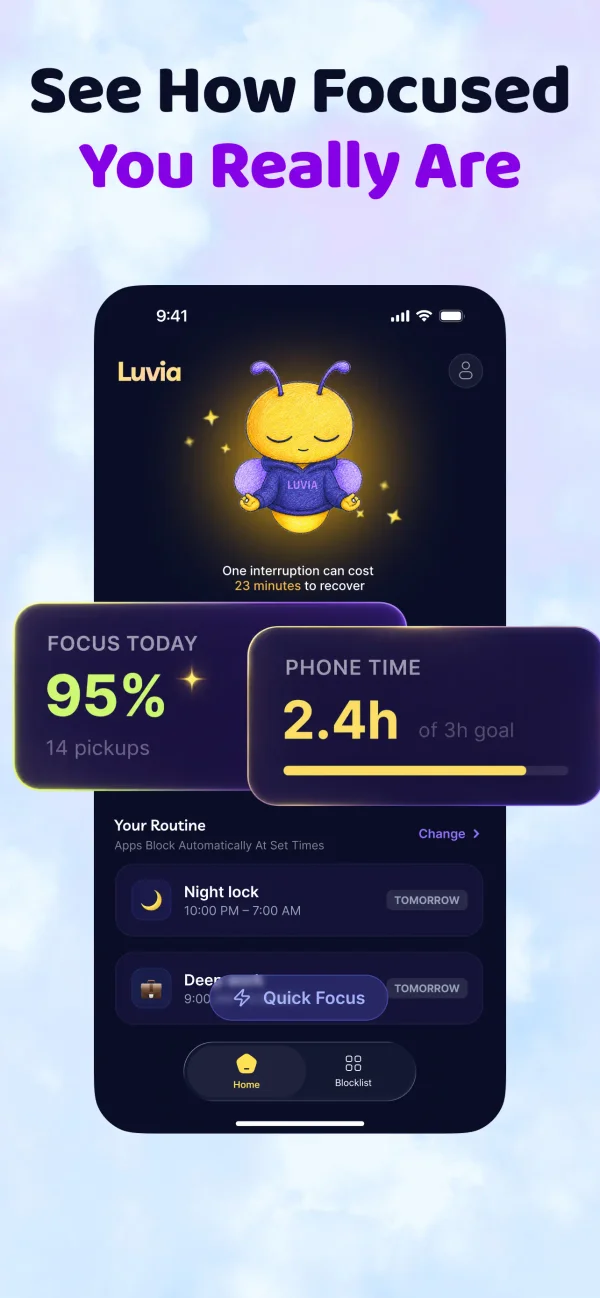
See how well you stick to your schedules. Your daily Focus % shows exactly how much blocked-app time slipped through — and how many times you unblocked.
SCREEN TIME GOAL
Set a daily screen time goal. Track your progress throughout the day and see how close you are to hitting it.
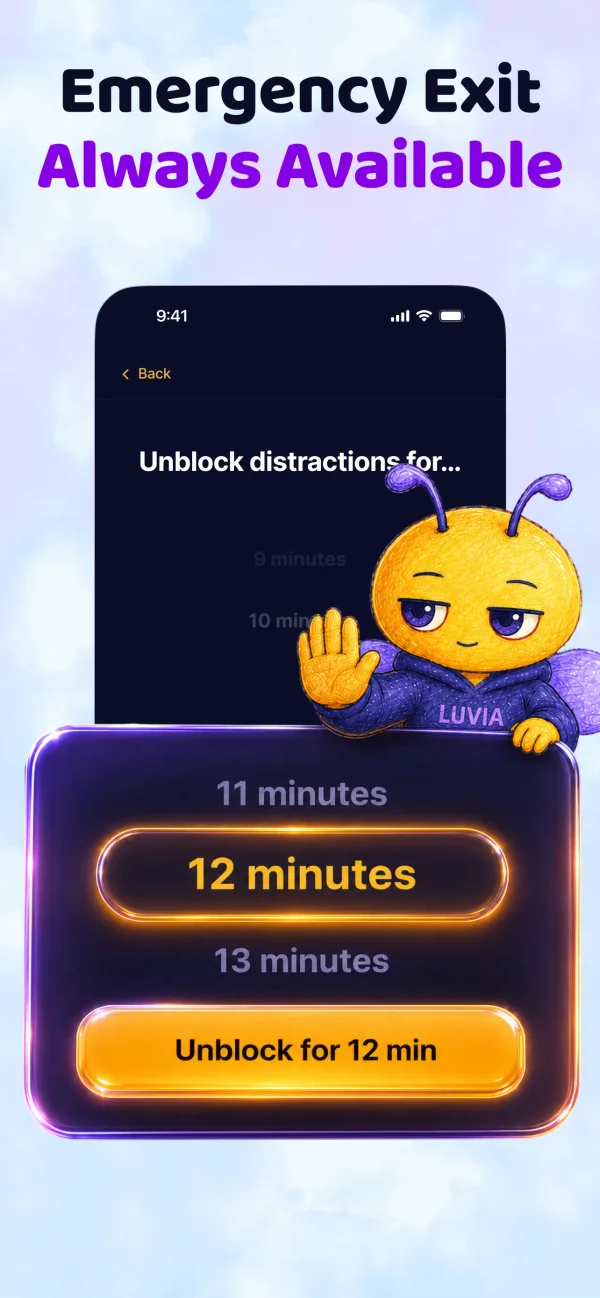
UNBLOCK (FOR EMERGENCIES)
Life happens. Pause blocking for up to 15 minutes when you genuinely need it. The session picks back up automatically when time is up.
PRIVATE & SECURE
Luvia uses Apple's Screen Time API. All blocking runs entirely on your device. Your data never leaves your phone.
Stop scrolling. Start focusing.
Download Luvia — and take your time back.
https://solidgrove.ai/privacy
https://solidgrove.ai/terms
What’s new
Version 1.7.1 · Aug 14, 2026
Bug fixes and other improvements
App privacy
What Solid Grove declares on the App Store about how this app handles data.
-
Data not linked to you
May be collected but is not linked to your identity.
- Usage data
- Diagnostics
Privacy practices may vary, for example with the features you use or your age.
Information
- Seller
- Solid Grove Pte. Ltd.
- Category
- Productivity
- Version
- 1.7.1
- Updated
- Aug 14, 2026
- Released
- Jul 28, 2026
- Size
- 53.5 MB
- Requires
- iOS 18.0 or later
- Age rating
- 4+
- Price
- Free
- Languages
- English
- Copyright
- © Solid Grove Pte. Ltd.
You might also like
-
 Mirror: Stop Scrolling & DetoxReels Blocker, Screen Time App
-
 FocusFlow Screen Time ControlFocus, App Blocker & Timer
-
 Repbolt: Push Up Rep CounterApp Blocker: Earn Screen Time
-
 Voice Recorder & AI Note TakerTranscribe Voice Memos to Text
-
 WhyNow: Screen Time ControlApp Blocker & Focus Timer
-
 Rewire: Screen Time ControlFocus, Goals & App Blocker
-
 Dawnlock: Loud Alarm ClockWake up alarm, heavy sleepers
-
 App Blocker Focus Fomo FastScreen time limits that hold
-
 Fried: Screen Time ControlApp Blocker & Focus Timer
-
 Svala: Screen Time ControlApp Blocker & Daily Limits