
Screen Time Control: Otia
Block Apps, Set Focus Timer
Designed for iPhone, iPad
Free · In-app purchases
- Age rating4+
- CategoryProductivity
- DeveloperGeniport
- LanguagesEnglish+ 1 more
- Size171.9 MB
Links to the official App Store page
Download.org hosts no file of Screen Time Control: Otia. The button opens its official App Store page, published by Geniport. Listing last checked on Nov 25, 2026.
Screenshots



About
Focus with Nature - Earn rewards
How many hours did you spend scrolling today? The average person picks up their phone 80+ times a day — most of it mindless, most of it wasted. Otia infused full 3D fish keeping - a relaxing activity with your screen time control system, built to help you block distracting apps, reclaim your focus, and finally feel in control of your screen habits while keeping your pets healthy.
------
WHAT YOU'LL GAIN
Realistic fish keeping activity
Reclaim hours of screen time every day
Build deeper focus with fewer distractions
Break the scroll loop and feel more present
Sleep better by blocking apps at night
Reduce phone anxiety and digital overwhelm
------
AQUARIUM EXPERIENCE
Start focus session to grow your fish
Keep your habit so that your fish stay healthy
Unlock new fish as a reward for your hard work.
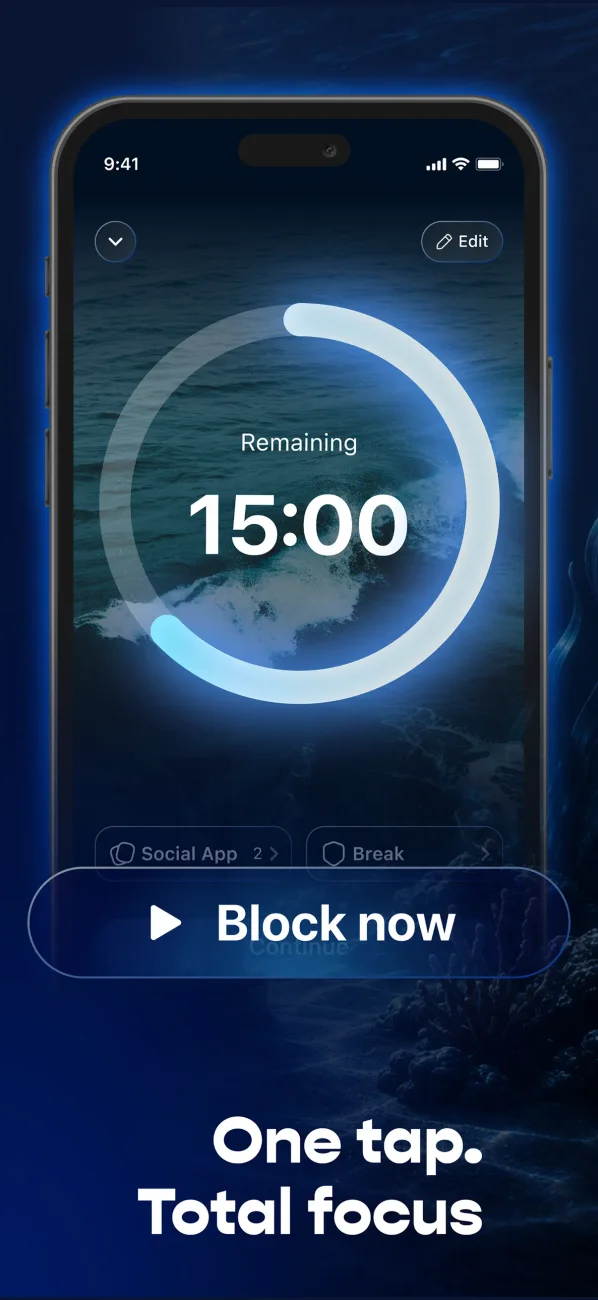
BLOCK APPS INSTANTLY
Choose any app or website and block it with one tap. Set a timer, schedule a block, or go deep focus mode — no bypassing, no excuses. Otia keeps you honest when willpower alone isn't enough.
FOCUS TIMER
Use the built-in focus timer to work in intentional sessions. Set your goal, start your timer, and let Otia block everything that pulls you away from what matters.
SCREEN TIME INSIGHTS
See exactly how you spend your screen time each day. Real data, clear charts, and honest trends — so you know where your time actually goes.
DAILY SCHEDULES
Automate your screen time control. Block apps during work hours, wind down before bed, and protect your mornings — all on a set schedule.
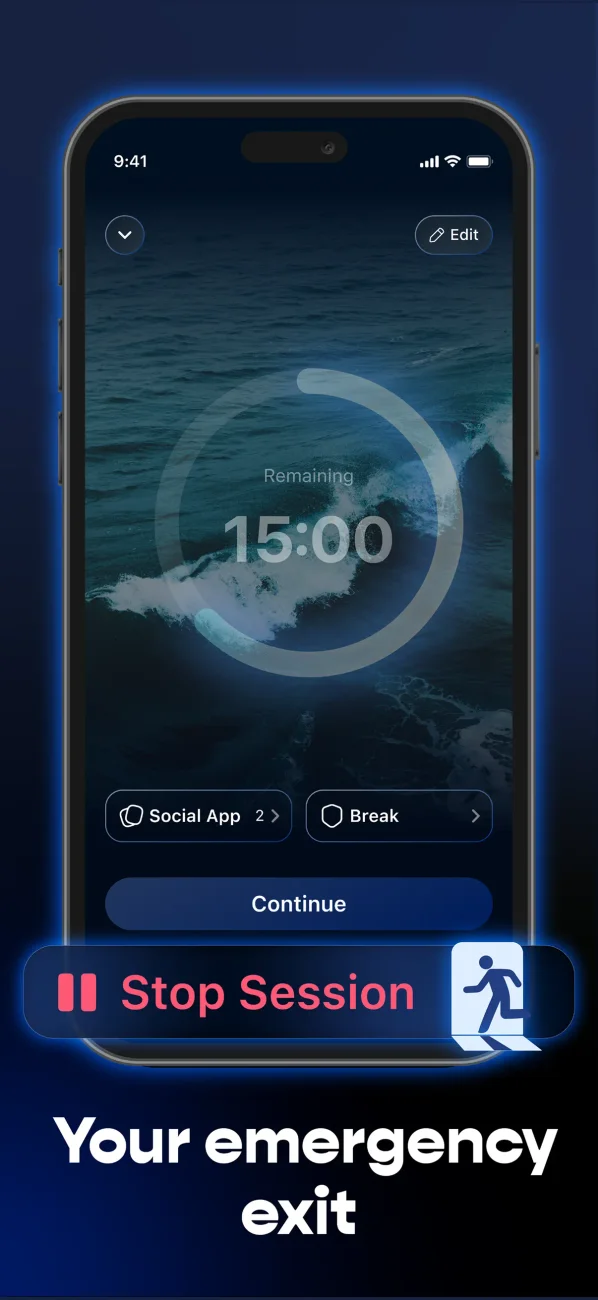
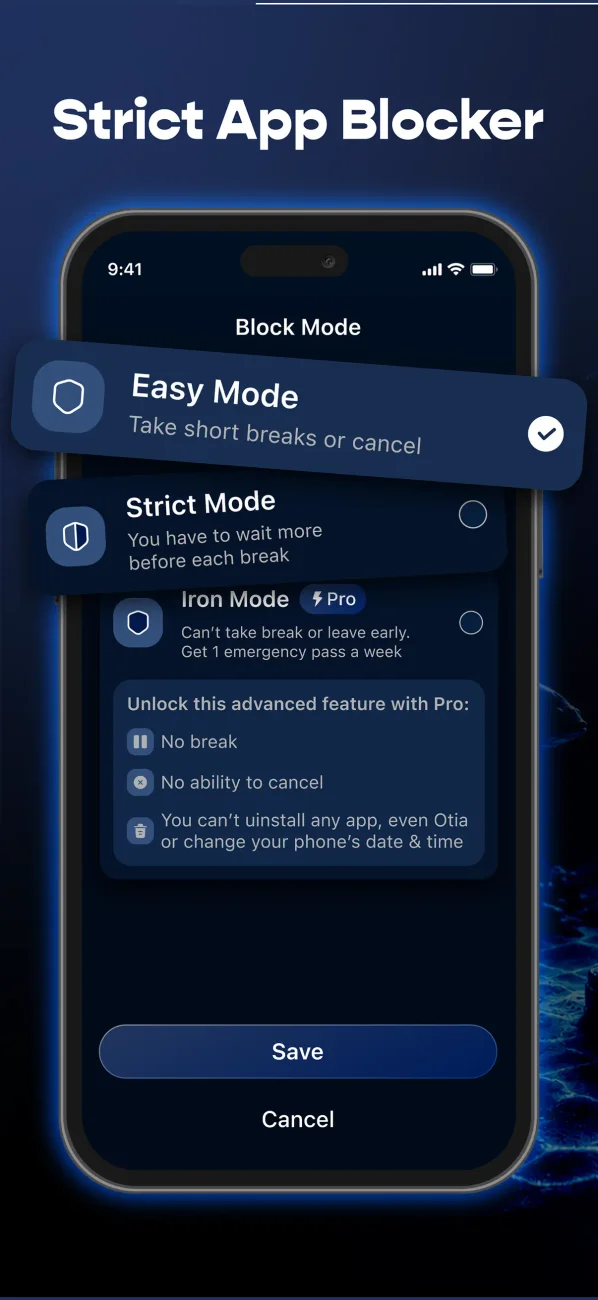
STRICT MODE
Need serious screen time control? Enable strict mode and make it impossible to unblock until your session ends. No loopholes.
FOCUS CHALLENGES
Set screen time goals and challenge yourself to hit streaks. Build the habit of staying off distracting apps, day after day.
We use Apple’s Screen Time API so all of your phone usage data stays on your phone.
Connect with us:
Privacy Policy: https://geniport.com/privacy
Terms of Use (EULA): https://www.apple.com/legal/internet-services/itunes/dev/stdeula/
Support: support@geniport.com
What’s new
Version 1.0.2 · Nov 24, 2026
- Bug fixes and performance improvements.
- Improved app stability for a smoother experience.
App privacy
What Geniport declares on the App Store about how this app handles data.
-
Data used to track you
May be used to track you across apps and websites owned by other companies.
- Usage data
-
Data not linked to you
May be collected but is not linked to your identity.
- Contact info
- Identifiers
- Usage data
- Diagnostics
Privacy practices may vary, for example with the features you use or your age.
Information
- Seller
- KAOPIZ SOLUTIONS COMPANY LIMITED
- Category
- Productivity
- Version
- 1.0.2
- Updated
- Nov 24, 2026
- Released
- Oct 20, 2026
- Size
- 171.9 MB
- Requires
- iOS 17.6 or later
- Age rating
- 4+
- Price
- Free
- In-app purchases
- Yes
- Languages
- English, Vietnamese
- Copyright
- © 2026 GENIPORT
You might also like
-
 Loky: Screen Time ControlApp Blocker & Focus Timer
-
 Long Ago: Habit & Life TrackerHabit & activity tracker
-
 FarmextFarm management application
-
 BreakTime - work break timerTime management, stay focused
-
 TomotaSHRIMP FARM MANAGEMENT APP
-
 Another Page: Read to UnlockRead books to unlock your apps
-
 Private Browser : IncognitoWeb & Internet Search Engine
-
 Unforgetful: Never Lose a TaskTo-do reminders app for ADHD
-
 Littlebird AIProductivity
-
 Glasp: AI Summary & HighlightRead later: videos, PDFs & web