Screen Time & Focus: Lavendr
Block apps, earn it back
Designed for iPhone
Free · In-app purchases
- Age rating12+
- CategoryProductivity
- DeveloperDomino Effect Labs LLC
- LanguagesEnglish+ 22 more
- Size83.3 MB
Links to the official App Store page
Download.org hosts no file of Screen Time & Focus: Lavendr. The button opens its official App Store page, published by Domino Effect Labs LLC. Listing last checked on Nov 22, 2026.
Screenshots

About
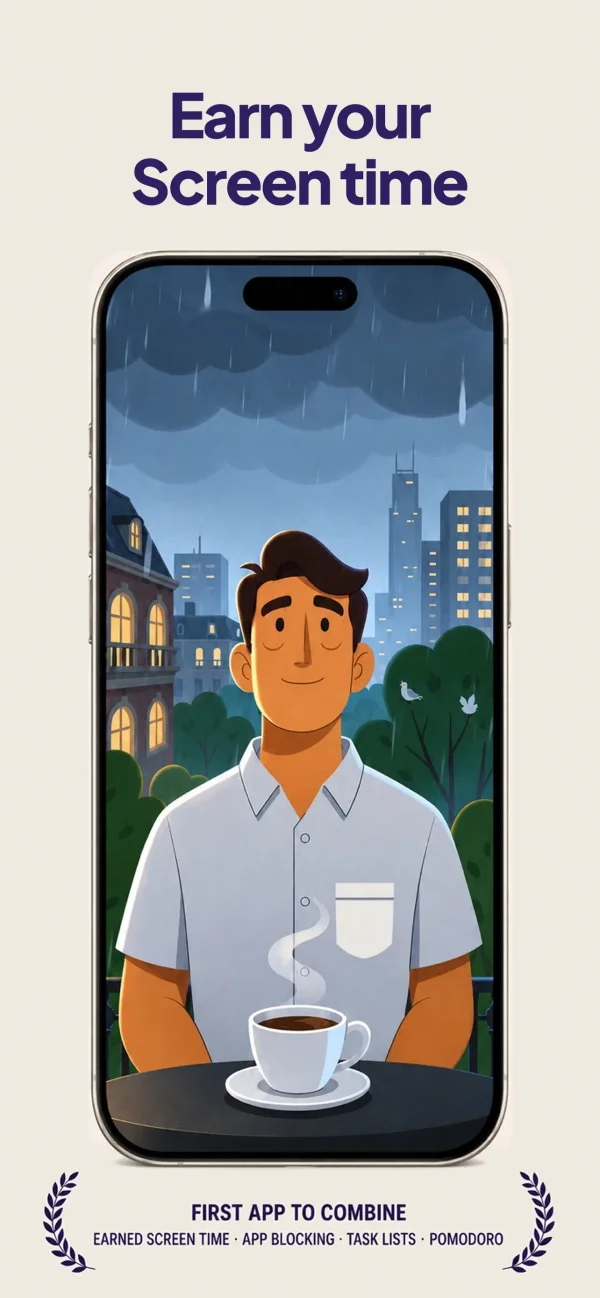
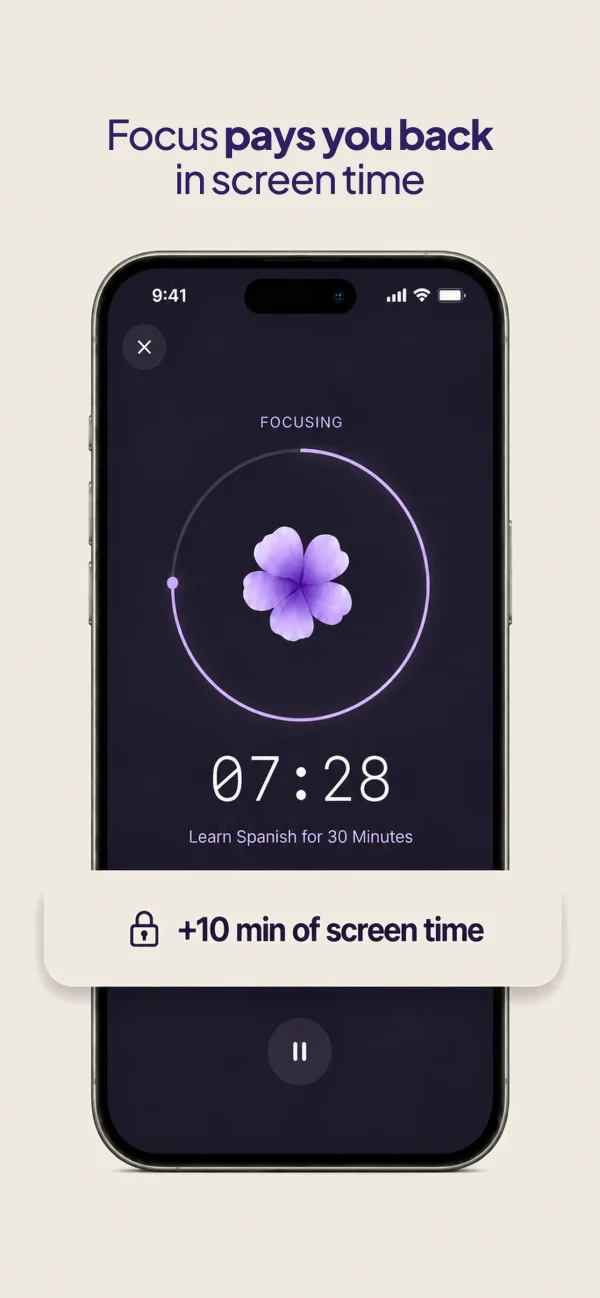
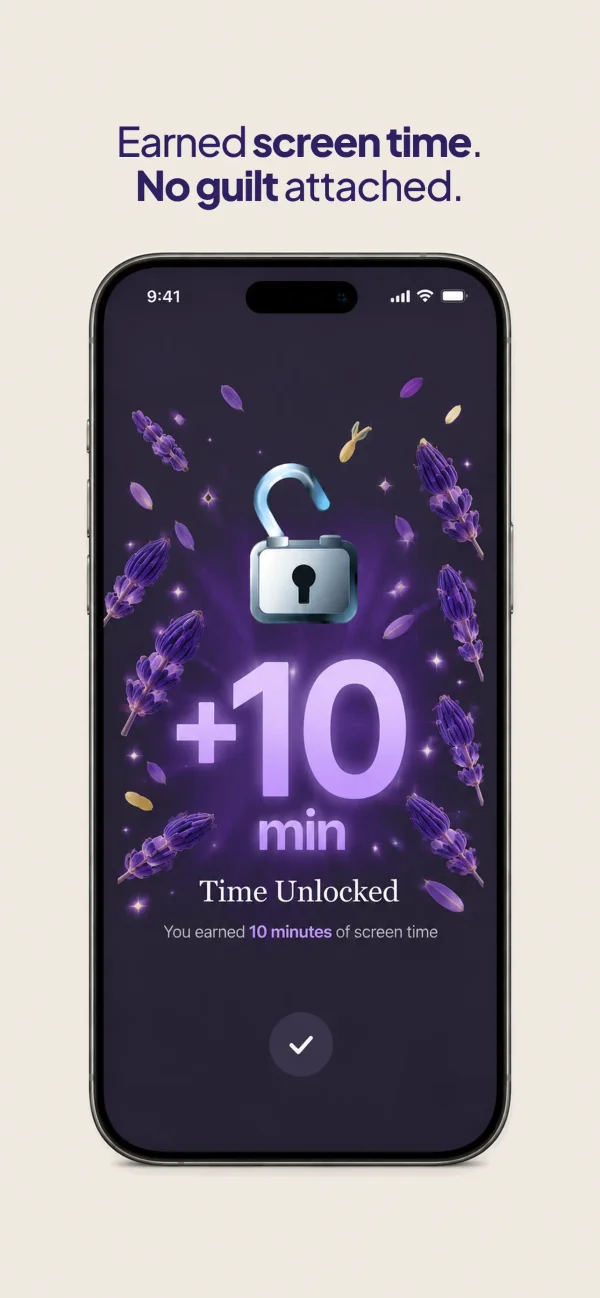
Your apps stay locked until you earn them. Do thirty minutes of real focus, get ten minutes back. Over weeks, the loop rewires and the apps stop being the default.
Lavendr turns the usual focus app inside out. Instead of begging you to use your phone less, it makes the work you have been avoiding the only key to the apps you cannot put down. Block first. Focus. Earn the time. Spend it without the guilt.
How it works
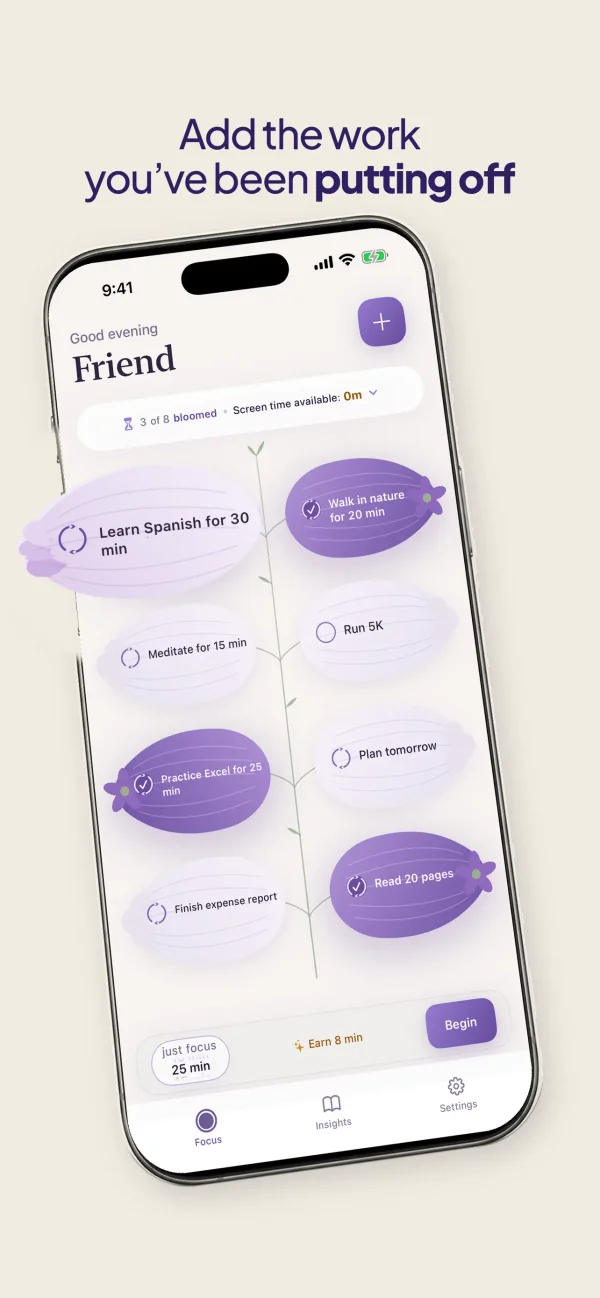
Pick the apps that pull you in. Instagram, TikTok, Reddit, whatever yours are. Write a task in your own words. Learn Spanish. Study for the certification. Write the chapter. Start a focus session, anywhere from fifteen to sixty minutes. Lavendr caps sessions at sixty minutes on purpose. The deep work pretending to last three hours rarely does.
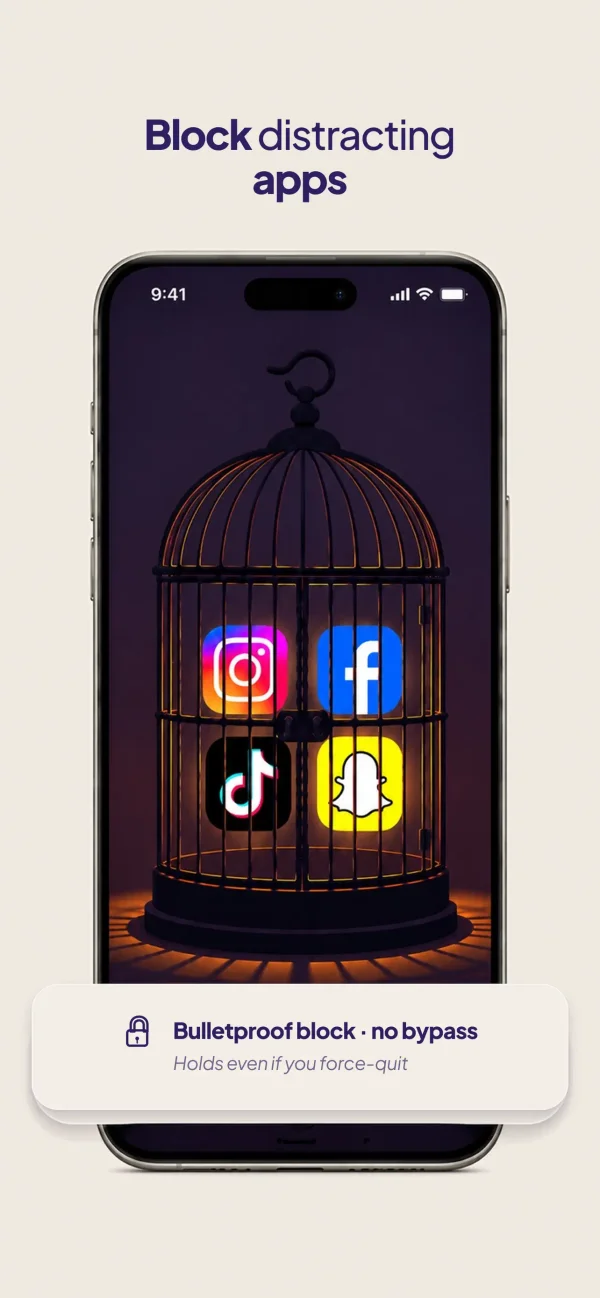
During the session your chosen apps are blocked at the system level. A background extension re-applies the block automatically, so closing or force-quitting Lavendr will not get you past it. Within iOS, this is as firm as a block can be.
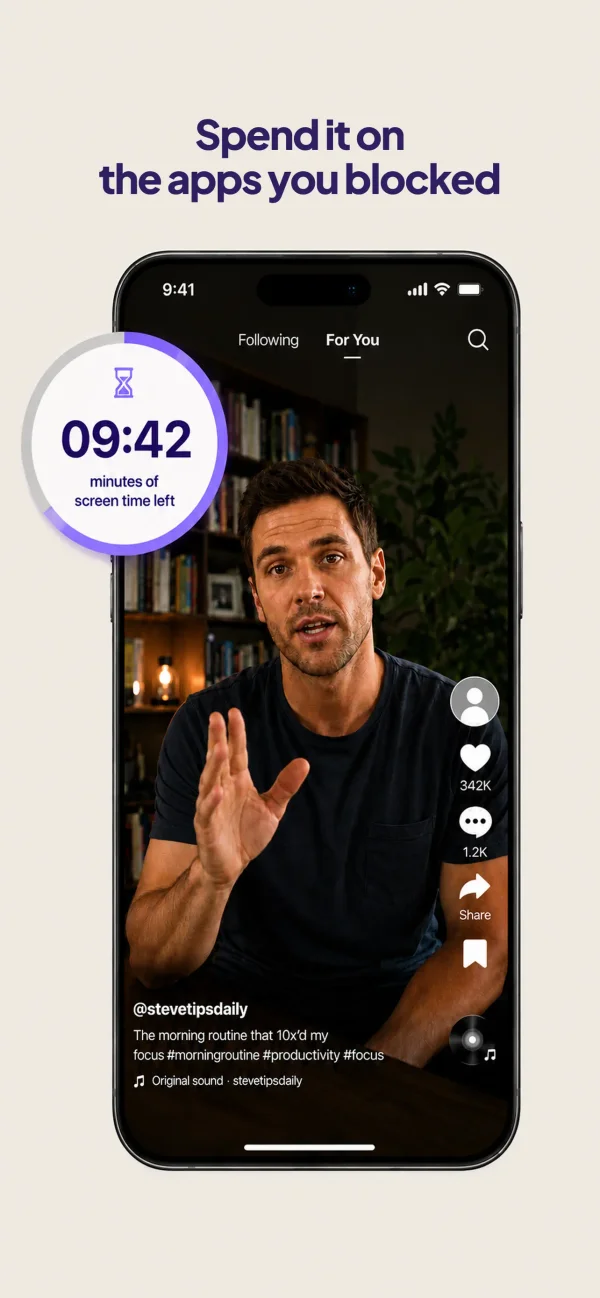
Finish, and the time is yours: every thirty minutes of focus earns ten minutes on the apps you blocked. Use it now or save it. Every Sunday at midnight the unused minutes reset, so Monday starts fresh.
Why it works when willpower apps do not
Most focus tools treat phone addiction as a willpower problem and ask you to try harder. Lavendr treats it as a behavior loop and rewires it. The apps you cannot stop checking get blocked. The work you cannot make yourself start becomes the way back in. Over time the brain learns a new order: focus first, scroll second, and only on what you actually meant to open.
Pure blockers restrict your apps and give you nothing in return, which is why most people quit them inside a week. Plain timers structure your work but ignore the pull of the phone. Lavendr is built around the exchange itself. Your screen time becomes the earned reward for the focus you finished, and that trade is what changes the habit.
Built for iPhone
Lavendr uses Apple’s Screen Time controls to enforce real, system-level blocks on the apps you choose. Closing or force-quitting Lavendr does not simply end the block. When your earned time runs out, the shield comes back automatically.
The focus timer can also appear on the Lock Screen and Dynamic Island during active sessions. Widgets show your current session, earned minutes, and weekly streak. Siri Shortcuts let you start a session, check earned time, or add a task without opening the app.
Privacy by architecture
Lavendr's privacy is structural, not a promise. Your tasks and your blocked-apps list stay on your device. There is no account, no login, and no advertising tracking. The only outside service is RevenueCat, which validates your subscription and receives a few anonymous in-app signals.
Lavendr membership
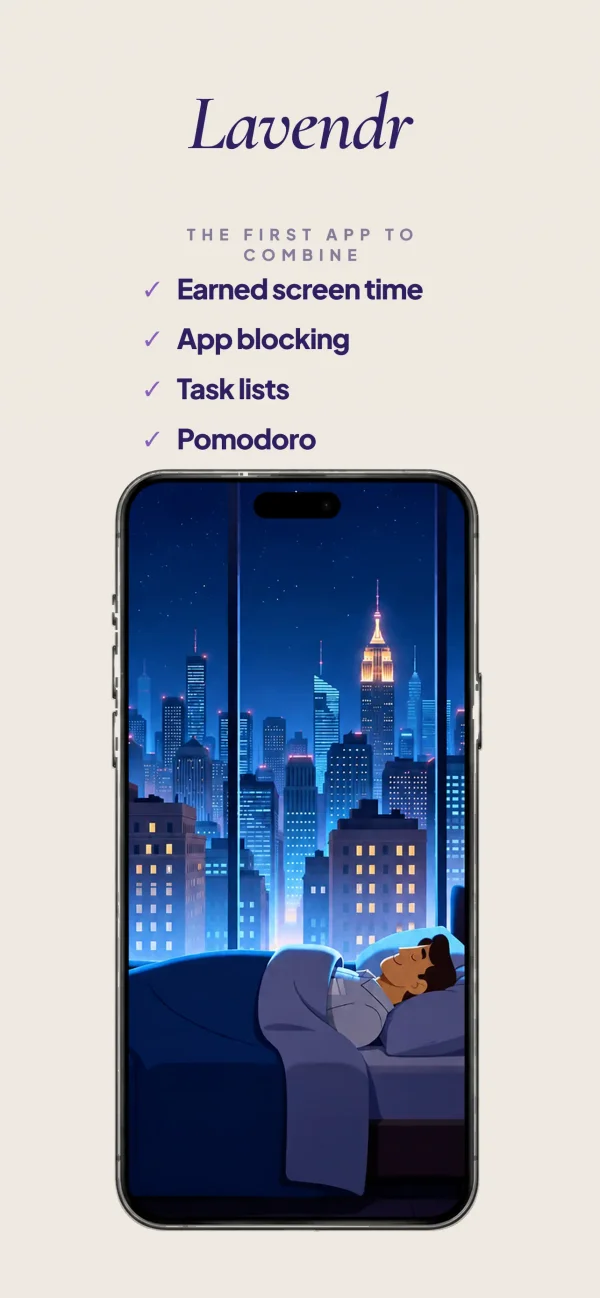
Lavendr is a subscription app. A membership unlocks the full experience: app blocking, unlimited focus sessions and tasks, earned screen time, the custom shield, Live Activities, widgets, Siri Shortcuts, weekly insights, and streaks.
Subscription options are shown before purchase and may vary by country or region. Payment is charged to your Apple ID. Subscriptions renew automatically unless turned off at least 24 hours before the period ends. Manage or cancel anytime in Settings.
Terms of Use (EULA): https://www.apple.com/legal/internet-services/itunes/dev/stdeula/
Privacy Policy: https://lavendr.so/privacy
What’s new
Version 1.3.2 · Nov 18, 2026
“Get me out of here” now also works before you start your first task.
Updated welcome and setup screens, with an option to skip the intro.
Long task titles are no longer cut off.
Free period shortened to 3 days.
Bug fixes and improvements.
App privacy
What Domino Effect Labs LLC declares on the App Store about how this app handles data.
-
Data not linked to you
May be collected but is not linked to your identity.
- Purchases
- Identifiers
- Usage data
Privacy practices may vary, for example with the features you use or your age.
Information
- Seller
- Domino Effect Labs LLC
- Category
- Productivity
- Version
- 1.3.2
- Updated
- Nov 18, 2026
- Released
- Aug 23, 2026
- Size
- 83.3 MB
- Requires
- iOS 17.2 or later
- Age rating
- 12+
- Price
- Free
- In-app purchases
- Yes
- Languages
- English, Croatian, Czech, Danish, Dutch, Finnish, French, German, Greek, Hungarian, Indonesian, Italian + 11 more
- Copyright
- © 2026 Domino Effect Labs LLC
You might also like
-
 Screen Time Control: ScreenPupApp Blocker & Focus Timer
-
 Focus: App Blocker & LockdownBlock Apps & Stop Scrolling
-
 Earned - Screen TimeDo More, Scroll Less
-
 Aergia - Screen Time ControlPause before opening apps
-
 Locky: Do Tasks, Unlock AppsBuild Habits, Earn Screen Time
-
 No Scroll: Stop DoomscrollingBlock Short Videos & Feeds
-
 Budli: Screen Time PetApp Blocker & Focus Buddy
-
 Stop Doomscrolling: UnscrolDopamine Detox: Stop Scrolling
-
 Screen Time Control : DoUnlockApp Blocker Task & Focus Timer
-
 finit: Screen Time & LifeEvery day, kept for good