Screen Time & Parental Control
App blocker to stay Focused
Designed for iPhone, iPad
Free · In-app purchases
- Age rating9+
- CategoryProductivity
- DeveloperMuhammad Kashif
- LanguagesEnglish
- Size14.7 MB
Links to the official App Store page
Download.org hosts no file of Screen Time & Parental Control. The button opens its official App Store page, published by Muhammad Kashif. Listing last checked on Nov 12, 2026.
Screenshots


About
Take back control of your screen time – block distractions, build focus, and keep your family safe, all in one app.
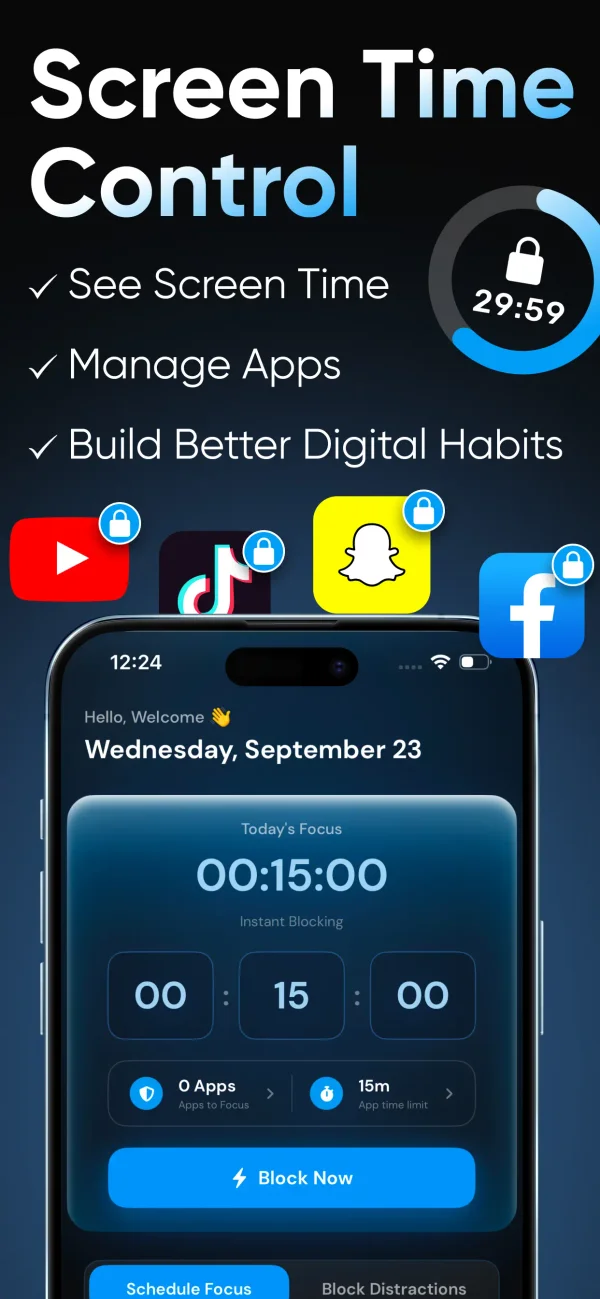
Schedule focus sessions, limit addictive apps, and set powerful parental controls in just a few taps.
Screen Time & Parental Control helps you spend less time scrolling and more time on what matters. Whether you're trying to stay productive at work, study without interruptions, sleep better, or protect your kids online, this app gives you the tools to build healthier digital habits.
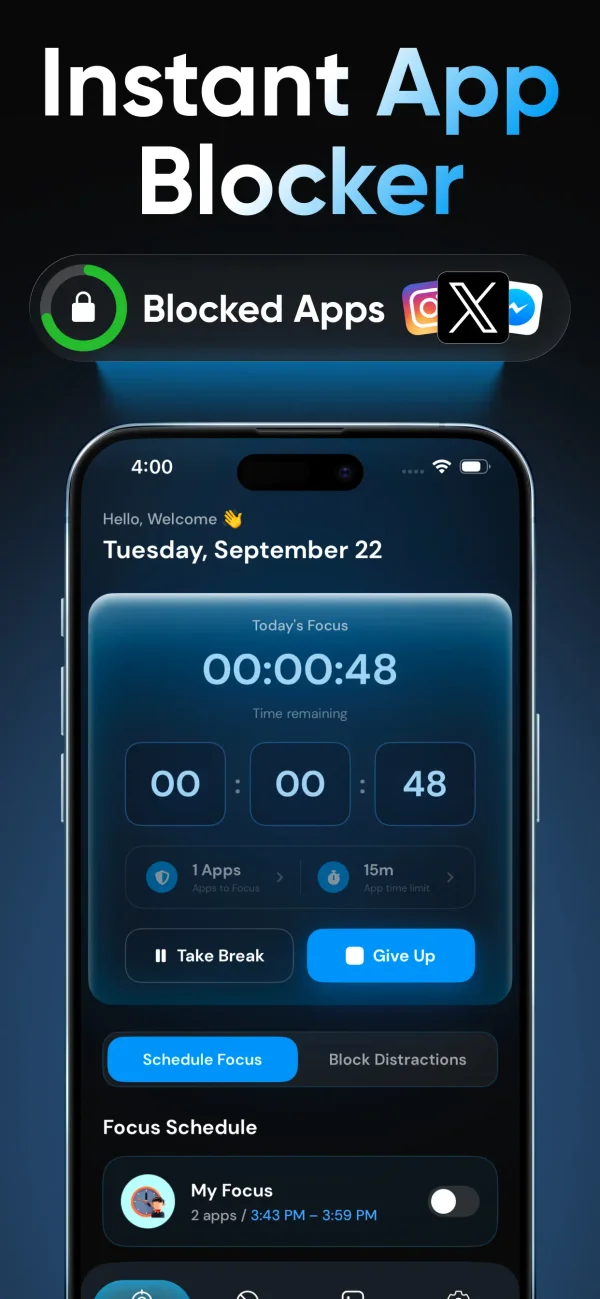
• SCHEDULE FOCUS MODE
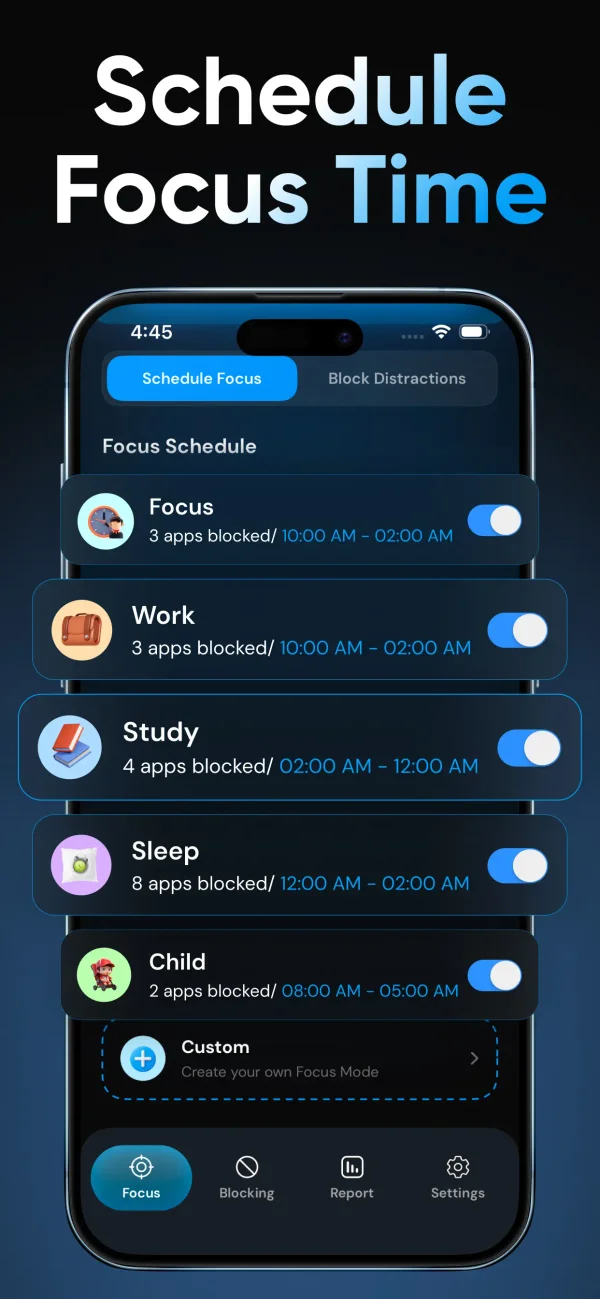
Create custom focus modes for Work, Study, Sleep, or anything you need. Choose the apps you want to keep available, set the time and days, and the focus mode activates automatically. During each session, only your selected apps stay usable while everything else is blocked, so you can stay on track without relying on willpower.
• BLOCK DISTRACTIONS
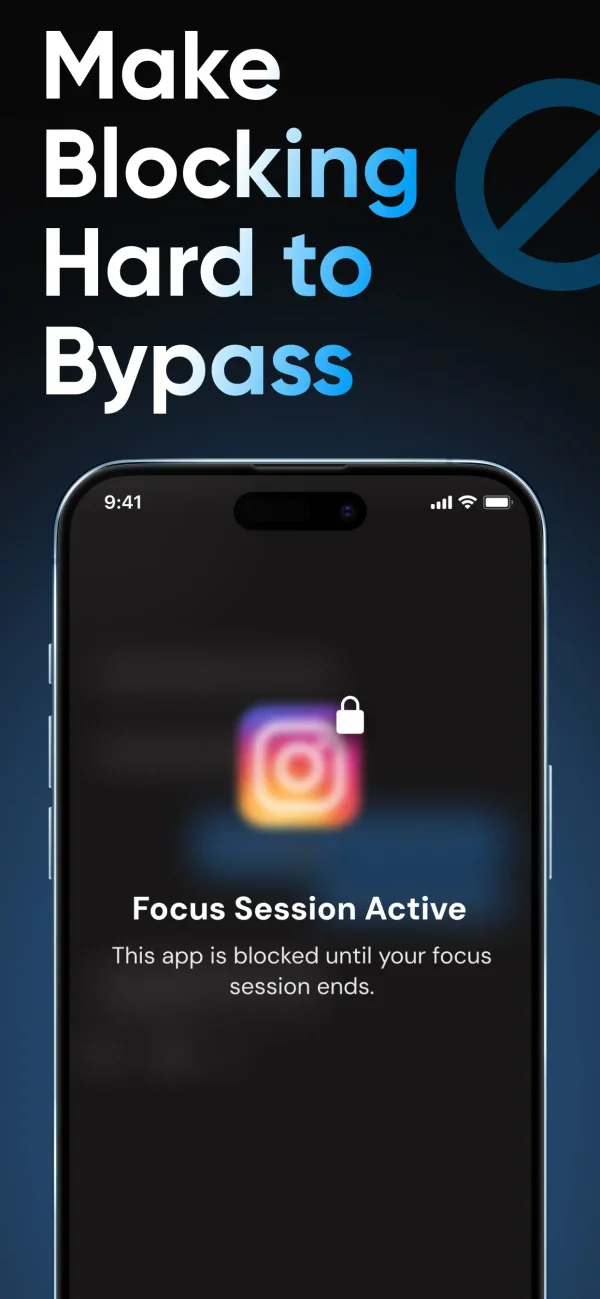
Add the apps that steal your time and set daily limits for each one. Control how long you can use an app and how many times you can open it. Once the limit is reached, the app stays locked for the rest of the day. You can also choose which days these limits are active.
• INSTANT FOCUS
Need to concentrate right now? Start an instant focus session in seconds. Choose apps to block or allow, set the duration, and get to work – no scheduling required.
• PARENTAL CONTROL BLOCKING
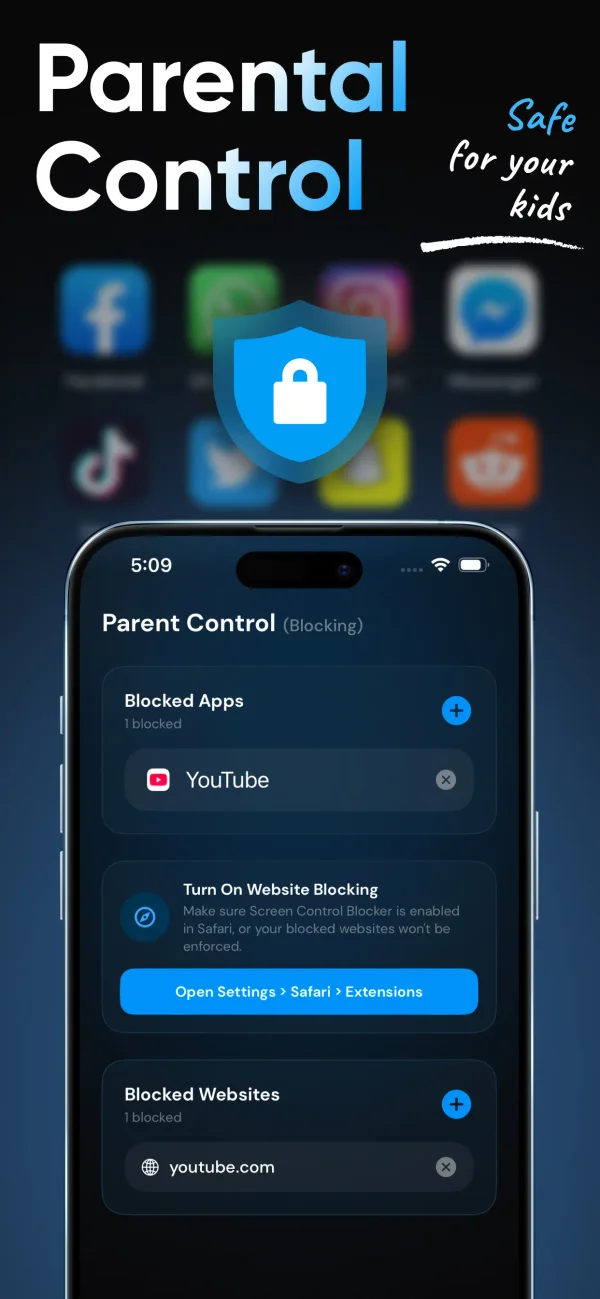
Block apps and websites that aren't appropriate for your child. Once added, they stay blocked until you choose to remove them, giving you peace of mind that harmful content stays out of reach.
• DETAILED REPORTS
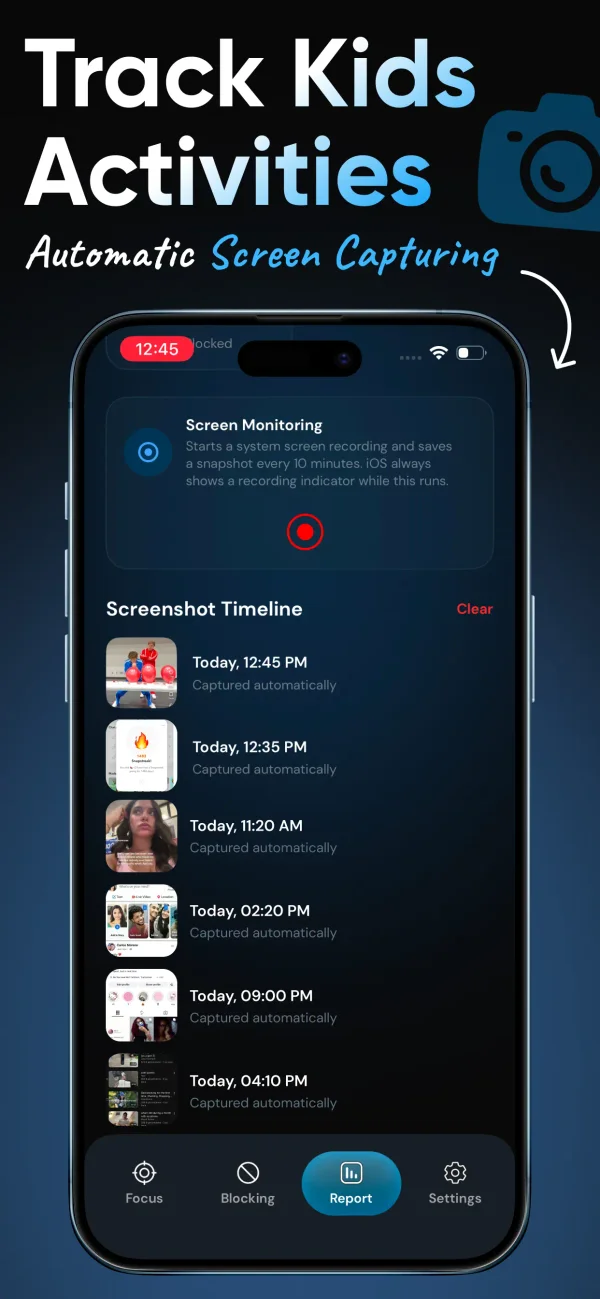
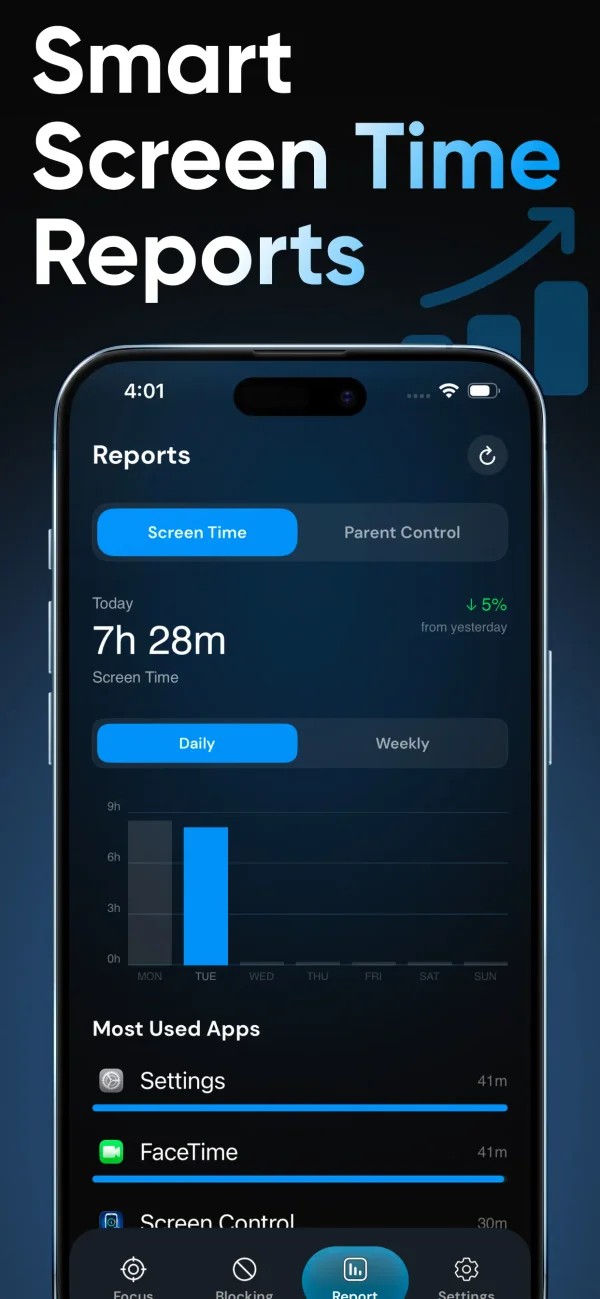
See exactly how screen time is spent. Track your focus sessions and app usage during each mode, and review parental control reports showing the total number of apps and websites blocked. Enable Screen Monitoring to view captured activity snapshots in your reports.
• APP LOCK
Protect your settings with a password. Every time the app is opened, your password is required, so no one can change your rules without permission.
• PREVENT APP REMOVAL
Turn on removal protection to stop the app from being deleted, keeping your focus rules and parental controls in place.
• WHO IS IT FOR?
- Parents who want to protect their children from harmful apps and websites, manage screen time, and stay informed about device usage.
- Students who want to study without the pull of social media and games, and build better habits during exam season.
- Professionals and remote workers who want to protect deep-work hours, reduce notifications overload, and get more done.
- Anyone struggling with phone addiction who wants to cut down on endless scrolling, sleep better, and be more present in daily life.
• WHY YOU'LL LOVE IT
- Automatic schedules mean less effort and more consistency
- Flexible limits by time and number of opens
- Strong protection with password lock and removal prevention
- Clear reports that show your progress over time
- Simple, clean design that's easy for anyone to set up
Your phone should work for you, not the other way around. Download Screen Time & Parental Control today and start building a healthier relationship with your screen.
Note: This app offers limited free access. Unlocking premium features and unlimited use requires an additional purchase.Payment is charged to your iTunes Account at the time of purchase. Your subscription renews automatically unless you cancel at least 24 hours before the end of the current billing period. You can manage or cancel your subscription anytime in your App Store Account Settings.
For more details, see our
Privacy Policy
https://sites.google.com/view/kashifprivacy/home
Terms of Use
https://sites.google.com/view/kashifterms/home
App privacy
What Muhammad Kashif declares on the App Store about how this app handles data.
-
Data not collected
The developer does not collect any data from this app.
Privacy practices may vary, for example with the features you use or your age.
Information
- Seller
- Muhammad Kashif
- Category
- Productivity
- Version
- 1.0
- Updated
- Oct 13, 2026
- Released
- Oct 13, 2026
- Size
- 14.7 MB
- Requires
- iOS 16.0 or later
- Age rating
- 9+
- Price
- Free
- In-app purchases
- Yes
- Languages
- English
- Copyright
- Muhammad Kashif © 2026 - All Rights Reserved.
You might also like
-
 Screen Time Control app +App Blocker, Focus & Timer
-
 ResumePass AI - Resume BuilderFix Your ATS Score Now
-
 Screen Time & App BlockerFocus & Control with AI · Mute
-
 PawLock: Screen Time BlockerApp Lock, Focus & Pomodoro
-
 App Blocker & Focus: SimbaLock In: Brainrot & ADHD Detox
-
 Budli: Screen Time PetApp Blocker & Focus Buddy
-
 Forms AI+ for Google FormsExcel,Sheet,Sheets,QR,Quiz,CSV
-
 Whenly: Countdown & Days SinceLast Time Tracker & Reminders
-
 Turnitin AI ParaphraseParaphrase humanizer with AI
-
 CustomPod: Personalized NewsBuild your own podcasts