- Age rating4+
- CategoryProductivity
- DeveloperMatt Krant
- LanguagesEnglish
- Size12.4 MB
Links to the official App Store page
Download.org hosts no file of ScreenCap Studios. The button opens its official App Store page, published by Matt Krant. Listing last checked on Nov 12, 2026.
Screenshots

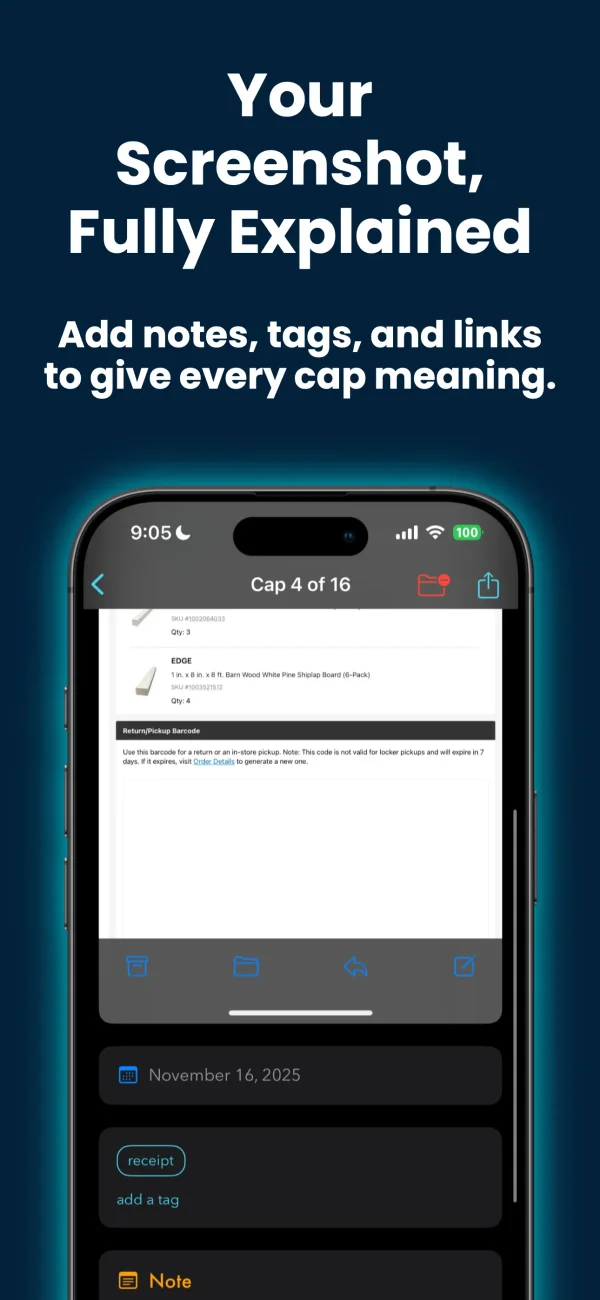


About
Your Camera Roll is for memories. ScreenCap is for information.
Screenshots aren't memories — they're ideas, references, inspiration, and to-dos. They deserve their own system. ScreenCap is the Visual Operating System that turns screenshot chaos into organized, actionable clarity.
A VISUAL OS FOR YOUR DIGITAL LIFE
ScreenCap isn't just an organizer — it's an operating system for everything visual. Capture, organize, annotate, search, export, and sync. Your screenshots finally have a home that works as hard as you do.
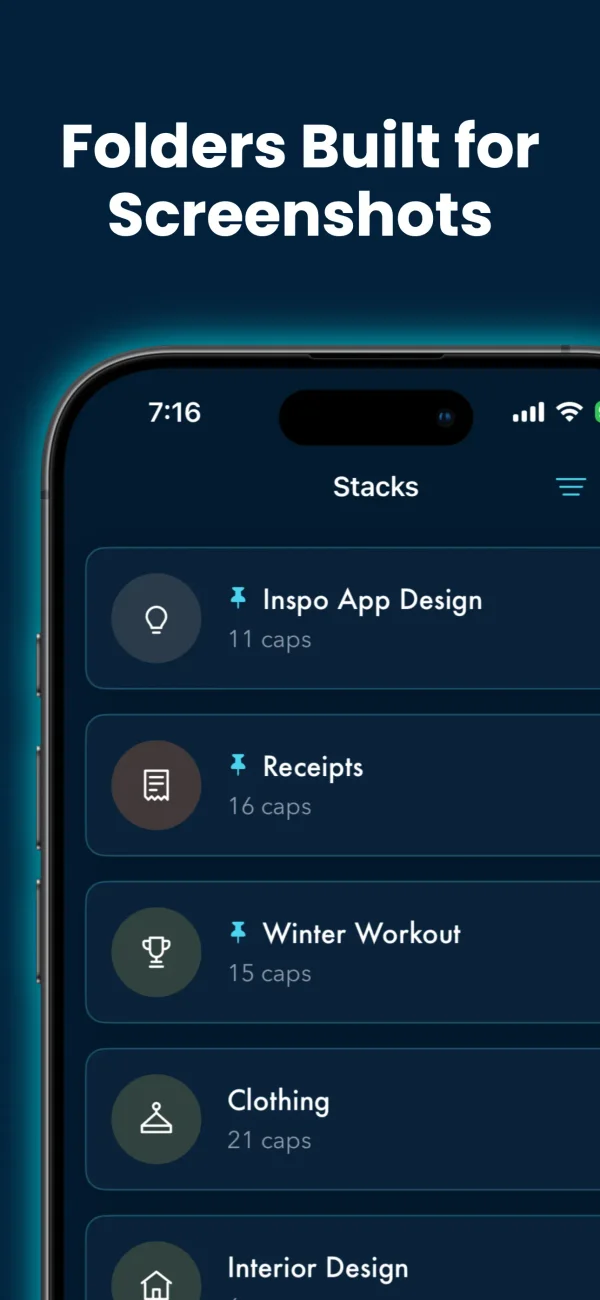
ORGANIZE INTO STACKS
Create custom Stacks for anything — recipes, inspiration, work projects, travel plans, shopping lists. Drag screenshots into collections that make sense to you. Find what you need in seconds, not minutes.
ADD NOTES AND CONTEXT
Screenshots without context lose their meaning. Add notes, source URLs, and tags to every cap. Remember why you saved it and what to do next.
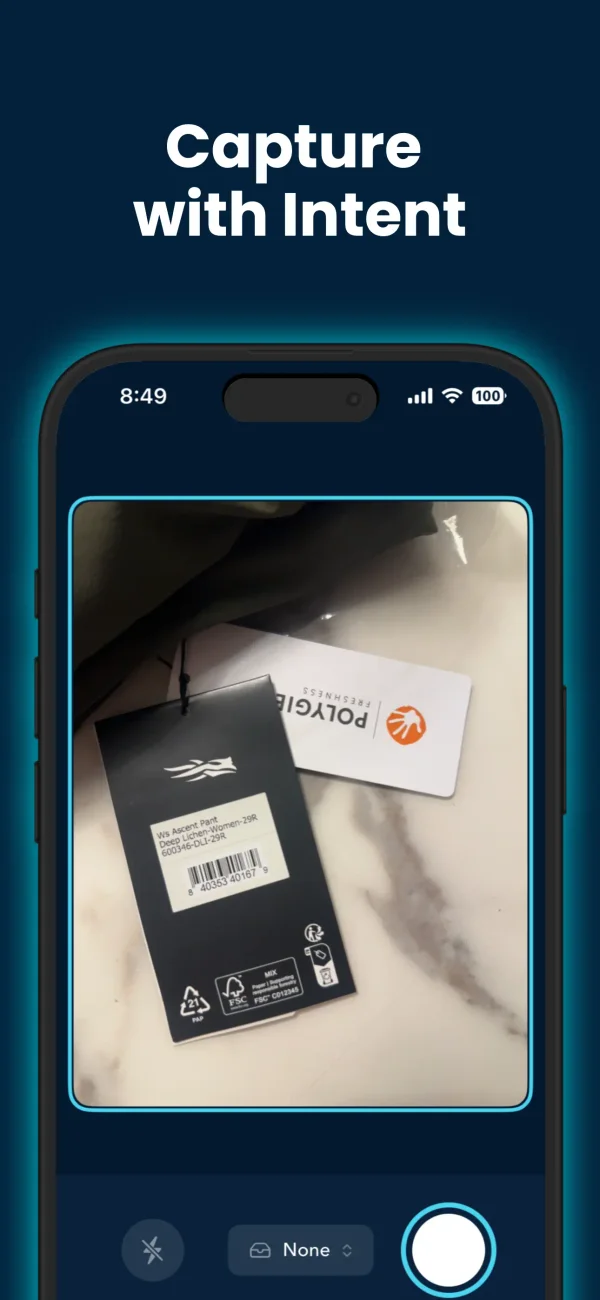
CAPTURE WITH CAPCAM
See something worth saving? CapCam lets you capture reference photos directly in-app. Whiteboards, labels, documents, inspiration — capture and organize in one seamless flow.
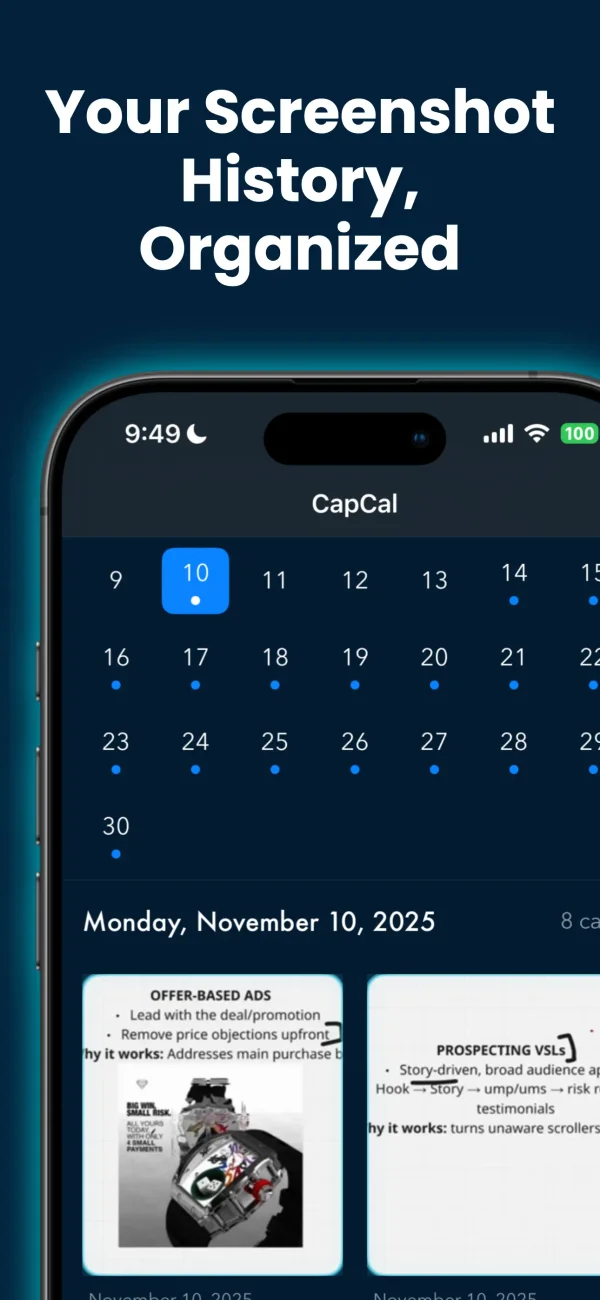
BROWSE WITH CAPCAL
View your visual history by date. CapCal gives you a calendar view of every screenshot, so you can find that thing you saved "sometime last week" instantly.
EXPORT POLISHED PDFS
Share your organized Stacks as beautiful PDF documents. Perfect for mood boards, project handoffs, research compilations, or printing reference materials.
SYNC ACROSS DEVICES
Premium members can sync Stacks, notes, and organization across all their devices using end-to-end encrypted iCloud sync. Your data stays in your personal iCloud — we never see it. Coming Soon!
100% PRIVATE. ZERO DATA COLLECTION.
ScreenCap is built with privacy at its core. All data stays on your device. No accounts or sign-ups. No analytics or tracking. No servers — we don't operate any. No third-party SDKs. Optional iCloud sync uses YOUR iCloud with end-to-end encryption.
We can't see your screenshots, notes, or organization. Ever. That's not a feature — it's a promise.
SCREENCAP PREMIUM
Unlock the full power of your Visual OS:
Unlimited custom Stacks
Unlimited CapCam captures
High-density PDF export (6 or 12 per page)
iCloud Sync across all devices
Free users get full functionality with limits on Stacks and CapCam captures. Upgrade when you're ready.
NOTHING GETS LOST. EVERYTHING STAYS ACTIONABLE.
Your Camera Roll is for memories.
ScreenCap is for everything else.
Download your Visual OS today.
What’s new
Version 2.3 · Apr 1, 2026
Premium is free until August 31, 2026.
To celebrate our launch and help new users get the most out of ScreenCap, we're unlocking full Premium for everyone — no strings attached, until August 31, 2026.
Premium includes:
Unlimited Custom Stacks
Unlimited CapCam Photos
High-Density PDF Exports (6 or 12 caps per page)
After August 31, 2026, standard pricing applies. Enjoy it while it lasts.
App privacy
What Matt Krant declares on the App Store about how this app handles data.
-
Data not collected
The developer does not collect any data from this app.
Privacy practices may vary, for example with the features you use or your age.
Information
- Seller
- King Kobe Holding Co LLC
- Category
- Productivity
- Version
- 2.3
- Updated
- Apr 1, 2026
- Released
- Mar 4, 2026
- Size
- 12.4 MB
- Requires
- iOS 16.6 or later
- Age rating
- 4+
- Price
- Free
- Languages
- English
- Copyright
- © 2026
You might also like
-
 EasyImage-Batch Image ResizerVery convenient and fast!
-
 FixWizard NSProductivity
-
 Control - LLM InterfacePrivate, Local AI
-
 BLUESHAPE GRANITE LinkProductivity
-
 DebtShield: Debt CollectionCall Log & Evidence Journal
-
 BeeMind: Smart Work NotesSave snippets. Connect ideas.
-
 Trekkie - AI AssistantChat with Starfleet using AI
-
 Showrunner*iMessage for work
-
 Matrix Manager - Task ManagerEisenhower Matrix
-
 SnowCloudProductivity