
ScreenCoach - Parental Control
Screen Time, Chores + Rewards
Designed for iPhone, iPad, iPod touch
Free · In-app purchases
- Age rating4+
- CategoryLifestyle
- DeveloperLifeTechBalance Pty Ltd
- LanguagesEnglish
- Size139.2 MB
Links to the official App Store page
Download.org hosts no file of ScreenCoach - Parental Control. The button opens its official App Store page, published by LifeTechBalance Pty Ltd. Listing last checked on Nov 18, 2026.
Screenshots

About
Introducing ScreenCoach - Your Ultimate Screen Time Manager for the Whole Family that Rewards Good Habits!
Supports 5 languages, with more to come!
Tired of the constant struggle to pry your kids away from their devices? Can't get them motivated to do homework or to ask for music or exercise?
Use Screen Time and pocket money to motivate them to do other healthy activities and end daily battles.
Discover ScreenCoach, the life-tech balance superhero that makes managing screen time a breeze for busy parents like you.
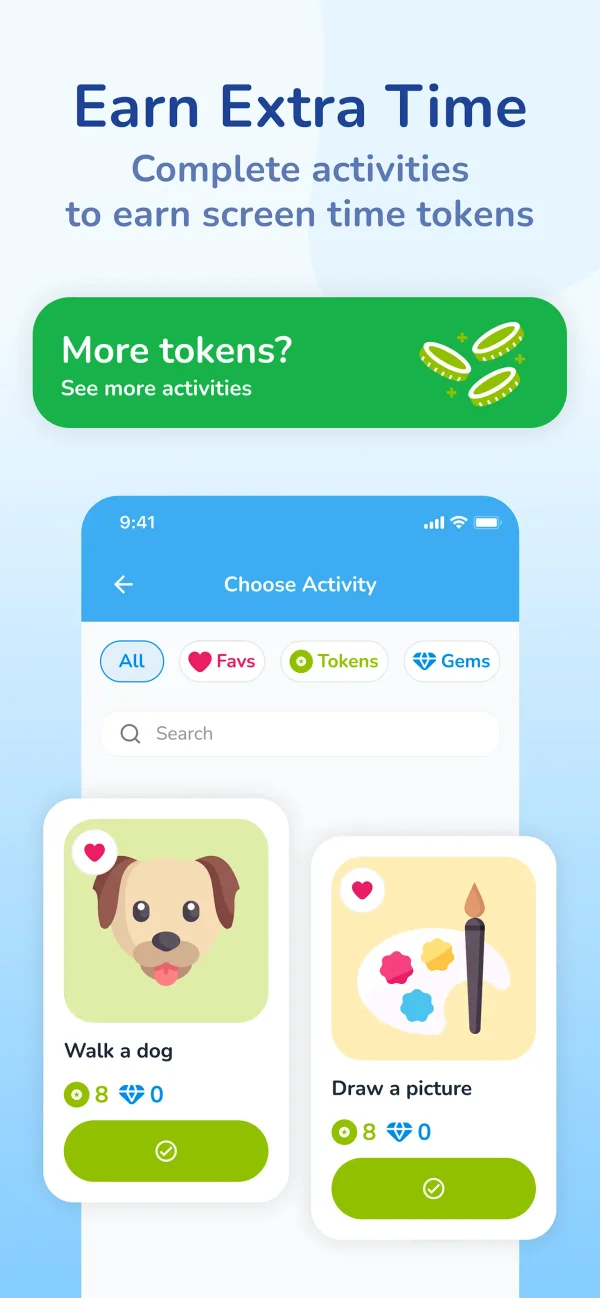
Rewards your kids for non-screen activities
Kids earn their screen time & allowance (optional)
Includes a comprehensive allowance manager!
Key Features:
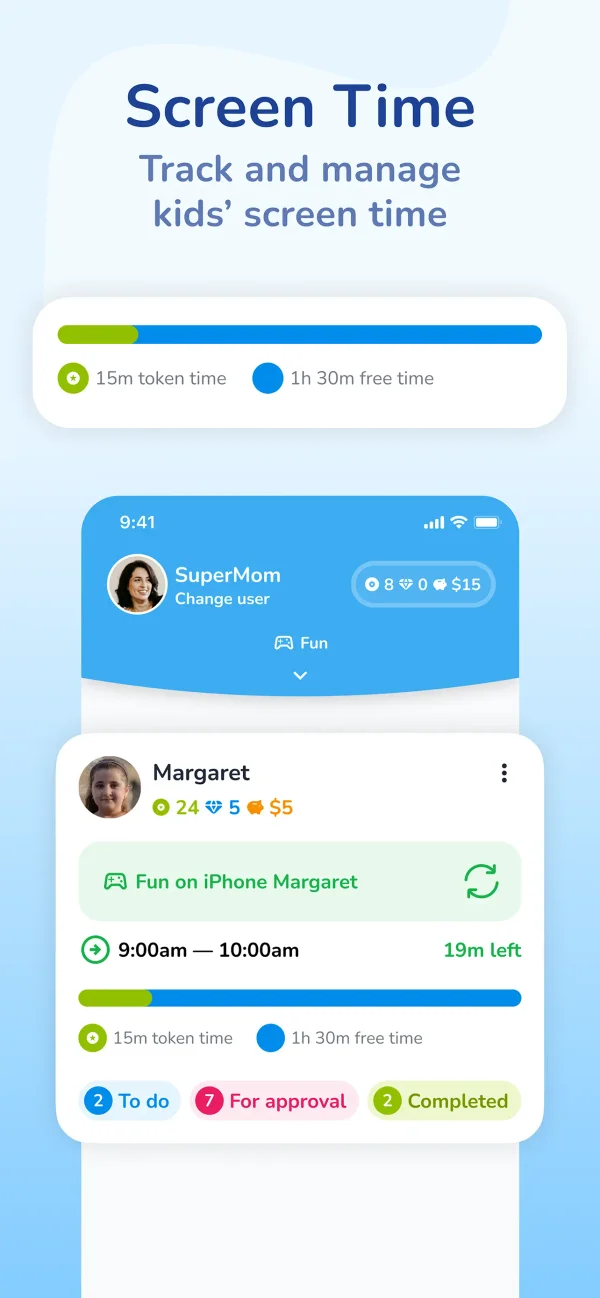
• Earn More Screen Time: Watch your kids eagerly complete chores, exercise, homework, and fun activities to earn extra screen time or pocket money (or both!).
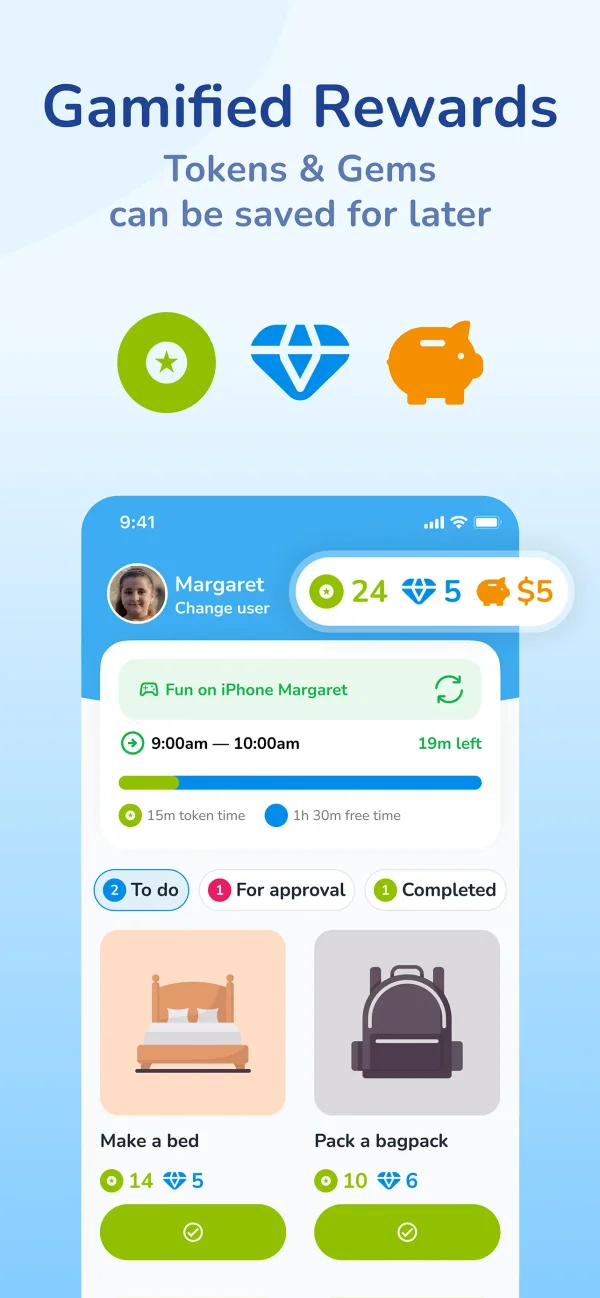
• Fun gamified approach with Screen Time Tokens & Gems that can be used for pocket money or goals.
• Separate goals feature the kids can earn by saving their earned gems.
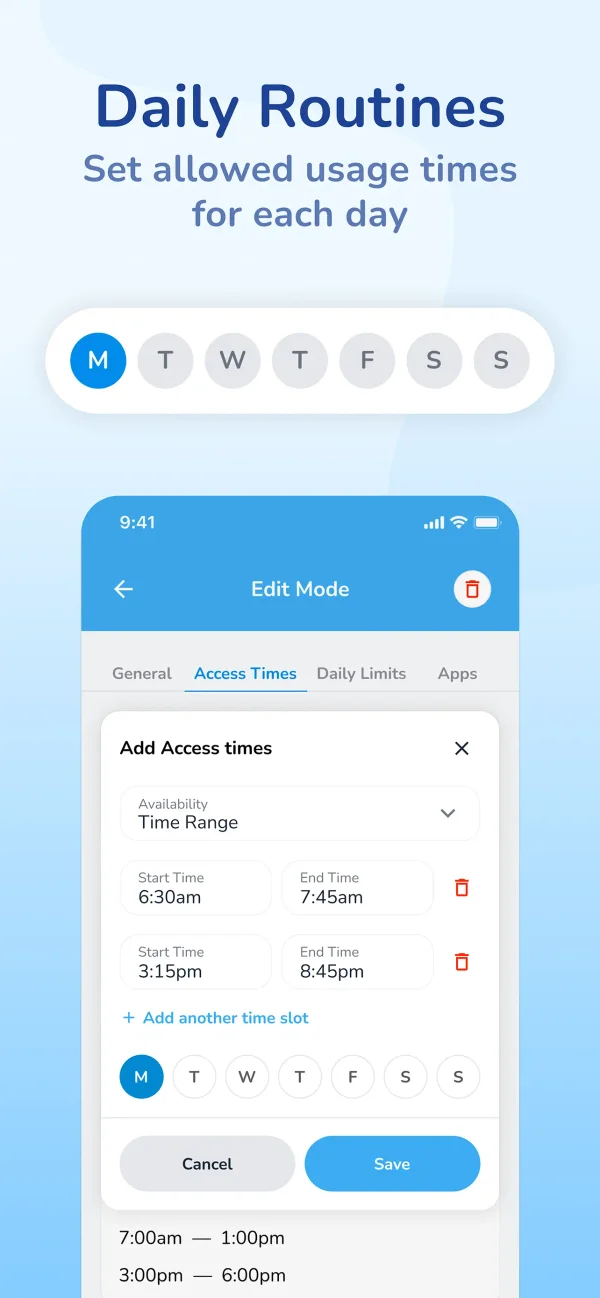
• Multiple access times: You can have several access times per day. Eg., 7-8 am, 4-5 pm and 6- 7 pm.
• Kids can earn additional rewards for your choice of bonuses such as: done with a good attitude, done on time, or done straight away!
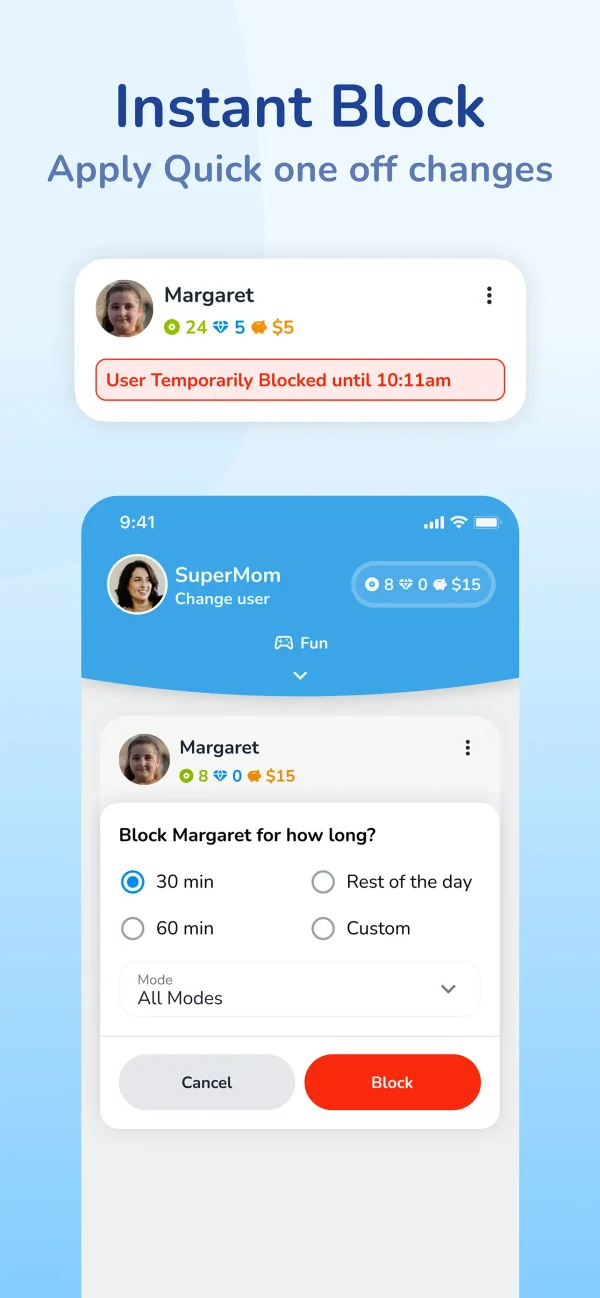
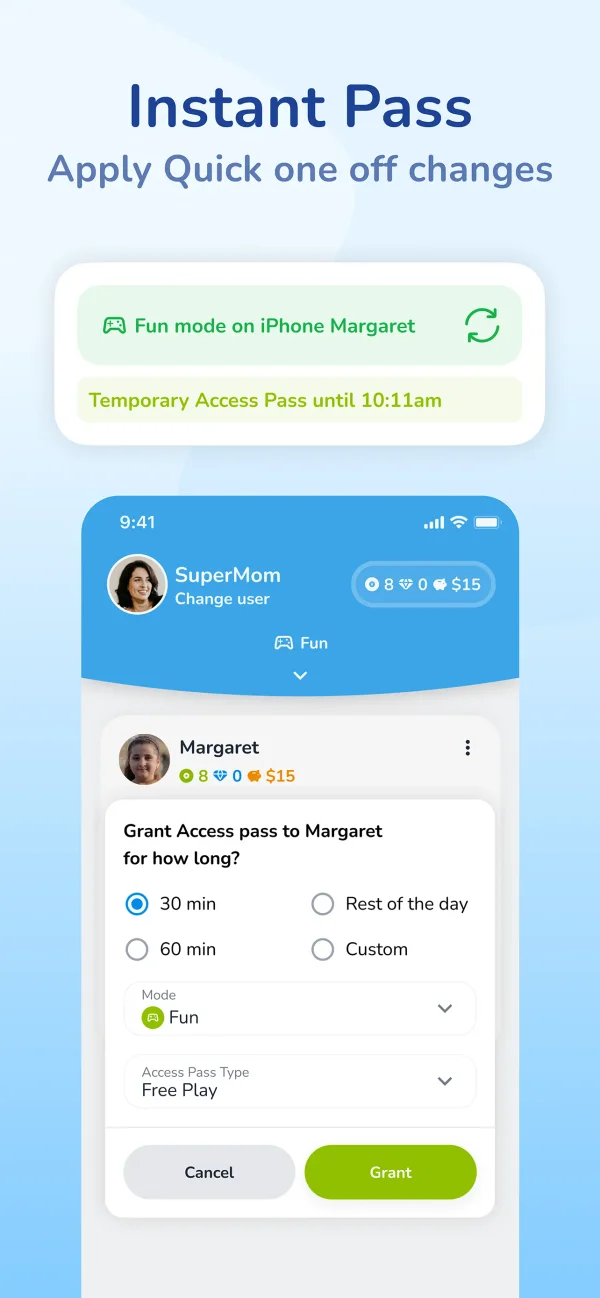
• Block kids instantly or give them a temporary access pass for extra flexibility.
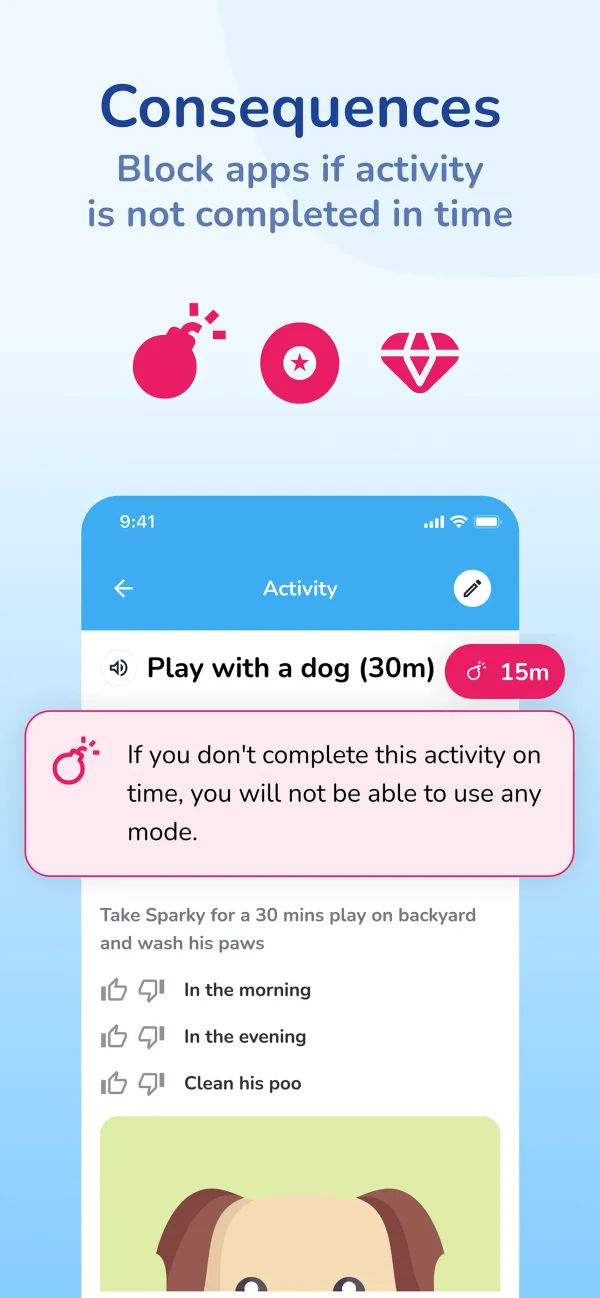
• Blocks Apps if an activity is not done by the due time! (option per activity)
• Works across multiple platforms: When your child’s time is up on one device, they can’t simply pick up another - because it will also be blocked!
• Works well together with Apple Screen Time
• Supports shared devices
• Works online and offline
• Tamerproofing options, can't change the time or use a VPN to bypass!
• Comprehensive rewards system: Create a tailored list of engaging activities to keep your kids active and entertained offline. Includes checklists, reminders & automated repeating activities - eg. brush teeth at 8 pm every night! or take the bins out every 2nd Wed
+ Optional consequences, where mode(s) are blocked if an activity is not done by the due time or they get zero rewards.
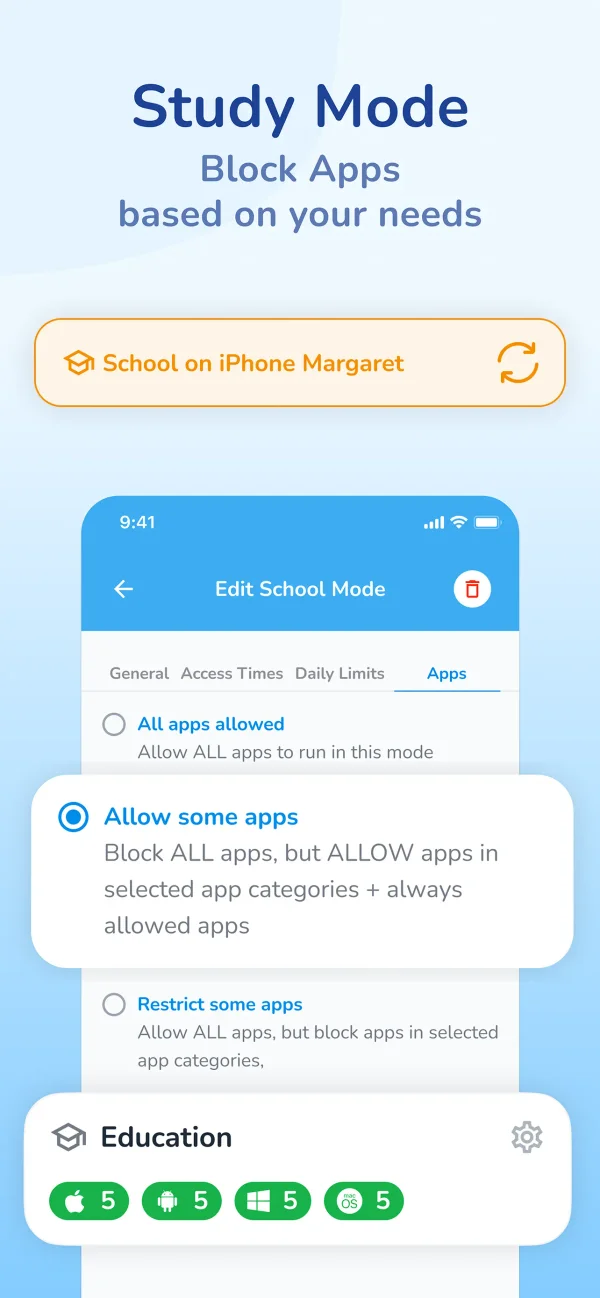
• Create modes for School Time, Fun Time & Sleep: Switch to School mode to block games, social media, and streaming during study hours. At night, all Apps can be blocked, but you can allow audio app(s) for listening to music or bedtime stories.
• Parent Dashboard: Keep tabs on your child's total device time, current pocket money, tokens & Gems they've earned by completing activities.
• App Blocking: When screen time is up or during restricted hours.
• Teaches delayed gratification; kids earn screen time tokens and gems that can be converted to allowance (or Goals); they can be saved for future use.
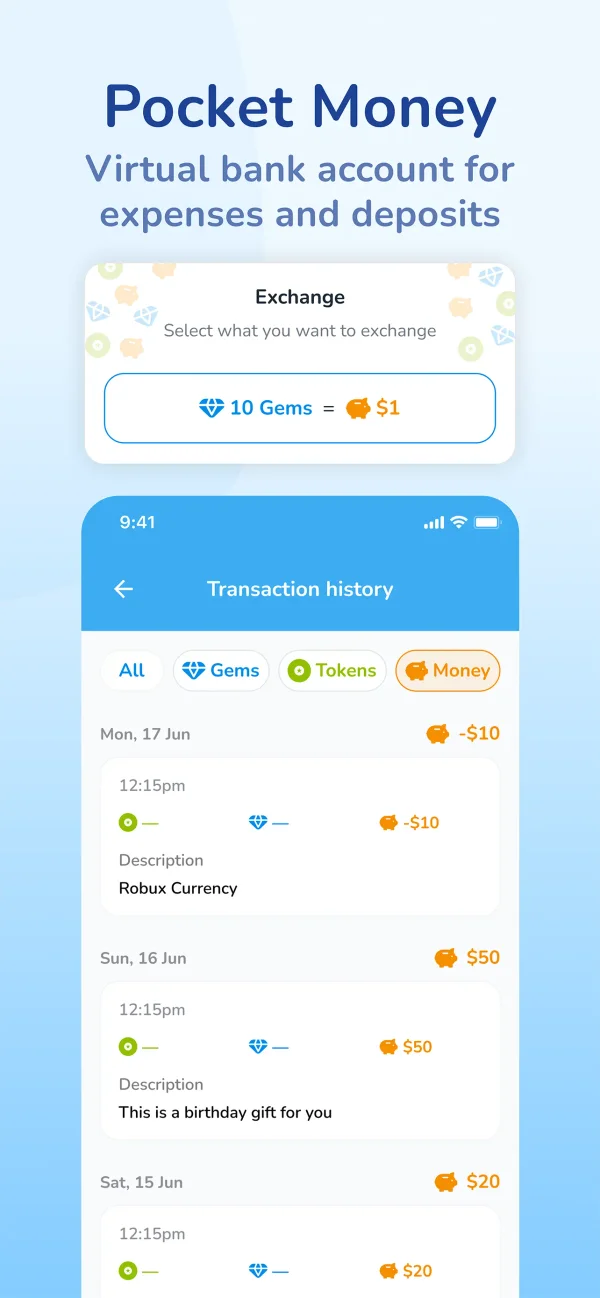
• Full allowance system to track children's virtual bank account for expenses and deposits; also includes recurring debits or expenses
It's really a digital personal trainer, teaching kids healthy new life-tech habits for life.
Join the ScreenCoach family today & create a harmonious home where kids embrace a balanced tech lifestyle while still enjoying their screen time in a controlled, responsible way.
Download ScreenCoach now and experience hassle-free screen time management with a touch of fun and empowerment for the entire family!
The first 30 days are free on all plans; you have a choice of monthly, 6-monthly, and 12-month plans
Cancel easily at any time.
3-day trial with no commitment is also available
Live AI + Human Agent chat feature in the app and on the website to help you
To provide a comprehensive experience, ScreenCoach may collect location data about the device in the background, enabling parents to track the device's location and usage history effectively.
Note: ScreenCoach uses Apple's ScreenTime API to manage screen time and app access. Works best when an Apple Family is set up.
Our terms of use and privacy policies are available at:
https://www.myscreencoach.com/terms
https://www.myscreencoach.com/privacy
What’s new
Version 1.81.1 (871) · Nov 12, 2026
New Features
• Japanese & Finnish Languages Added! – ScreenCoach now supports two more languages!
• Translations were created with the help of AI. Please let us know if you spot anything that doesn’t look right.
• NEW ScreenCoach Web Browser (BETA) – Added integration with our new ScreenCoach browser for iOS, Mac & other platforms.
• Want to be an early tester? Contact us via chat!
• Expected public release in approximately one month
Improvements
• Major Technical Upgrade – Significant behind-the-scenes improvements to enhance security and reliability.
• Easier Account Creation – Improved sign-up options on our website for both desktop and mobile web users.
Plus, general improvements and minor bug fixes.
App privacy
What LifeTechBalance Pty Ltd declares on the App Store about how this app handles data.
-
Data not collected
The developer does not collect any data from this app.
Privacy practices may vary, for example with the features you use or your age.
Information
- Seller
- LifeTech Balance Pty Ltd
- Category
- Lifestyle
- Version
- 1.81.1 (871)
- Updated
- Nov 12, 2026
- Released
- Jun 11, 2022
- Size
- 139.2 MB
- Requires
- iOS 15.0 or later
- Age rating
- 4+
- Price
- Free
- In-app purchases
- Yes
- Languages
- English
- Copyright
- © Lifetech Balance Pty Ltd.
You might also like
-
 ScreenTreat: Earn Screen TimeChore Chart & Parental Control
-
 Chore Champ: Chore ChartEarn Screen Time with Chores
-
 Rewards Kids: Chores & MoneyRewards,Allowance,Screen Time
-
 Parental Control: SmartDaddyKids Screen Time & App Blocker
-
 Levelty Parents: Family ChoresPlanner, To-Do List, Calendar
-
 PointUp: Kids Chore ChartRewards, routines & allowance
-
 Chore Boss: Chores & AllowanceChore Chart & Reward Tracker
-
 Boomerang Parental Control AppScreen Time, App Blocker & GPS
-
 Kids Chores and AllowanceBehavior Tracker, Family Chart
-
 Congratz - Gift CardsVisa Gifts Delivered Instantly