Screenfully: App Demo Creator
Screen Studio for Mobile Apps
Designed for iPhone, iPad
Free · In-app purchases
- Age rating4+
- CategoryDeveloper Tools
- DeveloperAmir Fahd Hadji Usop
- LanguagesEnglish+ 10 more
- Size103.0 MB
Links to the official App Store page
Download.org hosts no file of Screenfully: App Demo Creator. The button opens its official App Store page, published by Amir Fahd Hadji Usop. Listing last checked on Nov 24, 2026.
Screenshots


About
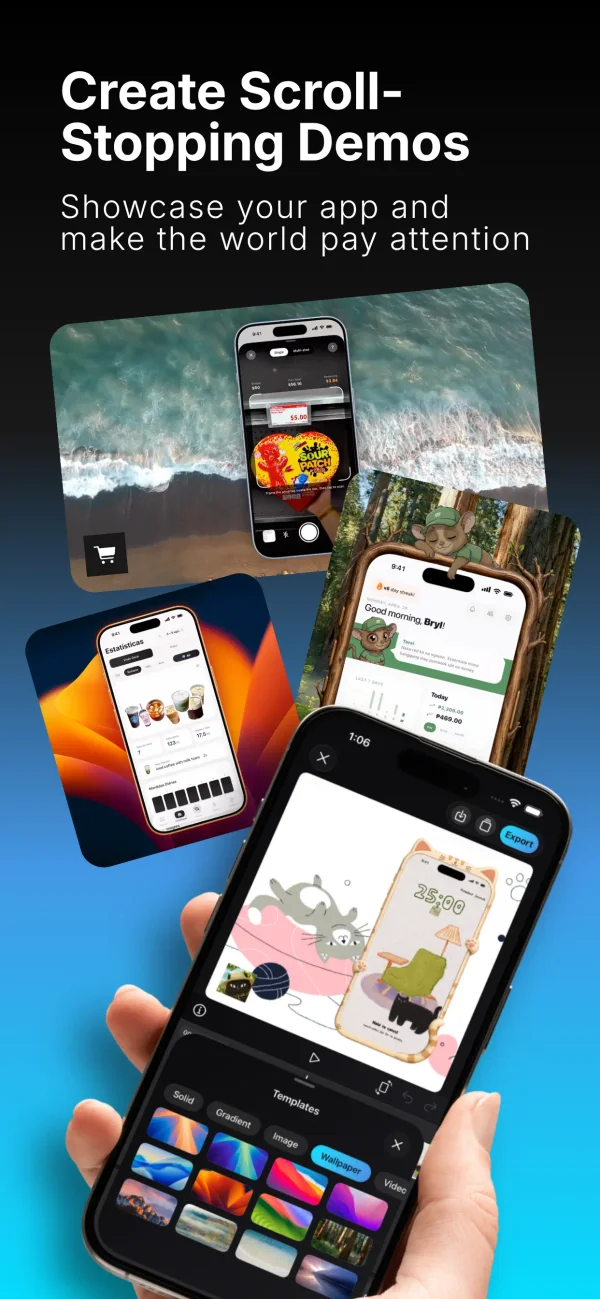
Screenfully is the fastest way to turn raw mobile screen recordings into polished app demos.
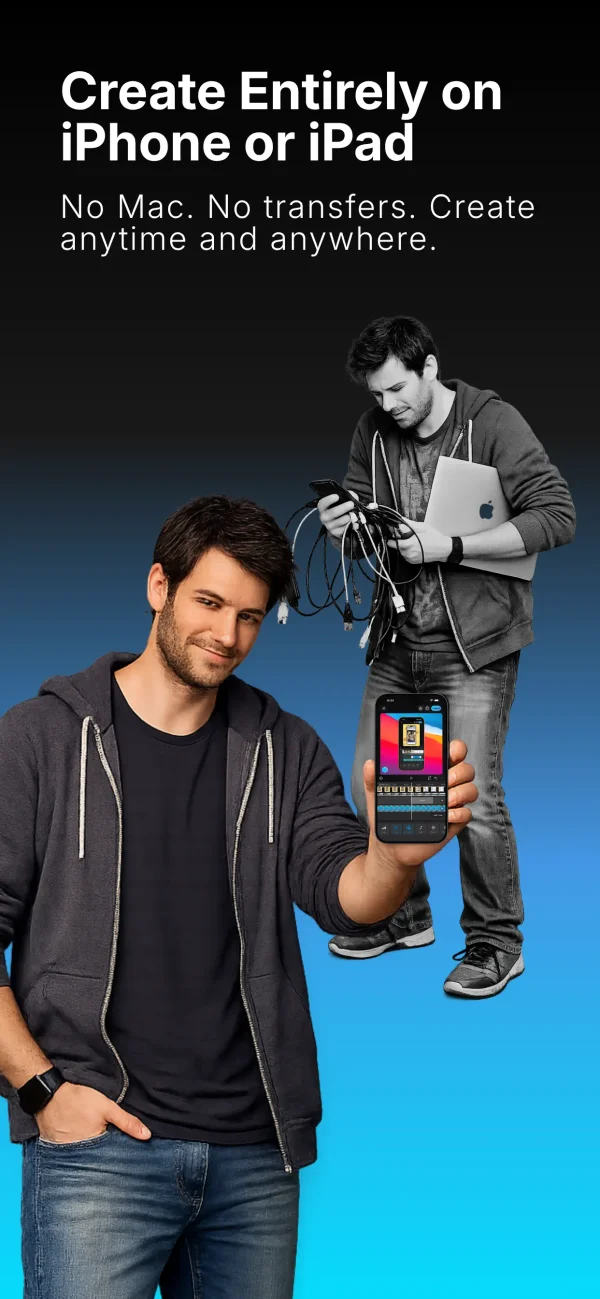
Record, import, edit, style, and export high-quality videos and screenshots in one mobile workflow, with no desktop tools required.
Built for developers, founders, creators, and product teams who need clean, professional app content fast.
FEATURES
Record or Import in Seconds
• Capture your screen with optional microphone audio
• Import videos directly from Photos
• Jump straight into editing from your library or recorder flow
Powerful Mobile Editor
• Precise trim controls with timeline ruler and live scrubbing
• Undo and redo support across major editing actions
• Smoother playback and timeline behavior for reliable edits
• Zoom controls with multiple motion styles (Default, Smooth, Snappy, Ease In, Ease Out)
Professional Templates & Styling
• Ready-made templates for fast, polished output
• Solid colors, gradients, image backgrounds, and wallpapers
• Device frames with expanded iPhone color options
• Blur and shadow controls for depth and focus
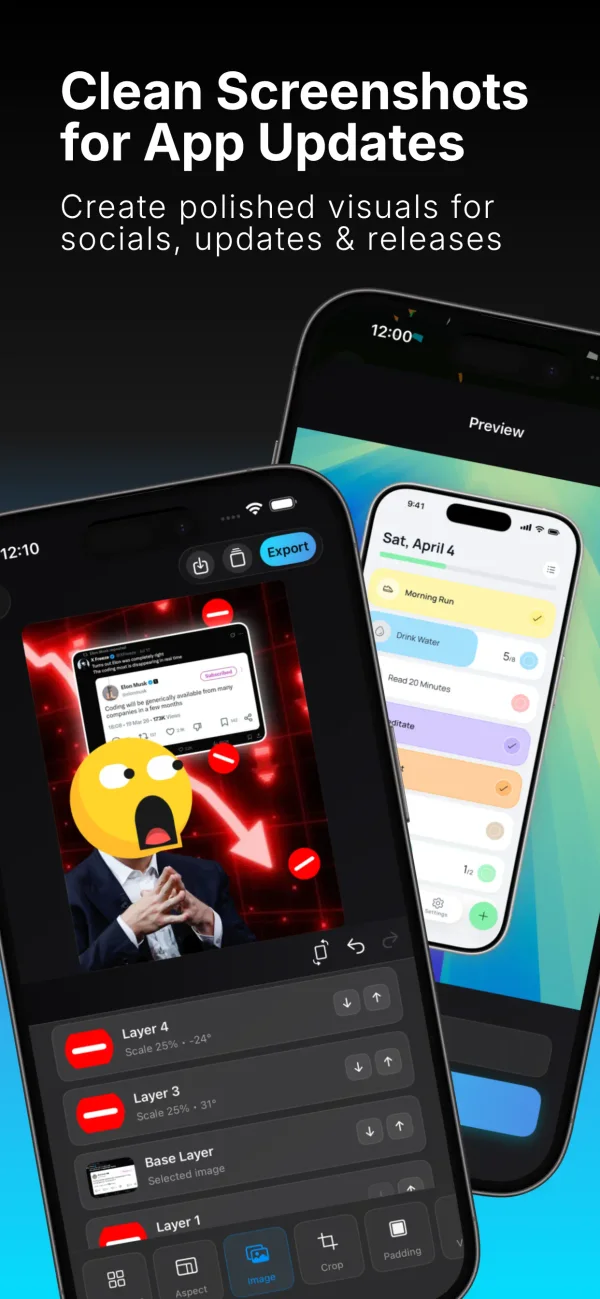
Screenshot Studio
• Create high-resolution screenshots for product pages, social posts, and docs
• Crop, adjust padding, corner radius, backgrounds, and frames
• Improved preview/export alignment for accurate final output
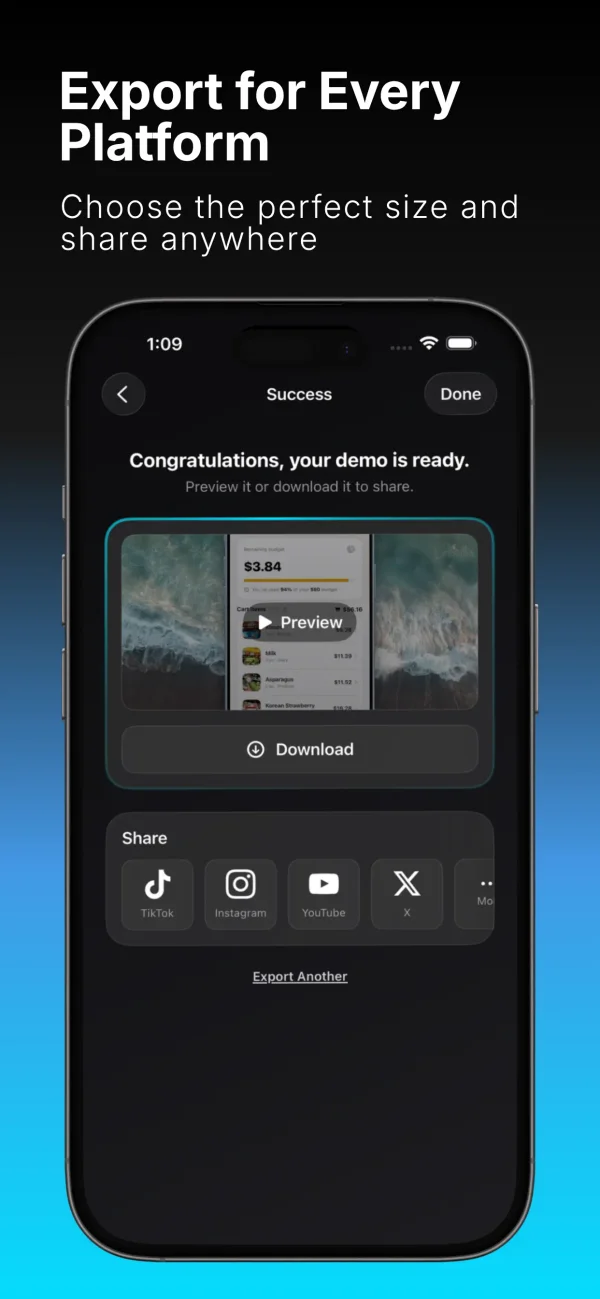
Export Built for Distribution
• Aspect ratios for vertical, horizontal, square, and more
• Resolution controls with HD export options
• Reliable export flow with dedicated result screens
• Save to Photos/Files and share to your social and work channels
Privacy-First & On-Device
• Processing stays on your device
• No account required
• No cloud upload needed
• Works offline
SCREENFULLY PRO
Unlock the full experience:
• All Pro templates
• All Pro device frames
• All Pro aspect ratios
• Custom color backgrounds
• Custom gradient backgrounds
• Custom image backgrounds
• Zoom controls
• 1080p, 2K and 4K exports
• 30, 50 and 60 FPS exports
• Remove watermark
Subscriptions renew automatically unless canceled in App Store settings. Pricing may vary by region.
WHO IT’S FOR
Screenfully is built for people who work with mobile apps:
• Developers: feature demos, bug reports, release previews
• Founders: launches, updates, walkthroughs
• Product teams: onboarding and UI showcases
• Support teams: fast how-to guides
• Creators: tutorials, reviews, social content
CONTACT & LEGAL
Terms of Service —
https://screenfully.app/terms
Privacy Policy —
https://screenfully.app/privacy
Contact Us
Any questions about Screenfully? We’d love to hear from you.
Email: hello@screenfully.app
Follow Screenfully for updates, tips, and examples of mobile app demos:
• X (Twitter): https://x.com/screenfullyapp
• Threads: https://www.threads.com/@screenfullyapp
• Instagram: https://www.instagram.com/screenfullyapp
• TikTok: https://www.tiktok.com/@screenfullyapp
• YouTube: https://www.youtube.com/@screenfullyapp
What’s new
Version 1.8.0 · Aug 18, 2026
What’s New in 1.8.0:
• Added generated 9:41 status bars, custom device frames, recent backgrounds, and more precise background/image adjustment tools
• Added audio tools for importing, trimming, placing, adjusting volume, and deleting audio tracks in the editor
• Added transparent PNG export with a no-background option for cleaner image exports
• Improved timeline behavior, playback speed controls, tool ordering, and editor precision across video and screenshot flows
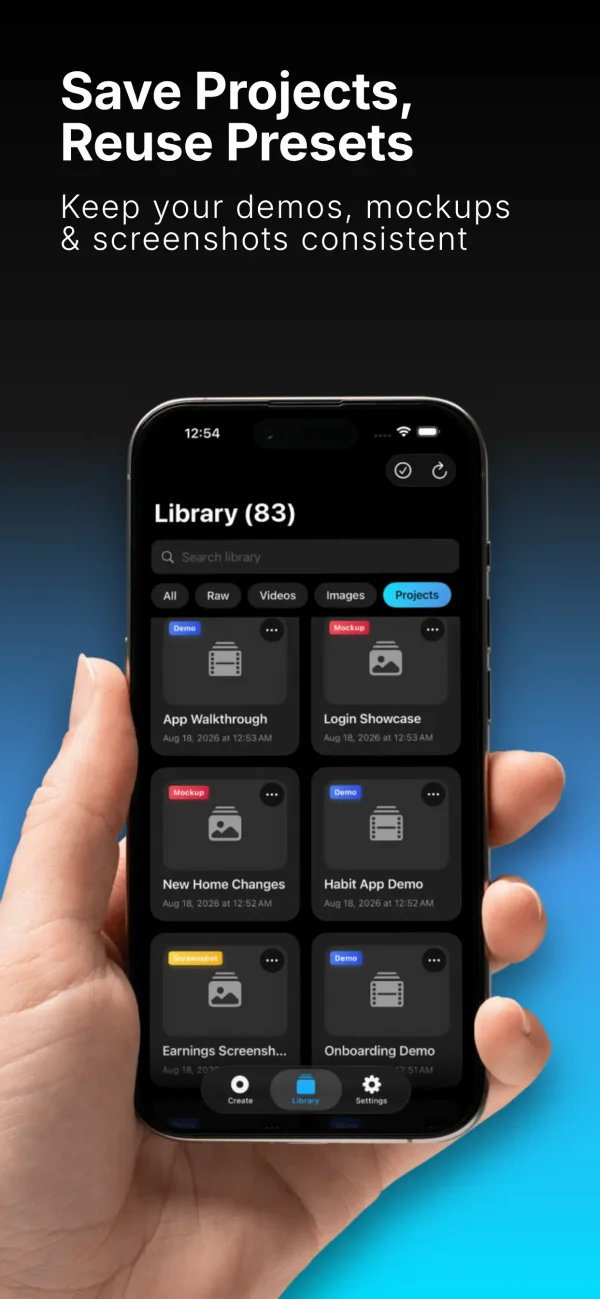
• Improved project saving, presets, undo/redo, auto-save, layer ordering, and overall editor reliability
• Improved overall app performance
Thanks for using Screenfully.
App privacy
What Amir Fahd Hadji Usop declares on the App Store about how this app handles data.
-
Data not linked to you
May be collected but is not linked to your identity.
- Identifiers
- Usage data
- Diagnostics
Privacy practices may vary, for example with the features you use or your age.
Information
- Seller
- Amir Fahd Hadji Usop
- Category
- Developer Tools
- Version
- 1.8.0
- Updated
- Aug 18, 2026
- Released
- Nov 19, 2025
- Size
- 103.0 MB
- Requires
- iOS 16.6 or later
- Age rating
- 4+
- Price
- Free
- In-app purchases
- Yes
- Languages
- English, French, German, Hindi, Italian, Japanese, Korean, Portuguese, Russian, Simplified Chinese, Spanish
- Copyright
- © 2026 Screenfully
You might also like
-
 Protato: 3D Mockup GeneratorApp Screenshots & 3D Animation
-
 Toplify: App RankingsTrack Your App in 175 Regions
-
 Mockup & Demo Maker: ScreenyFrame, bezel & 3D animation
-
 Animock: 3D Mockup AnimatorApp Screenshots & Promo Video
-
 Orca IDEManage Coding Agents Remotely
-
 Supanator: Supabase ManagerPostgres SQL Editor & Alerts
-
 Rev for VercelVercel Mobile
-
 Google Play ConsoleDeveloper Tools
-
 Expo GoDeveloper Tools
-
 CursorAI coding agent for big ideas