
Screening Room
Private video vault & player
Designed for iPhone, iPad, Mac
Free · In-app purchases
- Age rating4+
- CategoryEntertainment
- Developer倩 杨
- LanguagesEnglish+ 1 more
- Size21.0 MB
Links to the official App Store page
Download.org hosts no file of Screening Room. The button opens its official App Store page, published by 倩 杨. Listing last checked on Nov 13, 2026.
Screenshots

About
Screening Room is a privacy-first media protection and playback app built around one simple idea: your files should not have to move.
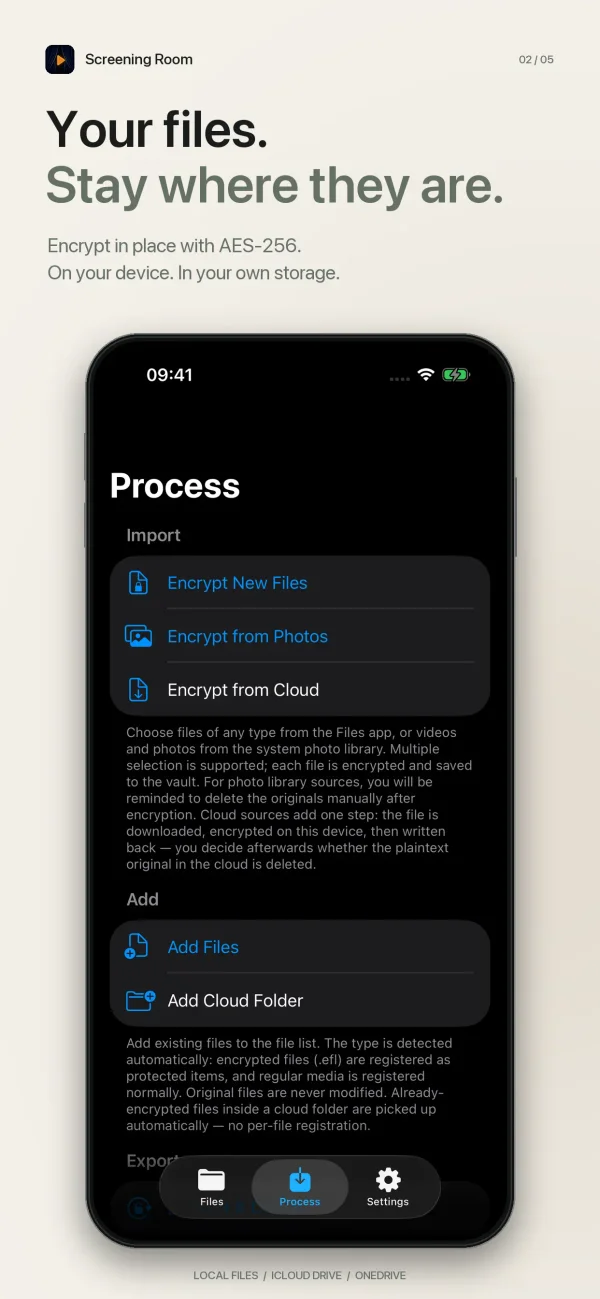
Traditional vault apps often require you to import photos and videos into a separate private library. Screening Room works differently. It encrypts content in its original storage location, so your media can remain in On My iPhone or iPad, iCloud Drive, a NAS, OneDrive, or another compatible location available through the Files app.
No duplicate media library. No upload to a developer-operated server. Encryption, decryption, viewing, and playback happen on your device.
[MADE FOR IPHONE AND IPAD]
• One app for iPhone and iPad
• An iPad sidebar and adaptive grid, with portrait, landscape, and resizable-window support
• PDF pages adapt to the window width while keeping your reading position
[ENCRYPT IN PLACE]
• AES-256 encryption for photos, videos, and other files
• No app import and no extra media copy stored inside the app
• Works with On My iPhone or iPad, iCloud Drive, and compatible third-party storage locations
• Encrypted items no longer expose the original thumbnail, reducing accidental disclosure through previews and recent items
[DECRYPT WHILE PLAYING]
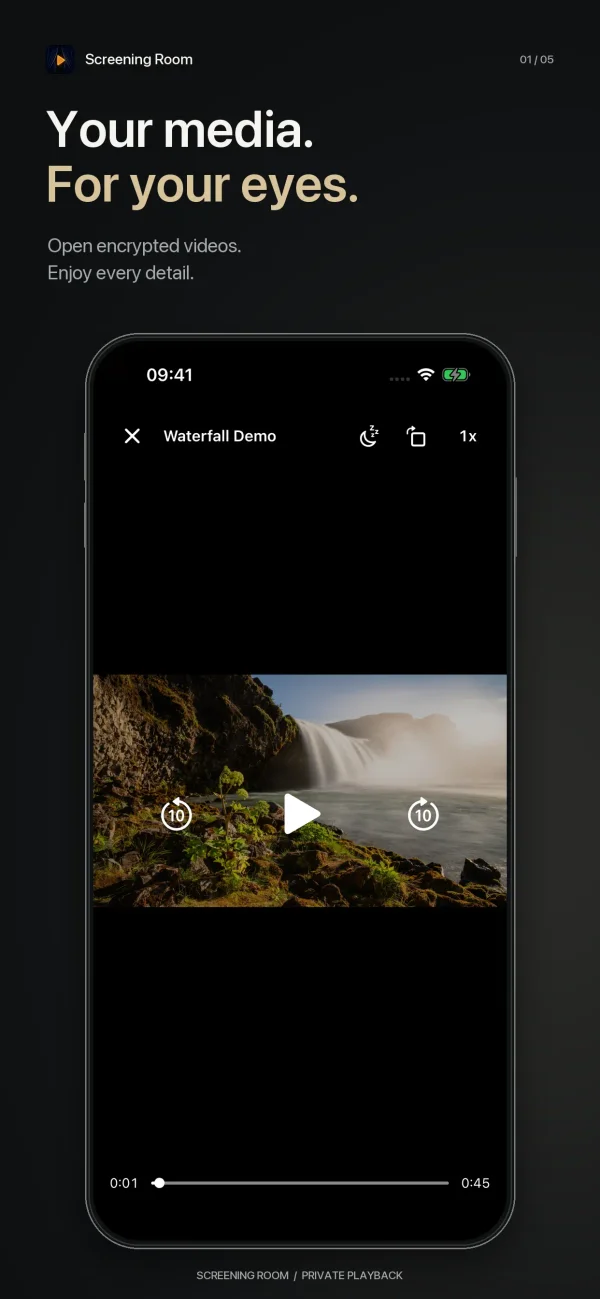
• Open encrypted videos directly; content is decrypted in memory as it plays, without writing a decrypted media copy to storage
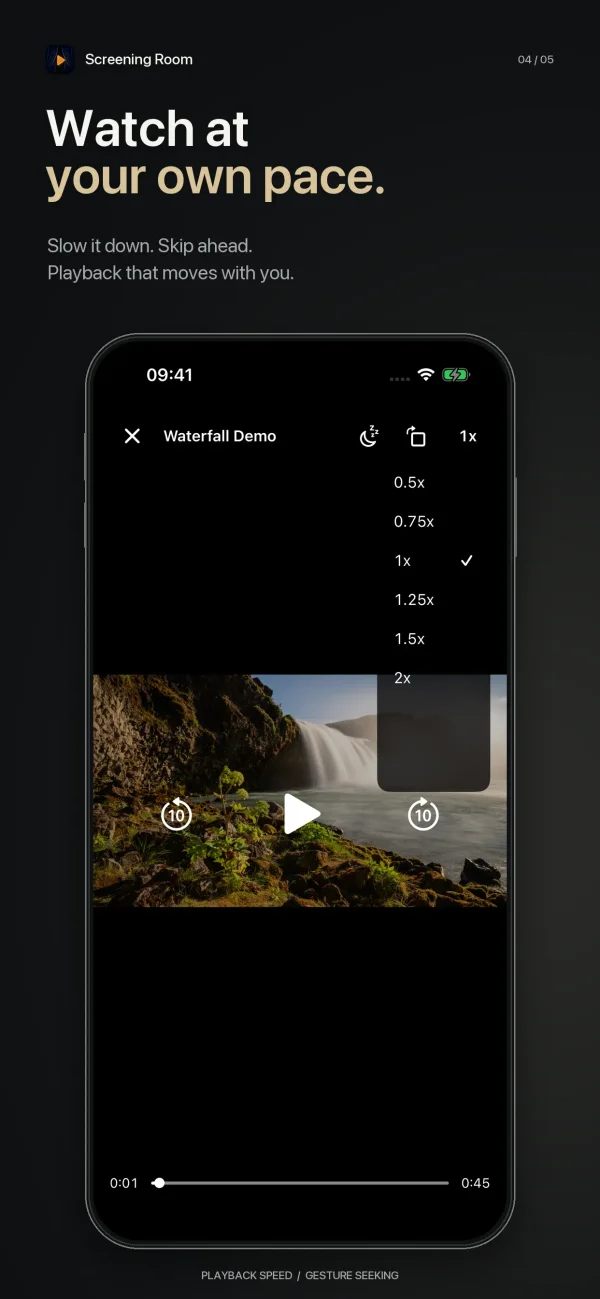
• Playback speed controls, gesture seeking, and rotation lock
• Zoom and swipe browsing for encrypted photos
[PLAY STRAIGHT FROM THE CLOUD]
• Connect a OneDrive account and add cloud folders to your library; browse and play them just like local folders
• Cloud videos start playing right away without a full download; encrypted files fetch only the ranges they need
• Keep offline copies of cloud folders or single files for playback without a connection
• Encrypt cloud files in place: encryption always happens on your device, and the cloud only ever holds ciphertext
[ACCESS UNDER YOUR CONTROL]
• Unlock with Face ID, Touch ID, or a password
• Private Mode helps reduce exposure of protected content when you hand your device to someone else
• A Recovery Code and optional iCloud backup can help restore access if you forget your password
• Choose in Private Mode which folders appear in standard mode; sign-in state and account details are visible only in Private Mode
[STRAIGHTFORWARD PRICING]
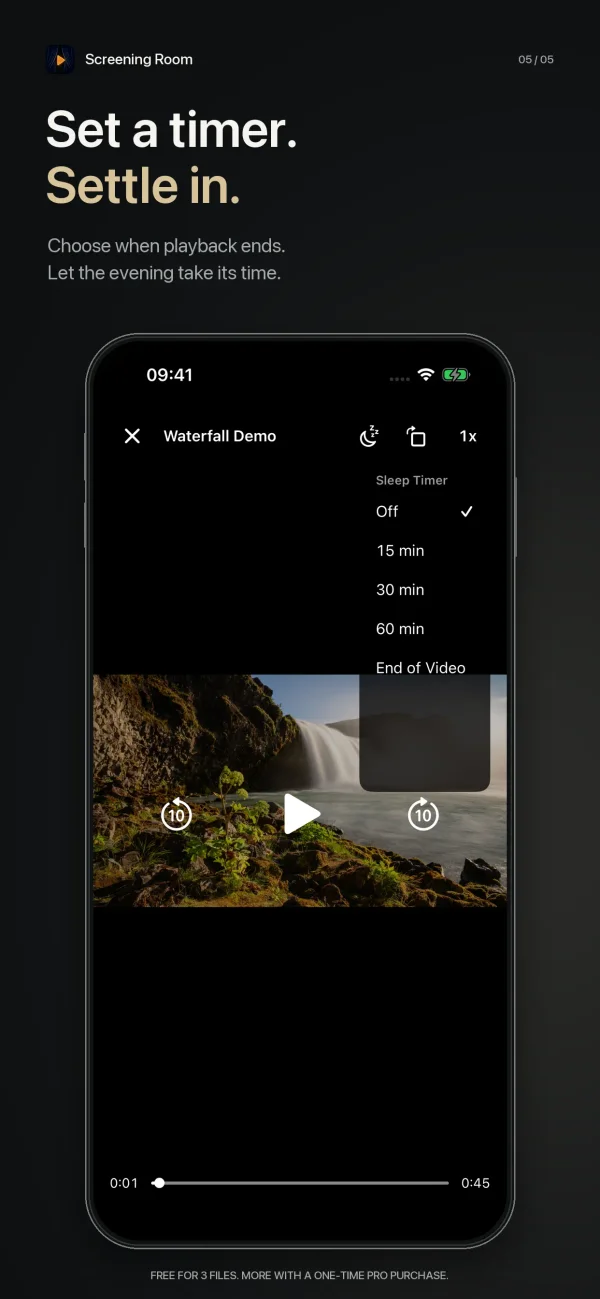
• Free: all core features, up to 3 protected files and one cloud account
• Pro: a one-time in-app purchase removes the file and account limits
• No subscription
• Decryption, export, and playback always remain free, so your files are never locked behind a purchase
[PRIVACY BY ARCHITECTURE]
No developer account, no usage analytics, no tracking, and no developer-operated server used to store your files. When you connect a cloud drive, the sign-in token stays on your device and files move only between your device and your own cloud storage. Your media stays in the storage location you choose, and protection happens locally on your device.
Your files stay where they are. Only you get in.
What’s new
Version 1.2.1 · Sep 14, 2026
Now available on iPad.
• A sidebar and adaptive file grid designed for the bigger screen
• Portrait, landscape, and resizable-window support
• PDF pages adapt to your window while keeping your reading position
• Improved video playback and file viewing on iPad
App privacy
What 倩 杨 declares on the App Store about how this app handles data.
-
Data not collected
The developer does not collect any data from this app.
Privacy practices may vary, for example with the features you use or your age.
Information
- Seller
- 倩 杨
- Category
- Entertainment
- Version
- 1.2.1
- Updated
- Sep 14, 2026
- Released
- Jul 29, 2026
- Size
- 21.0 MB
- Requires
- iOS 16.0 or later
- Age rating
- 4+
- Price
- Free
- In-app purchases
- Yes
- Languages
- English, Simplified Chinese
- Copyright
- © 2026 QianYang
You might also like
-
 reCINE PlayerLocal, NAS & Dual Subtitles
-
 Lumen: Cinema in the cloudStream your media library
-
 ChomeeEntertainment
-
 Railux - AI Smart Media PlayerAI Scraper/Emby/SMB/ VLC
-
 VidoraEntertainment
-
 MKV Video Player: All FormatMedia Player: MP4, AVI · 70mm
-
 WCG Connect Wi-FiEntertainment
-
 Offline Video Player HDPlay local videos offline
-
 Scary Halloween Ringtones +Sound effects and ringtones
-
 Cinehut : Movies & TV ShowsMovies. All Shows.