
Screenshot Scanner
Scan schedules from screenshot
Designed for iPhone
In-app purchases
- Age rating4+
- CategoryProductivity
- DeveloperRyu Iwasaki
- LanguagesJapanese+ 8 more
- Size47.0 MB
Links to the official App Store page
Download.org hosts no file of Screenshot Scanner. The button opens its official App Store page, published by Ryu Iwasaki. Listing last checked on Nov 12, 2026.
Screenshots

About
[Automatic Schedule Scanning]
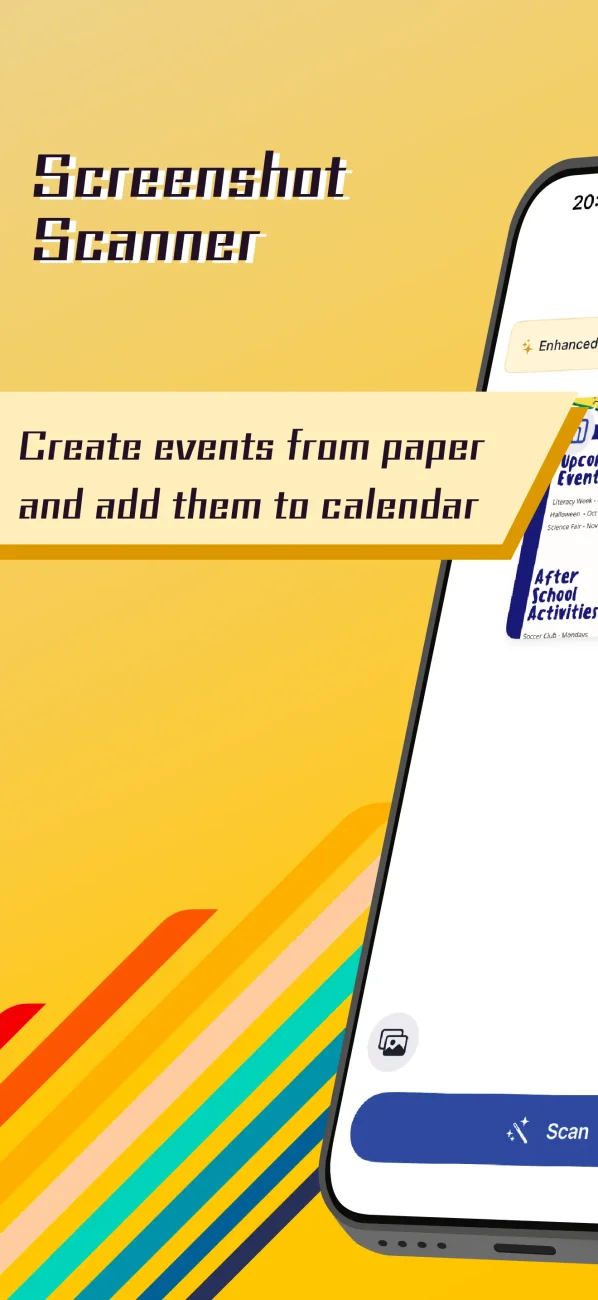
ScanScreenshot reads events from screenshots or paper documents and adds them directly to your calendar — no setup required.
[Main Features]
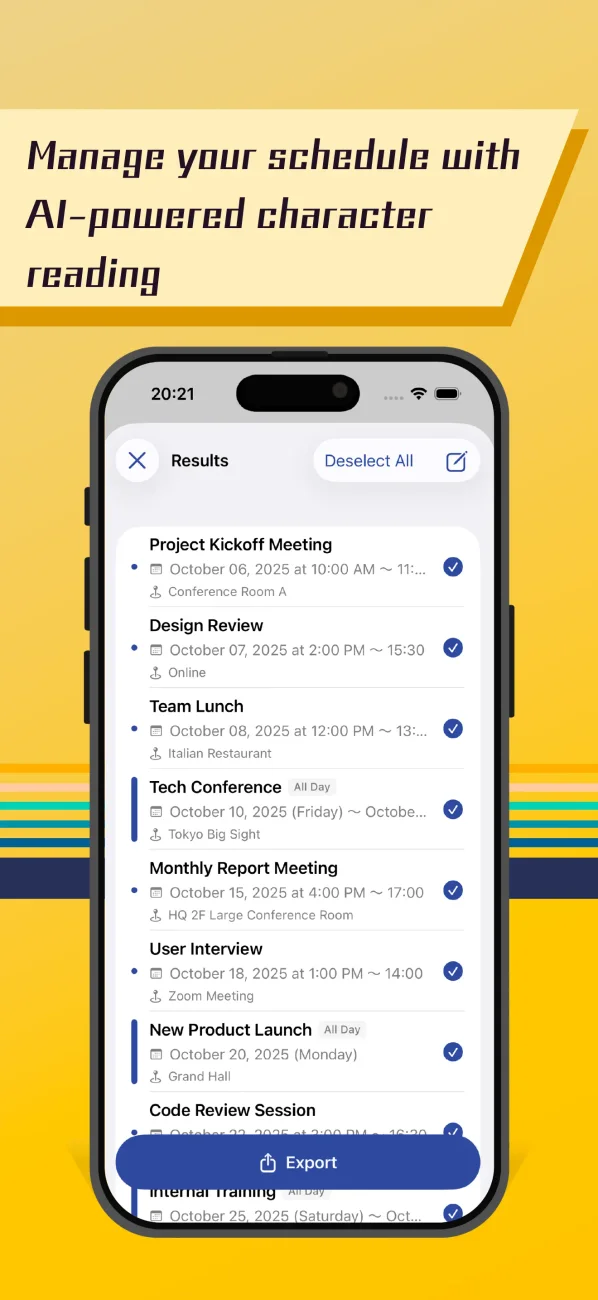
- AI text recognition: Detects dates, titles, and locations from screenshots or photos.
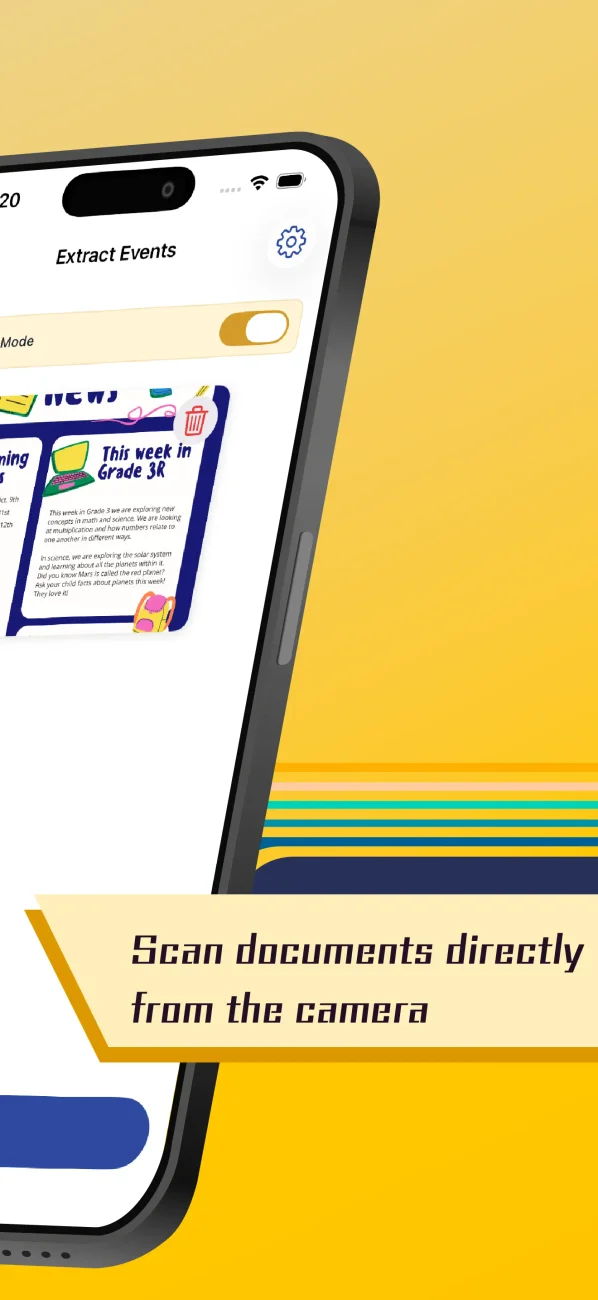
- Direct camera scan: Take a picture of printed materials and instantly create events.
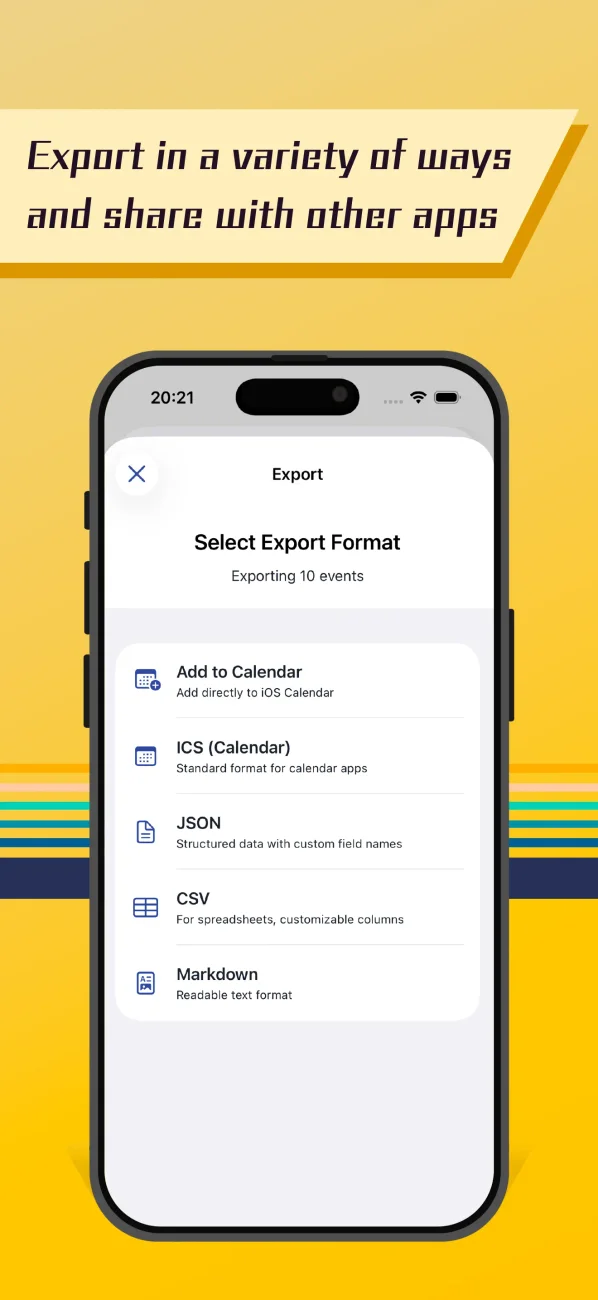
- File export: Export in multiple formats such as ICS, CSV, JSON, and Markdown, and share with other apps.
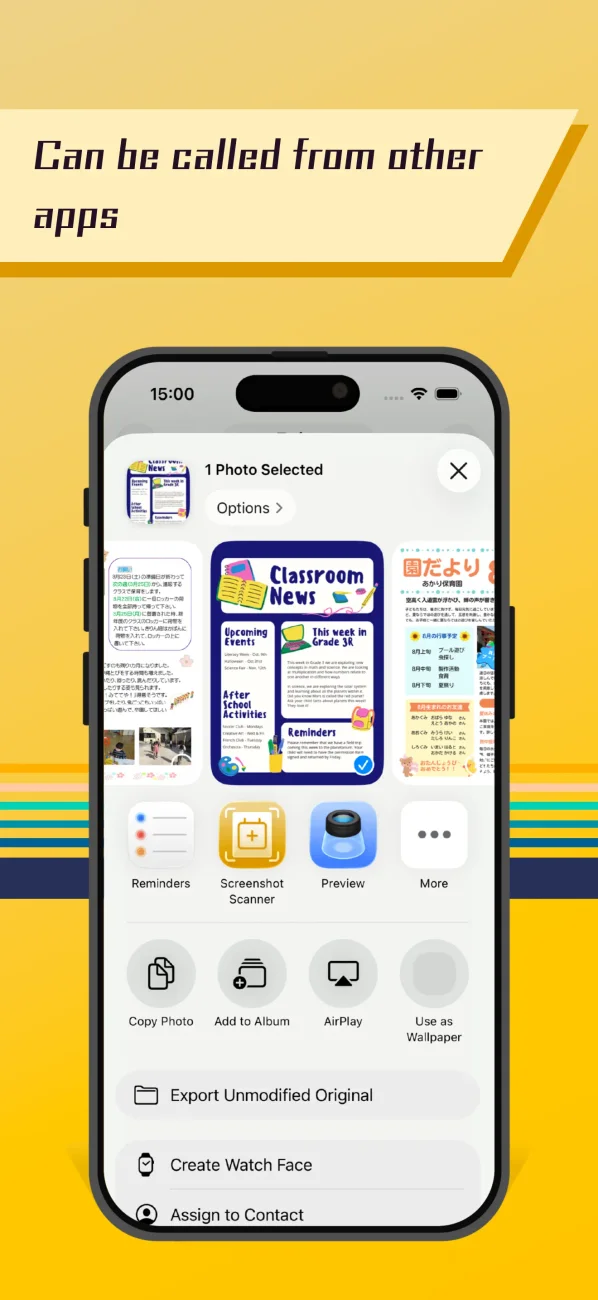
- Available from other apps: Start scans directly from the Photos app via the share sheet.
Note: Features require a device that supports and has Apple Intelligence enabled.
[Premium Features]
- Parsing engine updates.
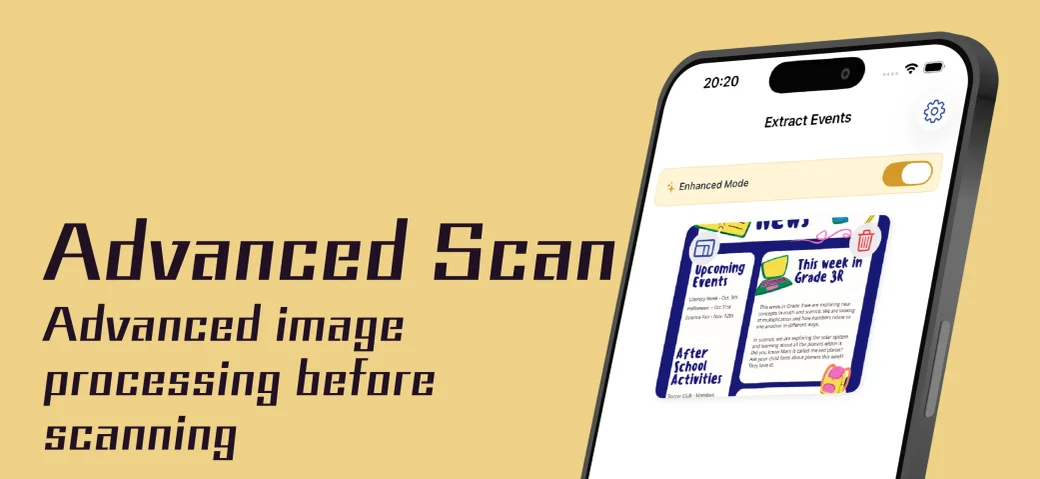
- Advanced Scan Mode: Apply noise reduction and image correction for more accurate results.
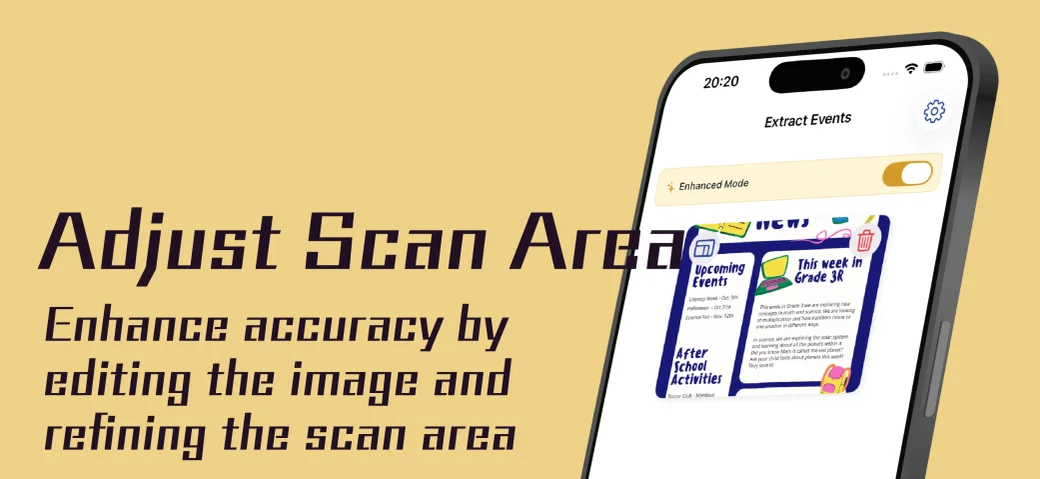
- Scan Area Adjustment: Edit and refine scan regions to improve accuracy.
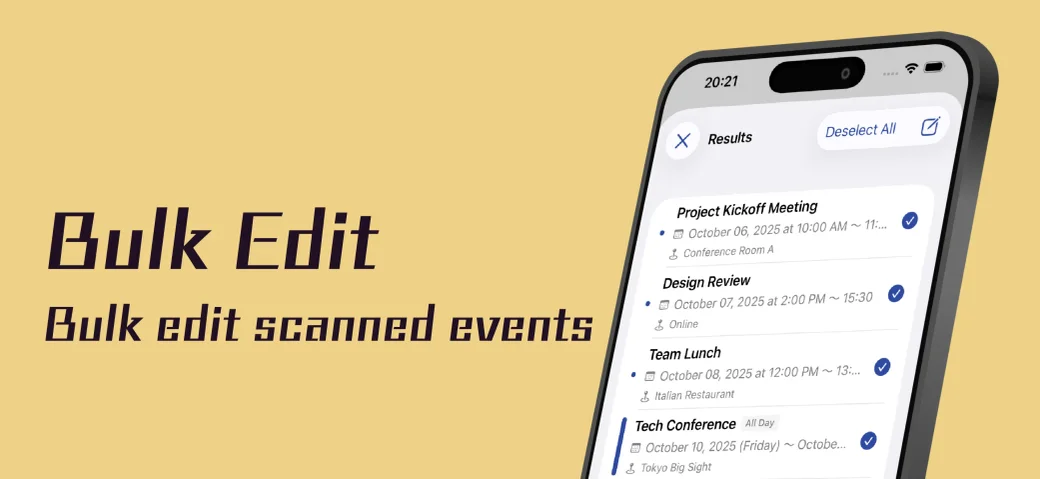
- Bulk Edit: Edit multiple scanned events at once.
- File Export: Export data in various formats for sharing and backup.
[Subscription]
Payment will be charged to your Apple ID account upon confirmation of purchase. Subscriptions automatically renew unless canceled at least 24 hours before the end of the current period. Renewal fees will be charged within 24 hours before the period ends. Manage or cancel your subscription in your App Store account settings.
---
Terms of Use (EULA): https://www.apple.com/legal/internet-services/itunes/dev/stdeula/
What’s new
Version 1.0.2 · Oct 23, 2025
- fixed bugs.
App privacy
What Ryu Iwasaki declares on the App Store about how this app handles data.
-
Data not linked to you
May be collected but is not linked to your identity.
- Usage data
- Diagnostics
Privacy practices may vary, for example with the features you use or your age.
Information
- Seller
- Ryu Iwasaki
- Category
- Productivity
- Version
- 1.0.2
- Updated
- Oct 23, 2025
- Released
- Oct 17, 2025
- Size
- 47.0 MB
- Requires
- iOS 26.0 or later
- Age rating
- 4+
- In-app purchases
- Yes
- Languages
- Japanese, Italian, Spanish, German, French, Portuguese, Simplified Chinese, English, Korean
- Copyright
- © JAGAIMOPOTATO
You might also like
-
 InkScanA simple document scanner
-
 Jotivo: AI Todo & RemindersScreenshot & Voice to Tasks
-
 Photo Search OCR ScreenshotFind Receipts & Documents
-
 マルミエ 予定表カレンダー・スケジュール帳の共有Productivity
-
 よてばこ - 撮るだけカレンダーProductivity
-
 One Shot Planner: AI タスク抽出Productivity
-
 Timeara – Days & CountdownTrack Life's Moments + Hijri
-
 Quick Add Reminders & CalendarReminders & events in seconds
-
 Recall - Screenshot ReminderSave, Organize & Remember
-
 LaytuhSave it for Laytuh