
Screenshot Studio Pro
Share Video & Animate Exports
Designed for iPhone, iPad
Free · In-app purchases
- Age rating4+
- CategoryProductivity
- DeveloperMSDC TECHNOLOGIES LTD
- LanguagesEnglish
- Size23.6 MB
Links to the official App Store page
Download.org hosts no file of Screenshot Studio Pro. The button opens its official App Store page, published by MSDC TECHNOLOGIES LTD. Listing last checked on Nov 18, 2026.
Screenshots


About
Upgrade your screenshots from simple captures to stunning visual stories with Screenshot Studio Pro. Designed for content creators, social media enthusiasts, and professionals, this powerful app transforms your screenshots into eye-catching masterpieces, perfect for sharing on any platform.
**Key Features:**
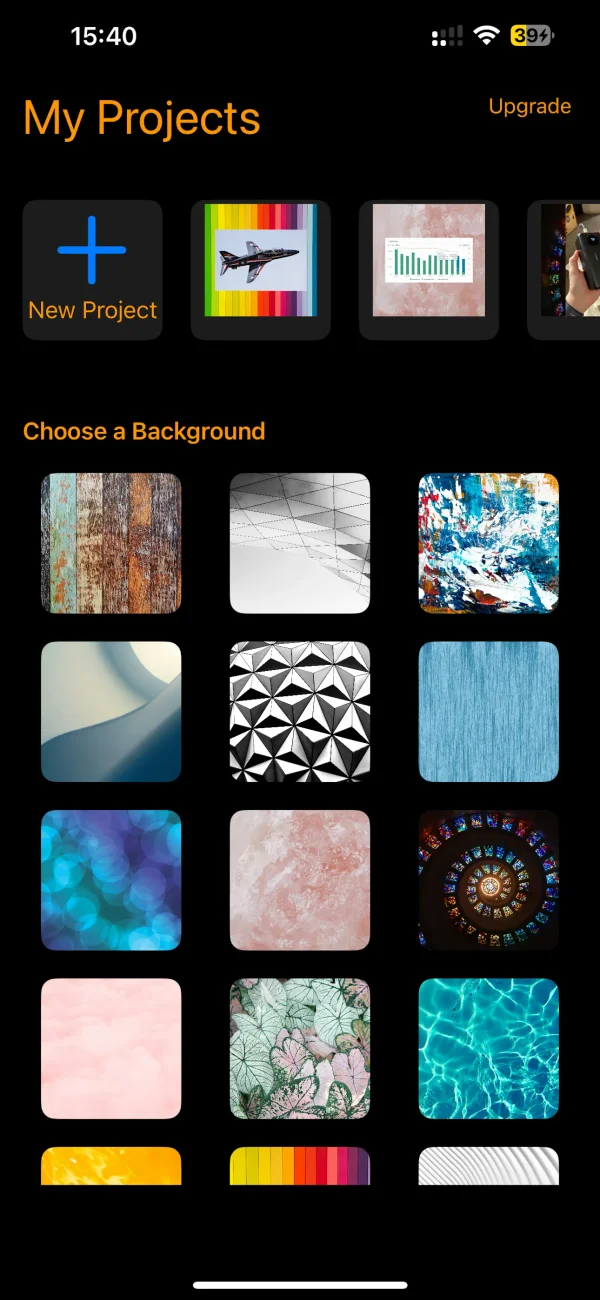
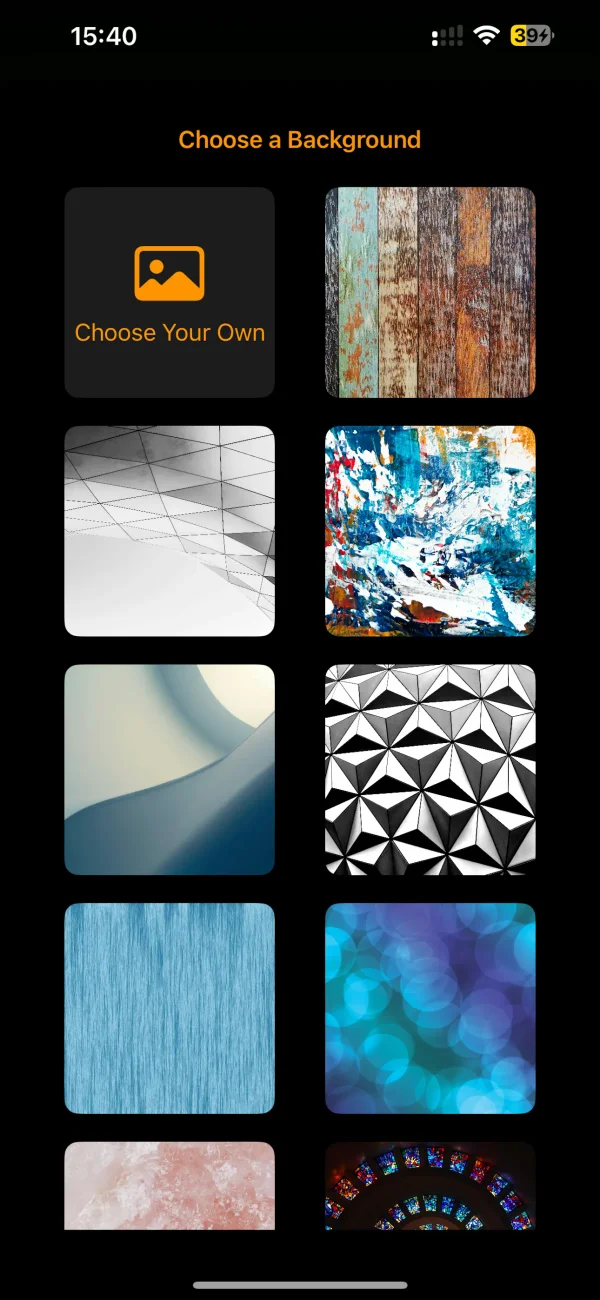
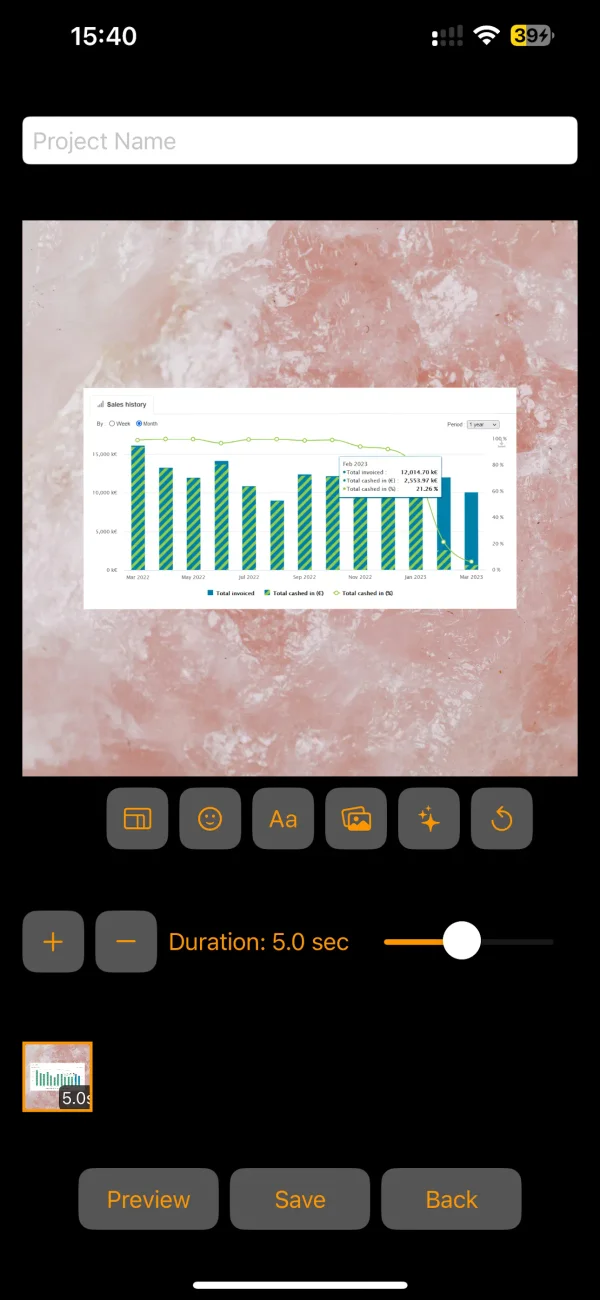
**Dynamic Backgrounds:** Choose from a vast collection of vibrant, customizable backgrounds to make your screenshots pop. Whether you need sleek gradients, abstract designs, or themed visuals, Screenshot Studio Pro has you covered.
**Smooth Animations:** Add life to your screenshots with smooth, professional-grade animations. Create engaging transitions, make your stats slide into view, or fade into other images seamlessly. Your content will captivate and hold attention with just a few taps.
**Stylish Transitions:** Move effortlessly between screenshots with our wide array of transition effects. Whether you want a simple fade, a dynamic slide, or a dramatic flip, Screenshot Studio Pro offers the perfect transition to keep your audience engaged.
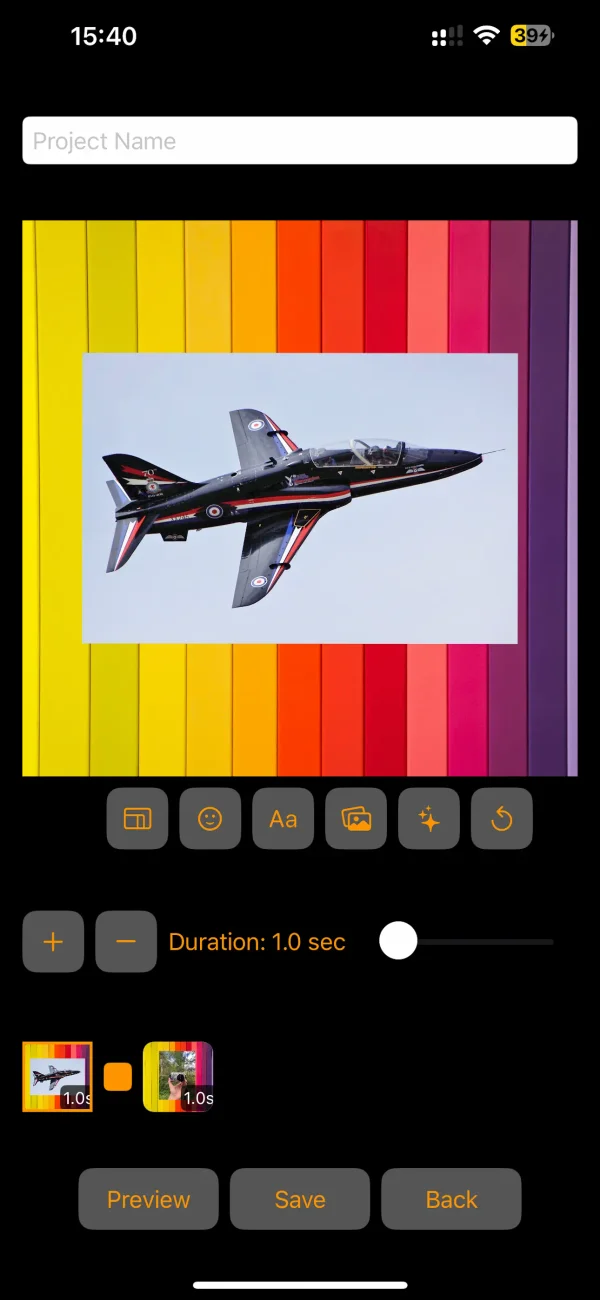
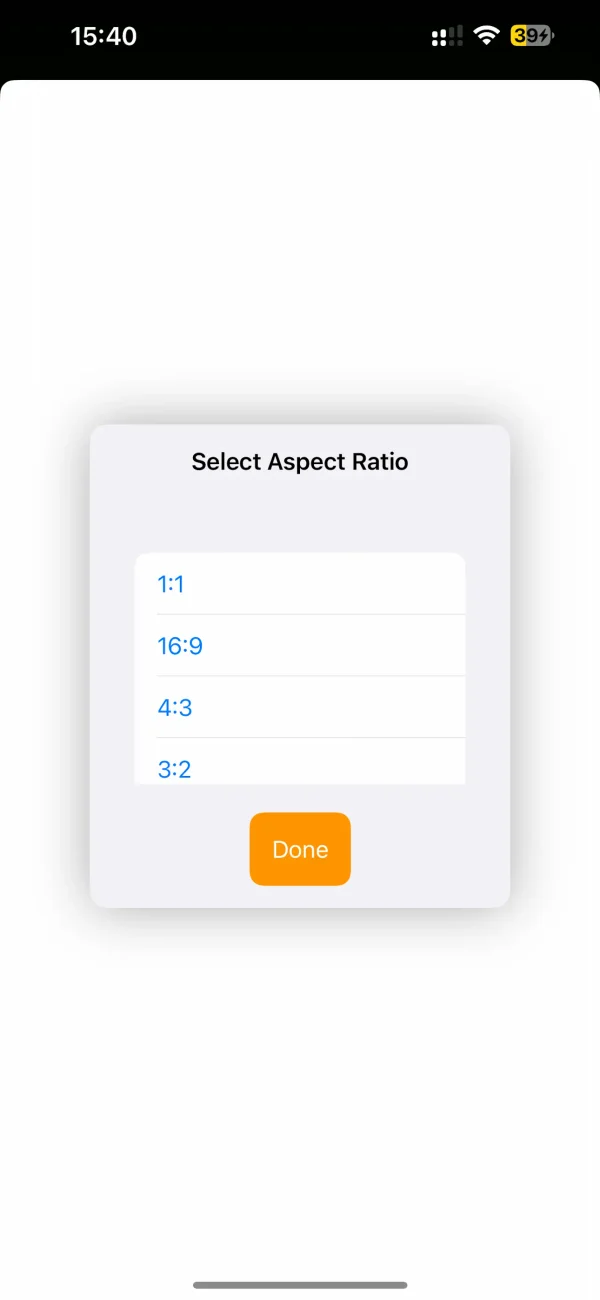
**Easy Editing Tools:** Crop, resize, and adjust your screenshots with precision. Our intuitive editing tools give you full control to make every shot look perfect before you share it with the world.
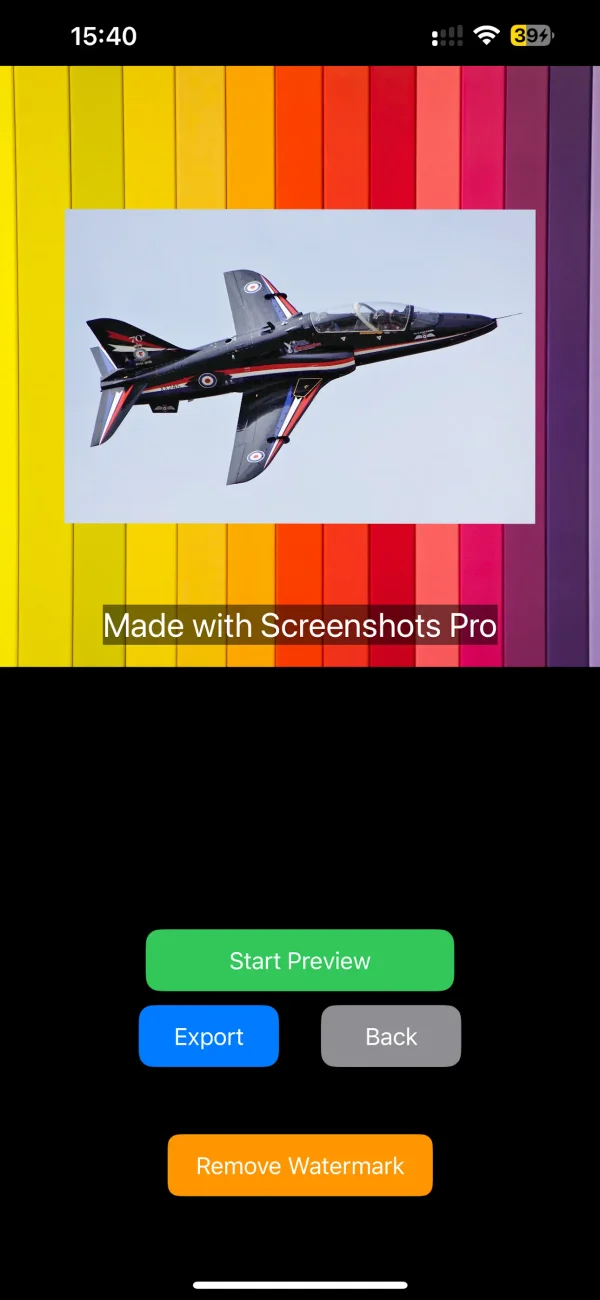
**Social Media Ready:** Export your creations in the perfect format for your favorite platforms. Whether it's Instagram, Twitter, TikTok, or Facebook, Screenshot Studio Pro ensures your visuals look sharp and professional, ready to impress your audience.
**One-Tap Sharing:** Instantly share your enhanced screenshots directly to your social media channels or save them to your device. With Screenshot Studio Pro, your content is always ready to go viral.
**Customizable Templates:** Save time with ready-made templates designed for different social media platforms. Personalize them with your screenshots and branding to maintain a consistent, polished look across all your posts.
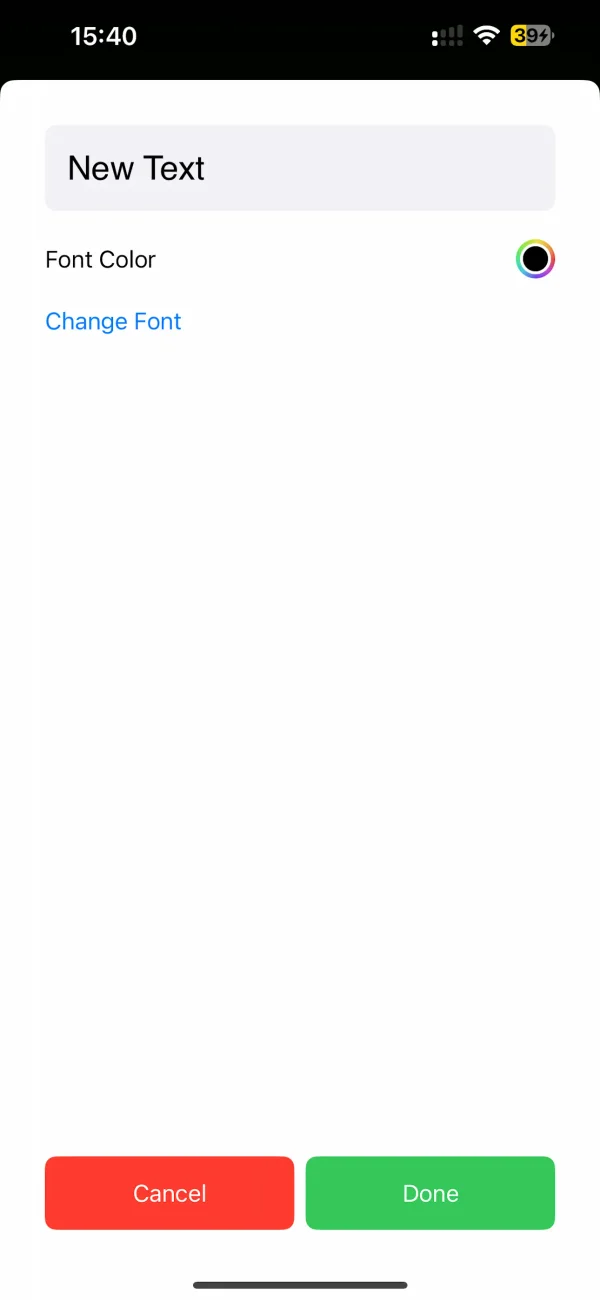
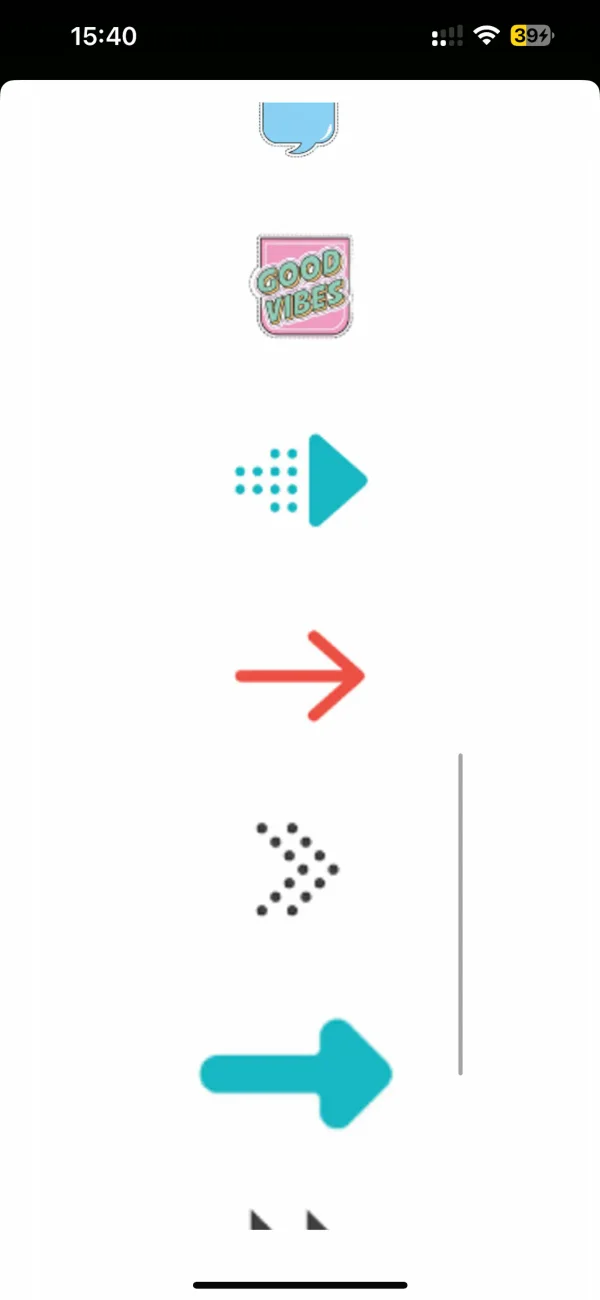
**Text and Stickers:** Add context or flair to your screenshots with customizable text overlays and a variety of stickers. Perfect for highlighting key data, adding commentary, or injecting some fun into your posts.
**Why Screenshot Studio Pro?**
In a world where visual content is king, Screenshot Studio Pro gives you the tools to stand out. Whether you’re sharing game stats, data visualizations, or just a cool moment you captured, make sure it looks as impressive as the moment itself. With our app, your screenshots don’t just tell a story—they *wow* your audience.
Download Screenshot Studio Pro today and start creating visuals that make your screenshots unforgettable!
Terms of use (EULA): https://screenshotspro.com/terms.html
Privacy policy: https://screenshotspro.com/privacy.html
App privacy
What MSDC TECHNOLOGIES LTD declares on the App Store about how this app handles data.
-
Data not collected
The developer does not collect any data from this app.
Privacy practices may vary, for example with the features you use or your age.
Information
- Seller
- MSDC TECHNOLOGIES LTD
- Category
- Productivity
- Version
- 1.0
- Updated
- Oct 7, 2024
- Released
- Oct 7, 2024
- Size
- 23.6 MB
- Requires
- iOS 17.5 or later
- Age rating
- 4+
- Price
- Free
- In-app purchases
- Yes
- Languages
- English
- Copyright
- © MSDC Technologies Ltd
You might also like
-
 Cubby: Auto-Organize BookmarksDeclutter your tabs & links
-
 Screen Time Control - SunlockLimit screen time & apps
-
 Formula Generator for Excel AIWork with ALL Spreadsheet Apps
-
 LearnMyLines: Memorise ScriptsMaster Cues & learn lines FAST
-
 Spanarc - Calendar At a GlanceApple Calendar, Visualized.
-
 Pico LLM frontend AI AssistantPowered by OpenAI GPT4 & Groq
-
 Site Audit List & ReportsPunch, Inspection & PDF Maker
-
 CalcDrawHandwriting Calculator
-
 (beat) for iOSelegant screenwriting
-
 Units: Unit converterMeasurement, Currency