
- Age rating4+
- CategoryUtilities
- DeveloperNathaniel Oh
- LanguagesEnglish
- Size2.4 MB
Links to the official App Store page
Download.org hosts no file of Screenshot2Text. The button opens its official App Store page, published by Nathaniel Oh. Listing last checked on Nov 18, 2026.
Screenshots

About
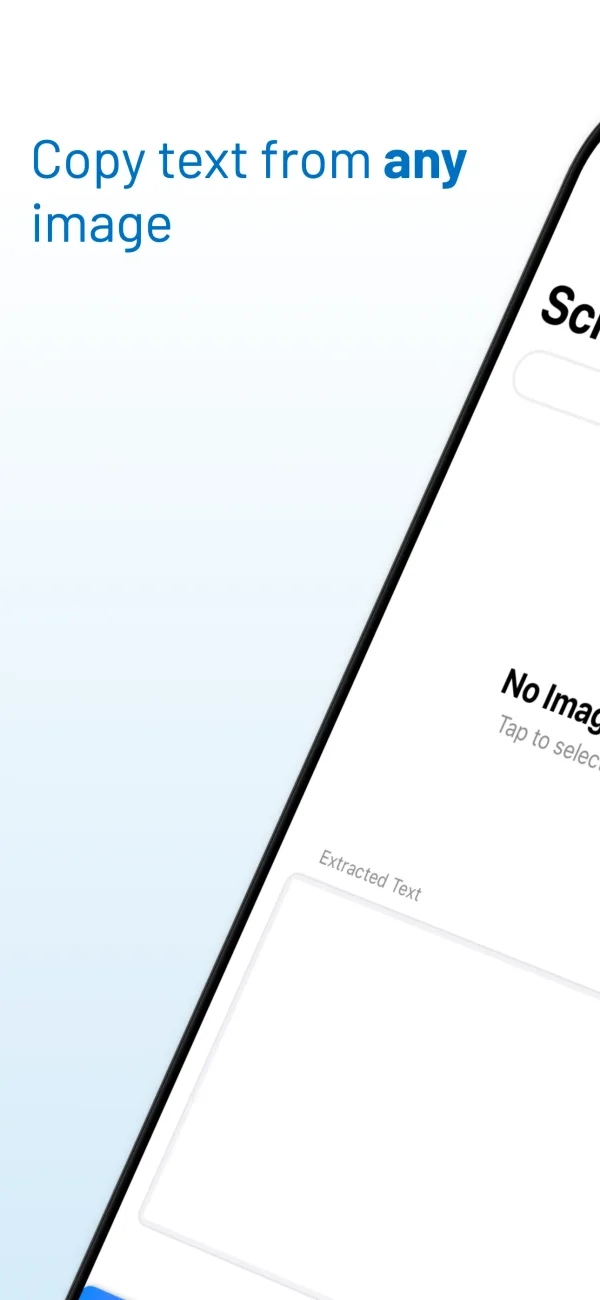
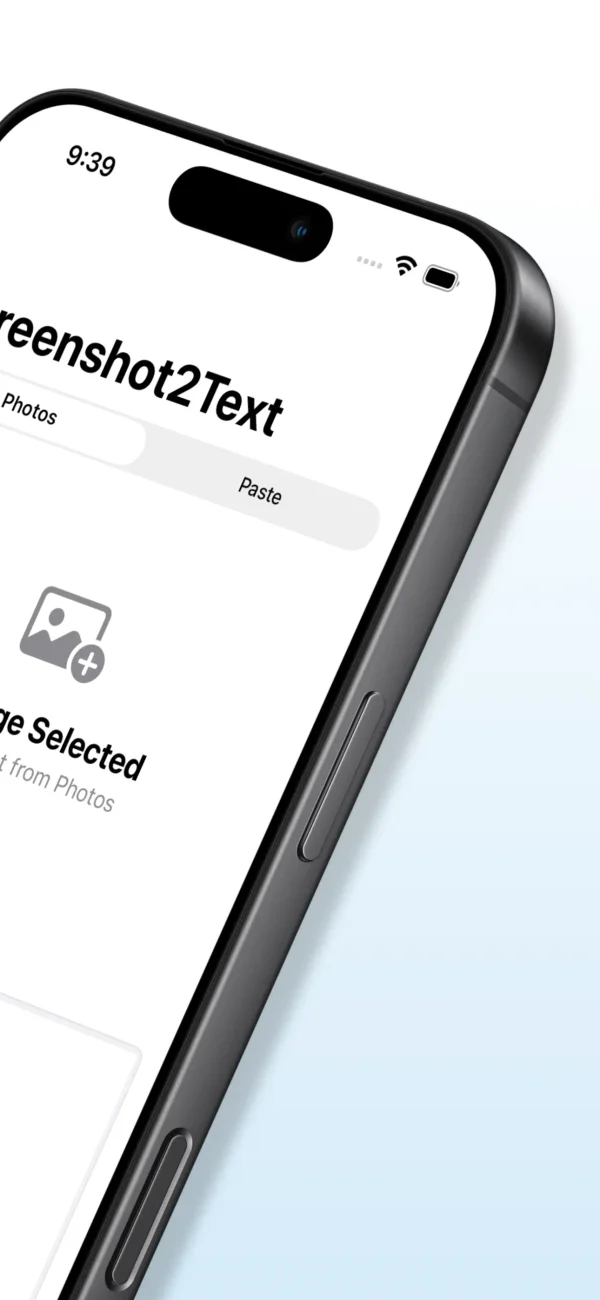
Instantly extract text from any image, completely offline.
Screenshot2Text is the privacy-first OCR utility that turns your photos and screenshots into editable, copyable text. Whether it's grabbing a Wi-Fi password from a router label, digitizing a handwritten meeting note, or copying an error message that can't be selected, Screenshot2Text handles it all on-device.
Key Features:
- Instant OCR: Extracts text from images in milliseconds.
- 100% Privacy: No data ever leaves your phone. All processing happens on-device using Apple's Vision framework.
- Offline Ready: Works perfectly without an internet connection.
- Universal Clipboard: Copy text with one tap and paste it anywhere.
- Simple & Clean: A focused tool that does one thing perfectly, with no ads or clutter.
Stop typing out long numbers and codes manually. Just snap, scan, and copy.
App privacy
What Nathaniel Oh declares on the App Store about how this app handles data.
-
Data not collected
The developer does not collect any data from this app.
Privacy practices may vary, for example with the features you use or your age.
Information
- Seller
- Nathaniel Oh
- Category
- Utilities
- Version
- 1.0
- Updated
- Jan 22, 2026
- Released
- Jan 22, 2026
- Size
- 2.4 MB
- Requires
- iOS 26.2 or later
- Age rating
- 4+
- Price
- Free
- Languages
- English
- Copyright
- © 2026 Charbyte Industries
You might also like
-
 CaptureSpamCapture, search & block calls
-
 RemakeHome: AI Home DesignDesign Your Dream Home
-
 Important People Photo GallerySave exciting moments - family
-
 Nagi - Ad BlockerBlock ads, keep sites working
-
 PushDelivery - AOS Push ReplyAndroid Push Sync Remote Reply
-
 Boomerang Loop Video MakerLoop or Reverse at Any Speed
-
 PikaCalc - Damage CalculatorUtilities
-
 OpenIoTHubRemote access your NET service
-
 Damage CalculatorA calc. for Pokémon battles.
-
 BAT CheckUtilities