ScreenTimer Use App with Timer
Detox & Unrot Your Brainrot
Designed for iPhone, iPad
Free · In-app purchases
- Age rating4+
- CategoryProductivity
- DeveloperBRIJIT SHEELIA
- LanguagesEnglish
- Size106.7 MB
Links to the official App Store page
Download.org hosts no file of ScreenTimer Use App with Timer. The button opens its official App Store page, published by BRIJIT SHEELIA. Listing last checked on Nov 14, 2026.
Screenshots


About
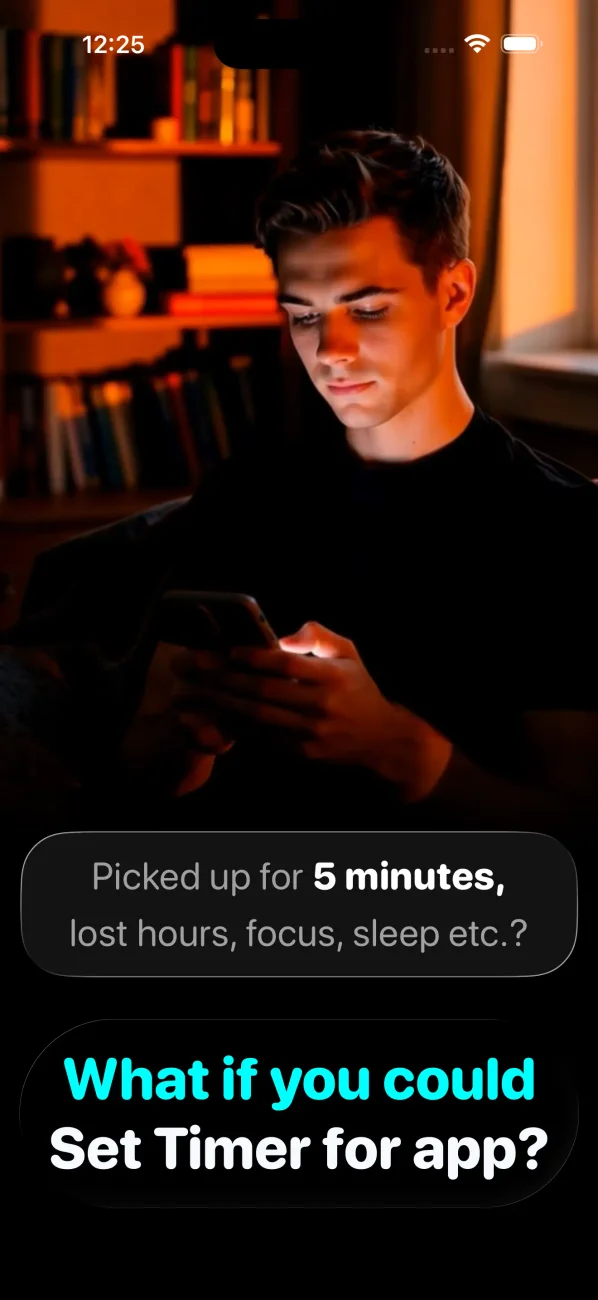
Ever opened a social media app planning to spend just 5 minutes—only to lose hours?
A kitchen timer prevents overcooking your food.
ScreenTimer prevents overusing your apps.
ScreenTimer helps you stay in control of your screen time and stick to your intentions.
Why ScreenTimer?
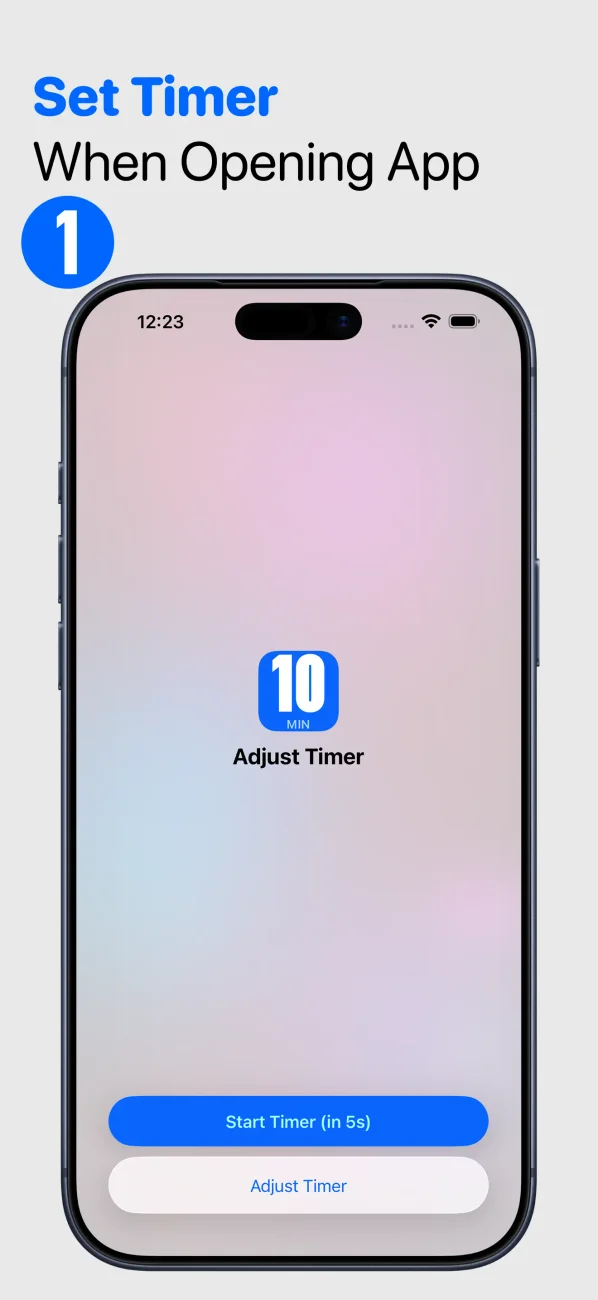
- Unlike other screen time apps, ScreenTimer lets you set a time limit right before you use any app—no complicated setup, shortcuts, or automations.
- You don’t even need to switch back to the main app—set the timer directly while using the app you want to control.
Key Features
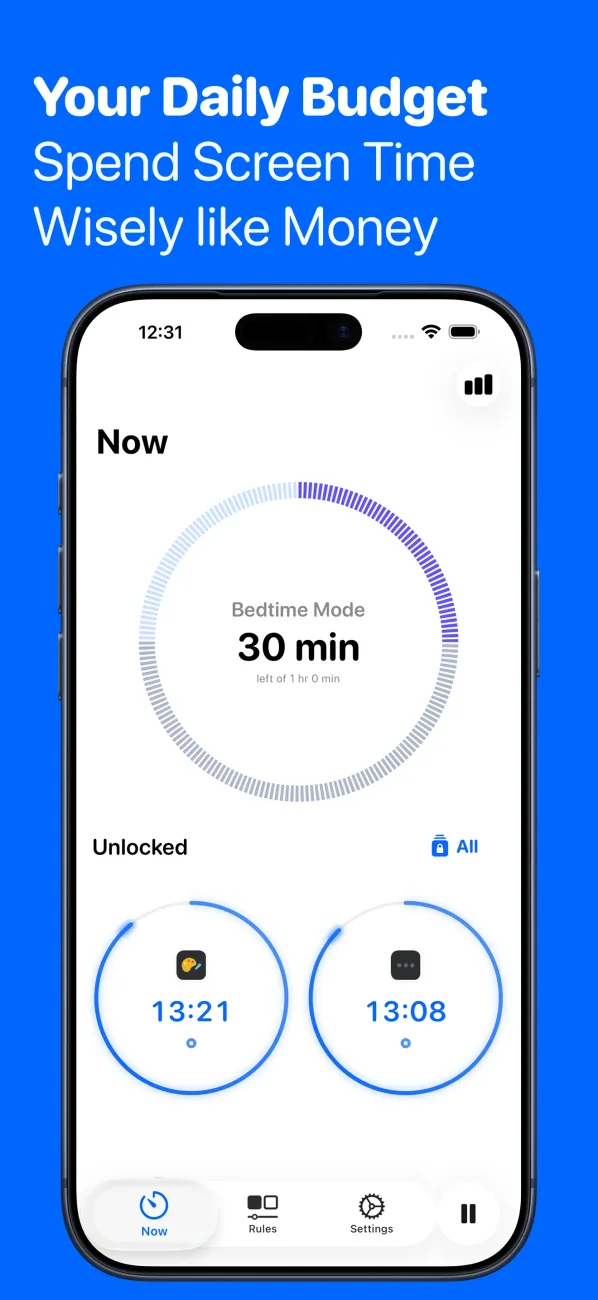
- Daily Screen Time Budget – Define your overall daily allowance and stay balanced.
- App Usage Timer – Set a limit before opening any app.
- Stay on Track – Manage both per-app time limits and your daily screen time budget.
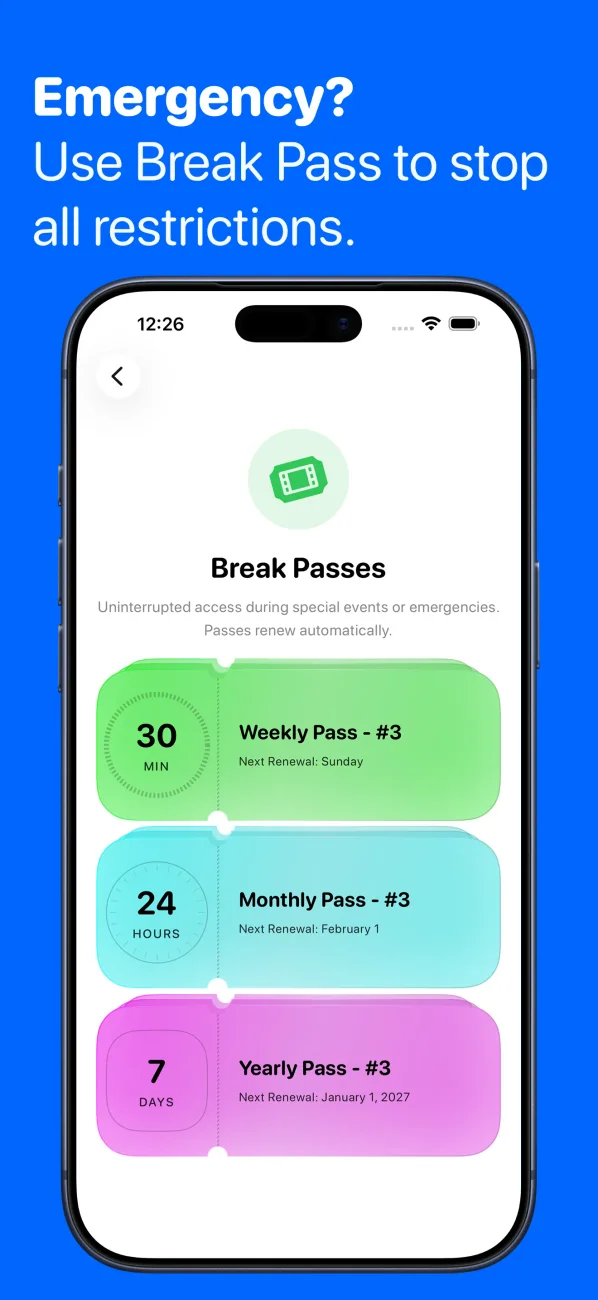
- Break Passes – Pause all blocks for urgent needs (30 min, 24 hours, or 1 week).
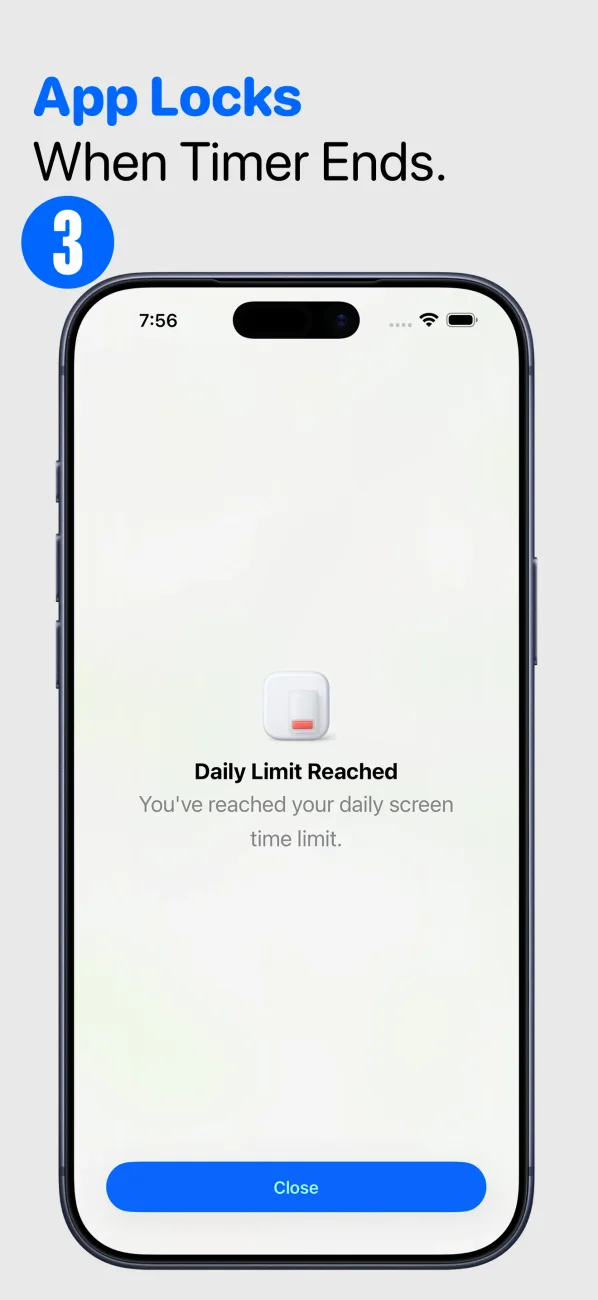
- Shield Overlay – Once time is up, apps are blocked with an enforced screen shield.
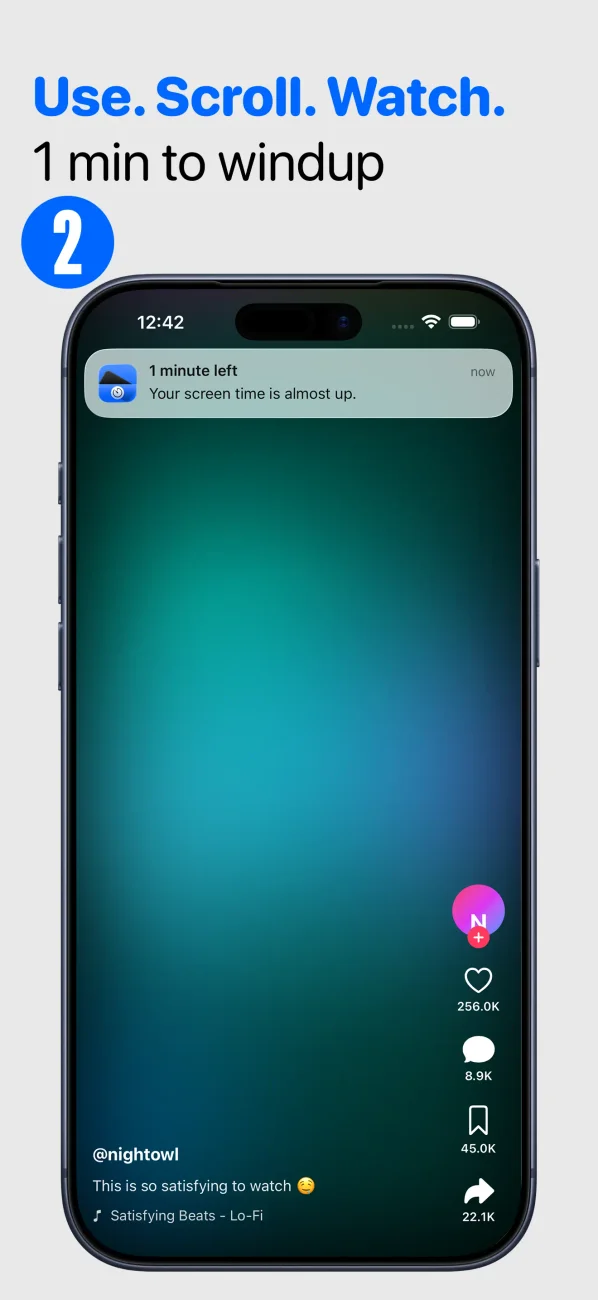
- Smart Reminders – Get a notification 1 minute before your timer ends.
Pro Features
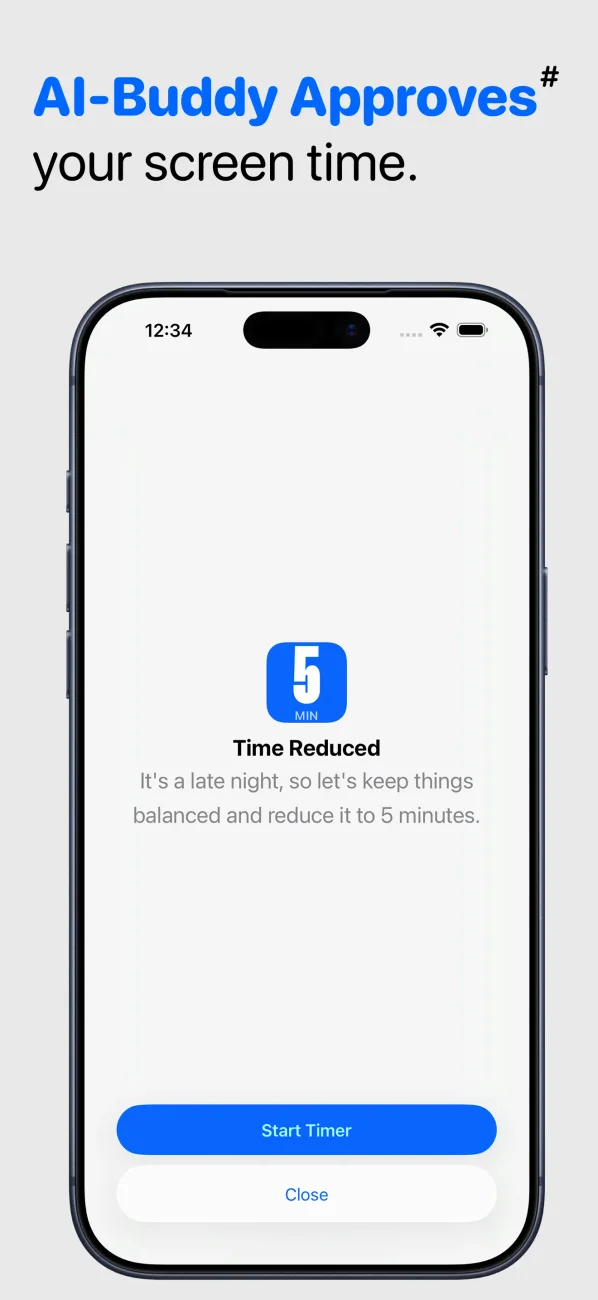
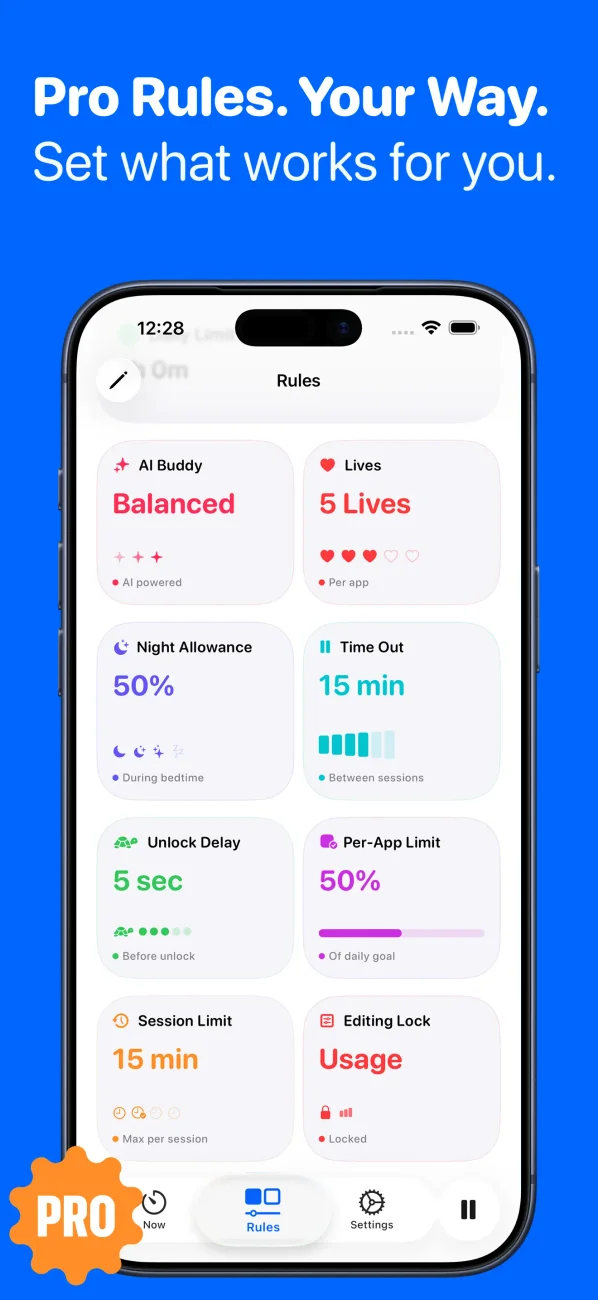
- AI Buddy* - Allow AI to control when to allow app usage
- Unlock Delay – Add a pause before apps open to reduce impulsive checks.
- Max Unlocks per App – Control how many times each app can be opened daily.
- Night Allowance – Set customized screen time limits at night.
- Per-App Limits – Assign daily time limits to individual apps.
- Session Limits – Restrict how long each session can last.
Subscription & Purchases
Free Trial – Try all Pro features for free.
Monthly & Yearly Plans – With or without trial.
Lifetime Purchase – One-time payment for permanent Pro access.
*AI Buddy — Requires Apple Intelligence supported device & iOS 26 or newer.
ScreenTimer helps you spend less time on screens, block distractions, and reclaim your focus.
Terms of Service: https://www.apple.com/legal/internet-services/itunes/dev/stdeula/
Privacy: https://getscreentimer.com/privacy/
What’s new
Version 26.5 · May 15, 2026
Bug fixes
App privacy
What BRIJIT SHEELIA declares on the App Store about how this app handles data.
-
Data not linked to you
May be collected but is not linked to your identity.
- Identifiers
- Usage data
- Diagnostics
Privacy practices may vary, for example with the features you use or your age.
Information
- Seller
- BRIJIT SHEELIA
- Category
- Productivity
- Version
- 26.5
- Updated
- May 15, 2026
- Released
- Sep 21, 2025
- Size
- 106.7 MB
- Requires
- iOS 17.4 or later
- Age rating
- 4+
- Price
- Free
- In-app purchases
- Yes
- Languages
- English
- Copyright
- © OneSimpleApp
You might also like
-
 Telos – Focus & Habit TrackerStay Focused and Productive
-
 Tudo: AI Voice To-Do ListSpeak, Snap & Set Reminders
-
 Phone Cleaner-Photo & StorageCleanup,Phone Storage Cleaner
-
 Habit Tracker & Goal SettingDaily Routine & ADHD Reminder
-
 FlowIn - Screen Time ControlApp Blocker & Focus Timer
-
 Home Chores & Cleaning: OhWaitMaintenance Tracker & Schedule
-
 Decision Logic - MichiDecide Now Best Choice Maker
-
 RAR OpenerExtract, Unrar
-
 Kutu: Bookmark ManagerSave Links & Read Later
-
 Eva - Calendar & Daily PlannerAI Habit Tracker & Routine