
ScreenZen- Screen Time Control
App blocker, limit screen time
Designed for iPhone, iPad, Mac
Free · In-app purchases
- Age rating4+
- CategoryProductivity
- DeveloperScreenZen LLC
- LanguagesEnglish+ 5 more
- Size159.0 MB
Links to the official App Store page
Download.org hosts no file of ScreenZen- Screen Time Control. The button opens its official App Store page, published by ScreenZen LLC. Listing last checked on Nov 25, 2026.
Screenshots


About
Multiple strategies to reduce your screentime
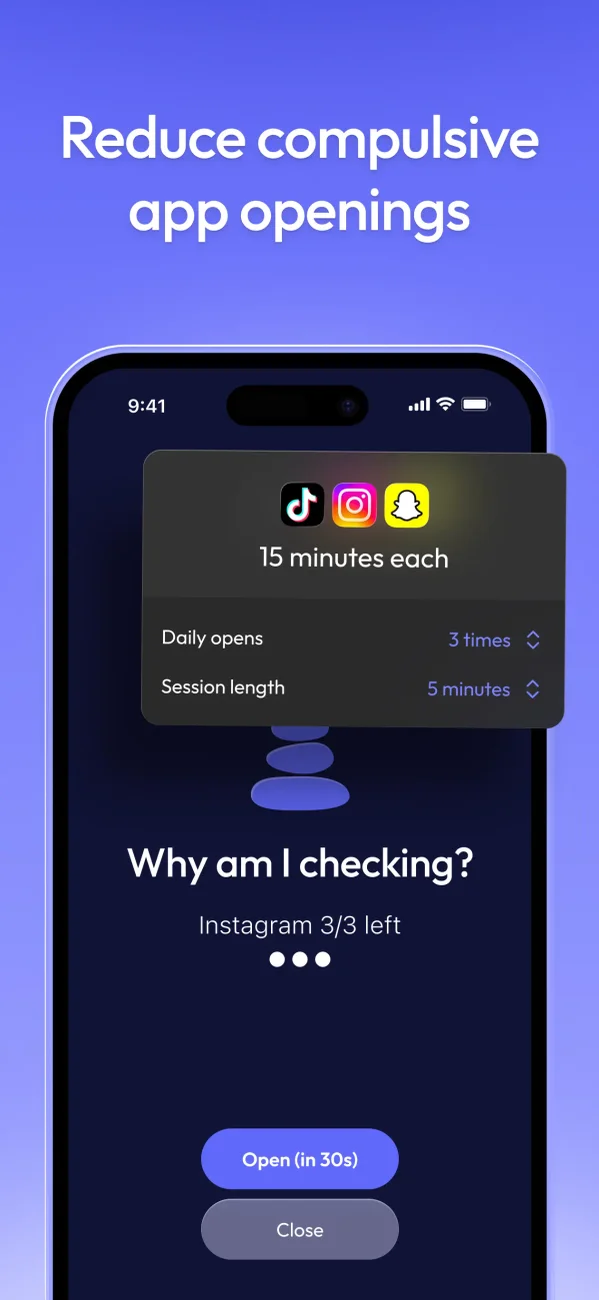
1. Delay before opening your app: A bit of time before choosing if you need to open your distracting app. You can have the wait time increase each time you open your app.
2. Interrupt your scrolling: Check your distracting apps for short periods of time so you don't get sucked in.
3. Set an app goal and optionally block when you reach your limit.
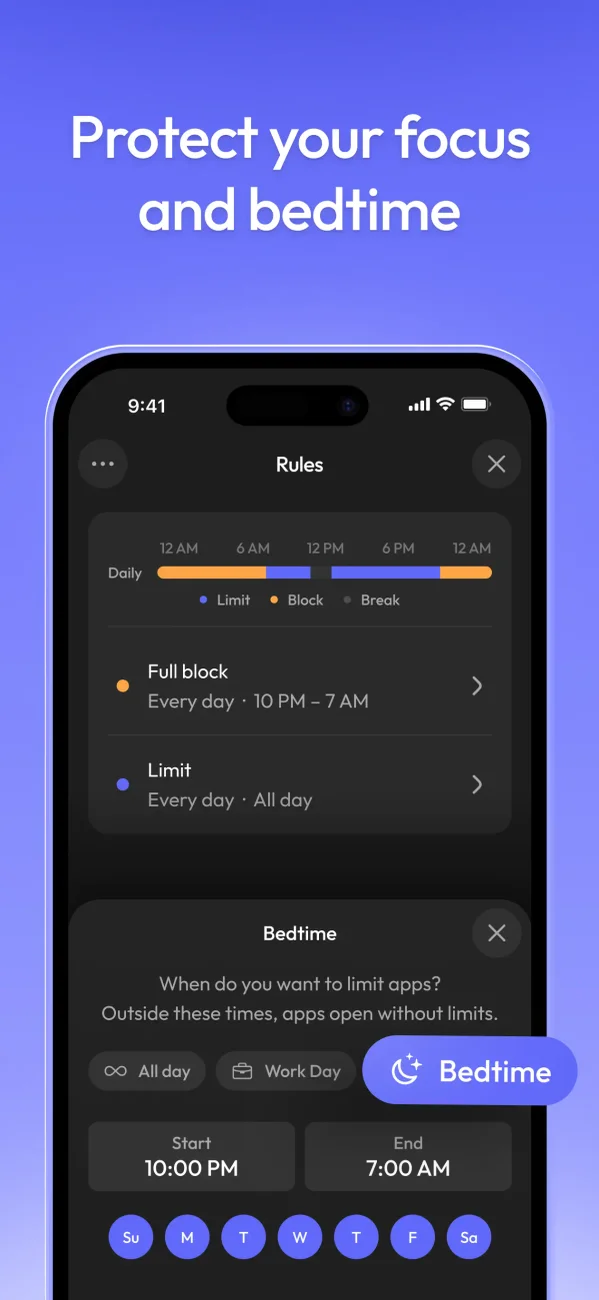
4. Configurable for different days of the week and time by app.
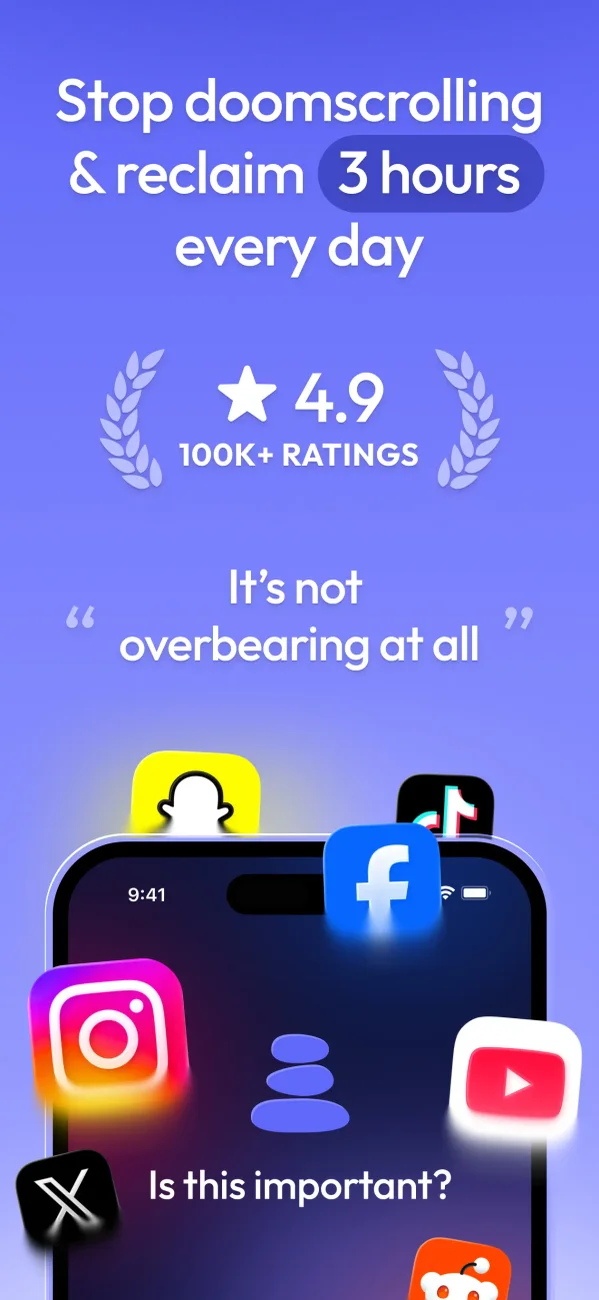
5. Messages like "Is this important" before opening your app.
6. See your screen time for only your distracting apps. Don't worry about Google Maps bloating up your time.
7. Strict block your apps: Either for time ranges, after a certain number of opens or ScreenTime.
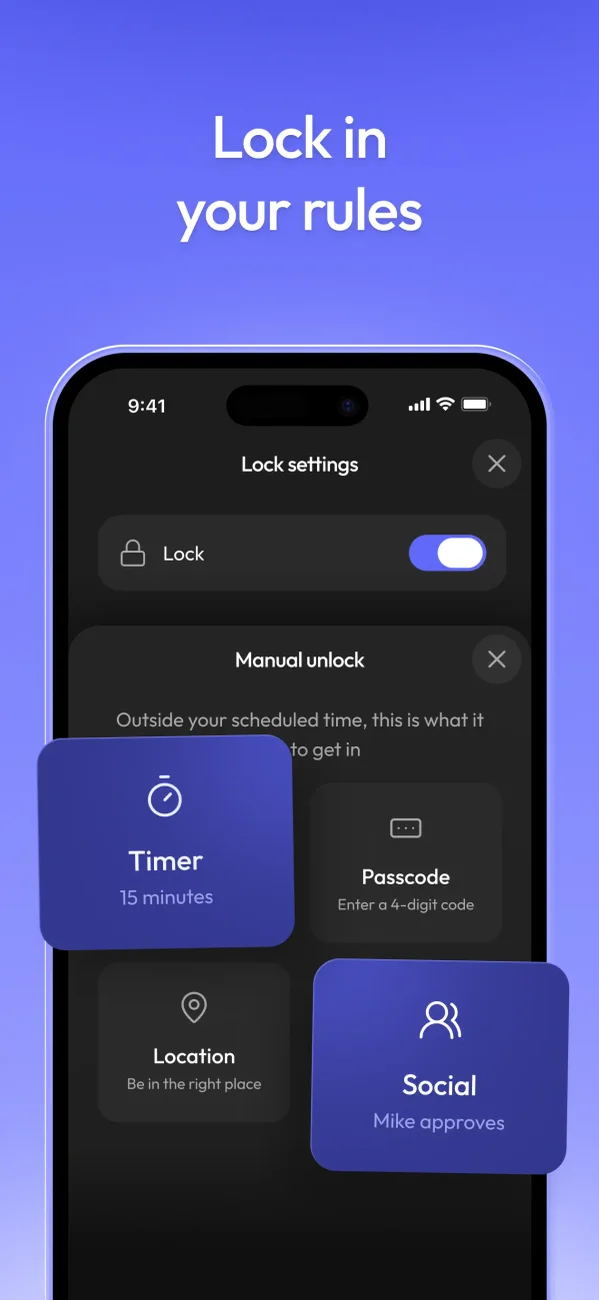
8. Locks on Settings to prevent you from changing your settings when you want to open an app.
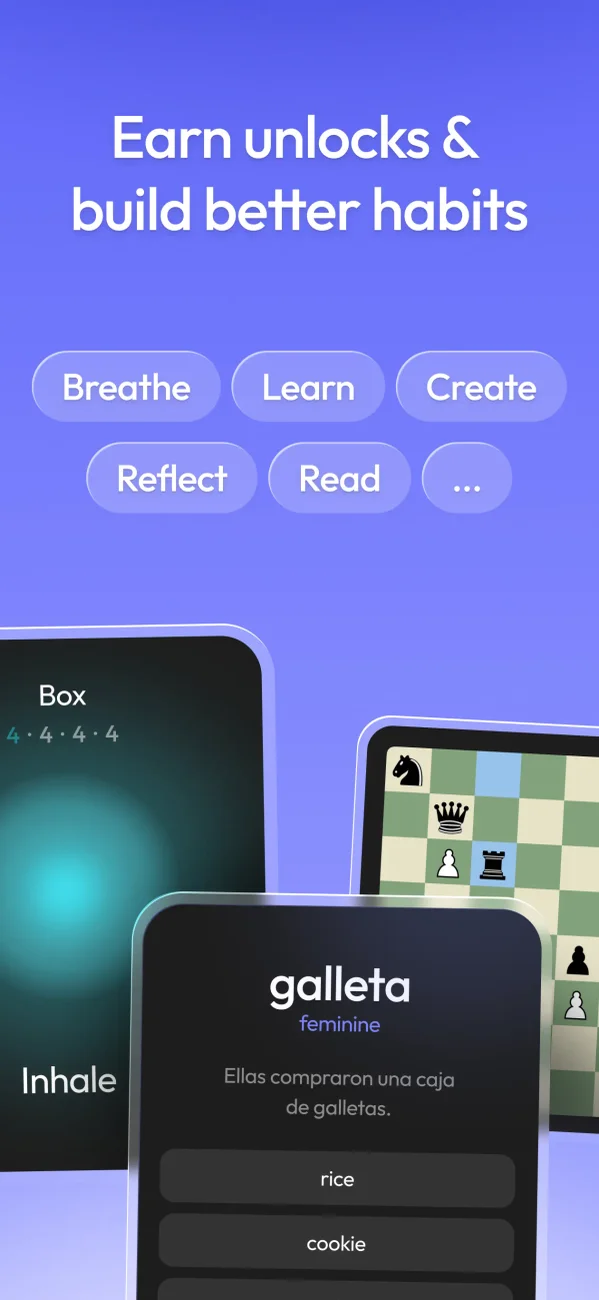
9. Breathing and other activities to encourage you not to need to open the app while waiting for it to unlock.
10. Streaks to encourage you not to exceed your limits or override your settings.
What’s new
Version 4.0.0 · Sep 6, 2026
• Practice: swap a bad habit for a good one. Breathe, journal or learn something, and earn your opens.
• Minimal: use Instagram, YouTube, TikTok, Reddit and more without Reels, Shorts or endless feeds, with messages-only options.
• Lock settings: choose a time your settings unlock, and add an accountability partner who can let you back in.
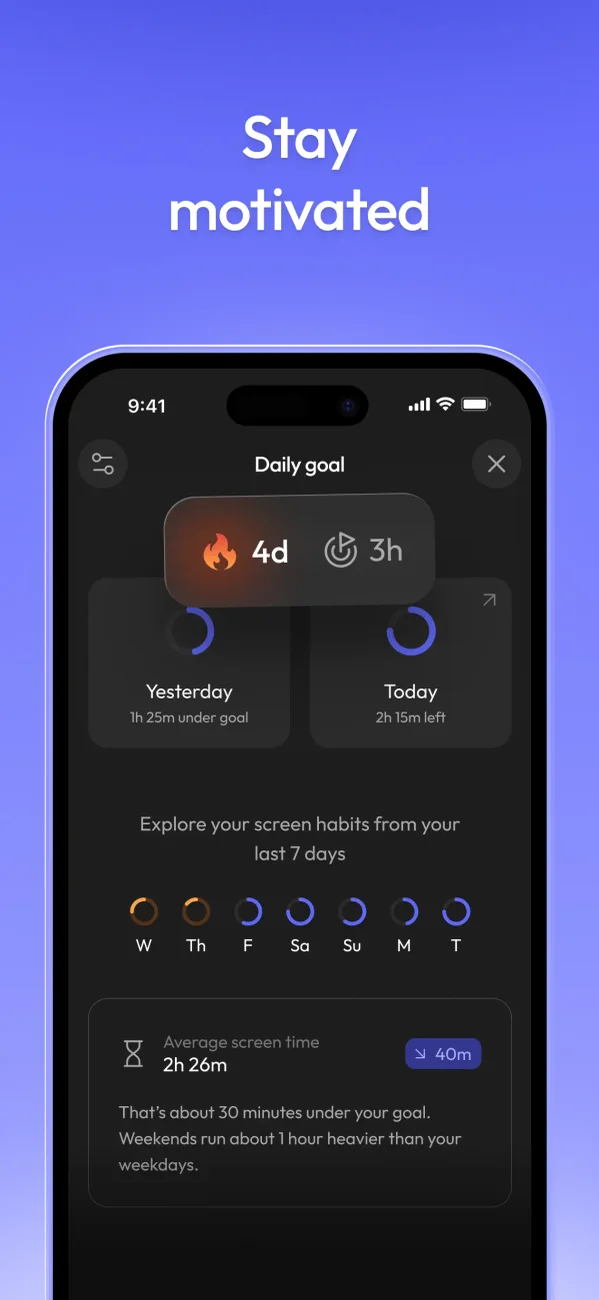
• Daily goal: set a screen time budget for your whole day, then open any day to see where the time actually went.
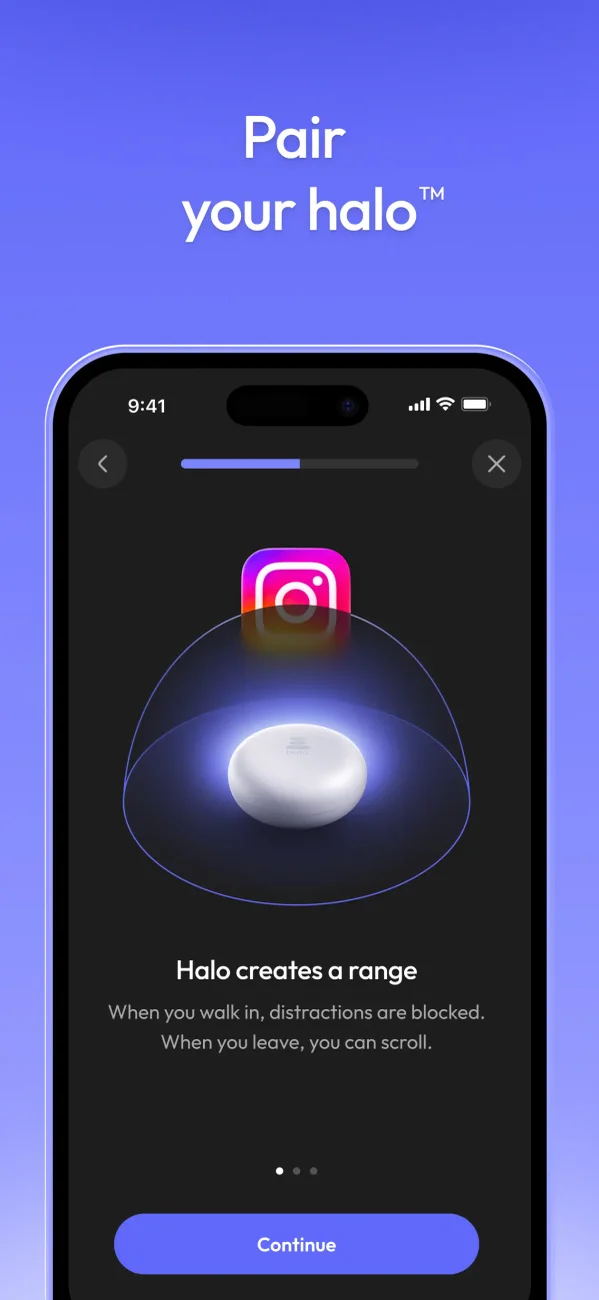
• Scroll zone: a new Halo mode where your apps only unlock in one spot, so scrolling is intentional.
• Habit: pair a Halo with something to do instead of your phone. One prompt when you arrive, and a week tracker for the days you did it.
• A new screen time widget for your Home Screen and Lock Screen.
• Many fixes to blocking, unlock timers, streaks and Live Activities, plus general stability and performance improvements.
App privacy
What ScreenZen LLC declares on the App Store about how this app handles data.
-
Data not linked to you
May be collected but is not linked to your identity.
- Usage data
- Diagnostics
Privacy practices may vary, for example with the features you use or your age.
Information
- Seller
- ScreenZen LLC
- Category
- Productivity
- Version
- 4.0.0
- Updated
- Sep 6, 2026
- Released
- Jul 16, 2021
- Size
- 159.0 MB
- Requires
- iOS 16.4 or later
- Age rating
- 4+
- Price
- Free
- In-app purchases
- Yes
- Languages
- English, French, German, Simplified Chinese, Spanish, Vietnamese
- Copyright
- © 2026 ScreenZen LLC
You might also like
-
 Refocus: App Blocker & LockBlock Websites, Social Media
-
 one sec | screen time + focusApp Blocker & Website Limits
-
 AppBlock: Block Apps, WebsitesApp Blocker. Limit Screen Time
-
 Freedom: Screen Time ControlBlock Apps. Stay Focused.
-
 Opal: Screen Time ControlFocus, App Blocker & Timer
-
 Dumb Phone (dp)Minimalist Launcher
-
 SocialLite-Block Reels&ShortsStop Doomscrolling-Stay Social
-
 ClearSpace: Reduce Screen TimeMake your phone less addicting
-
 Blank Spaces LauncherBuild a Minimalist Dumb Phone
-
 Brainrot: Screen Time ControlApp Blocker & Focus Timer