
Scribelet: AI Notebook
Fact-check your notes & tasks
Designed for iPhone
In-app purchases
- Age rating12+
- CategoryProductivity
- DeveloperScribelet
- LanguagesEnglish
- Size64.0 MB
Links to the official App Store page
Download.org hosts no file of Scribelet: AI Notebook. The button opens its official App Store page, published by Scribelet. Listing last checked on Nov 13, 2026.
Screenshots


About
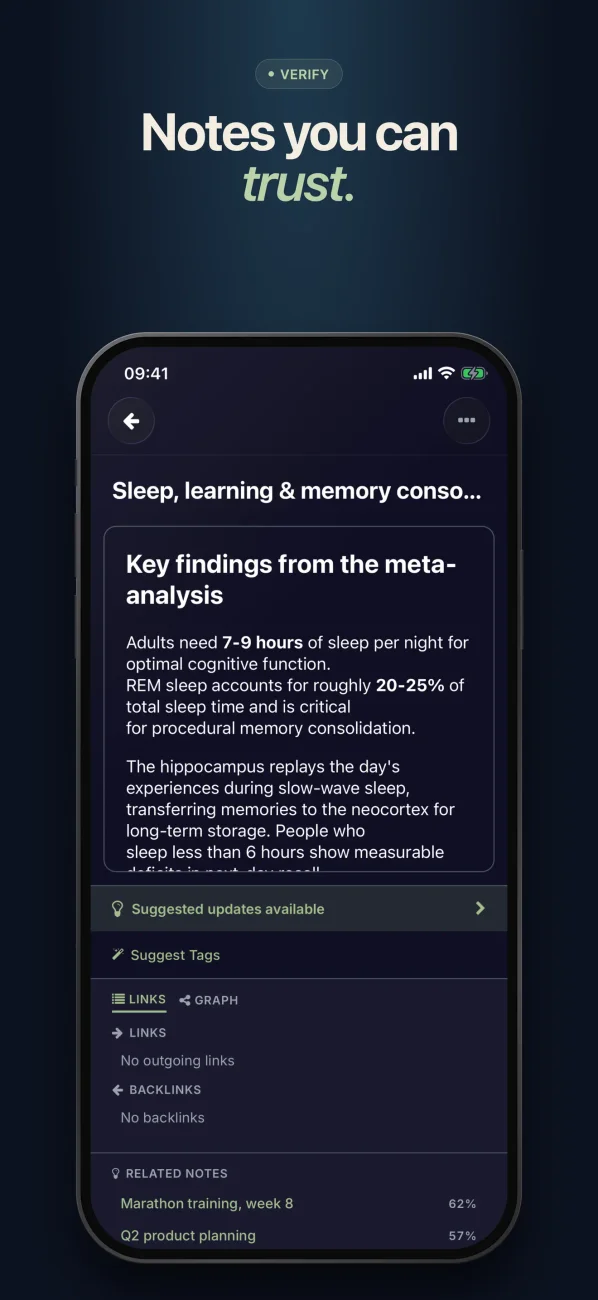
Most note apps just store what you write. Scribelet keeps working on them. While you focus on the next thought, it quietly fact-checks your notes against the web or custom sources, finds connections between ideas you forgot you had, and helps you write more clearly with an AI assistant that actually knows your notebook.
Capture by voice or typing. Then trust what's there.
FEATURES
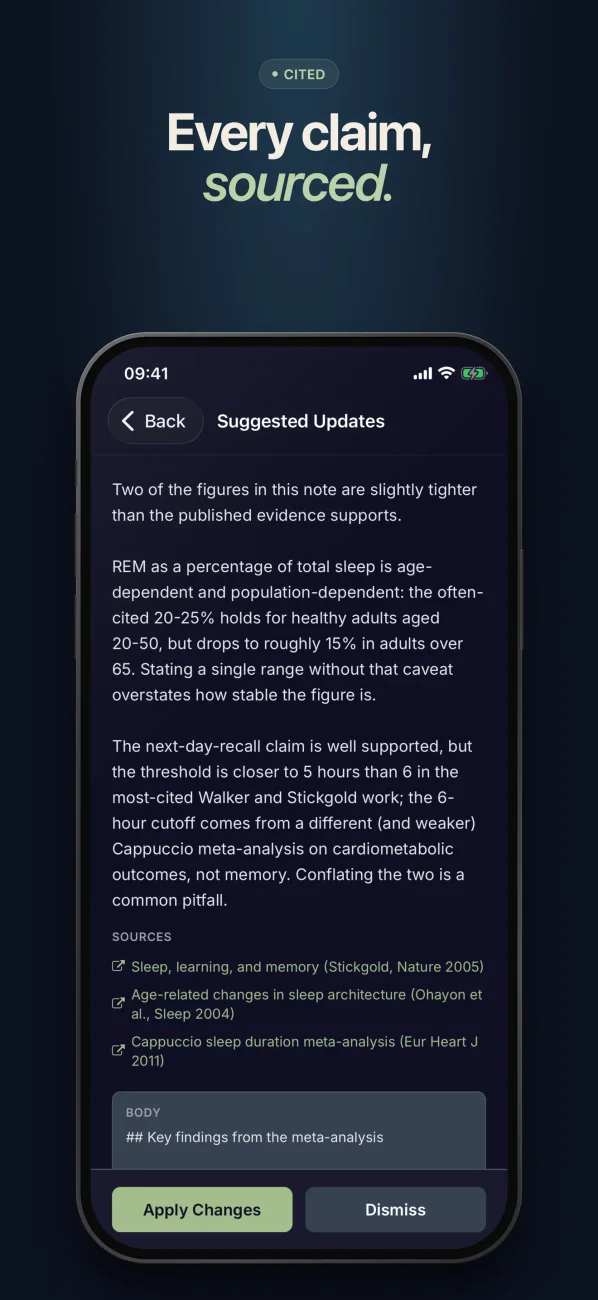
• Background fact-checking. Scribelet scans your notes for claims, searches the web for evidence, and surfaces anything that doesn't hold up with cited sources and a clear diff. Accept, dismiss, or ignore. You stay in control.
• Voice notes that structure themselves. Speak naturally; Scribelet transcribes and organizes the result into clean headings, bullets, and action items. Templates supported.
• Snap it, don't type it. Attach photos, screenshots, and PDFs; Scribelet extracts the text so whiteboards, receipts, and documents become searchable notes.
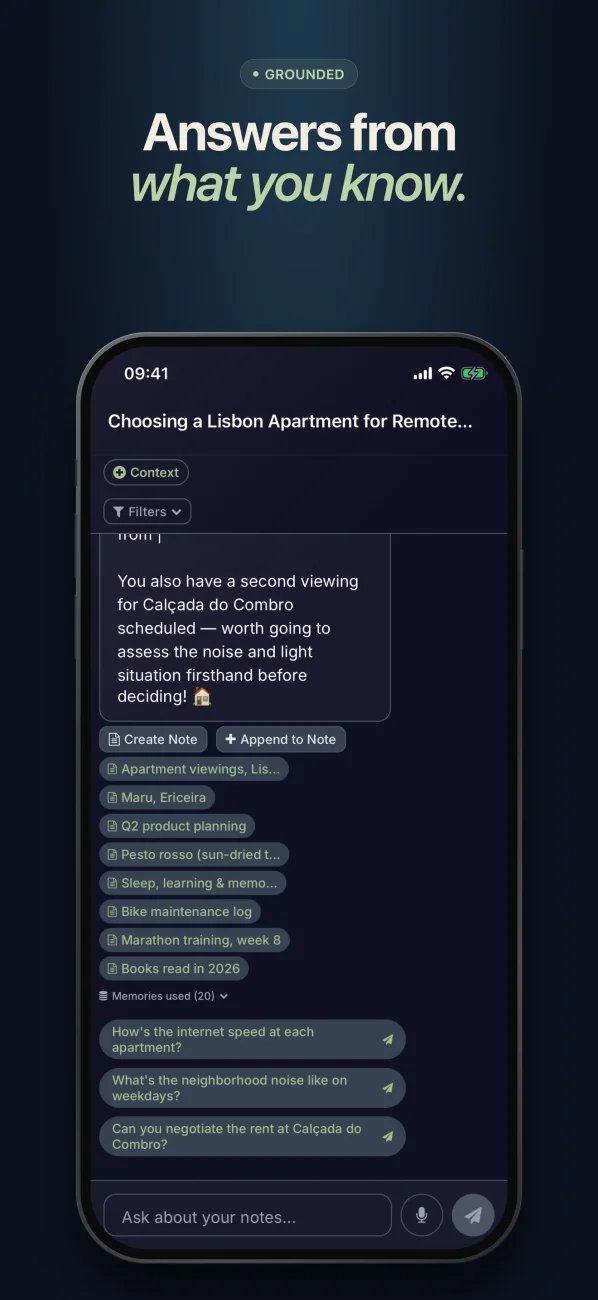
• Ask your notes anything. An AI assistant that searches everything you've written, answers from what's actually there, cites the source notes, and can suggest edits or create new ones for you.
• Attachments are first-class. The AI assistant reads them, the fact-checker verifies them, and everything stays encrypted with your workspace keys.
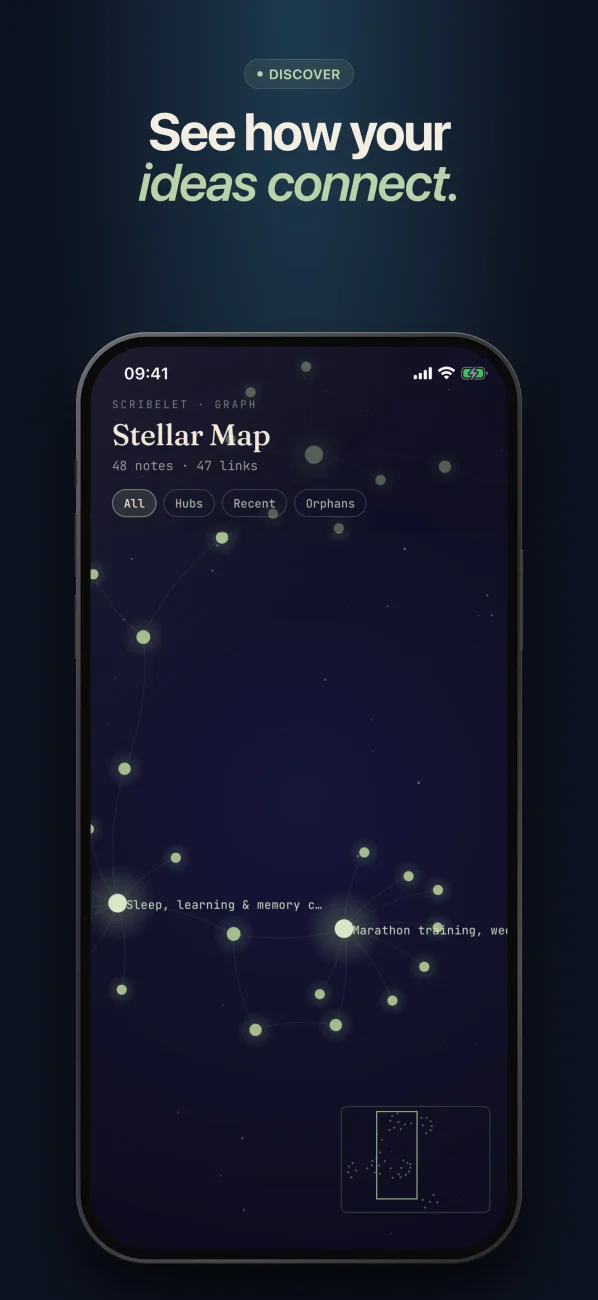
• Connections you'd never find yourself. A semantic auto-linker compares the meaning of every note (not just keywords) and surfaces surprising links. A daily digest and weekly insights resurface forgotten work.
• Tasks where they belong. Add @due and @remind annotations inline; tasks live next to the notes that created them.
BUILT FOR PRIVACY
• Every workspace is encrypted with its own keys.
• Voice recordings are processed in memory and never stored.
• Passkey and two-factor authentication.
• Optional: bring your own OpenAI, Anthropic, or Gemini API keys to route AI calls directly to your provider.
WORKS EVERYWHERE
Same workspace on iPhone, iPad, and the web at app.scribelet.app. Your notes follow you.
PRICING
Free forever: unlimited notes, full-text search, full encryption, and 10 AI verifications per month.
Pro subscription with free trial; see in-app pricing. Unlimited AI features (chat, verification, weekly insights), background checks, voice notes, semantic search. Free trial available, up to 14 days on the yearly plan.
Terms of Use (EULA): https://scribelet.app/terms
Privacy Policy: https://scribelet.app/privacy
What’s new
Version 1.8.1 · Nov 4, 2026
Fixes a crash that could happen when opening, pinning or deleting a note from its long-press menu.
App privacy
What Scribelet declares on the App Store about how this app handles data.
-
Data linked to you
May be collected and linked to your identity.
- Purchases
- Contact info
- User content
- Identifiers
- Usage data
- Diagnostics
Privacy practices may vary, for example with the features you use or your age.
Information
- Seller
- DATAFINITY AB
- Category
- Productivity
- Version
- 1.8.1
- Updated
- Nov 4, 2026
- Released
- May 6, 2026
- Size
- 64.0 MB
- Requires
- iOS 16.0 or later
- Age rating
- 12+
- In-app purchases
- Yes
- Languages
- English
- Copyright
- © 2026 DATAFINITY AB
You might also like
-
 DocVault: Docs & RemindersNever Miss an Expiration
-
 PenciloFocus Tasks, Notes & AI
-
 WivloThink. Connect. Build.
-
 OcthoMindVisualize Ideas & Notes
-
 Kurogo - Your AI AgentMake life smarter with Kurogo.
-
 Daotuan Chat: AI ClientMulti-Model,Vision,Files,Web
-
 Second Brain - Know YourselfWeekly self-insight, no diary
-
 Clever AI — Ultimate ToolboxUnlock Pro AI Features
-
 Life MaintenanceYour household in harmony
-
 SayToTypeAI-powered dictation tool