Scriber: Lecture Translation
Live captions, notes & AI
Designed for iPhone, iPad, iPod touch
Free · In-app purchases
- Age rating4+
- CategoryEducation
- DeveloperScriber Technologies Inc.
- LanguagesEnglish+ 5 more
- Size36.2 MB
Links to the official App Store page
Download.org hosts no file of Scriber: Lecture Translation. The button opens its official App Store page, published by Scriber Technologies Inc. Listing last checked on Nov 25, 2026.
Screenshots


About
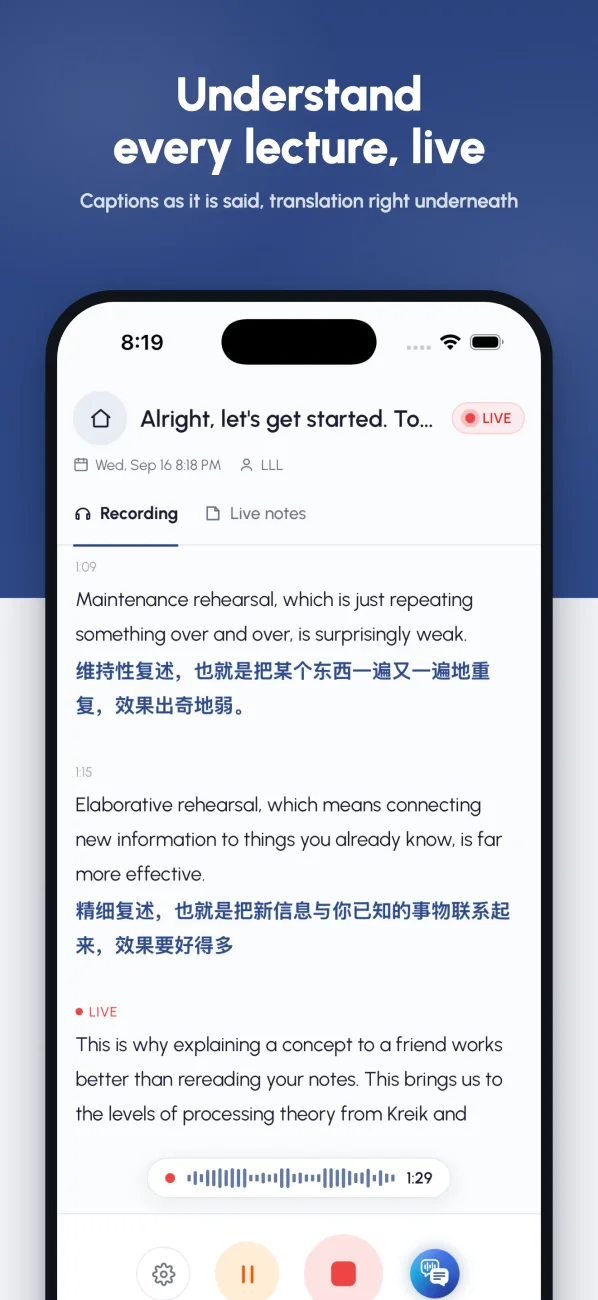
Sitting in a lecture in your second language? Scriber shows every sentence as it is said, with the translation right underneath, and writes the notes while you listen.
Built for international students: record the class, follow along in your own language, and leave with a structured outline, a summary, and an AI you can ask about what was said.
LIVE CAPTIONS AND TRANSLATION
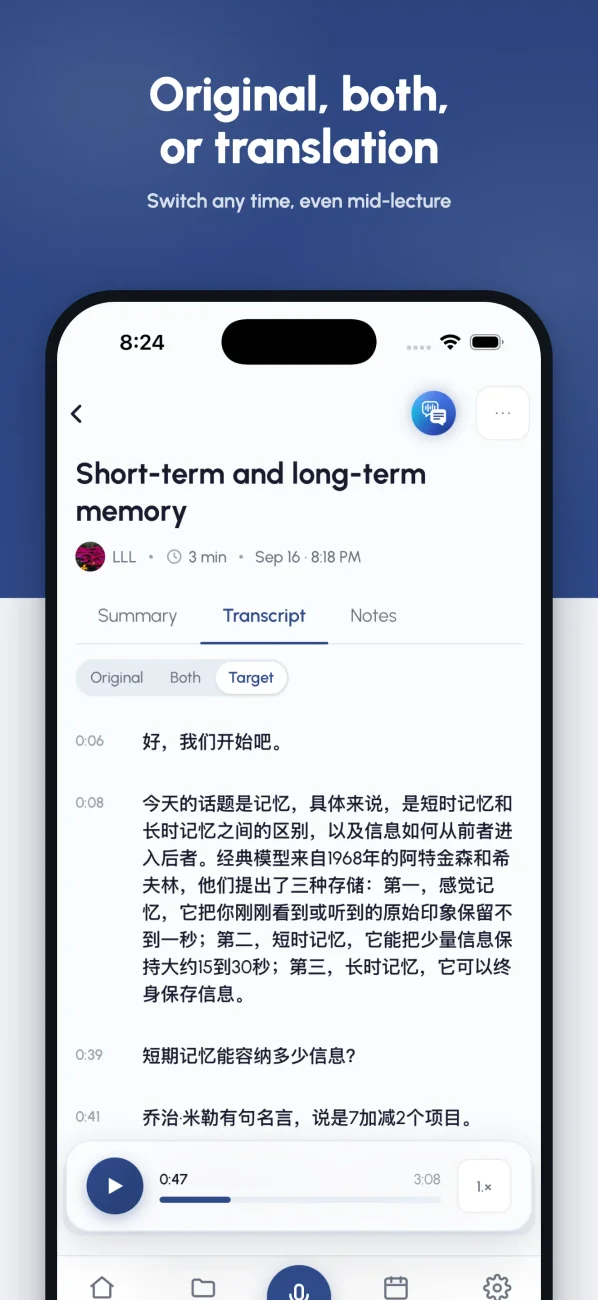
See what is being said as it is said, with the translation underneath. Switch between the original, both languages, or the translation alone at any time. Recording keeps going while your phone is locked or you are in another app.
NOTES THAT WRITE THEMSELVES
Scriber builds a Cornell-style outline as the lecture runs: topics, the points under them, and recall questions alongside. It revises earlier lines as the lecture makes them clearer, so you end up with notes rather than a wall of text.
FLASHCARDS FROM EVERY LECTURE
Each lecture becomes a deck: the recall questions from your notes with the answers the lecturer gave, and the key terms explained the way they were explained in class. Tap Hear it on any card to play the moment it was said. With Pro, every card, a review of a whole course in one go, and daily reviews timed to what you are about to forget.
SLIDES THAT FOLLOW THE LECTURE
Add the lecturer's PDF and every page is matched to the part of the recording where it was covered: open a page to see what was said and the notes taken over it, or play the recording and watch the slides turn with it.
A STUDY GUIDE FOR EVERY COURSE
Read all of a course's notes on one page, and generate a study guide from them: the themes that run through the course, a glossary, and practice questions with answers.
SUMMARY AND KEY POINTS
When the recording stops, Scriber writes an overview of the whole lecture and pulls out its key concepts, in the language you chose.
ASK ABOUT THE LECTURE
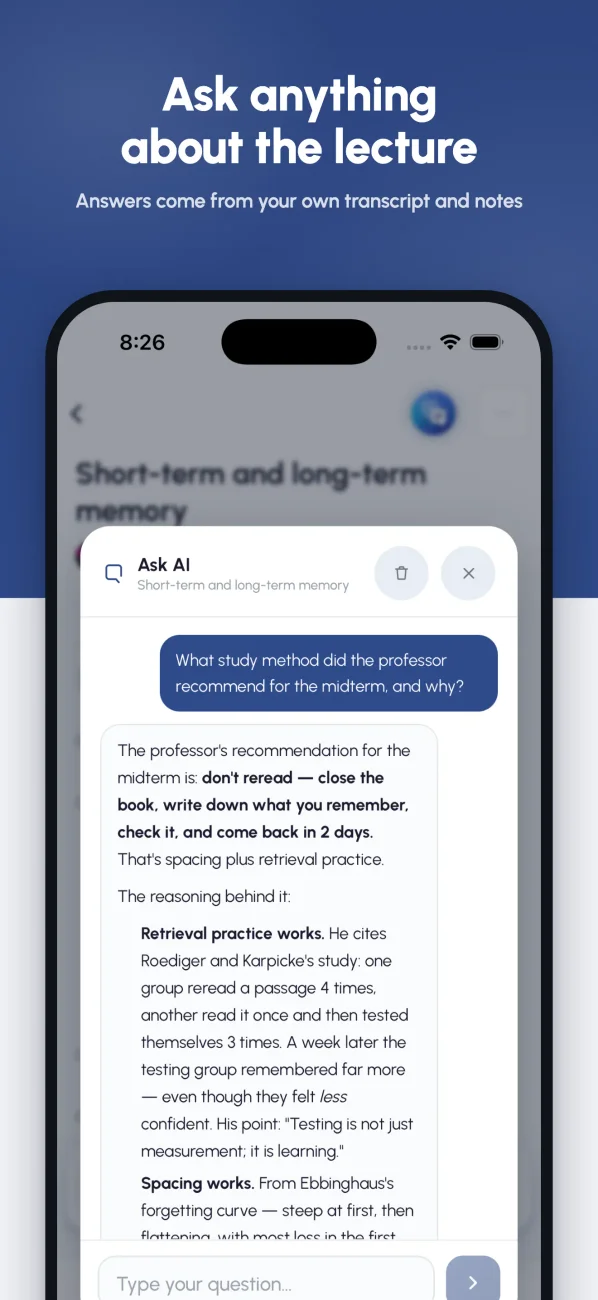
Ask questions while you are recording or long afterwards. Answers come from your own transcript and notes, so they are about the class you actually attended.
IMPORT RECORDINGS
Already have a recording or a lecture video? Import it and get the same transcript, translation, notes and summary.
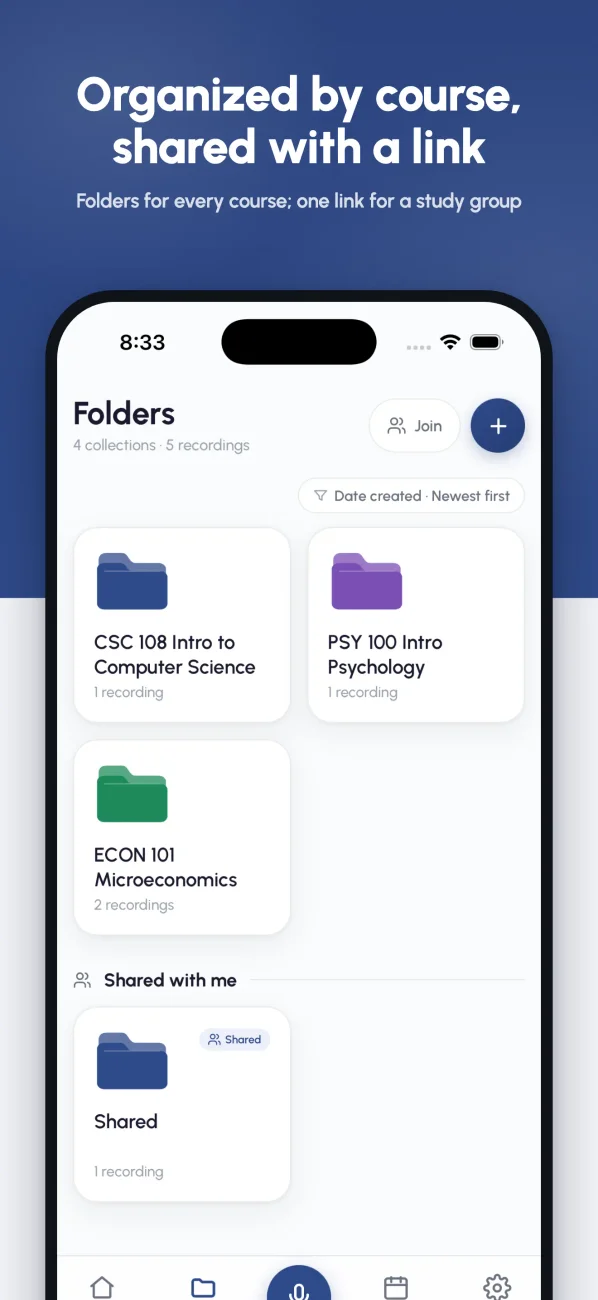
ORGANIZED BY COURSE
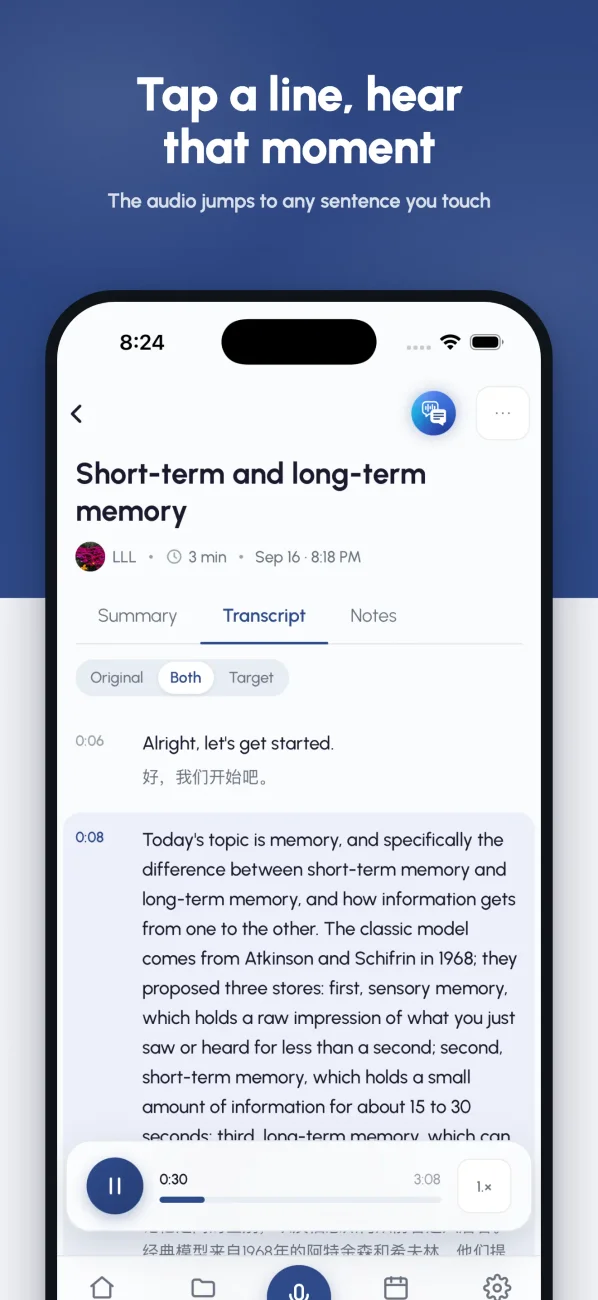
Recordings sit in folders. Tap any line of the transcript to jump the audio to that moment, and follow along while it plays.
SHARE
Send one lecture to a classmate with a link, or share a whole folder with a study group.
Terms of Use: https://scriber.ca/terms
Privacy Policy: https://scriber.ca/privacy
What’s new
Version 1.0.7 · Nov 24, 2026
Notifications, your iPhone's calendar, and recordings that move between devices.
• Notifications: Scriber tells you when a summary is ready, an import has finished, a recording was continued on another device, or someone invites you to a folder. Choose which ones in Settings › Notifications.
• Class reminders: five minutes before each class, a reminder to start recording. Tap it and the recording is ready to start.
• Your iPhone's calendar: classes from Google, Outlook or a school timetable added to the iPhone's Calendar app now show in Scriber's calendar and get reminders too. Your calendar is read on your iPhone only.
• Continue a recording on another device, or watch it fill in live there: the transcript, the live notes and, once it stops, the summary.
• Low on storage: Scriber says so before you start, warns you while recording, and tells you if the audio stops being saved.
• Add a recording someone shared with you to your own list, and see who you share with by their photo.
• A recording too short to summarize says so, and share links open in the app.
• Imports of long videos are more reliable, and Sign in with Apple retries when the connection drops.
App privacy
What Scriber Technologies Inc. declares on the App Store about how this app handles data.
-
Data linked to you
May be collected and linked to your identity.
- Purchases
- Contact info
- User content
- Identifiers
- Diagnostics
-
Data not linked to you
May be collected but is not linked to your identity.
- Usage data
- Diagnostics
Privacy practices may vary, for example with the features you use or your age.
Information
- Seller
- Scriber Technologies Inc.
- Category
- Education
- Version
- 1.0.7
- Updated
- Nov 24, 2026
- Released
- Sep 16, 2026
- Size
- 36.2 MB
- Requires
- iOS 15.0 or later
- Age rating
- 4+
- Price
- Free
- In-app purchases
- Yes
- Languages
- English, Japanese, Korean, Simplified Chinese, Spanish, Traditional Chinese
- Copyright
- © 2026 Scriber Technologies Incorporated