
Scribo: Write It, Remember It
Vocabulary from your real life
Designed for iPhone, iPad
Free · In-app purchases
- Age rating4+
- CategoryEducation
- DeveloperDain Jung
- LanguagesEnglish+ 3 more
- Size54.6 MB
Links to the official App Store page
Download.org hosts no file of Scribo: Write It, Remember It. The button opens its official App Store page, published by Dain Jung. Listing last checked on Nov 17, 2026.
Screenshots



About
Met a word in real life? Write it down and make it yours.
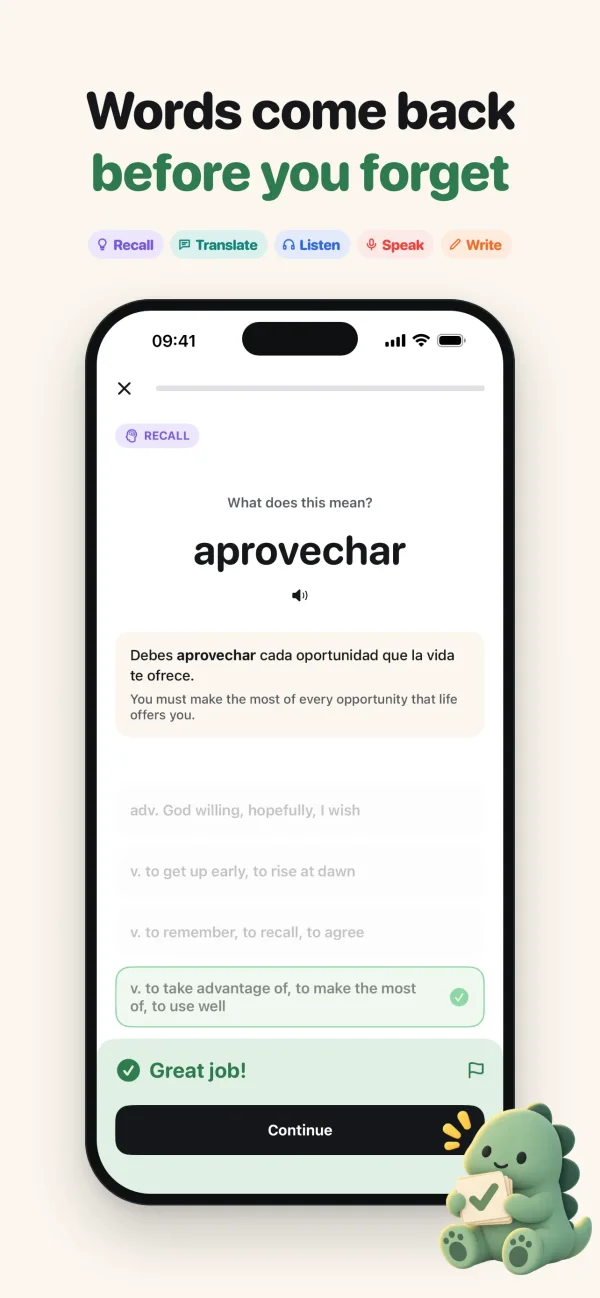
A street sign, an email from work, a form at the doctor's. When a word stops you, put it in Scribo. Scribo fills in the meaning, the sound and an example. Then it brings the word back as a quick quiz right before you'd forget it, so it sticks without drilling.
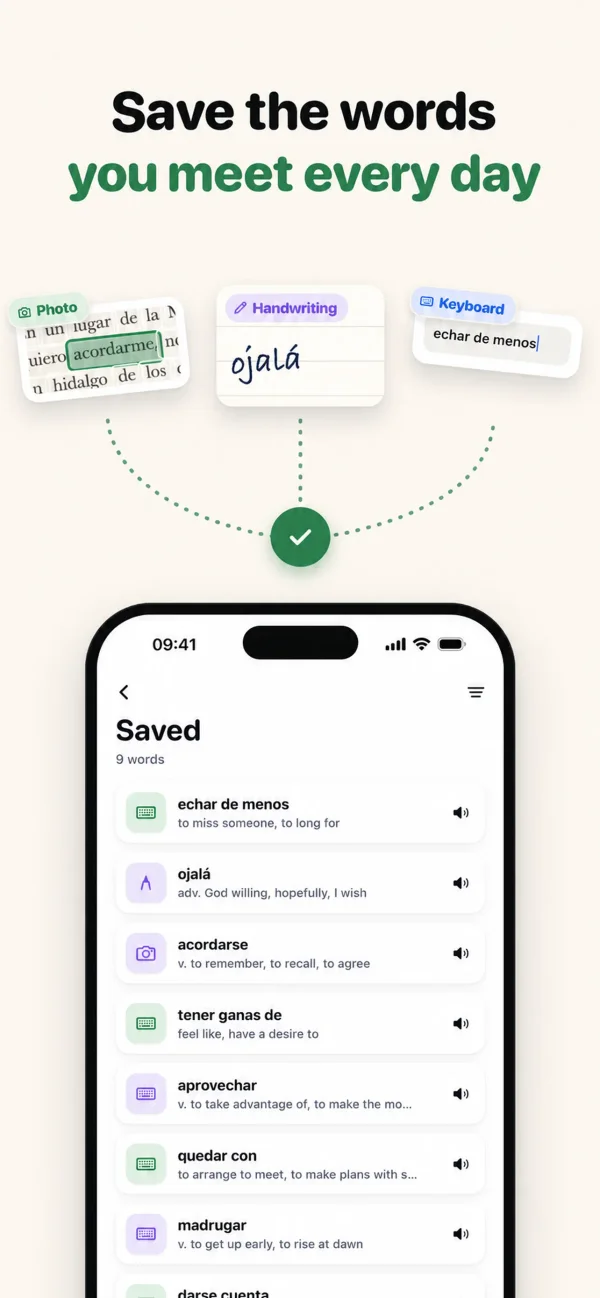
Save a word in seconds
Type it, write it with your finger or Apple Pencil, or snap a photo. You can also share text from another app.
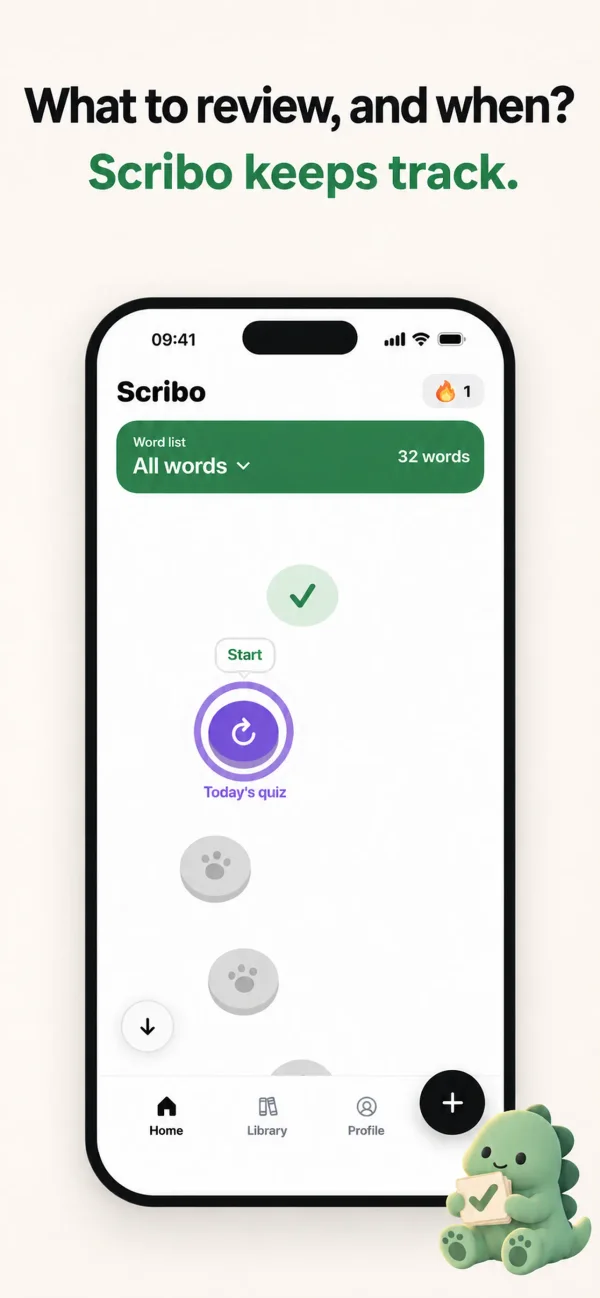
Ten words make a step
Your words line up on Home as a path. Finish a step's quiz and the next one opens. Keep separate word lists for work, daily life or an exam.
Today's quiz, right on time
Spaced repetition asks again just before you'd forget. A few minutes a day is enough.
Only the words worth learning
Paste an article or a YouTube link and AI picks the words worth learning at your level and mixes them into your steps. Only the ones you miss go into your word list.
The sentence you met it in
Every word keeps the sentence you found it in, and the meaning it had there.
On iPad and Mac too
On iPad, write with Apple Pencil and read the articles and videos you care about at your level. Sign in and your words follow you across iPhone, iPad and Mac.
Free to start
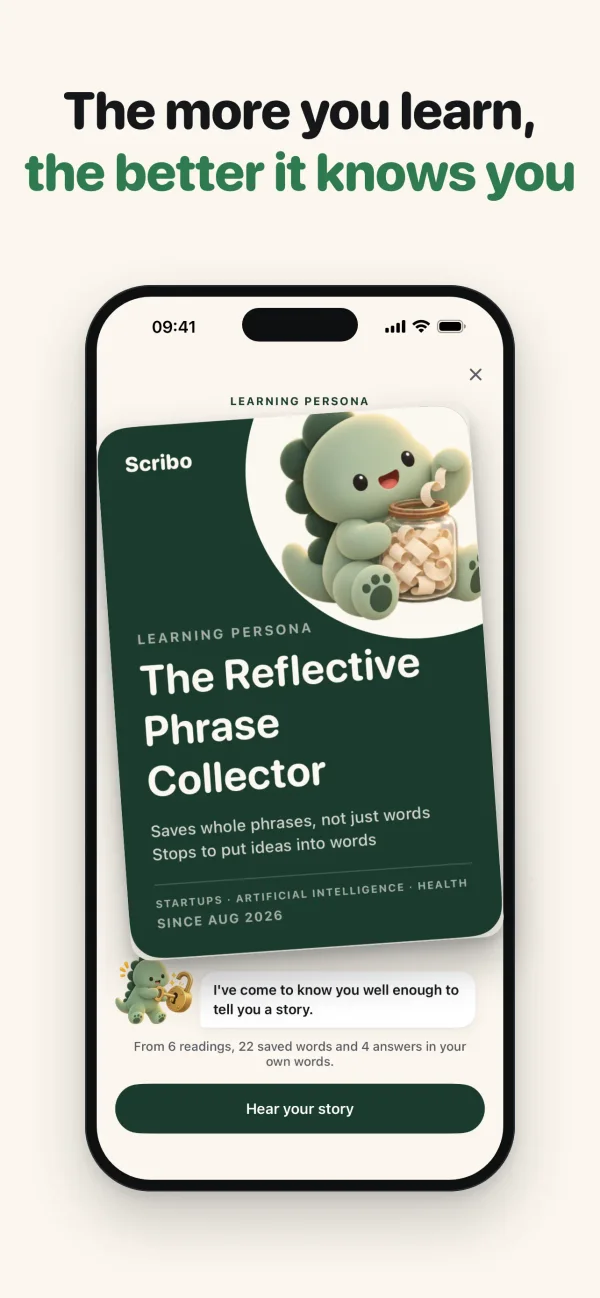
Save up to 50 words, then 10 a day, for free. Quizzes are always free. Scribo Pro gives you unlimited saved words and new readings, your full learning insights, and the freedom to switch the language you learn. Subscriptions renew automatically unless canceled at least 24 hours before the end of the current period.
Terms of Use: https://scribo.cc/terms/
Privacy Policy: https://scribo.cc/privacy/
What’s new
Version 2.9 · Nov 16, 2026
• Fixed freezes and stutters when opening the app and during quizzes. The more words you have, the bigger the difference
• Words from a photographed page now appear in page order, and phrasal verbs like "give up" can be picked and saved too
• A word saved from a photo keeps the sentence it came from
• In Library, select several words and move them to another list at once
• On iPad, multiple-choice quizzes are laid out top to bottom, like on iPhone
• Handwriting and icons are now easy to see in dark mode
App privacy
What Dain Jung declares on the App Store about how this app handles data.
-
Data linked to you
May be collected and linked to your identity.
- Purchases
- Location
- Contact info
- User content
- Identifiers
- Usage data
- Diagnostics
-
Data not linked to you
May be collected but is not linked to your identity.
- User content
Privacy practices may vary, for example with the features you use or your age.
Information
- Seller
- Dain Jung
- Category
- Education
- Version
- 2.9
- Updated
- Nov 16, 2026
- Released
- Aug 7, 2026
- Size
- 54.6 MB
- Requires
- iOS 17.0 or later
- Age rating
- 4+
- Price
- Free
- In-app purchases
- Yes
- Languages
- English, Japanese, Korean, Traditional Chinese
- Copyright
- © 2026 Scribo
You might also like
-
 Script Looper: Learn EnglishMaster English w/ YouTube & AI
-
 Leafy: Learn Languages ReadingAI stories at your level
-
 스냅퀴즈 SnapQuiz: 시험공부Education
-
 웜드 WORMD - 영단어 암기·단어장Education
-
 Mojimoji: AI English companionYour English AI companion
-
 리슨90 - 30초체험, 영어가 들려요 영어듣기 리스닝Education
-
 ENGSENCEReal English from podcasts
-
 Heyring: Call & LearnLanguage Learning with AI
-
 언어의 숲Education
-
 Langflix - Learn EnglishReal native English with TV