
ScriptPad: Korean Writing
Designed for iPhone, iPad, iPod touch
Free · In-app purchases
- Age rating4+
- CategoryEducation
- DeveloperHugo Alberto Garza Jr
- LanguagesEnglish
- Size382.0 MB
Links to the official App Store page
Download.org hosts no file of ScriptPad: Korean Writing. The button opens its official App Store page, published by Hugo Alberto Garza Jr. Listing last checked on Nov 25, 2026.
Screenshots

About
ScriptPad: Korean Writing helps you learn to read, write, and speak Korean from scratch.
Start with Hangul Basics — learn every Korean syllable with animated stroke-order guides that show you exactly how to write each character. Practice on an interactive drawing canvas and build real muscle memory as you trace each stroke.
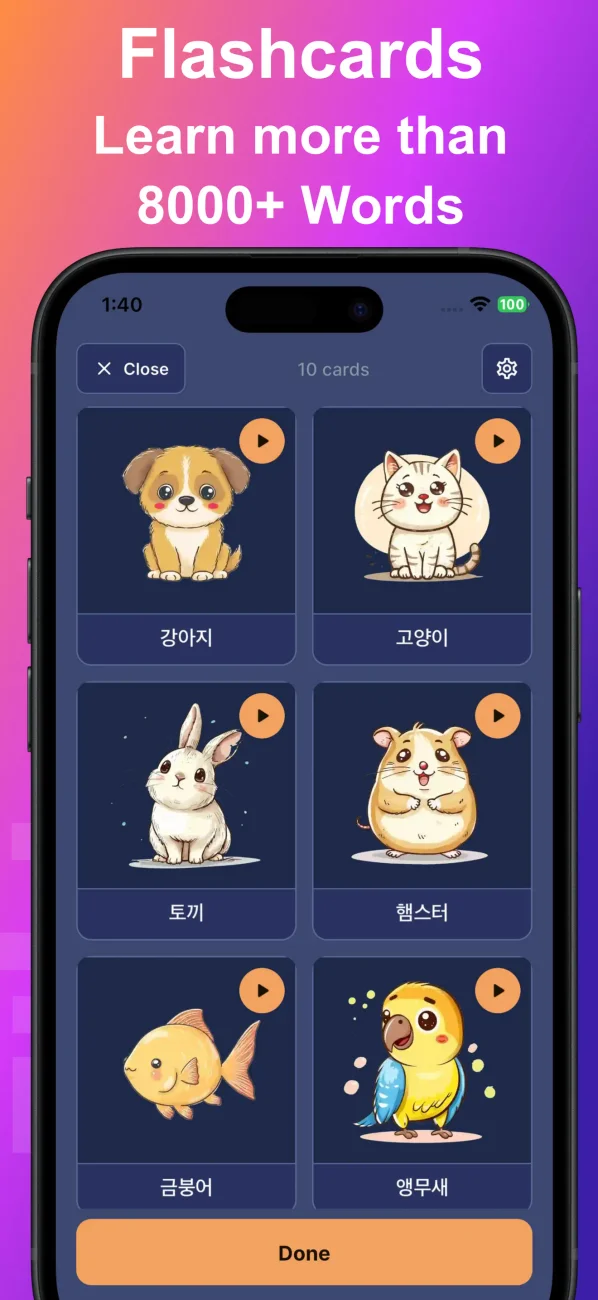
Move beyond the alphabet into structured vocabulary lessons across 6 units and 130+ lessons. Every word comes with audio so you can hear and practice correct pronunciation as you learn.
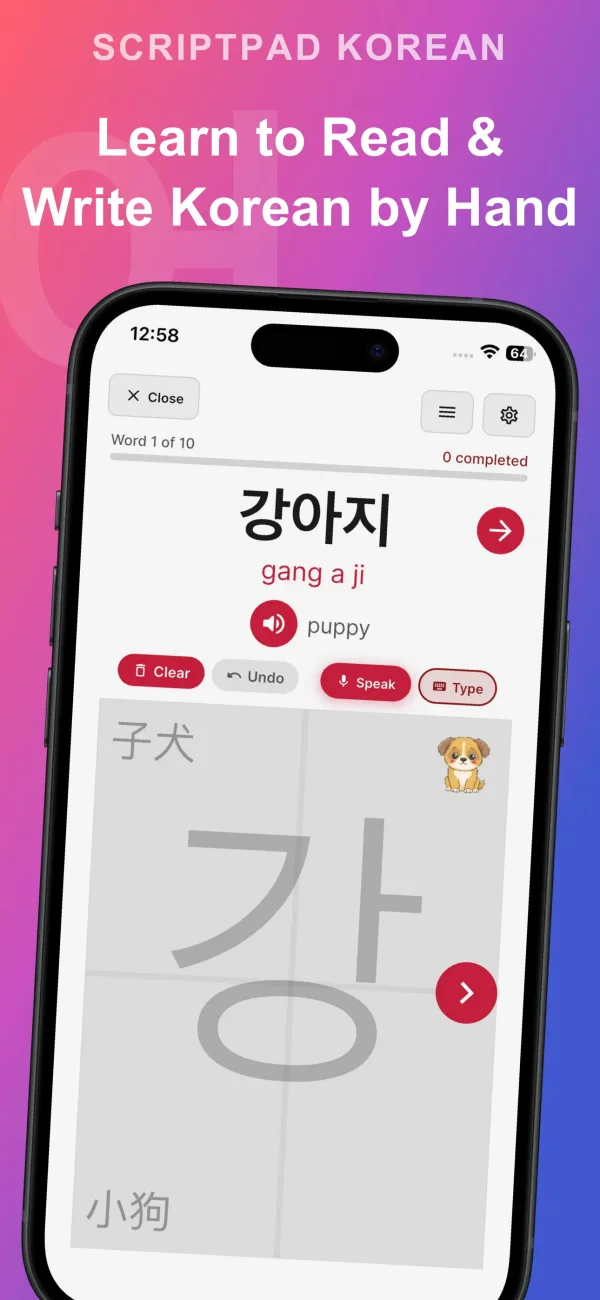
Write by Hand: A full drawing canvas for every word — practice writing Korean characters with your finger or stylus. The character outlines guide your strokes, and stroke-order animation videos show you exactly how each syllable is written.
Speak & Compare: Record yourself saying each word and compare your pronunciation side-by-side. Instant playback lets you hear exactly where to improve.
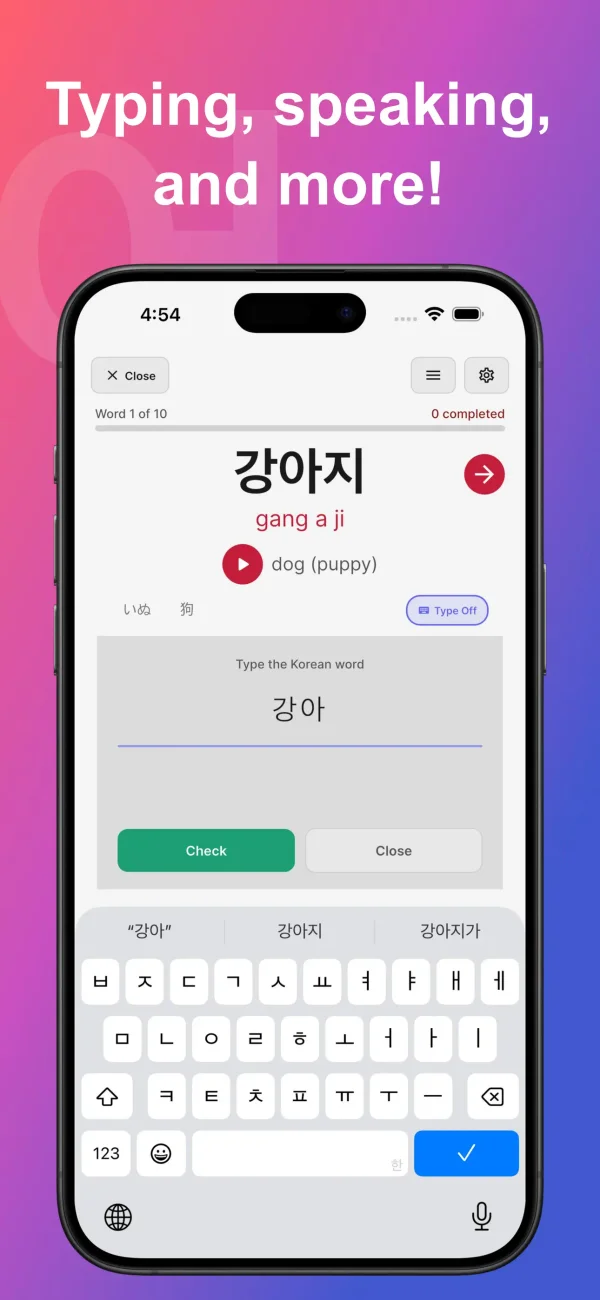
Type Mode: Learn how to type Korean words using the Korean keyboard. Instant feedback shows you what you got right and what to review.
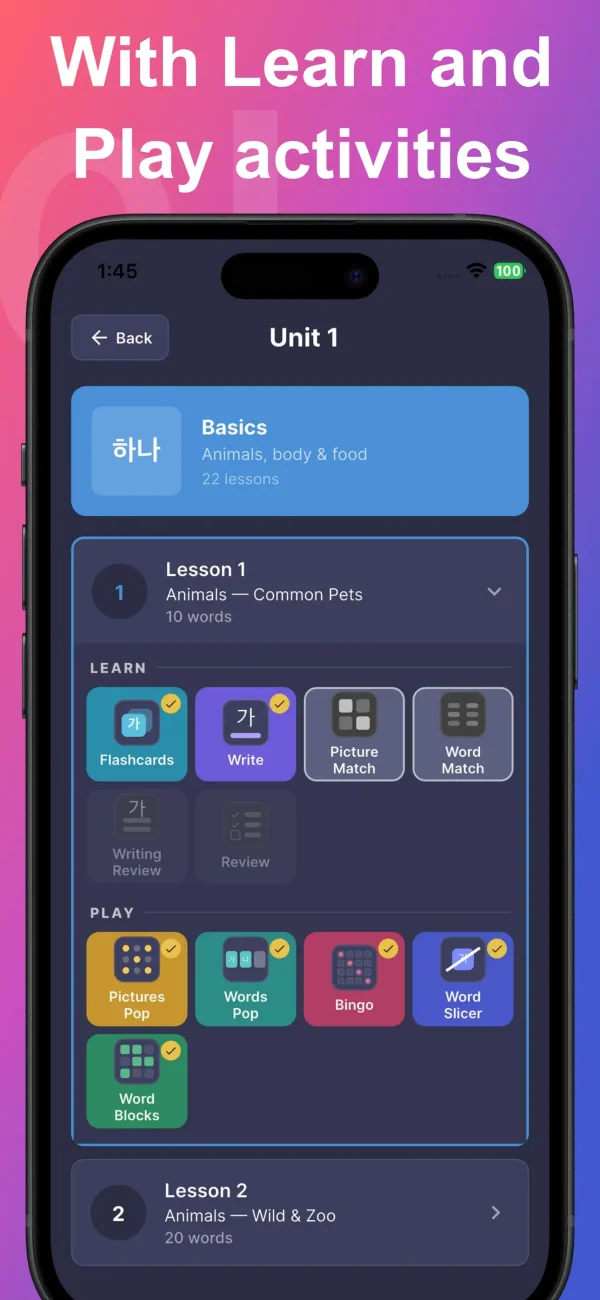
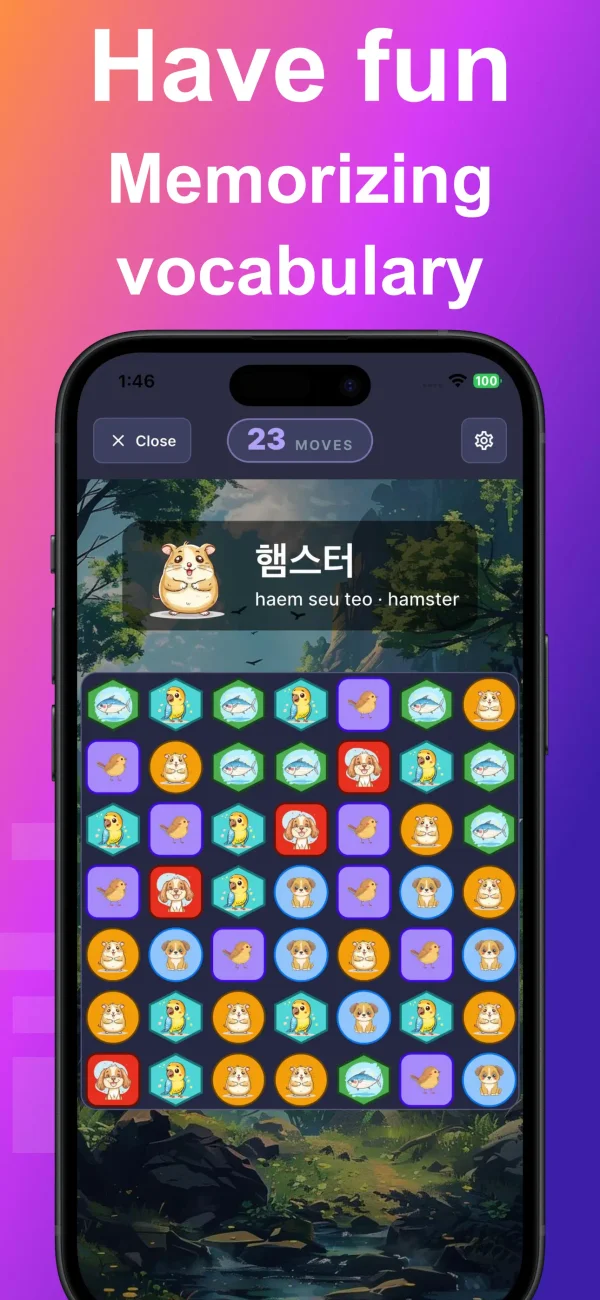
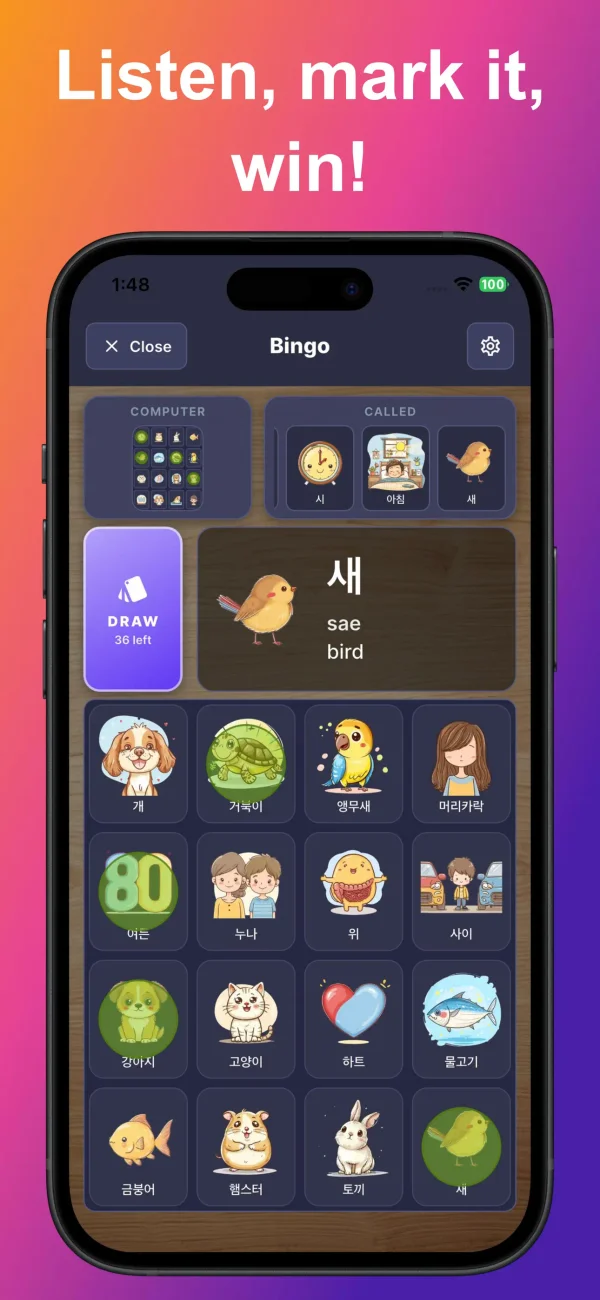
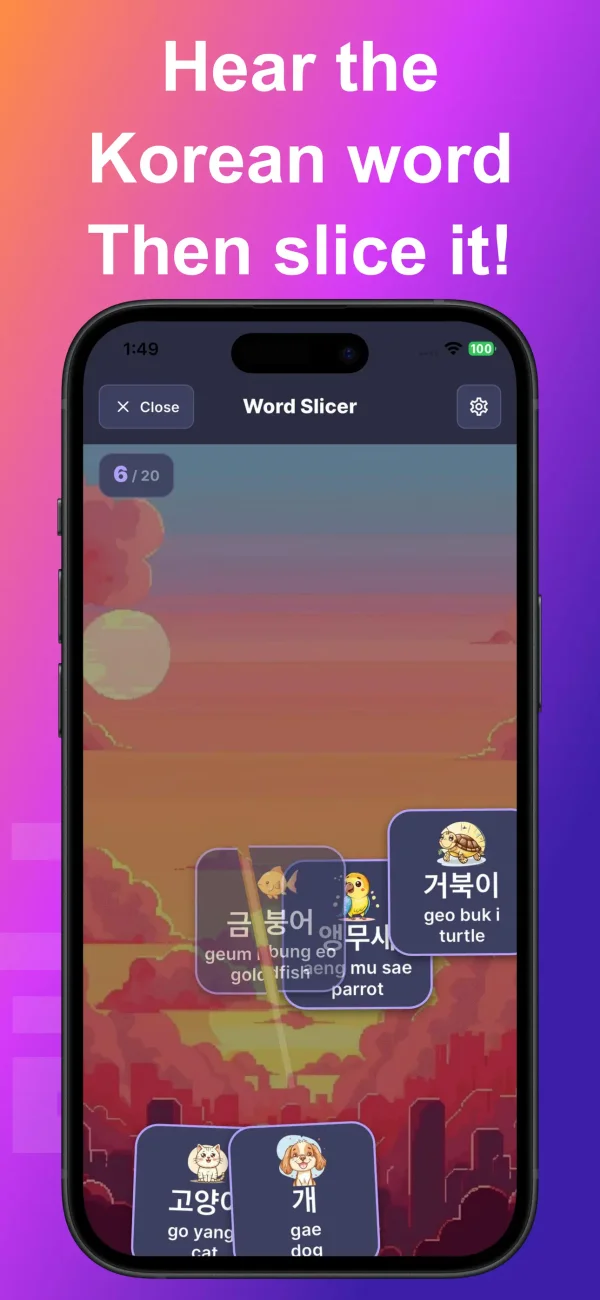
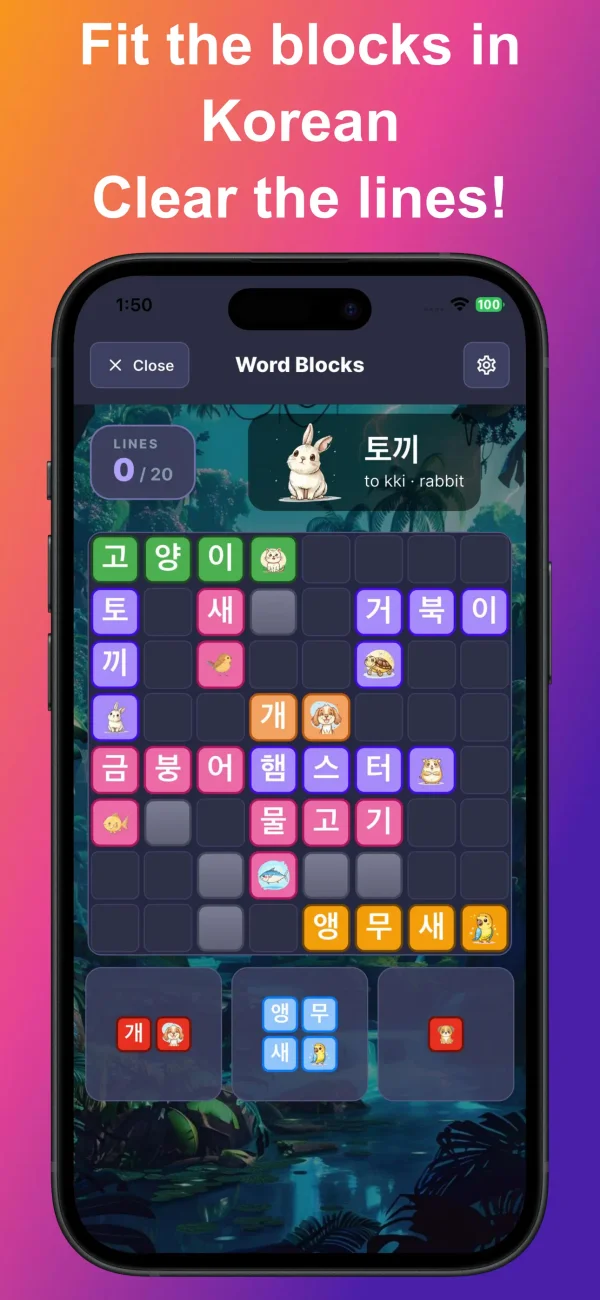
Play & Practice: Reinforce every lesson with hands-on activities that make vocabulary stick. Match words to pictures, build words by connecting their syllables, listen for a word and slice it before it lands, mark your card in a listen-and-win bingo against the computer, and fit word blocks together to clear the board. Each activity plays the word's audio as you go, so you're always hearing the Korean as you learn it.
Features:
8,000+ words with audio
Interactive drawing canvas with character guides
Speak & Compare pronunciation practice with recording
Type mode for learning how to type on a Korean keyboard
Playful practice activities: picture matching, syllable building, audio slicing, bingo, and word blocks
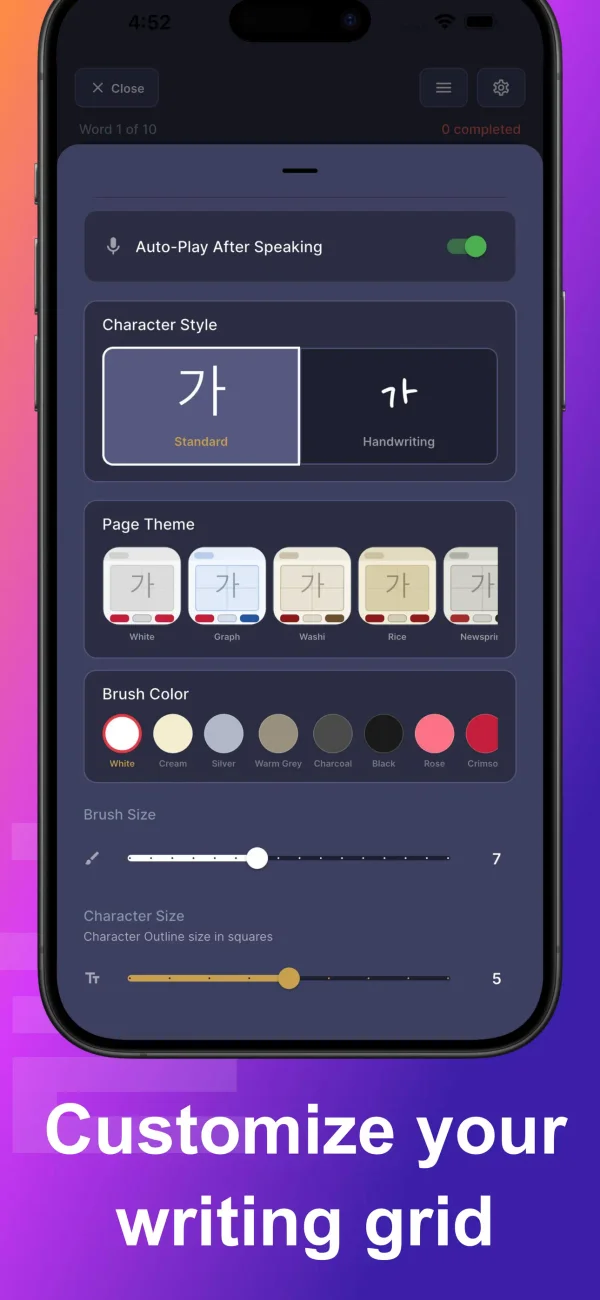
14 page themes for a comfortable study environment
Works beautifully on iPhone and iPad
Fully offline — no internet required
Chinese (Simplified) interface support
One-time purchase, no subscription
Whether you are a complete beginner or brushing up on your Korean writing skills, ScriptPad gives you the tools to practice at your own pace.
Download ScriptPad and start writing Korean today.
What’s new
Version 1.8.0 · Nov 24, 2026
New typing activities on the learn section
Fixes on the Handwriting activity functions of type and speak
Fixed app bar title sizing issue on smaller tablet screens
App privacy
What Hugo Alberto Garza Jr declares on the App Store about how this app handles data.
-
Data not collected
The developer does not collect any data from this app.
Privacy practices may vary, for example with the features you use or your age.
Information
- Seller
- Hugo Alberto Garza Jr
- Category
- Education
- Version
- 1.8.0
- Updated
- Nov 24, 2026
- Released
- Mar 24, 2026
- Size
- 382.0 MB
- Requires
- iOS 15.0 or later
- Age rating
- 4+
- Price
- Free
- In-app purchases
- Yes
- Languages
- English
- Copyright
- © 2026 Hugo Alberto Garza Jr
You might also like
-
 Korean Alphabet Writing Hangul#1 Practice Handwriting Korean
-
 HAN•GL: Learn Korean AlphabetMaster Hangul through story
-
 Chingu: Learn Korean Easy FastWatch Videos, Vocab & Stories
-
 Hangul - type koreanKorean keyboard practice app
-
 Ganada:Learn Korean with DramaHangul, Vocabulary & Grammar
-
 Kori: Learn Korean & HangulSpeak real phrases from day 1
-
 Hourly Hangul: Learn KoreanTOPIK Vocabulary & Widgets
-
 Learn Korean, Hangul: HeyKoreaHangeul & Korean vocabulary
-
 Daily HangulDaily Korean on Lock Screen
-
 Lingrow - AI Language LearningReal Conversations & Feedback