- Age rating4+
- CategoryEducation
- DeveloperThirsty Nellan Productions
- LanguagesEnglish
- Size191.9 MB
Links to the official App Store page
Download.org hosts no file of Scripture Clock. The button opens its official App Store page, published by Thirsty Nellan Productions. Listing last checked on Nov 12, 2026.
Screenshots
About
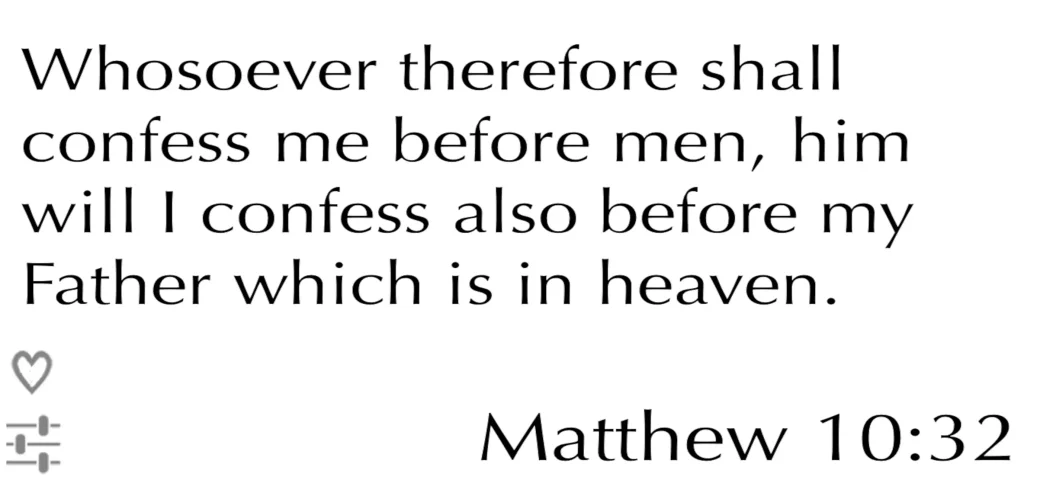
Turn your old iPhone or iPad into an elegant wall clock that tells the time with scriptures!
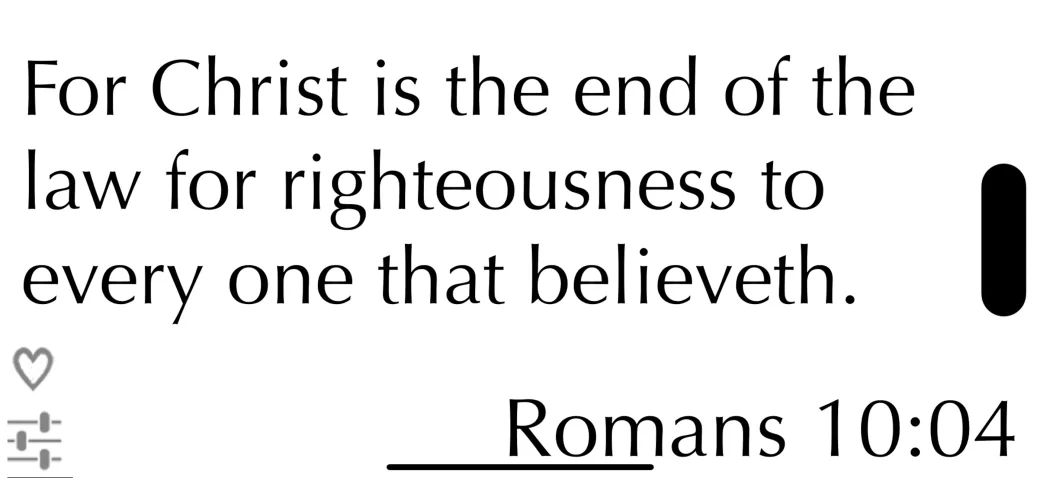
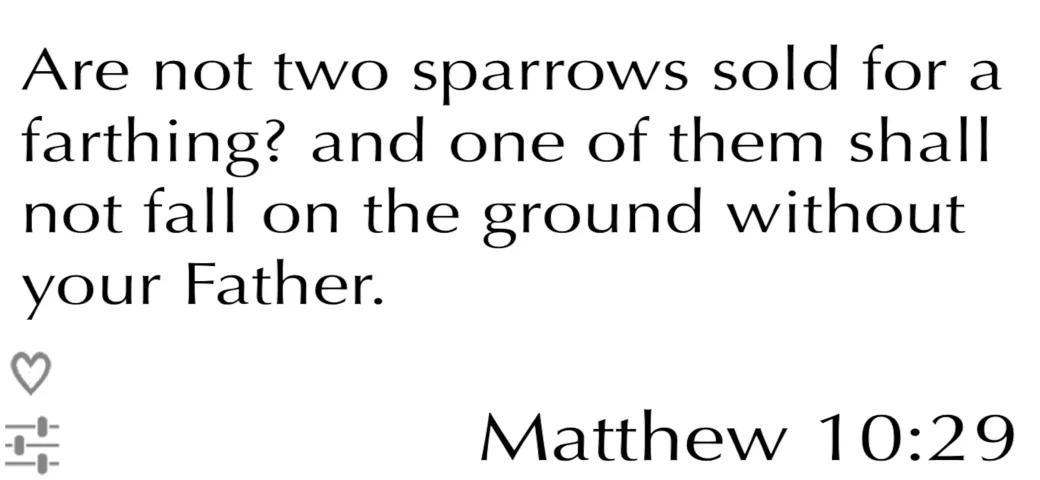
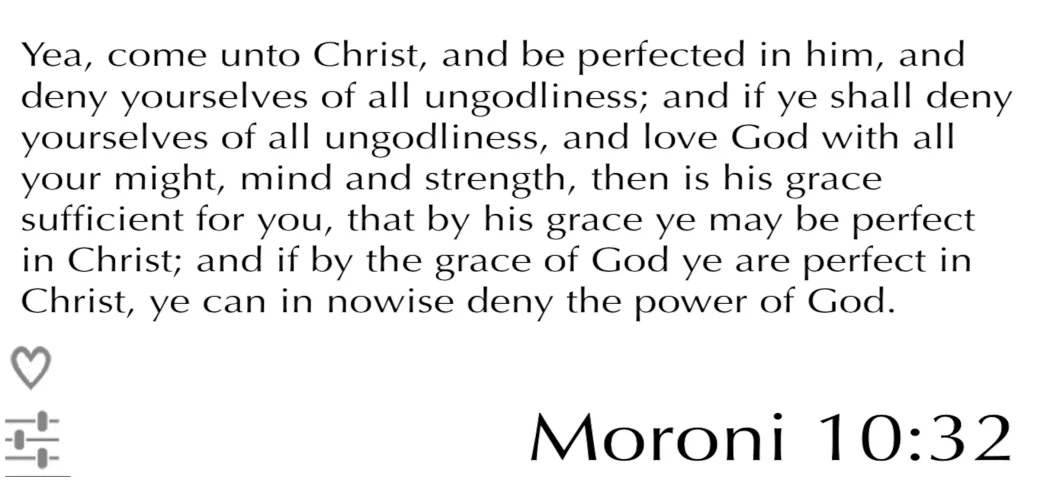
The clock shows not just the current time, but also a scripture passage whose chapter and verse match the current hour and minute of the day. Since there are usually several scriptures that match the current time, the clock chooses a random scripture each minute.
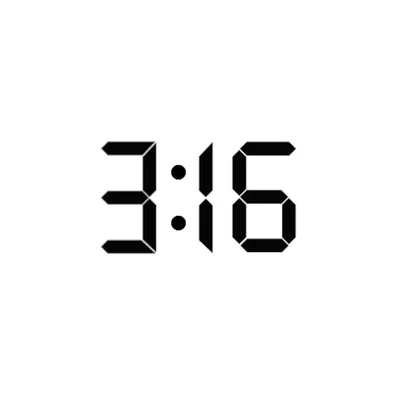
For example, at 3:16pm, the clock might show John 3.16 (or Genesis 3:16 or Ezekiel 3:16 or any of the dozens of verses located at a chapter 3, verse 16 in the scriptures). If you tap the screen, the app will display a different scripture matching the current time, if there is one.
If there is a scripture that you especially love, tap the "heart" icon in the lower-left corner of the screen. This will increase the likelihood that it will show up again, when the right time of day comes again.
Tap the "settings" icon in the lower-left corner of the screen to adjust the font and color scheme, select preferred works of scripture, and toggle 12/24 mode.
Scriptures are selected at random from the Old Testament, the New Testament, the Quran, the Book of Mormon: Another Testament of Jesus Christ, the Doctrine & Covenants, or the Pearl of Great Price. Bible verses are taken from the King James version. Quran verses are taken from the English translation by Talal Itani.
For the top of the hour (i.e. when the minute is :00) the clock shows a chapter heading. For example, at 6:00, the clock will show the heading for a randomly-selected chapter 6 from the scriptures.
There are a few times during the day that have no corresponding chapter and verse (for example, 11:59). For those cases, the clock shows the current time plus a randomly-chosen inspirational quote.
INSTRUCTIONS FOR USE:
1. Install the Scripture Clock app.
2. Launch the app and wait for it to start (this can take a few seconds).
3. Plug your device into a power source.
4. Set your device on a surface (or mount it to a wall).
5. Watch as your new Scripture Clock tells you the time, with a new verse of scripture each minute!
6. If you especially like a particular verse, tap the heart in the corner to increase its likelihood of showing up again.
What’s new
Version 1.04 · Jan 28, 2026
Bug fix: added some verses that were missing in 24 hour mode
App privacy
What Thirsty Nellan Productions declares on the App Store about how this app handles data.
-
Data not collected
The developer does not collect any data from this app.
Privacy practices may vary, for example with the features you use or your age.
Information
- Seller
- Geoffrey Draper
- Category
- Education
- Version
- 1.04
- Updated
- Jan 28, 2026
- Released
- Aug 26, 2025
- Size
- 191.9 MB
- Requires
- iOS 14.0 or later
- Age rating
- 4+
- Price
- Free
- Languages
- English
- Copyright
- © (C) 2026 UI-topia Labs
You might also like
-
 SatplexReal-Time 3D Satellite Tracker
-
 Scripture O'ClockA Bible verse for every minute
-
 Sermon ScriberRecord, Transcribe & Study
-
 Bible Verse MemoryMemorize Bible verses
-
 The UnSafe BibleEducation
-
 Quiethaven: Bible & PrayerDaily Prayer, Verse & AI Chat
-
 GospelinkEducation
-
 Remnant of Promise Study BibleRestored names. Whole library.
-
 Reform StudyBalanced Bible study
-
 Amen: Bible QuotesThe word of God in your pocket