- Age rating4+
- CategoryEducation
- DeveloperTrinity Applied Systems
- LanguagesEnglish
- Size56.7 MB
Links to the official App Store page
Download.org hosts no file of Scripture Trainer. The button opens its official App Store page, published by Trinity Applied Systems. Listing last checked on Nov 22, 2026.
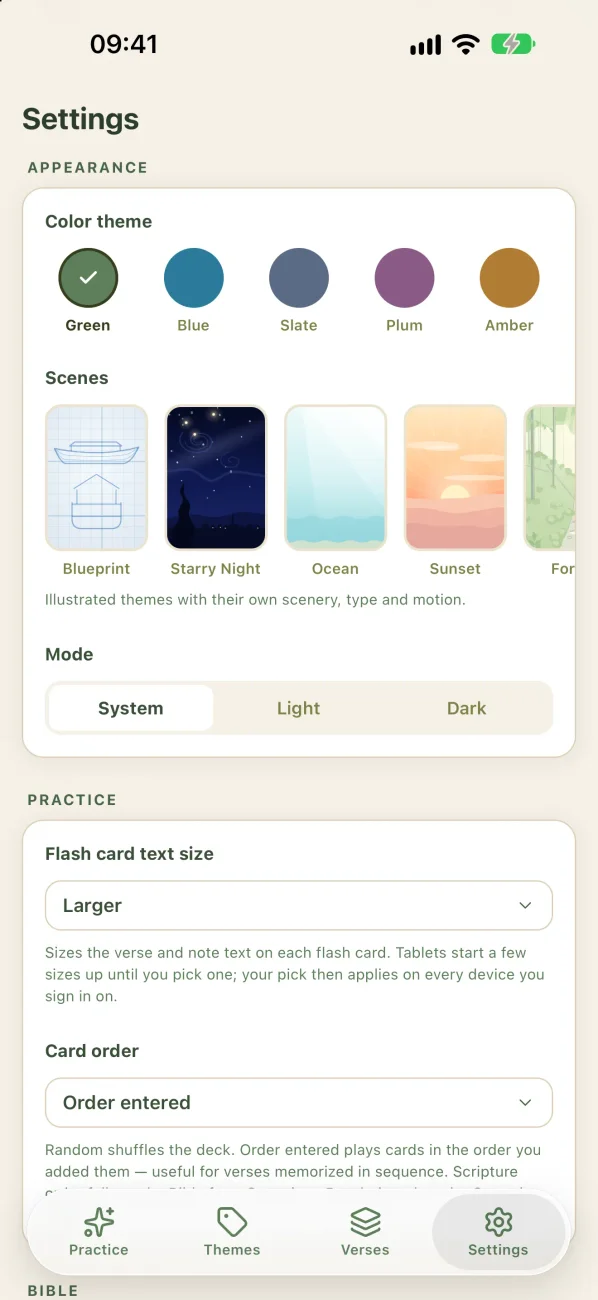
Screenshots
About
Scripture Trainer is a simple flash-card app for memorising Bible verses. Build your own deck, then drill it until the verses stick.
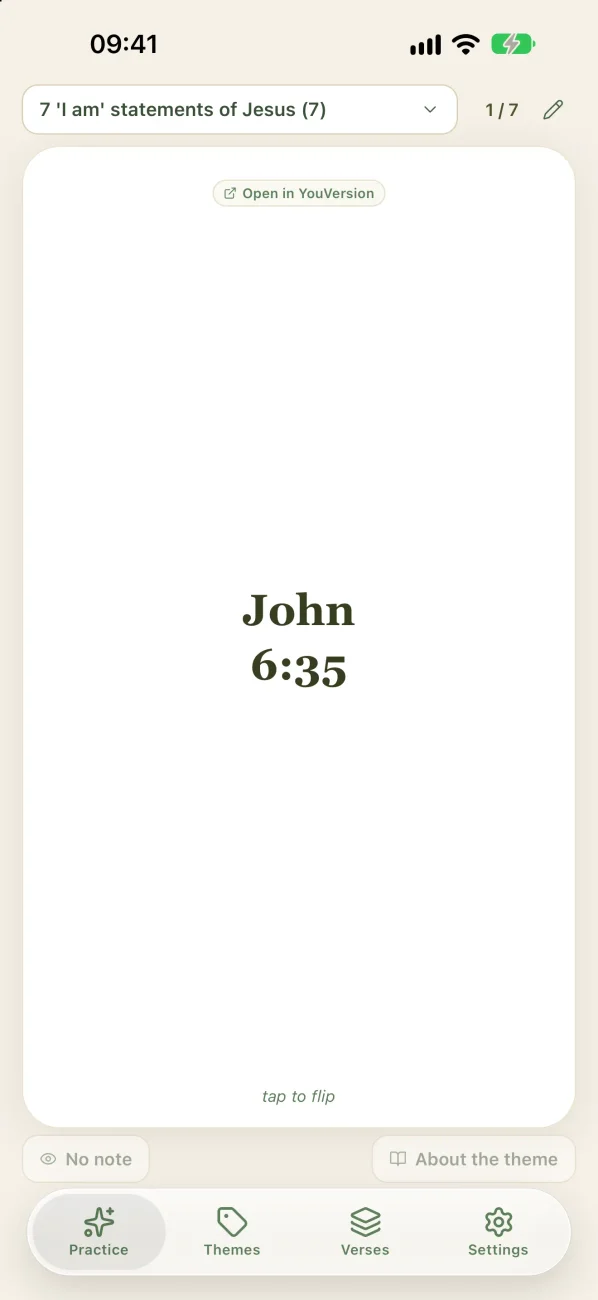
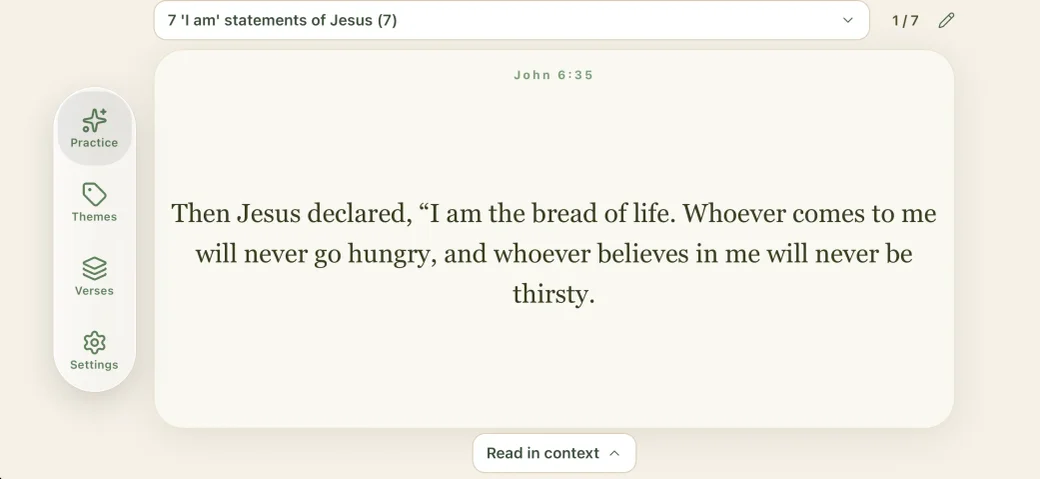
PRACTISE WITH FLASH CARDS
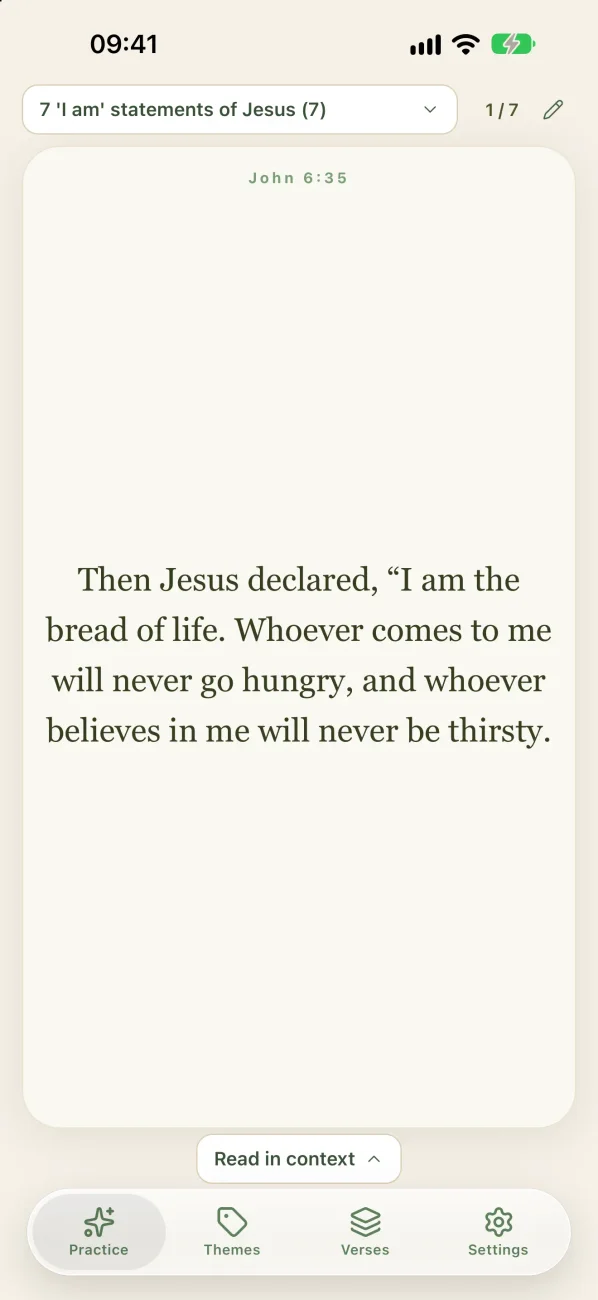
The front of each card shows the reference. Tap to flip and check the verse, swipe to move on. Adjust the text size and card order to suit how you study.
READ IN CONTEXT
Not sure how a verse fits? Show the surrounding verses right on the card, or open the passage in the YouVersion Bible App with one tap, in the translation you prefer.
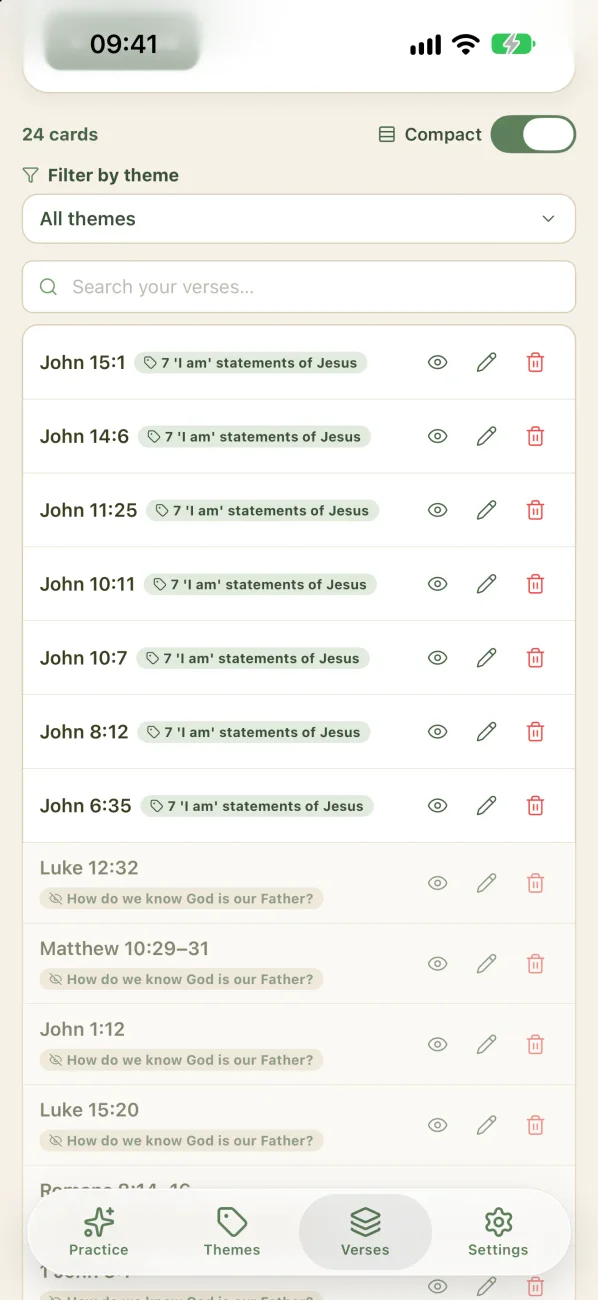
BUILD YOUR OWN DECK
Add verses in seconds. Type the reference and fetch the text in your preferred translation, or paste it in yourself. Attach a short note to any verse for context.
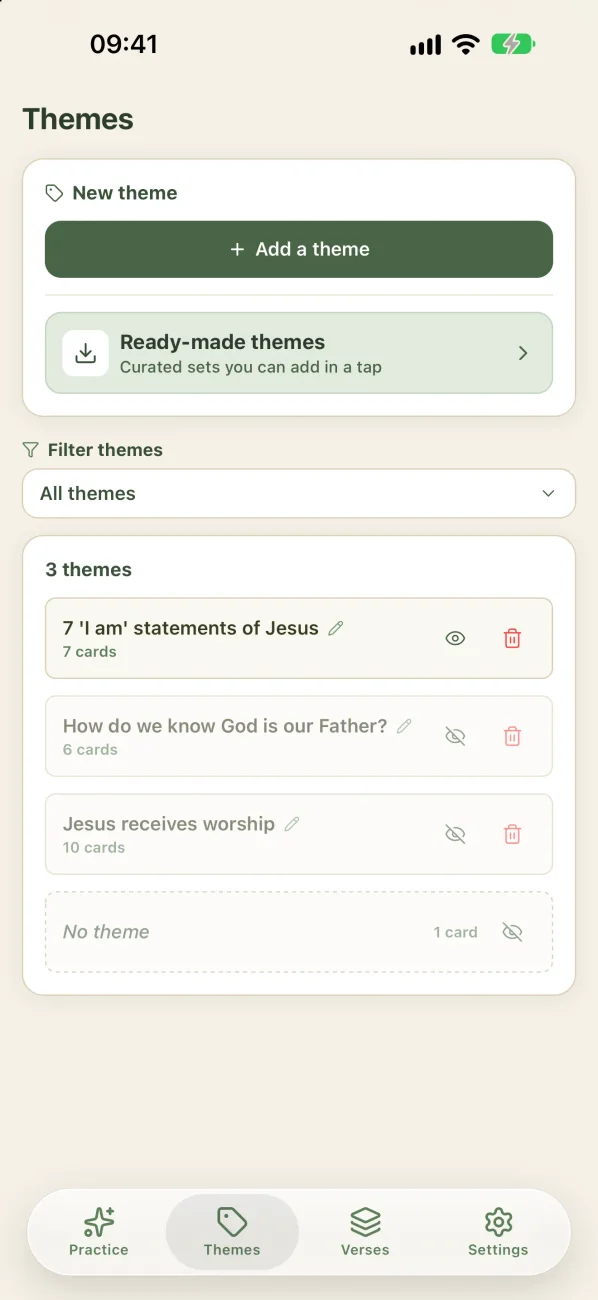
ORGANISE BY THEME
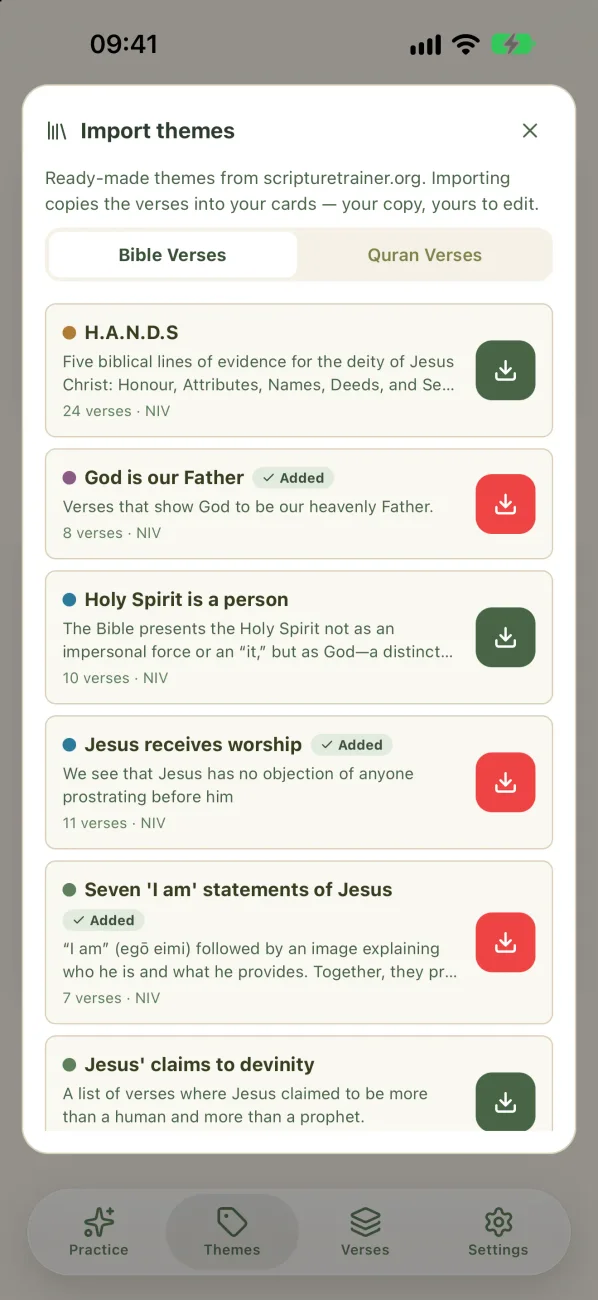
Group verses into themes such as Peace, Prayer, or Promises, then practise one theme at a time. Start faster with ready-made themes, such as the seven "I am" statements of Jesus, imported in a tap.
AT HOME ON ANY SCREEN
Study in portrait or landscape, on iPhone or iPad. Text starts at a size that suits your screen, and you can change it any time.
WORKS OFFLINE
Your deck is stored on your device, so you can practise anywhere. Changes sync to your account when you are back online.
MADE FOR FOCUS
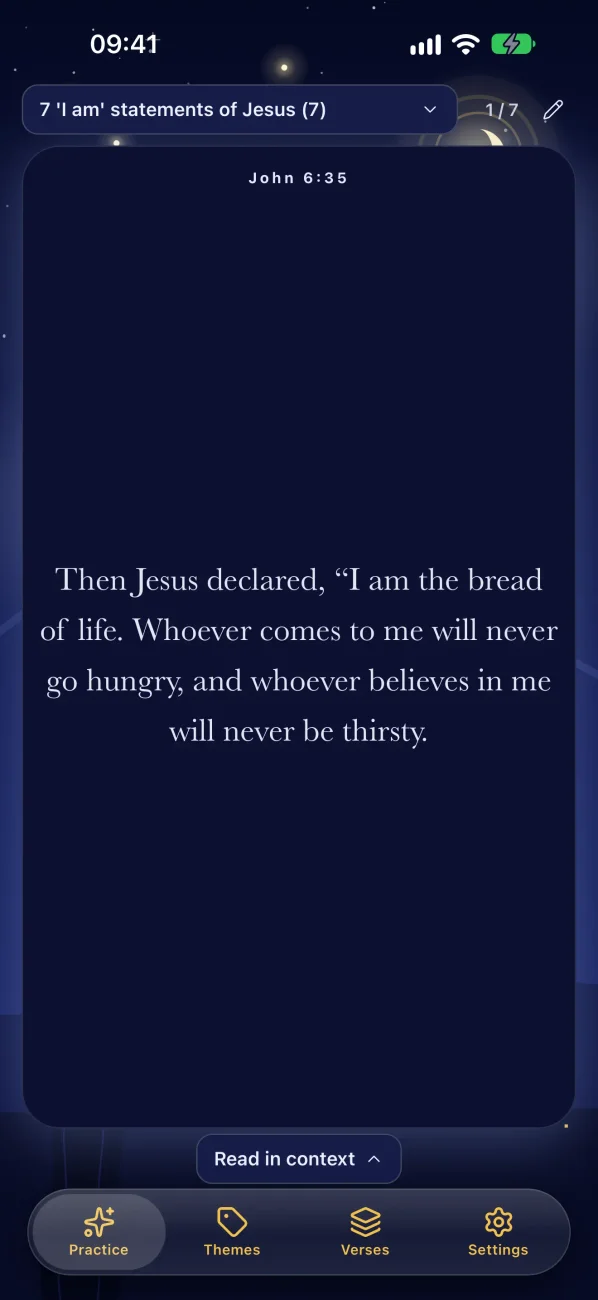
No ads, no tracking, no clutter. Light and dark modes, colour themes and illustrated scenes, and a clean card-first layout that stays out of the way of the Word.
A free account keeps your verses backed up and synced across devices. For comparative study, verses from the Quran can be added too. Bible text is provided under licence from YouVersion; Quran text comes from AlQuran.cloud and the King Fahd Complex.
What’s new
Version 1.2.0 · Nov 9, 2026
A fresh look, room to turn your device, and bigger text.
- A floating glass tab bar in your colour theme (Liquid Glass on iOS 26 and later)
- Landscape and iPad layouts: turn your device and the tabs move to a rail down the side
- Larger card text from the start on iPhone and iPad; change it any time in Settings
- New accounts are offered the ready-made themes on Practice, so you can start straight away
- The Practice theme menu lists the themes you are studying first
- Filters on Themes and Verses show how many cards and themes are showing
- Ready-made themes already on your device are marked, so you don't import one twice
- New email accounts confirm their address before they start
- The app tells you when a new version is in the App Store
- A card keeps its translation with its text, so Read in context always matches
- Settings laid out as cards, Arabic text for Quran cards, and many layout and reliability fixes
App privacy
What Trinity Applied Systems declares on the App Store about how this app handles data.
-
Data not collected
The developer does not collect any data from this app.
Privacy practices may vary, for example with the features you use or your age.
Information
- Seller
- TRINITY APPLIED SYSTEMS LLC
- Category
- Education
- Version
- 1.2.0
- Updated
- Nov 9, 2026
- Released
- Sep 17, 2026
- Size
- 56.7 MB
- Requires
- iOS 16.4 or later
- Age rating
- 4+
- Price
- Free
- Languages
- English
- Copyright
- © 2026 Trinity Applied Systems
You might also like
-
 Black Sheep Press NarrativeEducation
-
 SOCO ArmouryEducation
-
 Bible Mattersfrom St Helen's Bishopsgate
-
 Christianity ExploredExplore Jesus in Mark’s Gospel
-
 NewLifeReference
-
 Languakids - French for KidsDeveloped by teachers for kids
-
 ARC Companion | MetaforgeUnofficial ARC Raiders Guide
-
 Human Body Parts: Science GameLearning Anatomy for kids
-
 Life in the UK 2026 Test PrepBook & Practice Test Questions
-
 Everyday FaithThe Church of England