
Scroll Face
Hands-Free Auto Scroll & Swipe
Designed for iPhone
Free · In-app purchases
- Age rating17+
- CategoryLifestyle
- DeveloperTaron Alaverdyan
- LanguagesEnglish+ 13 more
- Size112.2 MB
Links to the official App Store page
Download.org hosts no file of Scroll Face. The button opens its official App Store page, published by Taron Alaverdyan. Listing last checked on Nov 24, 2026.
Screenshots
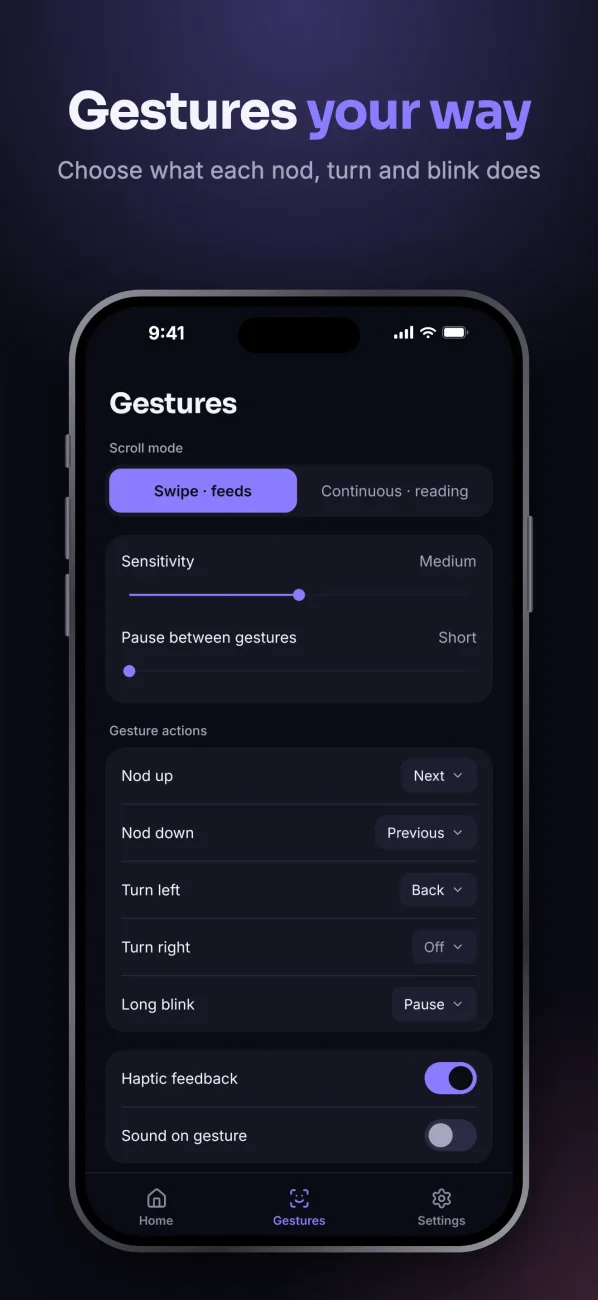
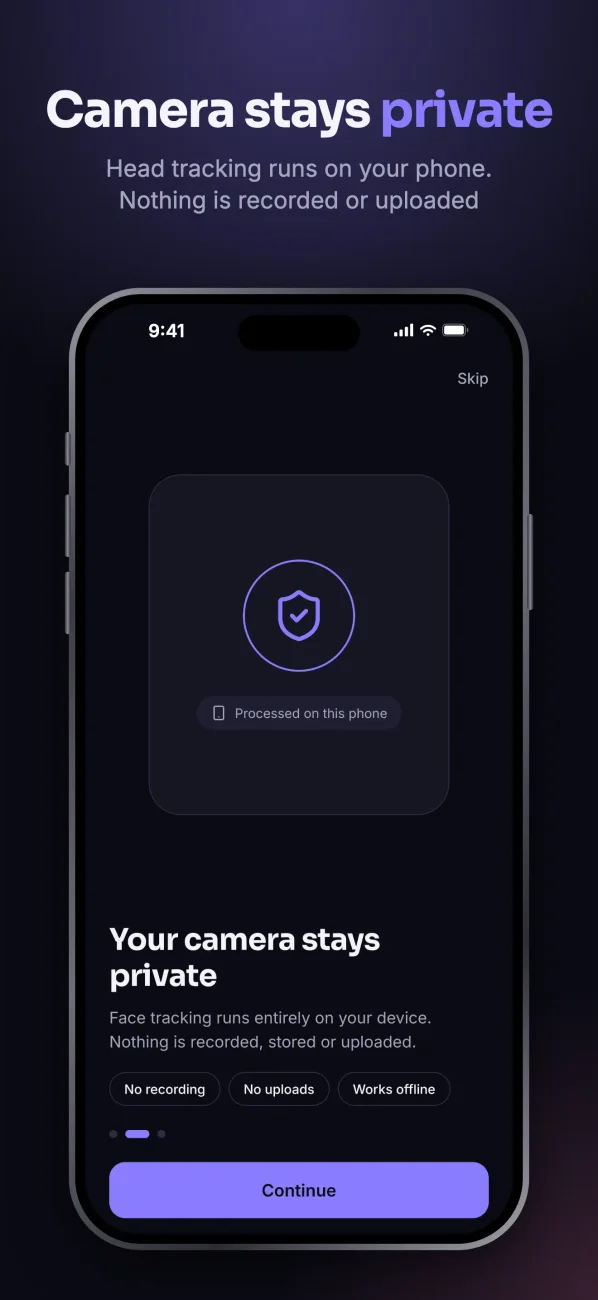
About
Scroll short videos, feeds and articles hands-free. Scroll Face turns small head movements into scrolling, so you can watch, read and browse without touching your phone.
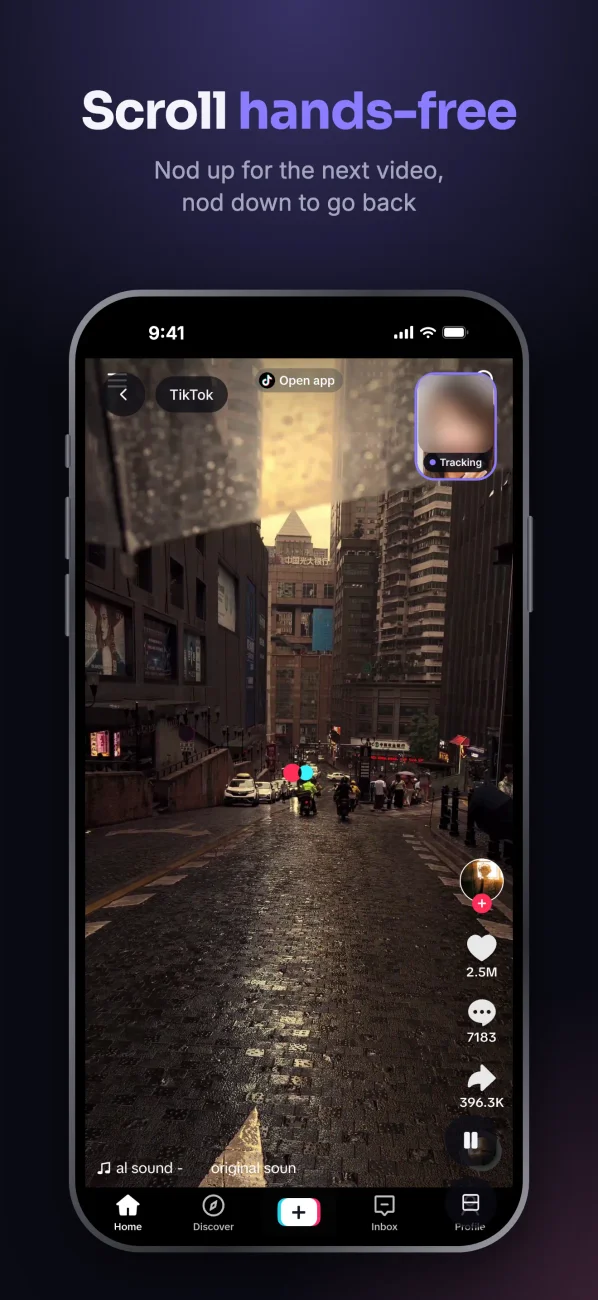
Prop your phone up, look at the screen and nod: up for the next video or page, down to go back. Perfect when you're cooking, eating, working out, holding a baby, wearing gloves or just want your hands free.
HOW IT WORKS
• Nod up: next video or page
• Nod down: previous
• Turn left: go back
• Long blink: pause or resume
The front camera follows your head right on your iPhone and turns each gesture into a swipe or scroll. No touch, no voice commands, no extra hardware.
TWO WAYS TO SCROLL
• Feed mode: one video per nod, made for short-video feeds.
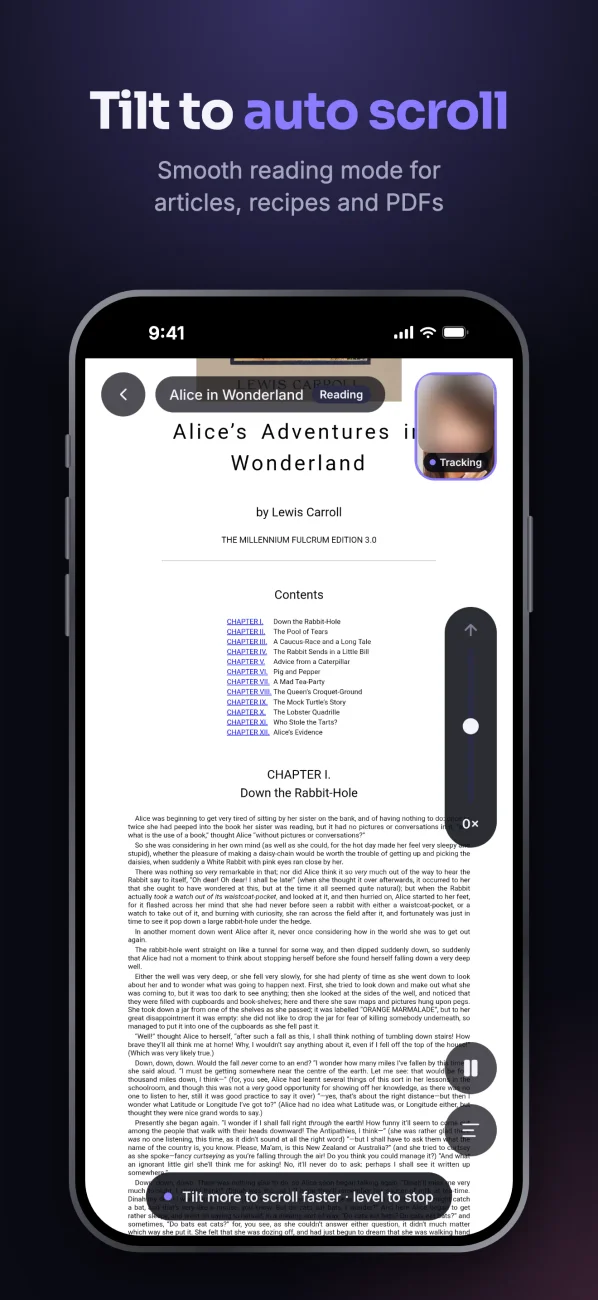
• Reading mode: smooth auto scroll for articles, forums, recipes and long pages. Tilt your head to set the speed; hold it level to stop.
YOUR SITES, ONE BROWSER
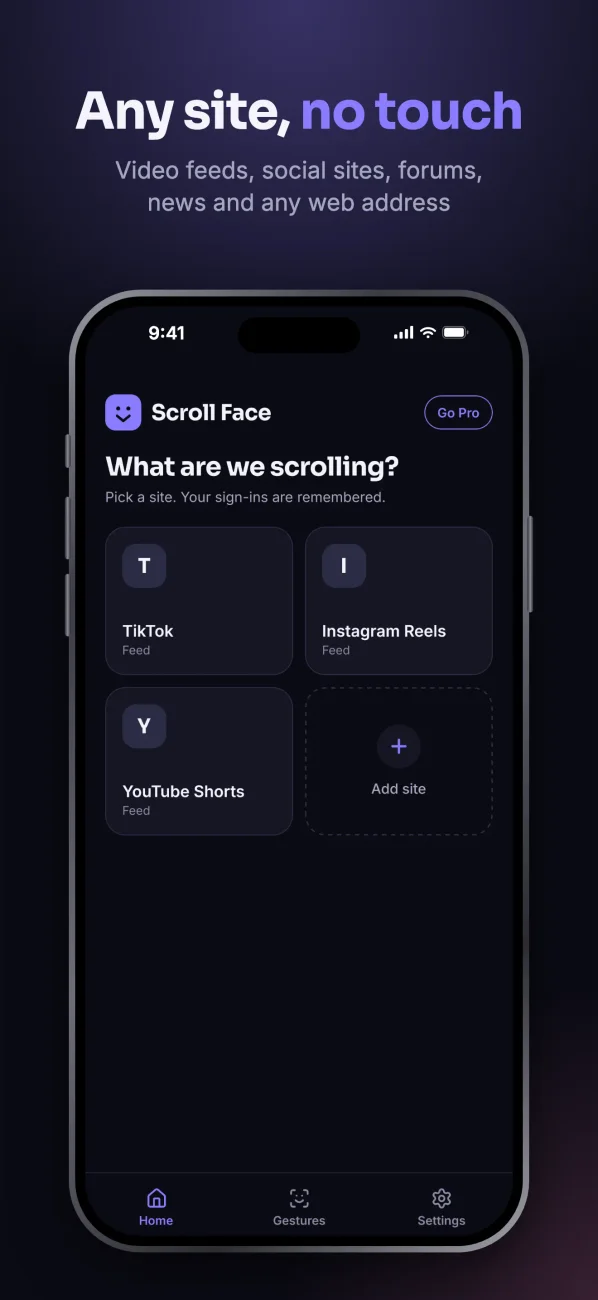
Popular short-video feeds are ready to open. Add any web address you like: news, forums, blogs, recipe sites, online documents. Sign in once in the built-in browser and stay signed in.
MADE FOR YOU
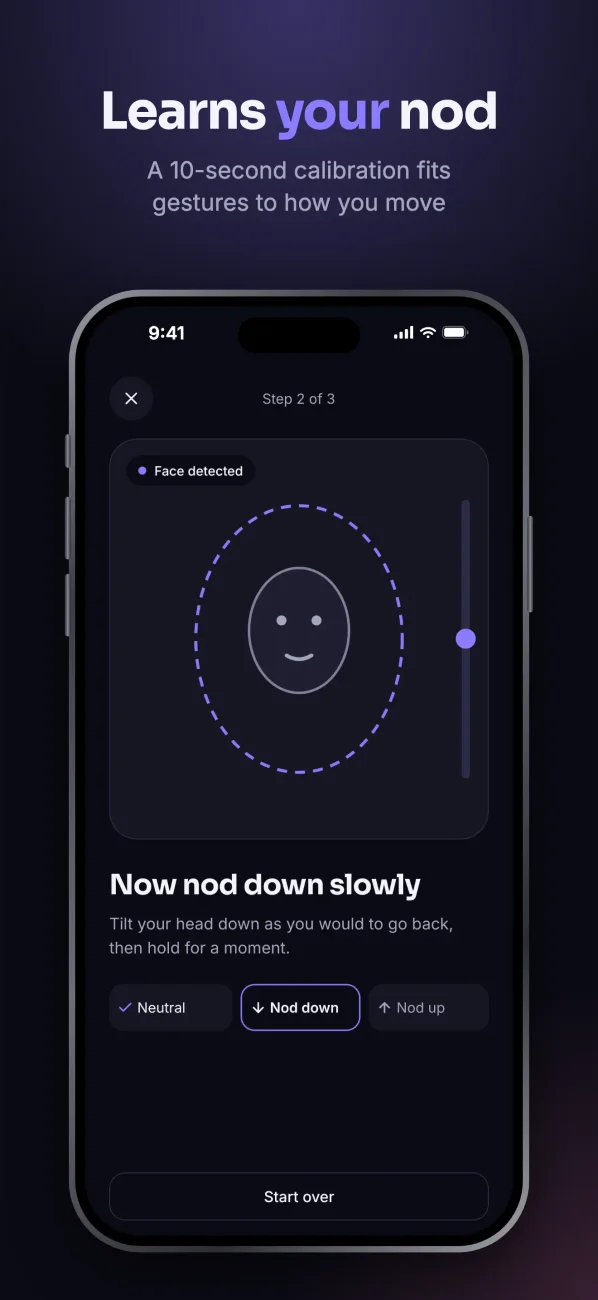
• Quick calibration that learns your natural nod
• Adjustable sensitivity and cooldown
• Choose what each gesture does, including turn right
• Add your own sites
• Haptic feedback for every gesture
• Available in 14 languages
HANDS-FREE ACCESSIBILITY
Scroll Face helps anyone who finds touch scrolling tiring or difficult: limited hand mobility, tremor, a hand or wrist injury, or long reading sessions. Control the page with your head instead of your fingers.
PRIVATE BY DESIGN
Camera images are analysed on your device and are never recorded, stored or uploaded. Scroll Face never sees your passwords: you sign in on each site's own page.
SCROLL FACE PRO
Every feature is free. Scroll Face is supported by ads; Pro removes all ads. Choose monthly, yearly (with a 3-day free trial) or a one-time lifetime purchase. Subscriptions renew automatically unless cancelled at least 24 hours before the end of the period; manage them in your account settings.
Terms of Use: https://gark6654.github.io/scroll-face-legal/terms.html
Privacy Policy: https://gark6654.github.io/scroll-face-legal/privacy.html
What’s new
Version 6.4.0 · Nov 23, 2026
• Nod down is off by default — Coming back up after a nod never scrolls you back. Turn it on in Gestures.
• Recalibrate now also redoes the kiss setup when Kiss to like is on.
App privacy
What Taron Alaverdyan declares on the App Store about how this app handles data.
-
Data used to track you
May be used to track you across apps and websites owned by other companies.
- Location
- Identifiers
- Usage data
-
Data not linked to you
May be collected but is not linked to your identity.
- Purchases
- Location
- Identifiers
- Usage data
- Diagnostics
Privacy practices may vary, for example with the features you use or your age.
Information
- Seller
- Taron Alaverdyan
- Category
- Lifestyle
- Version
- 6.4.0
- Updated
- Nov 23, 2026
- Released
- Apr 4, 2024
- Size
- 112.2 MB
- Requires
- iOS 16.4 or later
- Age rating
- 17+
- Price
- Free
- In-app purchases
- Yes
- Languages
- English, Armenian, French, German, Hindi, Indonesian, Italian, Japanese, Korean, Portuguese, Russian, Simplified Chinese + 2 more
- Copyright
- © Scroll Face
You might also like
-
 KKAL AI - Calorie CounterFood Scanner & Protein Tracker
-
 Barev — Armenian DatingDating service
-
 AI DeepSearch & Search EngineAsk Anything, Find Anyone
-
 Banner BasicLifestyle
-
 Drink Water: Tracker DailyLifestyle
-
 Pet&morePet Translator App
-
 Pawfy: Dog Translator AppPet To Human Communication
-
 School Days for TC WorldLifestyle
-
 Charging Play 3D Animation FunCharger 4k Live Battery Widget
-
 Lock Screen Depth 3D Wallpaper3d Wallpapers & Backgrounds