
Scrolla: Screen Time Control
App Blocker, Focus Timer
Designed for iPhone, iPad
Free · In-app purchases
- Age rating4+
- CategoryUtilities
- DeveloperLily Hughes
- LanguagesEnglish+ 66 more
- Size47.9 MB
Links to the official App Store page
Download.org hosts no file of Scrolla: Screen Time Control. The button opens its official App Store page, published by Lily Hughes. Listing last checked on Nov 12, 2026.
Screenshots


About
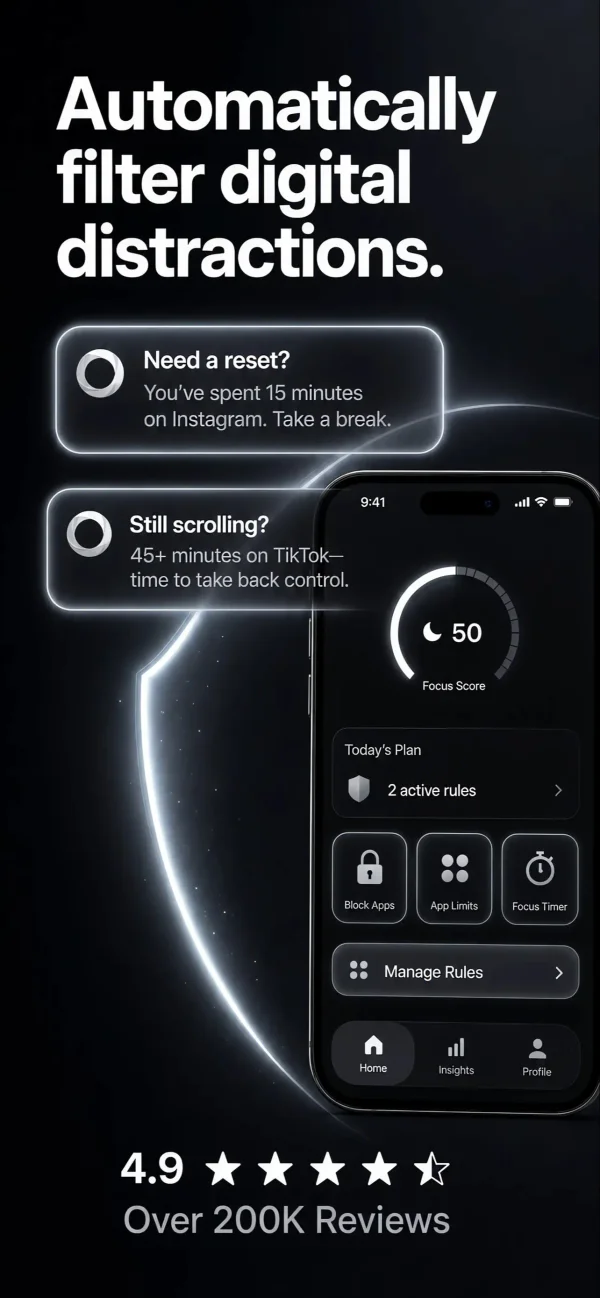
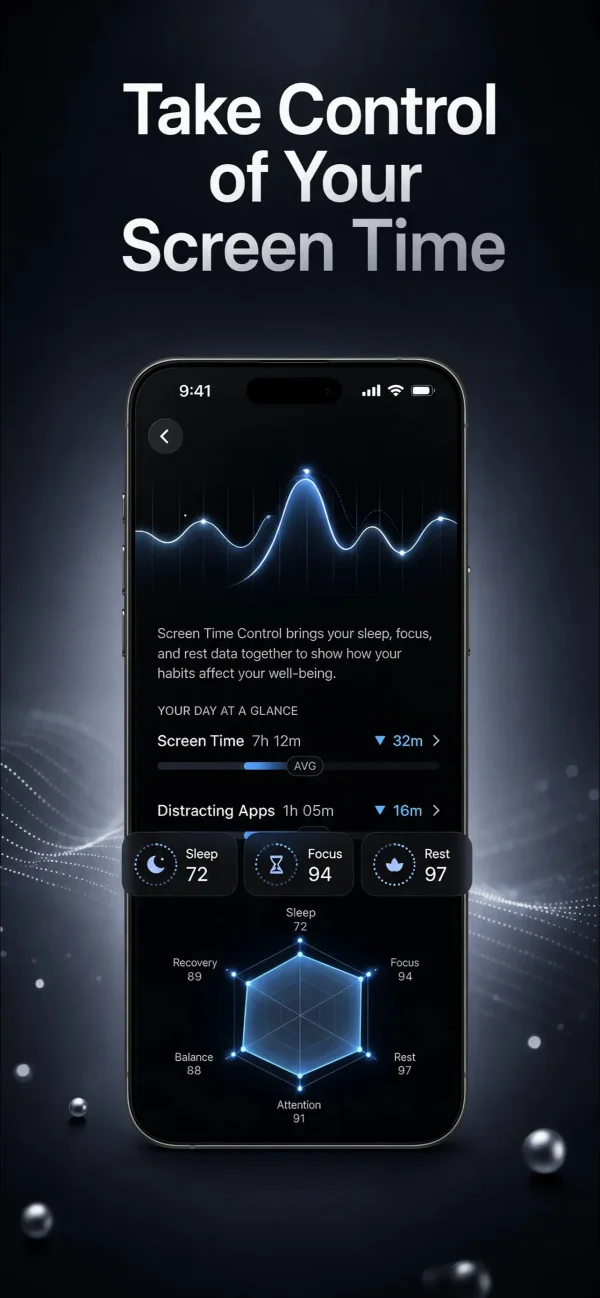
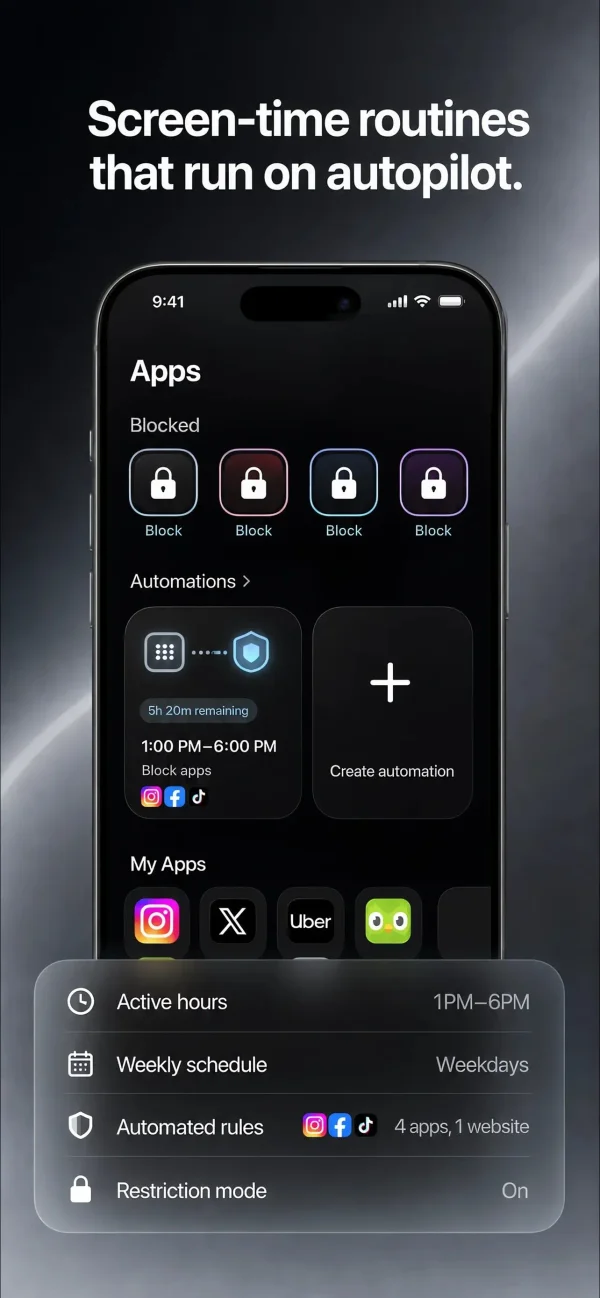
Need to quickly regain control of your attention? Scrolla: Screen Time Control combines an app blocker with a focus timer, helping you make room for work, rest and real life.
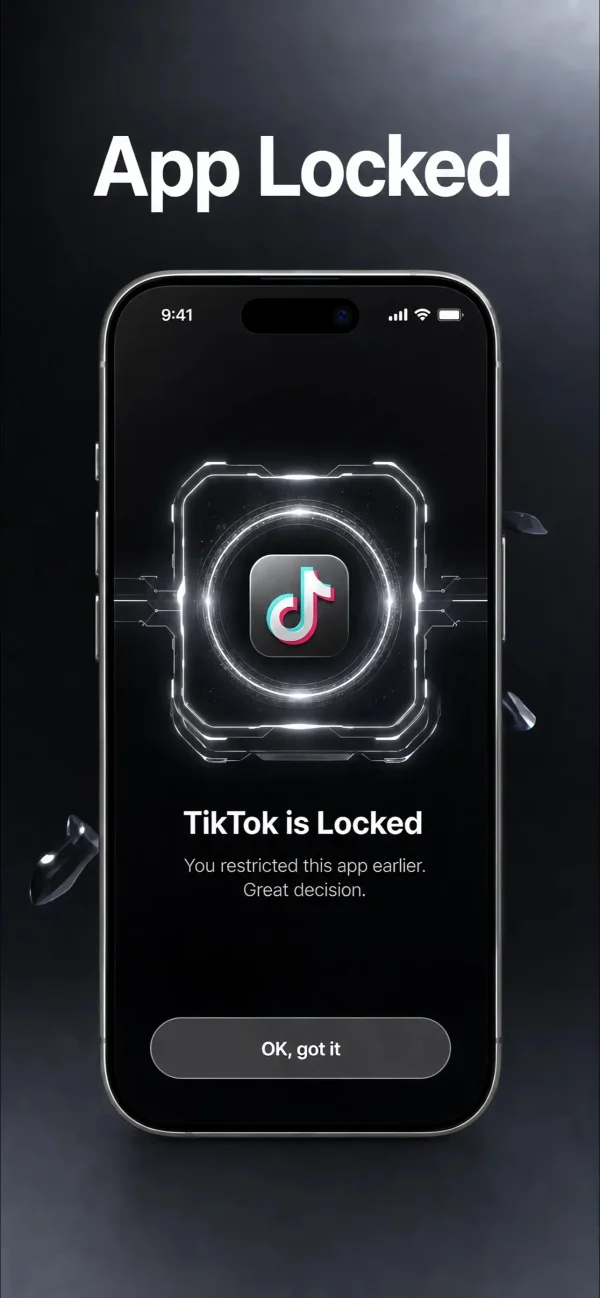
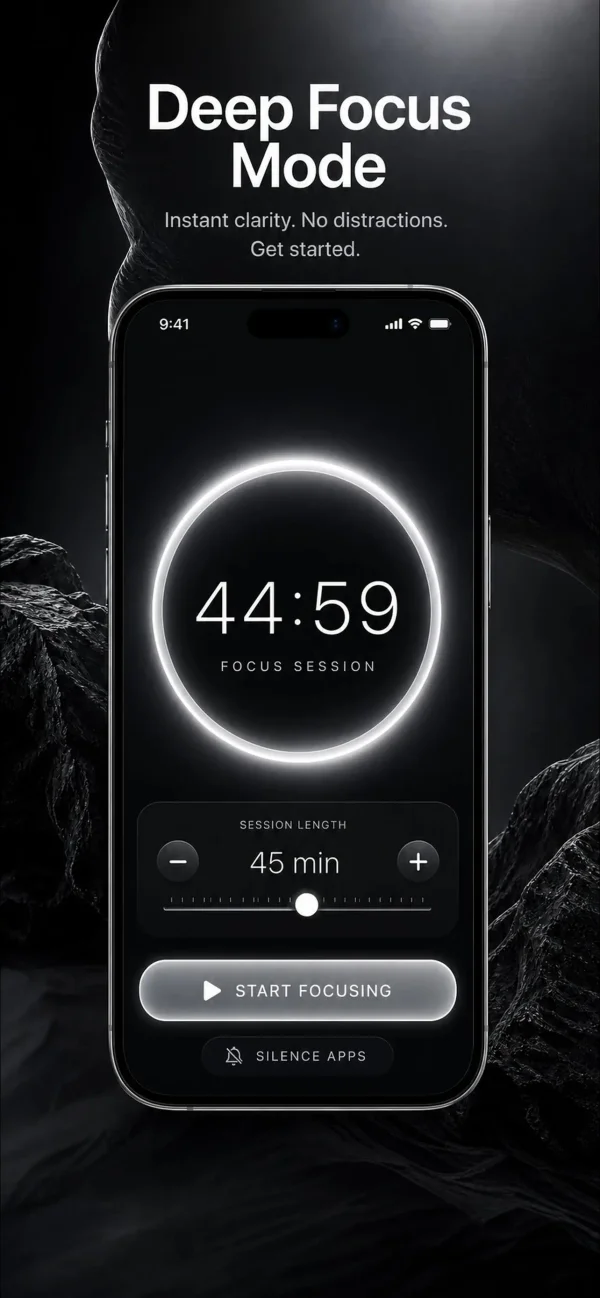
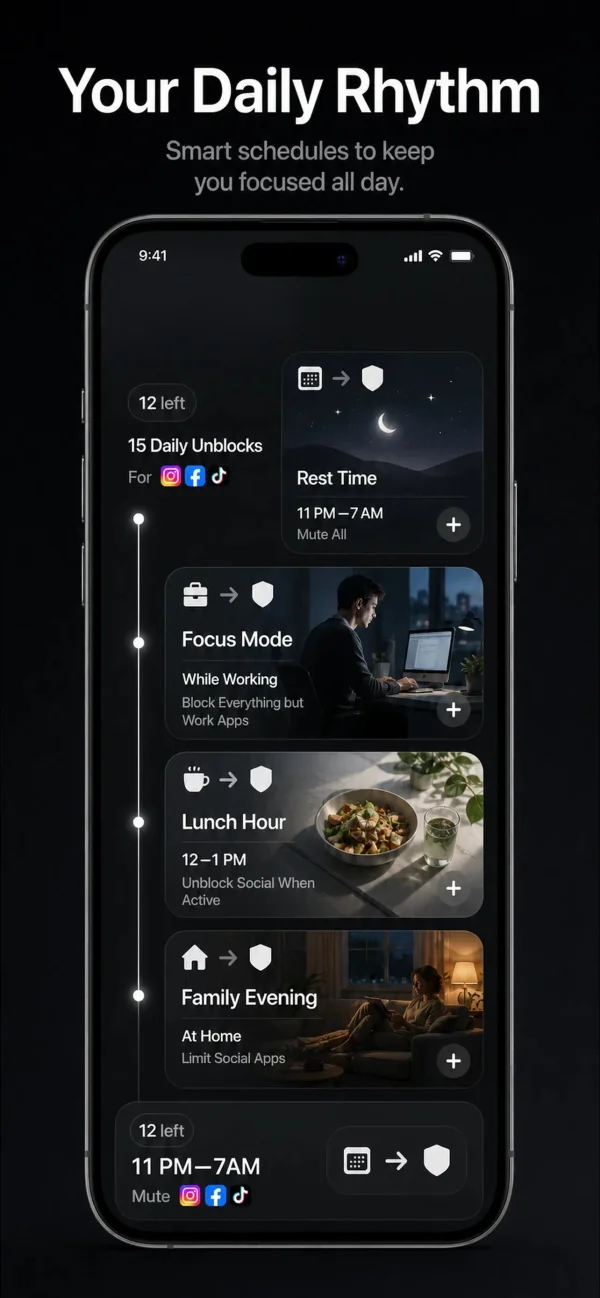
Choose what should stay out of reach, set a focus period, and let the app support the choice you have made. Screen time control works best when it fits your routine rather than fighting it. Use a short session before a task, a longer block while studying, or a simple pause when the day feels too full.
- Block distracting apps before you begin
- Set a focus timer for one task
- Create a screen time control routine
- Reduce interruptions during work sessions
- Protect time for reading and study
- Pause habitual scrolling when needed
- Adjust access from the settings
- Support calmer phone habits for kids
- Keep family routines easier to follow
- Make digital boundaries feel more inclusive
- Return to selected apps after focus
- Build a safer daily phone routine
Start with one clear decision. Select the apps that tend to pull you away from the moment, then choose how long you want to stay focused. There is no need to redesign your whole day at once. A few intentional blocks can make screen time easier to notice and easier to change.
HOW SCROLLA FITS YOUR DAY
Scrolla: Screen Time Control is designed for everyday moments when your phone competes with something more important. Use it before opening a book, beginning a workout, joining a meeting or settling down for the evening. The aim is not to remove your phone from your life. It is to give you a practical way to decide when certain apps should wait.
A focus timer adds a visible endpoint to each session. That can make a difficult task feel more manageable and give you a natural moment to review your next step. App blocking helps reduce the first impulse to check a feed, message or game. Together, these tools create a simple screen time control method that you can repeat across your day.
Your routine may change from one day to the next. Scrolla: Screen Time Control can be used for a single quiet interval or as part of a regular plan. Keep the approach flexible. Use a brief block when you need to clear your head, then choose a longer period when concentration matters more. The same setup can support focused living at home, during study or between daily commitments.
The app is also suitable for people who want clearer boundaries without complicated systems. Parents can introduce a screen time control habit for kids, while families can agree on calmer phone-free periods. Adjust the approach in your own way, review it in the settings, and keep only the limits that make sense for your routine.
A subscription unlocks the paid version of Scrolla: Screen Time Control and its available app-blocking and focus tools. It renews automatically until you stop it; cancellation is managed through your account settings.
Use of the app is subject to the applicable Terms of Use and Privacy Policy:
https://docs.google.com/document/d/1PNw8oyyBCaZecNo5uASzUDlM9MCBbL13RKpu7dO-fhE/edit?usp=sharing
https://docs.google.com/document/d/1CmEeXj6zo79ZNOTCWU1mDaRFUDvF-OjJYmCXUasw_-4/edit?usp=sharing
What’s new
Version 2.1 · Aug 30, 2026
This update brings bug fixes, stability improvements, and small interface refinements throughout the app.
App privacy
What Lily Hughes declares on the App Store about how this app handles data.
-
Data used to track you
May be used to track you across apps and websites owned by other companies.
- Identifiers
- Usage data
-
Data not linked to you
May be collected but is not linked to your identity.
- Identifiers
- Usage data
Privacy practices may vary, for example with the features you use or your age.
Information
- Seller
- Lily Hughes
- Category
- Utilities
- Version
- 2.1
- Updated
- Aug 30, 2026
- Released
- Mar 5, 2024
- Size
- 47.9 MB
- Requires
- iOS 18.0 or later
- Age rating
- 4+
- Price
- Free
- In-app purchases
- Yes
- Languages
- English, Afrikaans, Albanian, Amharic, Arabic, Armenian, Azerbaijani, Bengali, Bosnian, Bulgarian, Burmese, Cambodian + 55 more
- Copyright
- © Lily Hughes
You might also like
-
 Jacana Scam ProtectionSpot fake texts, emails, sites
-
 Copy My Data Switch TransferContacts Phone Clone Sync
-
 FindMyGear: Smart DetectorTrack device. Locator & Finder
-
 AppLock - Lock & Guard PrivateLock Apps & Photos, Block Apps
-
 QR Code Reader: Batch ScannerBatch Scan, Barcode Maker
-
 Night Screen - Darker DisplayDim Below Minimum Brightness
-
 OnAir: Screen Recorder [Live]Video recording with audio
-
 Loop8 Privacy ControllerProtect your digital privacy
-
 AirTracker - Find My TrackerBluetooth Device Finder
-
 AI Voice Note TakerTranscribe Meetings & Lectures