
ScrollBump: Reduce Screen Time
Stop Scrolling Less Screentime
Designed for iPhone, iPad
Free · In-app purchases
- Age rating4+
- CategoryProductivity
- DeveloperOndrej Veres
- LanguagesEnglish
- Size36.7 MB
Links to the official App Store page
Download.org hosts no file of ScrollBump: Reduce Screen Time. The button opens its official App Store page, published by Ondrej Veres. Listing last checked on Nov 15, 2026.
Screenshots




About
ScrollBump – Stop Doomscrolling, Take Control of Your Phone
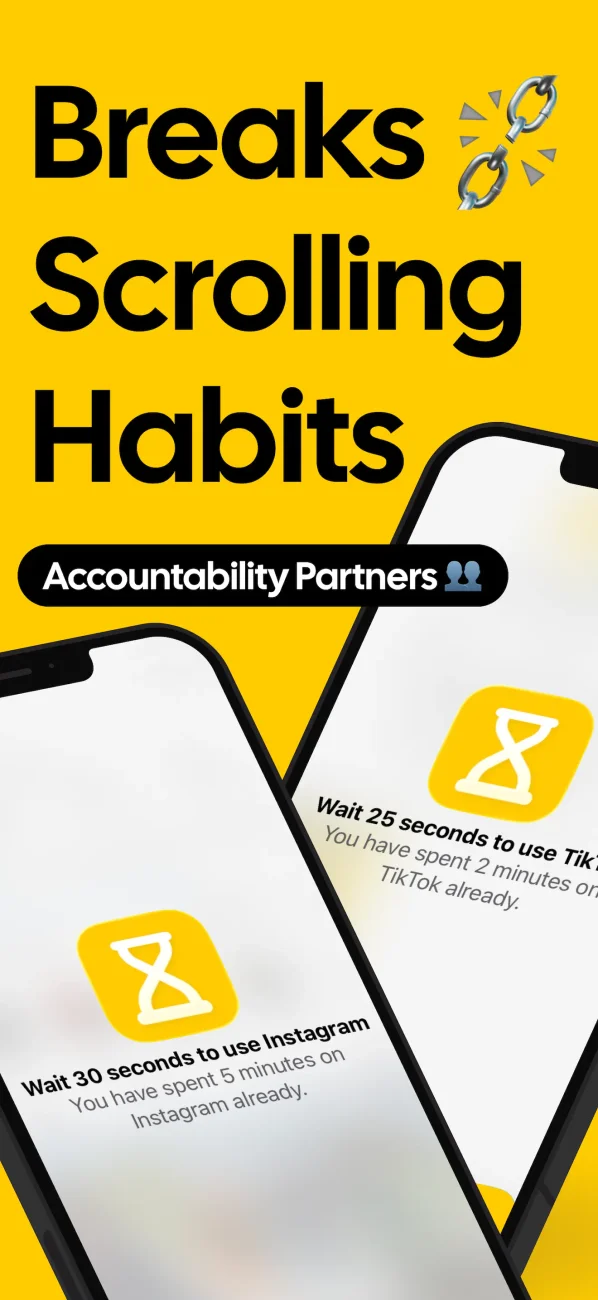
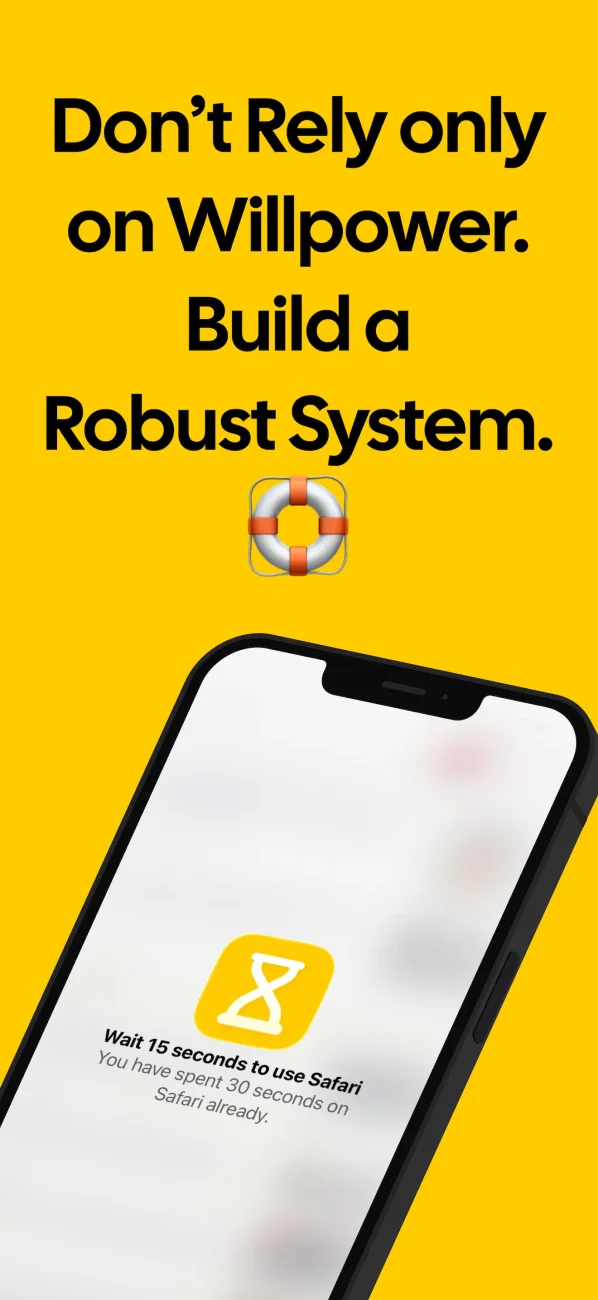
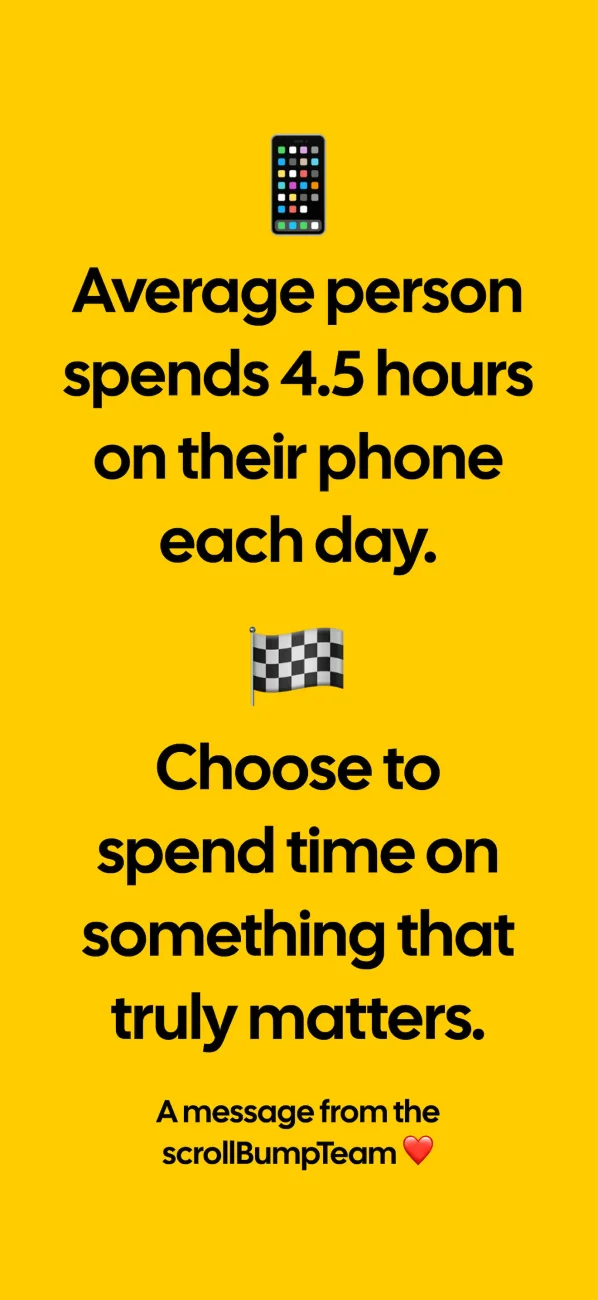
Do you find yourself endlessly scrolling through social media, news apps, or videos without realizing how much time has passed? Tired of relying on willpower alone to resist your phone? scrollBump is here to help. Unlike apps that just track usage or give reminders, scrollBump makes your phone doomscrollproof by adding short, intentional pauses that prevent mindless scrolling and help you reclaim focus. Reduce screen time, improve digital wellbeing, and build healthy phone habits—all without frustration or guilt.
How ScrollBump Works
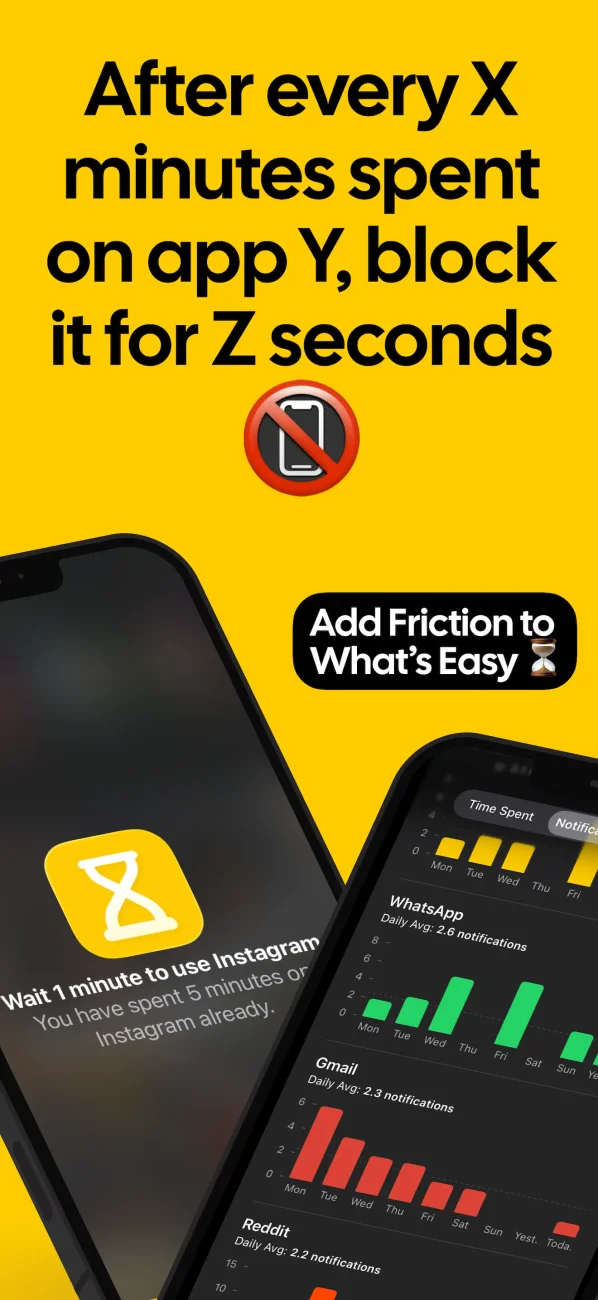
ScrollBump inserts brief pauses that you can’t skip. These interruptions stop mindless scrolling and give your brain a chance to reset, helping you make conscious choices about your time. Over time, they retrain habits, reduce phone addiction, and encourage mindful, intentional usage. By turning habitual app use into a conscious choice, scrollBump helps you regain control over your time and mental clarity.
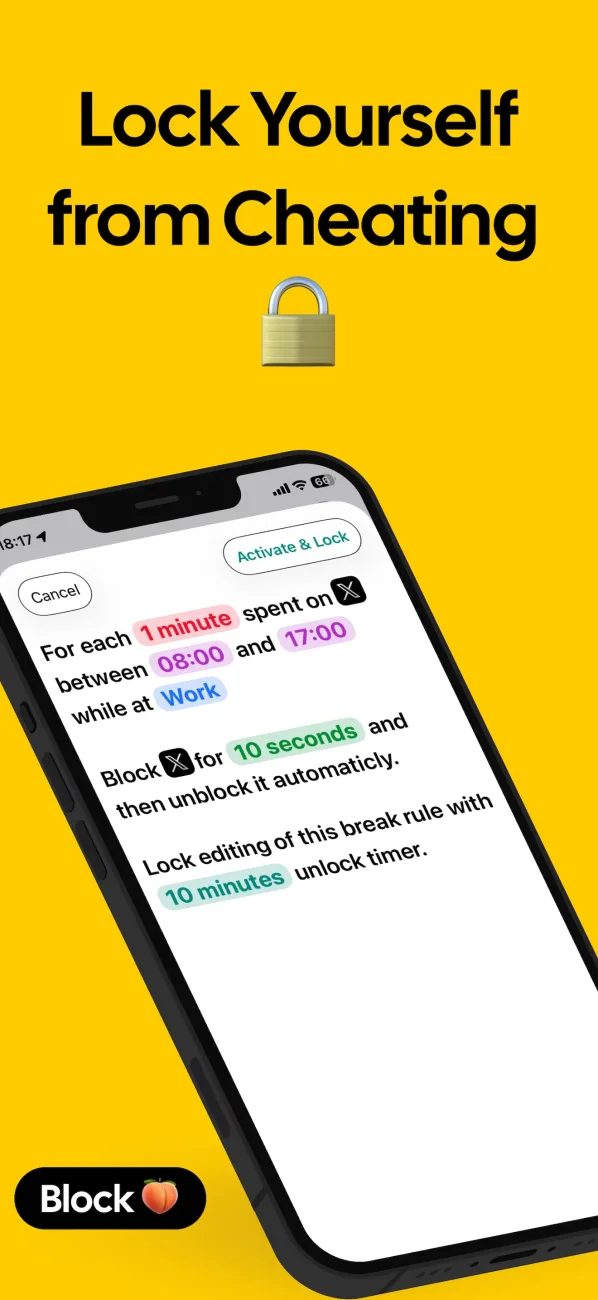
Customizable Break Rules
scrollBump adapts to your lifestyle. Create rules based on:
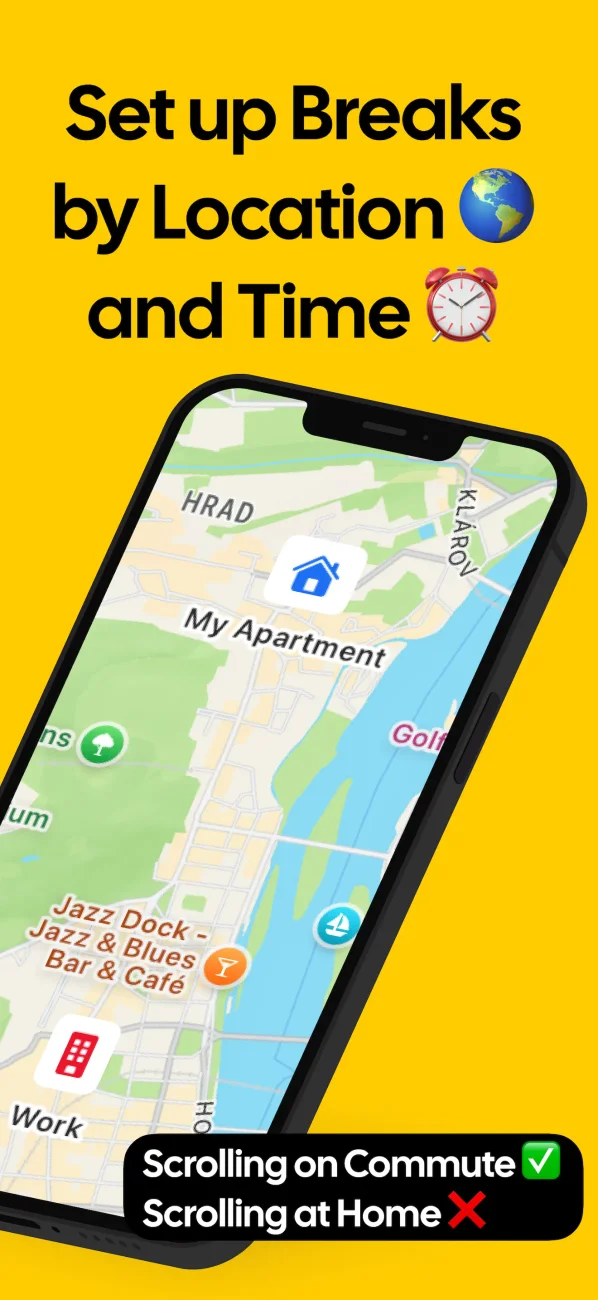
• Time of day: Schedule breaks during work, study, or evening hours to stay focused and improve sleep.
• Location: Reduce distractions in places like your office, bedroom, or during meals.
• App-specific rules: Target the apps that take most of your attention while leaving essential apps accessible.
Features for Digital Wellbeing
• Flexible scheduling: Adjust break rules anytime to match your routines.
• Minimalist interface: Non-intrusive design keeps the focus on intentional usage.
Why ScrollBump Is Different
Most social media detox apps block access entirely—but that often backfires, as people uninstall them when they need the app. scrollBump works differently: it gently slows scrolling, so your phone helps you make healthier choices without extreme restrictions. scrollBump changes the environment around your phone usage. By adding friction to automatic scrolling, prevention is consistent and reliable. You don’t have to rely on willpower—your phone itself helps you make healthier choices. The result: less doomscrolling, reduced digital fatigue, and a healthier relationship with your devices.
Who Needs ScrollBump
• Anyone struggling with phone addiction or social media fatigue
• Students, professionals, or creators who want distraction-free focus
• People looking to reclaim attention and productivity
• Anyone seeking mindful scrolling habits, digital balance, or a sustainable social media detox
Benefits You’ll Notice
• Reduced doomscrolling and excessive app usage
• Improved focus, productivity, and attention span
• Lower stress, anxiety, and digital fatigue
• Healthier phone habits without extreme restrictions or guilt
• Reliable prevention of habitual scrolling
• Greater awareness of how you spend time on your phone
Take Control of Your Digital Life
scrollBump is your personal digital coach, helping you make your phone doomscrollproof and your usage intentional. With friction-based breaks, location- and time-specific rules, and flexible scheduling, you can enjoy a balanced relationship with your phone. Over time, scrollBump trains your brain to pause, reflect, and make intentional decisions about your attention. Reclaim hours previously lost to endless feeds and feel more present, productive, and focused every day.
Make Your Phone Work for You
Stop scrolling automatically. Start using your time intentionally. With ScrollBump, every tap becomes a conscious choice, every session more mindful, and every break a step toward digital freedom. Download ScrollBump today and reclaim focus, attention, and peace of mind—one intentional break at a time. Perfect for screen time control, digital detox, phone addiction recovery, productivity, focus, mental health, and digital wellbeing.
Terms of Use (EULA): https://www.apple.com/legal/internet-services/itunes/dev/stdeula/
Privacy Policy: https://www.scrollbump.com/privacy-policy.html
What’s new
Version 1.9.0 · Nov 10, 2026
• New Partners tab: your accountability partners and their break rules in one place, with support and invites right there.
• Your partners are now notified if ScrollBump's Screen Time access is turned off in Settings.
• More reliable blocking: each rule keeps its own blocks, so an app shared by two rules is freed properly when your break ends.
• Places and Customize now open from the Breaks tab; the adult content filter lives in the new Restrict tab.
• If location access is turned off, place-based rules stay on everywhere instead of switching off.
• Signing out works without a connection, plus many smaller fixes.
App privacy
What Ondrej Veres declares on the App Store about how this app handles data.
-
Data linked to you
May be collected and linked to your identity.
- Identifiers
- Usage data
-
Data not linked to you
May be collected but is not linked to your identity.
- Diagnostics
Privacy practices may vary, for example with the features you use or your age.
Information
- Seller
- Ondrej Veres
- Category
- Productivity
- Version
- 1.9.0
- Updated
- Nov 10, 2026
- Released
- Sep 16, 2025
- Size
- 36.7 MB
- Requires
- iOS 18.0 or later
- Age rating
- 4+
- Price
- Free
- In-app purchases
- Yes
- Languages
- English
- Copyright
- © 2025 Ondřej Vereš
You might also like
-
 Still: simple listsCollect, plan, arrange
-
 SumNote - Notes with SumsAdd it up. Save it.
-
 Just20MinutesWork, Study, or Relax in 20Min
-
 MoleculistTrack Book, Movie, Recipe ...
-
 HabitBook - Habit TrackerBuild lasting habits.
-
 ArticleCast: AI Podcast MakerText to Speech Article Reader
-
 Sticky Tasks: Snap it, Do itPhoto reminders that stick
-
 Focus Timer & Tracker - STAKDStudy Timer · ADHD & Deep Work
-
 Narrow32Browser for slow internet
-
 ReDo Loop: Recurring TasksMinimalist Chores & Routines