- Age rating17+
- CategoryProductivity
- DeveloperScroller, Inc.
- LanguagesEnglish
- Size7.1 MB
Links to the official App Store page
Download.org hosts no file of Scroller: Modern Email. The button opens its official App Store page, published by Scroller, Inc. Listing last checked on Nov 13, 2026.
Screenshots


About
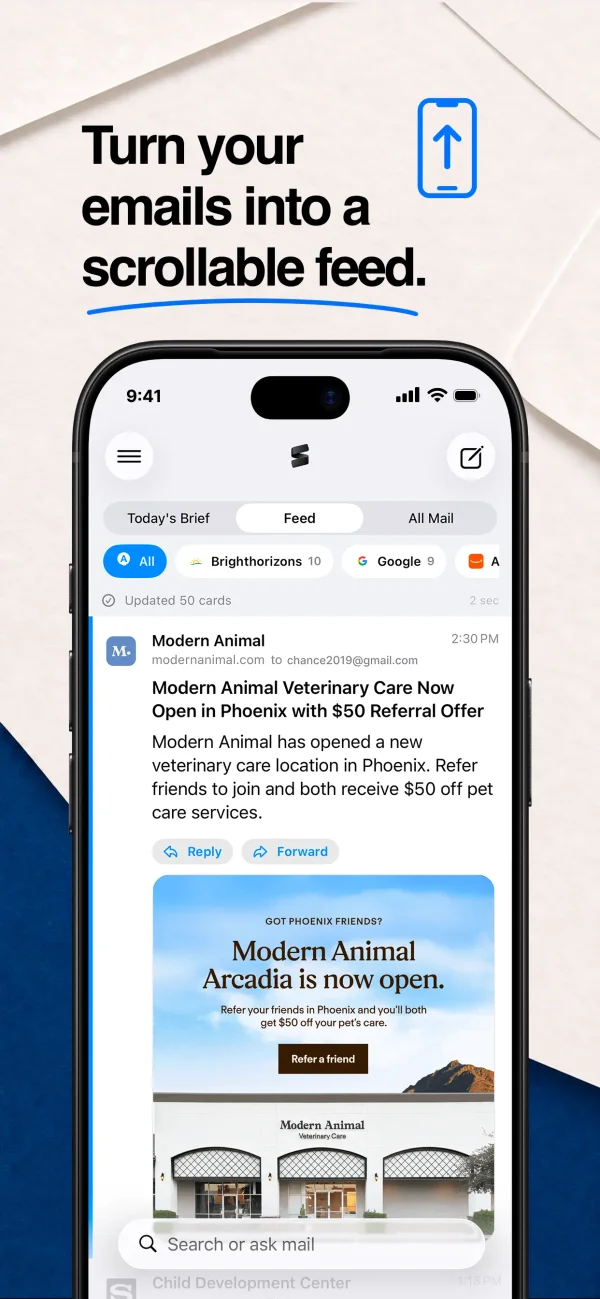
Scroller turns your inbox into a scrollable feed, helping you understand your email without opening every message one by one.
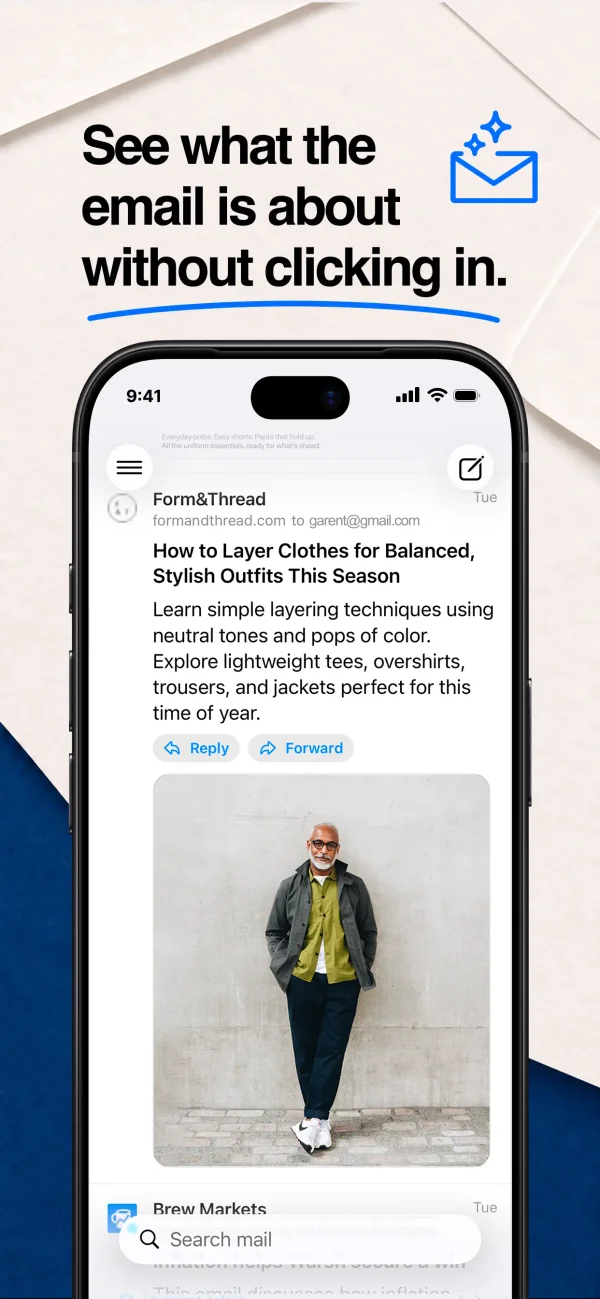
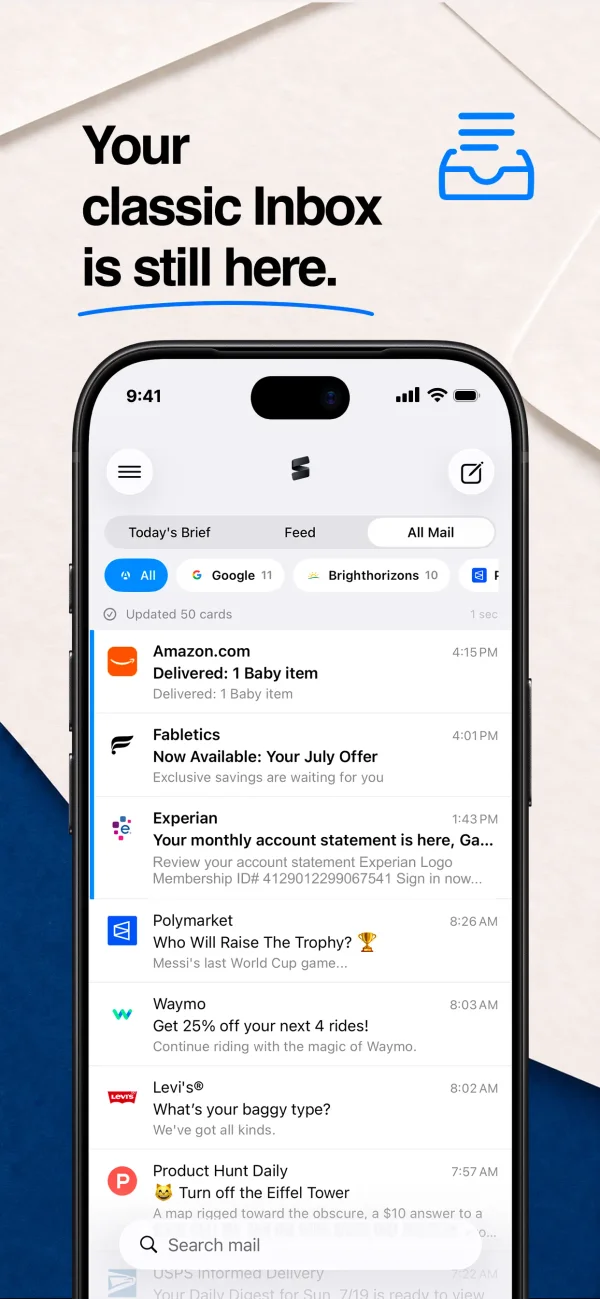
Read clear summaries, see image and attachment previews, and follow conversations in one place. Need more detail? Open the original email. Prefer a traditional inbox? Switch to All Mail.
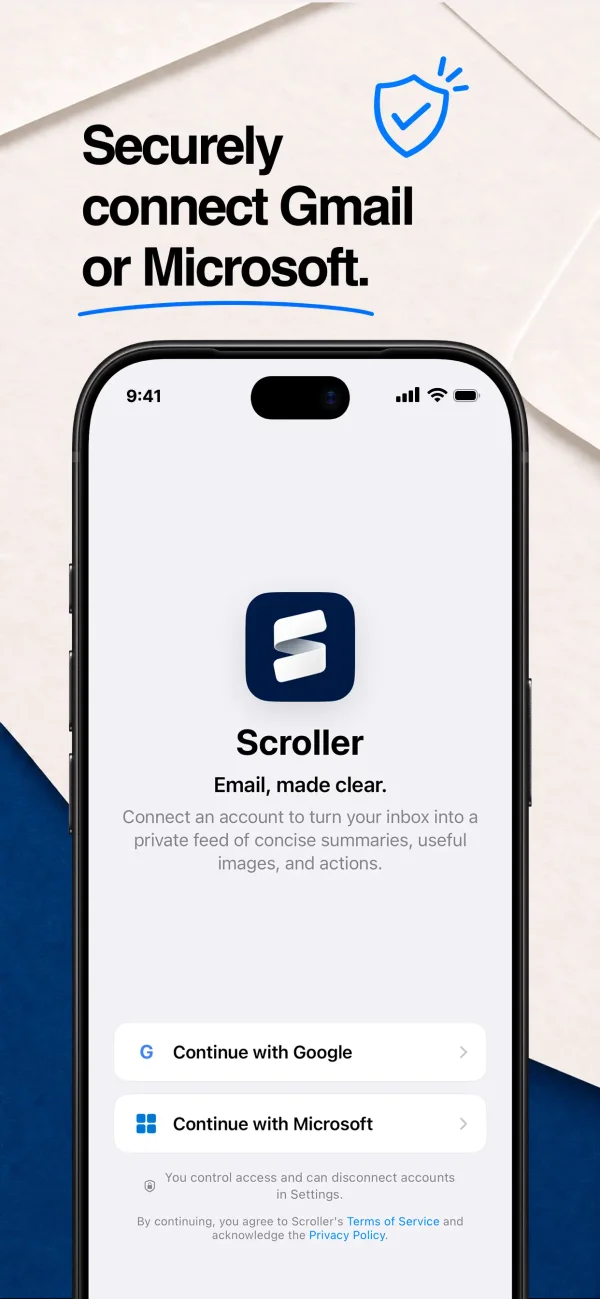
Connect Gmail, Outlook.com, or Microsoft 365 accounts and bring your personal and work email together.
YOUR EMAIL, AT A GLANCE
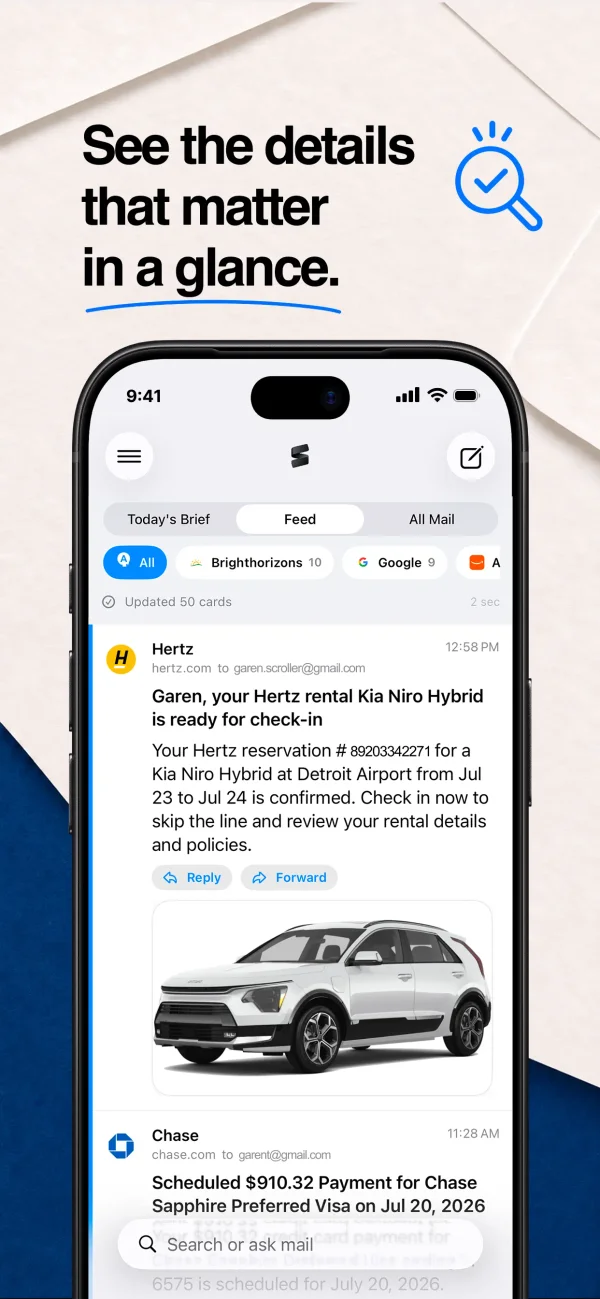
• Scroll through email summaries with sender context
• Preview images and PDF attachments
• Follow threaded conversations and replies
• Open original messages whenever you need the full picture
• Automatically mark messages as read as you scroll past them
MORE THAN AN INBOX
• See email-derived highlights and suggested tasks in Today’s Brief
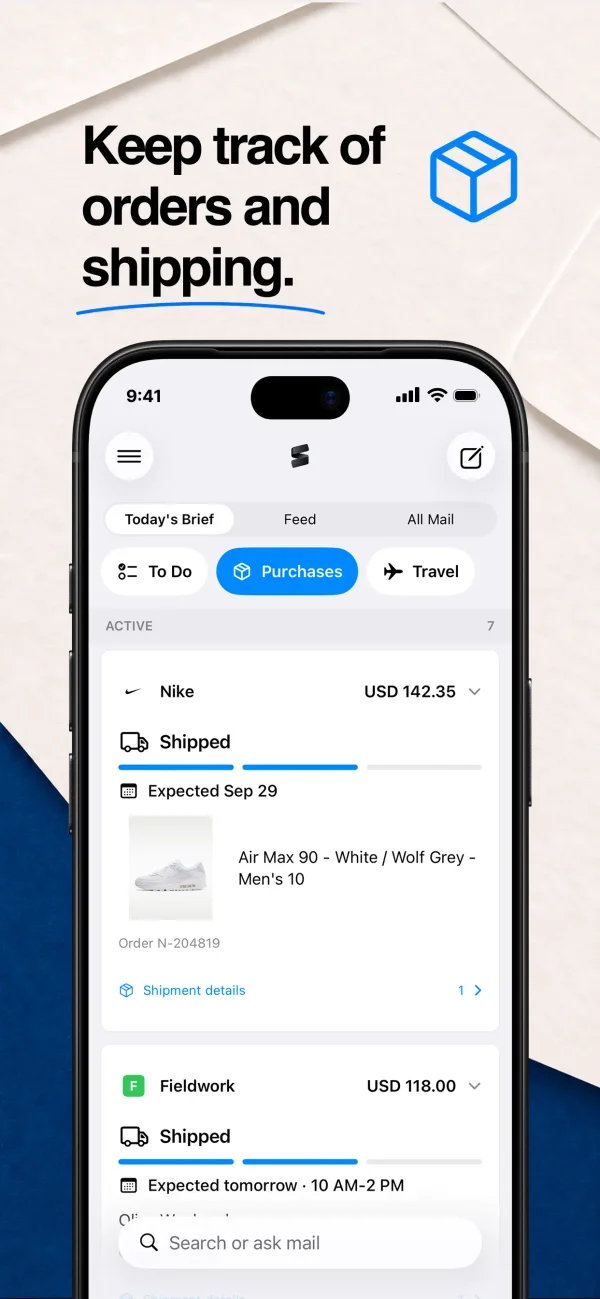
• Find recent purchases, order details, and shipping updates in Purchases
• Keep upcoming flights, hotel stays, and rental reservations together in Travel
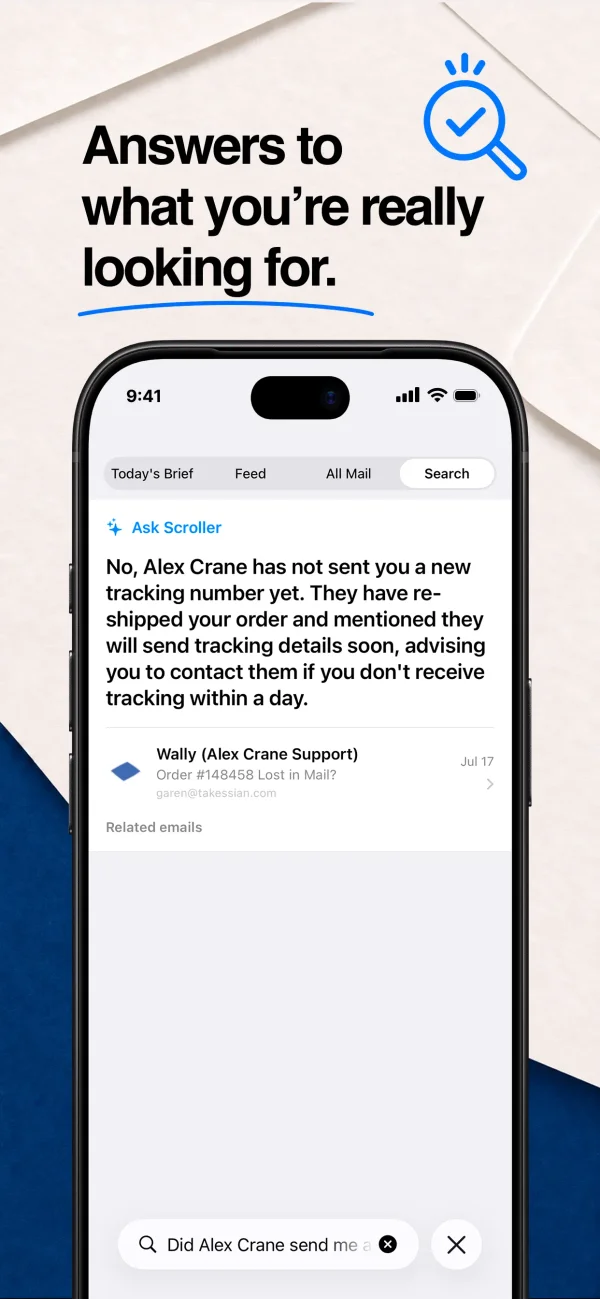
• Ask Scroller questions to find information in your email
PURCHASES AND TRAVEL, ORGANIZED
Turn confirmations and updates into useful information you can return to. Purchases brings together physical orders and their shipping updates. Travel helps you find upcoming booking details without digging through individual emails.
Purchase and travel information is based on emails in your connected accounts. Availability and status depend on the messages you receive.
A FULL EMAIL CLIENT
• Compose, save drafts, reply, reply all, and forward
• Search your connected email accounts
• Find messages with more flexible matching
• Get recipient suggestions as you type
• Manage read and unread status, archive messages, and move email to Trash
• Connect multiple Google and Microsoft accounts
• Choose your default sending account and customize email signatures
MAKE THE FEED YOURS
• Focus on a specific sender or connected account
• Use Feed filters to reduce unwanted content
• Hide senders from the Feed without deleting their emails
• Access unsubscribe options when available
• Switch between the visual Feed and a traditional All Mail view
YOUR EMAIL STAYS YOURS
Scroller does not sell your personal data. Email access is used to power features such as summaries, previews, search, replies, purchase and travel organization, and account management.
Spend less time opening emails and more time understanding them.
What’s new
Version 2.0.2 · Nov 12, 2026
Fixed an issue that could prevent formatting and photo or file attachment buttons from responding while composing an email. Improved the composer toolbar layout so controls stay visible above the keyboard.
App privacy
What Scroller, Inc. declares on the App Store about how this app handles data.
-
Data linked to you
May be collected and linked to your identity.
- Contact info
- User content
- Identifiers
- Usage data
-
Data not linked to you
May be collected but is not linked to your identity.
- Diagnostics
Privacy practices may vary, for example with the features you use or your age.
Information
- Seller
- Scroller, Inc.
- Category
- Productivity
- Version
- 2.0.2
- Updated
- Nov 12, 2026
- Released
- Aug 29, 2026
- Size
- 7.1 MB
- Requires
- iOS 17.0 or later
- Age rating
- 17+
- Price
- Free
- Languages
- English
- Copyright
- © 2026 Scroller
You might also like
-
 SortaMail: Email ClientEmail in chat-style threads
-
 Mail BellGet a text when email matters
-
 Lumen Mail: AI EmailPrivate IMAP Inbox Secretary
-
 Bubble Mail: Email as ChatEmail that feels like chat
-
 Pliego MailPrivate email, zero tracking
-
 MailFiltrExperience clean, safe email
-
 WhatMail - Mails like messagesEmails for the new generation
-
 Nextbox - Fast, fun emailProductivity
-
 Zirbe — Email as ChatYour inbox, like texting
-
 Threadly : Email ∙ ClientEmail Client