
Scrollie: Long Screenshot
Stitch, Blur & Movie Subtitles
Designed for iPhone, iPad
Free · In-app purchases
- Age rating4+
- CategoryUtilities
- Developer锋 邹
- LanguagesEnglish+ 22 more
- Size50.7 MB
Links to the official App Store page
Download.org hosts no file of Scrollie: Long Screenshot. The button opens its official App Store page, published by 锋 邹. Listing last checked on Nov 16, 2026.
Screenshots
About
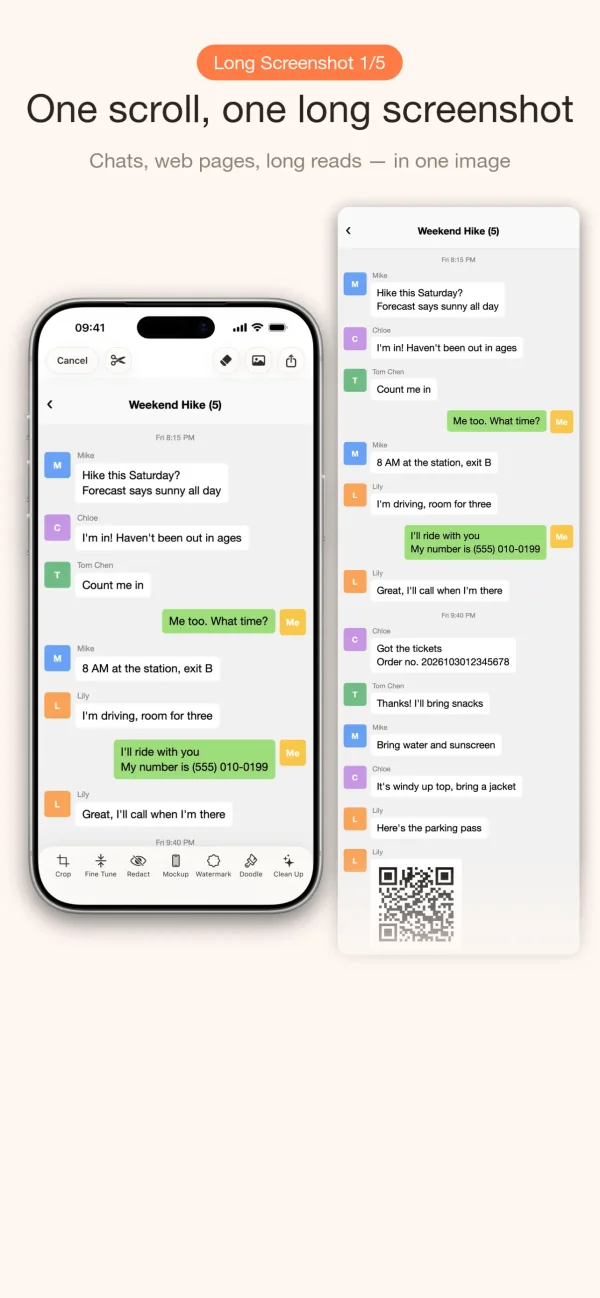
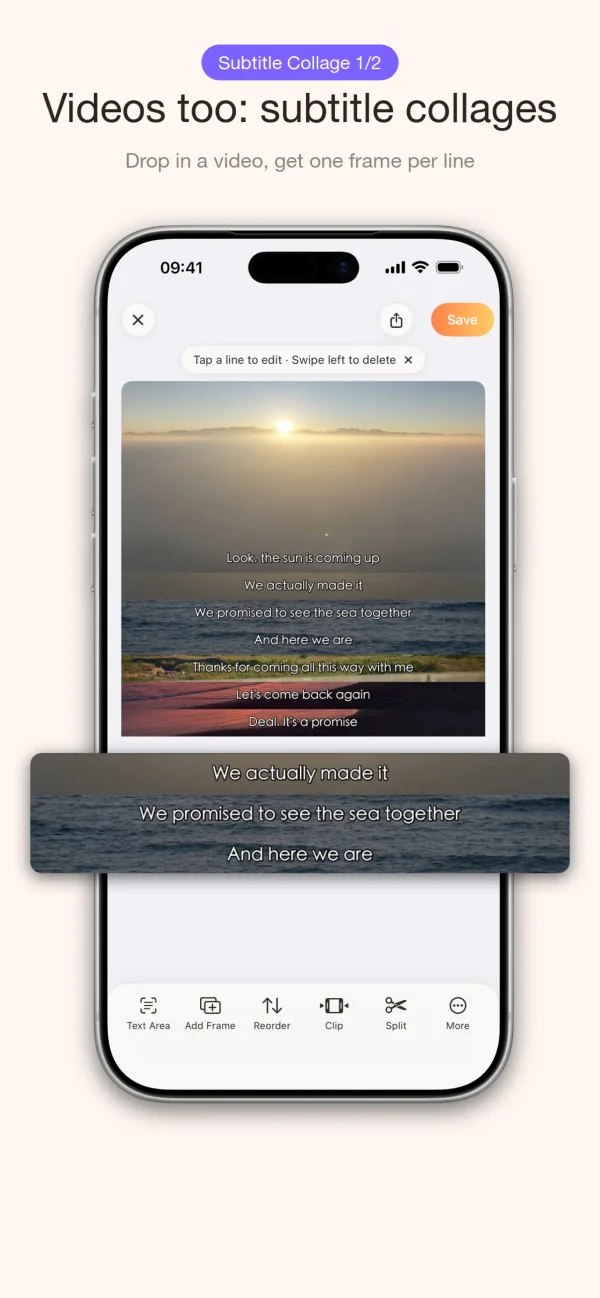
Scrollie stitches screen recordings and sequential screenshots into one clean long screenshot, and can also pull frames from a video by subtitle line and stitch them into one movie-line image.
New:
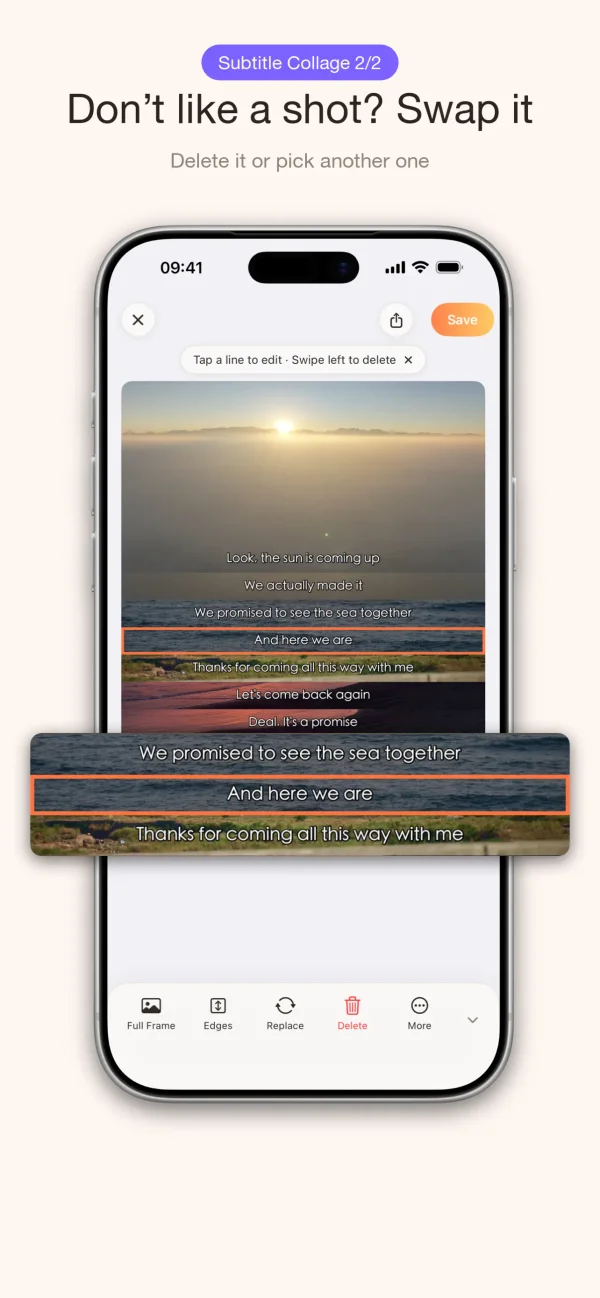
• Subtitle stitch: drop in a video and keep one frame per subtitle line, with duplicates merged automatically; delete, add, swap or reorder frames as you like
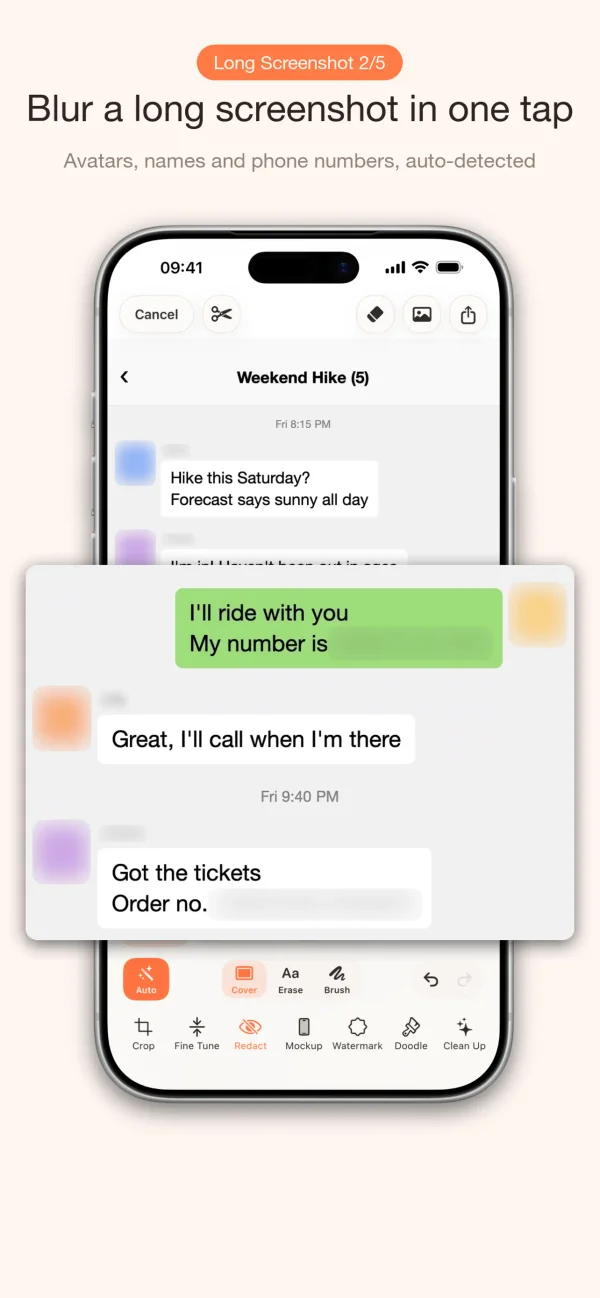
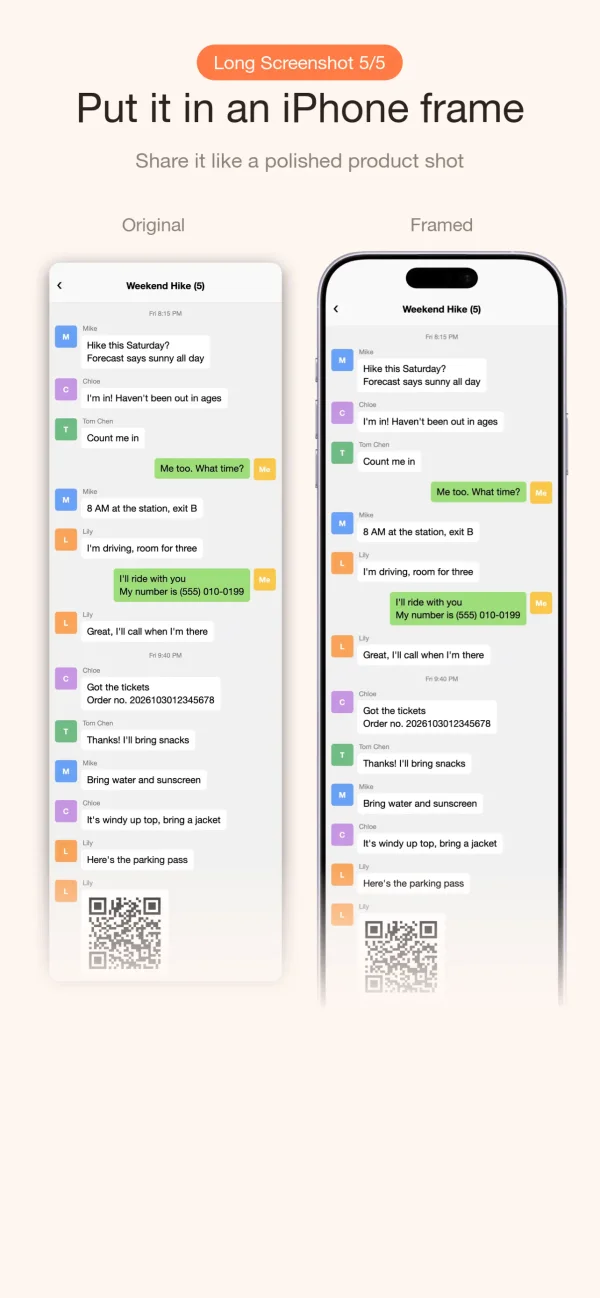
• Long screenshot blur: avatars, names, phone numbers and QR codes are detected automatically; tap to undo, long-press to pick words to blur
Whether you are saving chat history, social feeds, web pages, documents, or notes, Scrollie makes capture, stitching, editing, and export easier.
Key features:
• Turn screen recordings into long screenshots, with automatic stop after scrolling ends
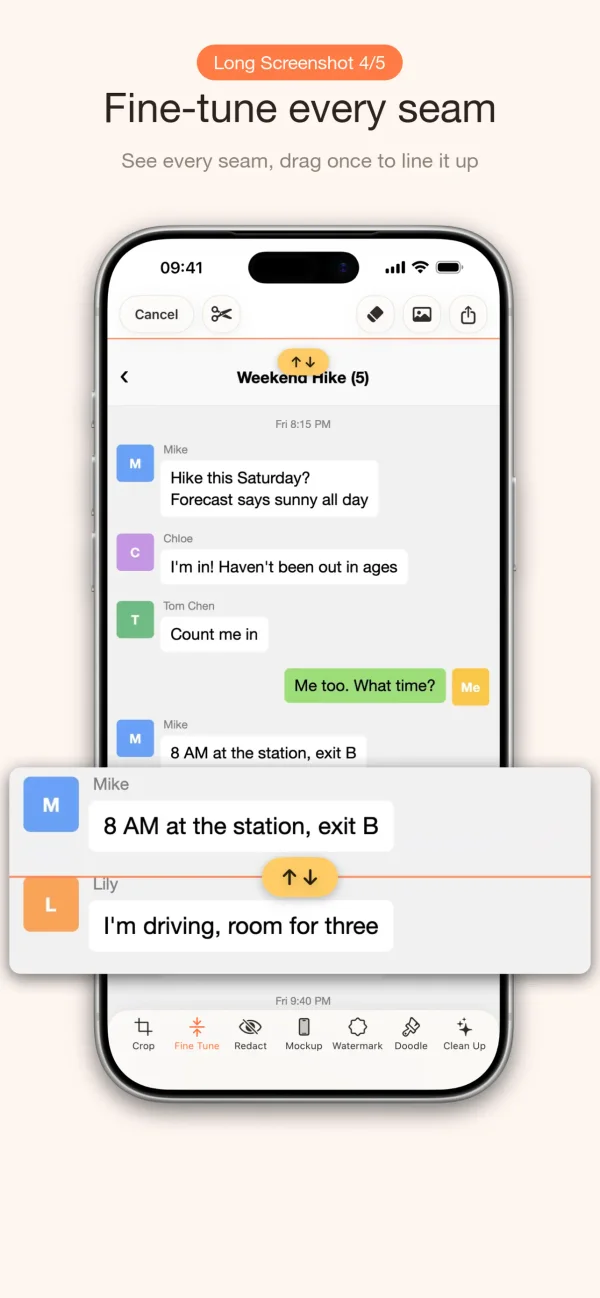
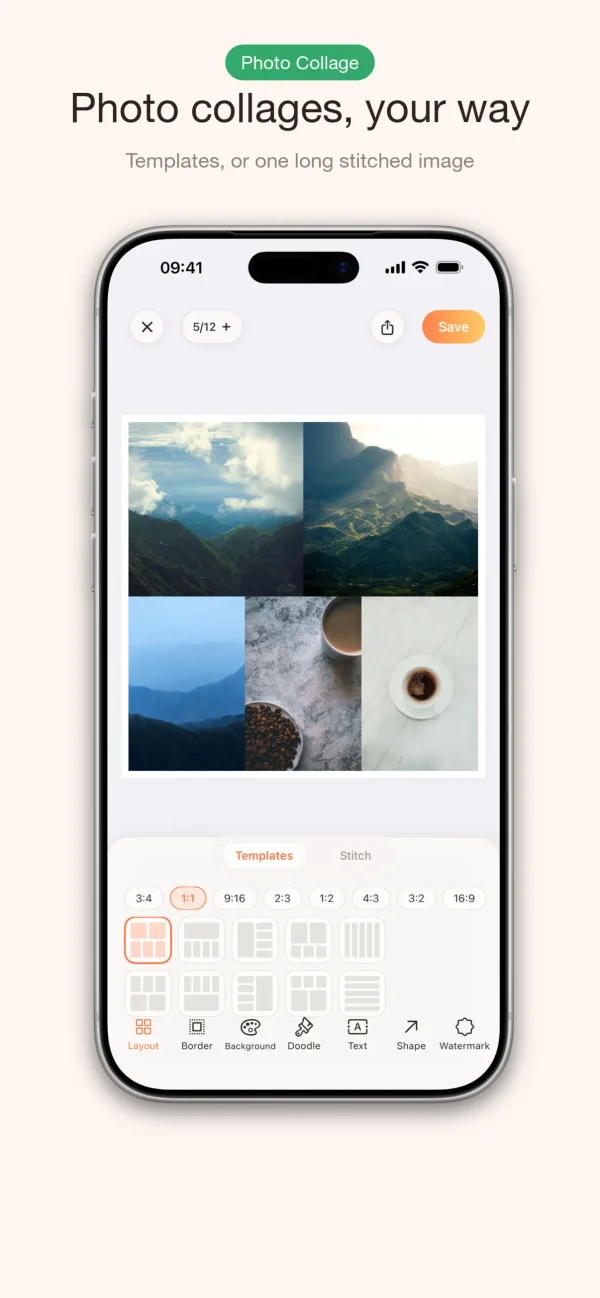
• Stitch multiple screenshots into one seamless image, with more reliable long screenshot detection in manual stitching
• Open a single image directly in the editor for annotation, mosaic, watermark, and export
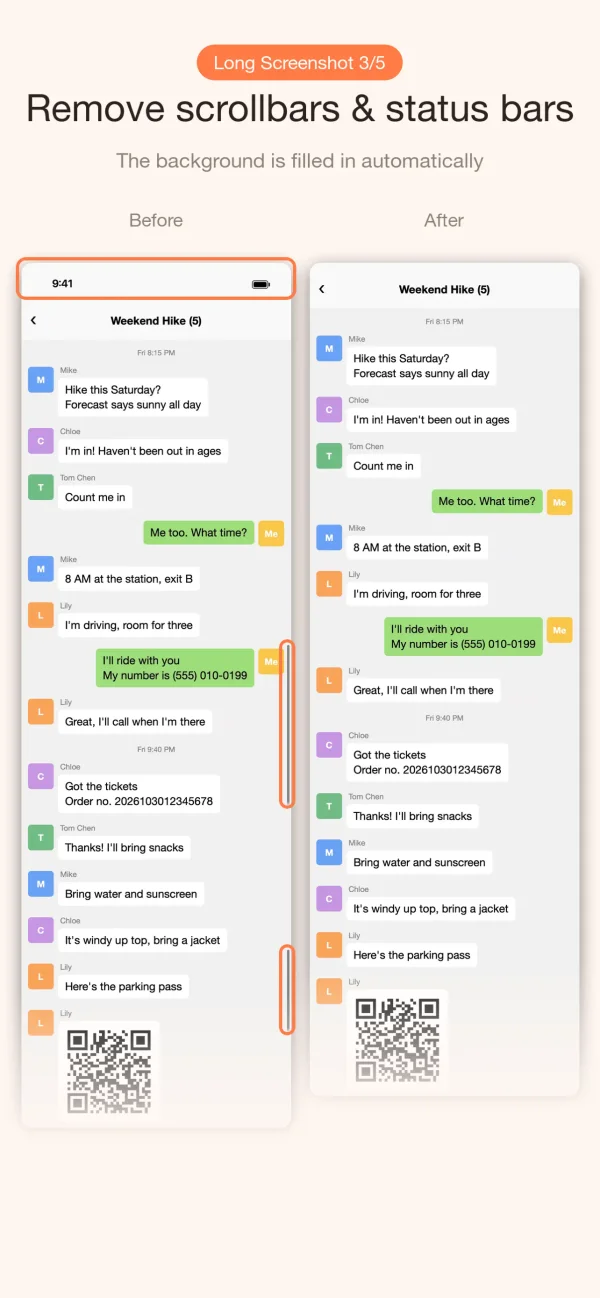
• Smart overlap detection and Smart Cleanup for more natural results and cleaner scrollbars
• Export to JPEG, PNG, HEIC, PDF, or sliced images for different layouts and platforms
• Slide to select multiple photos, and add more directly even under limited photo access
• Auto-save drafts with separate portrait and landscape recovery
• Use URL Scheme and Shortcuts to open the latest screenshot or screen recording
• Optimized for iPhone and iPad, with improved dark mode and clearer save, share, and permission feedback
Privacy first:
All processing is done on-device. Your screenshots and recordings are not uploaded to our servers.
Scroll, Stitch, Share.
In-App Purchases:
• Lifetime Pro Access
• Pro Monthly Subscription (1 month)
• Pro Annual Subscription (1 year)
Prices may vary by region and are shown in the app before purchase.
Terms of Use (EULA): https://www.apple.com/legal/internet-services/itunes/dev/stdeula/
What’s new
Version 2.4.1 · Nov 8, 2026
- [New] Support for iPhone Duo
- [Fixed] After cropping out the status bar, annotations and redactions drifted down and no longer covered their original spots
App privacy
What 锋 邹 declares on the App Store about how this app handles data.
-
Data not collected
The developer does not collect any data from this app.
Privacy practices may vary, for example with the features you use or your age.
Information
- Seller
- 锋 邹
- Category
- Utilities
- Version
- 2.4.1
- Updated
- Nov 8, 2026
- Released
- Feb 21, 2026
- Size
- 50.7 MB
- Requires
- iOS 16.0 or later
- Age rating
- 4+
- Price
- Free
- In-app purchases
- Yes
- Languages
- English, Amharic, Arabic, Bengali, Czech, Dutch, French, German, Hindi, Indonesian, Italian, Japanese + 11 more
- Copyright
- Copyright © 2026 FoamZou
You might also like
-
 Jinx - System-Wide Ad BlockerBlock ads &Fast Private Secure
-
 Device Status⁺ CPU x Monitor zSystem|Widgets|Activity|Memory
-
 LudyServer - File TransferShare Files to Any Device
-
 My NATUtilities
-
 Navo: Private Vault & CleanupProtect Photos, Clear Space
-
 LudyRec - Lossless RecorderPure Audio. No Compression.
-
 Timeline Maker: iTimelinesEvents, Projects & History
-
 应用集Utilities
-
 Pinlist: App Price TrackerPrice Drops & Apps Gone Free
-
 Neko Dash - Just a Dashboard连接并管理已有 Clash 控制器前端工具