
Scrollum: Stitch Screenshots
Auto merge, crop, no watermark
Designed for iPhone
Free · In-app purchases
- Age rating4+
- CategoryUtilities
- Developer友 常
- LanguagesEnglish+ 3 more
- Size3.3 MB
Links to the official App Store page
Download.org hosts no file of Scrollum: Stitch Screenshots. The button opens its official App Store page, published by 友 常. Listing last checked on Nov 12, 2026.
Screenshots
About
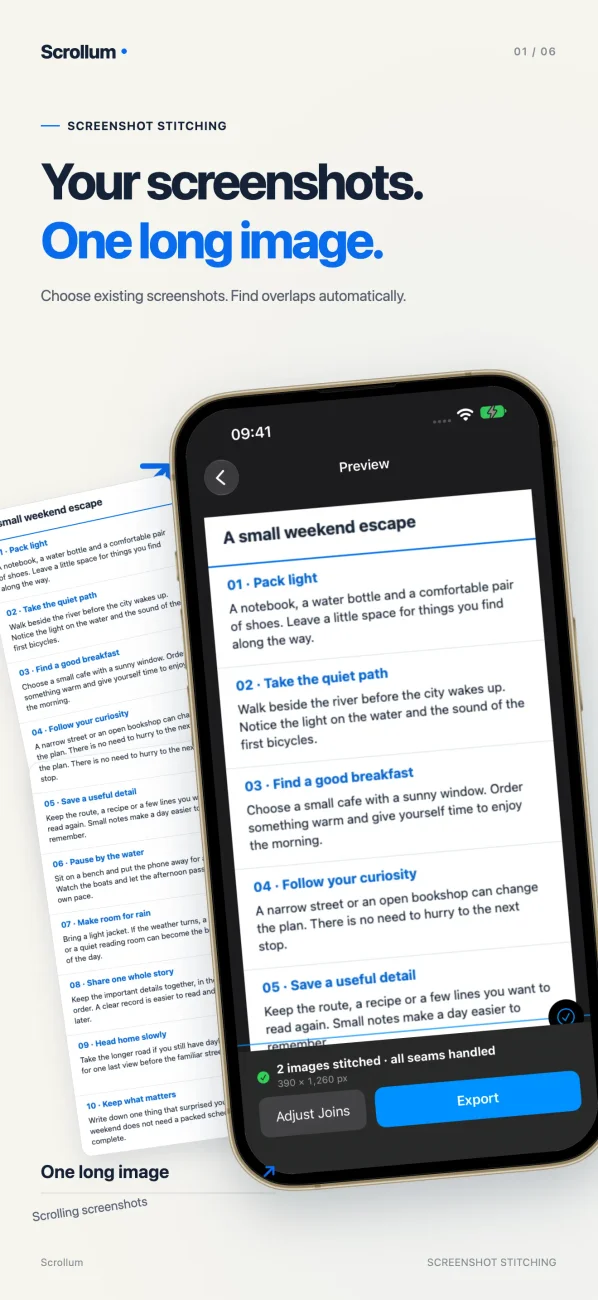
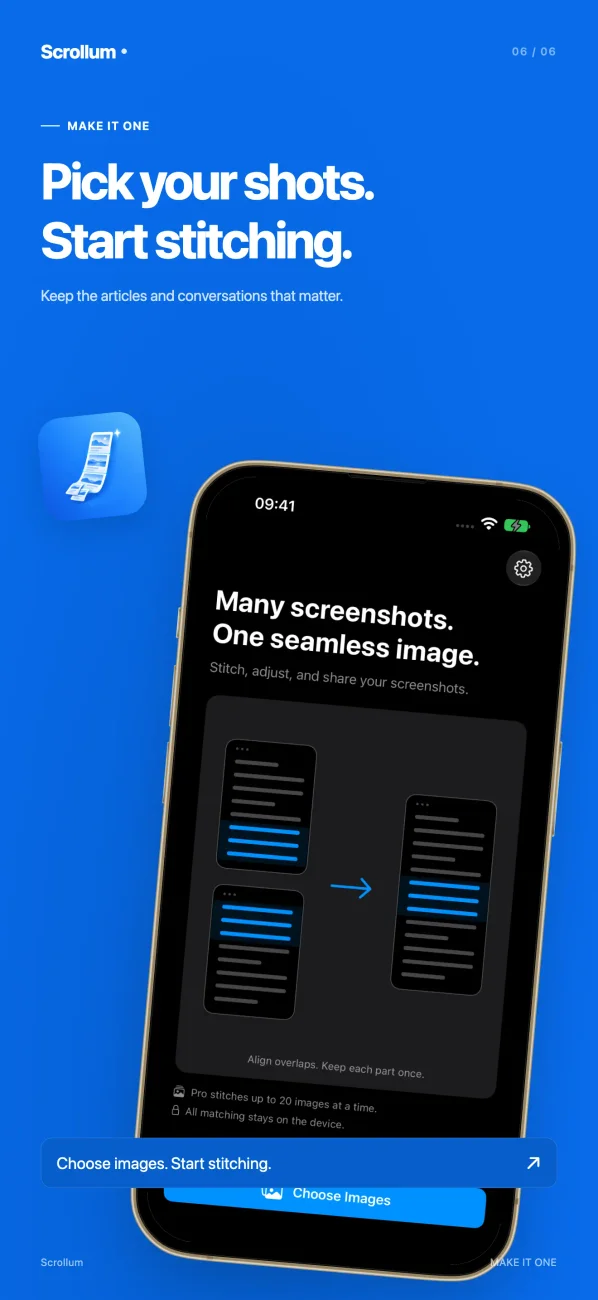
Combine your screenshots into one clear, continuous image. Keep articles, conversations and tutorials together, ready to save or share.
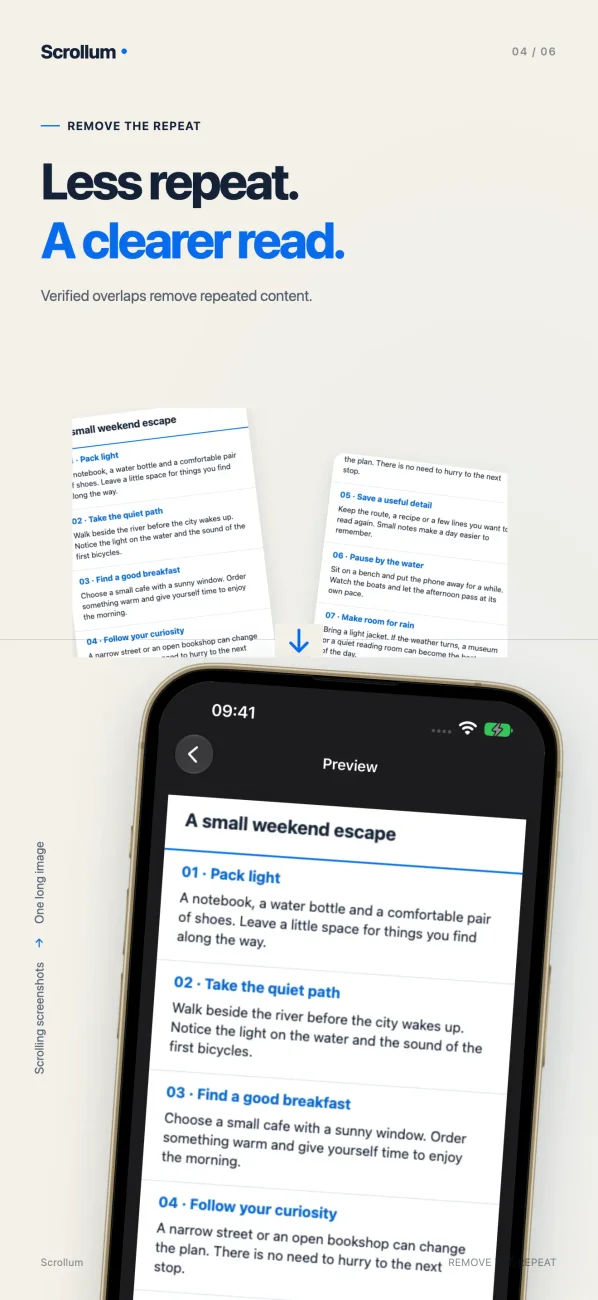
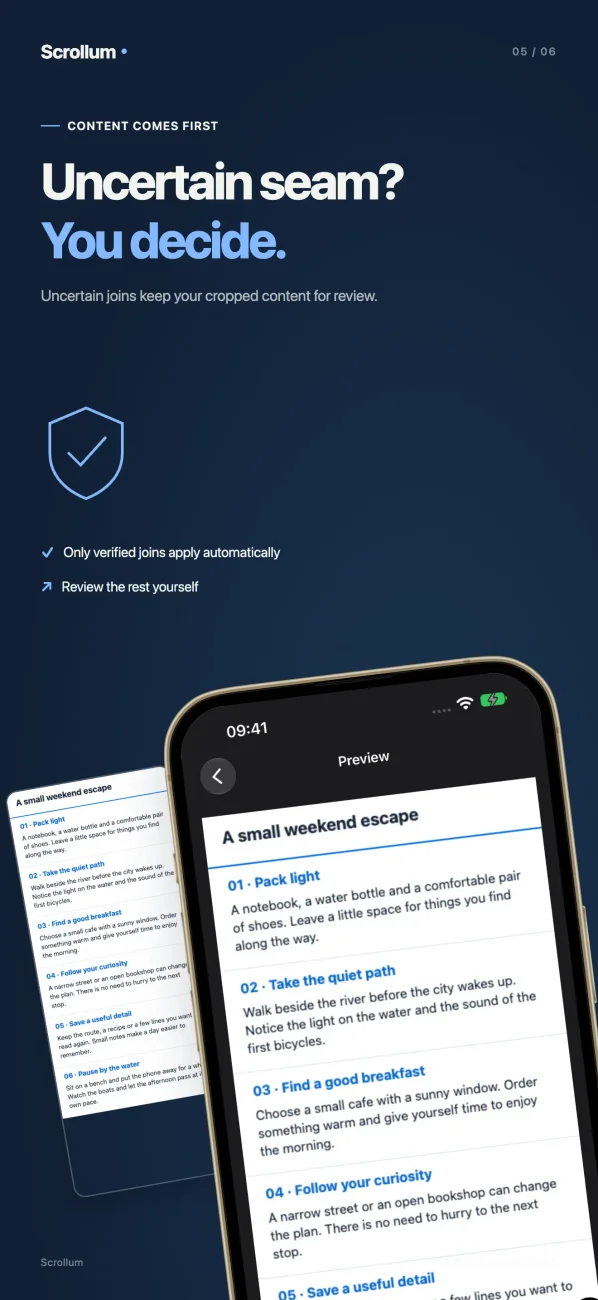
Scrollum finds overlaps in scrolling screenshots and gives you precise control over every join. When a match is uncertain, your cropped content stays intact for you to review.
• Find overlaps automatically
Only reliable joins verified against the original images apply automatically. Review and adjust the rest yourself.
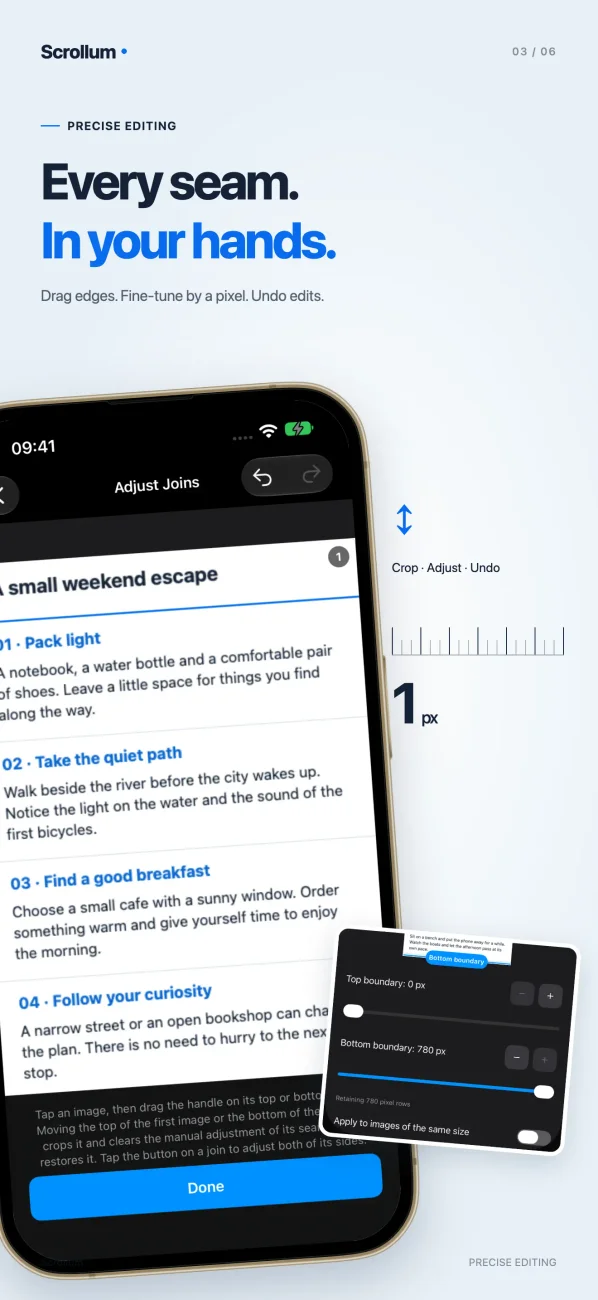
• Fine-tune every seam
Reorder images, crop top and bottom edges, and adjust joins by dragging or moving one pixel at a time. Undo and redo edits. Scroll and zoom to inspect your image.
• Stitch vertically or horizontally
Combine regular images in order and choose a direction for your task. Images without overlaps can be stitched directly.
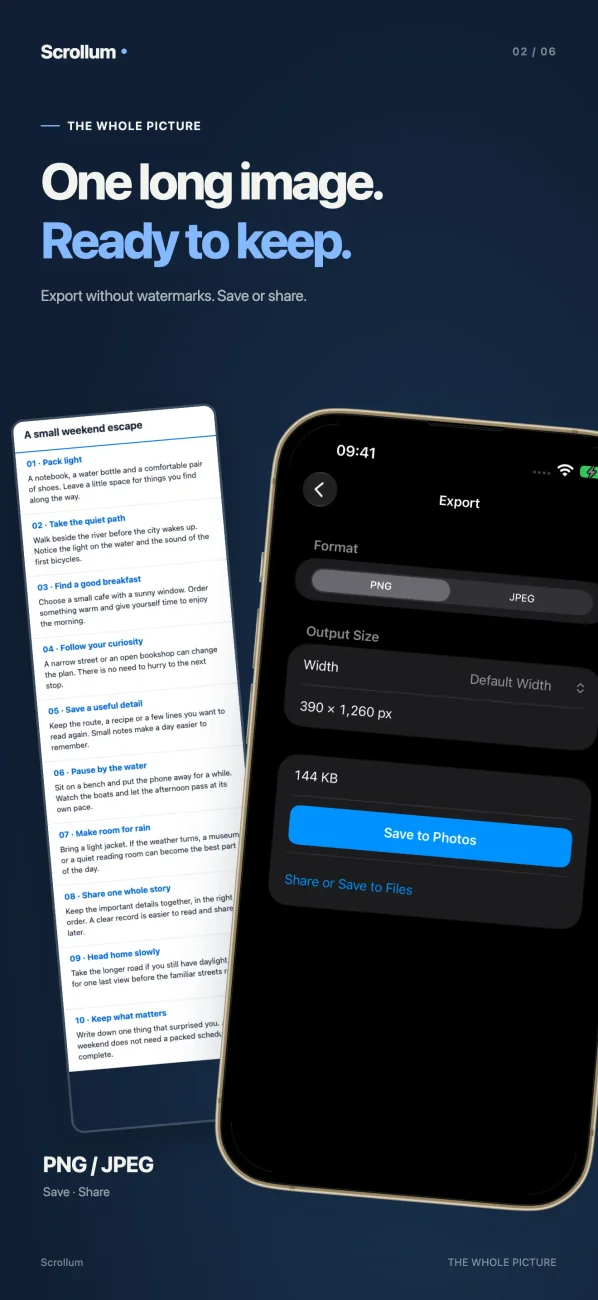
• Save and share clearly
Export PNG or JPEG, choose an output size, save to Photos or use the system share sheet. Exports have no watermarks.
• Try it free. Unlock once.
The free version supports up to 3 images per task, including automatic stitching, manual adjustments and export. A one-time Scrollum Pro purchase raises the limit to 20 images per task. Pro is not a subscription. Image size and processing limits still apply.
• On-device processing first
Stitching, editing and export take place on your device. Matching starts on-device. Cloud Matching Fallback is on by default. On supported devices and systems, reduced grayscale screenshots may be sent to Apple Private Cloud Compute when on-device assessment cannot resolve a match and verifiable candidates exist. Turn this option off in Settings. Resizing or converting images to grayscale does not remove personal information they contain.
Leave some overlap between scrolling screenshots. Dynamic content, repeated lists and changes in scale may need manual adjustments. Automatic stitching is not guaranteed for every image.
Switch between English, Simplified Chinese, Traditional Chinese and Japanese in the app. Choose a light or dark appearance. No account registration required.
Support and feedback: support@jinghai.ink
Choose your screenshots. Start stitching.
Terms of Use (EULA): https://www.apple.com/legal/internet-services/itunes/dev/stdeula/
Privacy Policy: https://privacy.jinghai.ink/scrollum/privacy-policy#en
App privacy
What 友 常 declares on the App Store about how this app handles data.
-
Data not collected
The developer does not collect any data from this app.
Privacy practices may vary, for example with the features you use or your age.
Information
- Seller
- 友 常
- Category
- Utilities
- Version
- 1.0.0
- Updated
- Nov 10, 2026
- Released
- Nov 10, 2026
- Size
- 3.3 MB
- Requires
- iOS 17.0 or later
- Age rating
- 4+
- Price
- Free
- In-app purchases
- Yes
- Languages
- English, Japanese, Simplified Chinese, Traditional Chinese
- Copyright
- © 2026 MakeVane
You might also like
-
 Jemma: Things & Home GuidesReceipts, warranties & storage
-
 Domus Magnum: Shutter RemoteShutters, awnings and scenes
-
 Itsytv: Remote for Apple TVKeyboard, apps & what’s on
-
 Selects: Clean Up PhotosKeep the best, clear the rest
-
 Bookmarks: LinkeeperEffortlessly Bookmark Websites
-
 edelkrone v2Utilities
-
 kkVPNAn easy to use VPN app
-
 Pandora - Subscription TrackerManage bills & get reminders
-
 RayNeo AIIntelligence in every glance
-
 Spin - Lucky Wheel Random DrawThe modern decision wheel