Sealed Tasks - Privacy First
Secure Offline To-Dos
Designed for iPhone, iPad, iPod touch
Free
- Age rating4+
- CategoryProductivity
- DeveloperJohn Quigley
- LanguagesEnglish
- Size35.9 MB
Links to the official App Store page
Download.org hosts no file of Sealed Tasks - Privacy First. The button opens its official App Store page, published by John Quigley. Listing last checked on Nov 18, 2026.
Screenshots


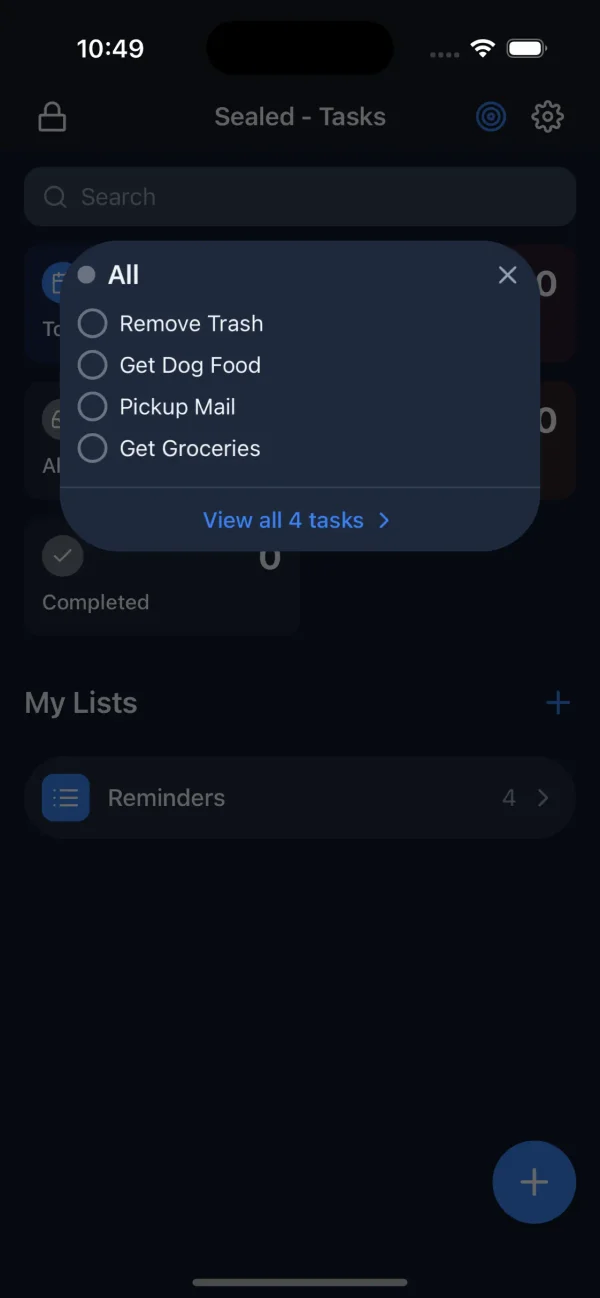
About
Sealed Vault is a privacy-first task manager that keeps your to-dos completely private. Unlike other apps, your data never leaves your device and is protected by military-grade encryption.
COMPLETE PRIVACY
- All data stored locally on your device only
- No cloud sync, no accounts, no data collection
- Your tasks are never transmitted to any server
- We literally cannot see your data
MILITARY-GRADE SECURITY
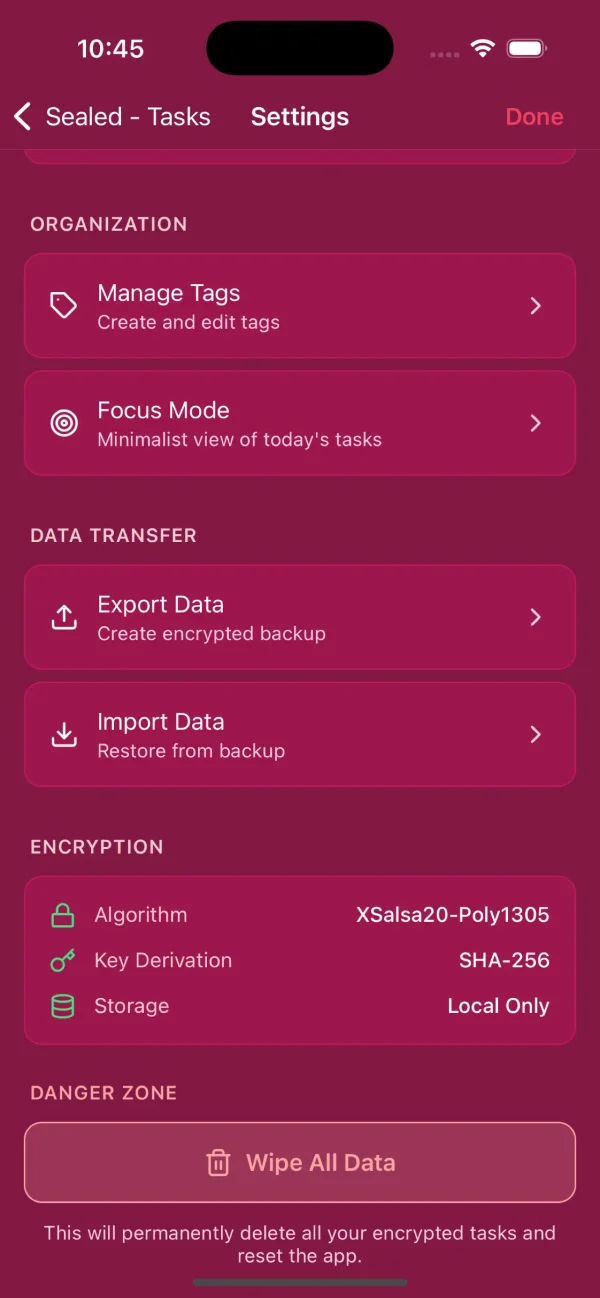
- XSalsa20-Poly1305 authenticated encryption protects all your tasks
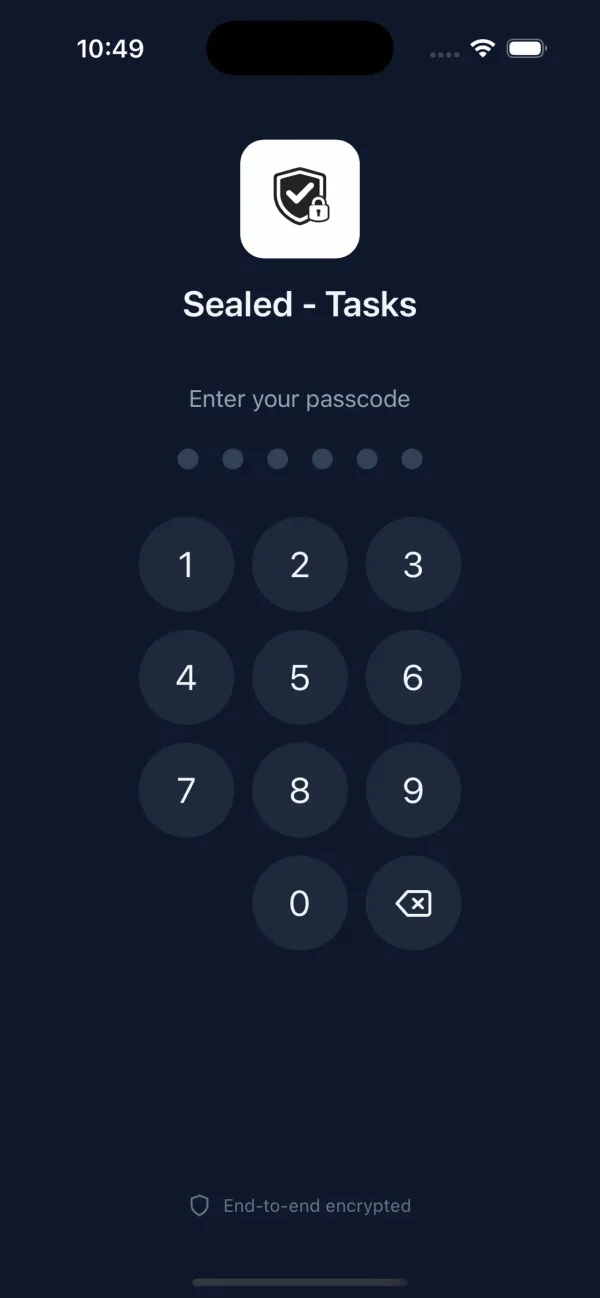
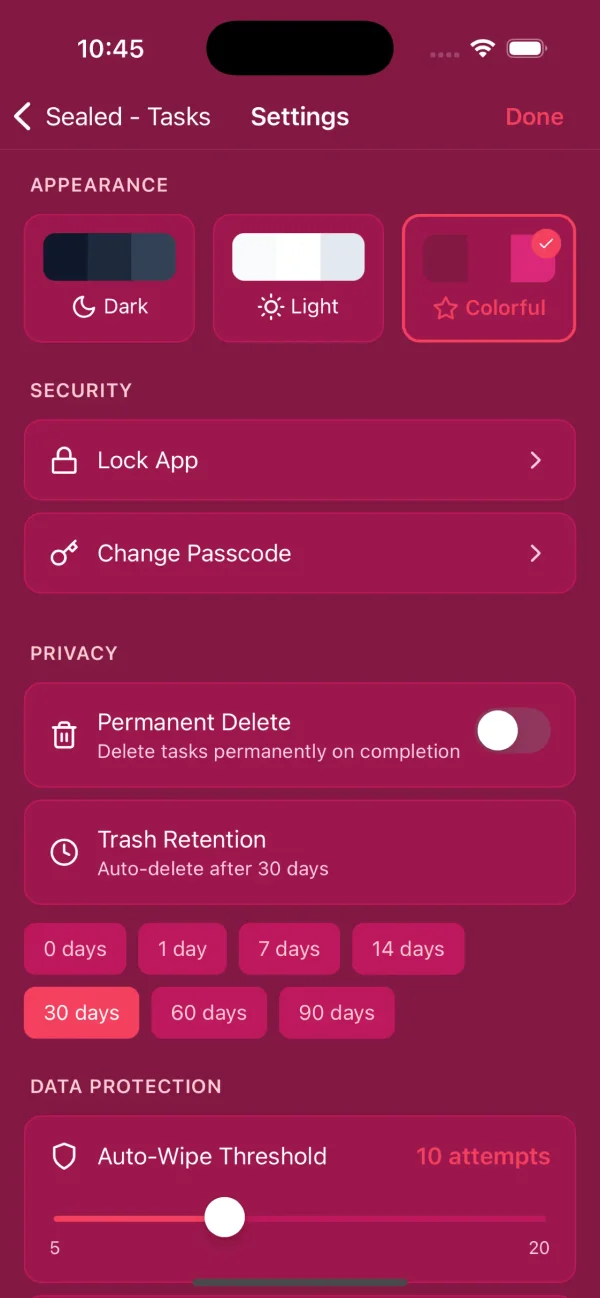
- Face ID, Touch ID, or passcode protection
- Automatic lock when you leave the app
- Configurable data wipe after failed unlock attempts
POWERFUL ORGANIZATION
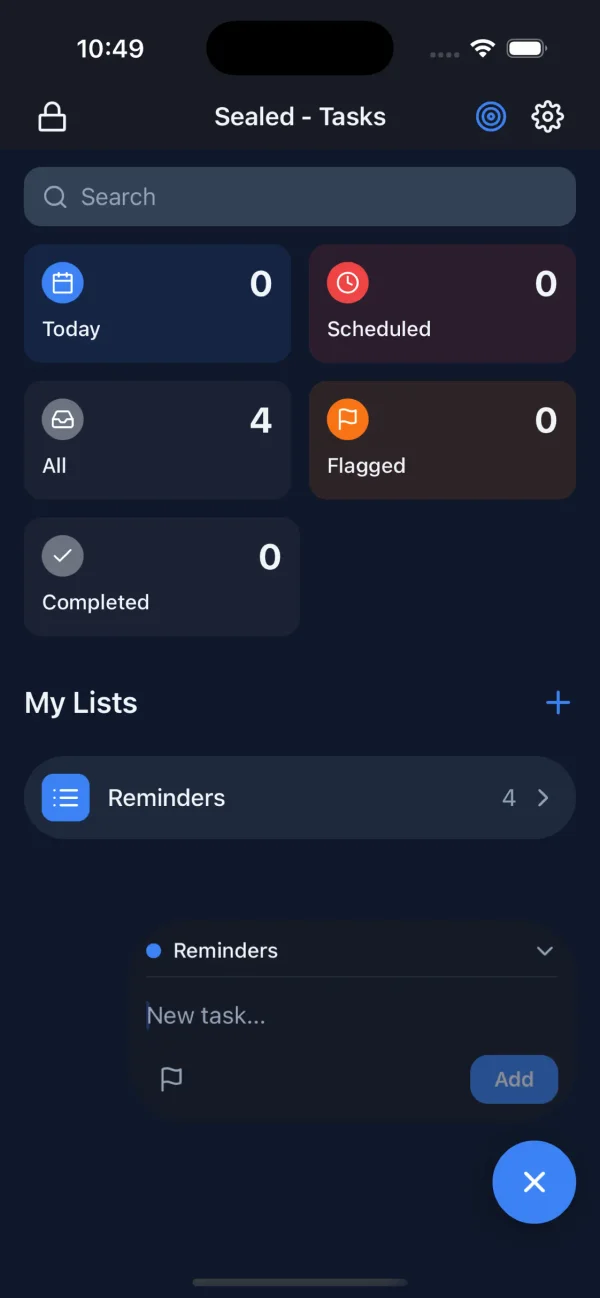
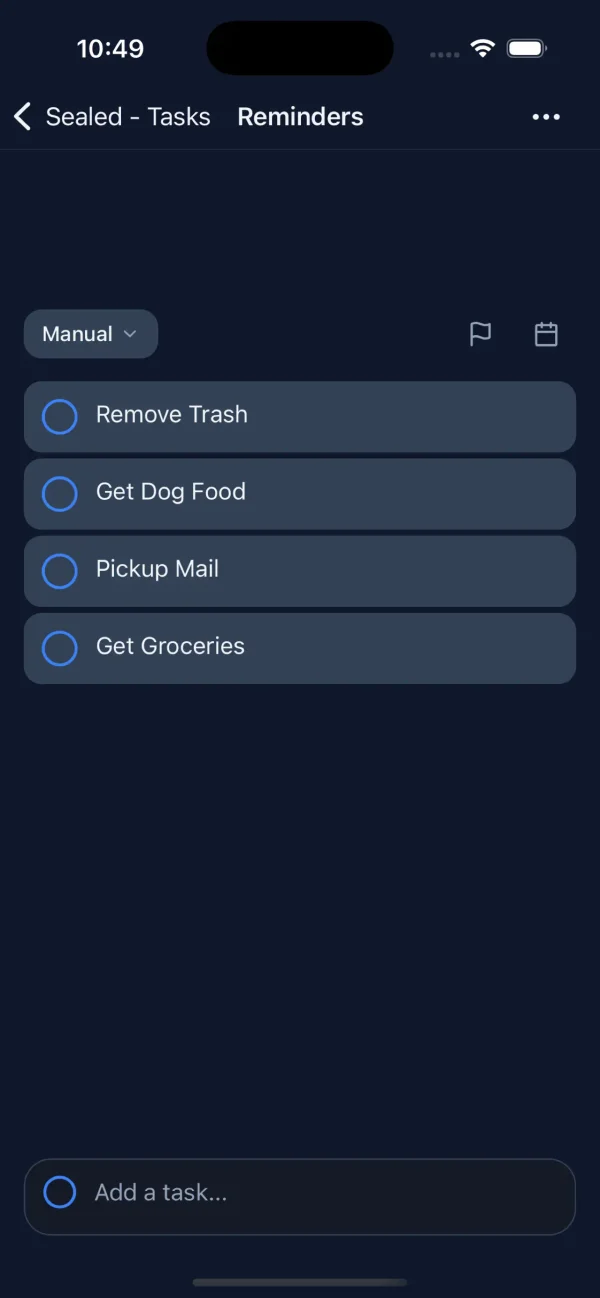
- Create unlimited color-coded lists
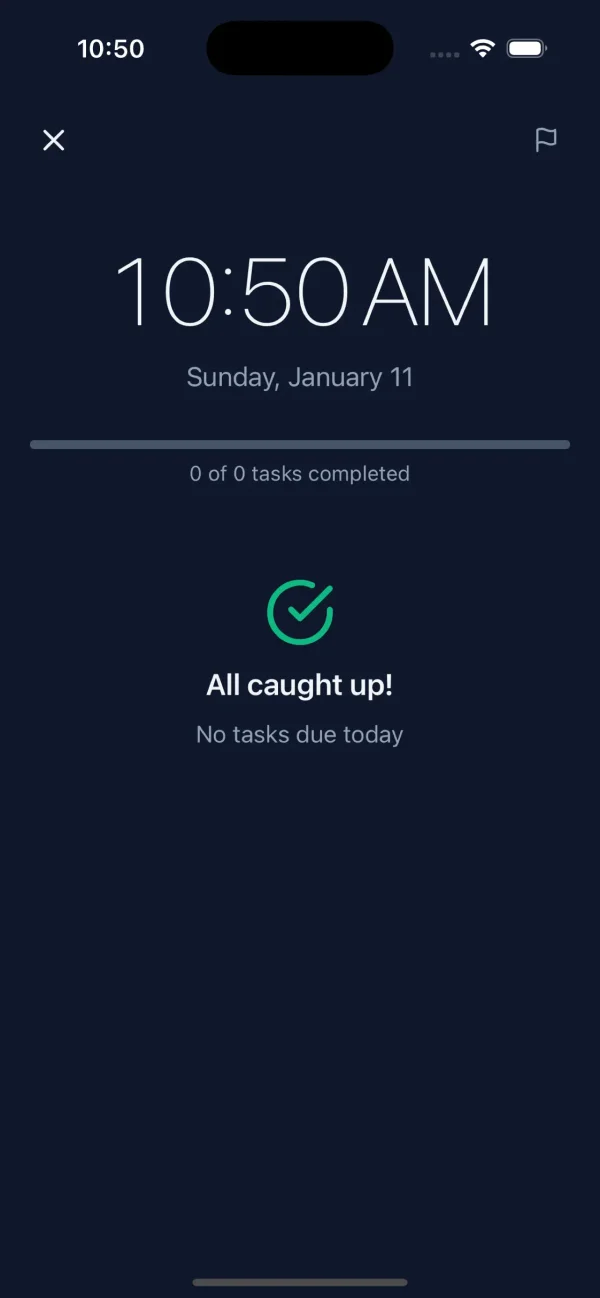
- Smart views: Today, Scheduled, Flagged, All Tasks
- Due dates with reminders
- Flag important tasks for quick access
- Recently Deleted folder with 30-day recovery
BEAUTIFUL DESIGN
- Clean, native iOS interface
- Three theme options: Dark, Light, and Colorful
- Smooth animations throughout
- Designed for focus and productivity
THOUGHTFUL FEATURES
- Quick task creation
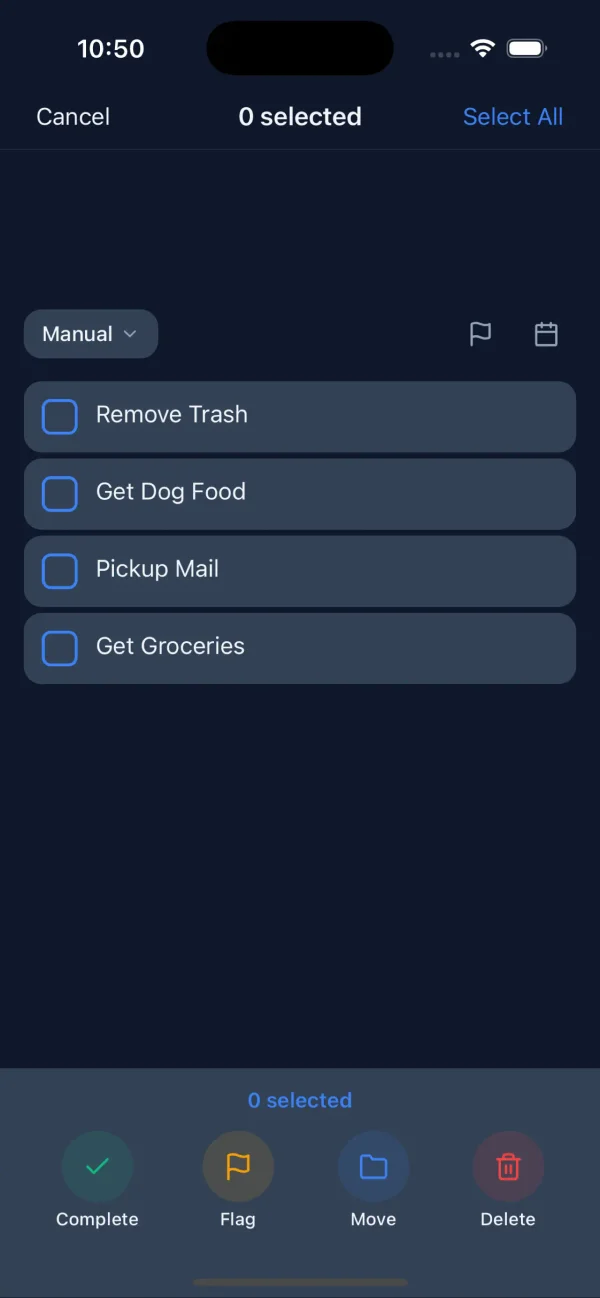
- Swipe to complete or delete
- Search across all your encrypted tasks
- Completed tasks auto-cleanup options
Perfect for journalists, professionals with confidential tasks, or anyone who values their privacy.
Your tasks. Your device. Your privacy.
What’s new
Version 1.1.0 · Jan 12, 2026
NEW IN VERSION 1.1.0
IMPORT & EXPORT YOUR DATA
• Export all your tasks and lists to back up your data
• Import data to restore or transfer between devices
• Your data stays encrypted and private throughout
CUSTOMIZABLE SECURITY
• Choose your passcode length (4, 6, or 8 digits)
• Change your passcode anytime from Settings
• Enhanced biometric unlock requires passcode verification to enable
NEW APP ICON
• Fresh design featuring a shield with checkmark and lock
• Represents our commitment to protecting your tasks
IMPROVED DATA MANAGEMENT
• Better trash retention options
• Improved permanent delete functionality
• Fixed data wipe reliability
QUALITY IMPROVEMENTS
• Enhanced biometric unlock security
• Improved search stability
• Better overall performance
Your privacy is not for sale.
App privacy
What John Quigley declares on the App Store about how this app handles data.
-
Data not collected
The developer does not collect any data from this app.
Privacy practices may vary, for example with the features you use or your age.
Information
- Seller
- John Quigley
- Category
- Productivity
- Version
- 1.1.0
- Updated
- Jan 12, 2026
- Released
- Jan 6, 2026
- Size
- 35.9 MB
- Requires
- iOS 15.1 or later
- Age rating
- 4+
- Price
- Free
- Languages
- English
- Copyright
- © John Peter Quigley
You might also like
-
 Target MateCompanion app for Toggl Track
-
 MeinSystem: AuDHD PlannerADHD & Autism Daily Planner
-
 TimeNoderTurn each day into steps
-
 Rewind: App BlockerScreen Time & Focus Control
-
 PRIVUS SecurLine MessengerSecure, private communications
-
 unhookd - Screen Time ControlApp Blocker, Focus & Wellness
-
 Otto: Own Your AIProductivity
-
 MobileOrgProductivity
-
 Beck: AI Assistant for WorkMeeting Notes, Calendar, Tasks
-
 Xave: Encrypted Data VaultSecurely Store Private Files